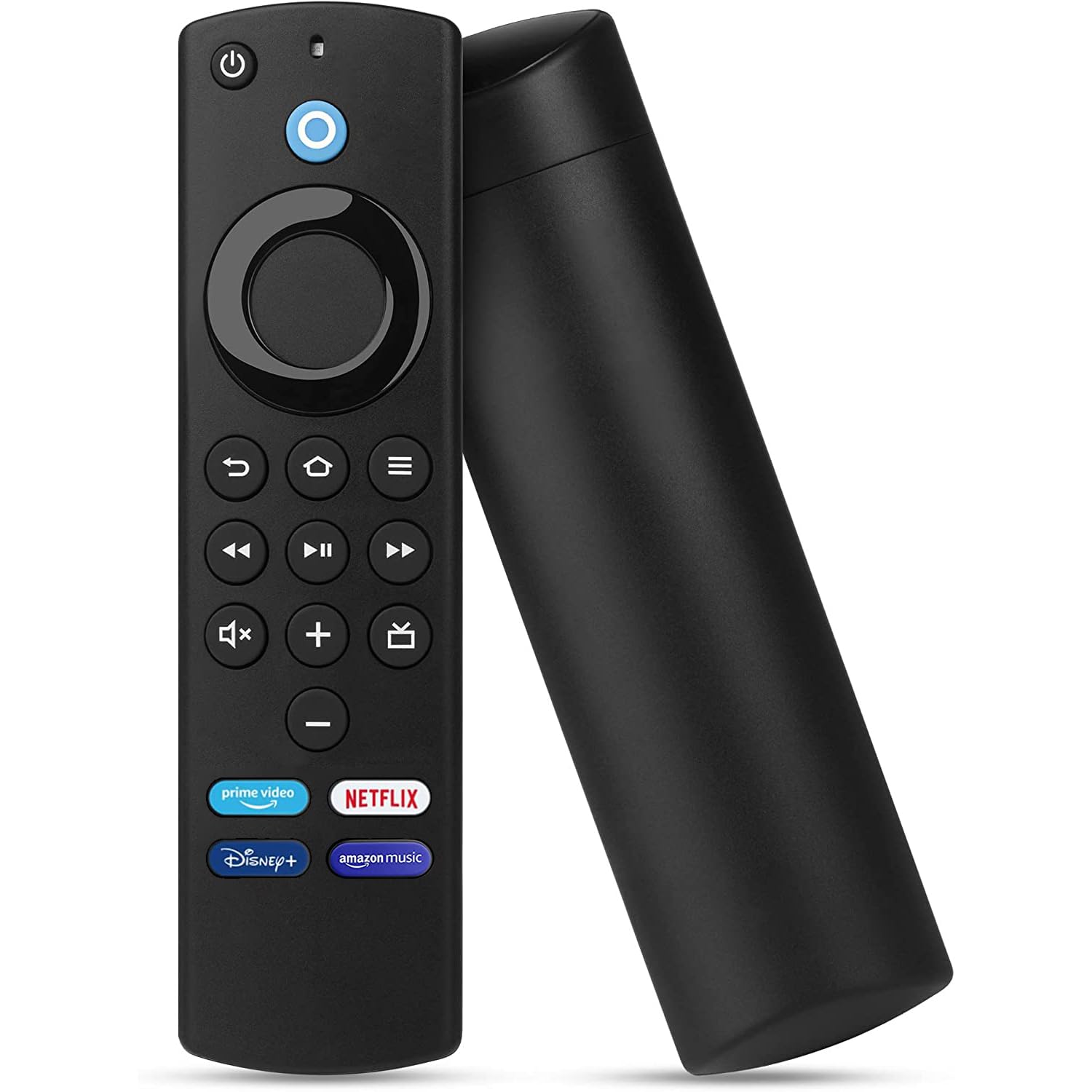
PlusAcc Fire Stick Remote Replacement – Voice Remote Control (3rd Gen) Compatible with Amazon Fire TV Stick (2nd, 3rd, Lite, 4K), Fire TV (3rd), and Fire TV Cube (1st and 2nd) L5B83G
PlusAcc Fire Stick Remote Replacement - Voice Remote Control (3rd Gen) Compatible with Amazon Fire TV Stick (2nd

REGULAR PRICE: £18.99

About this item

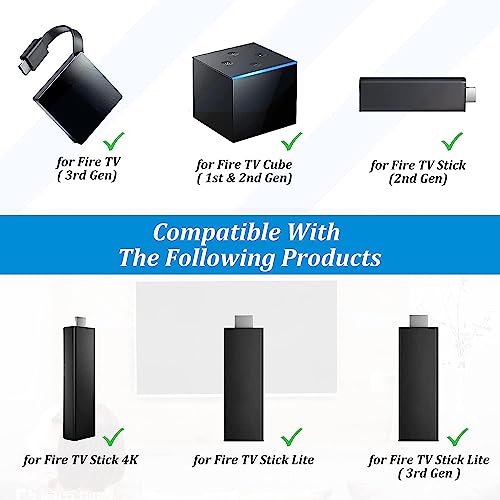
  • Broad Compatibility: Compatible with a wide range of Fire TV devices, including Fire TV Stick 4K, Fire TV Stick (2nd & 3rd Gen), Fire TV Cube (1st and 2nd Gen), Fire TV (3rd Gen), Fire TV Stick Lite.
  • Not Applicable: Not compatible with Amazon Fire TV (1st and 2nd generation), Fire TV Stick (1st generation) or Fire TV smart television sets.
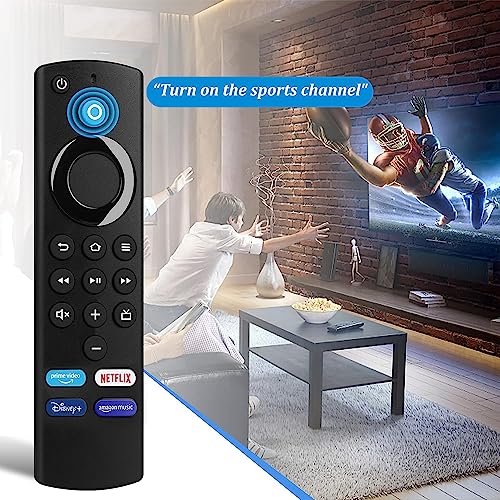
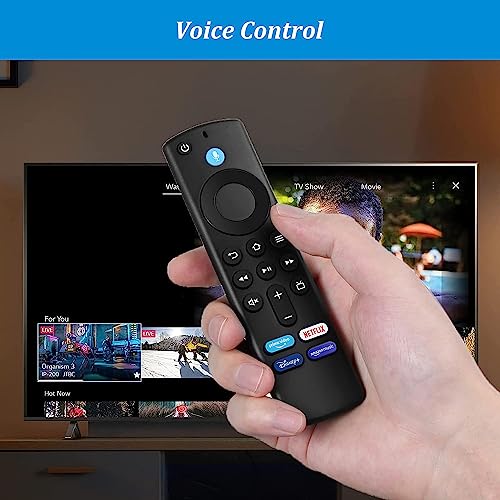
  • Voice Control: Enables hands-free voice control with Alexa for a seamless entertainment experience.
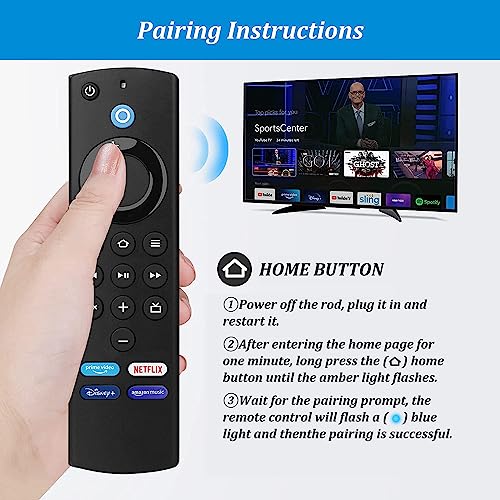
  • Easy Setup: Simple and quick setup process to pair with your Fire TV device. Pair before use, press the Home button about 10-15 seconds,the indicator LED will slowly flash amber for 10 seconds,then flash faster when your remote is ready to connect.
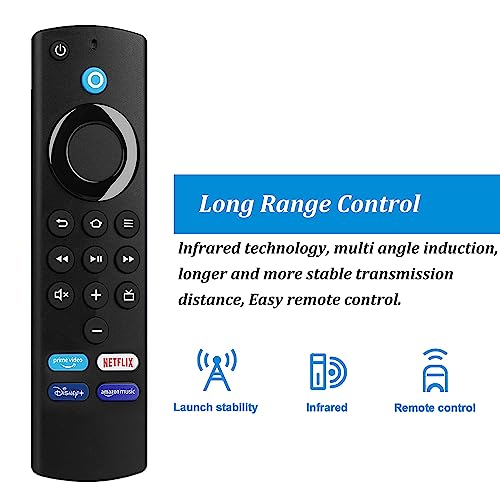
  • Enhanced Connectivity: Offers strong and reliable wireless connectivity, ensuring a stable connection to your Fire TV device.
  • Package Includes: 1* Voice Remote Control (2 AAA batteries not included), 1* User Manual.
SKU: B0C7CDWFZQ
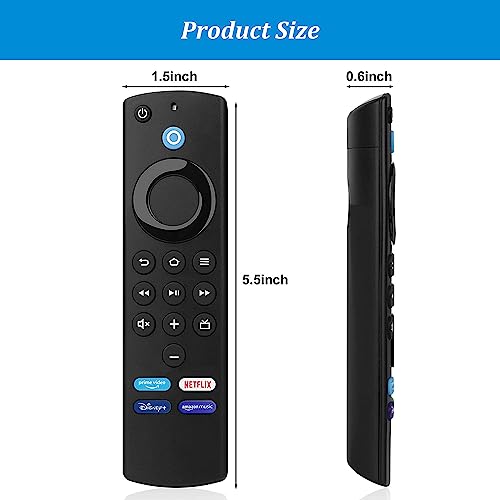
Dimensions: 13.97 x 3.81 x 0.03 cm; 40 Grams
Model: L5B83G
Batteries Included: 2 AAA batteries required.
Manufacture: PlusAcc

From the manufacturer

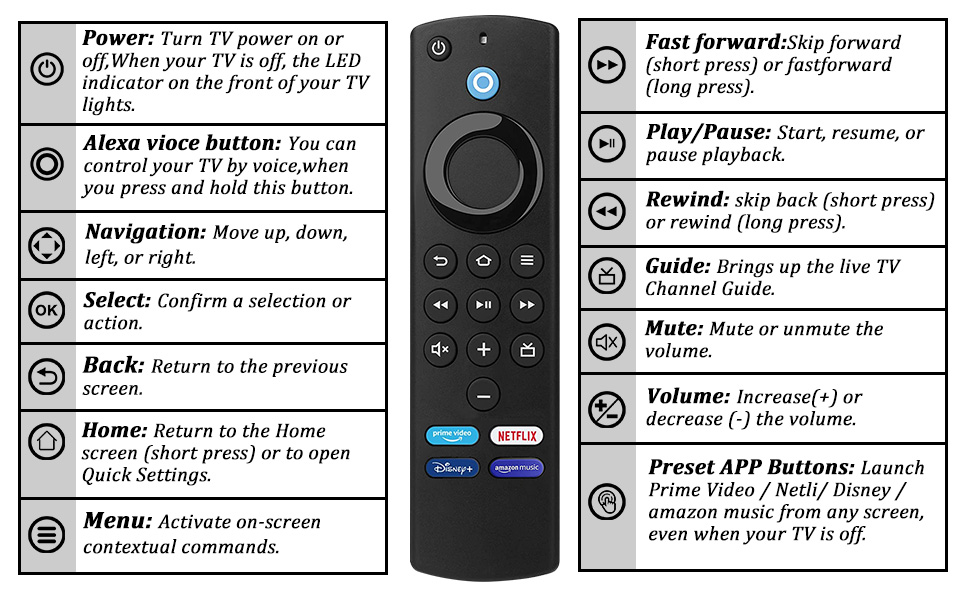
fire tv remote replacementfire tv remote replacementfire tv remote replacement

FAQ

  • When pairing the remote control with Fire TV, if you do not have the original remote

1. Restart your Fire TV, unplug the power cord and then plug it back in, the remote will be ready to use when the Fire TV home screen appears, if it still does not work, try step 2.

2. Press and hold (at least 10 seconds) the Home button on the new remote, the LED on the remote will blink slowly, continue to press and hold the Home button until the LED starts to blink rapidly and a notification will appear on the screen indicating that the remote has been successfully paired.

  • When pairing the remote with Fire TV, if you have the original remote

1. Press and hold the Home button on the new remote for 10 seconds, the LED will blink slowly and then it will blink rapidly, which means the remote is ready to be connected.

Using the old remote do the following.

2. Press the Home button, navigate to Settings at the top of the screen and select Controllers&Bluetooth Devices>Amazon Fire TV Remotes>ADD New Remote.

3. Your Fire TV will search for remotes that can be connected and display a list.

4. Using the old remote, select the new remote in the list, a message will pop up on the screen after successful pairing and you will be able to use the new remote.

  • Power button and volume buttons do not work

Try reconnecting: Setting>Equipment Control>Managament Equiment>TV>Change TV, then select your TV brand.

  • New remote cannot be connected

Remove and re-install the batteries.

  • No new remote found when connected

Press and hold the Home button for at least 10 seconds until the LED flashes rapidly.

bet365 listed on couponmatrix.ukbudget listed on couponmatrix.ukhiscolumn listed on couponmatrix.ukplaymoregolf listed on couponmatrix.ukproform listed on couponmatrix.uk66fit listed on couponmatrix.uk
bet365 listed on couponmatrix.ukThink you’ve got a bit of a lucky streak? Now’s your time to put it to the test with bet365, one of the leading online gambling sites in the world. Join the other 22 million users around the globe on bet365 to get your gaming fix, using this bet365 bonus code to up your bet credits across hundreds of games. From horse racing to the Six Nations, you’ll find hundreds of stakes worth betting on to make your millions.
budget listed on couponmatrix.ukHow can I use my Budget discount code? You’ll be instructed to enter a code once you are on the transaction page. There will be a clearly shown area to enter the code. Remember to enter the promo code before you complete the transaction, as it may not be possible to apply the code afterwards.
hiscolumn listed on couponmatrix.ukFun and affordable threads are the name of the game at HisColumn, the menswear brand specialising in keeping you looking cool and feeling comfy without breaking the bank. Take full advantage of a HisColumn discount code from Groupon and enjoy cutting costs on seasonal outfits guaranteed to keep you snug and smiling. Whether you want fitted t-shirts to show off your muscles or a pair of ripped jeans for your Friday nights out, HisColumn has got the getup you need.
playmoregolf listed on couponmatrix.ukTake a swing at your course of choice with PlayMoreGolf, the ultimate flexible golf membership. Designed by fellow golf fans to offer cost-effective golfing to those who don’t have the time or cash to commit to a full golf club membership, you can secure extra savings at your golf course of choice with a PlayMoreGolf promo code from Groupon. Whether you’re a Londoner eager for the occasional round at your local or a golfing veteran eager to explore other courses, get the most out of your membership with PlayMoreGolf.
proform listed on couponmatrix.ukBegin your fitness journey in the trusted hands of ProForm gym equipment, experts in producing quality workout machines for over thirty years. From tried and trusted treadmills to exercise bikes, cross trainers and steppers, there’s plenty of machinery of which you can put the price down with a ProForm discount code. An ideal workout buddy that can be used in the comfort of your own home, ProForm is great at encouraging even the shyest introvert to push for physical perfection.
66fit listed on couponmatrix.uk66fit is an online retailer specialising in fitness equipment and post-workout products. From exercise mats and gym balls to comfortable supports for your back and neck, you’ll find everything you need to feel your best at 66fit. You can use a 66fit discount code to save money on fitness gear and recovery equipment, so be sure to take advantage of Groupon’s promo codes to get the best deals possible, happy shopping!