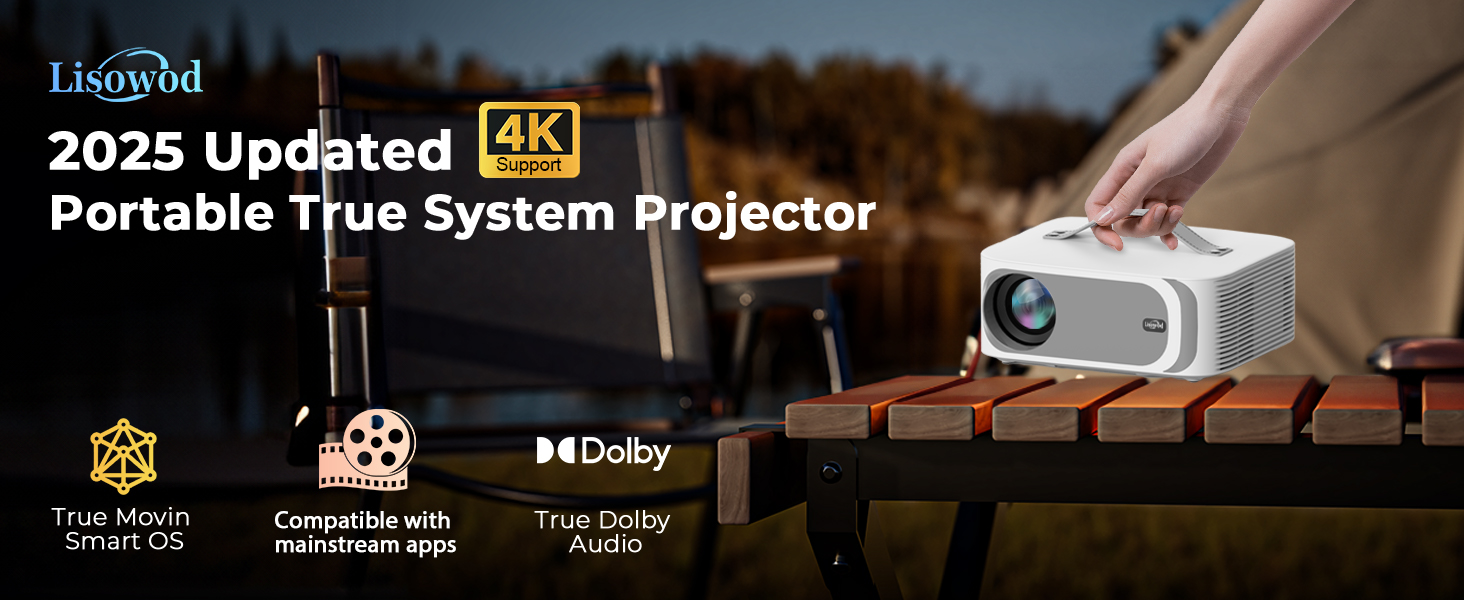
Projector-4K [Built-in mainstream apps/AI Movin 1.0 System
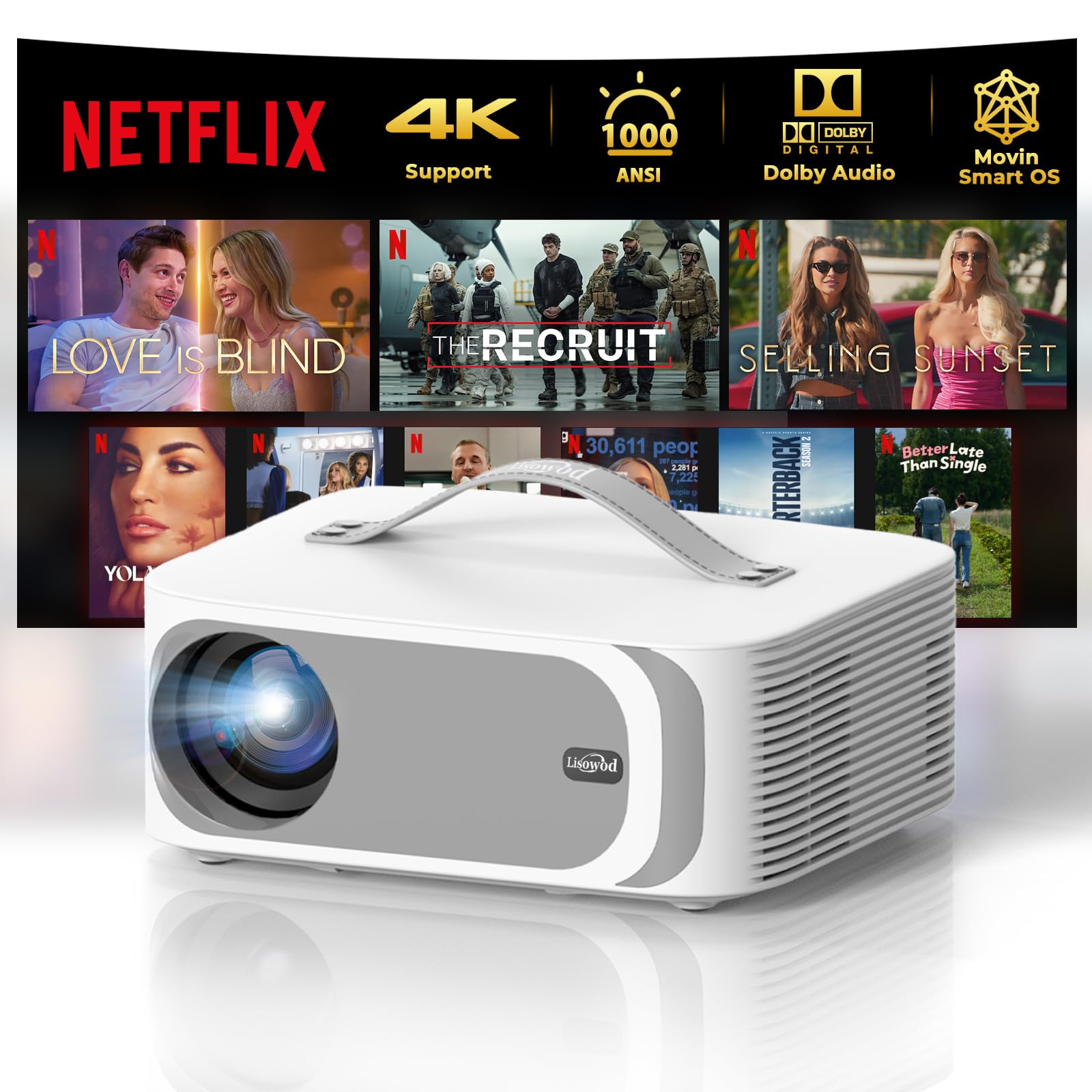
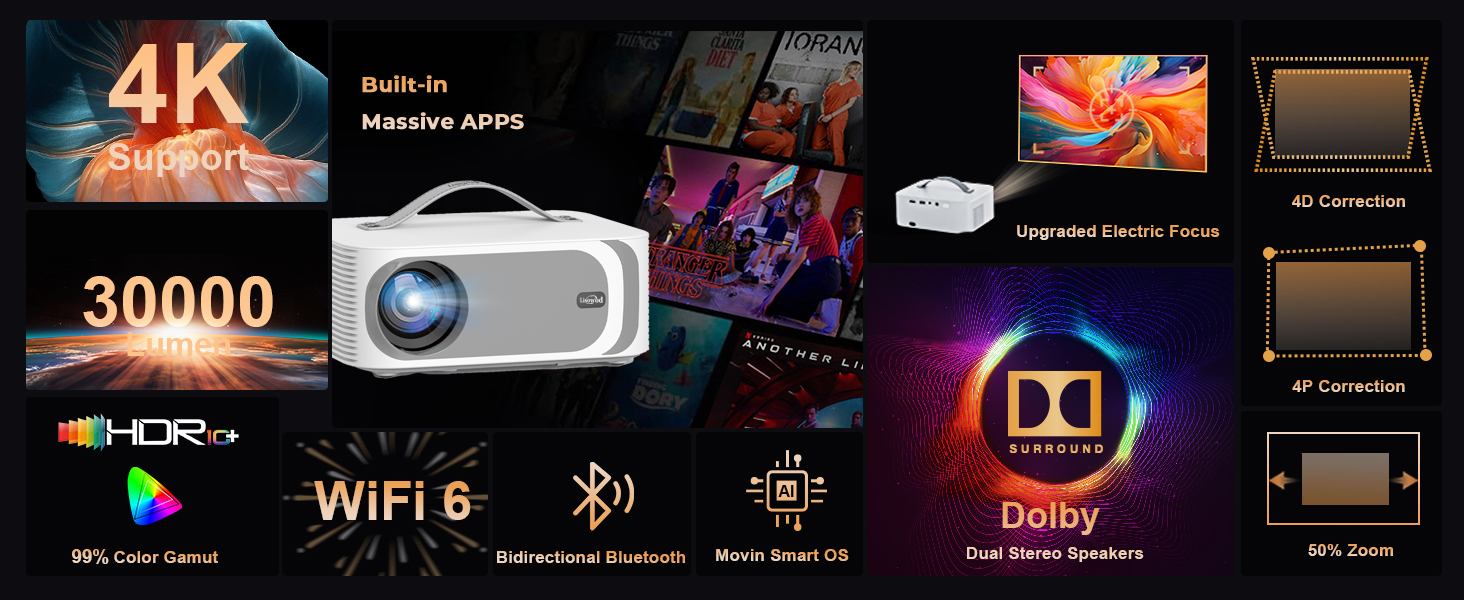
Projector-4K [Built-in mainstream apps/AI Movin 1.0 System /36W DoIby Audio/E-Focus] 30000 Lumen Native 1080P Outdoor-Projector with WiFi 6 and Bluetooth, Lisowod Smart Portable Proyector with HDR10+
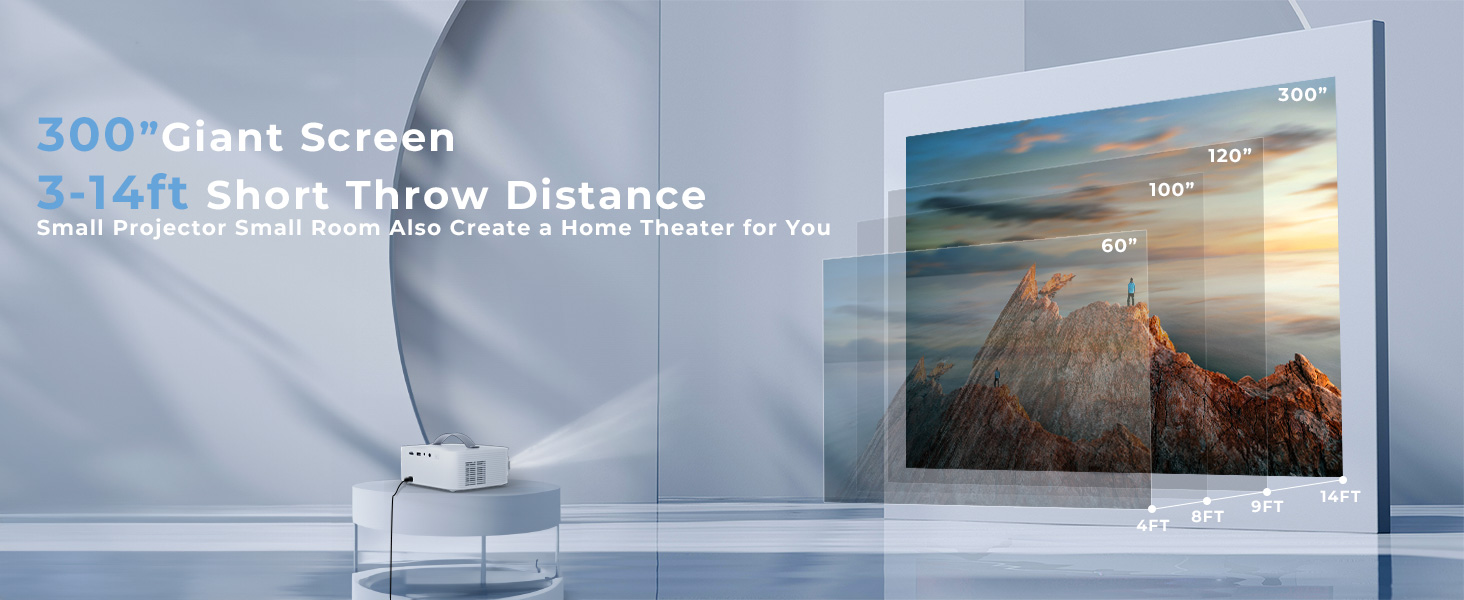
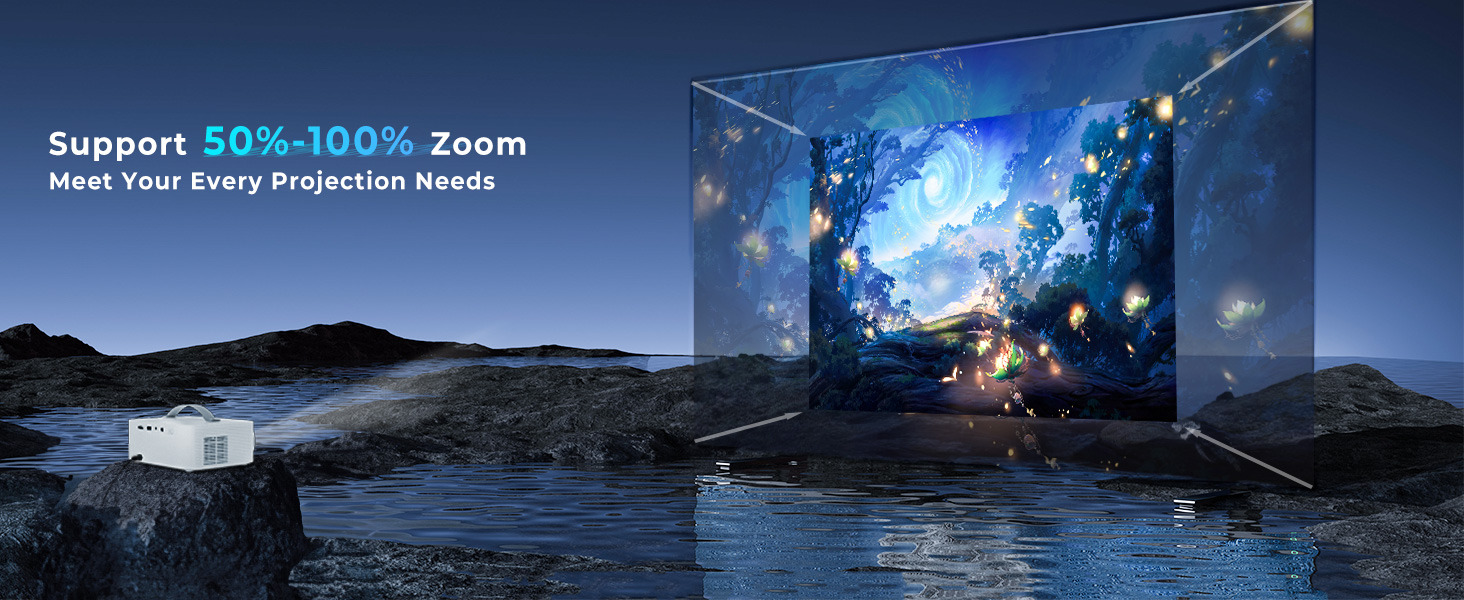
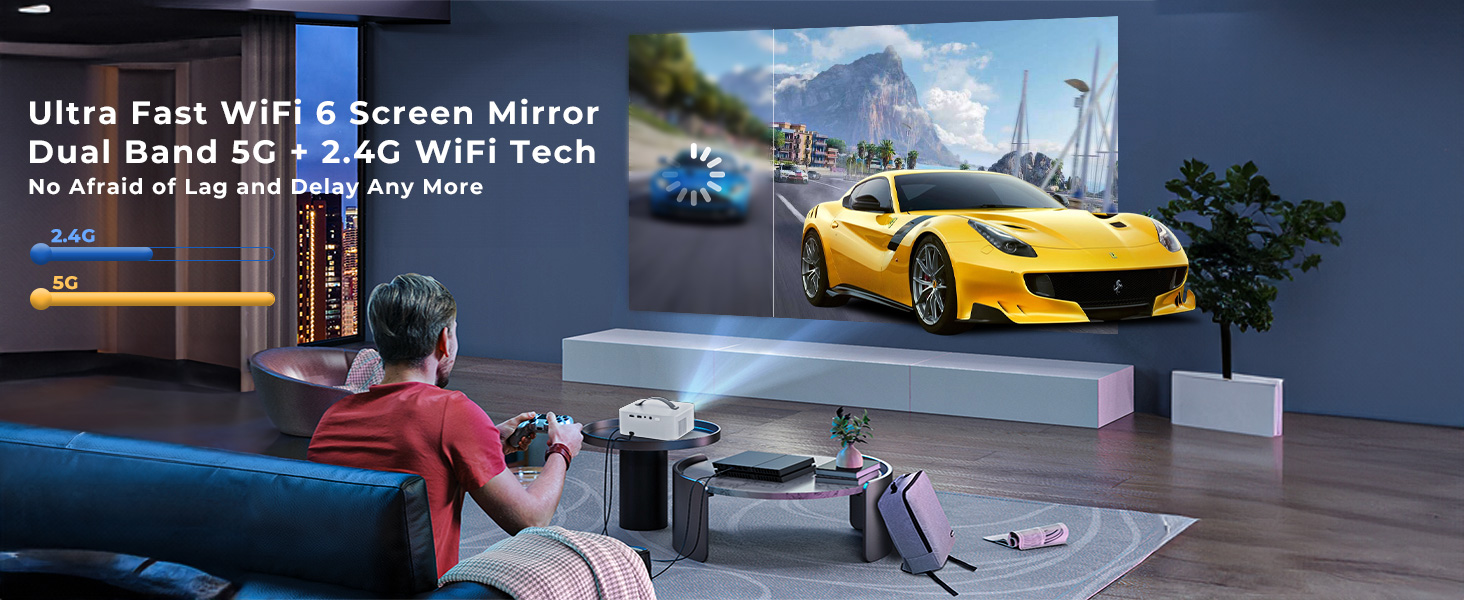
1 Your Best Choice 2 Bulit-in AI Movin System 3 Netflix Licensed 4 Ture MOVIN Smart OS 5 Voices from the world 1 Native 1080P 4K Supported 2 AI Color Mode 3 Simple Image Adjustment 4 300“ Giant Screen 5 Zoom 50%-100% 1 Bidirectional Bluetooth 2 Ultra-fast WiFi-6 3 Dolby Audio 4 Sealed Optical Design
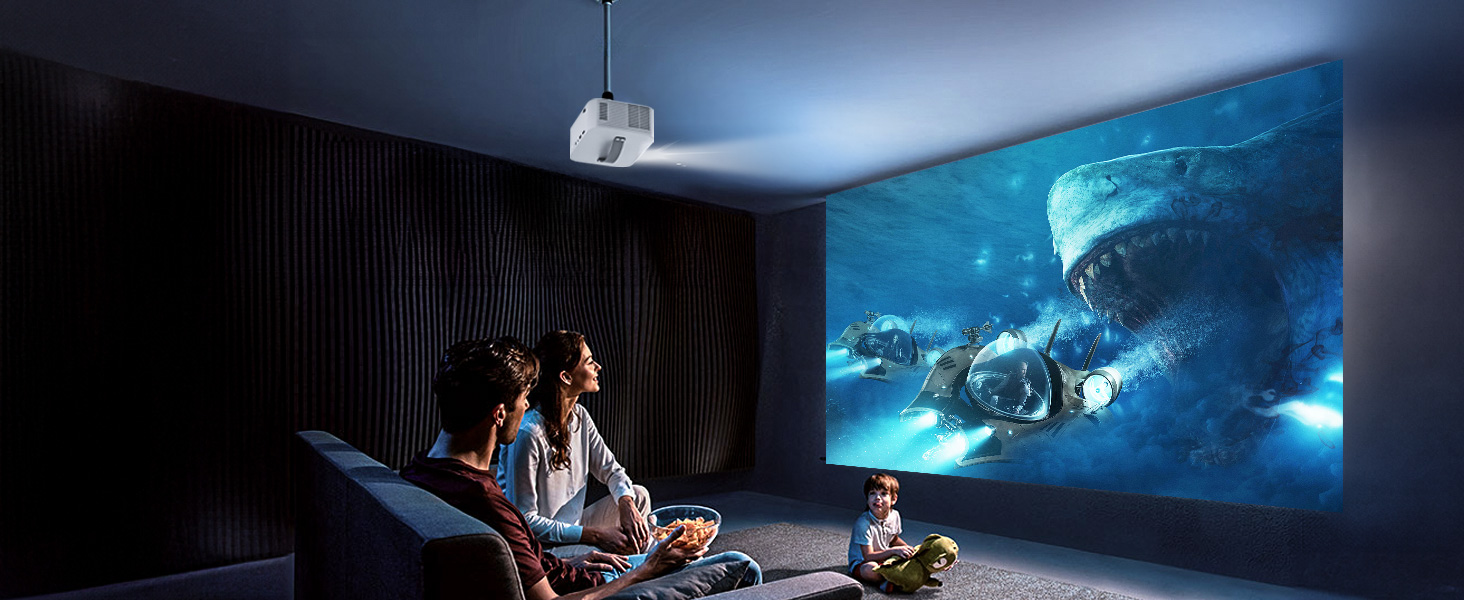
The projector supportfront and rear projection, it can be table mounted and ceiling mounted. To set the projection mode, go to the Setting. Click on the "Picture" and find "Projection Mode", then you can press the up and down button to change to your desired mode. The L61Pro projector has a single-hole mount and requires a single-hole bracket for ceiling mounting. It features a standard 1/4-inch screw hole.
Wake Up Function
The L61Pro projector features a convenient wake-up function that can be activated through a compatible screen-casting app on your phone. To enable this feature, ensure the projector is powered on, then go to Settings > General & Privacy > Advanced Setting > Wake On Wireless on the projector’s homepage. Once activated, any device with Wi-Fi access can wake up the projector using a supported app. Please note that the app must support screen-casting to use this function
AI Sound Balance
To use this feature, go to the projector’s homepage and select Settings > Display & Sound > Auto Volume. When enabled, this function will automatically adjust sudden volume changes, ensuring a smooth and consistent audio experience.
Sound Mode Adjustment
The L61Pro Projector offers multiple sound modes, including Standard, Vivid, Movies, Music, News, and Sport. You can choose your preferred mode by navigating to Display & Sound > Sound Mode. Alternatively, to adjust sound mode during video playback, press the settings button on the remote control to quickly access this option.
Video Mode Adjustment
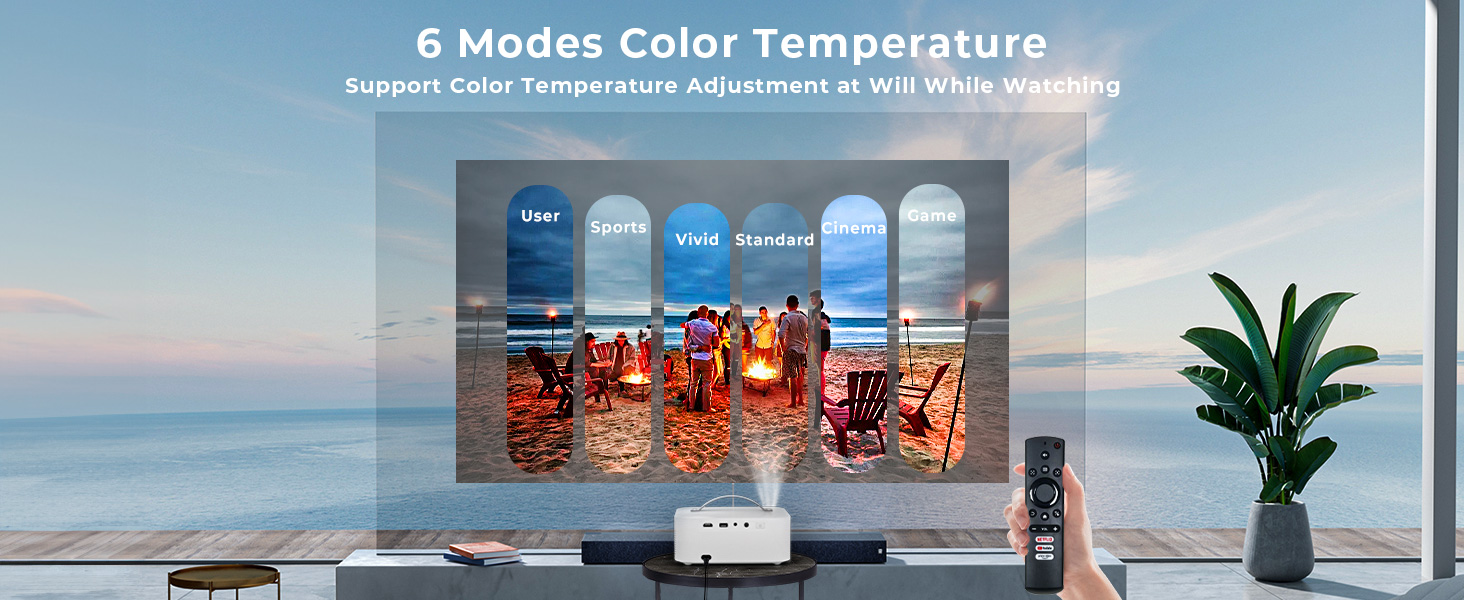
The L61Pro Projector offers various video image modes, including Standard, Vivid, Sport, Cinema, User, and Game. You can select your desired mode by going to Display & Sound > Video Picture Mode. If you’d like to switch modes during video playback, simply press the settings button on the remote control to access this option quickly.
NOTE (Screen Mirror)
Due to the mirroring protocol on Motorola and Google smartphones, direct screen mirroring from the projector is not supported. To connect, please use a Google Chromecast (not included)
NOTE (Other Steaming Devices)
L61Pro projector is also compatible with Chromecast and Fire TV Stick (Ensure true 1080P resolution set on these devices). Please provide an external USB power source for them, as the projector’s USB port may not supply sufficient power.
Warm Tips
Many common issues can be easily resolved with the help of the user manual/E-manual. Additionally, you can reach out to the Lisowod Support Team directly through Lisowod web, email, or Amazon for assistance for assistance. We’re here for you, even if your order is outside Amazon’s return window. Don’t hesitate to reach out to us – we’re always ready to assist you.
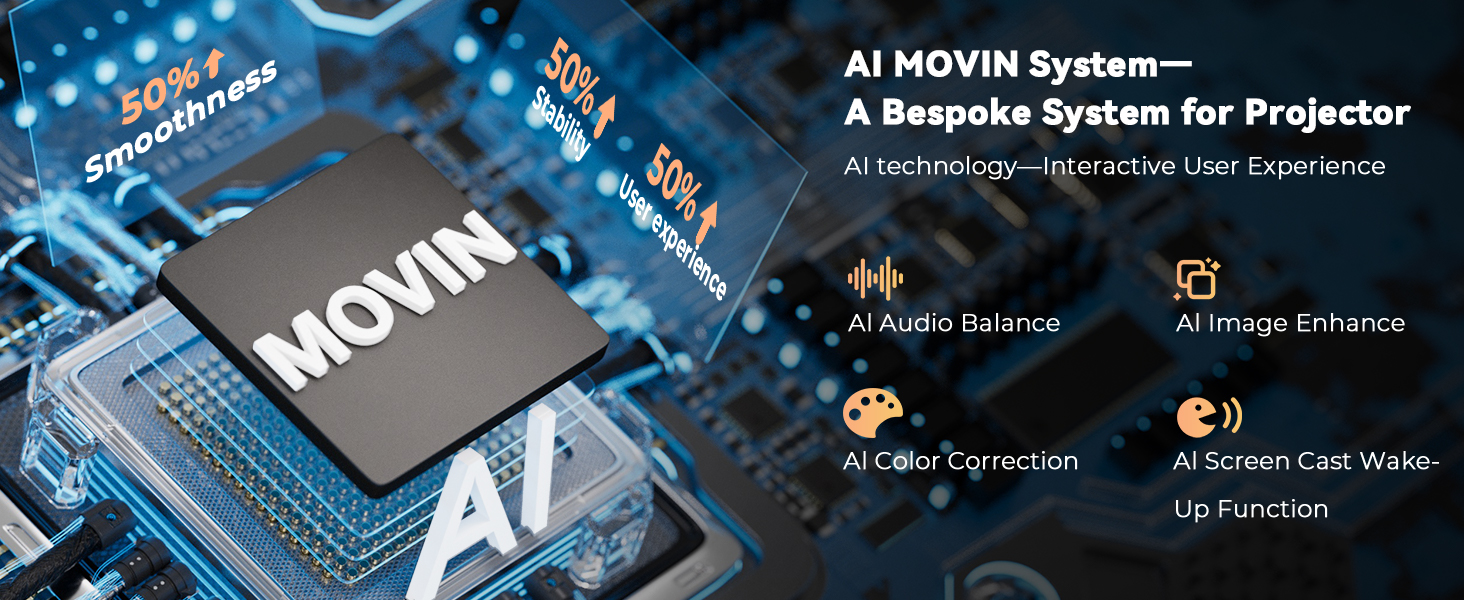
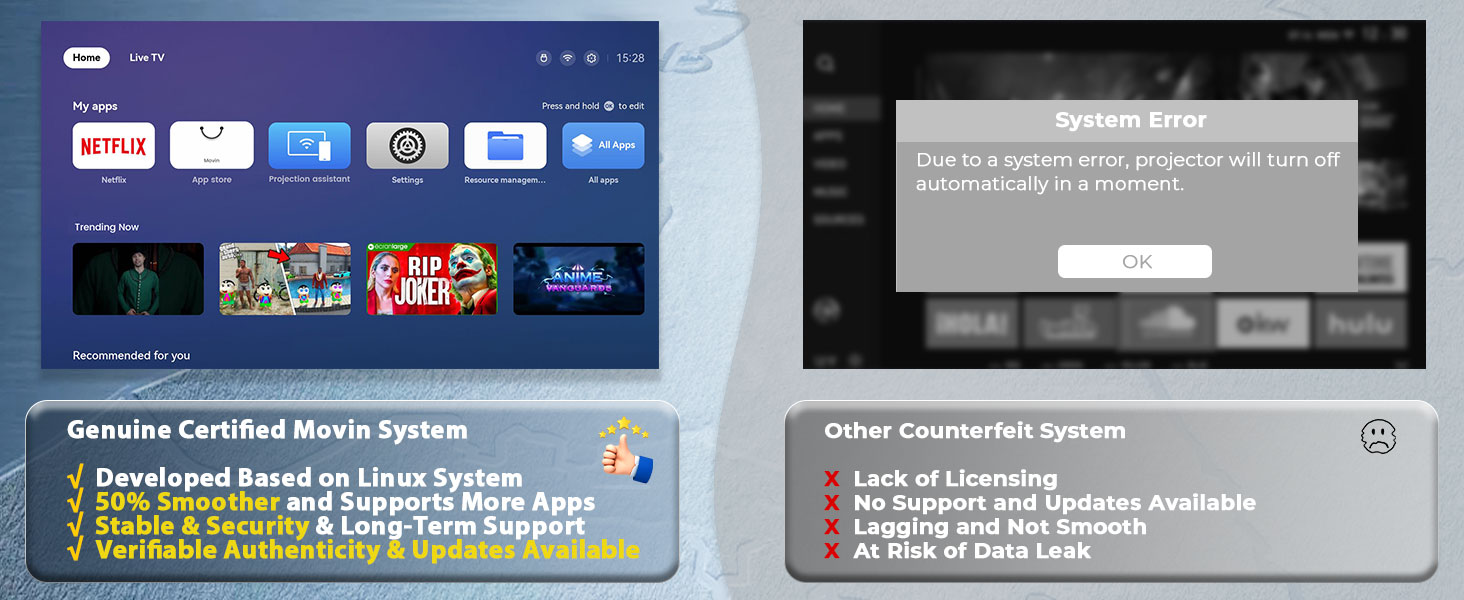
[MOVIN OS: A System Born for Smart Projectors] Say goodbye to the cumbersome and lagging traditional systems. The L61Pro portable projector is equipped with the revolutionary MOVIN smart operating system, powered by a smart chip designed in Silicon Valley. The combination of its powerful processing capabilities and AI technology enhances fluency and stability by 50%. Whether it is launching applications or switching between multiple tasks, every operation is effortless. With its personalized design and outstanding performance, MOVIN OS makes it easy for both tech enthusiasts and beginners to enjoy the endless fun brought by smart projection.
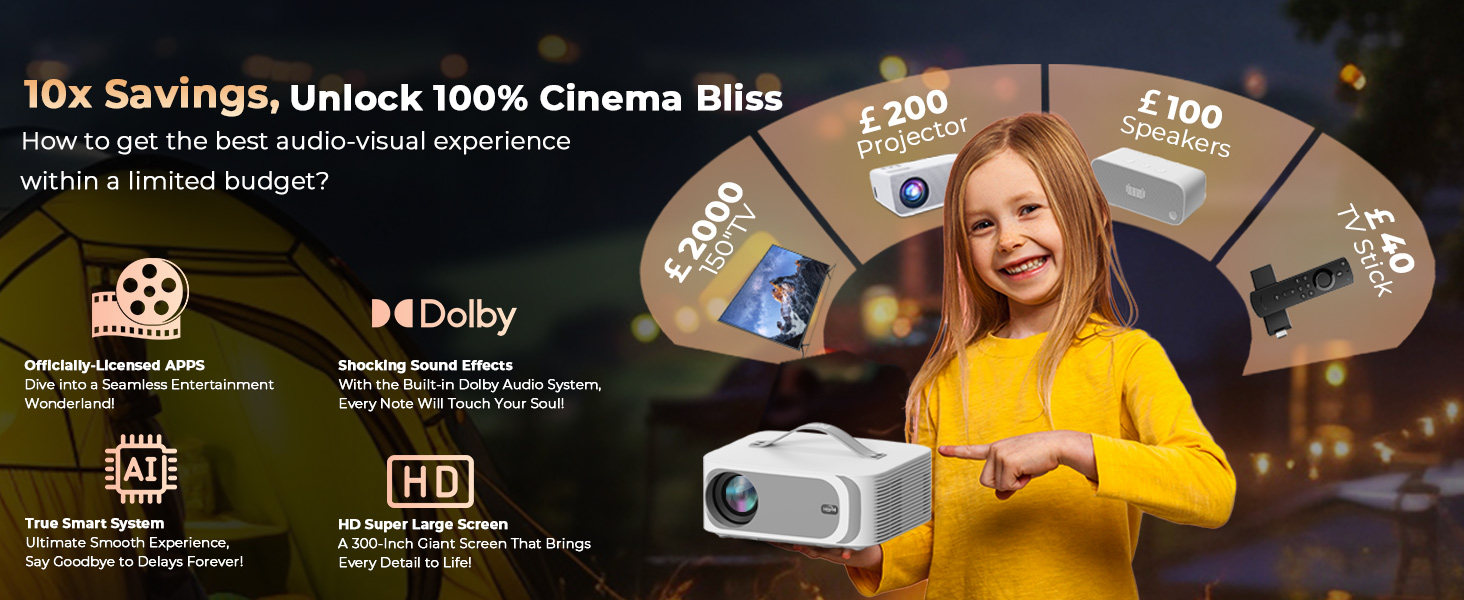
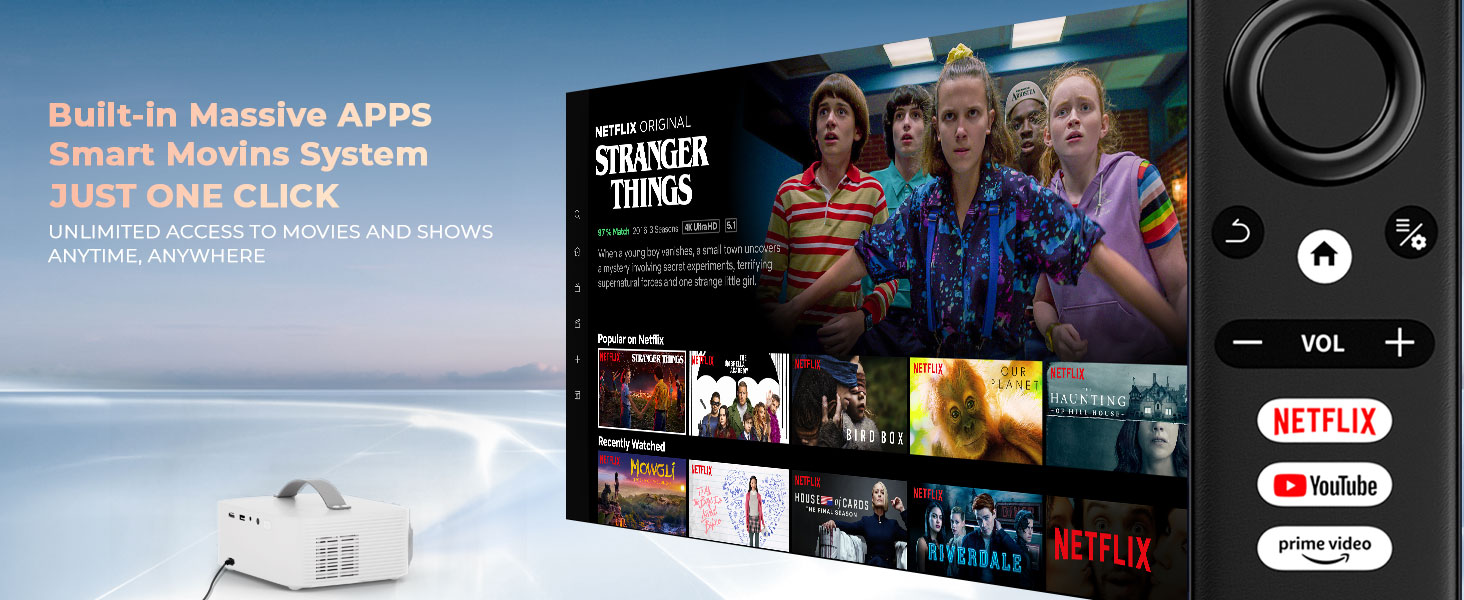
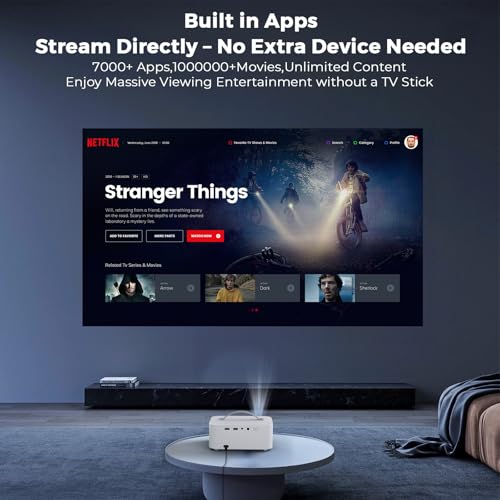
[Built-in APPS, Enjoy a Global Feast of Entertainment] Step into a world of endless entertainment with the L61 Pro portable projector. It offers the ultimate viewing experience right out of the box. Unlike unauthorized Android TV projectors, this video projector offers one-click access to top streaming platforms. Compatible with Netflix/YouTube/ Prime Video/Disney+, without extra devices needed. Thanks to a vast library with millions of videos your favorite shows and movies are always at your fingertips. The professional team regularly maintains and updates the app to ensure you have the latest features, while also providing comprehensive security and stability.
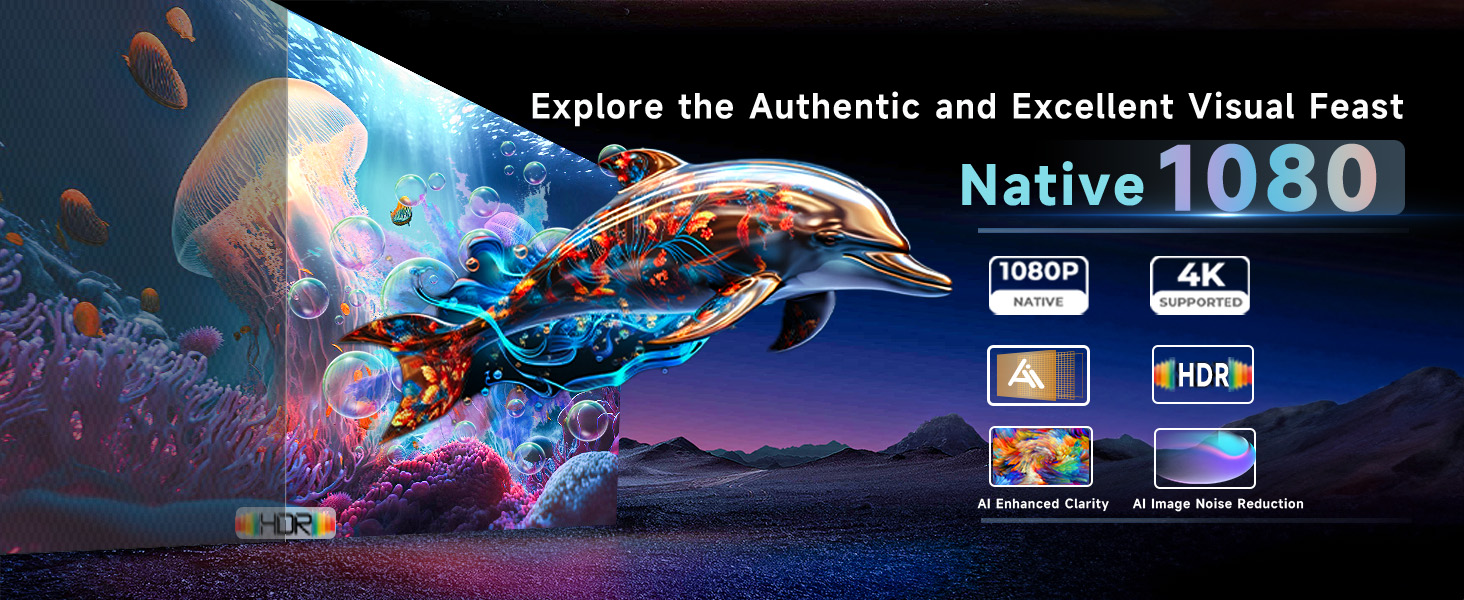
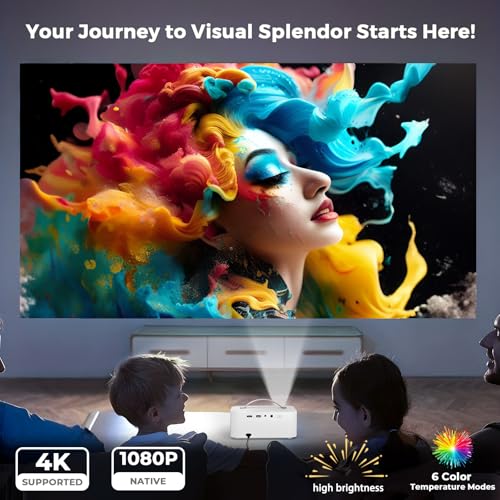
[Ultra-Clear Vision, A New Eye-Care Experience]With its 30000 Lumen and native 1080P 4K support quality, L61Pro projector for bedroom with wifi and bluetooth redefines the visual standard for home viewing. Every frame is meticulously optimized for true-to-life details and rich. It supports HDR10+, and the color gamut coverage reaches 99% providing accurate colors. And, the L61Pro 4K projector is equipped with six professional color temperature modes, and users can switch freely according to different scenes to enjoy a personalized visual experience. Importantly, these modes are designed to reduce blue light exposure, ensuring comfortable viewing even during prolonged use.
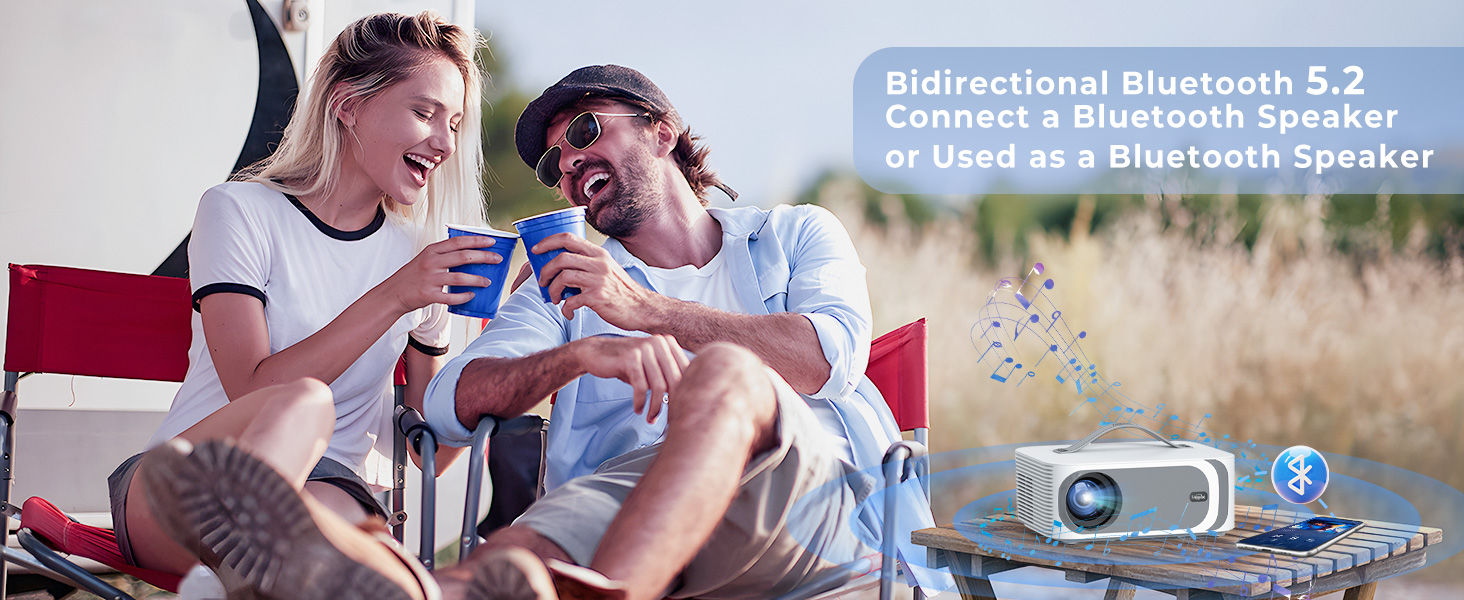
[Superior Sound Quality, Immersive Experience – Dolby Audio]The L61Pro video projector supports Dolby Audio, delivering rich and immersive sound quality that brings movies and shows to life. Integrated with cutting-edge AI-powered sound balancing technology, it ensures detailed audio reproduction and smooth transitions. Utilizing the latest Bluetooth 5.2 technology, you can effortlessly connect external speakers to enhance audio output, or use the smart projector as a standalone Bluetooth speaker for music enjoyment anytime, anywhere.
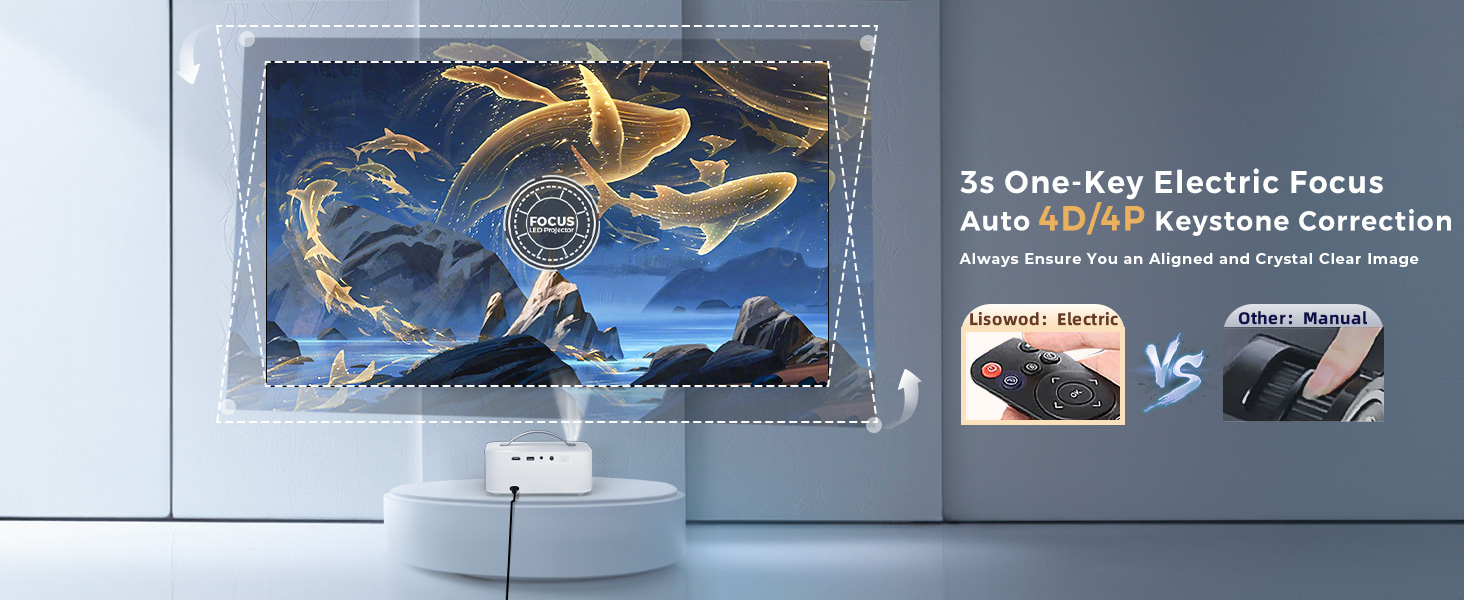
[Clarity at Your Fingertips-Electric Focus | Correction]: This ceiling projector is equipped with upgraded electric focus and intelligent 4D/4P keystone correction. The remote uses the latest infrared high-precision sensor so you can effortlessly achieve a perfectly clear image with just a click. Worry-free projection setup, with intelligent correction ensuring a flawless image every time. The zoom function allows for size adjustments from 100% to 50% without moving this phone projector
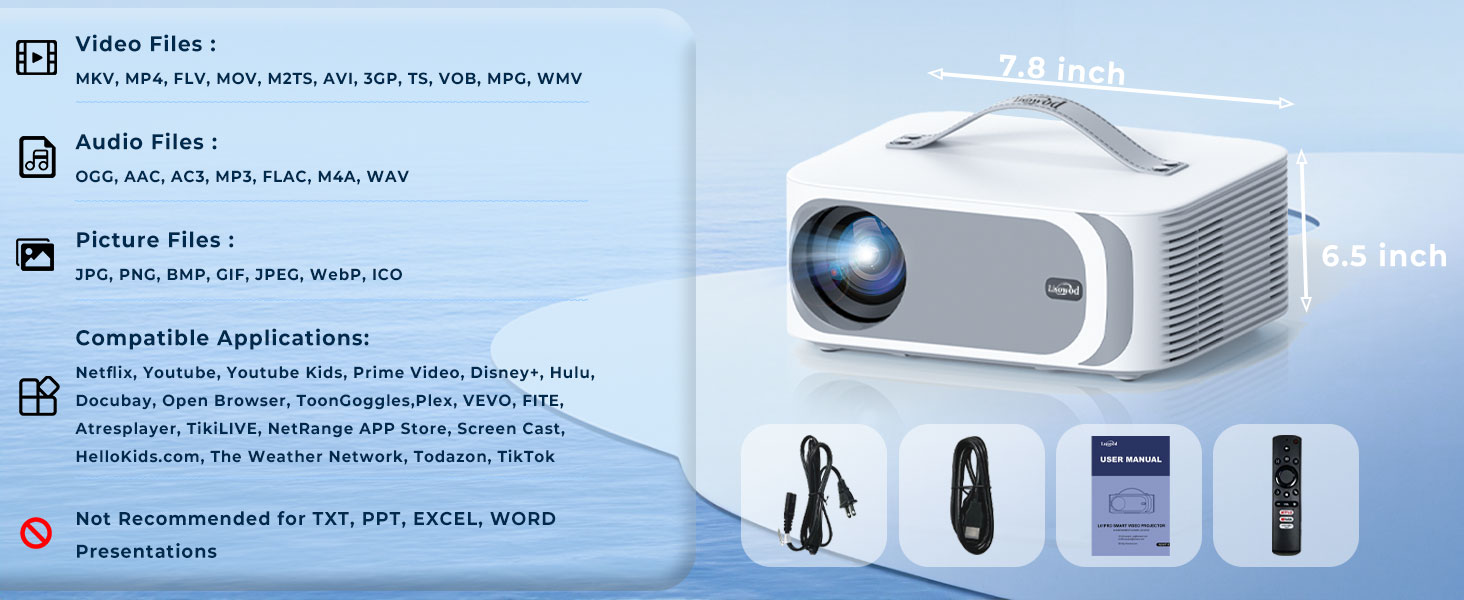
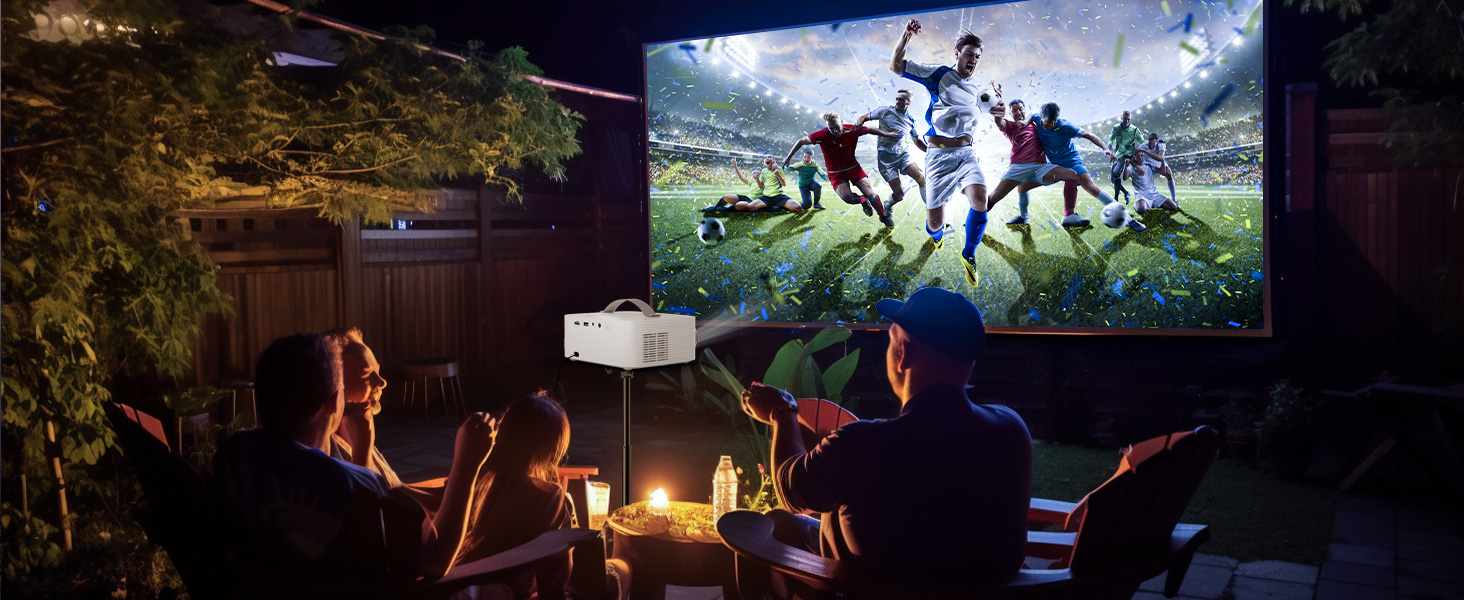
[Take It Anywhere -Your First Choice Mini Portable OS Projector] With its breakthrough internal design, weighing only 2.4 pounds and measuring 19.8 x 16.5 x 8.1 centimeters, it is 80% lighter than other OS projectors with similar brightness. Even a 4-year-old child's small fingers can easily hold this mini OS projector. Its handheld design ensures portability, making it easy to take anywhere—perfect for outdoor movies or other outdoor activities—allowing you to enjoy the excitement of a big-screen experience anytime and anywhere.
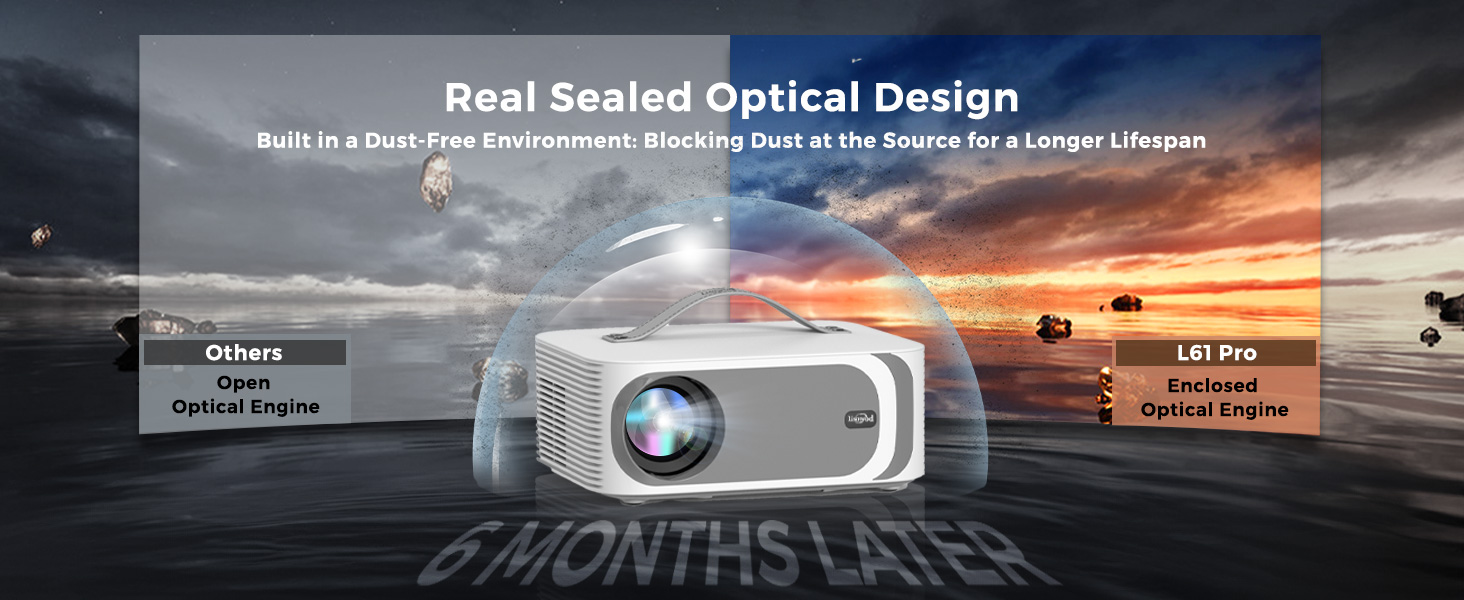
[Reliability Service-Durability Meets Superior Support]: L61Pro mini projector features a sealed optical engine and dual-fan cooling, superior in dust resistance and heat dissipation, extending its lifespan and preventing issues like black or yellow screens. Seamless connectivity with USB/HDMI/audio ports. As a company that focuses on long-term development, no matter how long you have purchased it, our service is always consistent and we are always ready to provide you with inquiries or assistance
The projector supportfront and rear projection, it can be table mounted and ceiling mounted. To set the projection mode, go to the Setting. Click on the “Picture” and find “Projection Mode”, then you can press the up and down button to change to your desired mode. The L61Pro projector has a single-hole mount and requires a single-hole bracket for ceiling mounting. It features a standard 1/4-inch screw hole.
Wake Up Function
The L61Pro projector features a convenient wake-up function that can be activated through a compatible screen-casting app on your phone. To enable this feature, ensure the projector is powered on, then go to Settings > General & Privacy > Advanced Setting > Wake On Wireless on the projector’s homepage. Once activated, any device with Wi-Fi access can wake up the projector using a supported app. Please note that the app must support screen-casting to use this function
AI Sound Balance
To use this feature, go to the projector’s homepage and select Settings > Display & Sound > Auto Volume. When enabled, this function will automatically adjust sudden volume changes, ensuring a smooth and consistent audio experience.
Sound Mode Adjustment
The L61Pro Projector offers multiple sound modes, including Standard, Vivid, Movies, Music, News, and Sport. You can choose your preferred mode by navigating to Display & Sound > Sound Mode. Alternatively, to adjust sound mode during video playback, press the settings button on the remote control to quickly access this option.
Video Mode Adjustment
The L61Pro Projector offers various video image modes, including Standard, Vivid, Sport, Cinema, User, and Game. You can select your desired mode by going to Display & Sound > Video Picture Mode. If you’d like to switch modes during video playback, simply press the settings button on the remote control to access this option quickly.
NOTE (Screen Mirror)
Due to the mirroring protocol on Motorola and Google smartphones, direct screen mirroring from the projector is not supported. To connect, please use a Google Chromecast (not included)
NOTE (Other Steaming Devices)
L61Pro projector is also compatible with Chromecast and Fire TV Stick (Ensure true 1080P resolution set on these devices). Please provide an external USB power source for them, as the projector’s USB port may not supply sufficient power.
Warm Tips
Many common issues can be easily resolved with the help of the user manual/E-manual. Additionally, you can reach out to the Lisowod Support Team directly through Lisowod web, email, or Amazon for assistance for assistance. We’re here for you, even if your order is outside Amazon’s return window. Don’t hesitate to reach out to us – we’re always ready to assist you.
Caffè Nero has to be one of the biggest coffee retail outlet success stories of the last few years. Adopting more of a traditional Italian ambience, Caffè Nero still stand by their start up status and vision to grow one coffee for one customer, one coffee shop at a time. So why not take advantage of a Caffè Nero voucher code and treat yourself to one of their delicious drinks or snacks. Whether you’re a die hard Caffè Nero fan or new to the chain, coffee has never tasted quite so damn fine.
When you hear Dyson, you think of quality, excellence, and durability. Dyson products are defined by efficiency and now with a Dyson discount code you could get your very own Dual Cyclone bagless vacuum cleaner or Supersonic hair dryer at a fraction of the original price. Whether you need a compact vacuum for small spaces or an industrial-strength machine for heavy hoovering, Dyson has just the device for you. Browse the website to see the full range of Dyson vacuums as well as lighting and humidifier solutions.
Nightclub-quality neon lights for the home—that’s NeonBeach. Whether you want to light up the room with an inspirational quote or cosmic art, NeonBeach gives you the freedom to live creatively and customise your neon lights with a dizzying array of colours. Although you might think this would be expensive, it’s actually really affordable with a NeonBeach discount code from Groupon. These lights are such high quality they’ll last for years to come, and they’re eco-friendly too!
If you’re crazy for Funko Pop! collectables, you’ll fall head over heels for Pop In A Box. Stocking all your favourite characters - from Marvel Superheroes and Harry Potter to Game Of Thrones and Disney characters - Pop In A Box is a pop-culture fan’s best friend. Shop now with a Pop In A Box discount code and boost your own collection for a fraction of the price. And, for the biggest collectors, Pop In A Box offers a monthly subscription too!
You and Ryobi are the dream team when it comes to DIY. Whether you’re mowing the lawn, fixing the shed or crafting a masterpiece, Ryobi tools get the job done the right way, and they’ll come with a three-year warranty to keep you tinkering for years to come. As experts in power tools like pressure washers and lawn mowers, shop with a Ryobi discount code from Groupon to cut the cost of your next project and keep your tool shed fully stocked with supplies without breaking the bank.
Flowers are a perfect gift for every occasion and Teleflorist make sure that every detail is taken care of. Their network of local florists mean you get the freshest flowers, designed beautifully every time. You can use your Teleflorist discount code to get same day delivery by ordering as late as 3pm Monday to Friday! Give something special, with a memorable message, when you send gifts through Teleflorist. Every occasion can be improved with a bouquet of flowers.
![Projector-4K [Built-in mainstream apps/AI Movin 1.0 System /36W DoIby Audio/E-Focus] 30000 Lumen Native 1080P Outdoor-Projector with WiFi 6 and Bluetooth](https://couponmatrix.uk/posts/wp-content/uploads/2025/07/51ss9fPOHOL.jpg)