Hall Effect Switch Pro Controller with Charging Dock, Switch
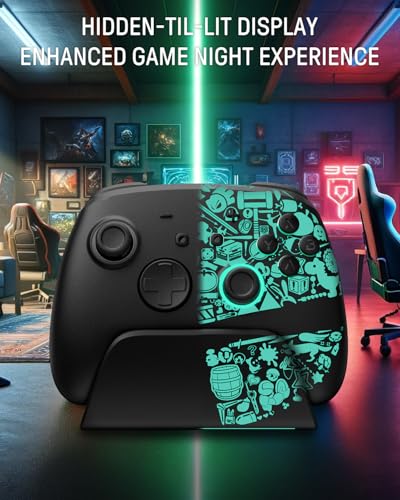
Hall Effect Switch Pro Controller with Charging Dock, Switch Controller Wireless for Switch 2/Lite/OLED, RGB Bluetooth Gamepad with 7 LED Colors/Back Paddles/Dual Shock/Turbo/Motion Control, Black
Play It, Light It Up!
The video showcases the product in use.The video guides you through product setup.The video compares multiple products.The video shows the product being unpacked.Play It, Light It Up!
Merchant videoTap, Glow, and Fight!
The video showcases the product in use.The video guides you through product setup.The video compares multiple products.The video shows the product being unpacked.Tap, Glow, and Fight!
Merchant videoAlways Ready To Play!
The video showcases the product in use.The video guides you through product setup.The video compares multiple products.The video shows the product being unpacked.Always Ready To Play!
Merchant videoDiscover your Favorite Color Scheme.
The video showcases the product in use.The video guides you through product setup.The video compares multiple products.The video shows the product being unpacked.Discover your Favorite Color Scheme.
Merchant video
For Standard Switch/Switch 2/OLED/Lite
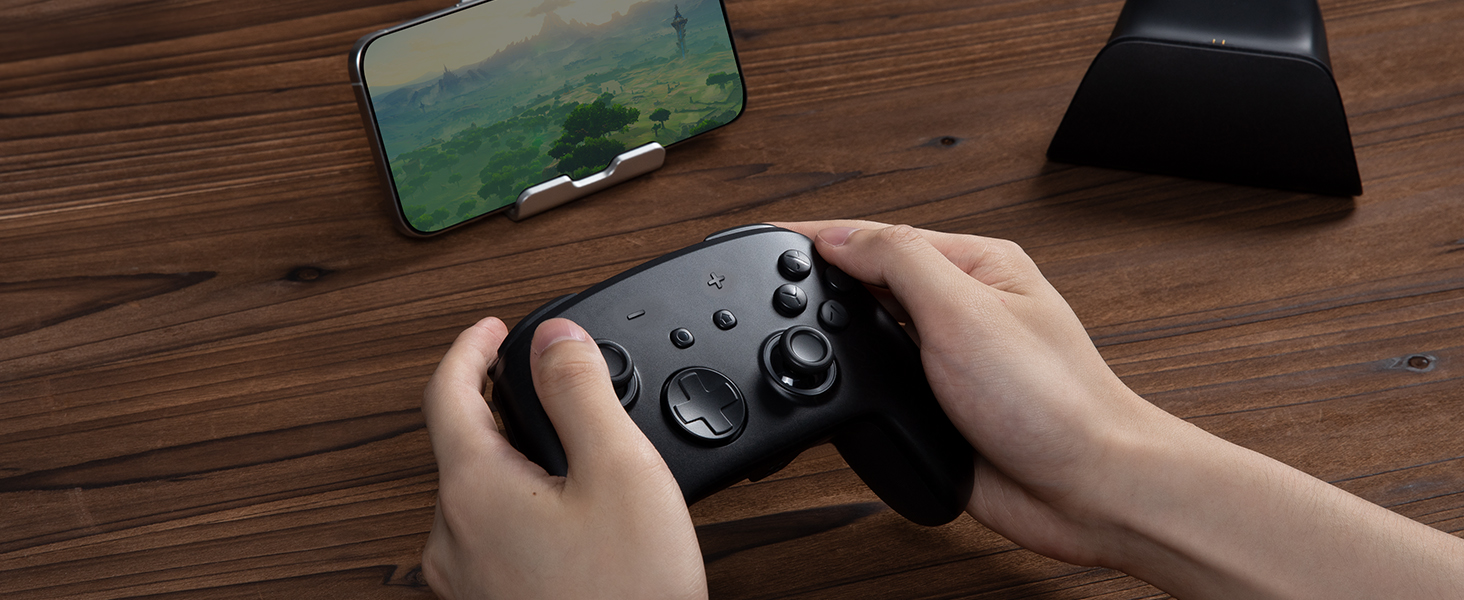
For Phones
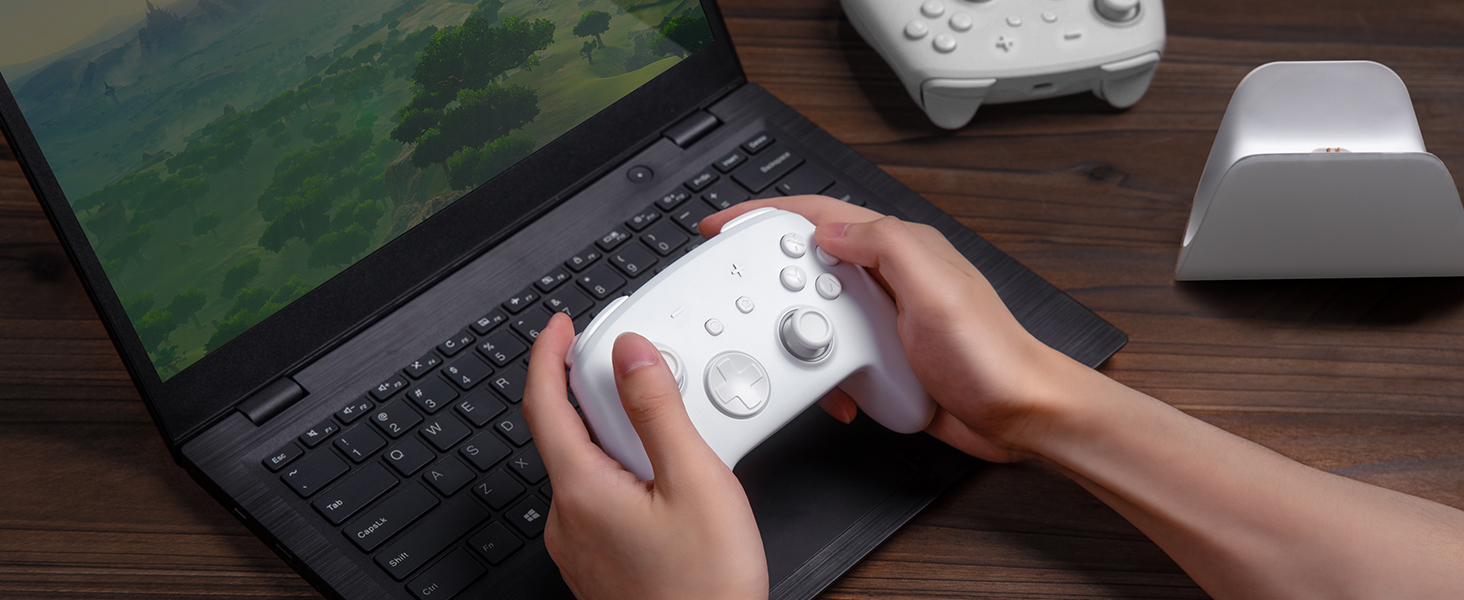
For PC
For Steamdeck
For Switch
Standard Switch/Switch OLED/Lite
Switch 2
For Phones
Android – 6.0 and above
iOS – 13.3 and above
For PC
Windows XP and above
For Steamdeck
SteamOS Holo 3.4 and above
Connection Method Instruction
From the HOME Menu, select Controllers, then Change Grip and Order.
Press and hold Y + HOME for 3 seconds and 4 LED lights flash quickly. The LED(s) becoming stable, pairing finishes.
If you are not connecting for the first time, you can click HOME Button to connect successsfully.
The video showcases the product in use.The video guides you through product setup.The video compares multiple products.The video shows the product being unpacked.connect the controller to switch
Merchant videoCharging Instruction
Plug in the charger dock and place the switch pro controller on the dock to charge
The video showcases the product in use.The video guides you through product setup.The video compares multiple products.The video shows the product being unpacked.Charging Instruction
Merchant videoLight Control Instruction
Turn on the light: Press HOME Button.
Turn off the light: Press and hold Light Button for 3 seconds.
Change the Light Color: Press Light Button. Colors will change each time you press Light Button. Change the Lighting Mode: Press Light Button + “⊕”: 1st: Breathing light mode; 2st: Quick flash mode; 3st: Vibration light mode.
If the controller is not connected to the console, press Home Button and the LED pattern will be illuminated.
The video showcases the product in use.The video guides you through product setup.The video compares multiple products.The video shows the product being unpacked.Adjustable LED Colors and Light Modes
Merchant videoTurbo Function Instruction
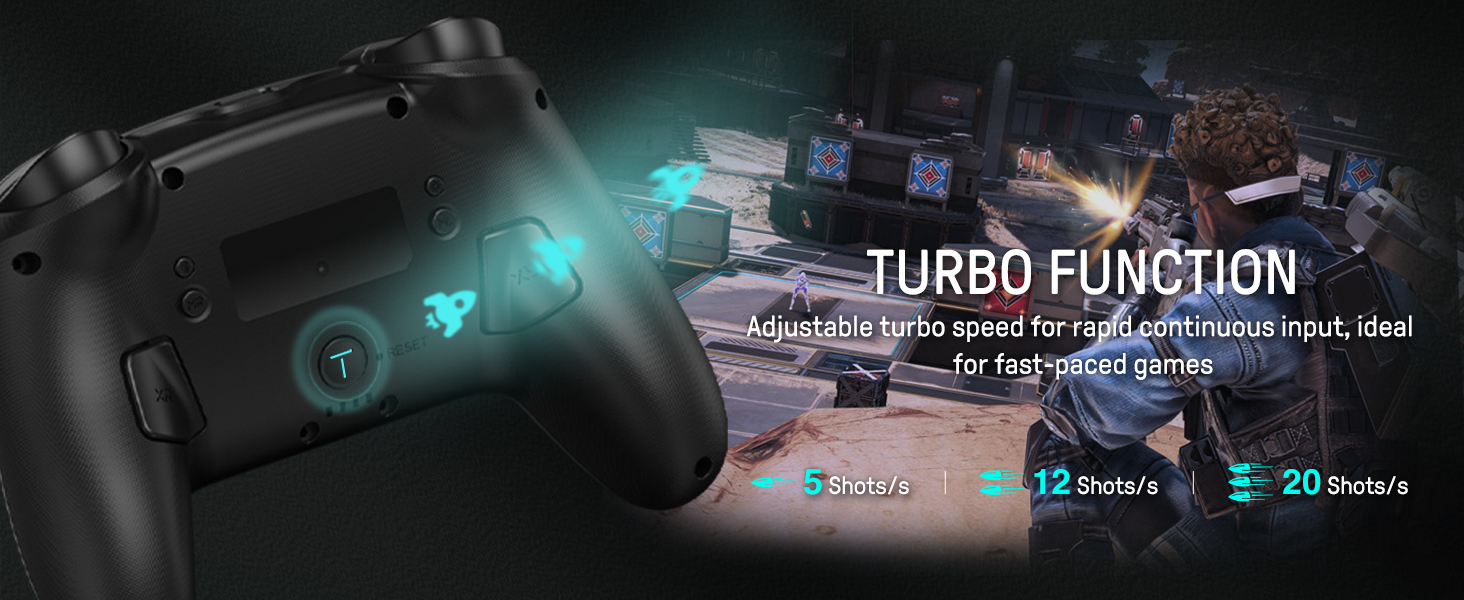
Press and hold “T” Button + one of the Function Button (A/B/X/Y/L/R/ZL/ZR/D-pad Button).
1st: Manual TURBO Function (Press and hold to launch continuously).
2st: Automatic TURBO Function (Automatically continuous launch).
3st: Clear TURBO Function.
The video showcases the product in use.The video guides you through product setup.The video compares multiple products.The video shows the product being unpacked.Adjustable Turbo Function
Merchant videoMapping Function Instruction
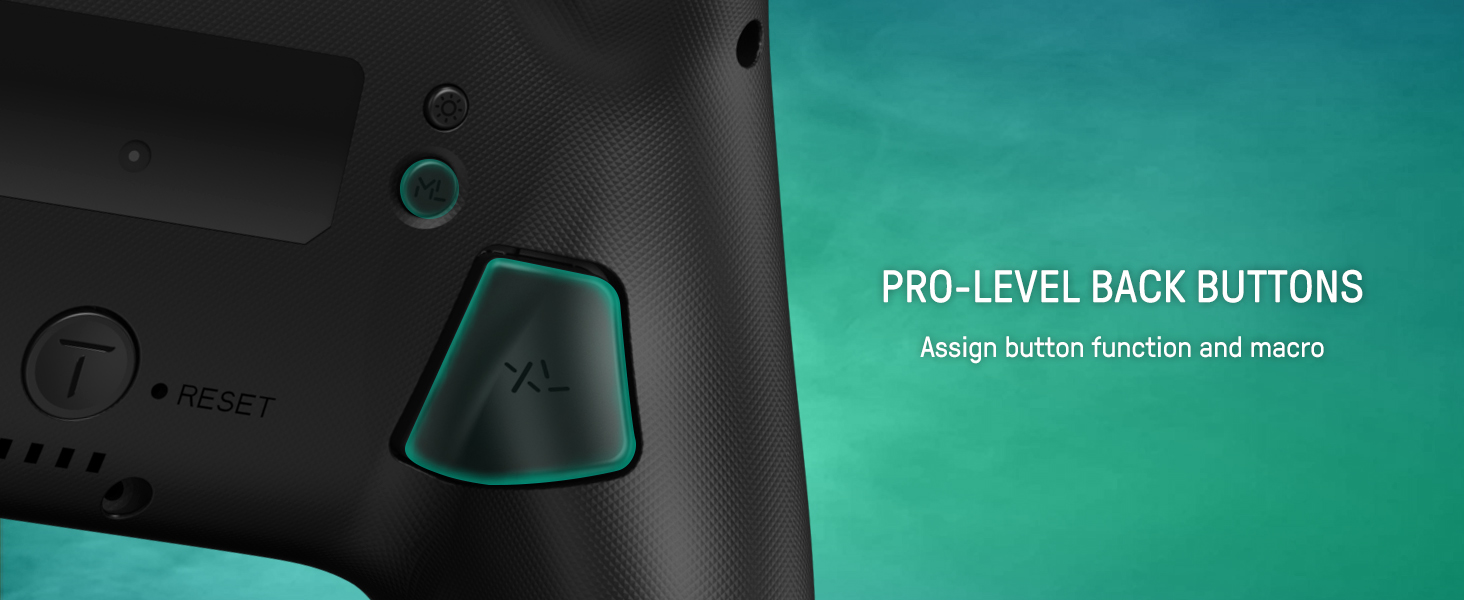
Press and hold “MR” Button, then input the single button (A/B/X/Y/L/R/ZL/ZR/+/-/D-pad Button and L/R joysticks) you want to map;
The controller will have the vibration cue after loosing “MR” Button, and then press “XR” Button to trigger Programmable Buttons.
The mapping function can also be achieved by using the ML Button as described above.)
The video showcases the product in use.The video guides you through product setup.The video compares multiple products.The video shows the product being unpacked.Assign Button Function
Merchant video
How do I make this pure color switch pro controller show the exquisite pattern?
The first time you receive the controller without being connected to your console, you can press the Home button to active it. Then you can see its unique pattern.
Why does the pattern still not appear after pressing the Home button of this controller?
Check whether it is in either of the following conditions:
A.Out of power. Solution: Charge the controller and then press the Home button again.
B.In light off mode. Solution: Press Light Button and "+" Button to switch the lighting mode.
How to change the LED colors and the lighting modes?
A.Press Light Button:Always-on Mode.
B.Press Light and "+" Button:
1st:breathing light mode; 2nd:quick flash mode; 3rd:vibration lighting mode
C.Light Off Mode:Press and hold Light Button for 3s.
D.Colors will change each time you press Light Button.
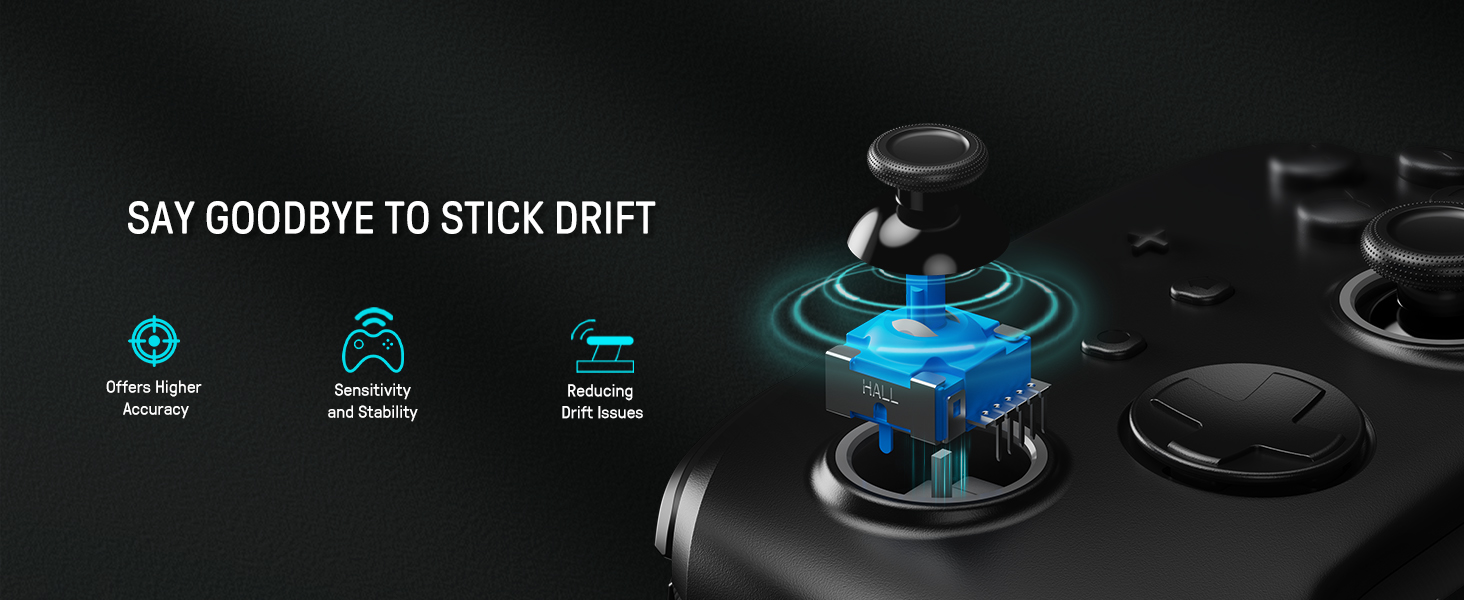
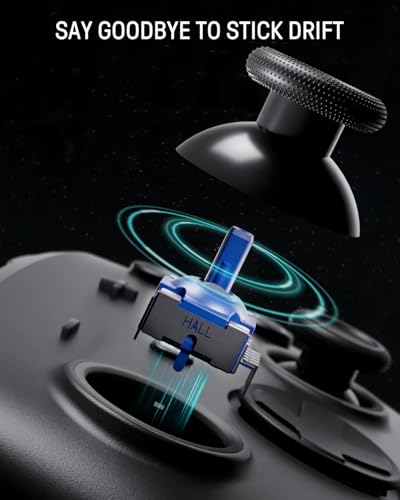
What are the advantages of the hall effect joystick?
A. No drift: No mechanical wear, no drift, stable and precise.
B. Long life: Non – contact, no friction or wear, no long – term issues.
C. Sensitive response: Fast, accurate, little delay, better experience.
How to calibrate the joystick of this switch gamepad?
A.HOME Menu – System Settings – Scroll down the menu on the left-hand side – Select Controllers and Sensors.
B.Select Calibrate Control Sticks – Tilt the joystick that you want to calibrate.
C.Follow the on-screen prompts to verify the joystick.
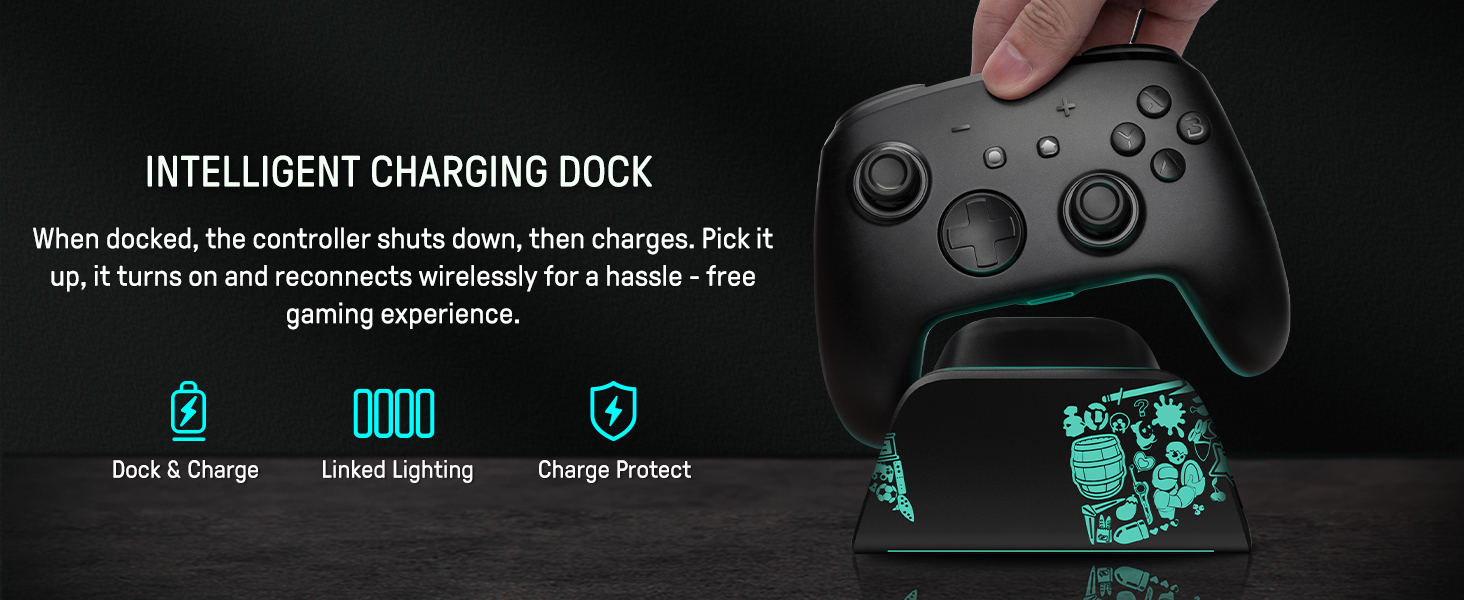
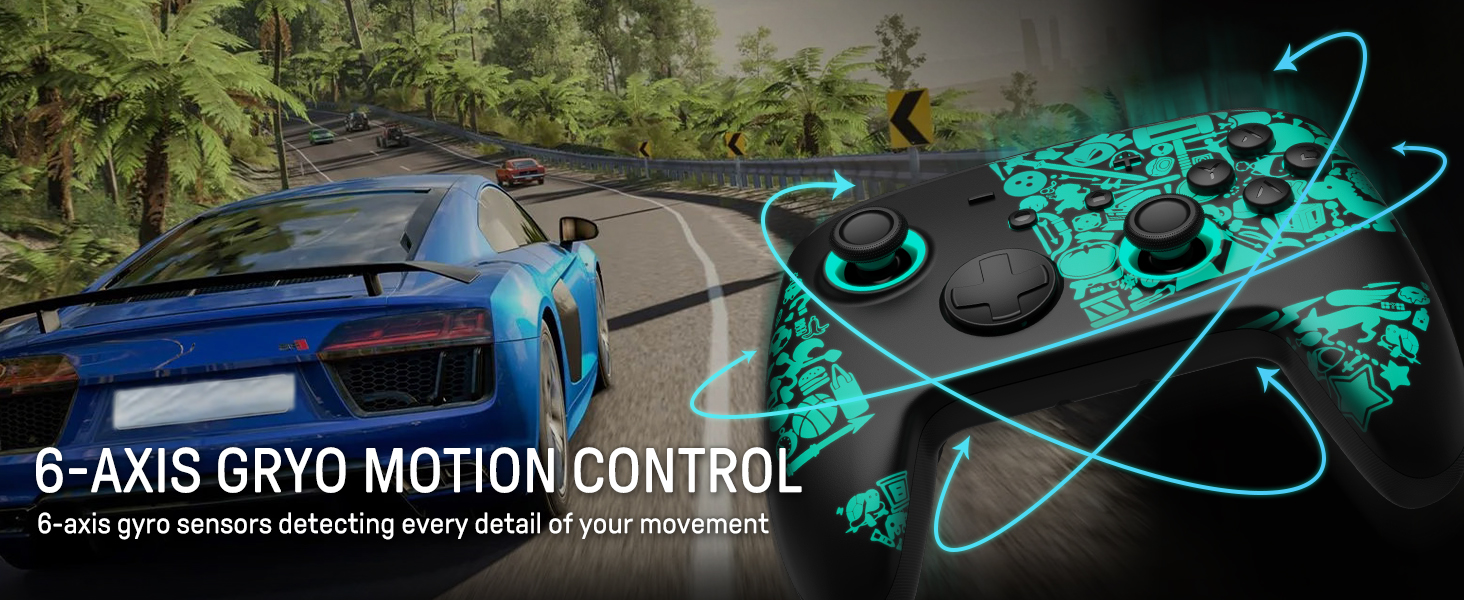
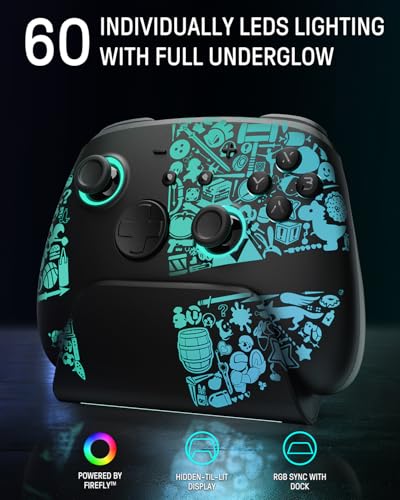
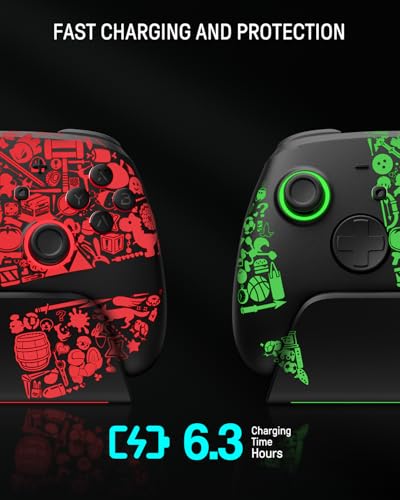
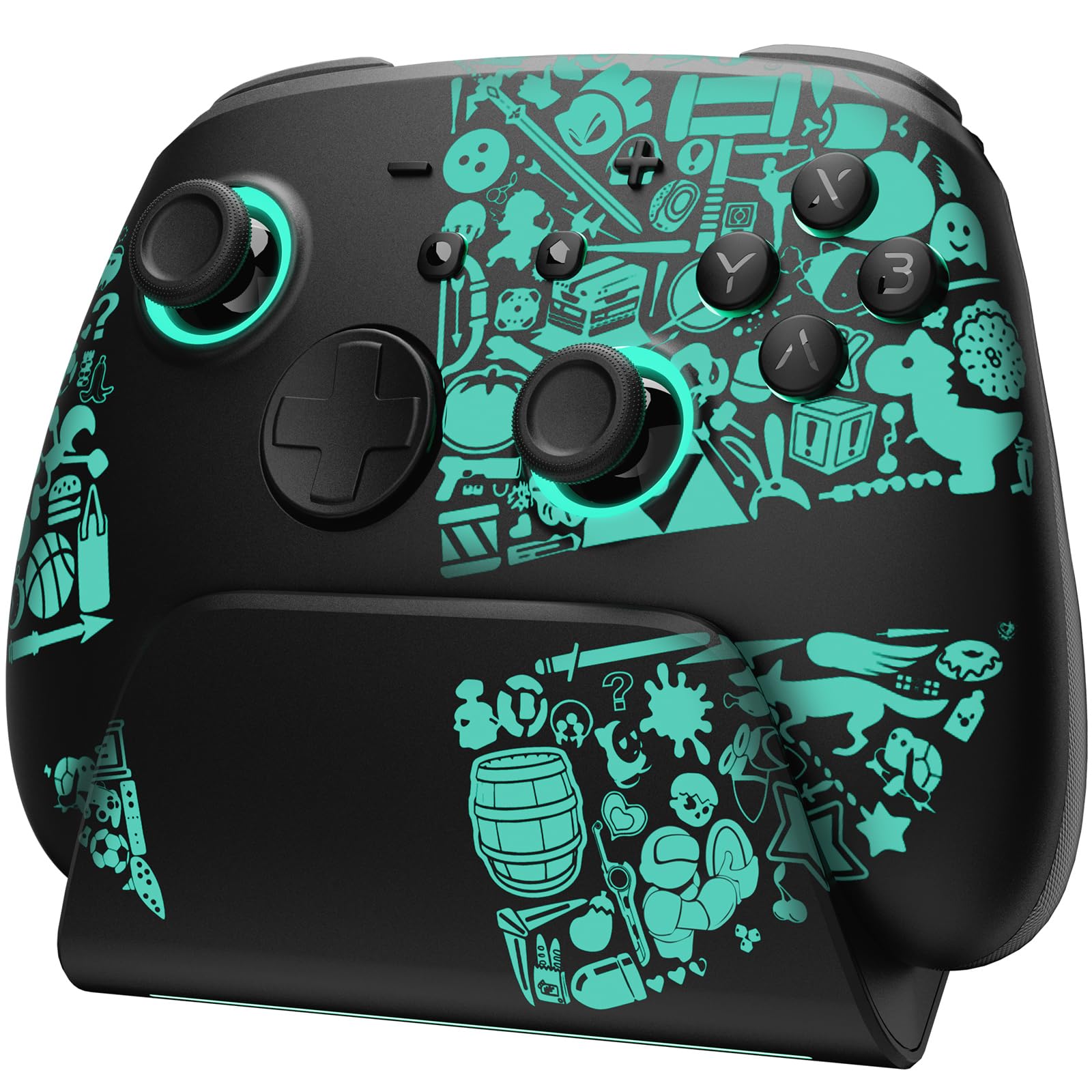
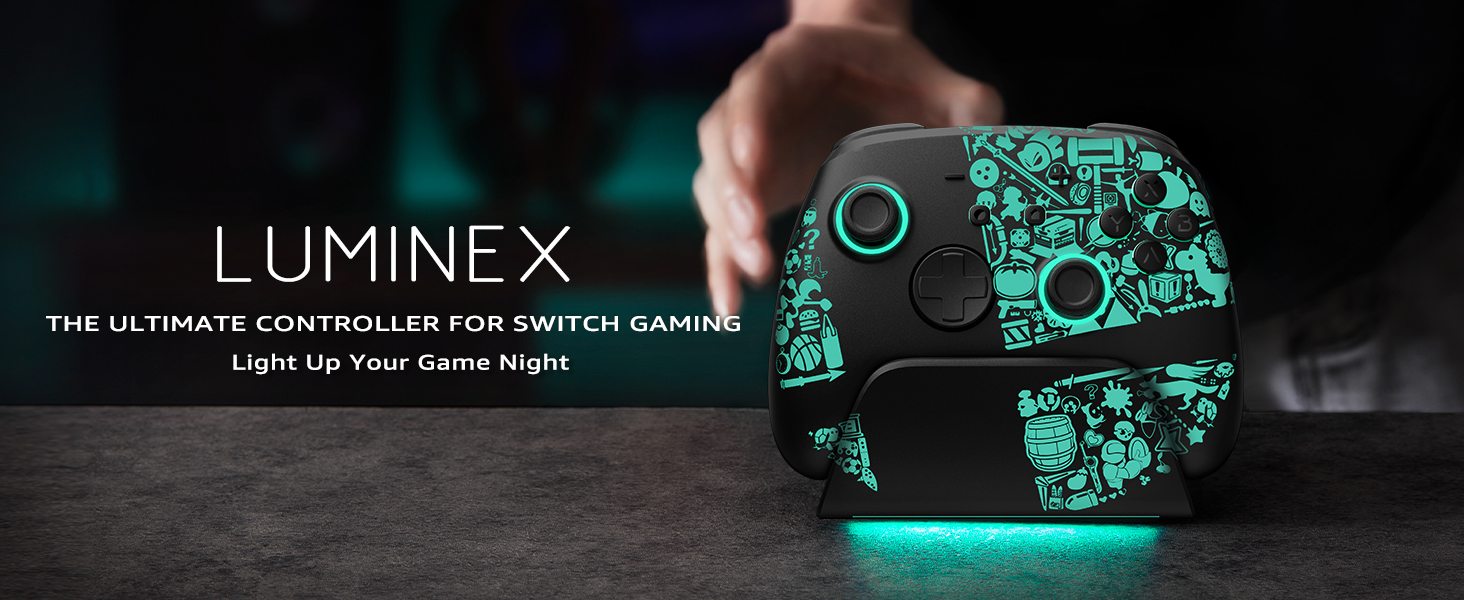
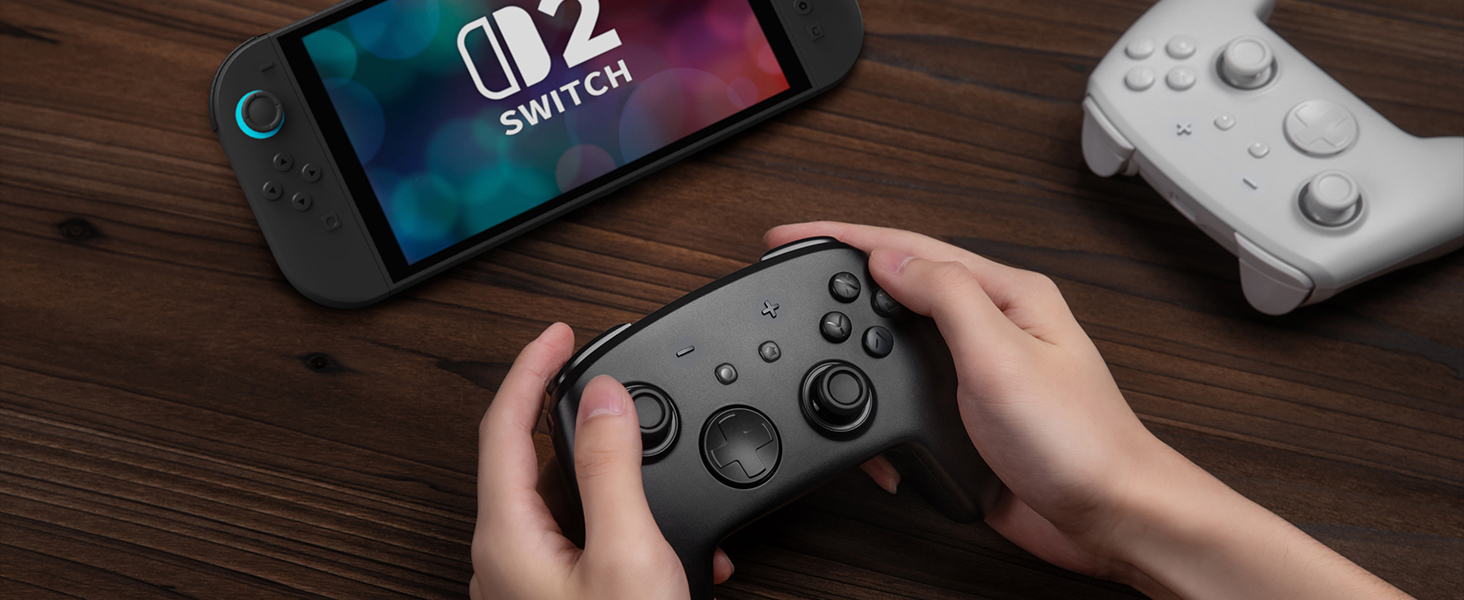
- Concealed RGB Lighting & Multi-functional Dock: Elevate your gaming setup with the switch 2 pro controller and charging dock featuring hidden 60-LED lighting (7 colors, 3 modes). Customize ambiance while the dock seamlessly syncs with the controller’s RGB effects and charges your switch controller with charging dock for uninterrupted gameplay.
- Hall Effect Joystick for Precision: The switch pro controller utilizes hall effect sensors for ultra-responsive, drift-free control. Enjoy pinpoint accuracy in competitive games, backed by durable performance and zero mechanical wear for long-lasting reliability.
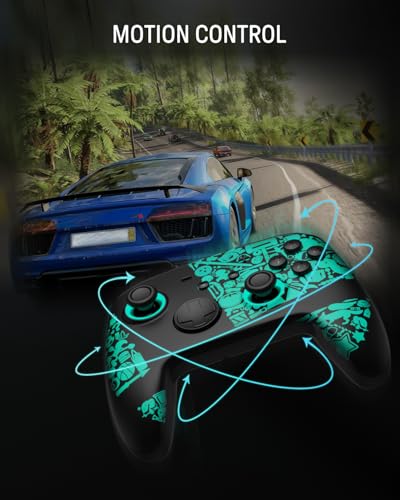
- Turbo & Macro Customization: Personalize gameplay with adjustable turbo function and programmable macros. Optimize complex actions on your hall effect switch 2 controller for enhanced flexibility and efficiency in any game.
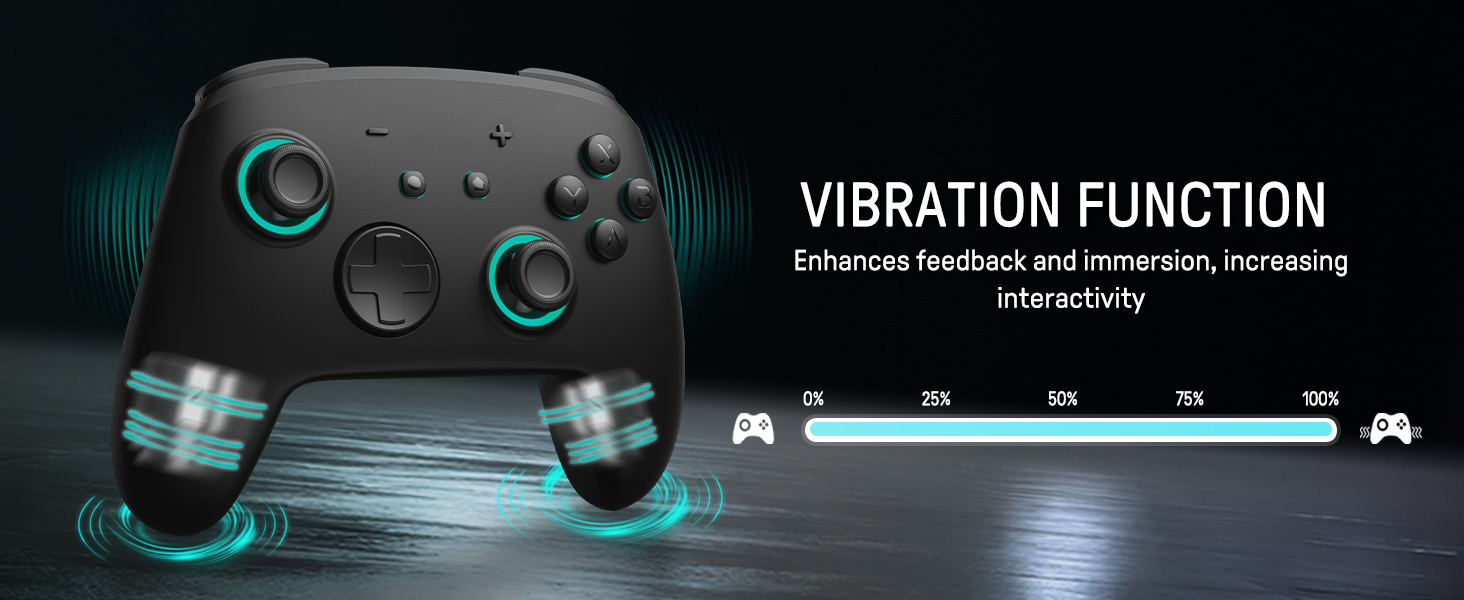
- Smart App-Link Connectivity: Connect the wireless switch controller with charging dock to the dedicated app for remapping buttons, adjusting joystick sensitivity, controlling motors, customizing LED modes, and setting auto-shutdown timers.
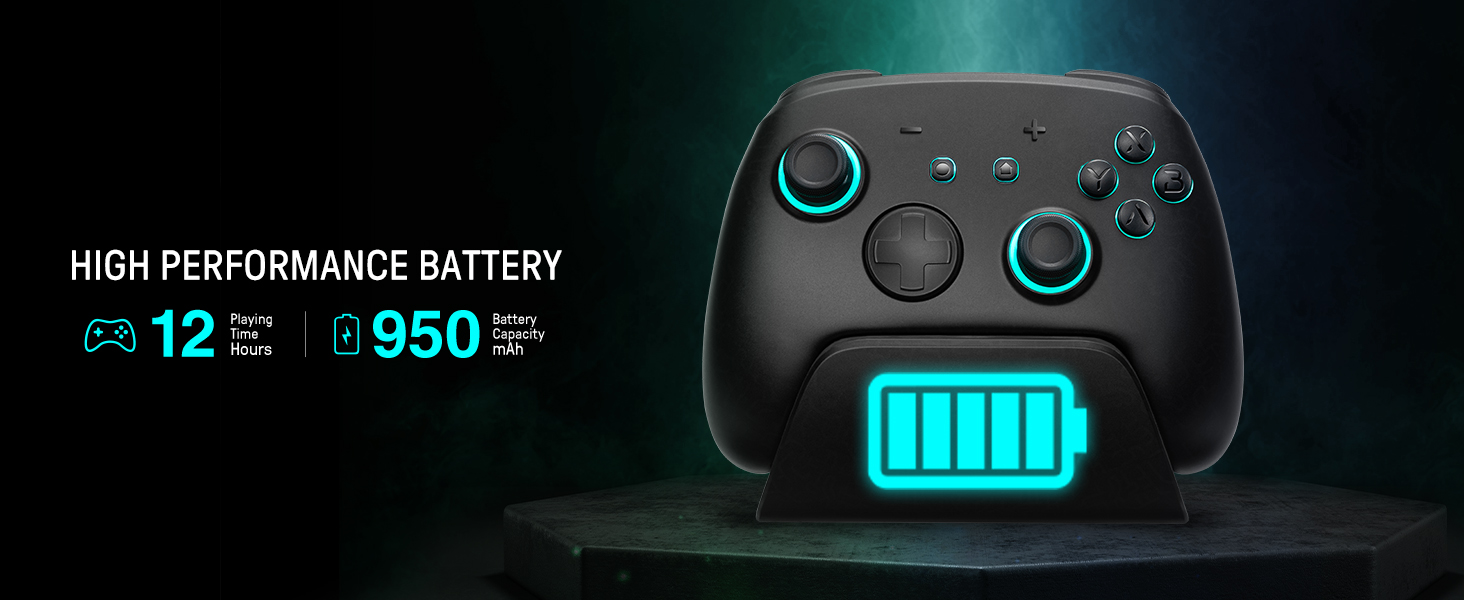
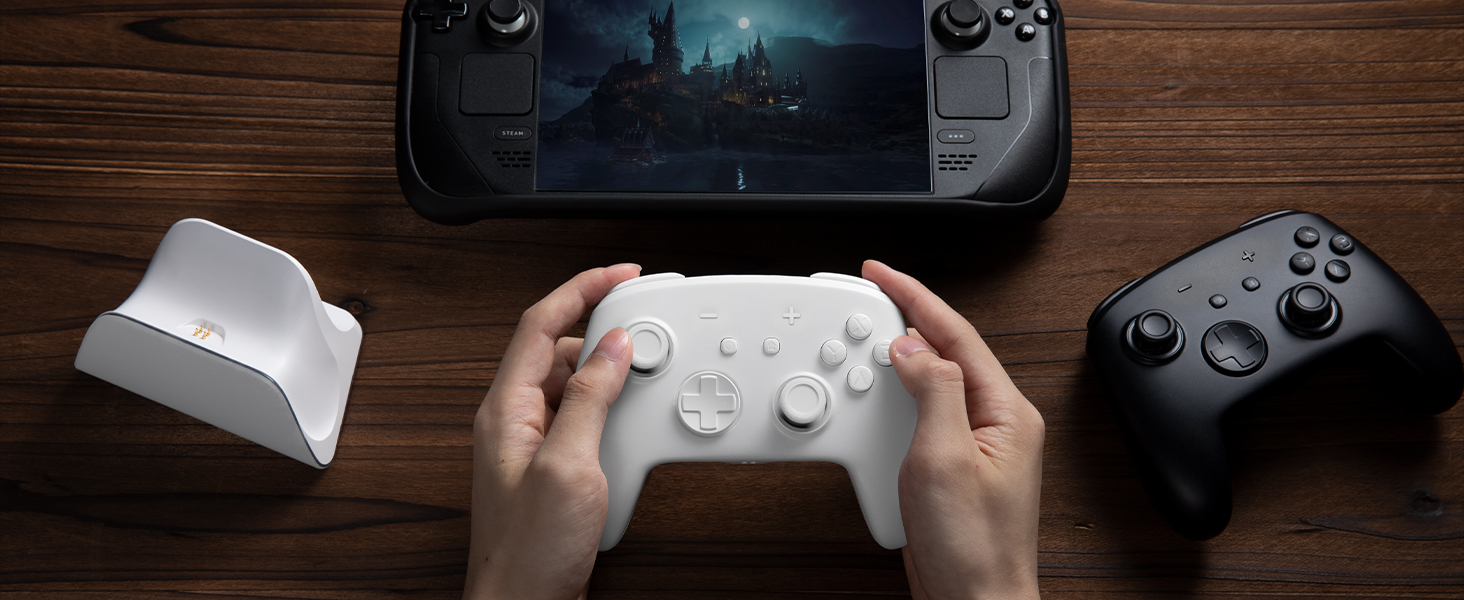
- Seamless Charging & Enhanced Experience: The multi-functional charging dock not only charges your switch pro controller instantly but also doubles as a stylish display stand. Keep your pro controller switch powered and ready while amplifying your gaming atmosphere with synchronized lighting.

| SKU: | B0F8TZXM34 |
Product Description
Play It, Light It Up!
The video showcases the product in use.The video guides you through product setup.The video compares multiple products.The video shows the product being unpacked.Play It, Light It Up!
Merchant videoTap, Glow, and Fight!
The video showcases the product in use.The video guides you through product setup.The video compares multiple products.The video shows the product being unpacked.Tap, Glow, and Fight!
Merchant videoAlways Ready To Play!
The video showcases the product in use.The video guides you through product setup.The video compares multiple products.The video shows the product being unpacked.Always Ready To Play!
Merchant videoDiscover your Favorite Color Scheme.
The video showcases the product in use.The video guides you through product setup.The video compares multiple products.The video shows the product being unpacked.Discover your Favorite Color Scheme.
Merchant video

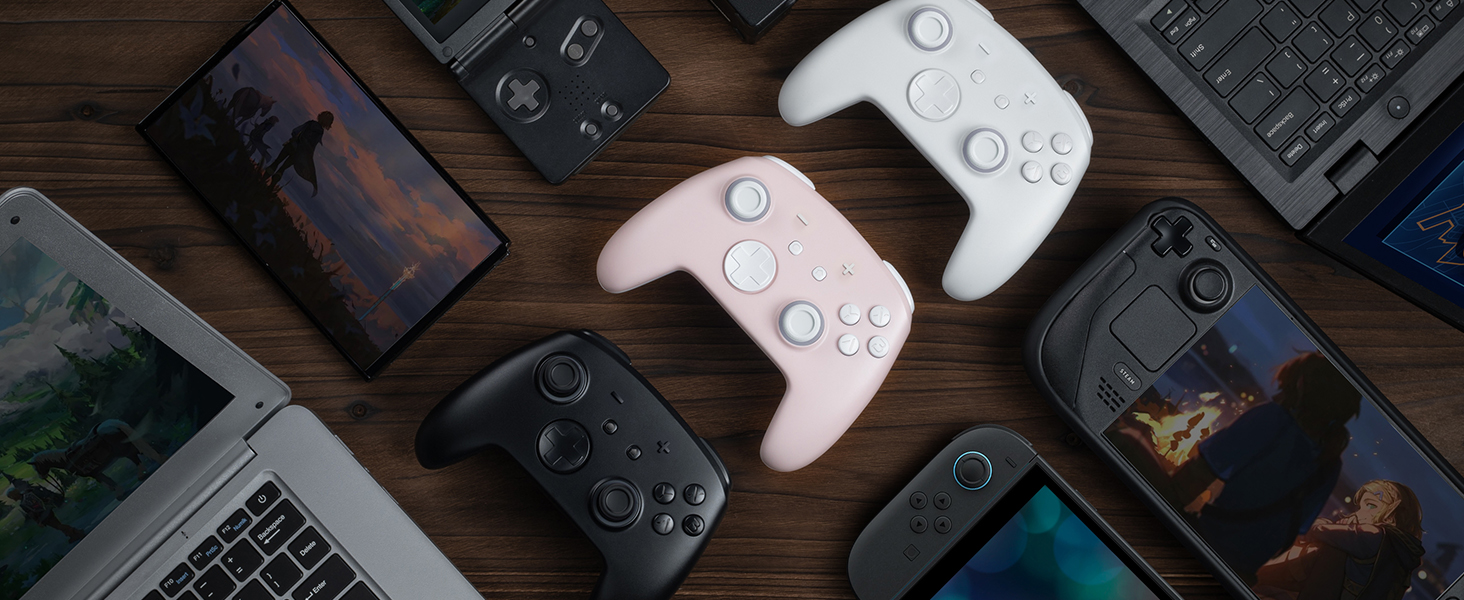
For Standard Switch/Switch 2/OLED/Lite
For Phones
For PC
For Steamdeck
For Switch
Standard Switch/Switch OLED/Lite
Switch 2
For Phones
Android – 6.0 and above
iOS – 13.3 and above
For PC
Windows XP and above
For Steamdeck
SteamOS Holo 3.4 and above
Connection Method Instruction
From the HOME Menu, select Controllers, then Change Grip and Order.
Press and hold Y + HOME for 3 seconds and 4 LED lights flash quickly. The LED(s) becoming stable, pairing finishes.
If you are not connecting for the first time, you can click HOME Button to connect successsfully.
The video showcases the product in use.The video guides you through product setup.The video compares multiple products.The video shows the product being unpacked.connect the controller to switch
Merchant videoCharging Instruction
Plug in the charger dock and place the switch pro controller on the dock to charge
The video showcases the product in use.The video guides you through product setup.The video compares multiple products.The video shows the product being unpacked.Charging Instruction
Merchant videoLight Control Instruction
Turn on the light: Press HOME Button.
Turn off the light: Press and hold Light Button for 3 seconds.
Change the Light Color: Press Light Button. Colors will change each time you press Light Button. Change the Lighting Mode: Press Light Button + “⊕”: 1st: Breathing light mode; 2st: Quick flash mode; 3st: Vibration light mode.
If the controller is not connected to the console, press Home Button and the LED pattern will be illuminated.
The video showcases the product in use.The video guides you through product setup.The video compares multiple products.The video shows the product being unpacked.Adjustable LED Colors and Light Modes
Merchant videoTurbo Function Instruction
Press and hold “T” Button + one of the Function Button (A/B/X/Y/L/R/ZL/ZR/D-pad Button).
1st: Manual TURBO Function (Press and hold to launch continuously).
2st: Automatic TURBO Function (Automatically continuous launch).
3st: Clear TURBO Function.
The video showcases the product in use.The video guides you through product setup.The video compares multiple products.The video shows the product being unpacked.Adjustable Turbo Function
Merchant videoMapping Function Instruction
Press and hold “MR” Button, then input the single button (A/B/X/Y/L/R/ZL/ZR/+/-/D-pad Button and L/R joysticks) you want to map;
The controller will have the vibration cue after loosing “MR” Button, and then press “XR” Button to trigger Programmable Buttons.
The mapping function can also be achieved by using the ML Button as described above.)
The video showcases the product in use.The video guides you through product setup.The video compares multiple products.The video shows the product being unpacked.Assign Button Function
Merchant video
How do I make this pure color switch pro controller show the exquisite pattern?
The first time you receive the controller without being connected to your console, you can press the Home button to active it. Then you can see its unique pattern.
Why does the pattern still not appear after pressing the Home button of this controller?
Check whether it is in either of the following conditions:
A.Out of power. Solution: Charge the controller and then press the Home button again.
B.In light off mode. Solution: Press Light Button and “+” Button to switch the lighting mode.
How to change the LED colors and the lighting modes?
A.Press Light Button:Always-on Mode.
B.Press Light and “+” Button:
1st:breathing light mode; 2nd:quick flash mode; 3rd:vibration lighting mode
C.Light Off Mode:Press and hold Light Button for 3s.
D.Colors will change each time you press Light Button.
What are the advantages of the hall effect joystick?
A. No drift: No mechanical wear, no drift, stable and precise.
B. Long life: Non – contact, no friction or wear, no long – term issues.
C. Sensitive response: Fast, accurate, little delay, better experience.
How to calibrate the joystick of this switch gamepad?
A.HOME Menu – System Settings – Scroll down the menu on the left-hand side – Select Controllers and Sensors.
B.Select Calibrate Control Sticks – Tilt the joystick that you want to calibrate.
C.Follow the on-screen prompts to verify the joystick.