PALPOW Switch Pro Controller, Wireless Switch Controller
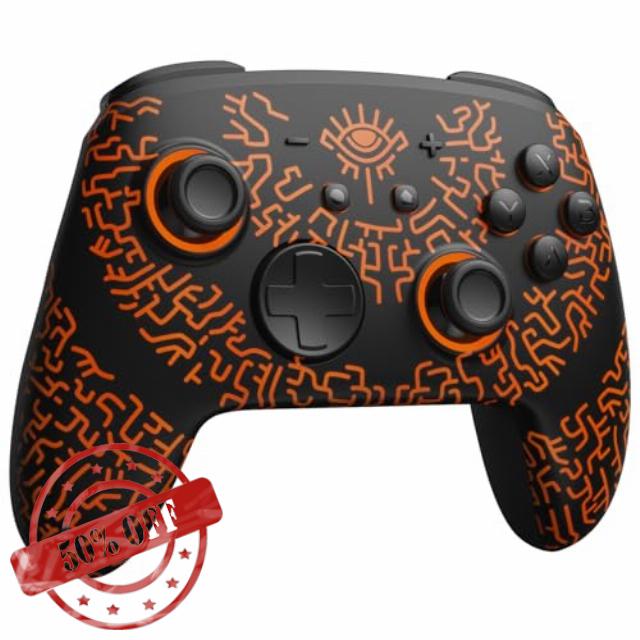
PALPOW Switch Pro Controller, Wireless Switch Controller Compatible with Switch 2/OLED/Lite, Firefly LED Bluetooth Gamepad with NFC/7 RGB Colors/Back Buttons/Turbo/Motion Control – Miner black
Tap, Glow, and Venture!
The video showcases the product in use.The video guides you through product setup.The video compares multiple products.The video shows the product being unpacked.Light Up with HOME
Merchant videoDark Mystery, Luminous Play!
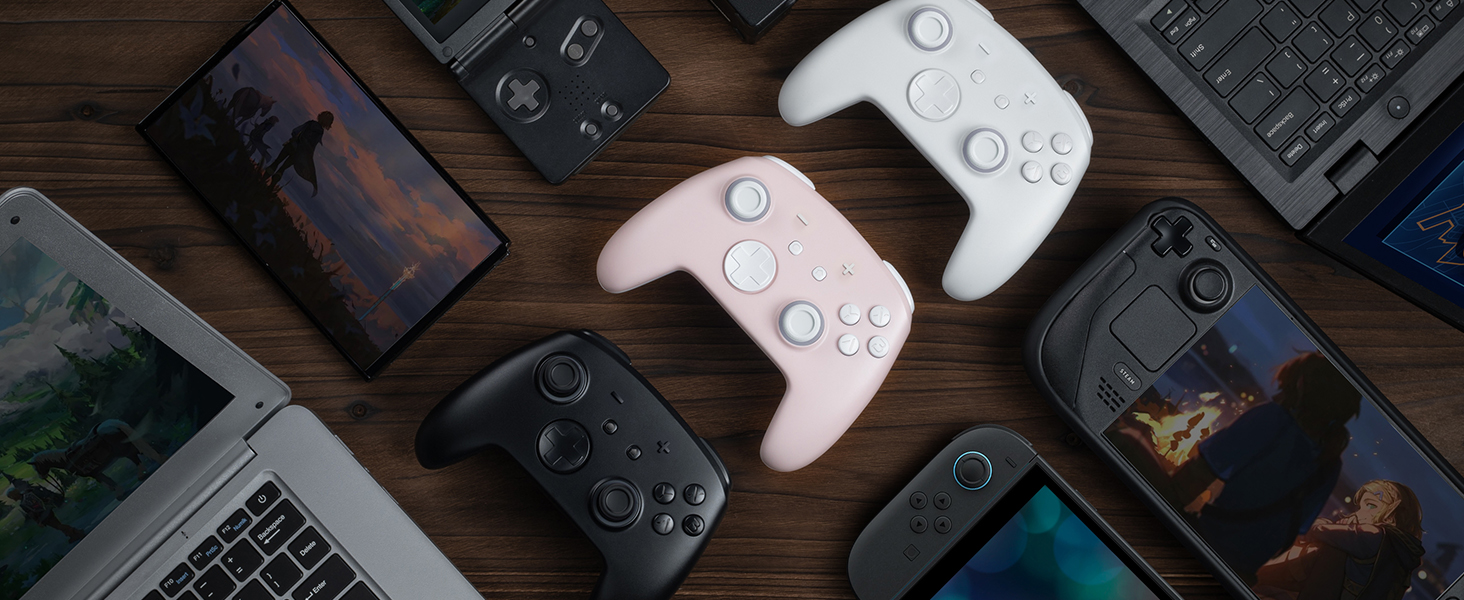
More Compatibility, More Choices
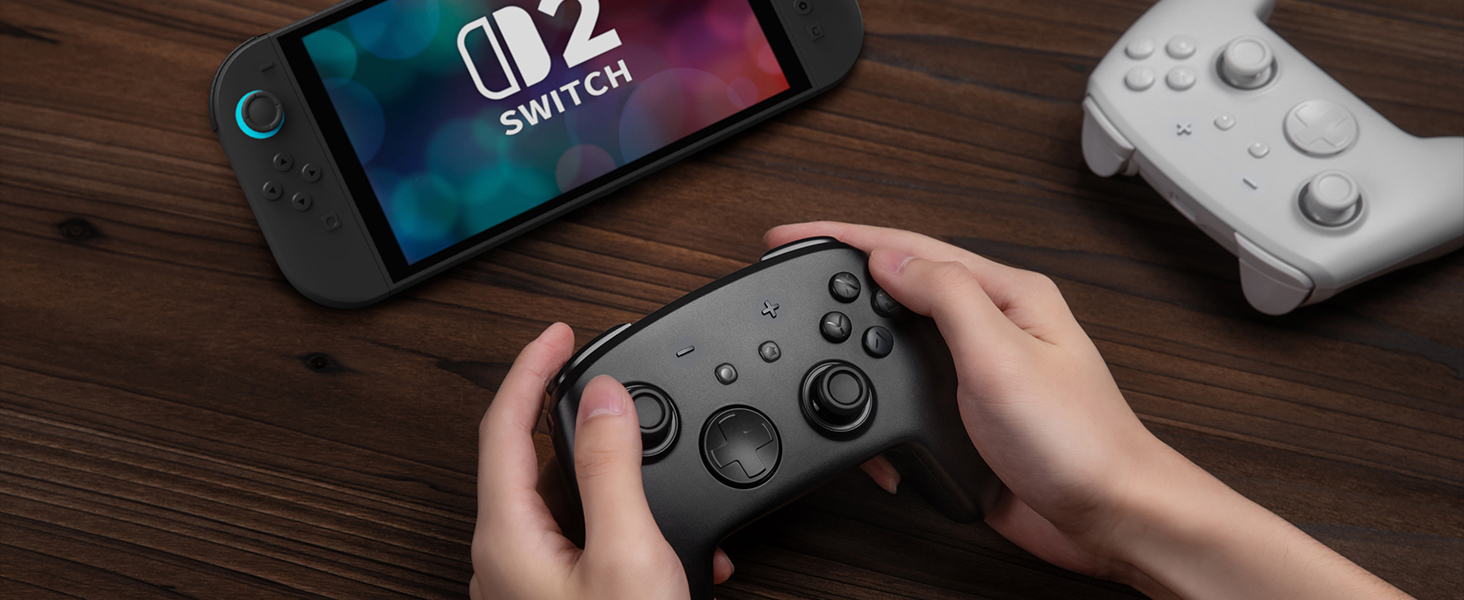
For Standard Switch/Switch 2/OLED/Lite
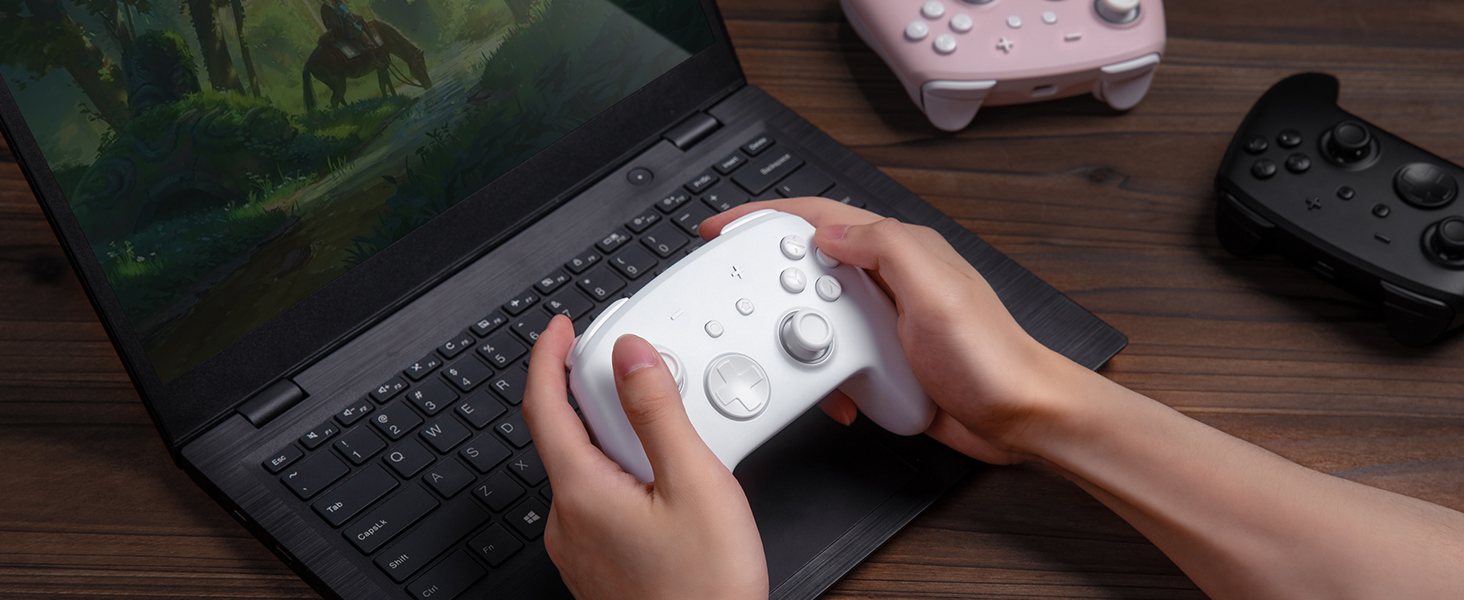
For Phones
For PC
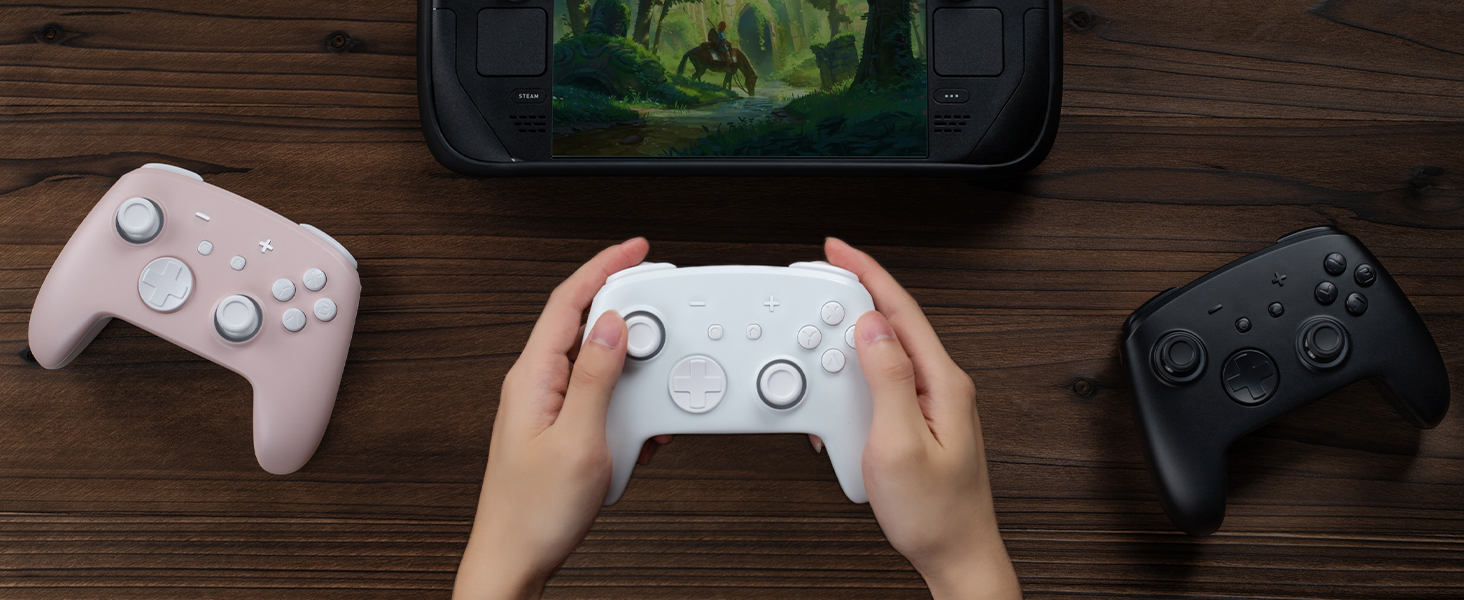
For Steamdeck
For Switch
Standard Switch/Switch OLED/Lite
Switch 2
For Phones
Android – 6.0 and above
iOS – 13.3 and above
For PC
Windows
Windows XP and above
For Steamdeck
Steamos
SteamOS Holo 3.4 and above
Connection Method Instruction
From the HOME Menu, select Controllers, then Change Grip and Order.
Press and hold Y + HOME for 3 seconds and 4 LED lights flash quickly. The LED(s) becoming stable, pairing finishes.
If you are not connecting for the first time, you can click HOME Button to connect successsfully.
The video showcases the product in use.The video guides you through product setup.The video compares multiple products.The video shows the product being unpacked.connect the controller to switch
Merchant videoTurbo Function Instruction
Press and hold “T” Button + one of the Function Button (A/B/X/Y/L/R/ZL/ZR/D-pad Button).
1st: Manual TURBO Function (Press and hold to launch continuously).
2st: Automatic TURBO Function (Automatically continuous launch).
3st: Clear TURBO Function.
The video showcases the product in use.The video guides you through product setup.The video compares multiple products.The video shows the product being unpacked.Adjustable Turbo Function
Merchant videoLight Control Instruction
Turn on the light: Press Light Button.
Turn off the light: Press and hold Light Button for 3 seconds.
Change Mode: Press Light Button + “⊕”: 1st: Breathing light mode; 2st: Quick flash mode; 3st: Vibration light mode.
If the controller is not connected to the console, press Home Button and the LED pattern will be illuminated.
The video showcases the product in use.The video guides you through product setup.The video compares multiple products.The video shows the product being unpacked.Adjustable LED Colors and Light Modes
Merchant videoMapping Control Instruction
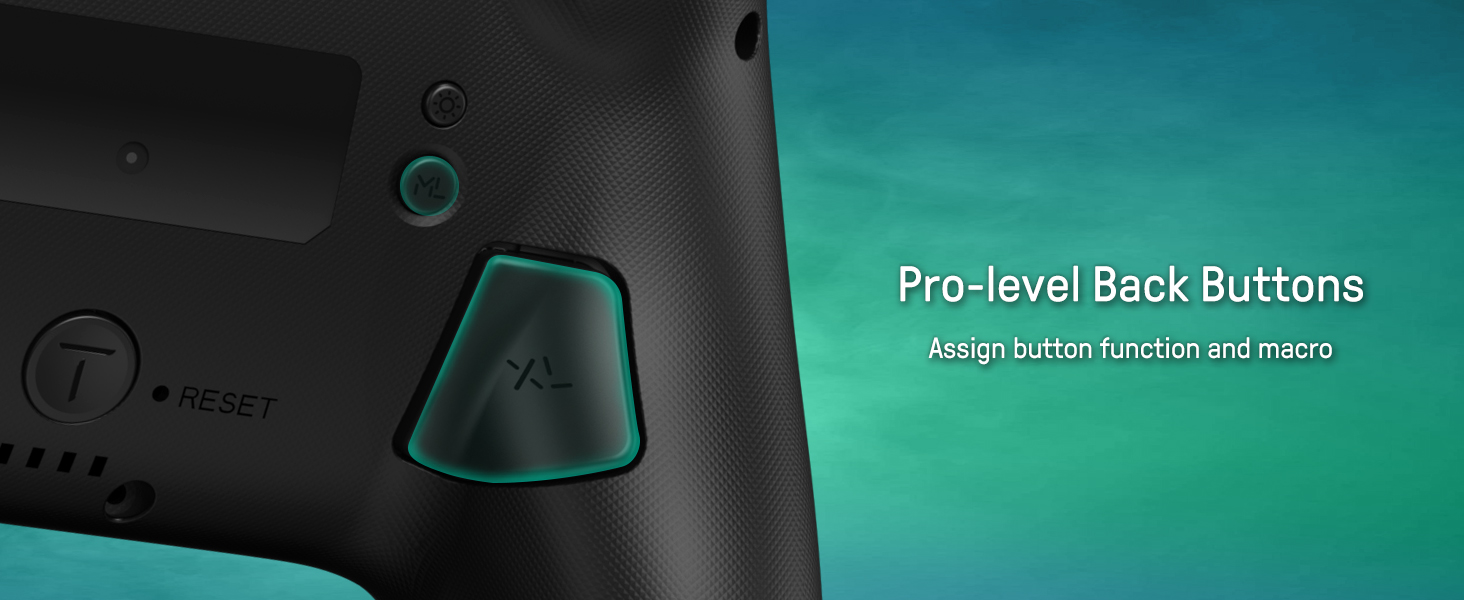
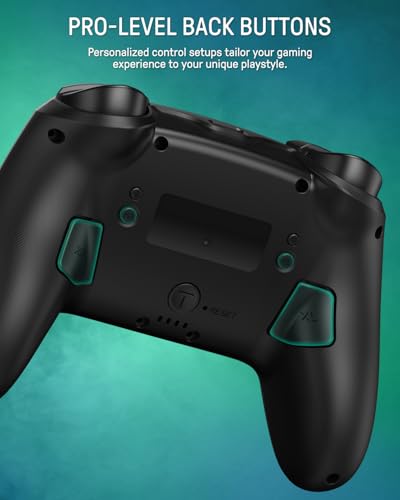
Press and hold “MR” Button, then input the single button (A/B/X/Y/L/R/ZL/ZR/+/-/D-pad Button and L/R joysticks) you want to map;
The controller will have the vibration cue after loosing “MR” Button, and then press “XR” Button to trigger Programmable Buttons.
The mapping function can also be achieved by using the ML Button as described above.
The video showcases the product in use.The video guides you through product setup.The video compares multiple products.The video shows the product being unpacked.Assign Button Function
Merchant video
How do I make this pure color switch pro controller show the exquisite pattern?
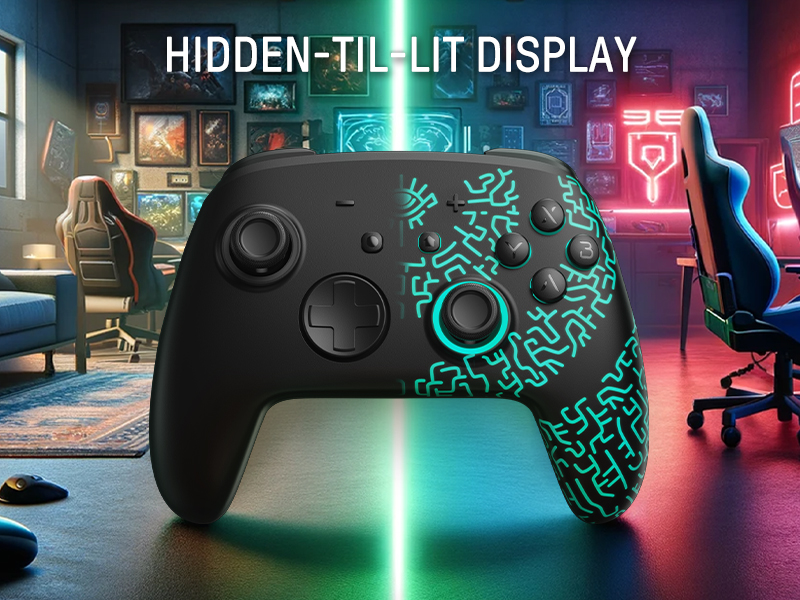
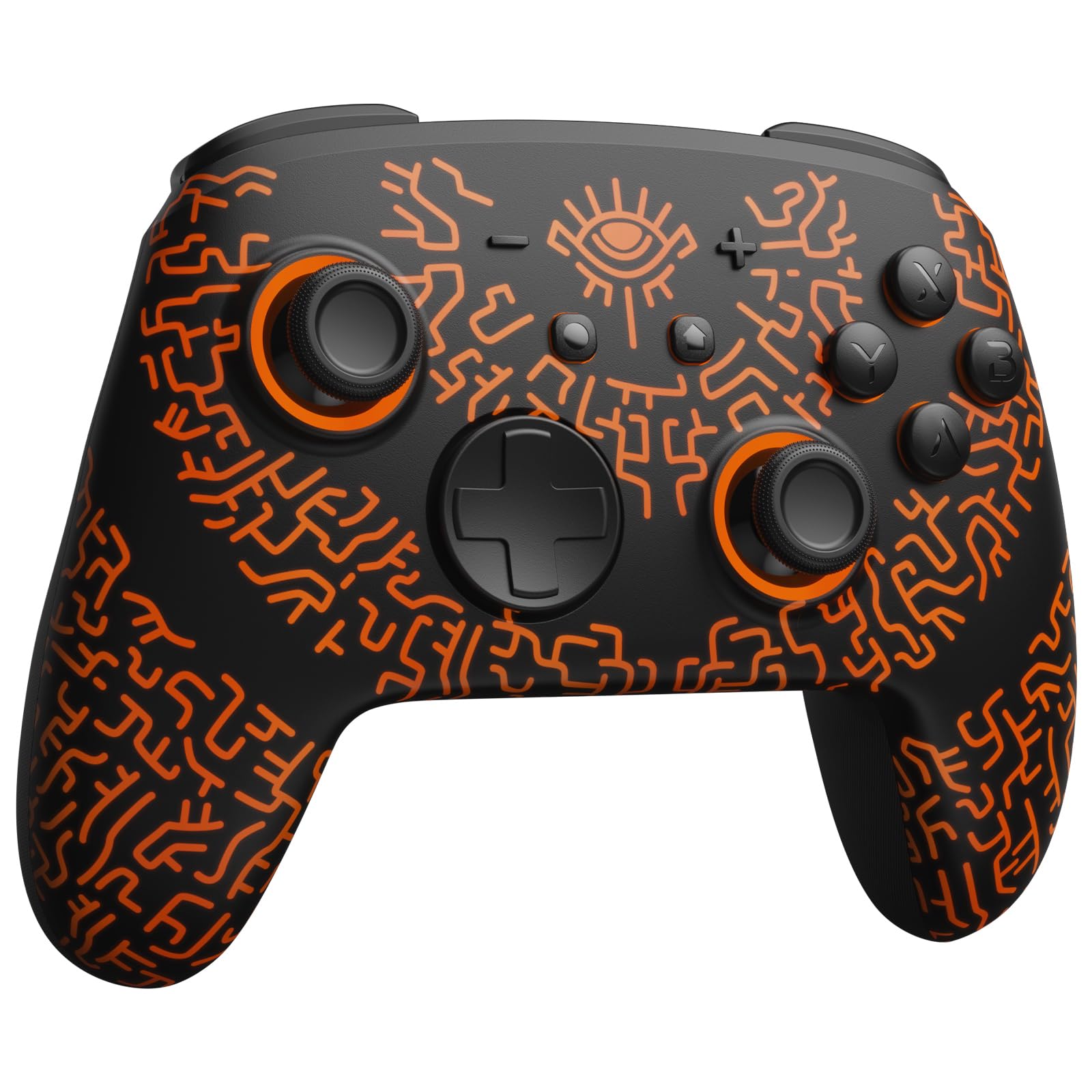
The first time you receive the controller without being connected to your console, you can press the Home button to active it. Then you can see its unique pattern.
Why does the pattern still not appear after pressing the Home button of this controller?
Check whether it is in either of the following conditions:
A.Out of power. Solution: Charge the controller and then press the Home button again.
B.In light off mode. Solution: Press Light Button and "+" Button to switch the lighting mode.
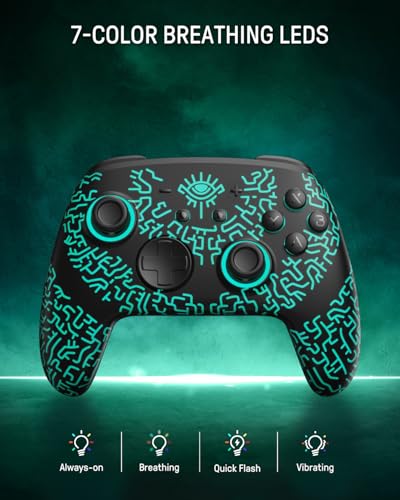
How to change the LED colors and the lighting modes?
A.Press Light Button:Always-on Mode.
B.Press Light and "+" Button:
1st:breathing light mode; 2nd:quick flash mode; 3rd:vibration lighting mode
C.Light Off Mode:Press and hold Light Button for 3s.
D.Colors will change each time you press Light Button.
How to calibrate the joystick of this switch gamepad?
A.HOME Menu – System Settings – Scroll down the menu on the left-hand side – Select Controllers and Sensors.
B.Select Calibrate Control Sticks – Tilt the joystick that you want to calibrate.
C.Follow the on-screen prompts to verify the joystick.
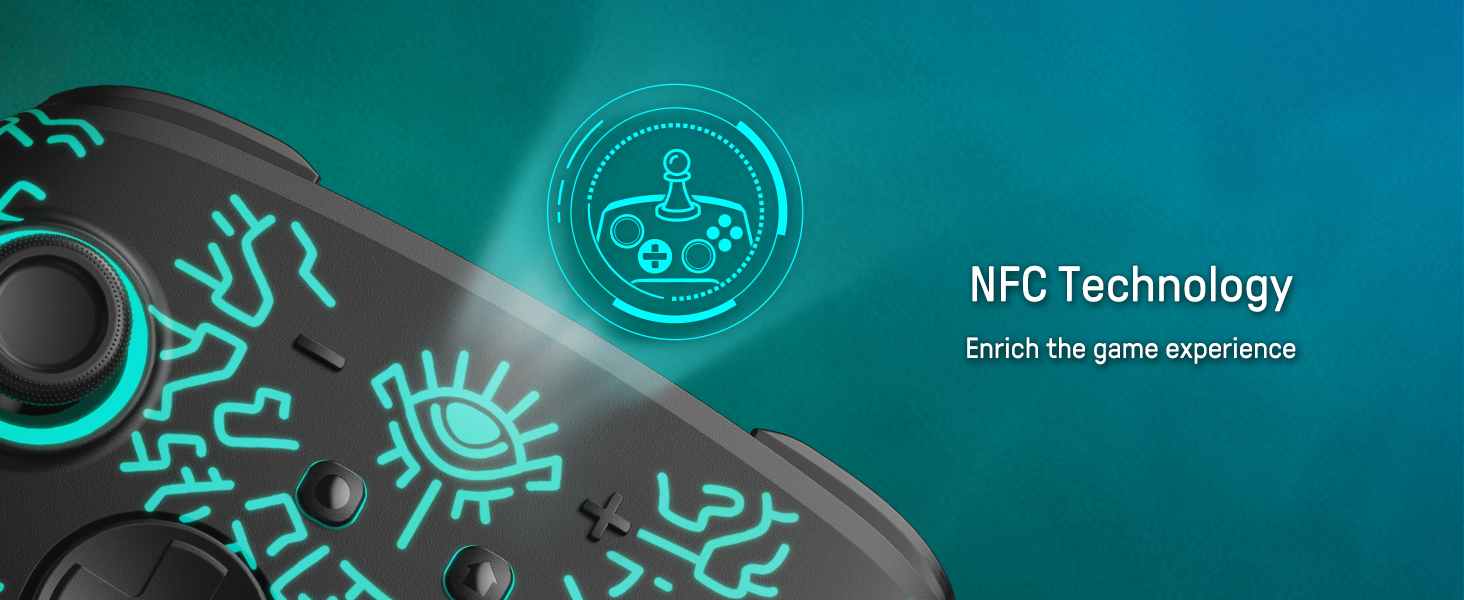
Does this wireless switch controller have NFC function?
Yes! Place figures and cards on the top of this switch gamepad, and you can get fun rewards. Such interactions will give you a more immersive gaming experience!
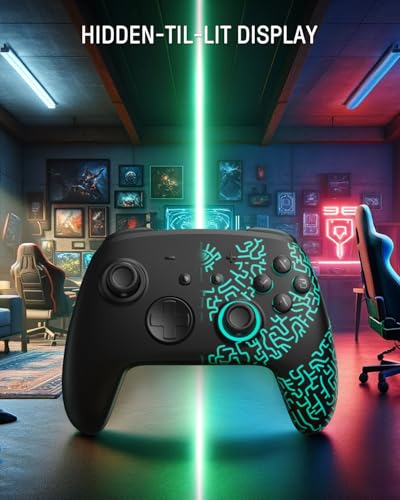
- Hidden-til-lit Display: This switch 2 pro controller features a seamless hidden-til-lit design that transforms from a pure white surface to vibrant illuminated patterns when activated. With 7 customizable LED colors and 4 dynamic modes (breathing, quick flash, vibrating, and always-on), it creates an immersive gaming atmosphere for your wireless switch controller experience
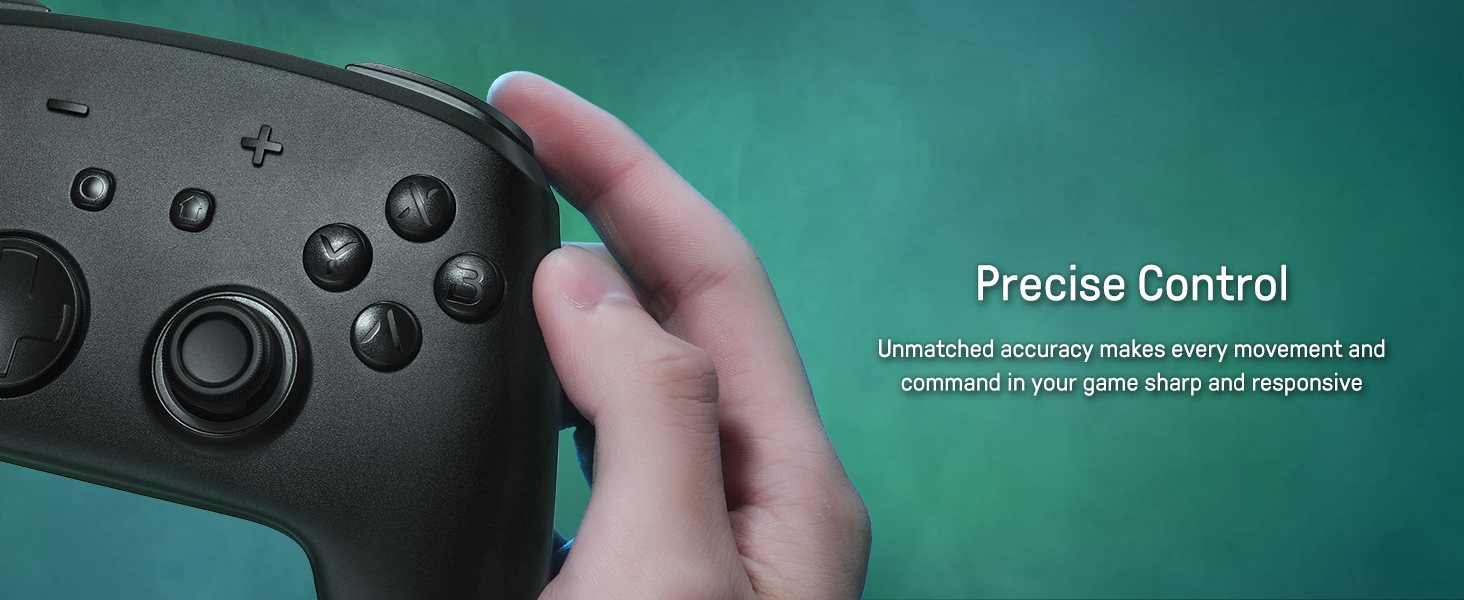
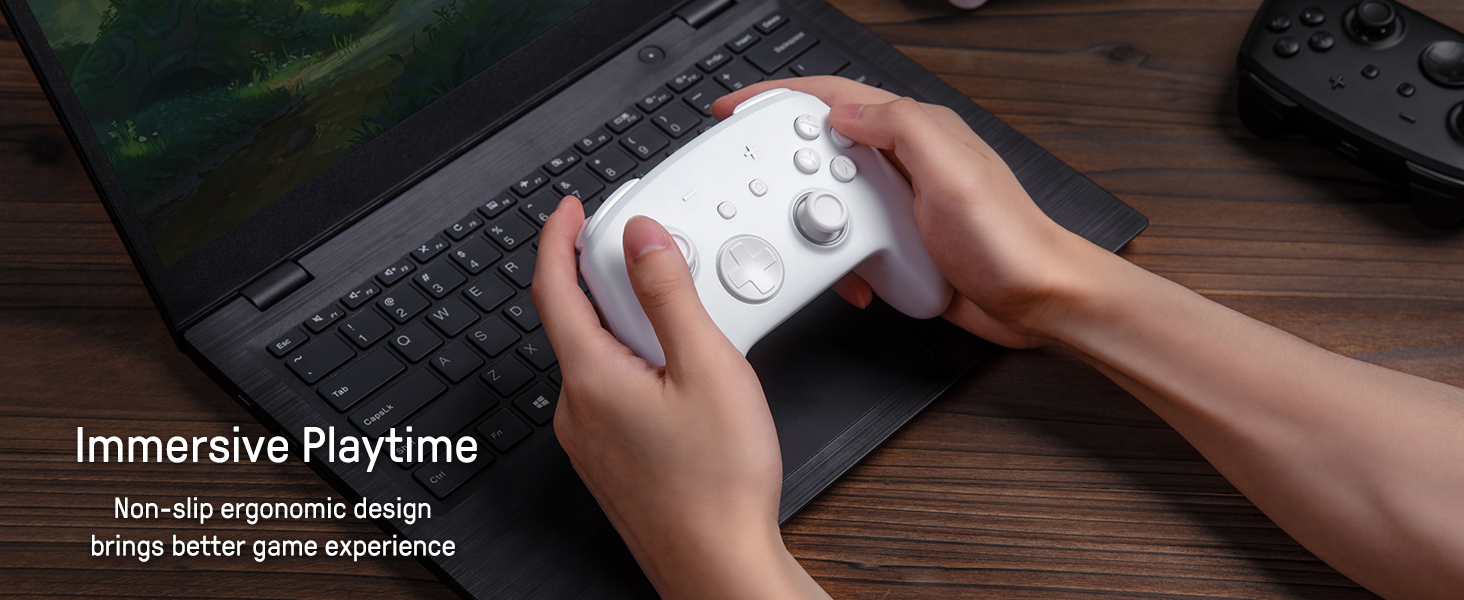
- Programmable Back Paddle Buttons: Customize your playstyle with mappable back paddles on this wireless switch controller. Designed for hardcore gamers, the ergonomic buttons enhance tactical control and adapt to diverse gaming scenarios, from FPS battles to RPG adventures
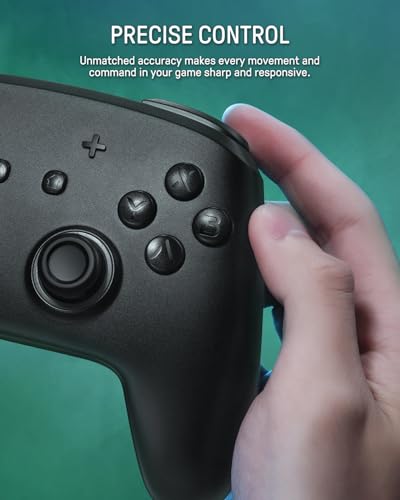
- Motion Control & Turbo Functionality: Experience next-level responsiveness with built-in gyro sensing and rapid-fire turbo modes. The switch pro controller supports continuous action execution, ideal for shooting games, flight simulators, and fast-paced combat titles
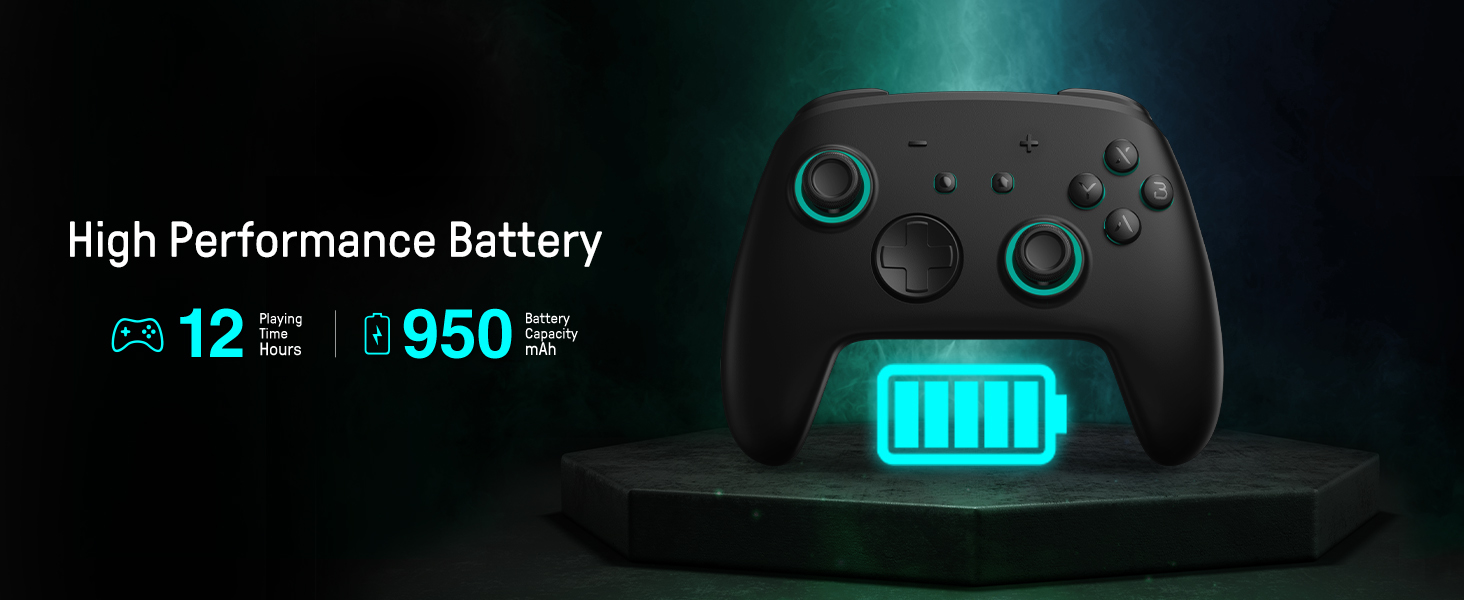
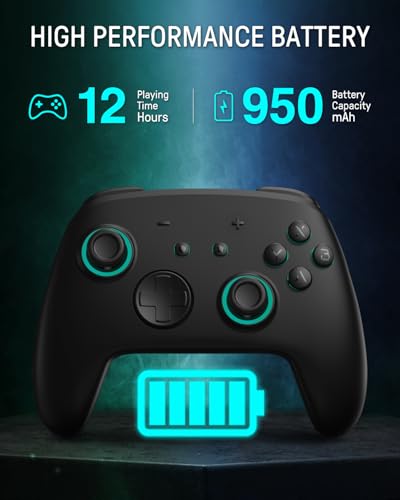
- Extended 12.5-Hour Battery Life: Powered by a 950mAh rechargeable battery, this switch 2 controller provides marathon gaming sessions up to 12.5 hours (LED off). Stay focused on victories without interruption from low-power warnings.
- NFC Function: Our switch turbo controller has the NFC function. Just use figures and cards through the corresponding operation, and you can get fun rewards. Such interactions will give you a more immersive gaming experience!

| SKU: | B0F8T5PCJ3 |
Product Description
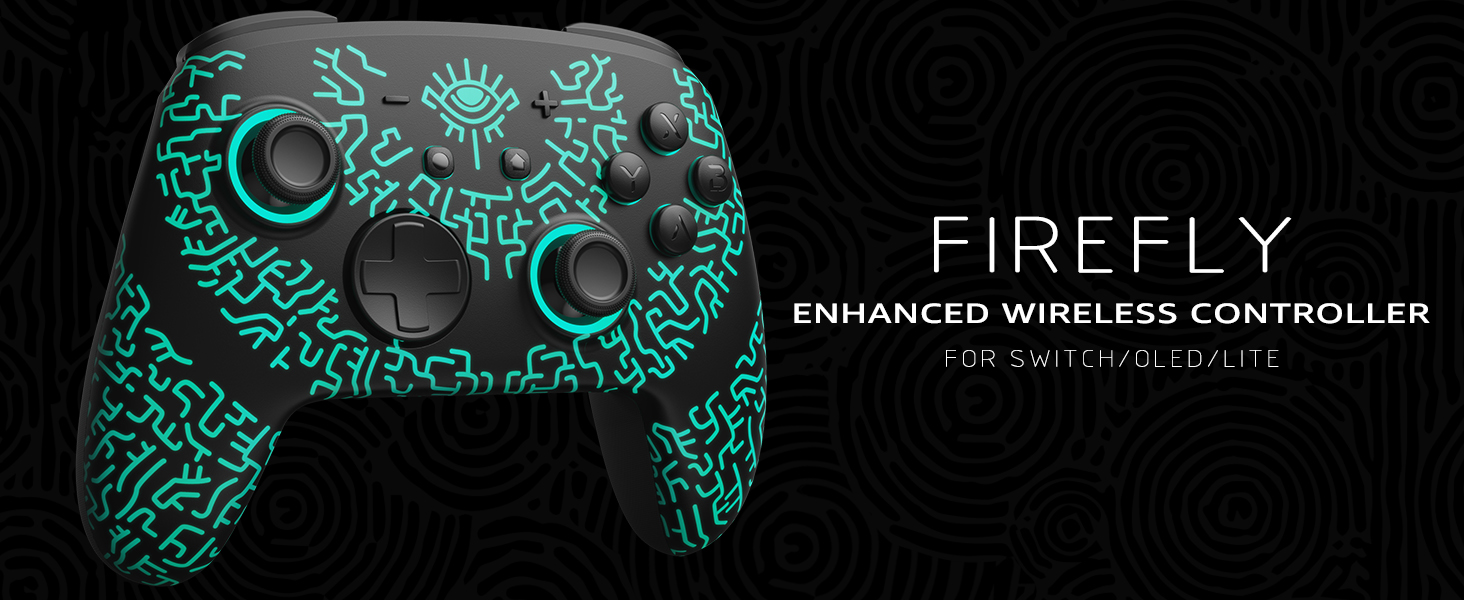
Tap, Glow, and Venture!
The video showcases the product in use.The video guides you through product setup.The video compares multiple products.The video shows the product being unpacked.Light Up with HOME
Merchant videoDark Mystery, Luminous Play!

For Standard Switch/Switch 2/OLED/Lite
For Phones
For PC
For Steamdeck
For Switch
Standard Switch/Switch OLED/Lite
Switch 2
For Phones
Android – 6.0 and above
iOS – 13.3 and above
For PC
Windows
Windows XP and above
For Steamdeck
Steamos
SteamOS Holo 3.4 and above

Connection Method Instruction
From the HOME Menu, select Controllers, then Change Grip and Order.
Press and hold Y + HOME for 3 seconds and 4 LED lights flash quickly. The LED(s) becoming stable, pairing finishes.
If you are not connecting for the first time, you can click HOME Button to connect successsfully.
The video showcases the product in use.The video guides you through product setup.The video compares multiple products.The video shows the product being unpacked.connect the controller to switch
Merchant videoTurbo Function Instruction
Press and hold “T” Button + one of the Function Button (A/B/X/Y/L/R/ZL/ZR/D-pad Button).
1st: Manual TURBO Function (Press and hold to launch continuously).
2st: Automatic TURBO Function (Automatically continuous launch).
3st: Clear TURBO Function.
The video showcases the product in use.The video guides you through product setup.The video compares multiple products.The video shows the product being unpacked.Adjustable Turbo Function
Merchant videoLight Control Instruction
Turn on the light: Press Light Button.
Turn off the light: Press and hold Light Button for 3 seconds.
Change Mode: Press Light Button + “⊕”: 1st: Breathing light mode; 2st: Quick flash mode; 3st: Vibration light mode.
If the controller is not connected to the console, press Home Button and the LED pattern will be illuminated.
The video showcases the product in use.The video guides you through product setup.The video compares multiple products.The video shows the product being unpacked.Adjustable LED Colors and Light Modes
Merchant videoMapping Control Instruction
Press and hold “MR” Button, then input the single button (A/B/X/Y/L/R/ZL/ZR/+/-/D-pad Button and L/R joysticks) you want to map;
The controller will have the vibration cue after loosing “MR” Button, and then press “XR” Button to trigger Programmable Buttons.
The mapping function can also be achieved by using the ML Button as described above.
The video showcases the product in use.The video guides you through product setup.The video compares multiple products.The video shows the product being unpacked.Assign Button Function
Merchant video
How do I make this pure color switch pro controller show the exquisite pattern?
The first time you receive the controller without being connected to your console, you can press the Home button to active it. Then you can see its unique pattern.
Why does the pattern still not appear after pressing the Home button of this controller?
Check whether it is in either of the following conditions:
A.Out of power. Solution: Charge the controller and then press the Home button again.
B.In light off mode. Solution: Press Light Button and “+” Button to switch the lighting mode.
How to change the LED colors and the lighting modes?
A.Press Light Button:Always-on Mode.
B.Press Light and “+” Button:
1st:breathing light mode; 2nd:quick flash mode; 3rd:vibration lighting mode
C.Light Off Mode:Press and hold Light Button for 3s.
D.Colors will change each time you press Light Button.
How to calibrate the joystick of this switch gamepad?
A.HOME Menu – System Settings – Scroll down the menu on the left-hand side – Select Controllers and Sensors.
B.Select Calibrate Control Sticks – Tilt the joystick that you want to calibrate.
C.Follow the on-screen prompts to verify the joystick.
Does this wireless switch controller have NFC function?
Yes! Place figures and cards on the top of this switch gamepad, and you can get fun rewards. Such interactions will give you a more immersive gaming experience!