Retro Games Console Built-in 20000+ Classic Games with 15

Retro Games Console Built-in 20000+ Classic Games with 15 Emulators, Plug & Play Game Console with 4K HD Output 2.4G Wireless Controllers Gamepad, for Kids Adults
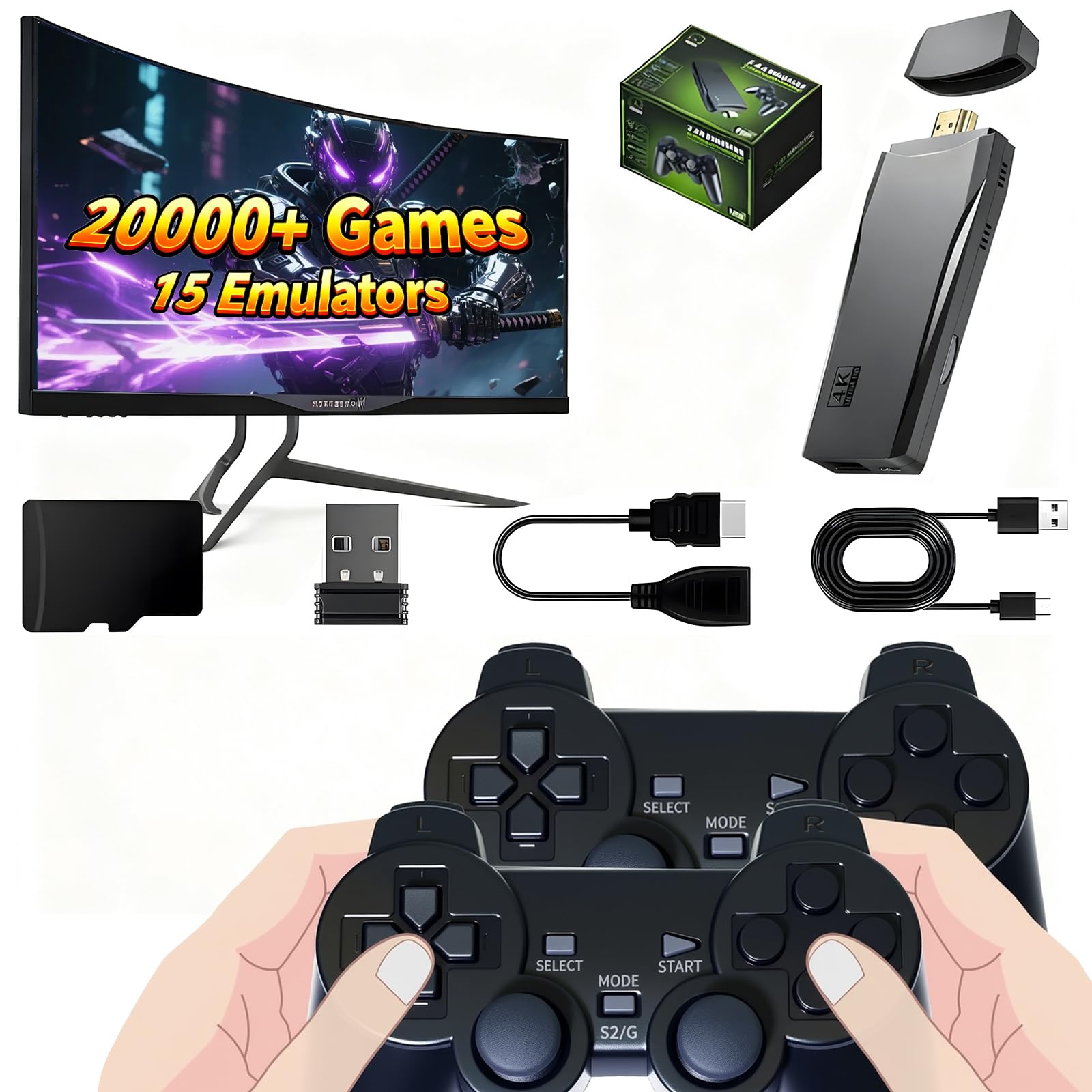
Retro Gaming Stick
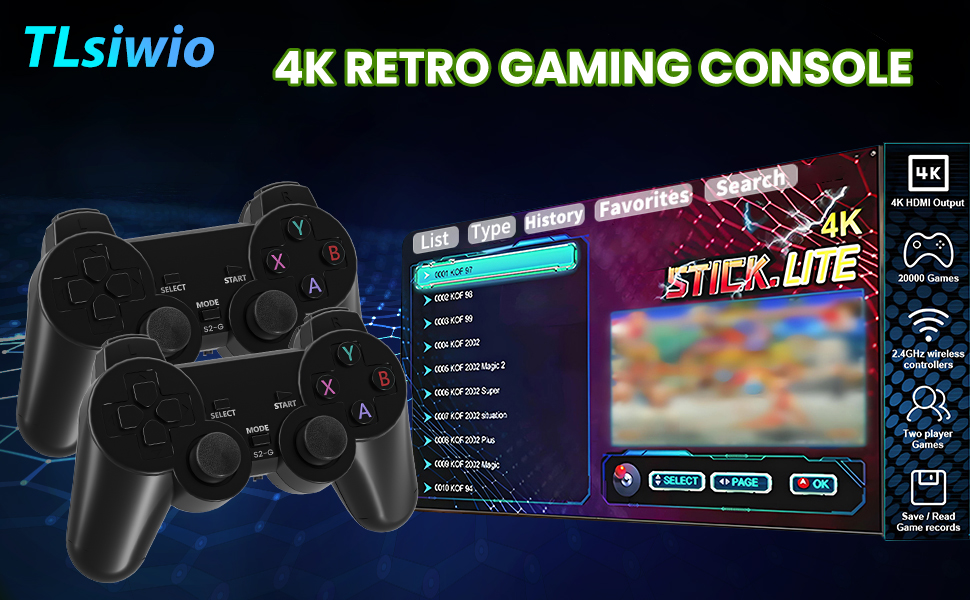
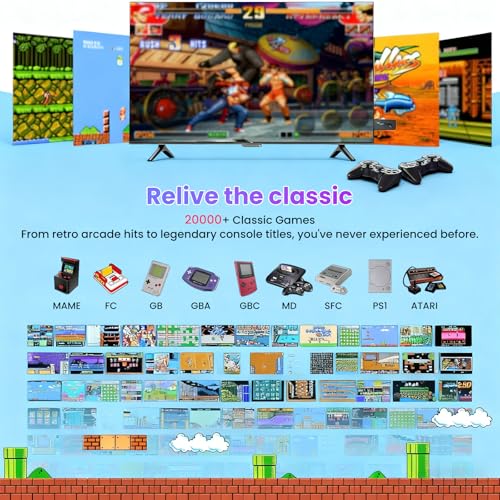
The retro game console allows you to relive classic games, evoking fond memories of your child-hood and teenage years.
How to Save Game Progress?
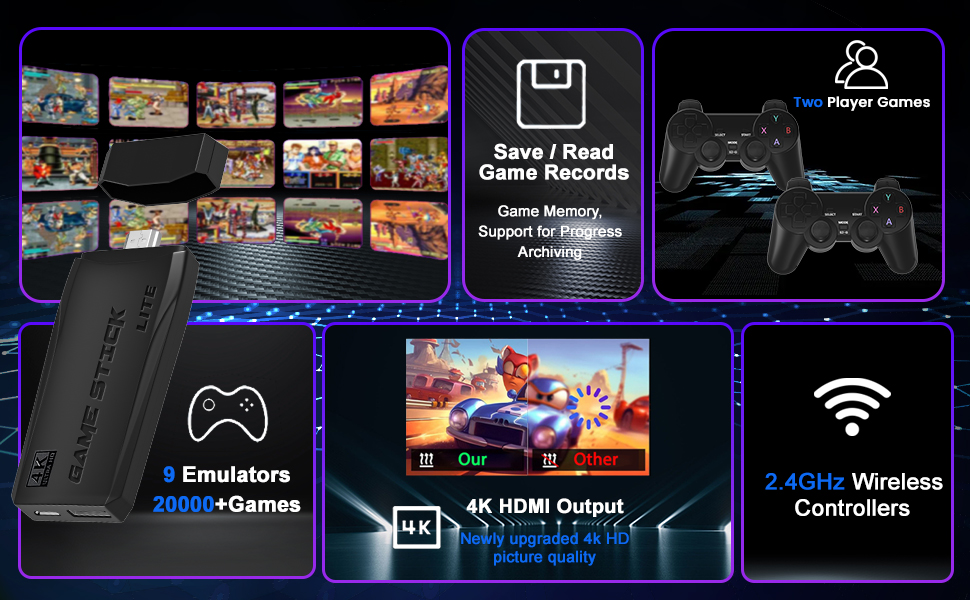
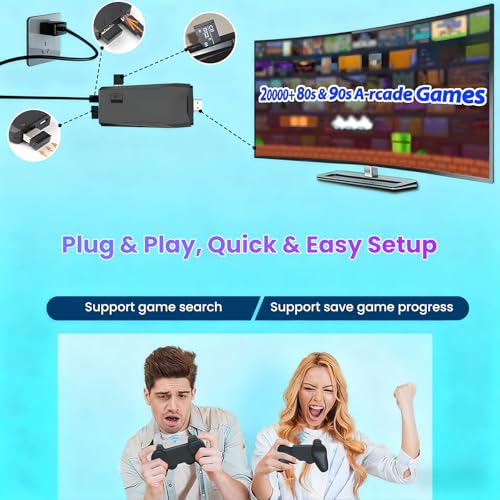
- Simultaneously press the "select" and "start" buttons. Then click on "Save Status". Afterwards, you can exit game.
- When you want to restore your position, enter the game and select "loading status" this time. It can work even after power cycling.
NOTE:
- When connecting a display device, be sure to select the corresponding HDMI input port as the signal source of the display;
- The wireless controller and the game stick are connected via Bluetooth. It is recommended to turn off other Bluetooth devices during the game to avoid signal interference;
- Please correctly connect the game stick and the display according to the product instructions and power the display.
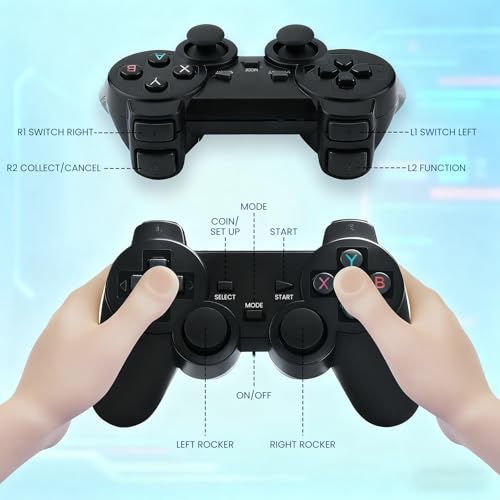
Wireless Game Controller Function Introduction:
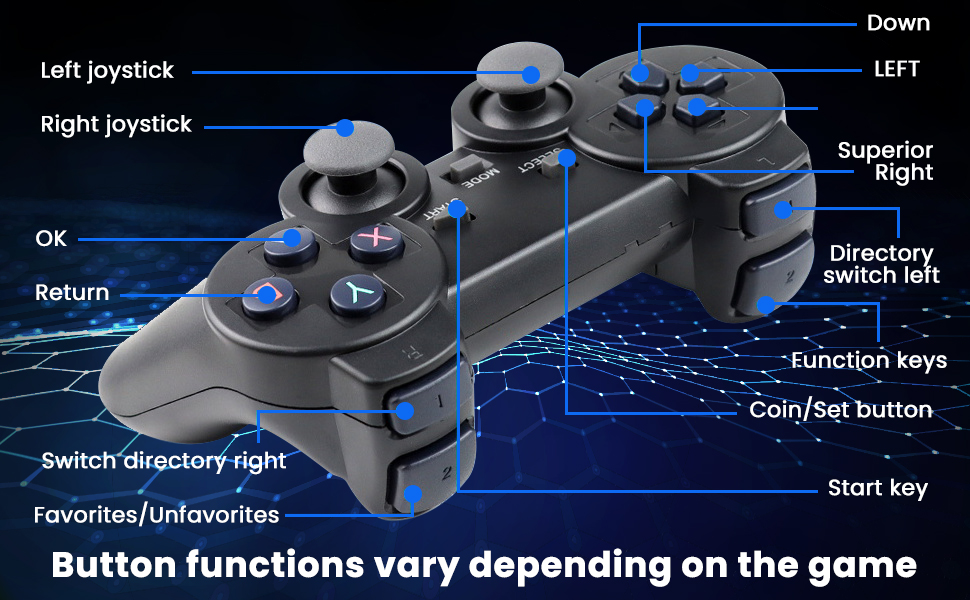
- Press the SELECT key to enter the system settings: you can set language, sound effects.
- Press SELECT key +START key: When you hold down the two keys in the game at the same time to return to the main menu, choose to quit the game enter the qame menu interface
- Press R1 and L1 to select the game mode
- Press R2 to save your favorite game (a five-pointed star appears behind the game name indicating succesful collection, press R2 again to cancel the collection and the five-pointed star will disappear).
- If some games show "insert coin", press the "Select" button to continue playing.
- Make sure the switch of the gamepad is turned on and the power light is always on.
- 【Massive Library of Classic Games】Features a built-in collection of over 20,000 retro handheld game console, spanning various genres like action, adventure, fighting, and role-playing to satisfy all tastes.
- 【Dual Wireless Control for Multiplayer Fun】Includes two 2.4G wireless controllers for stable, lag-free gaming from the comfort of your couch. Perfect for cooperative play or competitive battles with family and friends.
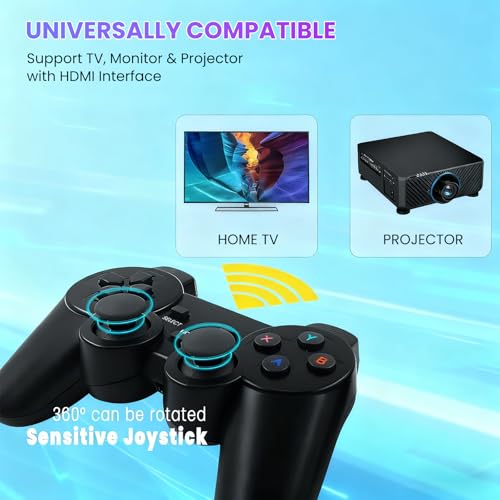
- 【HDMI Output】Enjoy retro video games on the big TV screen by connecting to your TV using a mini HDMI cable. This video game console supports high definition HDMI output. Make sure your screen has a HDMI input port. The wireless TV game console can be connected to a TV/TV set-top box/PC/laptop/projector.
- 【Plug and Play Retro Tv Games】Get straight into the action with the hassle-free Plug and Play design. Just insert the stick into your TV's HDMI port, connect the power, and instantly start your game party. It offers a variety of features, including game search, favorites, save/load progress, and the ability to add new games.
- 【All-in-One Design, Christmas Surprise Gifts】This all-in-one retro games console combines nostalgia and modern tech in a compact, portable design. It's a thoughtful gift that bridges generations and creates joyful memories for everyone.


| SKU: | B0G2RGGX5H |
| Dimensions: | 16.3 x 12.1 x 9.6 cm; 360 g |
| Model: | retro games console |
| Colour: | Black |
| Batteries Required: | No |
| Colour: | Black |
Product Description