Wireless Go Pro 11 Insta360 Remote, Compatible with Insta360
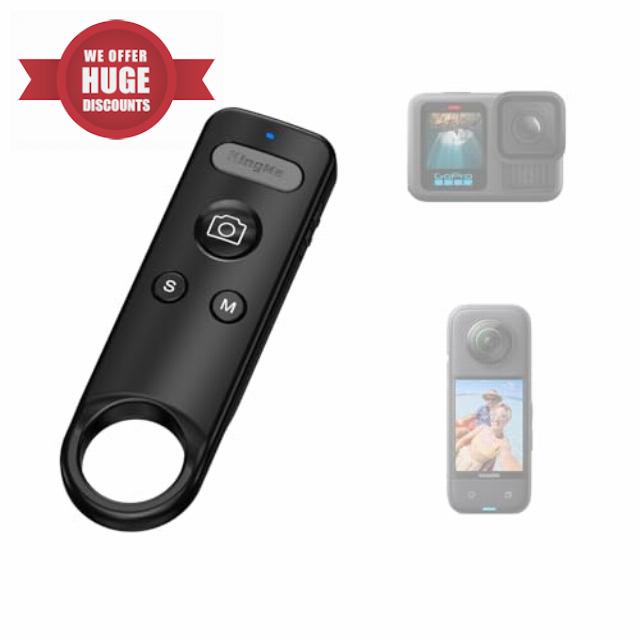
Wireless Go Pro 11 Insta360 Remote, Compatible with Insta360 ACE/ACE PRO1/2/X2/X3/X4/X4 Air/X5/GO 3/3S & GoPro 13/12/11/10/9/8,Action Camera Bluetooth Camera Remote for Vlogging, Cycling
For X2/X3/X4/X4 Air/X5/GO3/3S/ACE/PRO1/2
Remote Setup Tutorial for Insta 360
- Slide to ON to turn on, open the Control Center page, click the Bluetooth Remote.
- Long press the "S" and shutter button of the remote at the same time,the LED flashes> Click to re-search> Click the "Insta360 GPS Remote" >The remote is connected successfully.
- Tap the "M" button to switch the camera part of the mode.
- Short press "S" to put the camera to sleep > Short press "S" again to activate the camera >Long press "S" to turn the camera off/on.
- Automatic connection for next use after power off.
Insta360 Bluetooth Remote
Merchant video The video showcases the product in use.The video guides you through product setup.The video compares multiple products.The video shows the product being unpacked.GoPro Bluetooth Remote
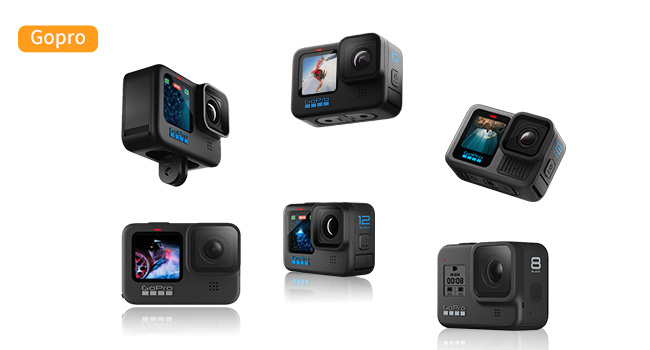
Merchant videoFor GoPro 8/9/10/11/12/13
Remote Setup Tutorial for GoPro
- Slide to ON to turn on, open the Go-Pro Control Center page.
- Click the Add Paired Device button, long press the "S" and shutter button of the remote at the same time, the LED turns green is always on for successful connection.
- In video mode, tap the shutter to record video, tap again to stop recording.
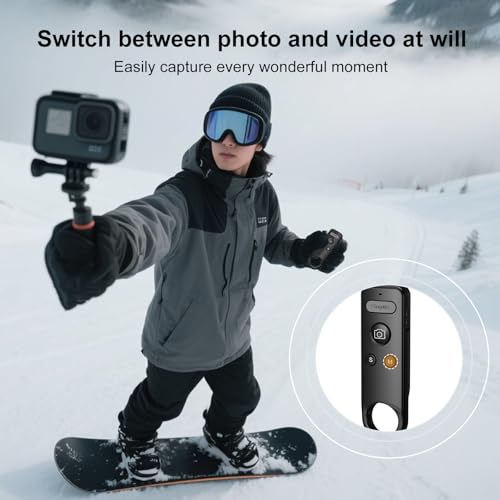
- Tap the "M" button to switch the camera part of the mode.
- Press and hold the S button to turn the camera off or on.
Compatible with Insta 360
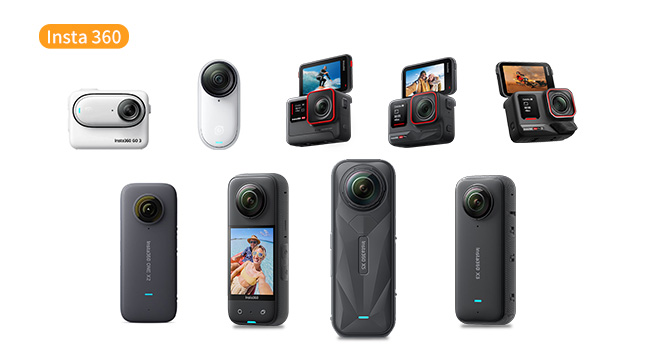
Compatible with Insta360 X2/X3/X4/X4 Air/X5/GO 3/3S/ACE/ACE PRO1/2
Compatible with GoPro
Compatible with 8/9/10/11/12/13
KingMa Hot Product
| Add To Basket Add To Basket Add To Basket Add To Basket | ||||
| Customer Reviews | 4.3 out of 5 stars38 | 4.3 out of 5 stars38 | 3.6 out of 5 stars130 | 3.9 out of 5 stars43 |
| Price | £25.99£25.99 | £25.99£25.99 | £41.99£41.99 | £43.99£43.99 |
| Compatibility | Insta360 & GoPro | DJI | iPhone | iPhone |
| Maximum Range | 49Ft | 49Ft | 49Ft | 49Ft |
| Connectivity Technology | Bluetooth | Bluetooth | Bluetooth | Bluetooth |
| Color | Black | Grey | Black | Black |
| Size | 89.7*27.7*11.7mm | 89.7*27.7*11.7mm | 103.5*62.5*14.7mm | 103.5*62.5*12.2mm |
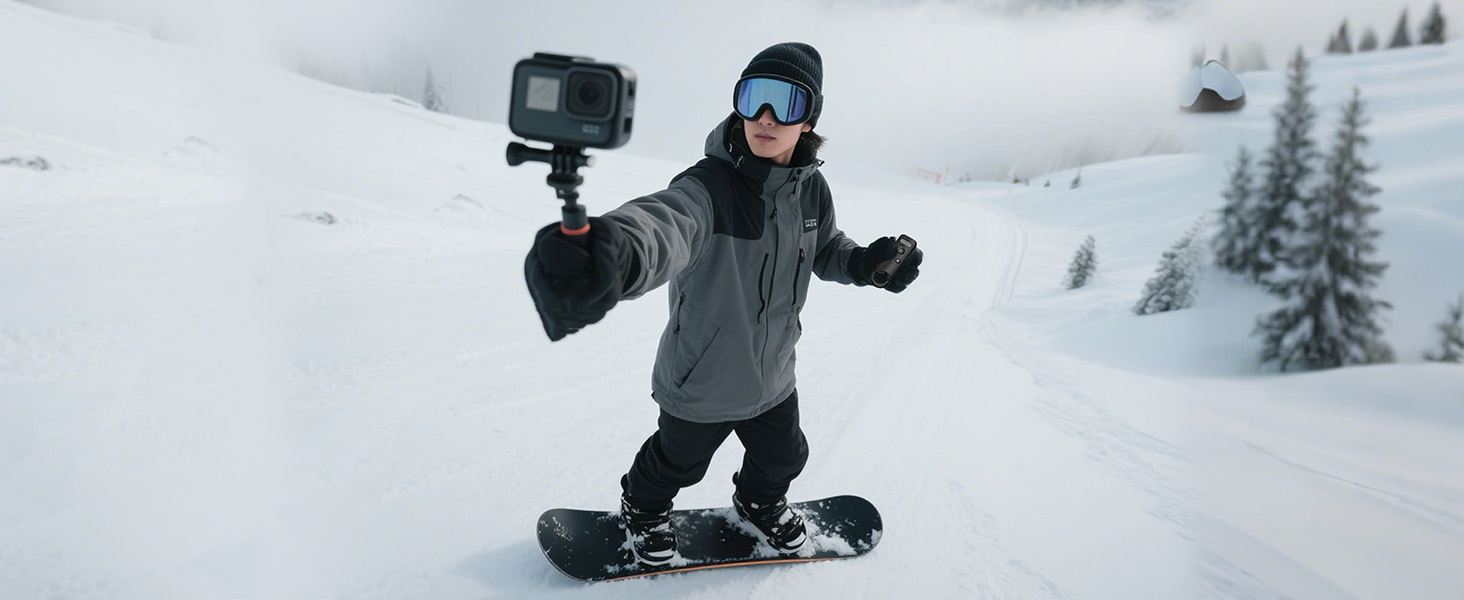
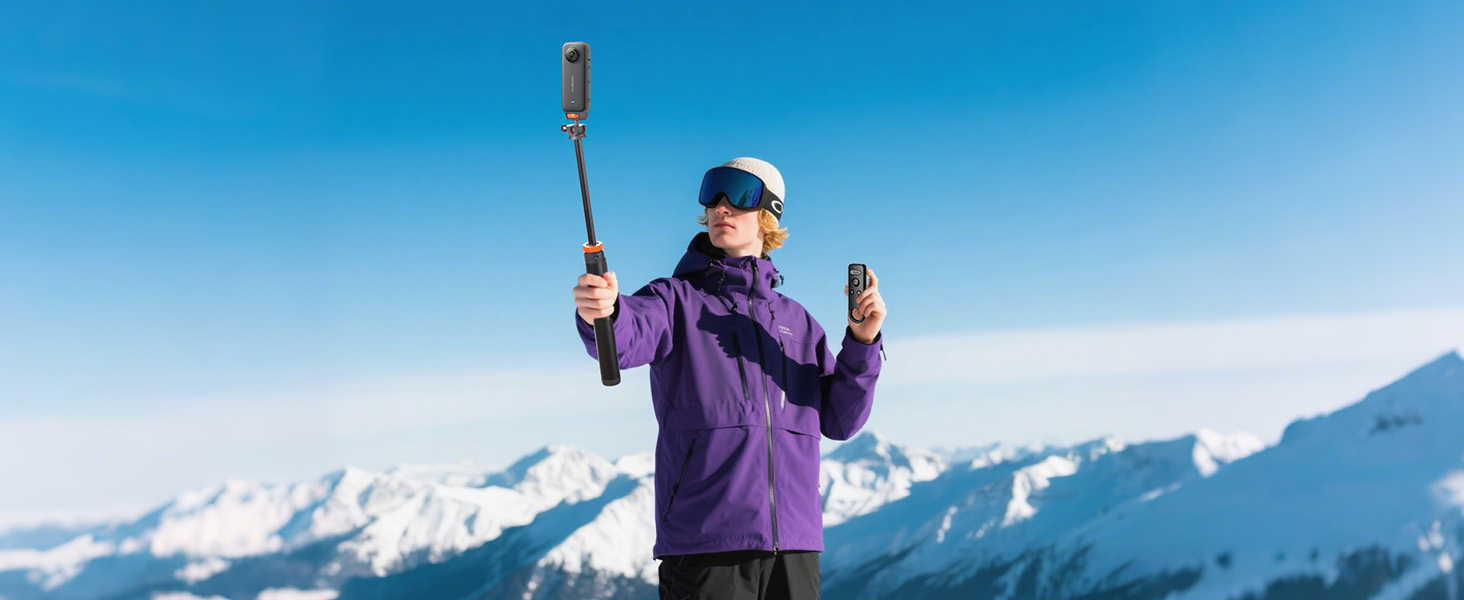
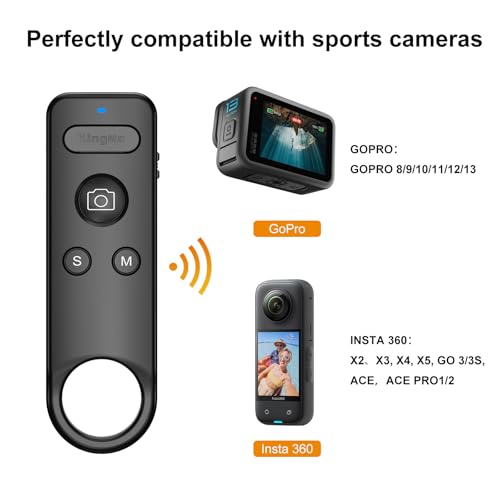
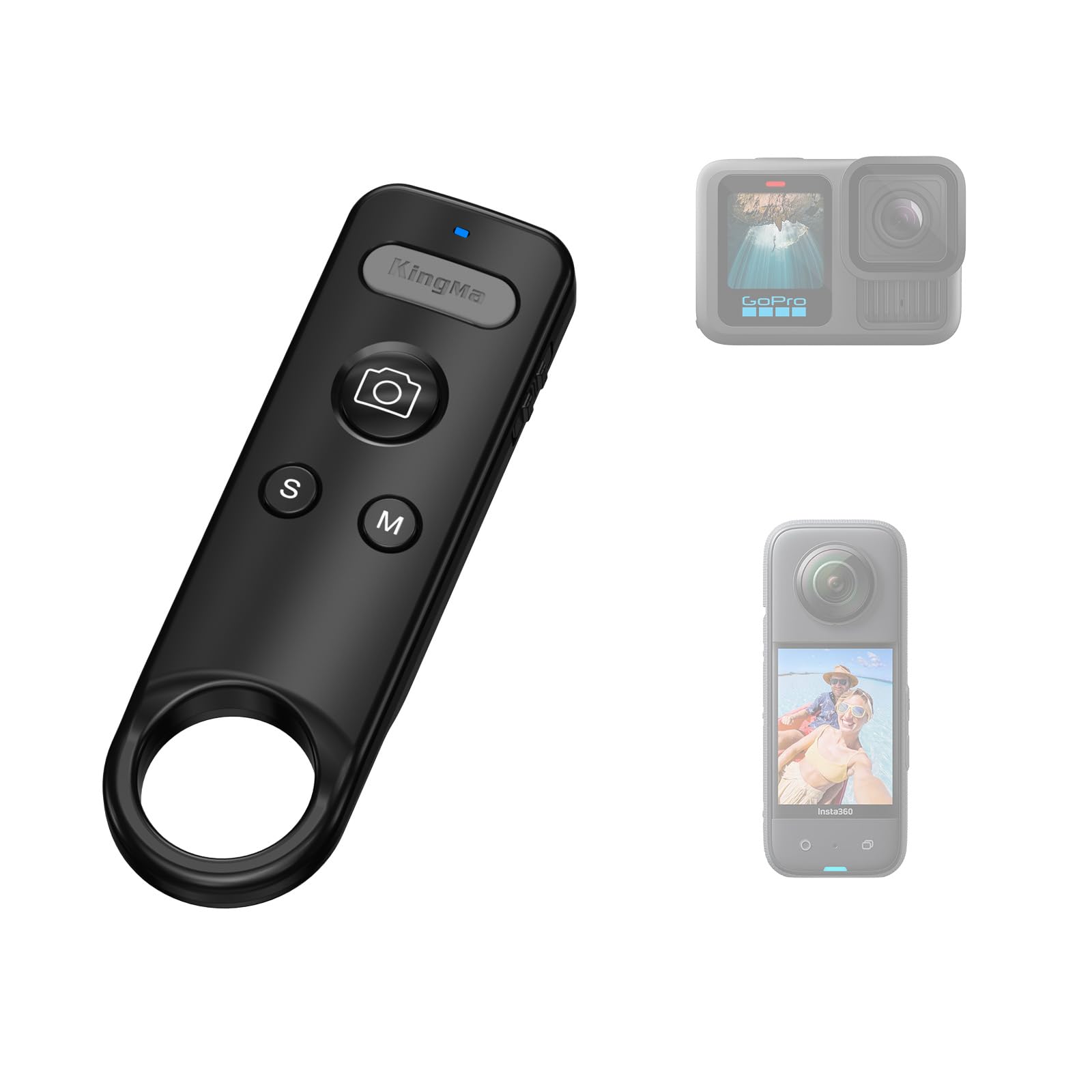
- 【Works with GoPro & Insta360】GoPro Cameras and Insta360 Cameras are supported, working with models including GoPro 8/9/10/11/12/13 and Insta360 X2/X3/X4/X4 Air/X5/GO 3/3S/ACE/ACE PRO1/2. Control multiple devices with one remote—no extra controllers needed.
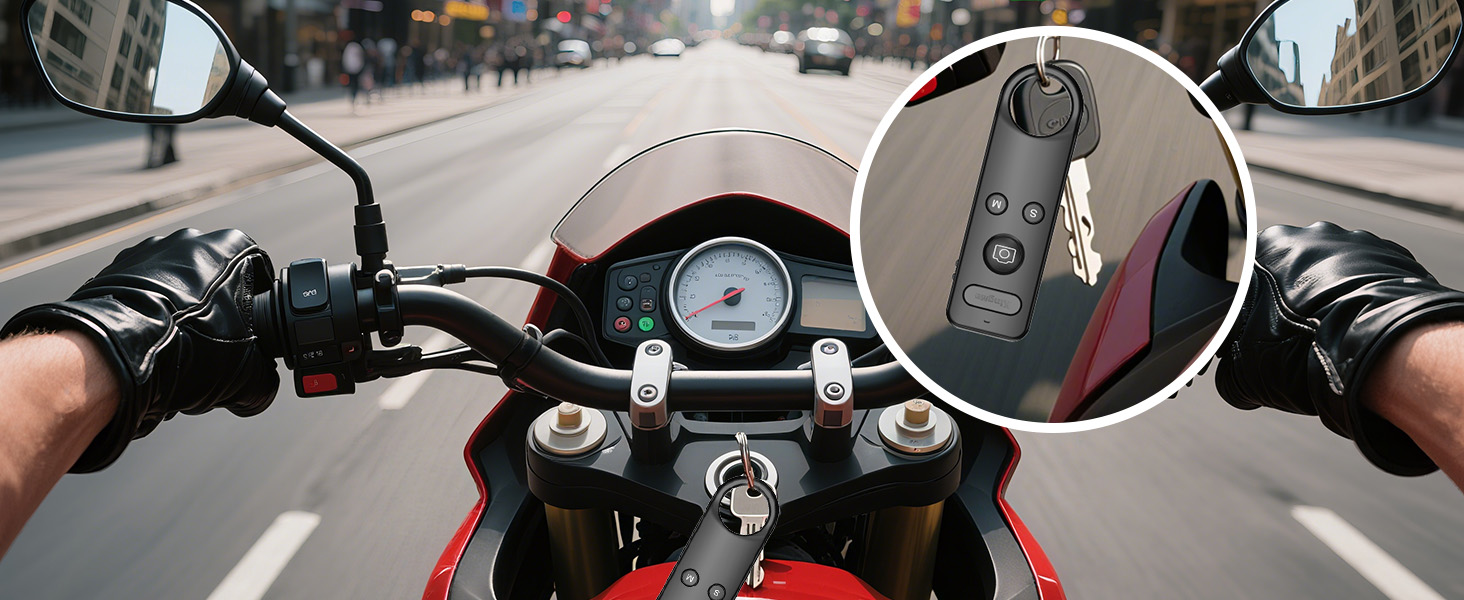
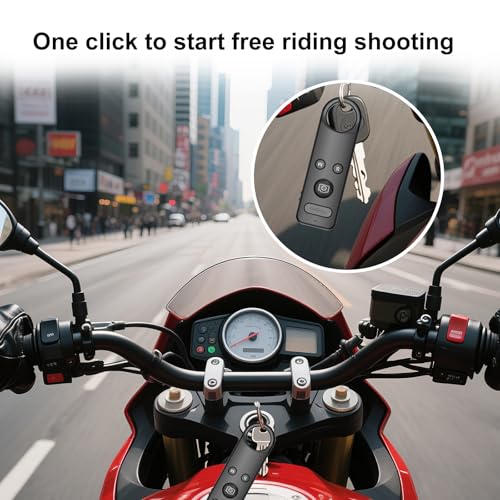
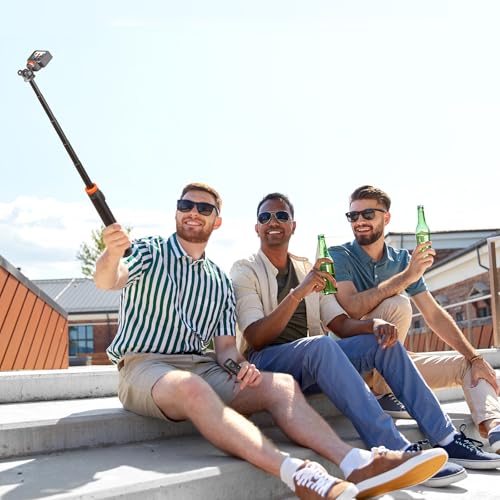
- 【49Ft Stable Bluetooth Control】Bluetooth Camera Remote is equipped with a Bluetooth 5.0 chip for reliable transmission up to 49Ft in open spaces. It can remotely trigger shooting, adjust modes, or put your camera to sleep—perfect for selfies, vlog recording, cycling, hiking, and more outdoor activities.
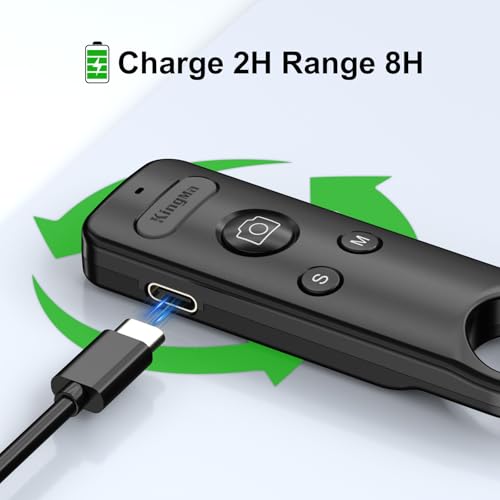
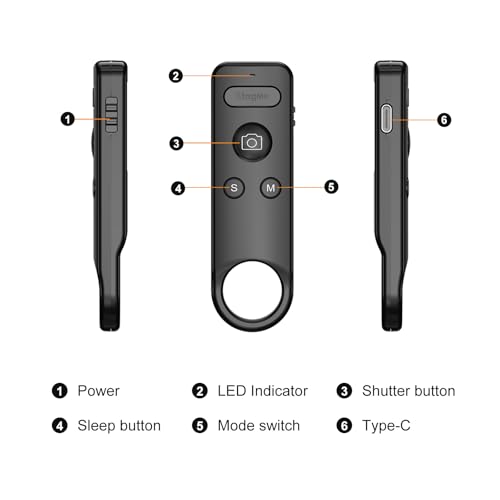
- 【Long-Lasting Rechargeable Battery】Features a built-in 3.7V 120mAh rechargeable battery, with fast 5V charging via Type-C (fully charged in just 2 hours). Enjoy up to 8 hours of continuous use per charge. No disposable batteries required—reusable design for all-day shooting reliability. This remote is the perfect choice for Insta360 accessories and GoPro accessories.
- 【Compact, Lightweight & Easy to Carry】Measuring 89.7×27.7×11.7mm and weighing only 18g, the GoPro Remote and Insta360 Remote slip easily into bags or pockets—ideal for on – the – go use with your action cameras. Crafted from heat – resistant, flame – retardant plastic, they use clear LED indicators to show pairing, recording, and charging status.
- 【Smart Sleep Mode for Power Efficiency】Automatically enters sleep mode after 5 minutes of inactivity to save power—simply press any button to wake it up. Effortless pairing: power on, long-press the sleep and shutter buttons to enter pairing mode, then connect via your action camera for instant use.

| SKU: | B0FM2K7M3Y |
Product Description
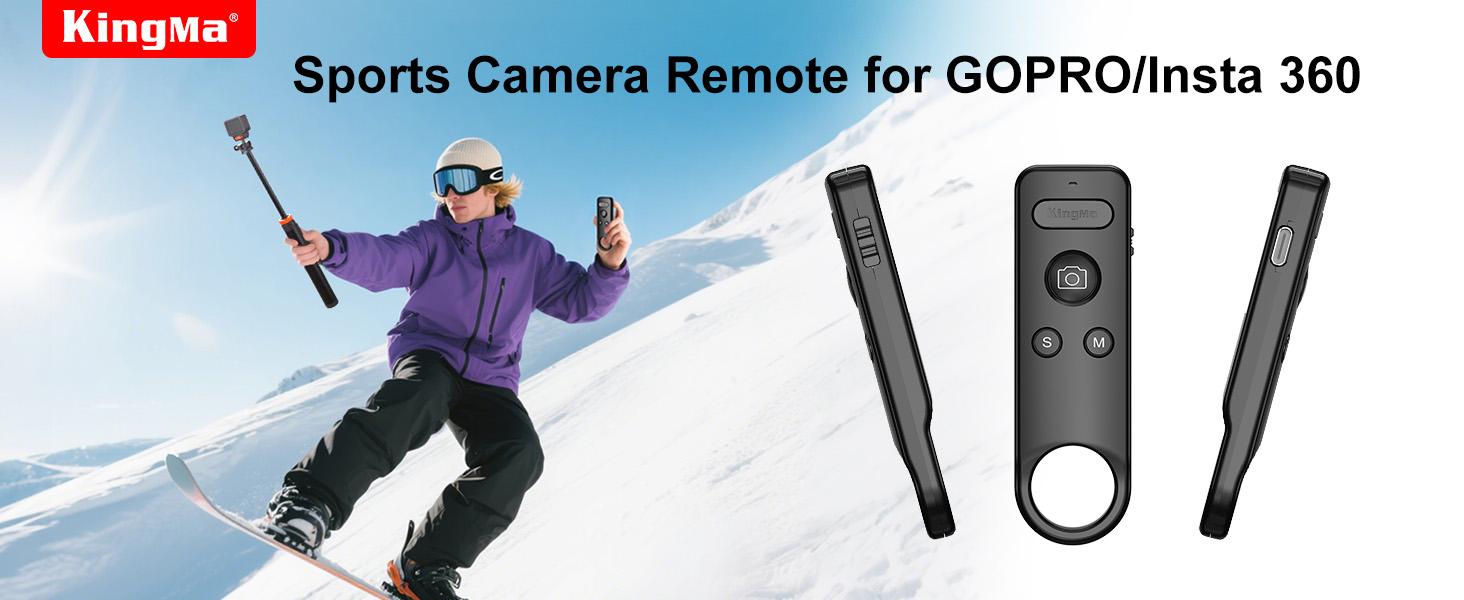
For X2/X3/X4/X4 Air/X5/GO3/3S/ACE/PRO1/2
Remote Setup Tutorial for Insta 360
- Slide to ON to turn on, open the Control Center page, click the Bluetooth Remote.
- Long press the “S” and shutter button of the remote at the same time,the LED flashes> Click to re-search> Click the “Insta360 GPS Remote” >The remote is connected successfully.
- Tap the “M” button to switch the camera part of the mode.
- Short press “S” to put the camera to sleep > Short press “S” again to activate the camera >Long press “S” to turn the camera off/on.
- Automatic connection for next use after power off.
Insta360 Bluetooth Remote
Merchant videoThe video showcases the product in use.The video guides you through product setup.The video compares multiple products.The video shows the product being unpacked.GoPro Bluetooth Remote
Merchant videoFor GoPro 8/9/10/11/12/13
Remote Setup Tutorial for GoPro
- Slide to ON to turn on, open the Go-Pro Control Center page.
- Click the Add Paired Device button, long press the “S” and shutter button of the remote at the same time, the LED turns green is always on for successful connection.
- In video mode, tap the shutter to record video, tap again to stop recording.
- Tap the “M” button to switch the camera part of the mode.
- Press and hold the S button to turn the camera off or on.
Compatible with GoPro
Compatible with 8/9/10/11/12/13
KingMa Hot Product
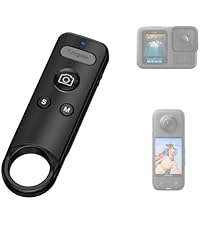 Insta360 & GoPro Remote | 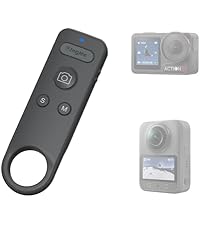 DJI Camera Remote | 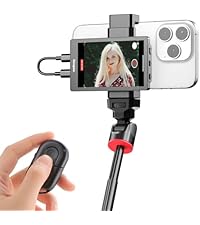 Selfie Monitor | 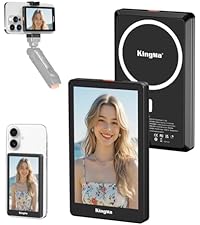 Vlog Monitor | |
|---|---|---|---|---|
| Customer Reviews | 4.3 out of 5 stars38 | 4.3 out of 5 stars38 | 3.6 out of 5 stars130 | 3.9 out of 5 stars43 |
| Price | £25.99 | £25.99 | £41.99 | £43.99 |
| Compatibility | Insta360 & GoPro | DJI | iPhone | iPhone |
| Maximum Range | 49Ft | 49Ft | 49Ft | 49Ft |
| Connectivity Technology | Bluetooth | Bluetooth | Bluetooth | Bluetooth |
| Color | Black | Grey | Black | Black |
| Size | 89.7*27.7*11.7mm | 89.7*27.7*11.7mm | 103.5*62.5*14.7mm | 103.5*62.5*12.2mm |