1Mii [Upgraded] ML302 Bluetooth 5.3 Transmitter Receiver
![1Mii [Upgraded] ML302 Bluetooth 5.3 Transmitter Receiver](https://couponmatrix.uk/posts/wp-content/uploads/2026/01/41KcVjdzuJL.jpg)
1Mii [Upgraded] ML302 Bluetooth 5.3 Transmitter Receiver, RCA AUX Wireless Audio Adapter, 30H Playtime, Dual Link, aptX LL/AD/HD Hi-Fi Sound for TV, Home Stereo, Speaker, Headphones
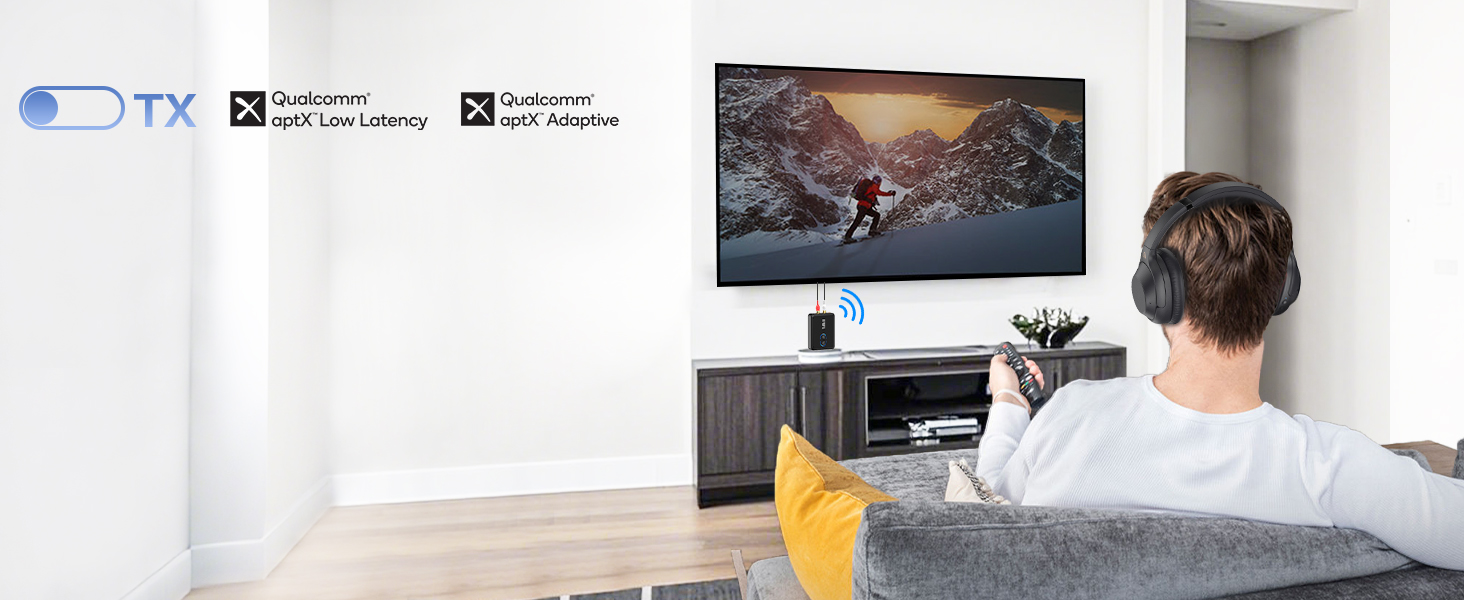
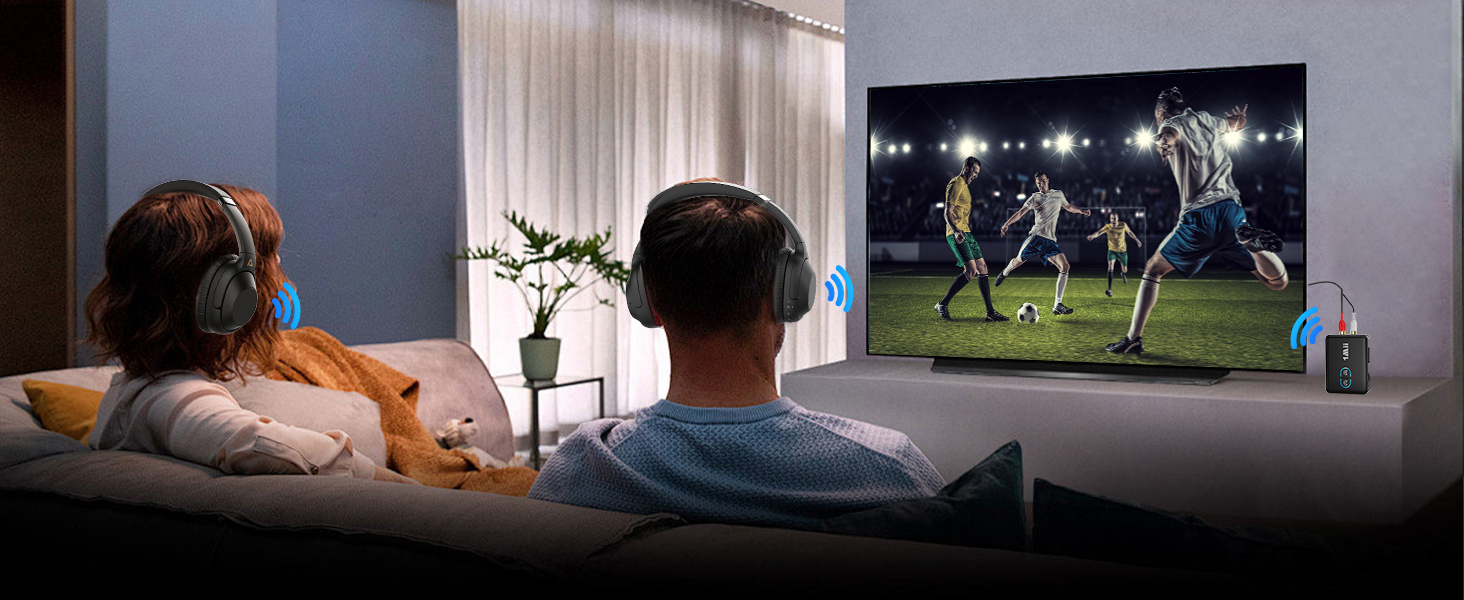
Bluetooth Transmitter for TV
Watch TV late at night without disturbing others
Perfect audio and video synchronization experience
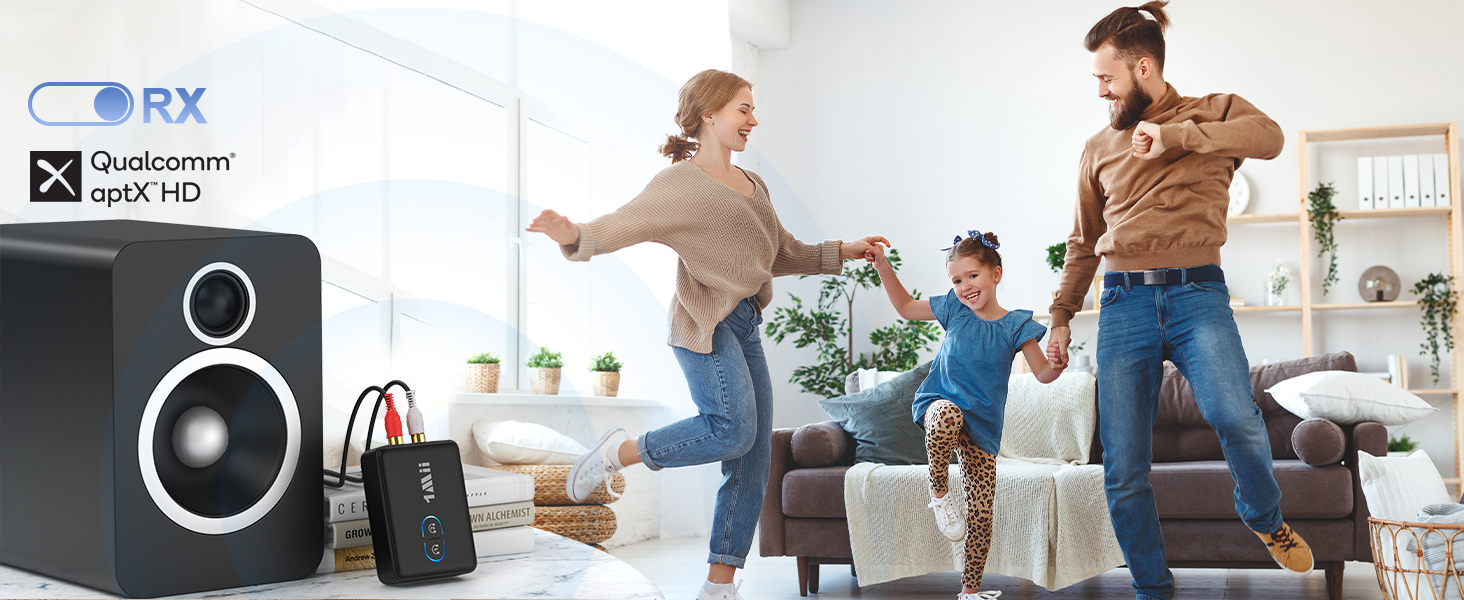
Bluetooth Receiver for Hi-Fi
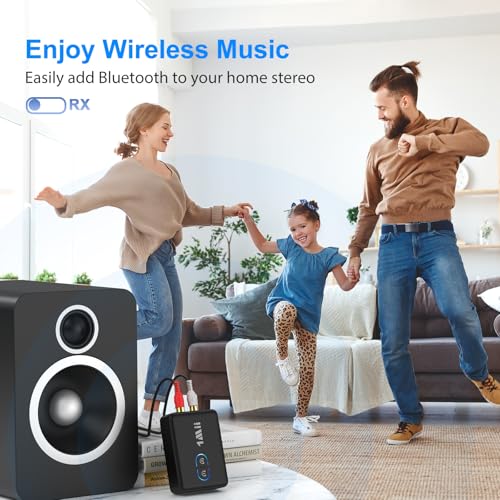
Adds Bluetooth to old home stereo, wirelessly plays your favorite music
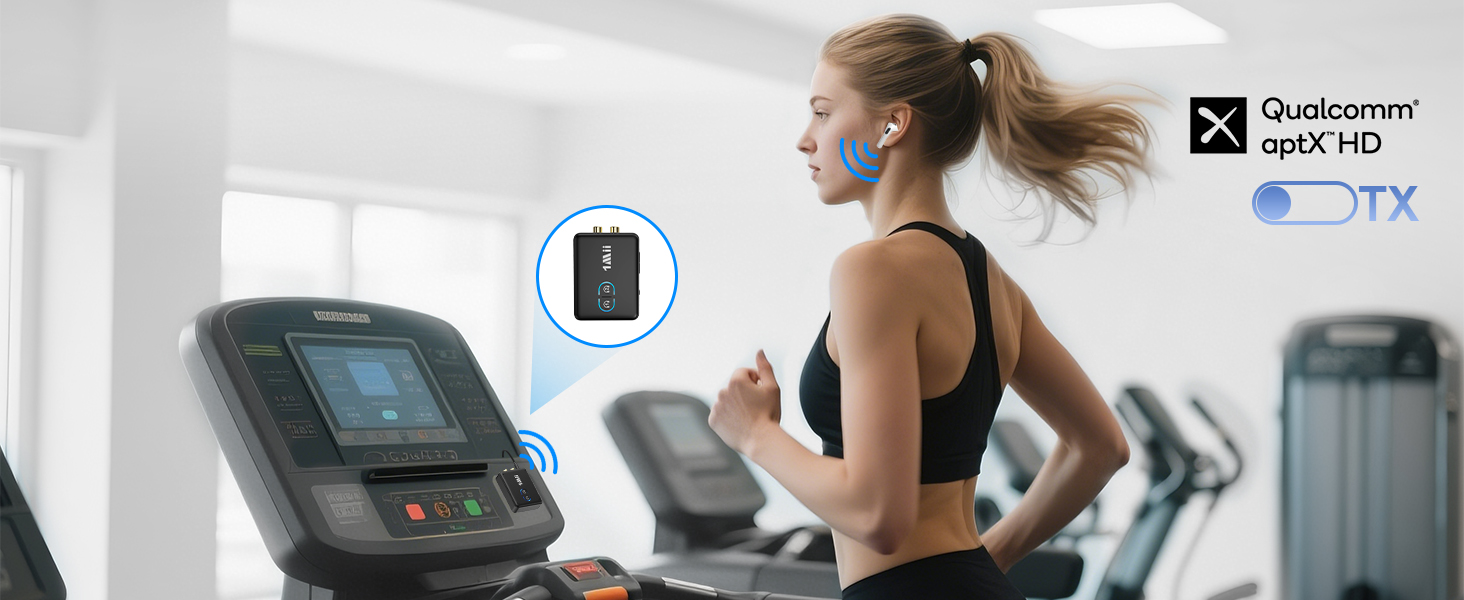
Move Freely, Train Wirelessly
Enjoy high definition audio while exercising
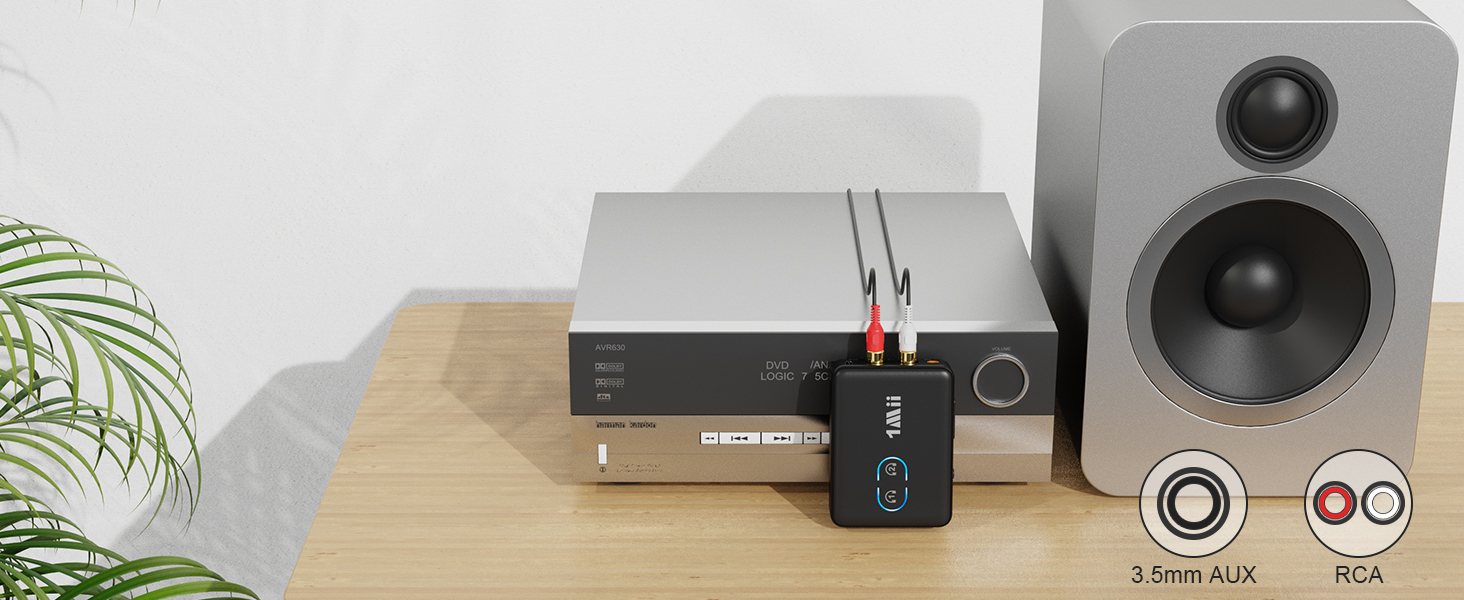
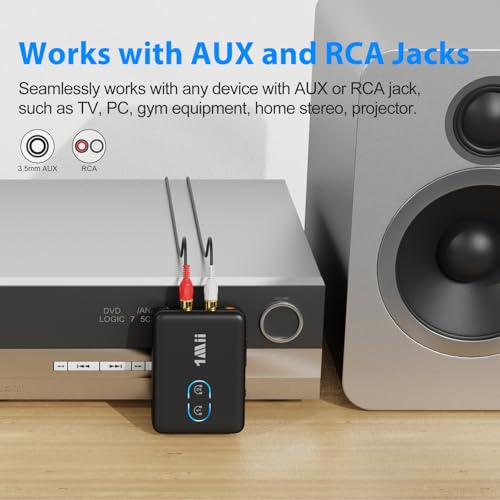
Works with AUX RCA Jack
Widely compatible with audio devices, such as TV, PC, gym equipment, home stereo,MP3/MP4, projector.
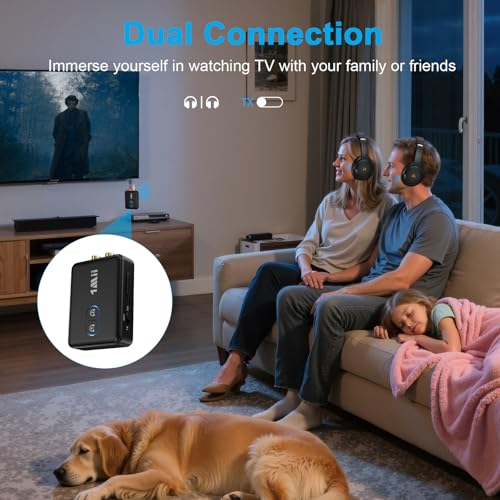
Dual Connection
In TX,pair 2 Bluetooth headphones/speakers simultaneously
In RX,pair 2 phones/tablets simultaneously
Plug and Play
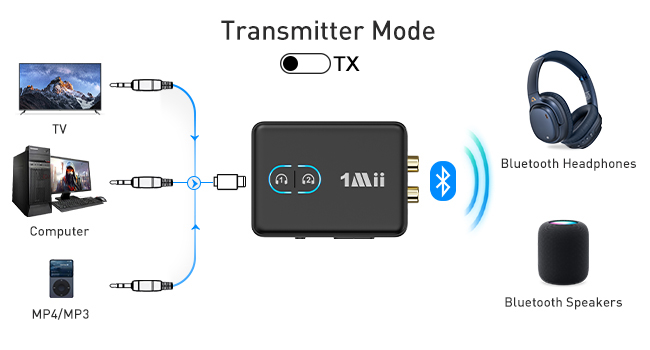
Use 1Mii ML302 as a Bluetooth transmitter
1. Switch to "TX" mode
2. Long press the BT Button#1 for about 2 seconds to enter pairing mode(LED flashing blue and red)
3. Set your Bluetooth headphones/soundbar/speaker also enter pairing mode
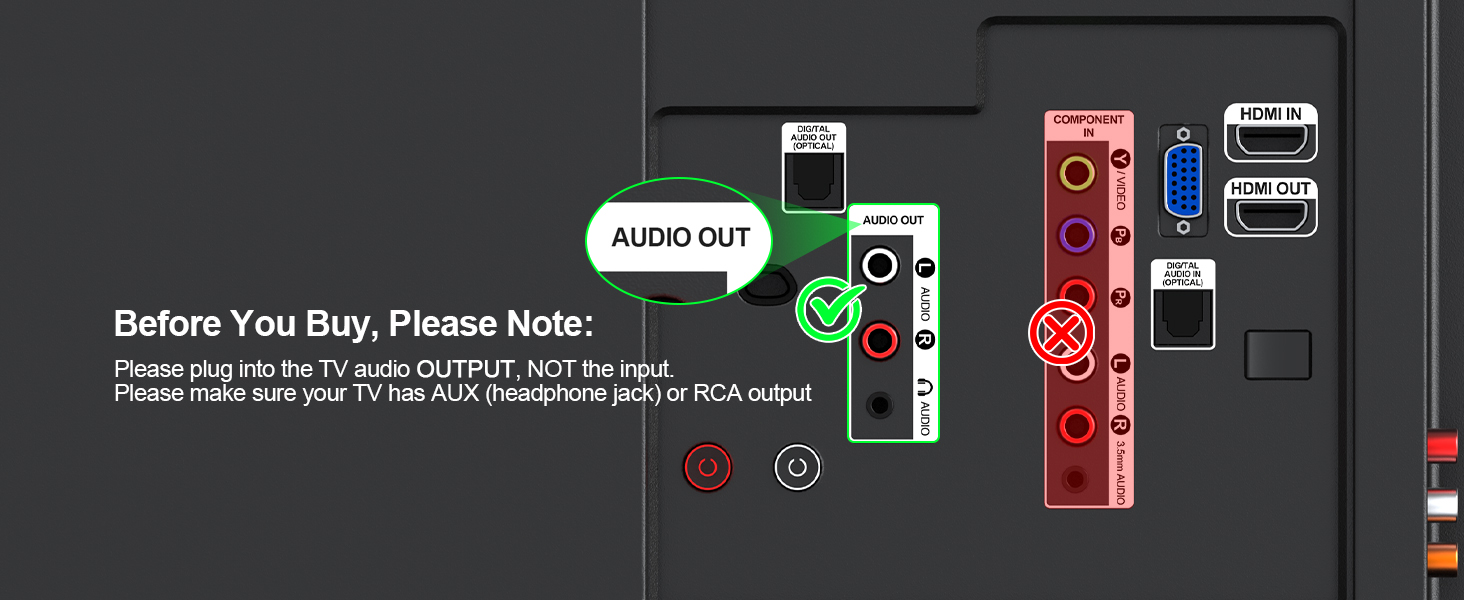
4. After pairing successfully (LED stop flashing), connect the ML302+ to the AUDIO OUT jack of PC/TV/MP3
Use 1Mii ML302 as a Bluetooth recevier
1. Switch to "RX" mode
2. Long press the BT Button#1 for about 2s to enter pairing mode(LED flashing blue and red)
3. Turn on the Bluetooth of your phone/tablet/laptop, tap "ML302+" to connect.
4. After pairing successfully, connect the ML302+ to the AUDIO IN jack of wired speaker/soundbar/earphones
FAQ
| Q1 | What should I do if ML302 cannot pair with my Bluetooth headphone? |
| A1 | 1. Make sure to switch to TX mode; 2. Turn off unrelated Bluetooth devices nearby (such as your phone) to prevent the headphone from pairing with other devices; 2. Make sure ML302 is in pairing mode (LED flashing blue and red); 3. Make sure your headphone is in pairing mode (refer to the headphone user manual for details); 4. If the above method does not work, reset ML302 and the Bluetooth headphone and pair them again. |
| Q2 | How to reset ML302? |
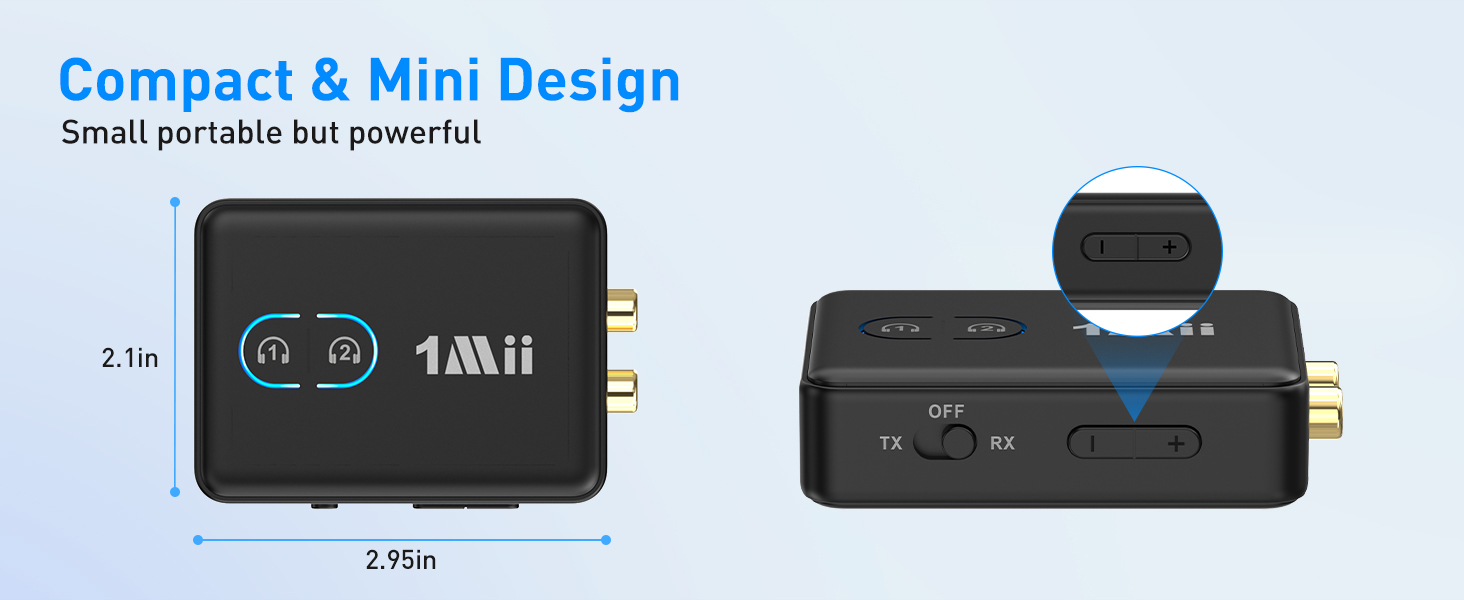
| A2 | Press and hold the volume "+" and "-" buttons at the same time for about 7 seconds, until the LED flashes purple three times and then changes to flashing red and blue alternately. |
| Q3 | What should I do if there is no sound output? |
| A3 | 1. Check whether the audio plug is fully inserted into the audio port; 2. Adjust the volume through ML302/mobile phone/TV/headphones and other devices; 3. For speakers/TV, please check the audio input/output settings. Some devices may require manual switching of audio input/output |
| Q4 | What audio codecs are supported? |
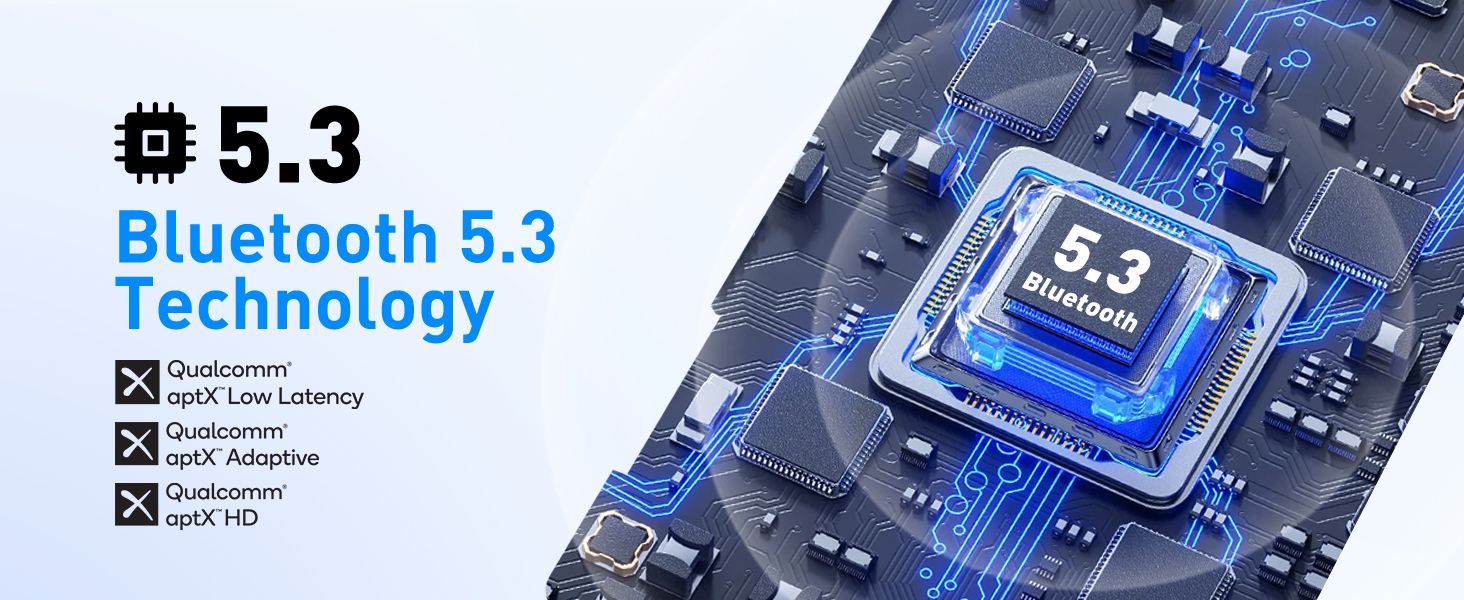
| A4 | Supports SBC/aptX/aptX HD/LL/Adaptive audio decoding in TX mode and SBC/AAC/aptX/aptX HD/Adaptive audio decoding in RX mode. To achieve aptX LL/AD/HD, your device (headphones/phone) must also support corresponding decoding. |
| Q5 | When two receiving devices (Bluetooth headphones) are connected at the same time, is aptX LL/HD decoding supported? |
| A5 | When two receiving devices (Bluetooth headphones) are connected at the same time, aptX LL/HD decoding is not supported and will automatically be downgraded to aptX decoding. |
| Q6 | Why is there still audio delay? |
| A6 | In order to achieve aptX low latency, your receiving device (headphones) also needs to support aptX low latency. Otherwise, your headphones will decode through other audio formats (such as SBC, aptX), causing audio delay. |
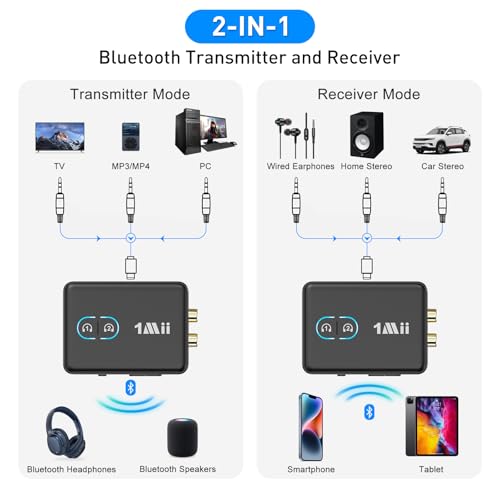
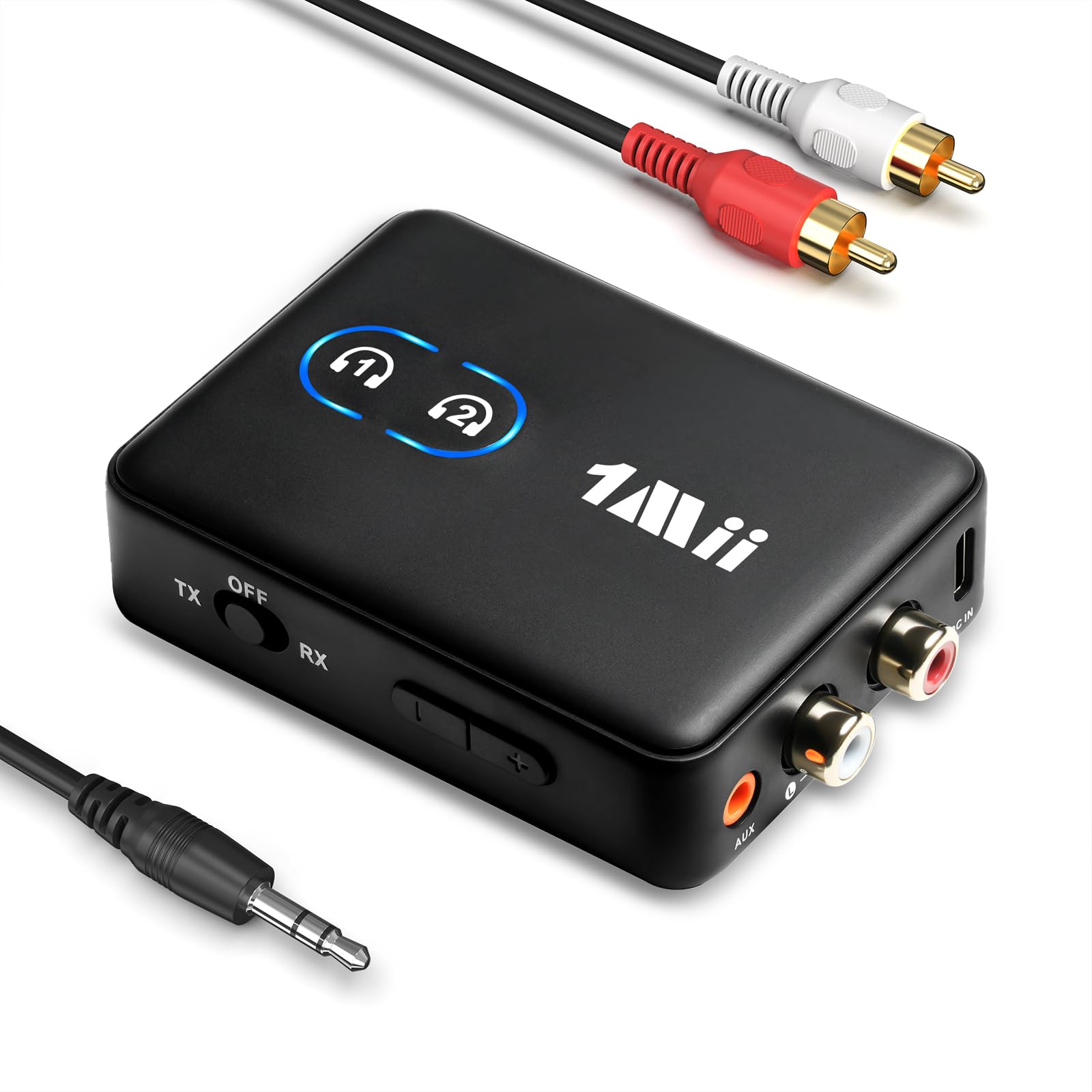
- 【2-in-1 Transmitter Receiver】 Revitalize your old non-Bluetooth devices and save money on replacements! In TX, ML302 upgrades the TV Bluetooth to wirelessly transmit audio to Bluetooth headphones, allowing you to watch TV late at night without disturbing others. In RX, ML302 adds Bluetooth to home stereo, wirelessly receives audio from phones and plays your favorite music
- 【RCA AUX-Wide Compatibility】 ML302 Bluetooth transmitter receiver supports 3.5mm AUX and RCA out/input, widely compatible with your existing devices like TV, PC, gym equipment, MP3/MP4, home stereo, speakers, car stereo, projector and more. It offers extra connection options when the AUX port is occupied
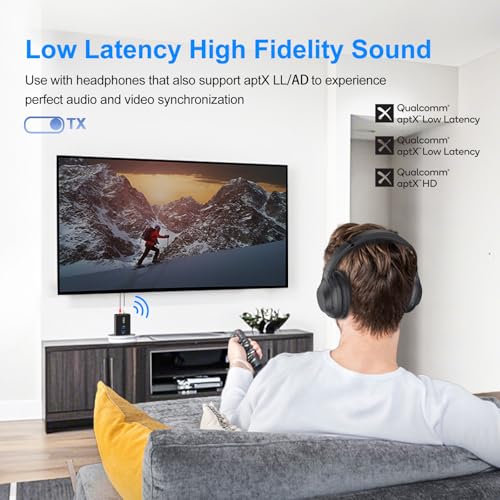
- 【Low Latency High Fidelity Sound】Supporting aptX Adaptive/LL/HD, ML302 Bluetooth audio adapter can add high-fidelity Bluetooth to your existing audio devices. When used with Bluetooth headphones that also support aptX LL, it can perfectly synchronize sound and picture, greatly improving the experience of watching TV
- 【Dual Connection】In TX, ML302 Bluetooth transmitter can pair 2 Bluetooth headphones/speakers simultaneously to share happiness with your family or friends. In RX, ML302 Bluetooth receiver can pair 2 phones/tablets simultaneously, allowing you to freely switch music between two devices
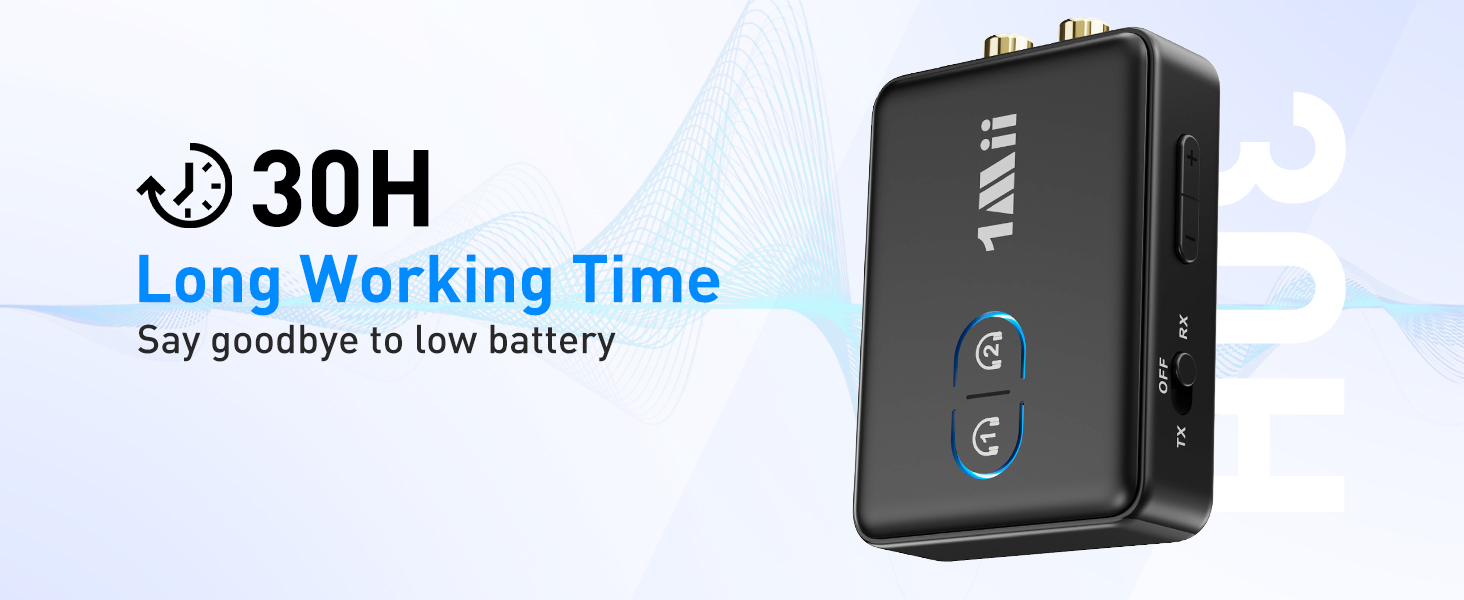
- 【30H Playtime & Volume Control】ML302 Bluetooth transmitter for TV can provide 30 hours of uninterrupted audio playback and only takes 3 hours to fully charge. And the volume button provides instant control over your audio levels

| SKU: | B0D7VT9Z7J |
Product Description
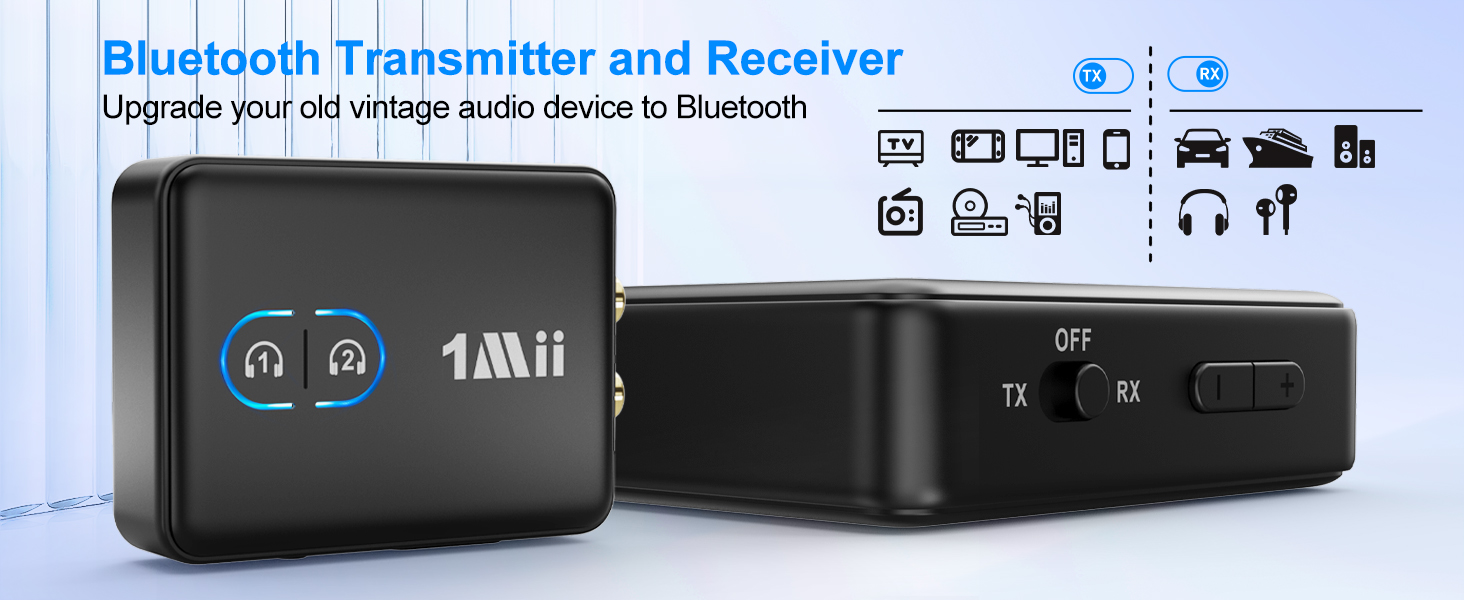

Bluetooth Transmitter for TV
Watch TV late at night without disturbing others
Perfect audio and video synchronization experience
Bluetooth Receiver for Hi-Fi
Adds Bluetooth to old home stereo, wirelessly plays your favorite music
Move Freely, Train Wirelessly
Enjoy high definition audio while exercising
Works with AUX RCA Jack
Widely compatible with audio devices, such as TV, PC, gym equipment, home stereo,MP3/MP4, projector.
Dual Connection
In TX,pair 2 Bluetooth headphones/speakers simultaneously
In RX,pair 2 phones/tablets simultaneously
Plug and Play
FAQ
| Q1 | What should I do if ML302 cannot pair with my Bluetooth headphone? |
| A1 | 1. Make sure to switch to TX mode; 2. Turn off unrelated Bluetooth devices nearby (such as your phone) to prevent the headphone from pairing with other devices; 2. Make sure ML302 is in pairing mode (LED flashing blue and red); 3. Make sure your headphone is in pairing mode (refer to the headphone user manual for details); 4. If the above method does not work, reset ML302 and the Bluetooth headphone and pair them again. |
| Q2 | How to reset ML302? |
| A2 | Press and hold the volume “+” and “-” buttons at the same time for about 7 seconds, until the LED flashes purple three times and then changes to flashing red and blue alternately. |
| Q3 | What should I do if there is no sound output? |
| A3 | 1. Check whether the audio plug is fully inserted into the audio port; 2. Adjust the volume through ML302/mobile phone/TV/headphones and other devices; 3. For speakers/TV, please check the audio input/output settings. Some devices may require manual switching of audio input/output |
| Q4 | What audio codecs are supported? |
| A4 | Supports SBC/aptX/aptX HD/LL/Adaptive audio decoding in TX mode and SBC/AAC/aptX/aptX HD/Adaptive audio decoding in RX mode. To achieve aptX LL/AD/HD, your device (headphones/phone) must also support corresponding decoding. |
| Q5 | When two receiving devices (Bluetooth headphones) are connected at the same time, is aptX LL/HD decoding supported? |
| A5 | When two receiving devices (Bluetooth headphones) are connected at the same time, aptX LL/HD decoding is not supported and will automatically be downgraded to aptX decoding. |
| Q6 | Why is there still audio delay? |
| A6 | In order to achieve aptX low latency, your receiving device (headphones) also needs to support aptX low latency. Otherwise, your headphones will decode through other audio formats (such as SBC, aptX), causing audio delay. |