Android 14.0 tv stick 4k with S905Y4 Processor, 2GB RAM 16GB
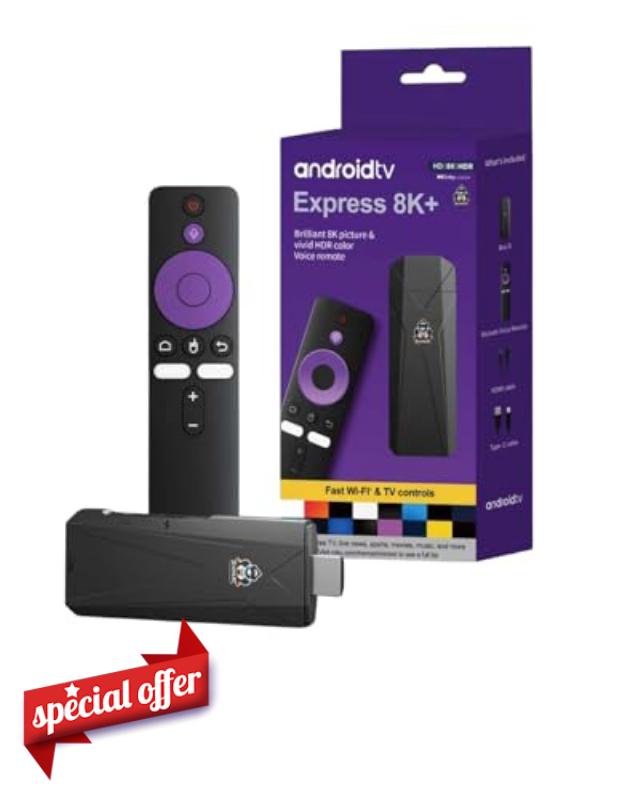
Android 14.0 tv stick 4k with S905Y4 Processor, 2GB RAM 16GB Storage, Dual-Band WiFi 2.4G/5G, BT 5.2, HDMI, USB Port, Type-C Power, Bluetooth Voice Remote – 4K @ 60fps Streaming Device
Transform Any TV Into a Smart, Powerful 4K Entertainment System
Compact, lightweight, and built for modern streaming.
Whether you’re streaming movies, browsing online, watching live TV, or pairing wireless speakers, this Android 14 TV Stick delivers a smooth, powerful, and immersive experience. Perfect for home use, travel, guest rooms, and office displays. Enjoy crystal-clear 4K playback, fast performance, and wide app compatibility — all in one small, easy-to-carry device.
Powerful Performance in a Compact Design
Enjoy improved app performance, quick navigation, and enhanced system stability.
Experience sharp, vibrant visuals with realistic colour and detail.
Optimised for fast response, efficient multitasking, and reduced lag.
Enough power and space for apps, media, and smart streaming platforms.
Everything You Need to Get Started
Simple setup — no complicated installation required.
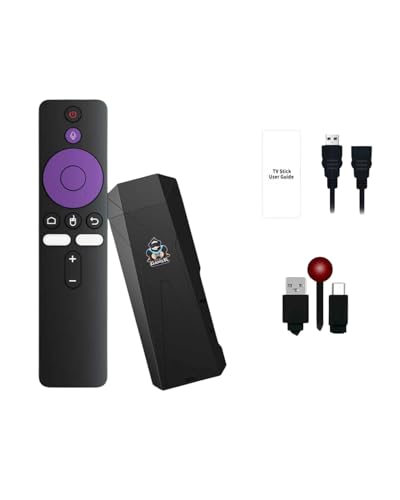
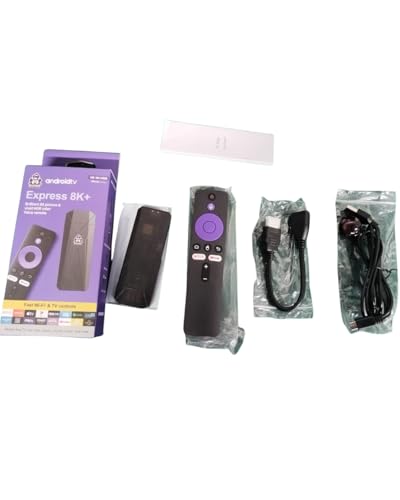
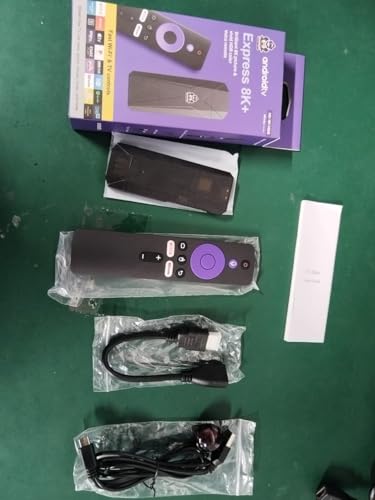
Your Android TV Stick arrives with all essential accessories for a quick, easy start:
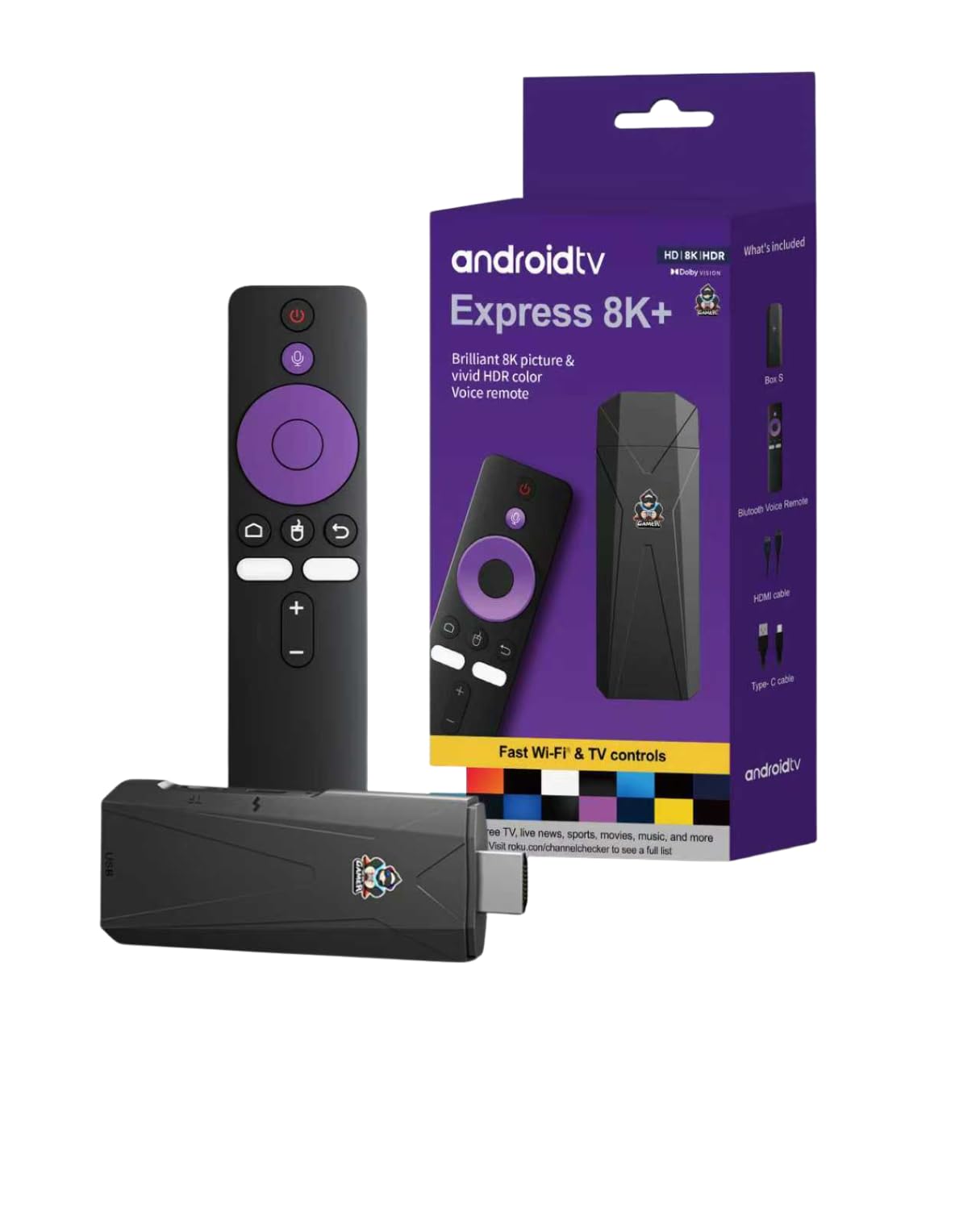
- Android TV Stick 4K (S905Y4)
- Bluetooth Voice Remote (supports volume + OK pairing)
- HDMI Extension Cable
- USB Power Cable
- User Manual
(Note: Power adapter not included. USB port on the stick is not available.)
Effortless Setup. Maximum Compatibility. Effortless Setup.
Maximum Compatibility.Designed to work perfectly with all HDMI-enabled televisions
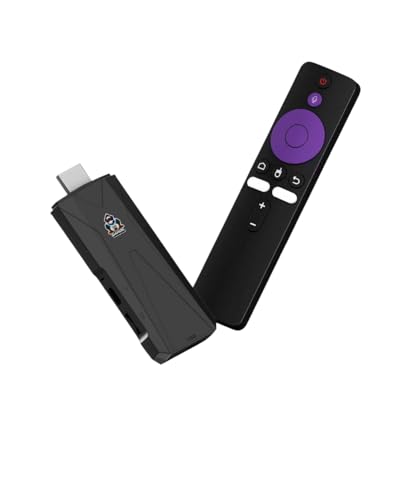
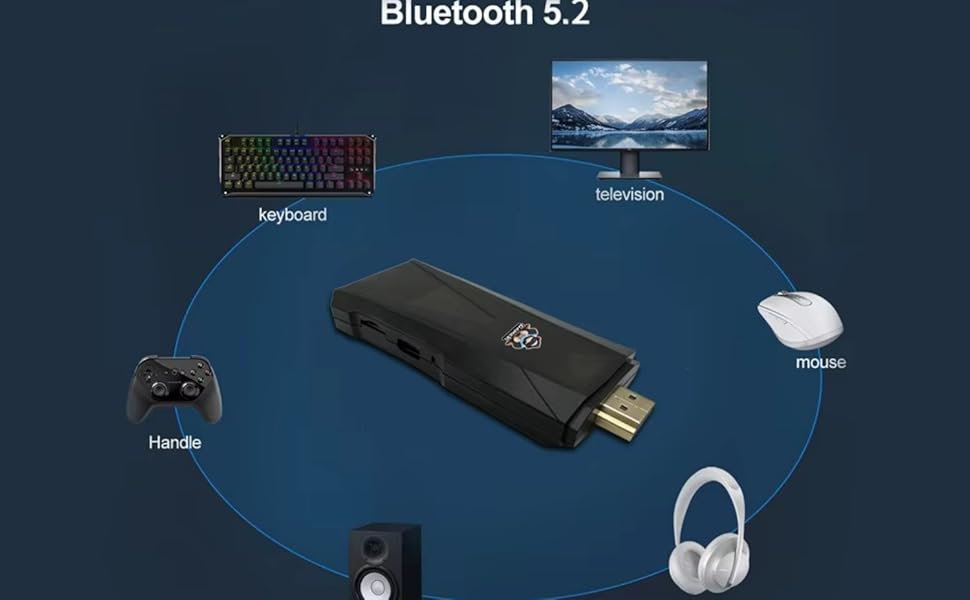
The Android TV Stick includes HDMI output, Type-C power input, and supports Bluetooth voice remote control for effortless use. With Dual-Band WiFi, you get stable 2.4G/5G connections for uninterrupted streaming. Compatible with major apps, media players, browsers, and wireless accessories like soundbars, keyboards, and headphones.
Smart Entertainment Made Simple
Perfect for home, office, travel, and guest rooms.
Quick & Easy Setup – Insert batteries into the remote, connect the HDMI adapter to your TV, plug the stick into the adapter (Adapter included), and attach the included IR extension cable to the right side of the stick. Power it using your own USB plug (USB plug included). Turn on your TV, then press and hold OK + Volume(-) on the remote (Battries not Included – Please add) until the LED blinks to complete pairing.
- Latest Android 14.0 System streaming stick – Faster & Smoother Experience a new level of speed and stability with the Android 14 operating system, offering improved performance, faster navigation, and better app compatibility for smooth 4K streaming.
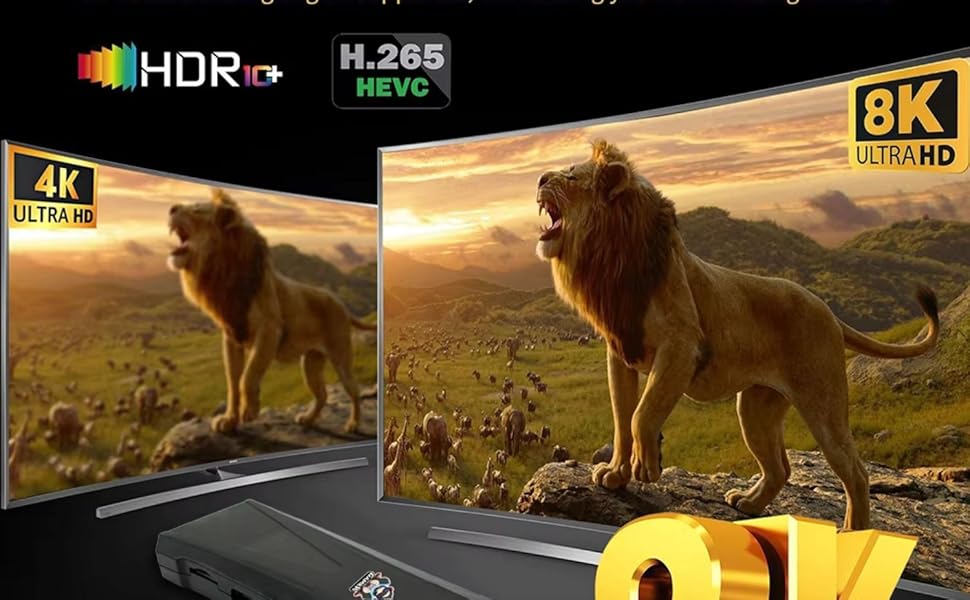
- android streaming device 4K Ultra HD Output at 60fps with HDR Support Enjoy, detailed picture quality with 4K@60fps playback. Supports HDR for enhanced contrast and vibrant colours, delivering an immersive viewing experience on any HDMI-enabled TV.
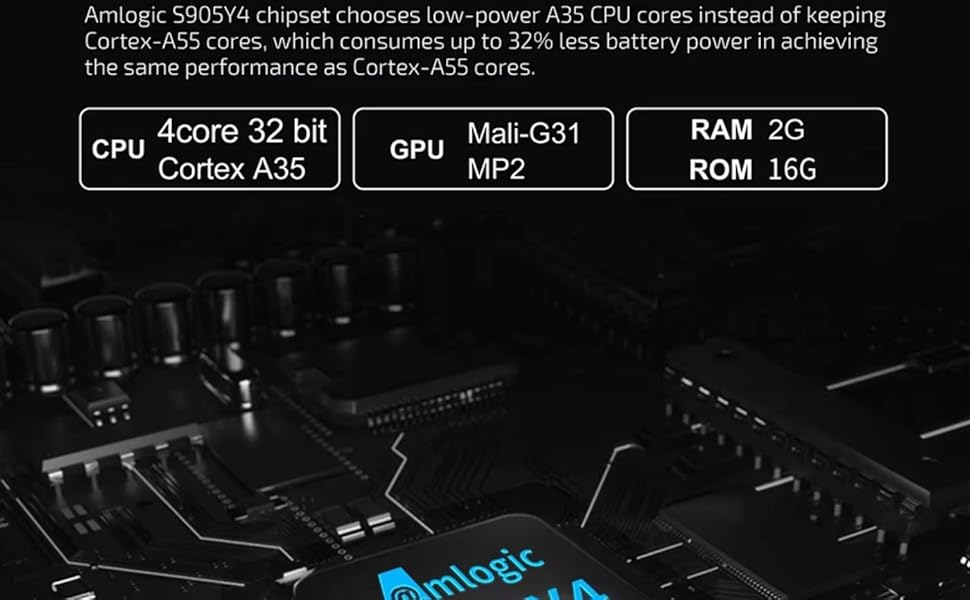
- Powerful S905Y4 Quad-Core Processor – TV Stick 4K+ HDR Equipped with the S905Y4 chipset, this TV stick ensures fast response, reduced lag, and efficient multitasking. The 2GB DDR RAM + 16GB storage provides reliable performance for apps and media.
- Dual-Band WiFi 2.4G/5G + Bluetooth 5.2 Stay connected with stable dual-band WiFi for buffer-free streaming. Bluetooth 5.2 allows quick pairing with remotes, soundbars, headphones, and wireless accessories.
- Convenient Connectivity & Accessories Included Comes with HDMI extension cable, Bluetooth voice remote (OK + Volume– pairing), USB power cable, and user manual. Features HDMI output, USB port, and Type-C power input. (No power adapter included)
- Quick & Easy Setup – Insert batteries into the remote, connect the HDMI adapter to your TV, plug the stick into the adapter (Adapter not included), and attach the included IR extension cable to the right side of the stick. Power it using your own USB plug (USB plug not needed). Turn on your TV, then press and hold OK + Volume(-) on the remote (Battries not Included – Please add) until the LED blinks to complete pairing.

| SKU: | B0G5LMC1NZ |
Product Description
Transform Any TV Into a Smart, Powerful 4K Entertainment System
Perfect for home, office, travel, and guest rooms.
Quick & Easy Setup – Insert batteries into the remote, connect the HDMI adapter to your TV, plug the stick into the adapter (Adapter included), and attach the included IR extension cable to the right side of the stick. Power it using your own USB plug (USB plug included). Turn on your TV, then press and hold OK + Volume(-) on the remote (Battries not Included – Please add) until the LED blinks to complete pairing.