CAMECHO 2G+64G Android 15 Car Stereo for Hyundai Tucson 3
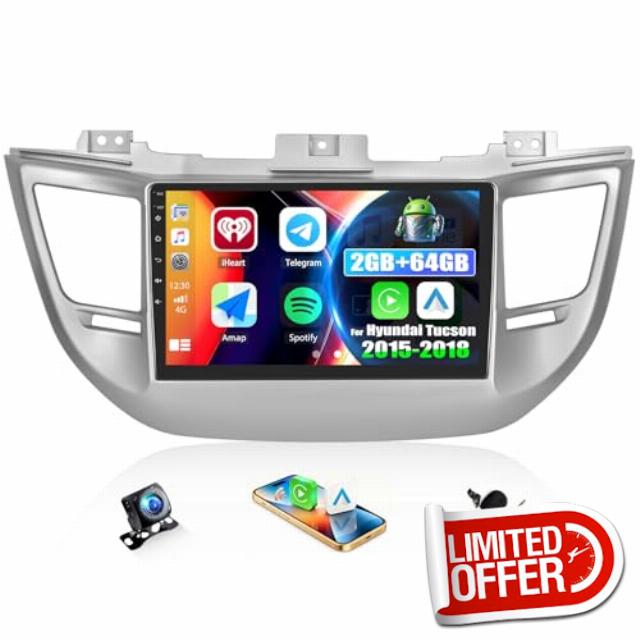
CAMECHO 2G+64G Android 15 Car Stereo for Hyundai Tucson 3 2015-2018 with Carplay Android Auto, 9 Inch 2.5D Touch Screen Car Radio with Bluetooth GPS WiFi FM/RDS EQ USB Backup Camera
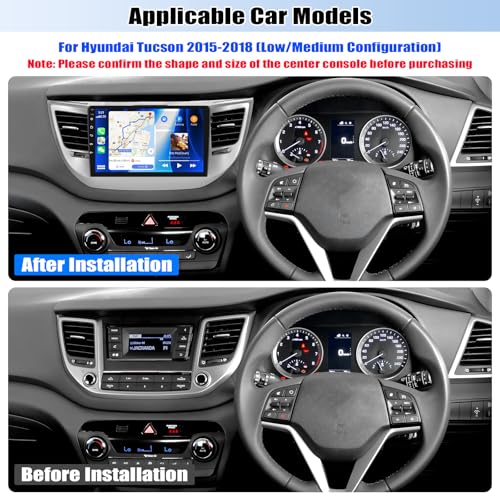
Built-in wireless Apple Carplay and Android Auto, 9" Android 15car stereo with 2GB RAM+64GB ROM, GPS and WiFi, supports Bluetooth, FM/RDS, mirror link, AHD backup camera, fit
Hyundai Tucson 2015-2018 (Low/Medium Configuration)
- The video showcases the product in use.The video guides you through product setup.The video compares multiple products.The video shows the product being unpacked.
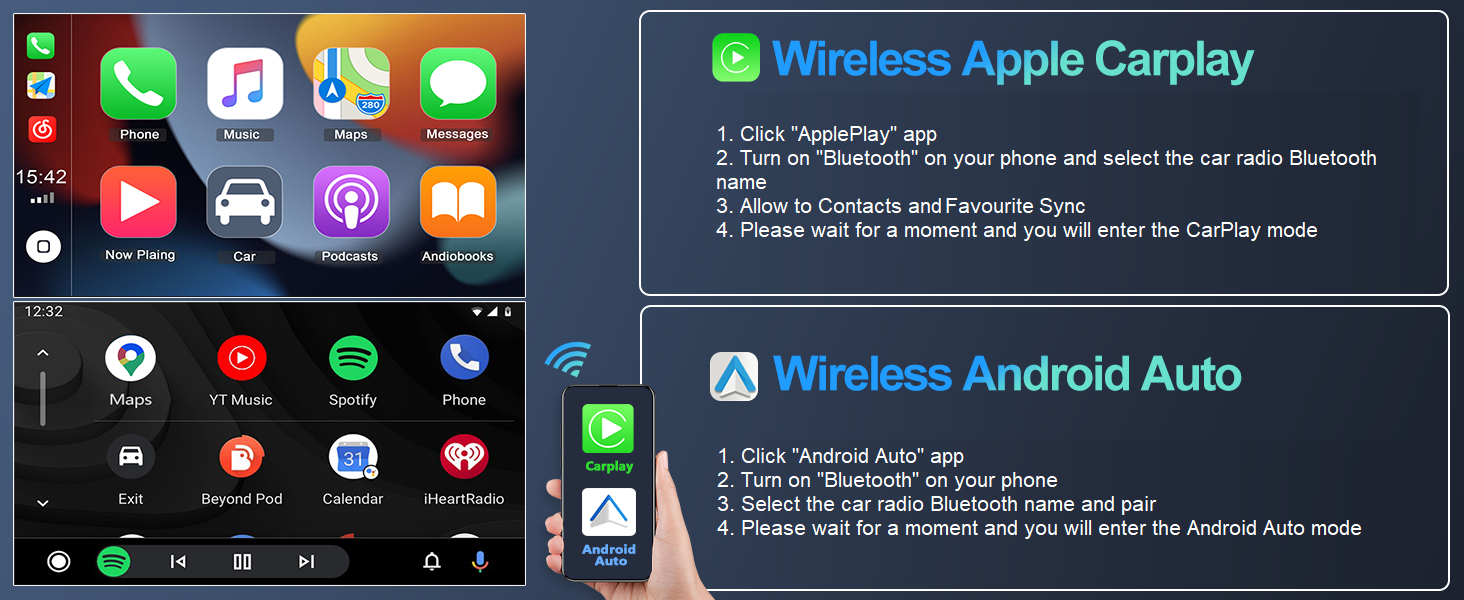
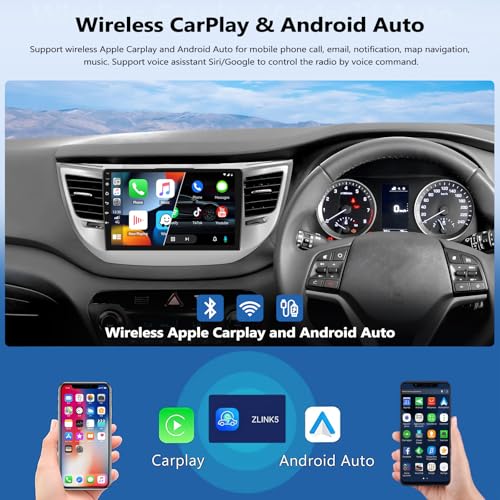
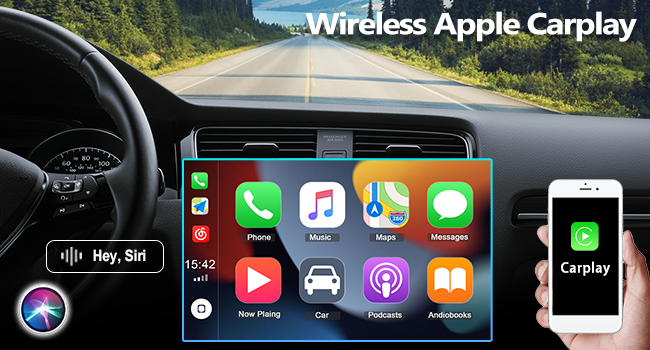
Wireless Apple Carplay
Merchant videoWireless Apple Carplay
- Wireless & Wired Connection
- Phone, Music, Navigation & More
- Siri Assistant
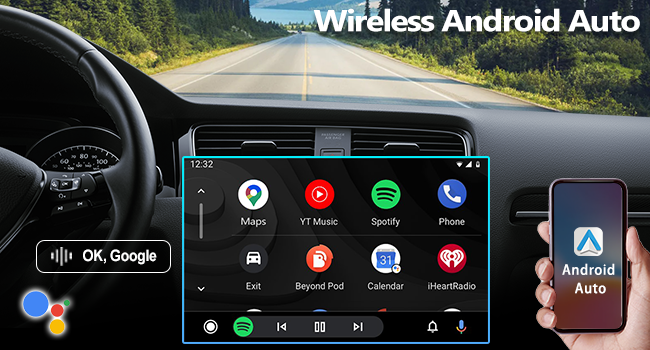
Wireless Android Auto
- Hands-Free & Safe Driving
- Google Assistant
- For Android Phones
Wireless Android Auto
Merchant video- The video showcases the product in use.The video guides you through product setup.The video compares multiple products.The video shows the product being unpacked.
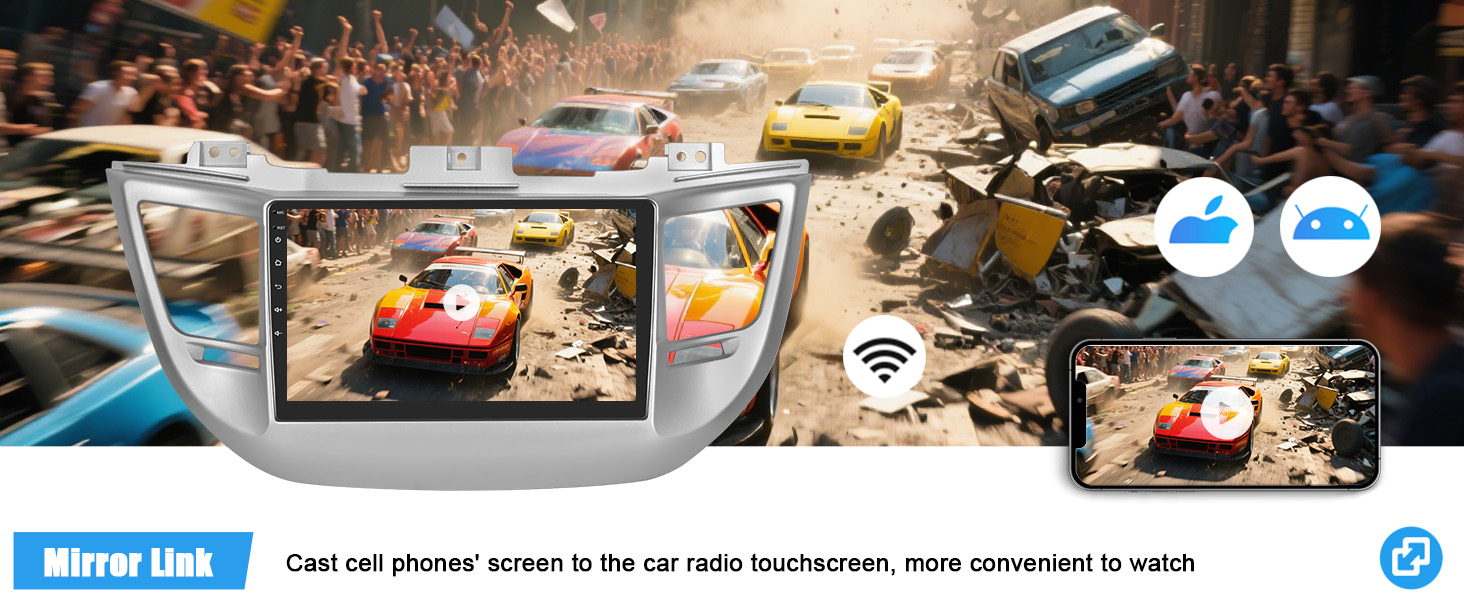
Wireless Airplay Mirroring
Merchant videoWireless Airplay Mirroring
- Wireless Connection
- Phone, Video, Music, Navigation & More
- IOS One-Way Projection
Wireless Android Cast
- Wireless & Wired Connection
- Phone, Video, Music, Navigation & More
- Android Two-Way Connection
Wireless Android Cast
Merchant video
Car Stereo with Wireless Apple Carplay
CarPlay for IOS: Apple Carplay is a car-computer interaction system specially customized for iPhone, for operating Apps from your phone such as navigation, telephone, music, radio, etc. on the 9 inch touch screen car stereo.
Make all hands-free and all on-the-go by simple and convenient controls.
Car Radio with Wireless Android Auto
Android Auto for Android: Android Auto is specially created by Google for Android phones, similar to CarPlay, you will be able to operate various Apps from your phone and your phone screen can still work independently.
Make your driving much safer by simple and convenient controls.
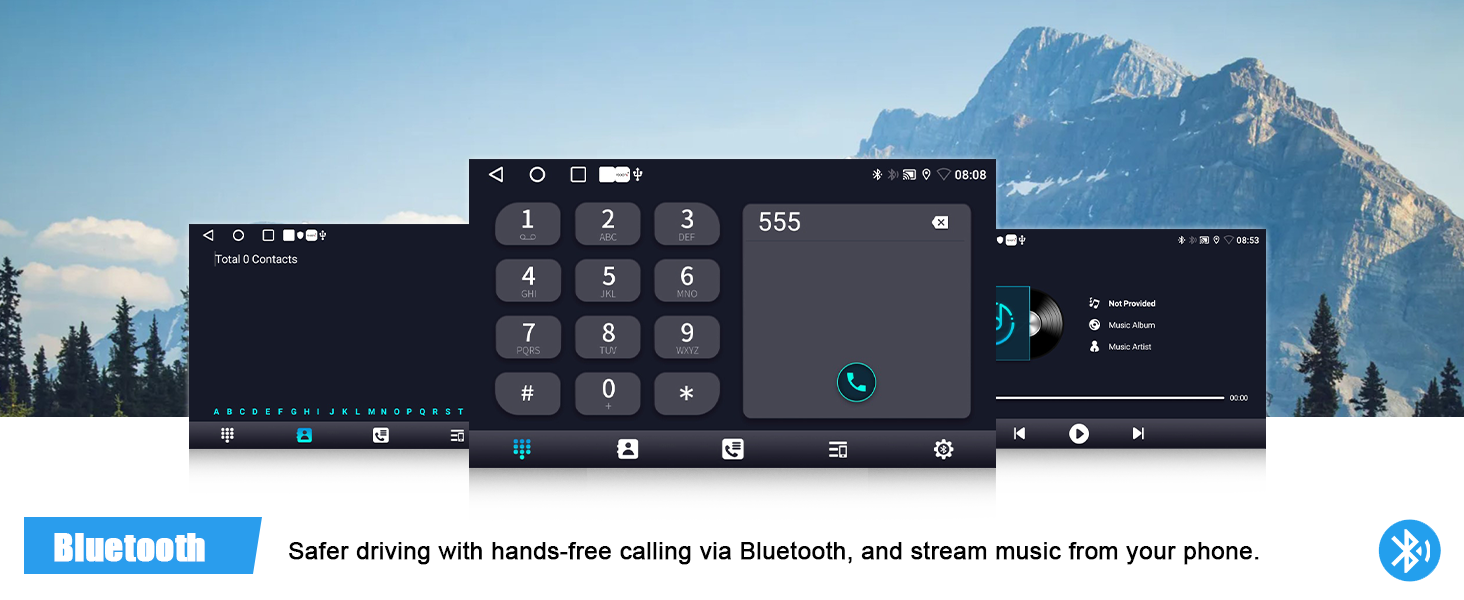
Once Bluetooth connection is established between the car stereo and your phone, you can make hands-free calls and stream your favorite songs on Spotify, Pandora, etc.
Canbus is NOT included.If needed, please reach us.
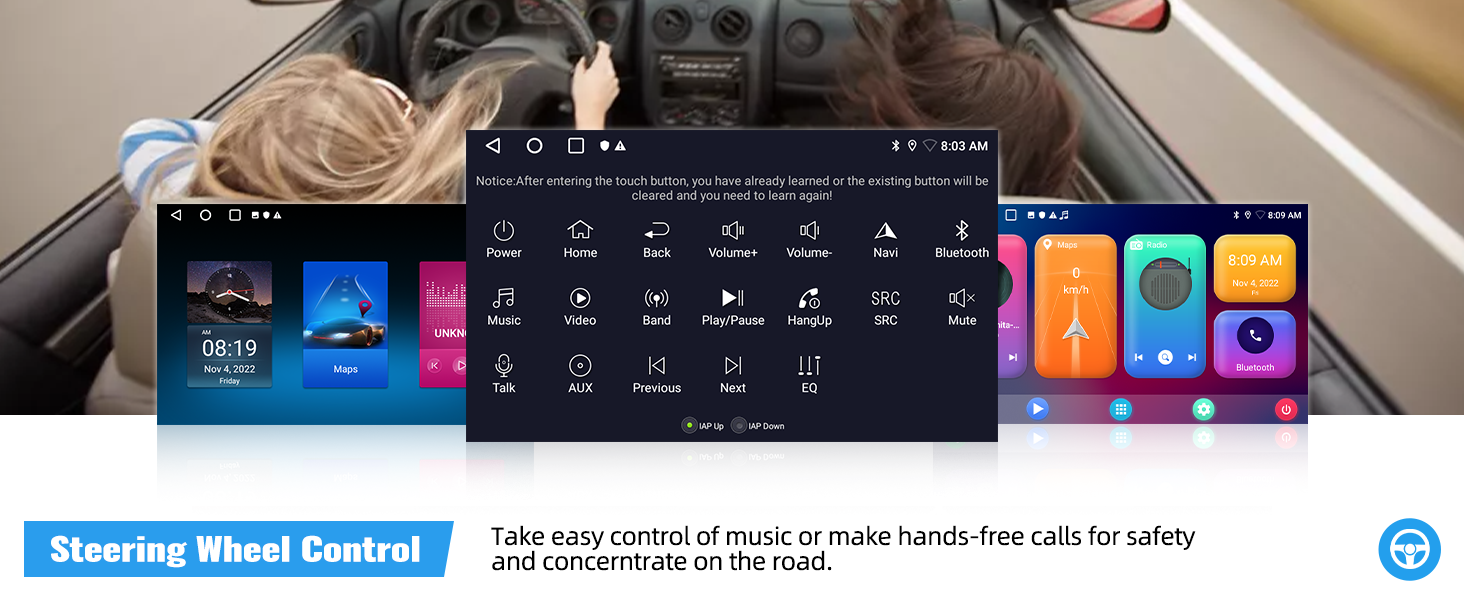
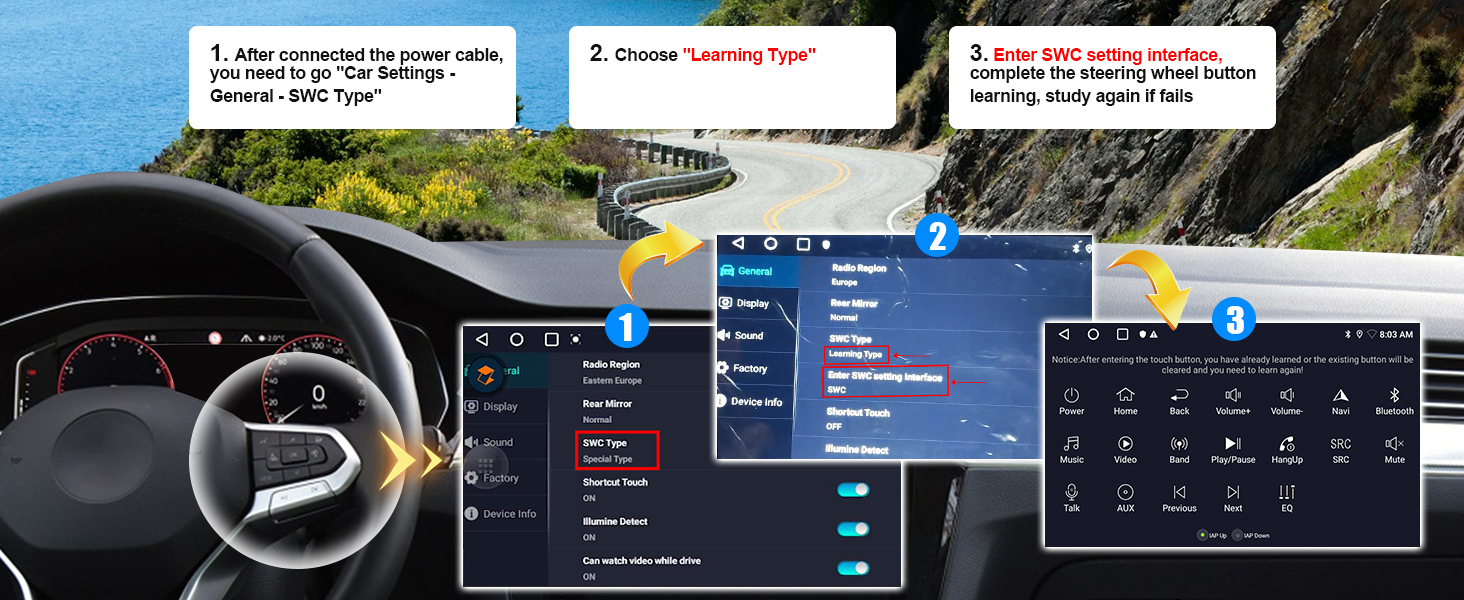
If uses steering wheel control:
1. Go "Car Settings – SWC Type" – choose "Learning Type"
2. Enter SWC setting interface and complete the steering wheel button functions learing
Android Car Stereo for Hyundai Tucson 3
| System | Android 15 |
| Memory | 2GB (RAM)+64GB (ROM) |
| Chipset | MT8163 |
| Operating speed | 1.3GHZ |
| Screen size | 9'' |
| Screen resolution | 1024*600 |
| Bluetooth version | 4.1 |
| Radio chip | MT6625N |
| Radio Band | FM/RDS |
| Power output | 4*45W |
| Power amplifier chip | YD7388 |
| Reversing input | AHD/CVBS |
| USB | Double USB interface |
| Split screen | Support |
| Video output | Not Support |
| Multilingual settings | Time settings |
Why no Audio? / Why FM Radio has audio but Bluetooth and Carplay does not get audio?
1. Connect "AMP Cont" of RCA to ACC
2. For power amplifier – connect the power cable of Amplifier to the 12V ACC wire of our product
3. Open the "amplifier" icon on the drag down page of the top bar
4. NOT compatible with Premium Audio System
Why the radio does not turn off and keeps draining my battery?
1. Please confirm the wiring definition is one-to-one correspondence to the original plug
2. Turn off you car and use a multimeter to check the leaking of red wire (ACC) of power cable
3. Connect the ACC wire to your car real ACC separately
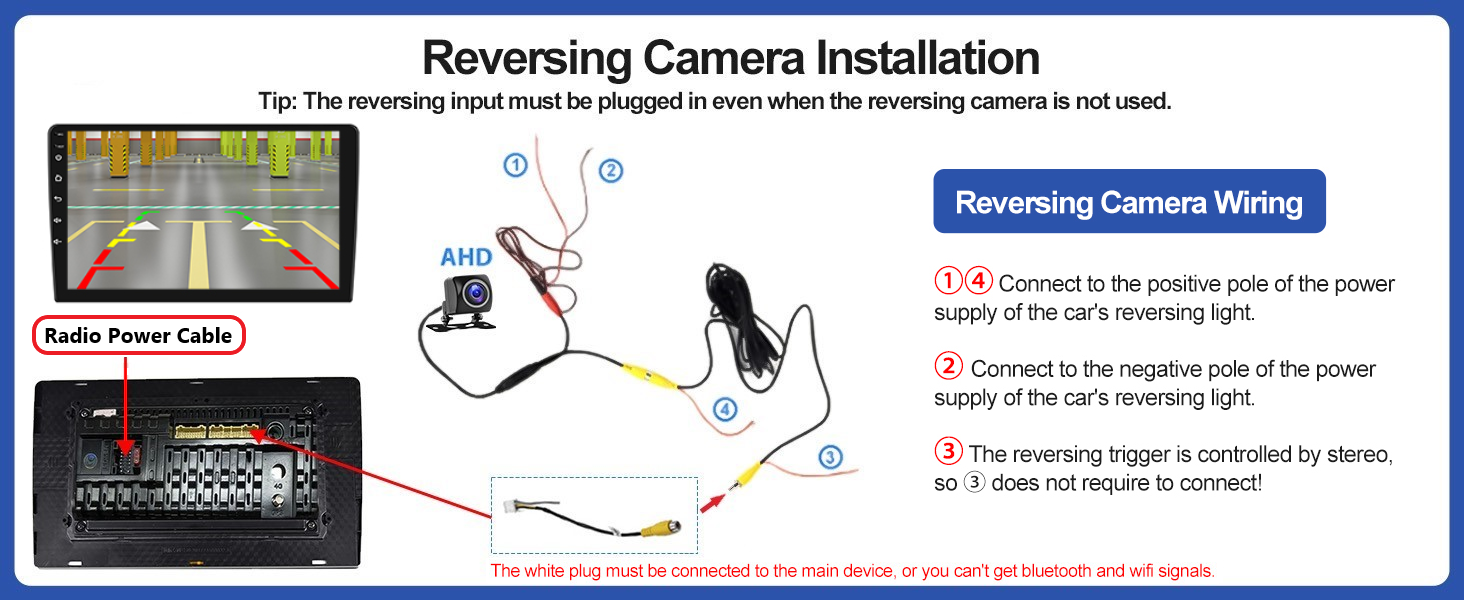
Why Bluetooth or WiFi signal is weak? / Why is there no network even though WiFi is connected?
1. There is a sepearetely backup camera input cable, please insert it to the rear of car radio. It will enhance Bluetooth and WiFi signal
2. The android car stereo only supports 3G Internet, please confirm the Internet is 2.4Ghz
Why steering wheel control does not work?
Plz learn the steering wheel button functions through Car Settings – SWC Type – Learning Type
1.Enter SWC setting interface
2.Long press the function icon on the radio, while pressing the relevant button on the car steering wheel
Try again if fails
Why offline navigation does not work?
Hello. Please download offline map data firstly. Download maps in the "Here Wego" application:
1. Connected the car radio to wifi or hotspot
2. Enter the WeGo application – menu – download the map here
3. Select the countries you need and download
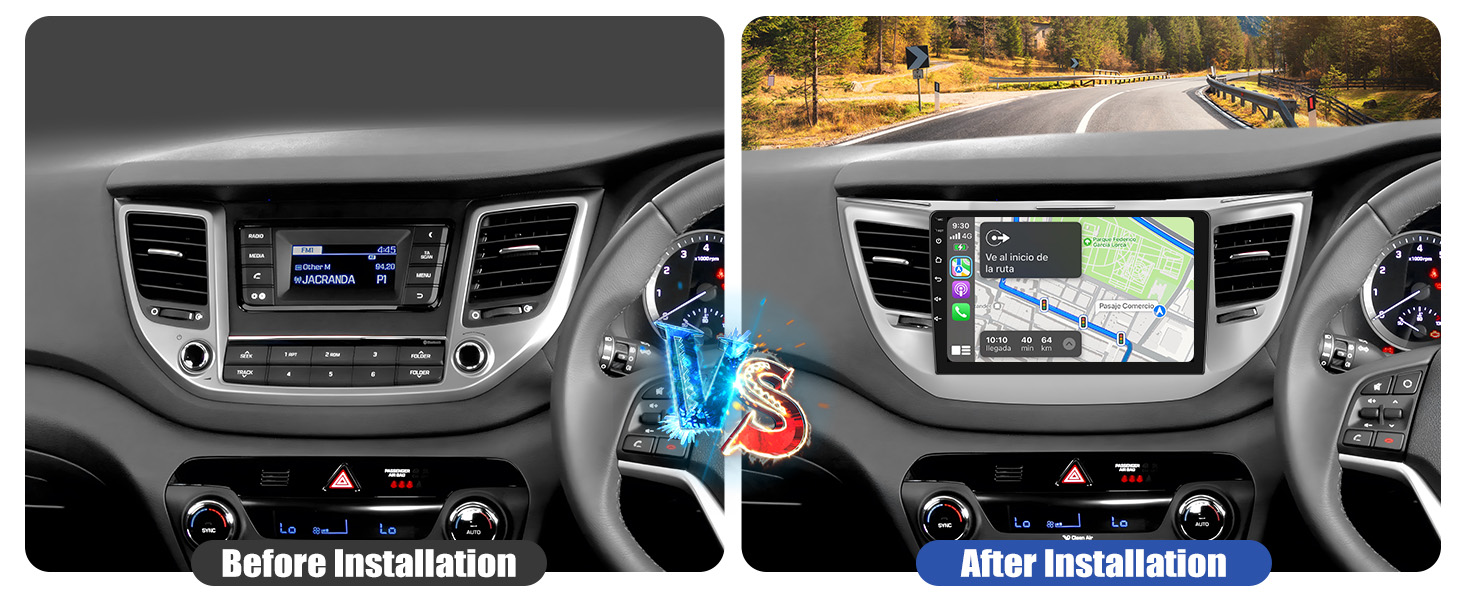
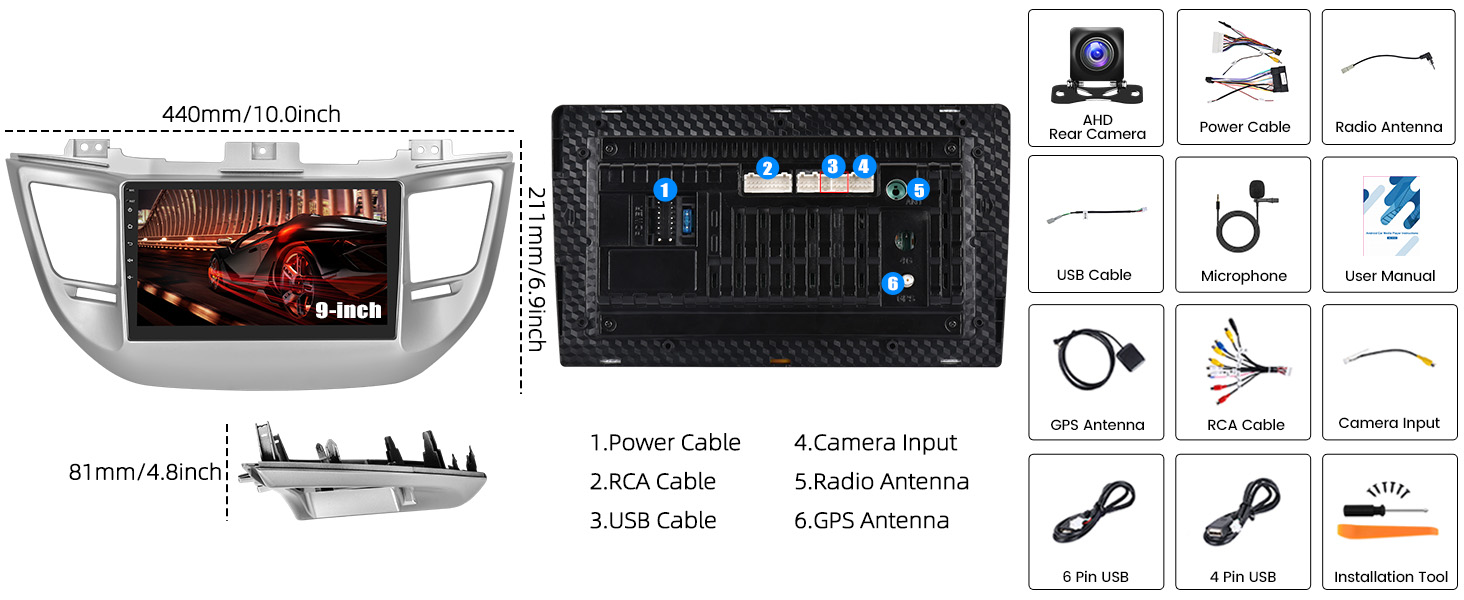
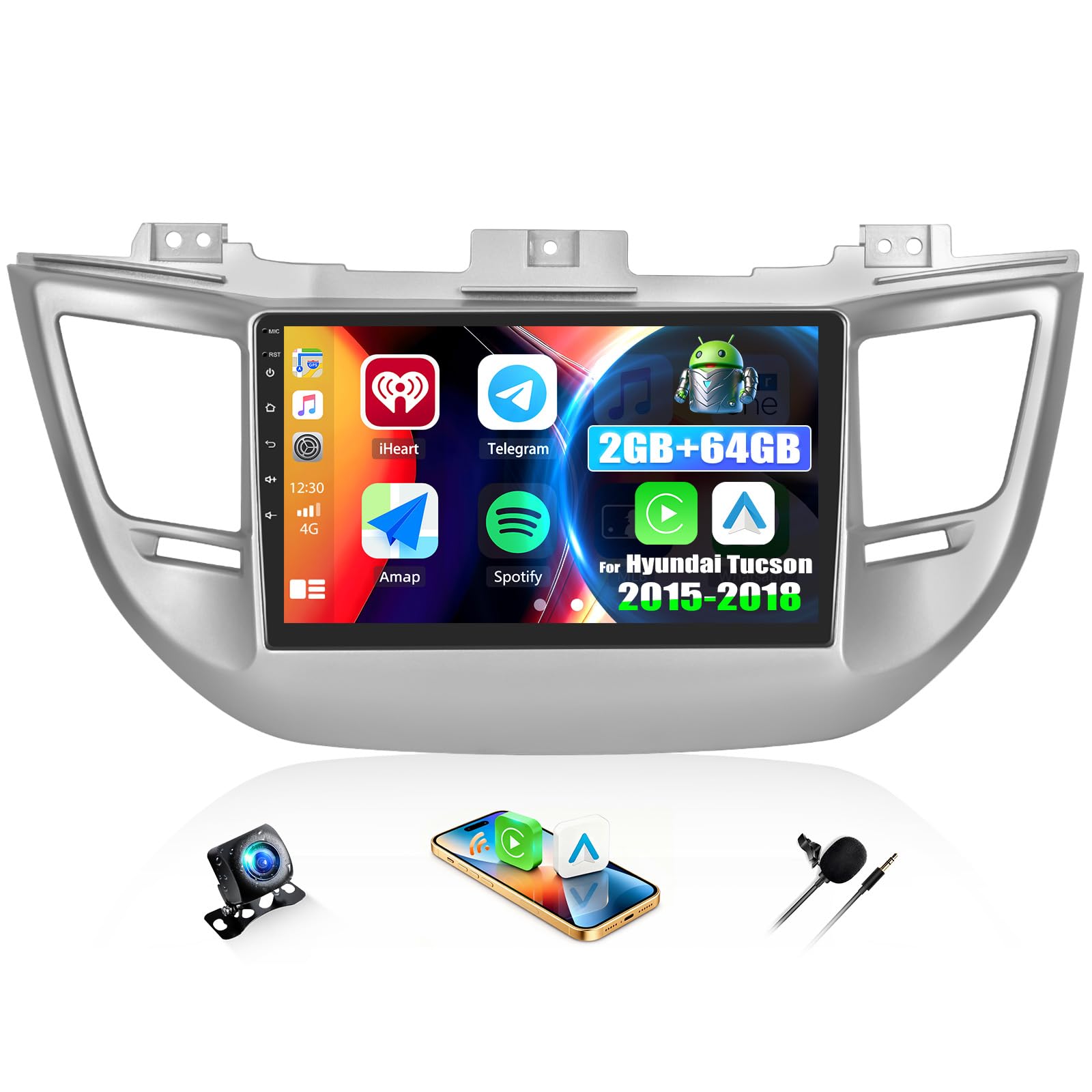
- [SUITABLE FOR MODELS] – The 9" car radio with 2G+64G storage has been specially designed for Hyundai Tucson 2015-2018(Low/Medium Configuration).Complete cable set, installation tools and manual included – for simple and precise installation.
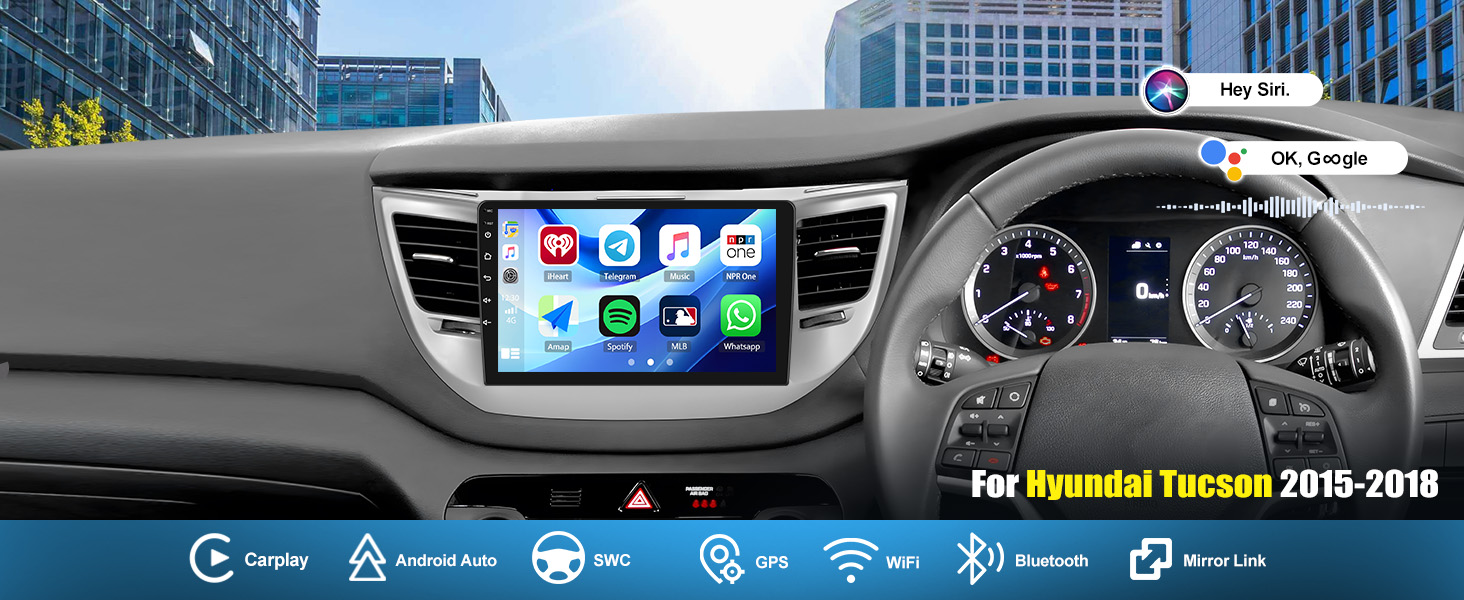
- [WIRELESS CARPLAY/ANDROID AUTO/MIRROR LINK] – This car audio receivers fully supports wireless CarPlay and Android Auto – with secure access to phone calls, messages, navigation and music playback, etc. Intuitive operation is either by voice command (Siri/Google Assistant) or via 2.5D tempered glass touchscreen. This combination of wireless connectivity and control reduces distractions and actively promotes driving safety.
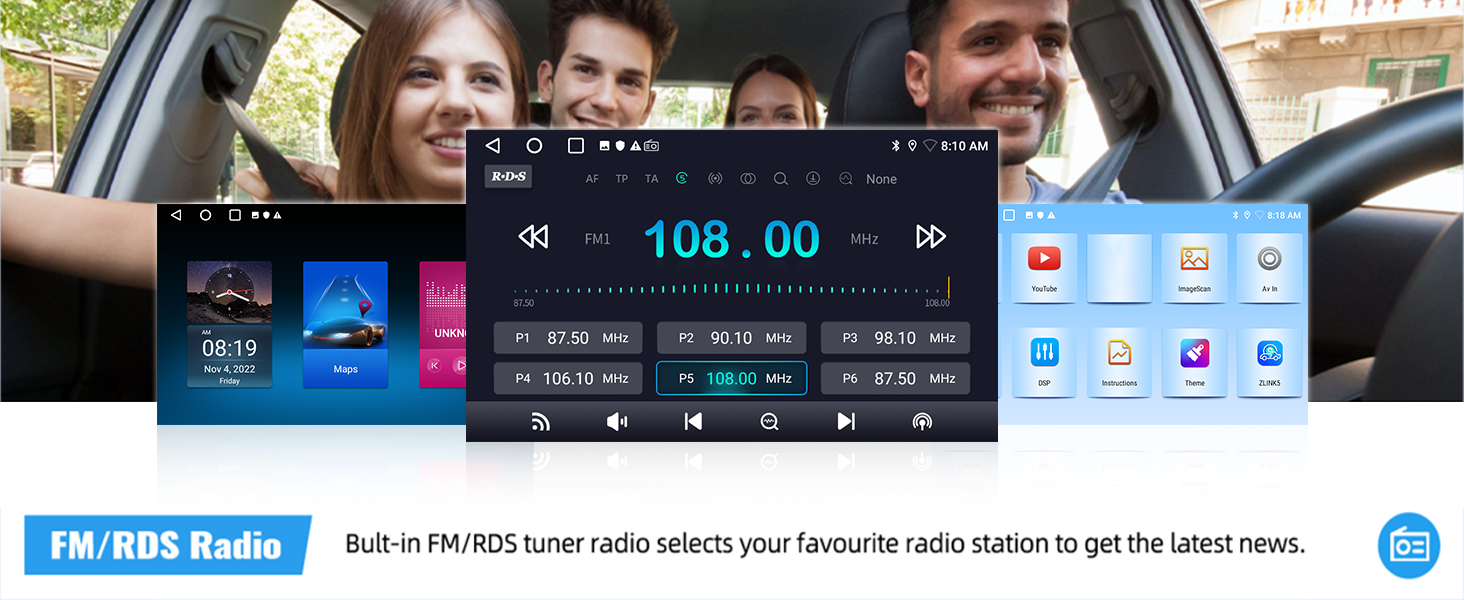
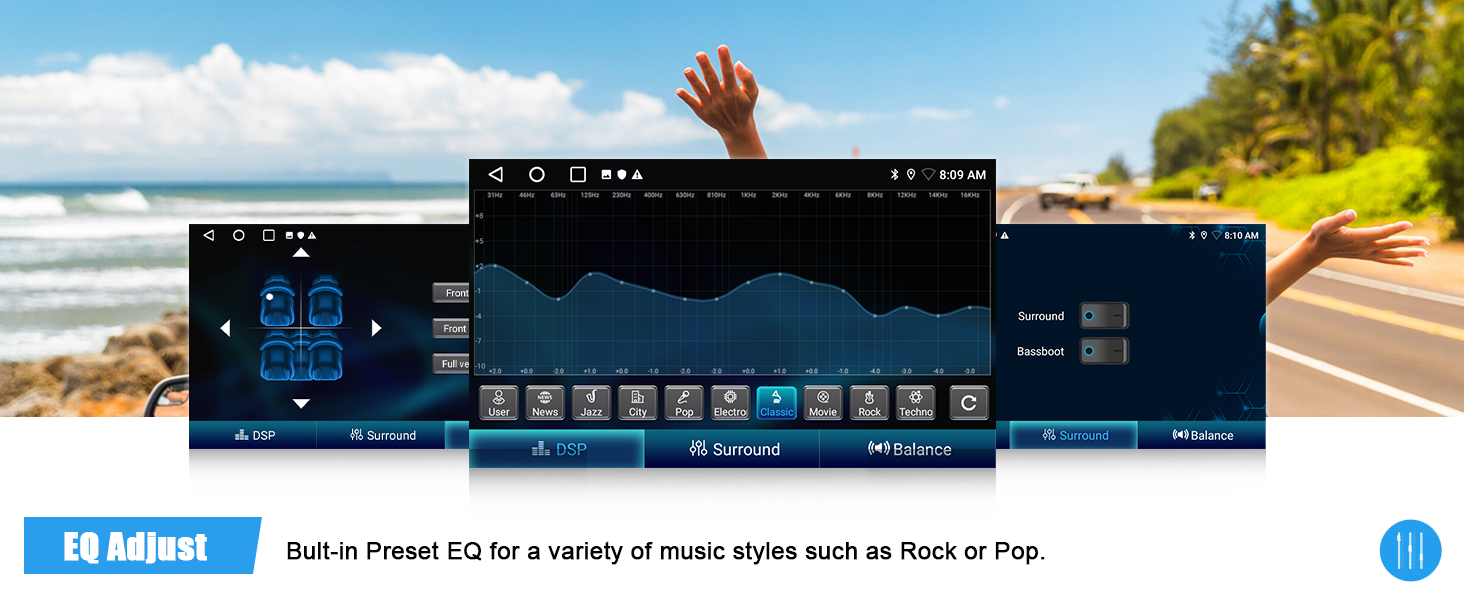
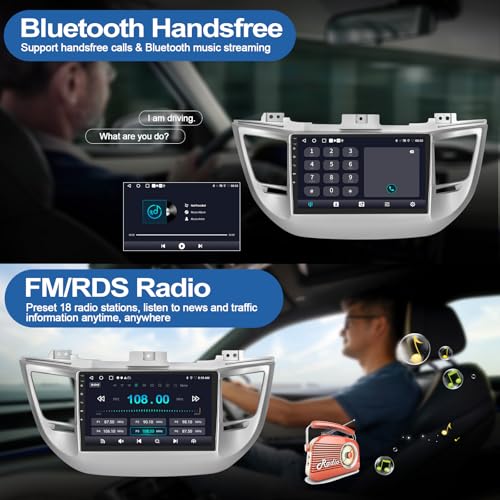
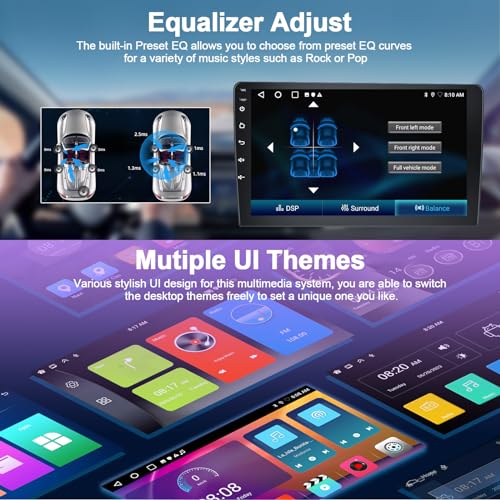
- [BLUETOOTH & FM/RDS RADIO & EQ] – This android radio integrated Bluetooth with A2DP, supports Bluetooth hands-free, audio streaming of music. FM/RDS radio can preset many stations with high stereo quality. 4 x 45W amplifiers, surround sound and subwoofer output.Make the music you play more infectious. A variety of EQ sound effects scene selection,enjoy every journey with enchanting music
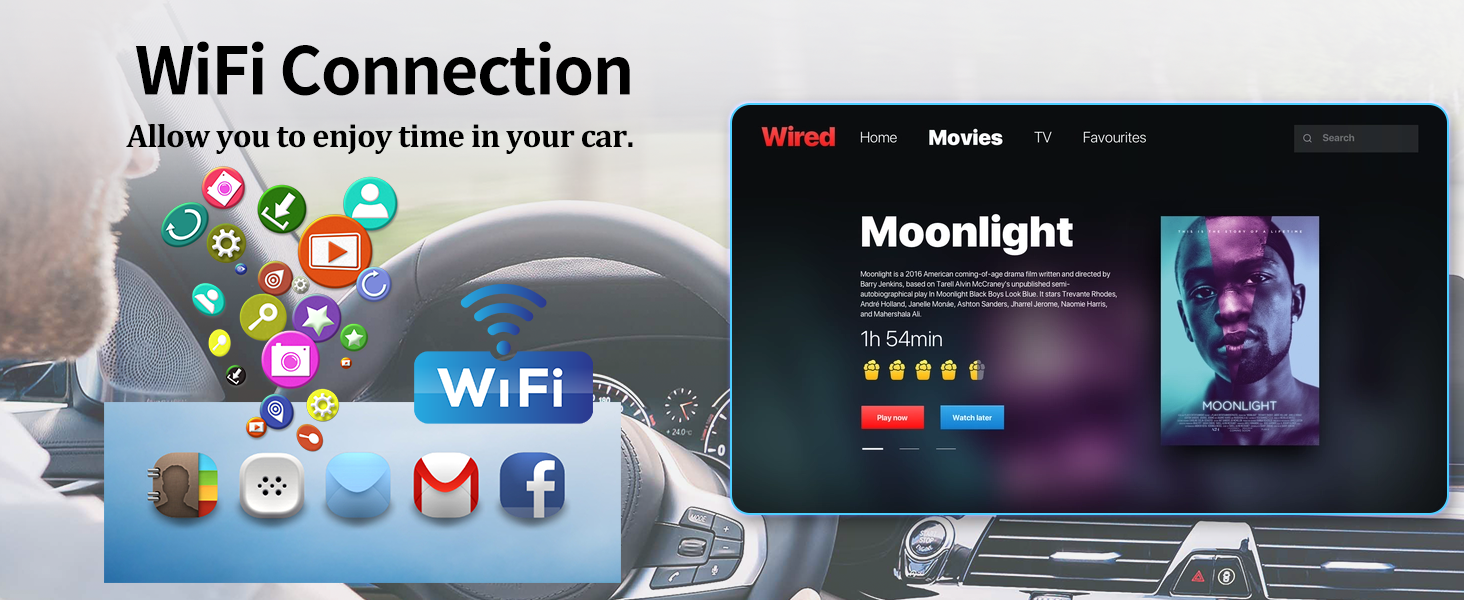
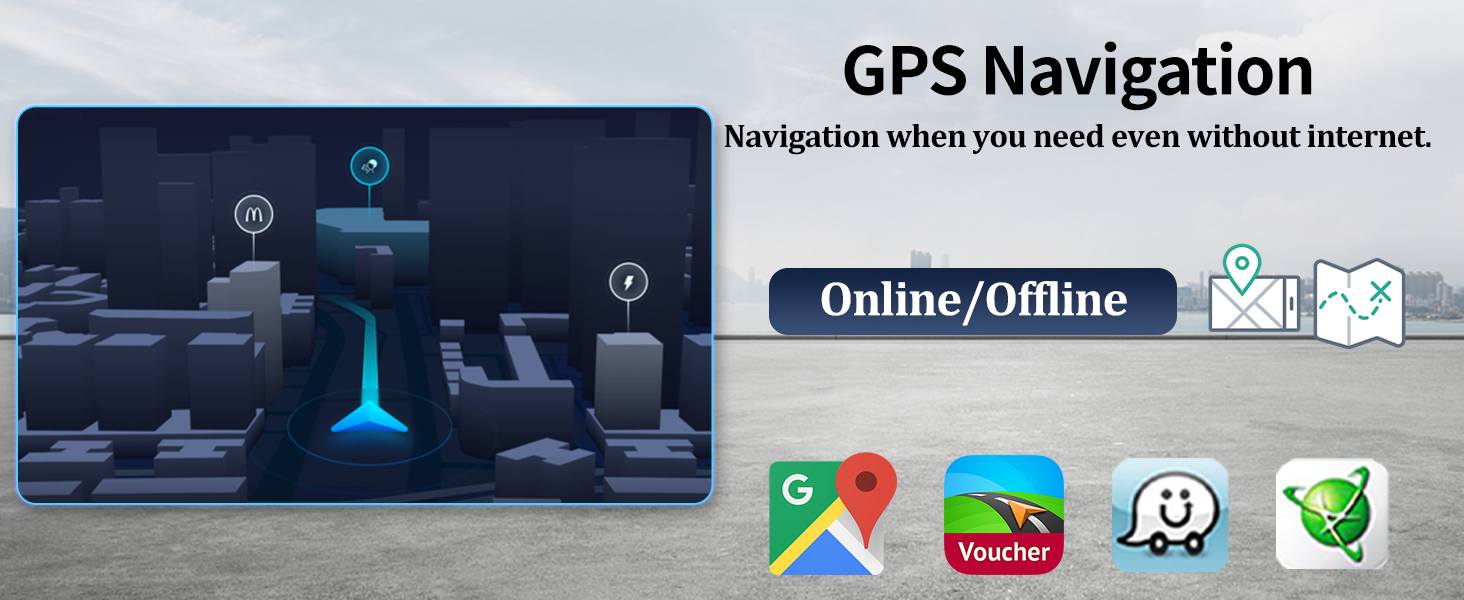
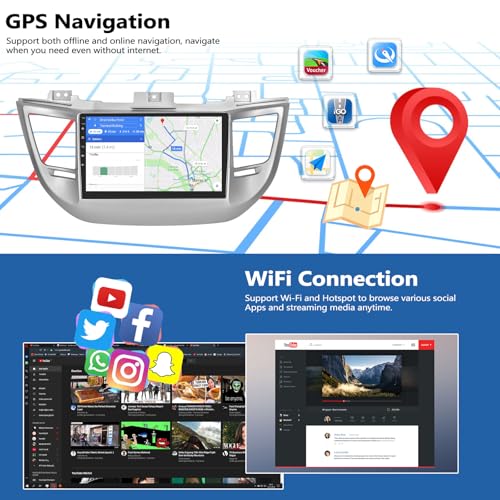
- [GPS SAT NAV & WIFI] – Integrated GPS for precise positioning and stable reception, with support for online and offline maps. Don't worry about getting lost! Connecting to WiFi allows you to easily browse the web and access apps such as YouTube, Spotify, etc
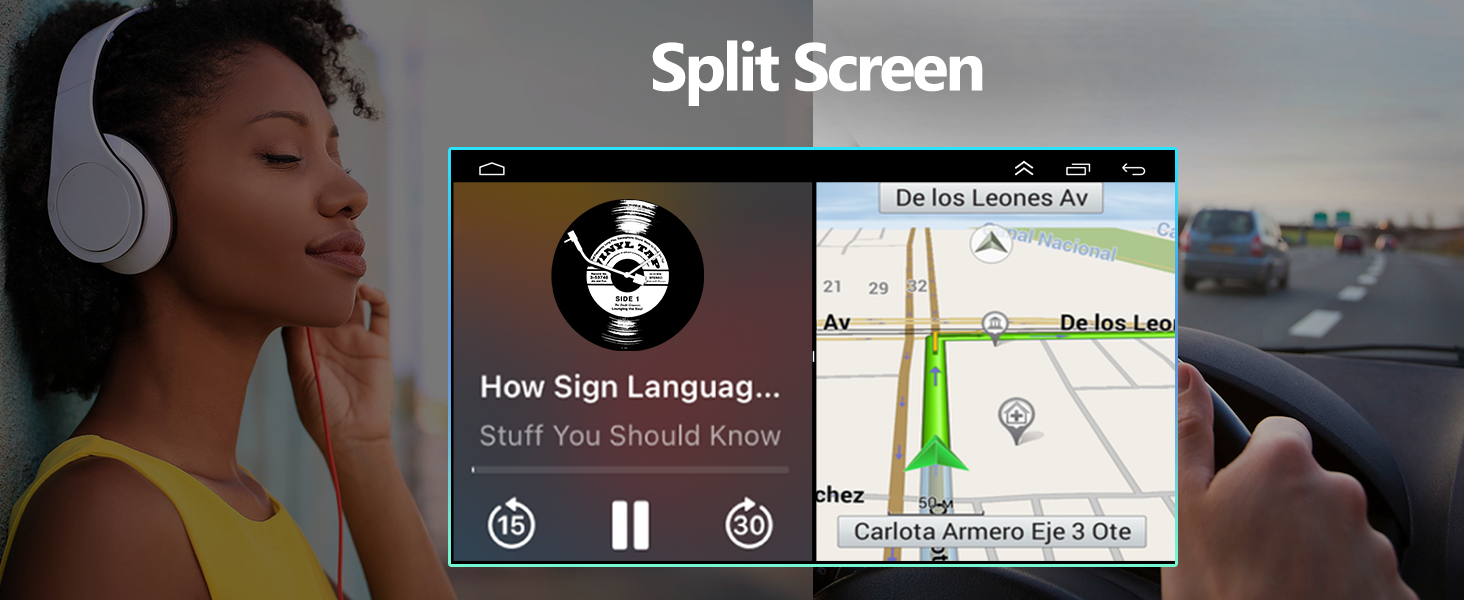
- [2.5D TEMPERED GLASS TOUCHSCREEN & SPLIT SCREEN] – With the 9-Inch 2.5D tempered glass touchscreen (1024×600), you can enjoy razor-sharp images, fast response. Thanks to the split-screen function, you can navigate precisely with Google Maps while Spotify plays your playlist, or keep your browser and telephony active at the same time.
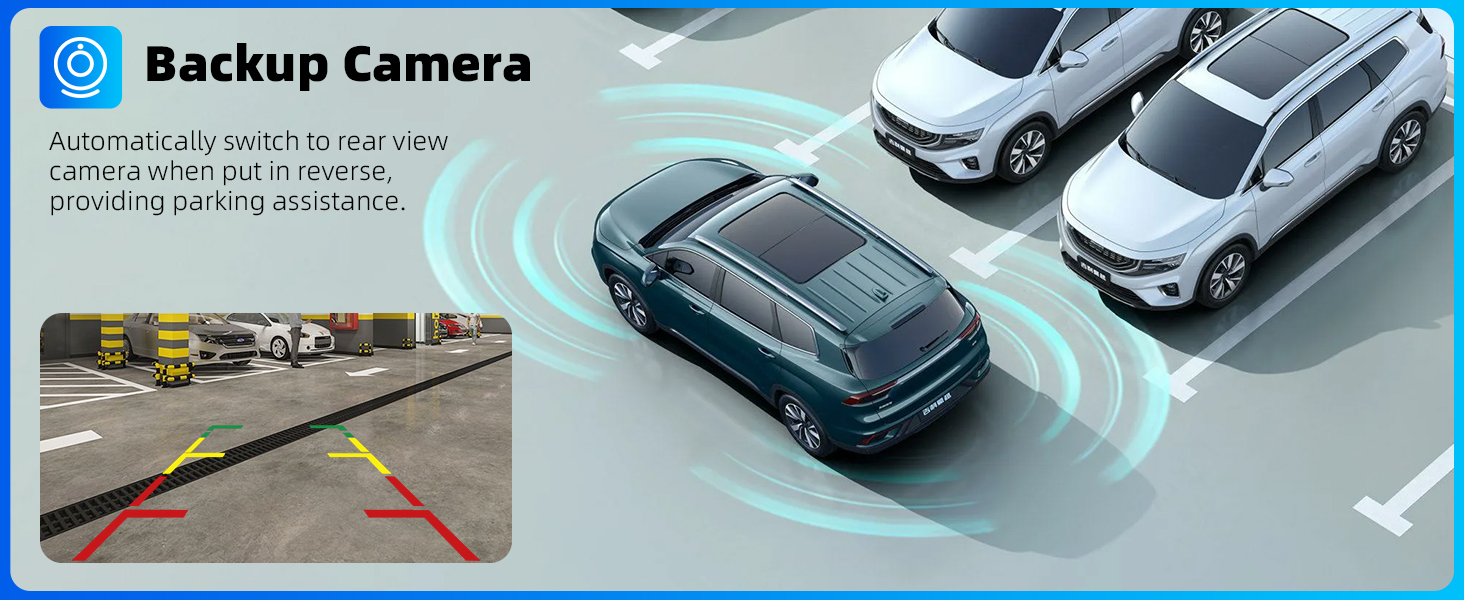
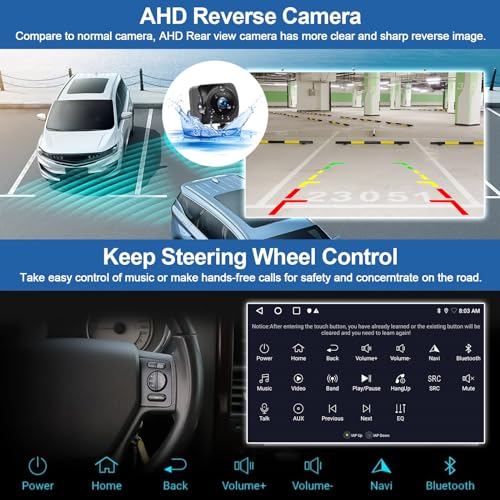
- [REAR VIEW CAMERA & ORIGINAL SWC & MIC] – When you pull the reverse gear, the camera will turn on and input the image on the screen. The original steering wheel control function support you to quickly switch between the functions you want, such as answering to call, toning down the volume. And the external microphone makes your voice clearer.
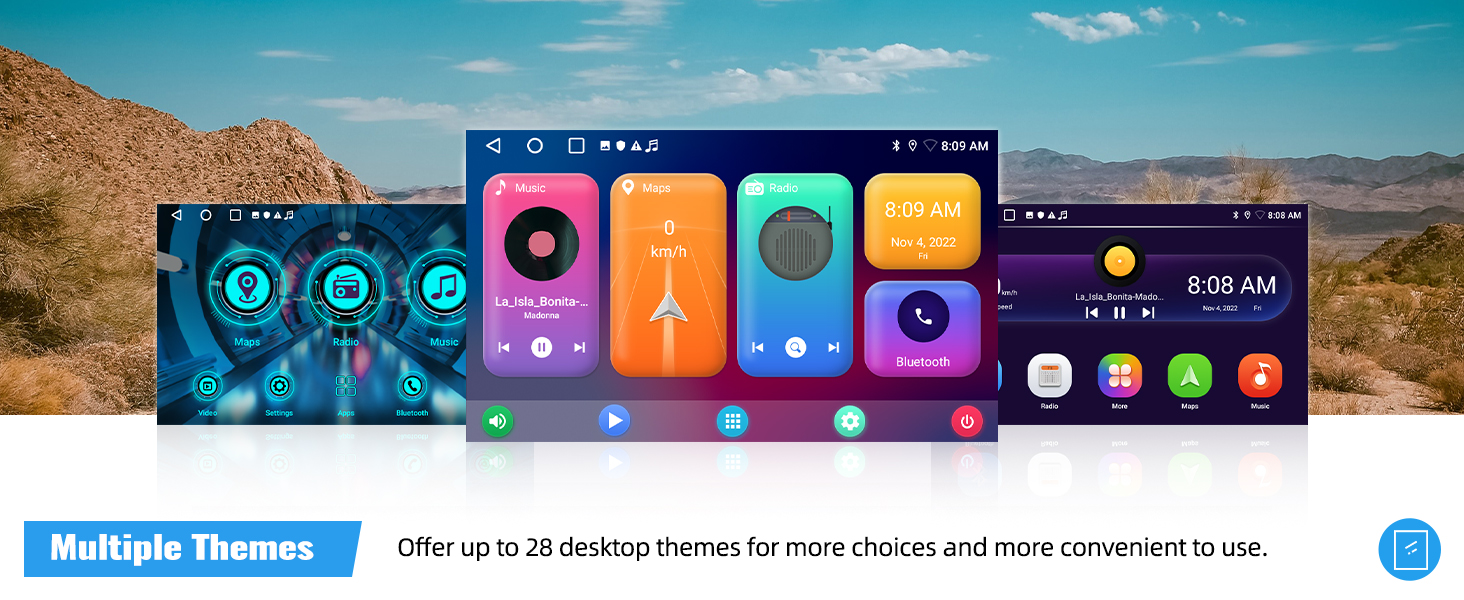
- [OTHER MULTIPLE FUNCTIONS] – The aftermarket radio also supports various other functions, including double USB, multiple UI themes , etc.
| SKU: | B0FPQD9JCH |
| Dimensions: | 21 x 8 x 44 cm; 1 kg |
| Manufacture: | CAMECHO |
Product Description
Built-in wireless Apple Carplay and Android Auto, 9″ Android 15car stereo with 2GB RAM+64GB ROM, GPS and WiFi, supports Bluetooth, FM/RDS, mirror link, AHD backup camera, fit
Hyundai Tucson 2015-2018 (Low/Medium Configuration)
- The video showcases the product in use.The video guides you through product setup.The video compares multiple products.The video shows the product being unpacked.
Wireless Apple Carplay
Merchant videoWireless Apple Carplay
- Wireless & Wired Connection
- Phone, Music, Navigation & More
- Siri Assistant
Wireless Android Auto
- Hands-Free & Safe Driving
- Google Assistant
- For Android Phones
Wireless Android Auto
Merchant video- The video showcases the product in use.The video guides you through product setup.The video compares multiple products.The video shows the product being unpacked.
Wireless Airplay Mirroring
Merchant videoWireless Airplay Mirroring
- Wireless Connection
- Phone, Video, Music, Navigation & More
- IOS One-Way Projection
Wireless Android Cast
- Wireless & Wired Connection
- Phone, Video, Music, Navigation & More
- Android Two-Way Connection
Wireless Android Cast
Merchant video
Car Radio with Wireless Android Auto
Android Auto for Android: Android Auto is specially created by Google for Android phones, similar to CarPlay, you will be able to operate various Apps from your phone and your phone screen can still work independently.
Make your driving much safer by simple and convenient controls.
Canbus is NOT included. If needed, please reach us.
If uses steering wheel control:
1. Go “Car Settings – SWC Type” – choose “Learning Type”
2. Enter SWC setting interface and complete the steering wheel button functions learing
Android Car Stereo for Hyundai Tucson 3
| System | Android 15 |
| Memory | 2GB (RAM)+64GB (ROM) |
| Chipset | MT8163 |
| Operating speed | 1.3GHZ |
| Screen size | 9'' |
| Screen resolution | 1024*600 |
| Bluetooth version | 4.1 |
| Radio chip | MT6625N |
| Radio Band | FM/RDS |
| Power output | 4*45W |
| Power amplifier chip | YD7388 |
| Reversing input | AHD/CVBS |
| USB | Double USB interface |
| Split screen | Support |
| Video output | Not Support |
| Multilingual settings | Time settings |
Why no Audio? / Why FM Radio has audio but Bluetooth and Carplay does not get audio?
1. Connect “AMP Cont” of RCA to ACC
2. For power amplifier – connect the power cable of Amplifier to the 12V ACC wire of our product
3. Open the “amplifier” icon on the drag down page of the top bar
4. NOT compatible with Premium Audio System
Why the radio does not turn off and keeps draining my battery?
1. Please confirm the wiring definition is one-to-one correspondence to the original plug
2. Turn off you car and use a multimeter to check the leaking of red wire (ACC) of power cable
3. Connect the ACC wire to your car real ACC separately
Why Bluetooth or WiFi signal is weak? / Why is there no network even though WiFi is connected?
1. There is a sepearetely backup camera input cable, please insert it to the rear of car radio. It will enhance Bluetooth and WiFi signal
2. The android car stereo only supports 3G Internet, please confirm the Internet is 2.4Ghz
Why steering wheel control does not work?
Plz learn the steering wheel button functions through Car Settings – SWC Type – Learning Type
1.Enter SWC setting interface
2.Long press the function icon on the radio, while pressing the relevant button on the car steering wheel
Try again if fails
Why offline navigation does not work?
Hello. Please download offline map data firstly. Download maps in the “Here Wego” application:
1. Connected the car radio to wifi or hotspot
2. Enter the WeGo application – menu – download the map here
3. Select the countries you need and download