MaedHawk Bypass 2.0 Motorcycle CarPlay Activation Adapter
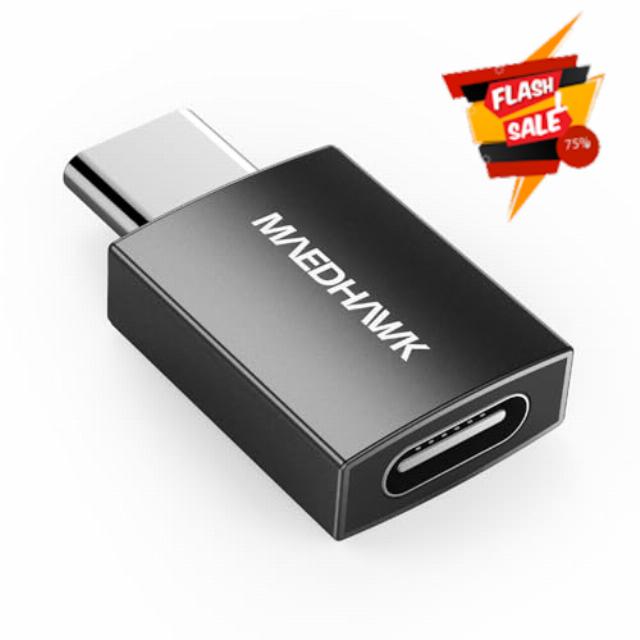
MaedHawk Bypass 2.0 Motorcycle CarPlay Activation Adapter – Bluetooth 5.4 Headset Bypass with 45W USB-C Passthrough Charging Port (Plug & Play, Wireless Activation, Headset Bypass for CarPlay)
MaedHawk Bypass 2.0 – Headset-Free CarPlay for Harley & Honda Goldwing
Core Benefits
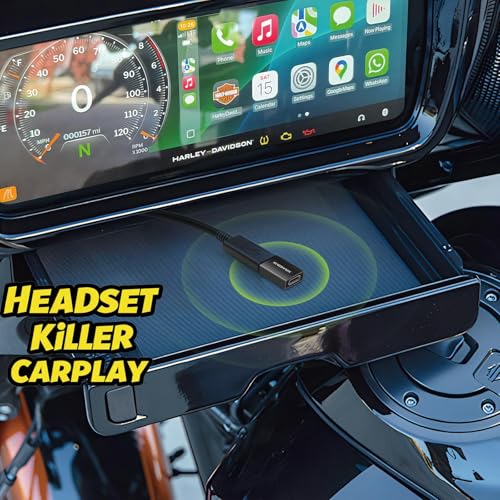
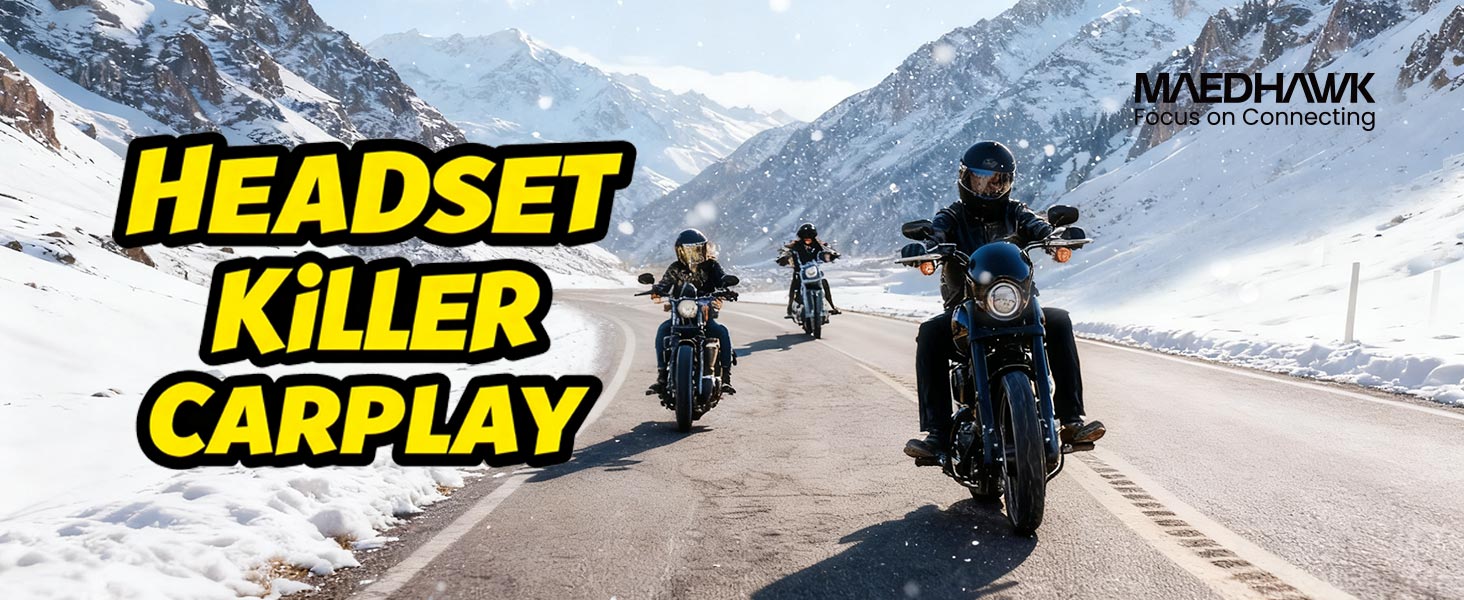
- Headset Bypass: Simulates Bluetooth to launch CarPlay – no helmet earbuds, enjoy maps/music via bike speakers.
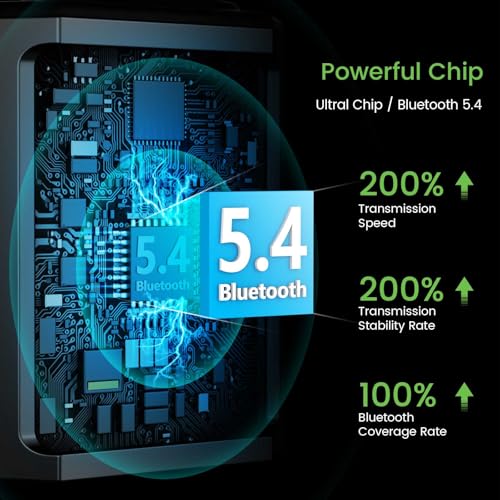
- 2-in-1 Design: 45W USB-C charging + stable Bluetooth 5.4 – stay powered, no disconnects.
- Plug & Play: No professional install – ready to use in minutes.
Ditch Helmet Headsets! Enjoy CarPlay Via Bike Speakers– Smooth Rides, No Hassle
| Product name | Motorcycle Headset Adapter |
| Bluetooth version | BT 5.4 |
| Power supply | USB-C (passthrough) |
| Effective Range | 15 m (open area) |
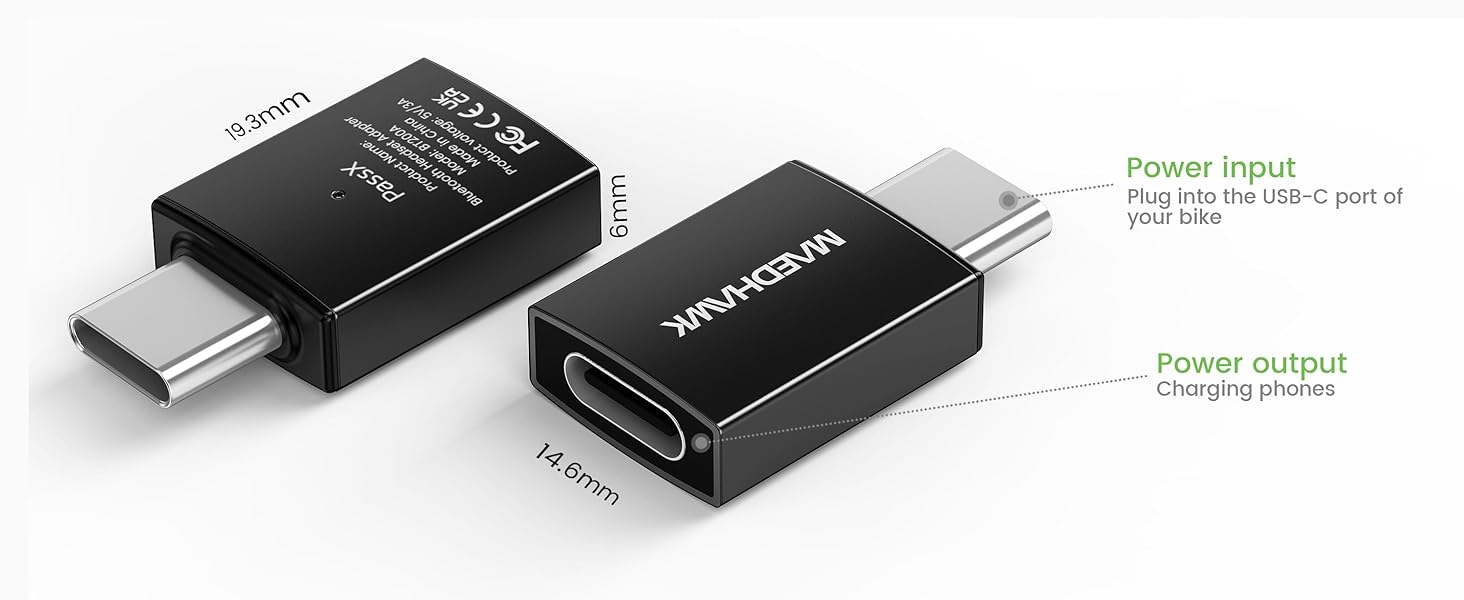
| Max Charging Power | 45W |
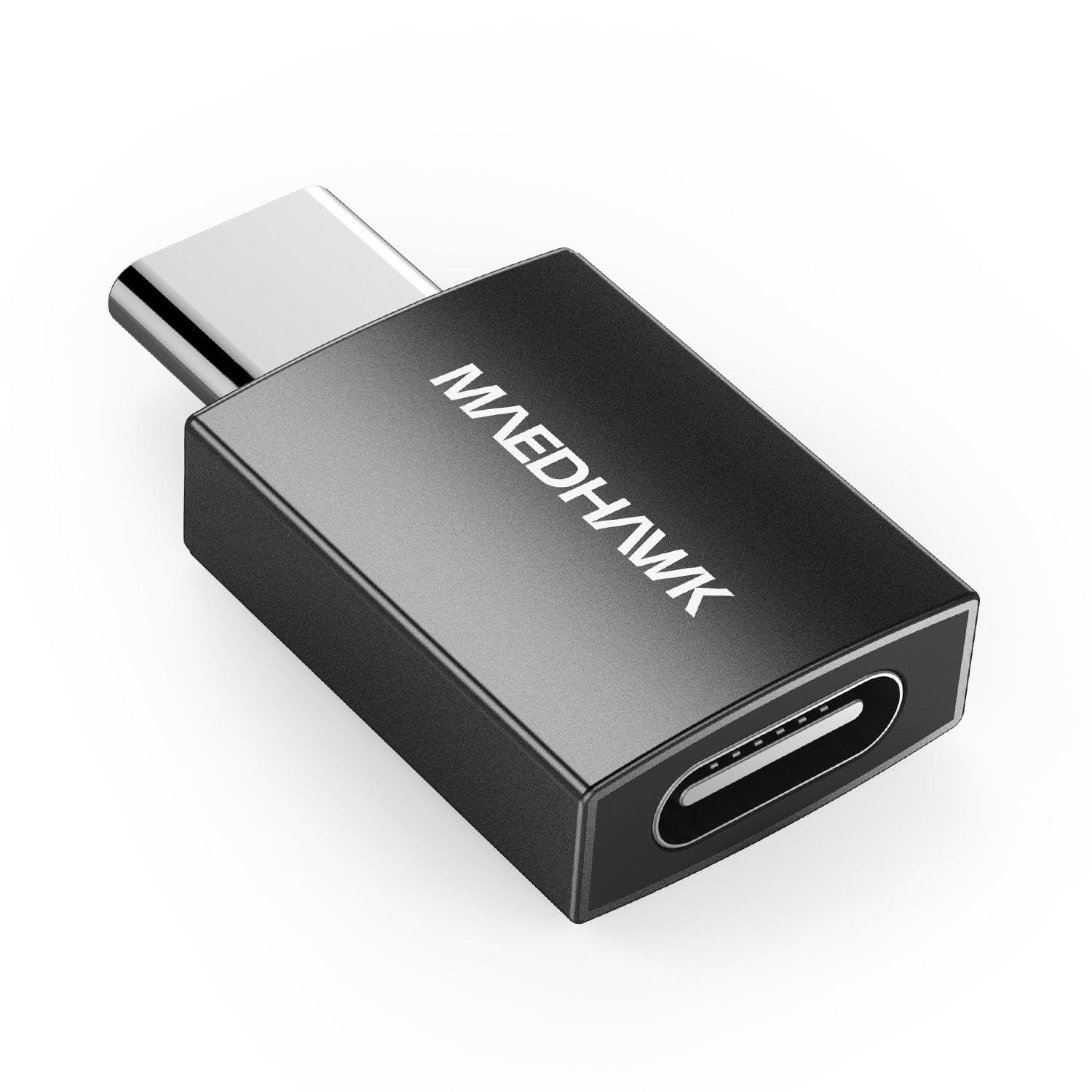
| Dimensions | 19.3*14.6*6mm |
Stable Bluetooth 5.4 + 45W Charging: 2-in-1 for Smooth Rides
Compatibility
- Harley Touring (SkyLine Infotainment/12.3” screen or WHIM module)
- Honda Goldwing 2025 + older models (USB-C→A adapter for wired CarPlay)
- Most bikes requiring Bluetooth headset for CarPlay activation
Hassle-Free Connection: Bypass for CarPlay/Android Auto + Harley SkyLine
How to Use Apple CarPlay Without a Headset – Maedhawk Bypass 2.0 Guide?
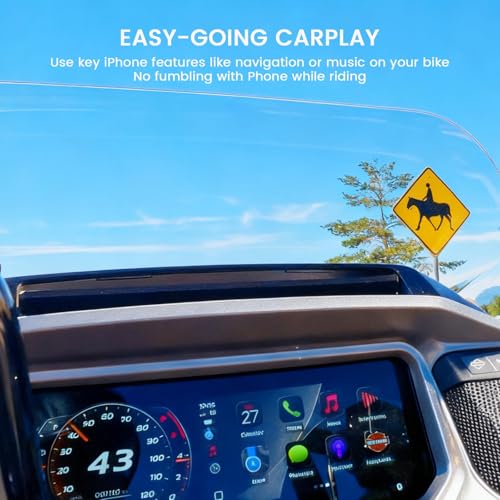
Riding a motorcycle means freedom – Apple CarPlay expands this feeling with apps, music and navigation on your motorcycle's display. HD motorcycles with Skyline OS previously required a headset due to Apple's microphone requirement. With the Maedhawk Bypass 2.0 adapter (with USB-C passthrough) you can now use CarPlay without a headset and charge your smartphone at the same time.
Step-by-Step Instructions:
- Plug the Maedhawk PassX (Bypass 2.0) into your bike’s USB port (USB-A bikes need a simple adapter – not included)
- In your bike’s infotainment (e.g., Harley SkyLine Device Manager), add the device as a new Bluetooth headset (it appears as “Rider Headset”)
- Pair your iPhone via Bluetooth → CarPlay launches automatically.
- Charge your phone simultaneously via the USB-C passthrough.
Why Choose MaedHawk?
5-min tool-free install, UK rider-loved. Stay powered, connected, and focused on your ride!
Easy Headset & Wi-Fi Connection——Maedhawk Bypass 2.0 Makes It Possible
Key Notes:
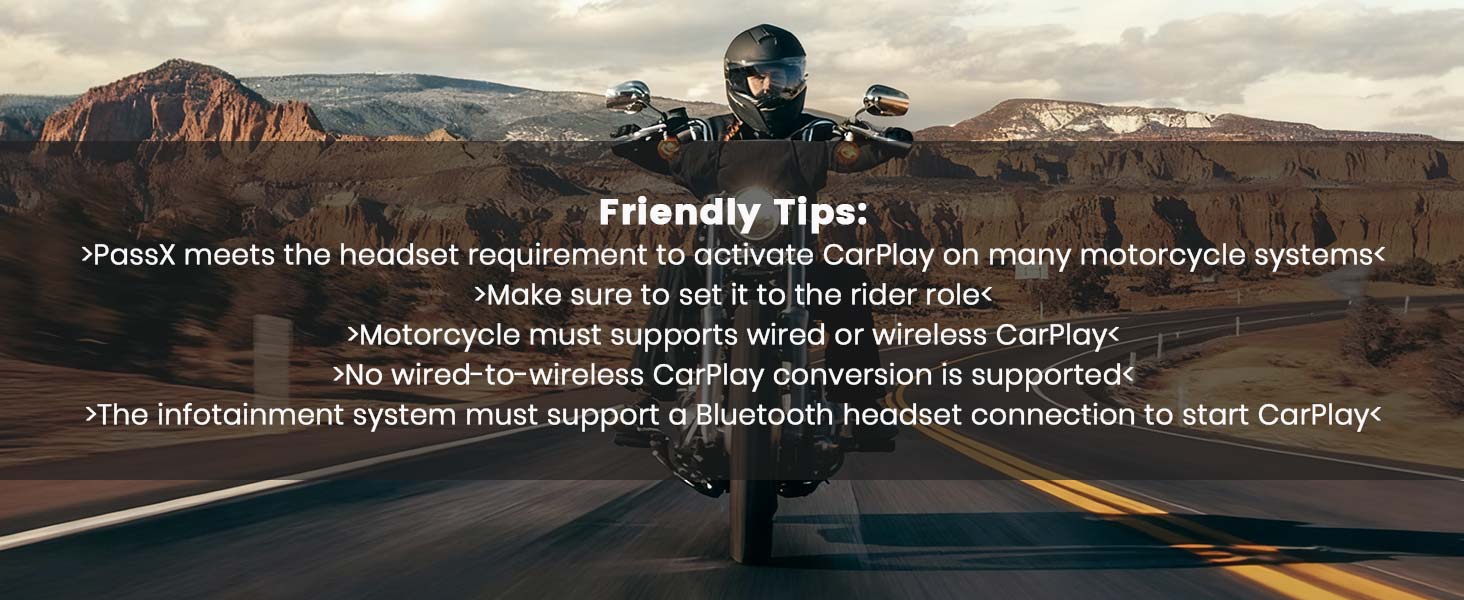
- Infotainment system must support Bluetooth headset connection; no CarPlay/Android Auto if not pre-installed.
- Harley BOOM systems may need Harley headset module; WHIM module required for wired-to-wireless CarPlay.
- No wired-to-wireless conversion without CarPlay + Bluetooth headset support.
Which infotainment systems is it incompatible with? And what if there are connection issues?
Not compatible with Non CVO BOOM infotainment systems. For a successful connection, ensure the Maedhawk Bypass 2.0 is paired only with the motorcycle, not with your phone.
Are there any tips for the Bluetooth connection?
Do not store any objects that could interfere with the signal in the motorcycle’s storage compartment.
How does the headset connection work?
The Bypass 2.0 only provides a headset connection – the iPhone must establish a separate Wi-Fi connection with the motorcycle.
What is important for the Harley SkyLine system?
Check that the Bypass 2.0 is displayed as connected on the Device Manager screen.
Which devices is the adapter compatible with?
The CarPlay Adapter works with iPhone systems, and Android Auto works with Android systems.
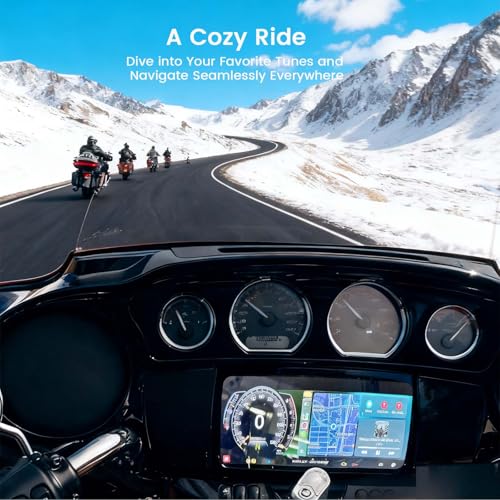
- Bluetooth Headset Bypass for Easy CarPlay Activation Without a Helmet: MaedHawk Bypass 2.0 simulates a wireless headset, so you can activate Apple CarPlay without your motorcycle helmet headset. Enjoy music, navigation, and voice prompts directly through your bike's speakers – simple plug-and-play setup in minutes, with stable Bluetooth 5.4 connection up to 15m range.
- Compatibility for Key Motorcycle Models: MaedHawk Bypass 2.0 is compatible with Harley-Davidson Touring models featuring Skyline Infotainment (e.g., 12.3" display or WHIM module) and suitable for the 2025+ Honda Gold Wing series. For older Gold Wing models, a USB-C to USB-A adapter may be needed. Note: Skyline OS bikes do not natively support Android Auto – confirm your system includes it before purchase!
- 45W USB-C Passthrough Fast Charging — MaedHawk Motorcycle Bypass CarPlay: Charge your iPhone at up to 45W (max output) via the built-in passthrough USB-C port while riding – great for extended trips without battery worries. If your motorcycle has only a USB-A port, use a USB-A to USB-C adapter (not included). Improved signal strength keeps everything running smoothly without interruptions.
- Safe & Practical for Daily Riding: Keep your focus on the road: clear navigation, music, and prompts play through the motorcycle's speakers – no messy cables or bulky headset needed. Compact, certified, and easy to install; store it openly to prevent any signal issues.
- Important Limitations – Wireless CarPlay Systems Only: MaedHawk Bypass 2.0 cannot add CarPlay or Android Auto to bikes without native support, nor convert wired CarPlay to wireless. It works only if your infotainment already supports wireless CarPlay + Bluetooth headset pairing. No microphone support for Siri, Google Assistant, or phone calls.

| SKU: | B0G78MB1XP |
| Dimensions: | 10.4 x 6.9 x 1.7 cm; 20 g |
| Model: | BT200A |
| Manufacture: | Mencom |
Product Description
MaedHawk Bypass 2.0 – Headset-Free CarPlay for Harley & Honda Goldwing
Core Benefits
- Headset Bypass: Simulates Bluetooth to launch CarPlay – no helmet earbuds, enjoy maps/music via bike speakers.
- 2-in-1 Design: 45W USB-C charging + stable Bluetooth 5.4 – stay powered, no disconnects.
- Plug & Play: No professional install – ready to use in minutes.
Ditch Helmet Headsets! Enjoy CarPlay Via Bike Speakers– Smooth Rides, No Hassle
| Product name | Motorcycle Headset Adapter |
| Bluetooth version | BT 5.4 |
| Power supply | USB-C (passthrough) |
| Effective Range | 15 m (open area) |
| Max Charging Power | 45W |
| Dimensions | 19.3*14.6*6mm |
Stable Bluetooth 5.4 + 45W Charging: 2-in-1 for Smooth Rides
Key Notes:
- Infotainment system must support Bluetooth headset connection; no CarPlay/Android Auto if not pre-installed.
- Harley BOOM systems may need Harley headset module; WHIM module required for wired-to-wireless CarPlay.
- No wired-to-wireless conversion without CarPlay + Bluetooth headset support.
Which infotainment systems is it incompatible with? And what if there are connection issues?
Not compatible with Non CVO BOOM infotainment systems. For a successful connection, ensure the Maedhawk Bypass 2.0 is paired only with the motorcycle, not with your phone.
Are there any tips for the Bluetooth connection?
Do not store any objects that could interfere with the signal in the motorcycle’s storage compartment.
How does the headset connection work?
The Bypass 2.0 only provides a headset connection – the iPhone must establish a separate Wi-Fi connection with the motorcycle.
What is important for the Harley SkyLine system?
Check that the Bypass 2.0 is displayed as connected on the Device Manager screen.
Which devices is the adapter compatible with?
The CarPlay Adapter works with iPhone systems, and Android Auto works with Android systems.