Ultra Mini Wireless CarPlay & Android Auto Adapter UK 2026
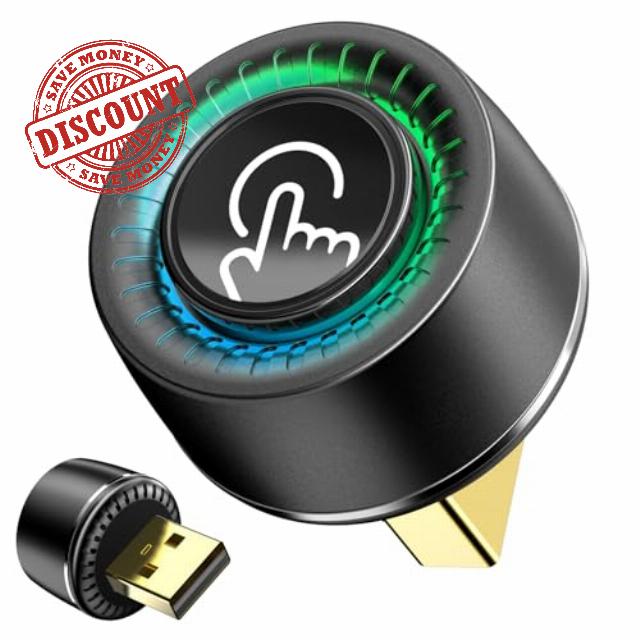
Ultra Mini Wireless CarPlay & Android Auto Adapter UK 2026, 1-Click Disconnect & Switch, Converts Wired to Wireless Car Play, Fast Stable No Lag, Compatible with iPhone 6, iOS10+ & Android 11+ USB-A/C
Pre-Purchase Guide
Confirm Wired CarPlay/AA in Your Car First
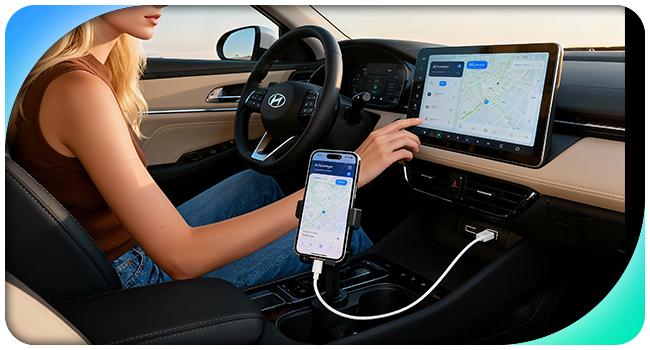
Before purchasing the adapter, we strongly recommend you confirm if your vehicle has factory-installed wired CarPlay or Android Auto by connecting your phone to your car’s screen with a USB cable.
Verify Phone-Car Compatibility
- Wireless CarPlay = Car with factory-original CarPlay + iPhone 6+ on iOS 10+
- Wireless Android Auto = Car with factory-original AA + Android phone on Android 10+
- Most cars made after 2016 work with CarPlay or AA.But BMW, Tesla, and Nissan models (2022+) don’t support it.
How to Perform Initial Setup
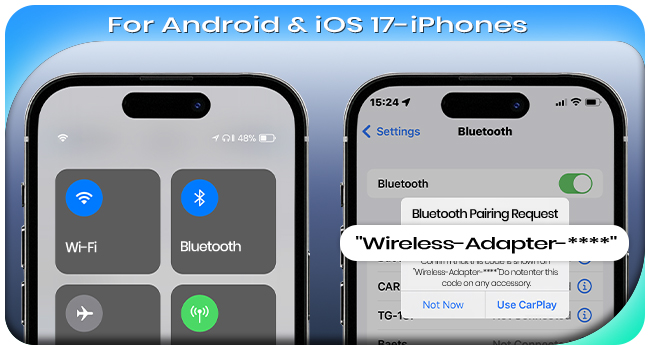
For Android Phones & iPhones on iOS 17 or below
- Plug into car's USB data port
- Turn on your phone's Wi-Fi & Bluetooth, ensure Wi-Fi is unoccupied
- Pair with the adapter Bluetooth (Wireless-xxxx)
- Upon success, Wi-Fi auto-connects (no password needed)
Caution: Since the adapter uses your phone’s Wi-Fi, your phone gets internet only via SIM
For iPhones on iOS 18 or above
- Plug into car's USB data port
- Turn on your phone's Wi-Fi & Bluetooth, ensure Wi-Fi is unoccupied
- CarPlay Pairing: Settings > General > CarPlay > smartBox-xxxx
- Upon success, Wi-Fi auto-connects (no password)
Caution: If the adapter uses the phone’s Wi-Fi, your phone gets internet only via SIM
How to Get After-Sales Support
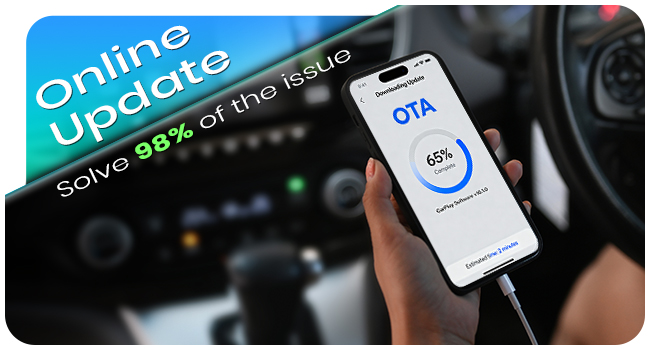
Online Update & Factory Reset
- Online update & Factory Reset can solve 98% of the issue.
- Plug the adapter into a phone charger with 5V 1A output.
- Turn on your phone’s Wi-Fi, then connect it to the adapter’s Wi-Fi. Password: 88888888
- Go to the URL 192.168.8.1 in your phone’s browser
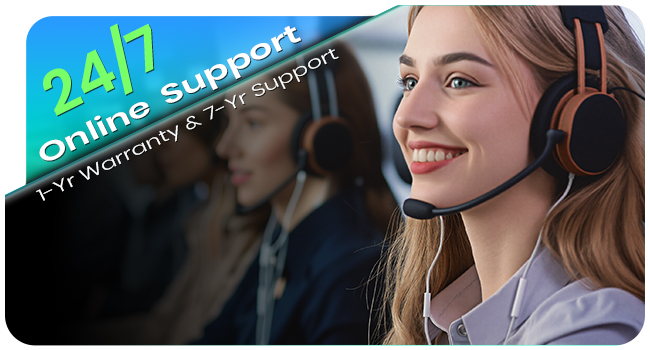
24/7 Online Support
- We’re pleased to provide24/7 after-sales supportand7-year support.
- For assistance, feel free to contact our online service via WhatsApp or send an email at your convenience.
- You can find the WhatsApp ID and email address on the after-sales service card.
Can the adapter connect to multiple phones at once?
No. It can pair with multiple phones, but only one at a time. To switch from Phone A to B: Turn off Bluetooth and Wi-Fi on Phone A first, then pair the adapter with Phone B’s Bluetooth. Note: The adapter only auto-reconnects to the last paired phone.
Can I use video apps (e.g., YouTube, Netflix, TikTok) via the adapter?
For driving safety, CarPlay & Android Auto don’t officially support video playback. However, if you play videos on your phone, the audio will play through the car’s speakers.
What if there’s playback delay or slow response after use?
This is usually due to too much app cache. Try clearing cache of frequently used apps. For Android phones, also clear Google Play cache. Contact online support for clearing steps.
No sound during calls—what to do?
1. Check if your phone’s Bluetooth is connected to other devices; disconnect if yes.
2. Check if the call audio source on your phone is set to "Wireless Adapter-xxxx" (correct selection required).
Issues with product use—how to get help?
We offer 24/7 after-sales support and 7-year technical support. Contact our online service or email our after-sales team. (Find WhatsApp ID & email on the after-sales card.)
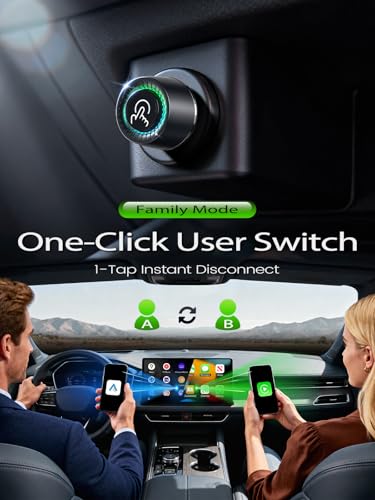
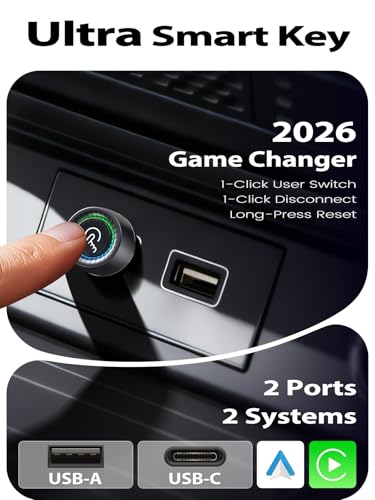
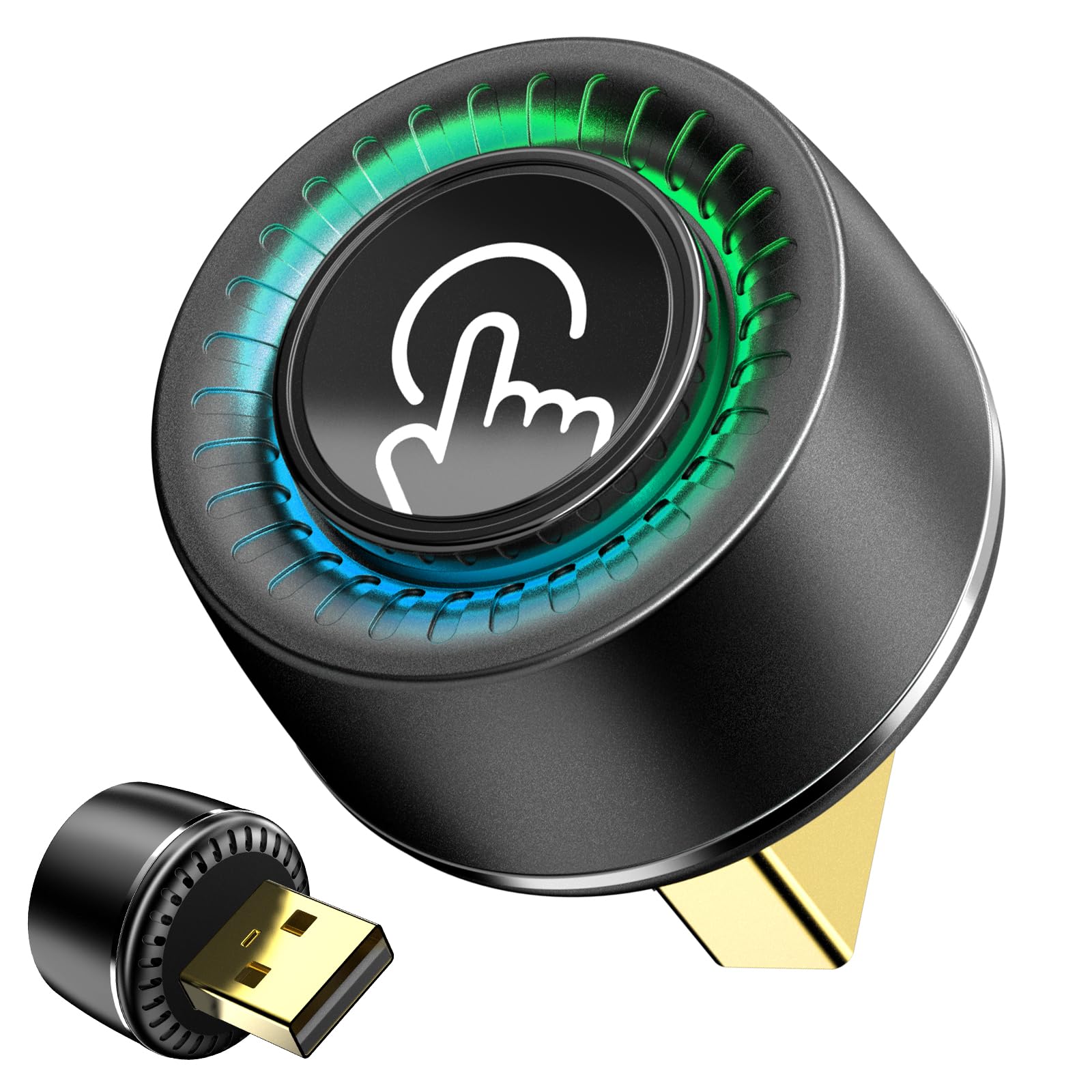
- One-Click User Switch & Privacy Protection:The Android Auto Wireless Adapter & Wireless CarPlay Adapter features a dedicated physical button, and it is perfect for family shared vehicles, eliminating the hassle of manual disconnection/pairing when multiple people use the device. When a private call or message arrives, simply press the button to disconnect instantly, ensuring both privacy protection and safe driving (no need to control the phone).Plus, you can long-press for 3 seconds to factory reset, and the adapter will work like new, Solve the pairing issues after others use it
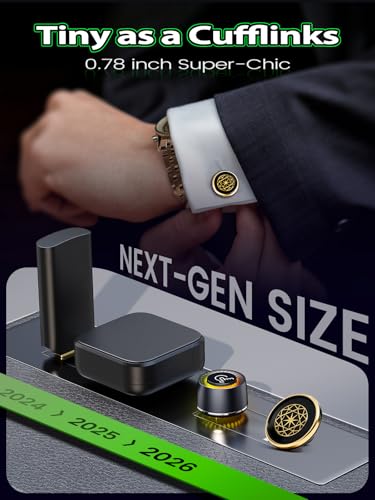
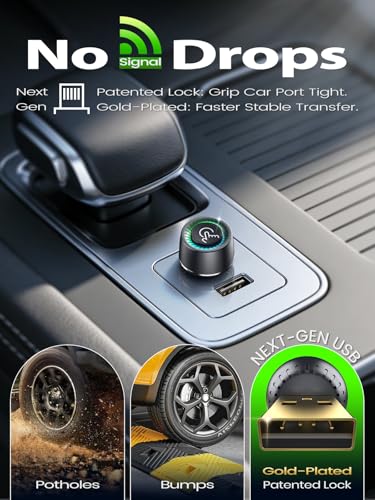
- Ultra Compact and No Shake Loose: This wireless CarPlay adapter for iPhone weighs just 0.5 ounces—small and sturdy like a cufflink. It fits snugly in your car’s USB port and stays locked in place even on rough roads, potholes or bumpy mountain drives. No more loose connections or sudden drops.Equipped with premium metal connectors, it delivers 2x faster signal transmission with zero lag. You get instant responses for navigation, calls and music—perfect for daily commutes or long road trips.Say goodbye to wobbly adapters and unstable signals with this reliable wireless Car Play adapter
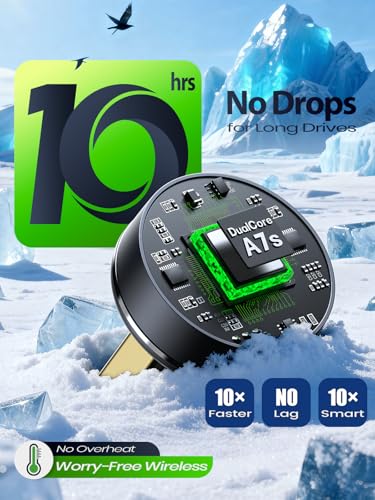
- Stable on Long Drives No Overheating: Power your drives with our advanced Car Play wireless adapter! Its dual-core processor ensures ultra-no delay navigation, crystal-clear calls, and transfers data up to 3x faster than basic adapters. Crucially, intelligent engineering actively prevents overheating—enjoy consistently smooth, safe performance even on long drives. Worry-free connectivity starts here
- ⚡Easy Setup & Instant Connection: This wireless CarPlay & Android Auto adapter is incredibly easy to use. Plug & play, simply pair your phone via the adapter’s built-in Wi-Fi and Bluetooth once (a quick one-time setup). And the wireless Android Auto adapter will reconnect automatically within 3 seconds every time you start your car. Say goodbye to complicated connections—no need to install APP and no additional subscription required. It works with multiple phones and does not use your mobile data. The Android Auto Wireless Dongle can simply be operate even beginner. Enjoy a seamless wireless CarPlay or Android Auto experience on every drive
- Wireless Freedom & Easy Control: This Bluetooth CarPlay adapter instantly turns your factory-wired CarPlay or Android Auto wireless. It’s the ideal wireless CarPlay Adapter for iPhone and Android devices.Access your car’s native navigation, music and call apps wirelessly. Control them four easy ways: touchscreen, steering wheel buttons, control knobs or voice commands.Say goodbye to messy cabin cables. Charge your phone while using CarPlay or Android Auto. Never deal with a dead battery on the road again.Video playback is automatically disabled while driving for safer trips
- ✅Universal Compatibility & Easy Setup: This wireless CarPlay adapter for Apple works with most cars from 2016 or later that have factory-installed CarPlay or Android Auto. It is the simple wireless CarPlay adapter for Apple you need. It is compatible with iPhone models from iPhone 6 (iOS 10+) and most Android phones (Android 11+). The package includes both USB-A and USB-C cables for true plug-and-play installation. Please note this adapter is not compatible with BMW or Tesla vehicles
- ️Certified Safety & Long-Term Reliable Support: The 2 in 1 wireless CarPlay adapter & wireless Android Auto car adapter is FCC/CE certified for safe, interference-free driving. Your purchase is protected by a 2-year warranty. You will also receive 7 years of free firmware updates to ensure ongoing compatibility with phones and car systems. Our experts provide 24/7 support for any troubleshooting needs. Upgrade your car wirelessly with confidence. Enjoy a seamless and worry-free experience

| SKU: | B0G57VSY7Z |
| Dimensions: | 2 x 2 x 2.6 cm; 7 g |
| Model: | CA4-B |
| Manufacture: | PTGTO |
Product Description
24/7 Online Support
- We’re pleased to provide 24/7 after-sales support and 7-year support.
- For assistance, feel free to contact our online service via WhatsApp or send an email at your convenience.
- You can find the WhatsApp ID and email address on the after-sales service card.
Can the adapter connect to multiple phones at once?
No. It can pair with multiple phones, but only one at a time. To switch from Phone A to B: Turn off Bluetooth and Wi-Fi on Phone A first, then pair the adapter with Phone B’s Bluetooth. Note: The adapter only auto-reconnects to the last paired phone.
Can I use video apps (e.g., YouTube, Netflix, TikTok) via the adapter?
For driving safety, CarPlay & Android Auto don’t officially support video playback. However, if you play videos on your phone, the audio will play through the car’s speakers.
What if there’s playback delay or slow response after use?
This is usually due to too much app cache. Try clearing cache of frequently used apps. For Android phones, also clear Google Play cache. Contact online support for clearing steps.
No sound during calls—what to do?
1. Check if your phone’s Bluetooth is connected to other devices; disconnect if yes.
2. Check if the call audio source on your phone is set to “Wireless Adapter-xxxx” (correct selection required).
Issues with product use—how to get help?
We offer 24/7 after-sales support and 7-year technical support. Contact our online service or email our after-sales team. (Find WhatsApp ID & email on the after-sales card.)