2K 3MP Window Camera, WiFi 2.4/5GHz Window Camera
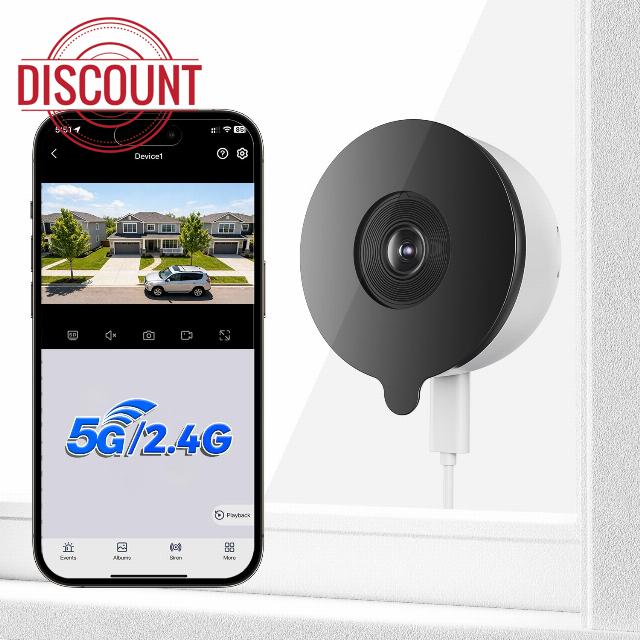
2K 3MP Window Camera, WiFi 2.4/5GHz Window Camera for Looking Outside, Security Camera Night Vision Through Window, People/Motion Detection, 24/7 Recording, Drill-Free Installatio
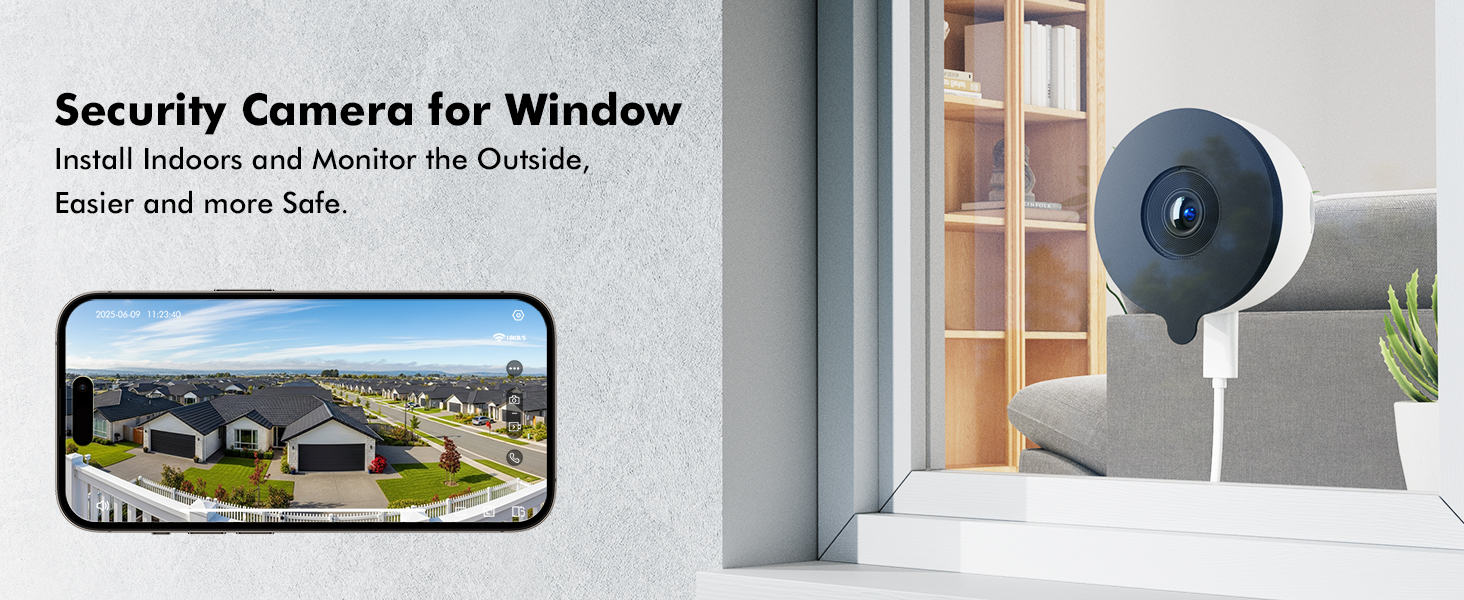
2K Window Camera for Looking Outside (No Drilling Required) – Innovative Design
Dual-Band WiFi
2.4/5GHz WiFi: The 2.4G band has a wide coverage; the 5G band has a fast transmission speed and low latency.
Bluetooth Pairing
High success rate, fast pairing speed
1.Tap “+" to Add Device; 2.Tap "Camera scan code to add'
3.Input Wi-Fi Password; 4.Wait for Connection(auto-detect in 30s); 5.Device Added
Note: Please ensure that your phone's Wi-Fi and Bluetooth are both turned on before pairing.
- The video showcases the product in use.The video guides you through product setup.The video compares multiple products.The video shows the product being unpacked.
Monitoring area settings
Merchant videoFixed Zone Detection
You can flexibly configure a detection zone to receive notifications and record videos specific to that area.
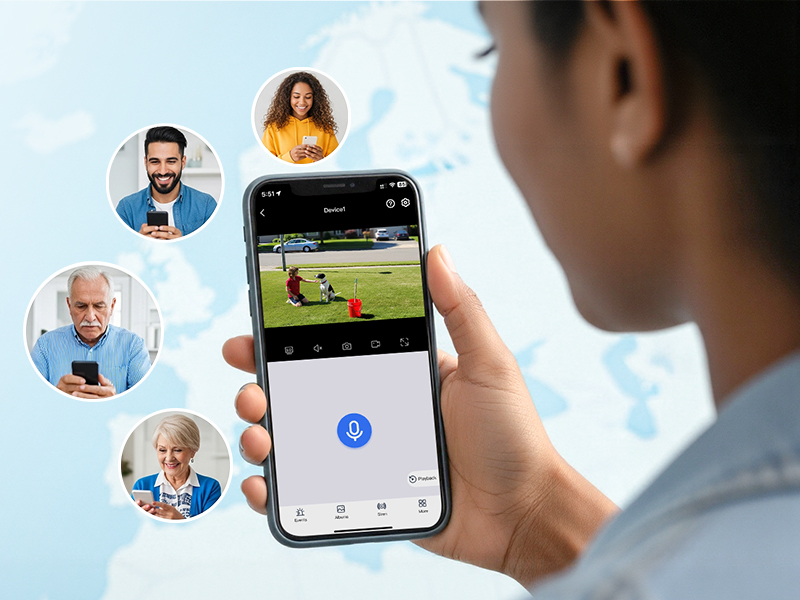
Share on Multiple Devices
Share security. Invite family members to monitor your live cameras – so everyone stays informed.
What app does this security camera use?
On mobile, use the "Yeskamo" app; on PC, use EseeCloud.
How to share device with family members?
Device Settings – Share Device (To ensure video privacy and security, a device can only be bound to one account. Other users can only connect after sharing through the primary account (the first device connected).)
How do I configure this security camera?
1.Tap “+" to Add Device;
2.Tap "Camera scan code to add'
3.Input Wi-Fi Password;
4.Wait for Connection(auto-detect in 30s);
Note: Please ensure that your phone's Wi-Fi and Bluetooth are both turned on before pairing.
What apps can I use with this window camera?
Mobile App – "Yeskamo"; PC – "EseeCloud"
Is this window camera waterproof?
No, it is not waterproof and should not be used in rain or humid environments.
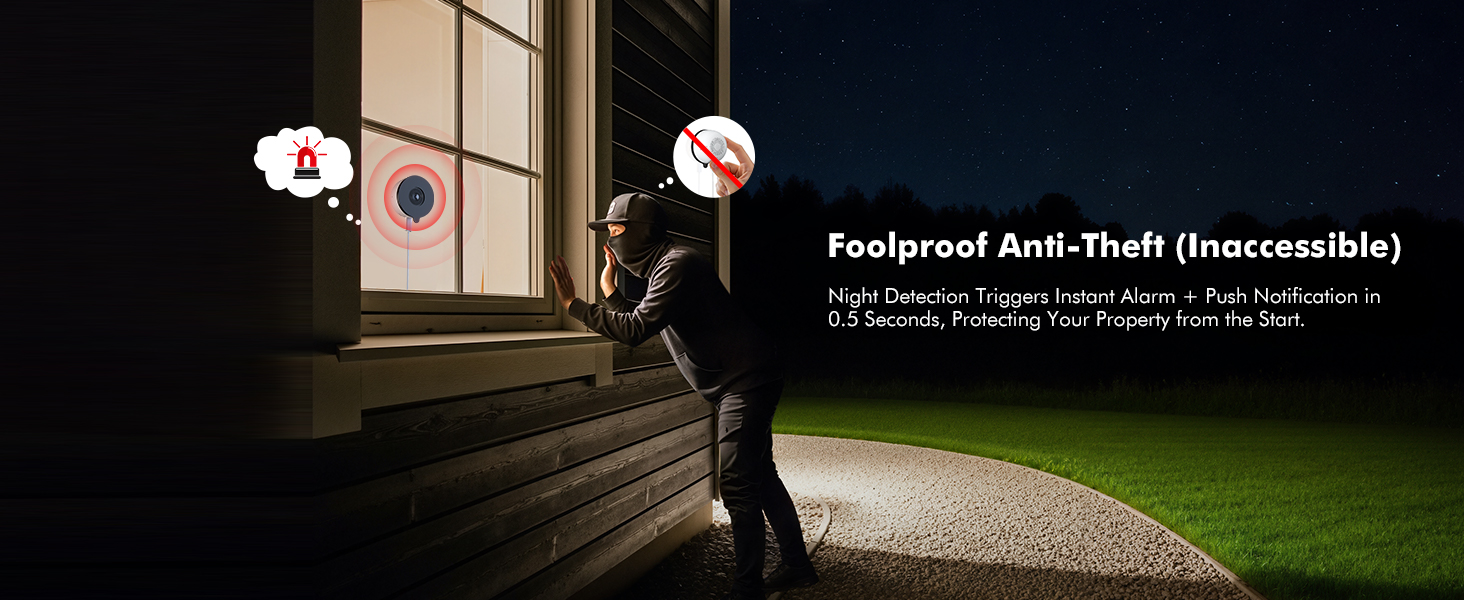
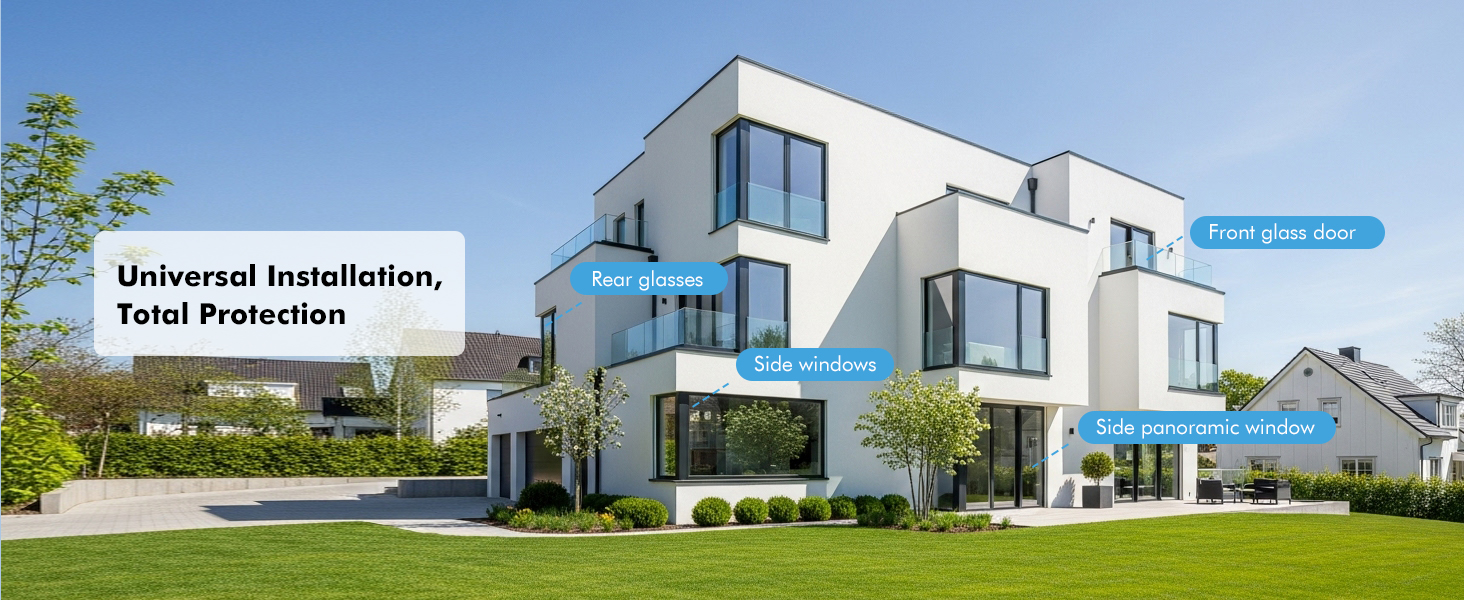
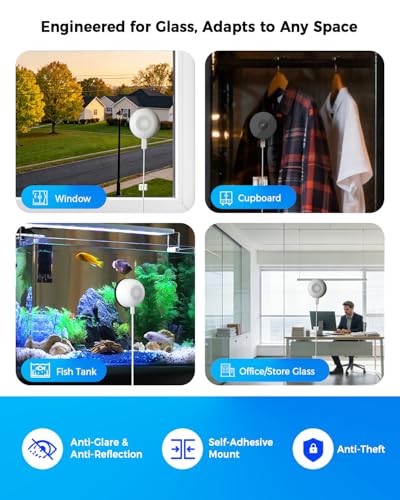
- 【Multi-functional Indoor Window Camera, Replacement for Outdoor Cameras】 This window camera for looking outside can be installed indoors (on windows, storefronts, glass doors, or even fish tanks) to monitor outdoor security. Remotely monitor via your mobile phone to protect your home from burglary and give you greater peace of mind
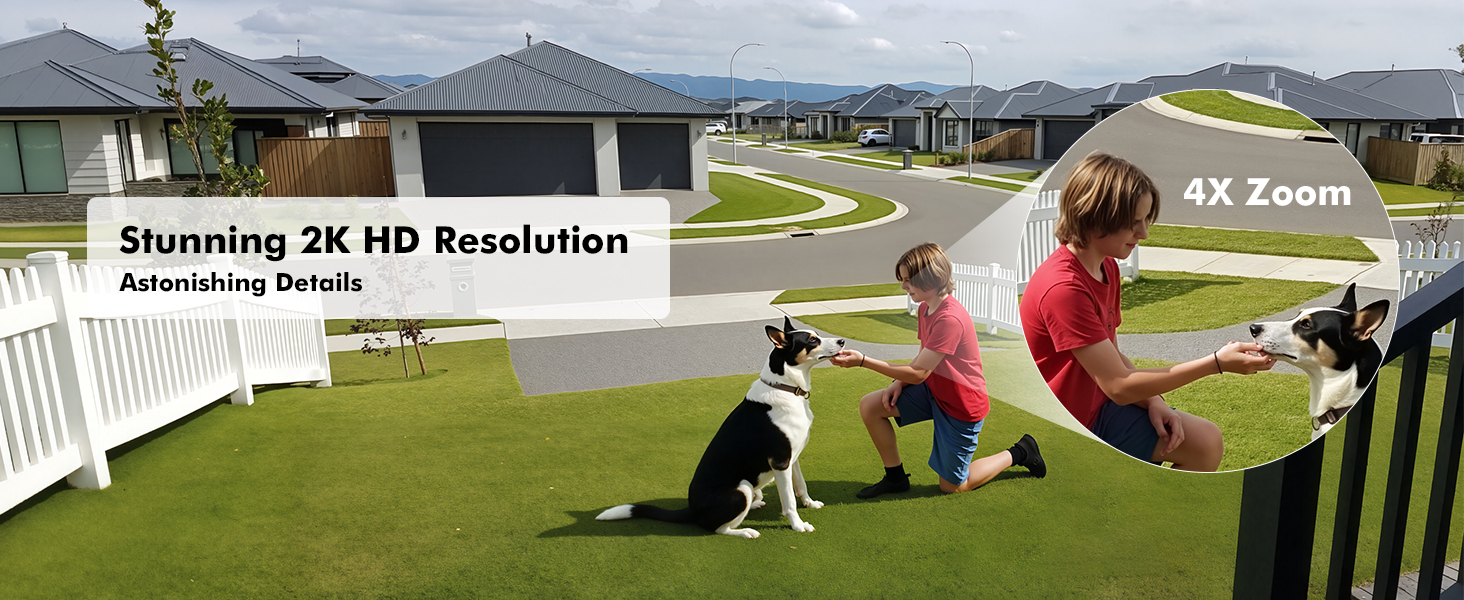
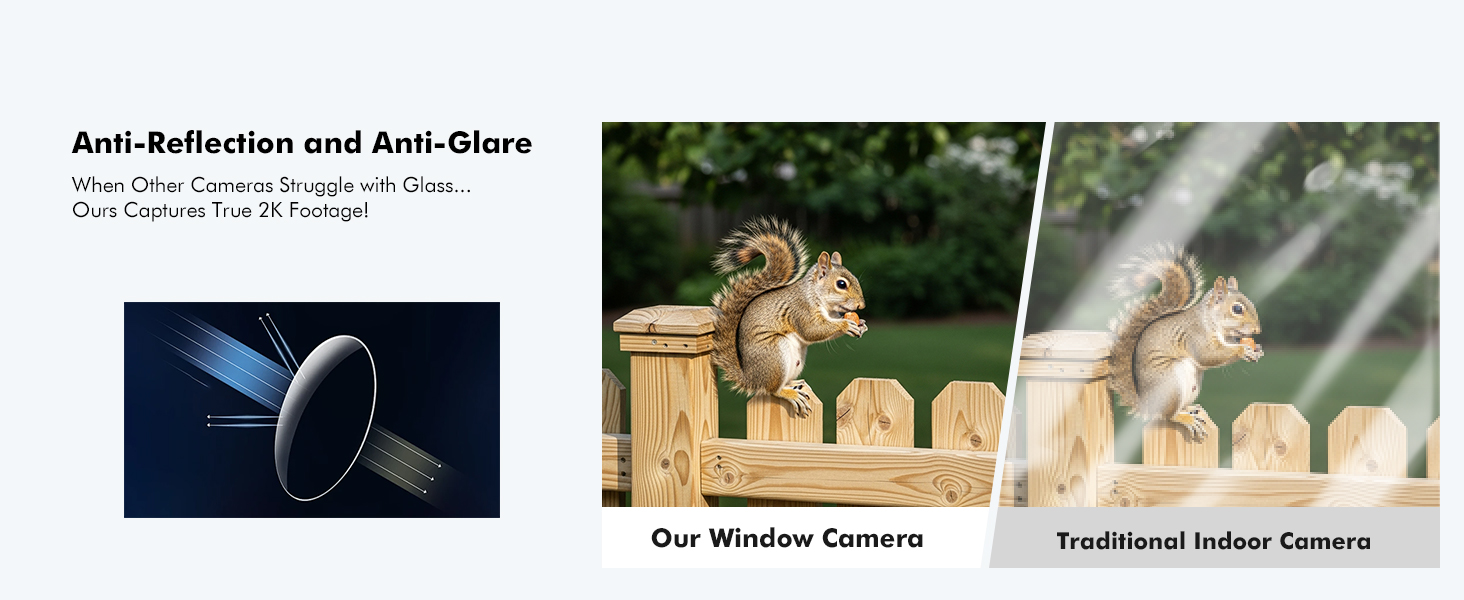
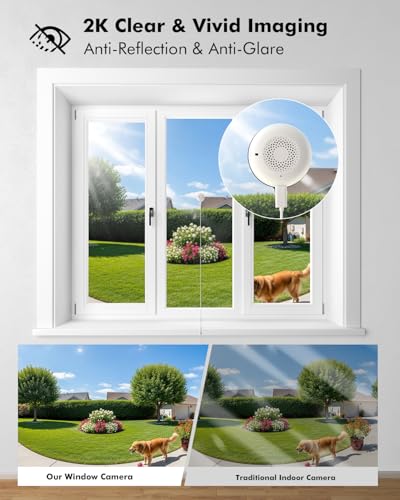
- 【Intelligent Anti-Glare, Interference-Free Image】 This special indoor Wi-Fi window security camera uses advanced optical technology. Unlike traditional indoor cameras, it effectively eliminates reflections and glare on glass. Even in strong light, this window camera can capture clear details through the glass, presenting ultra-high-definition 2K/3MP images
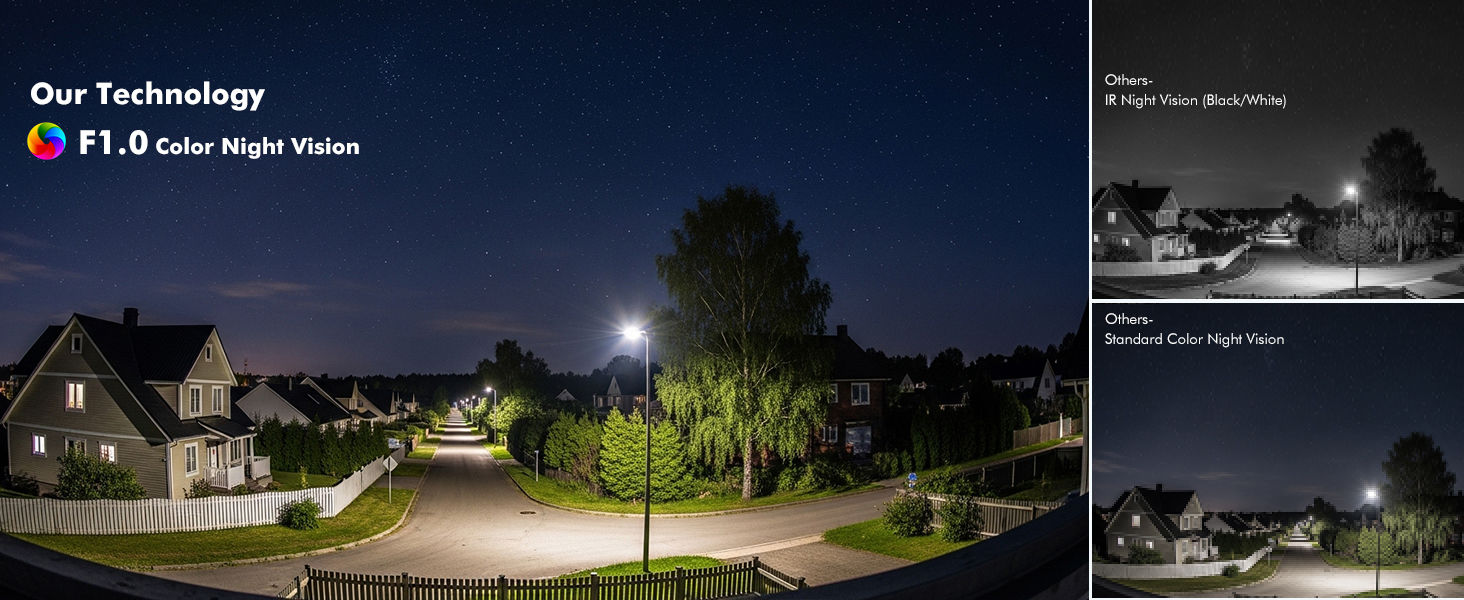
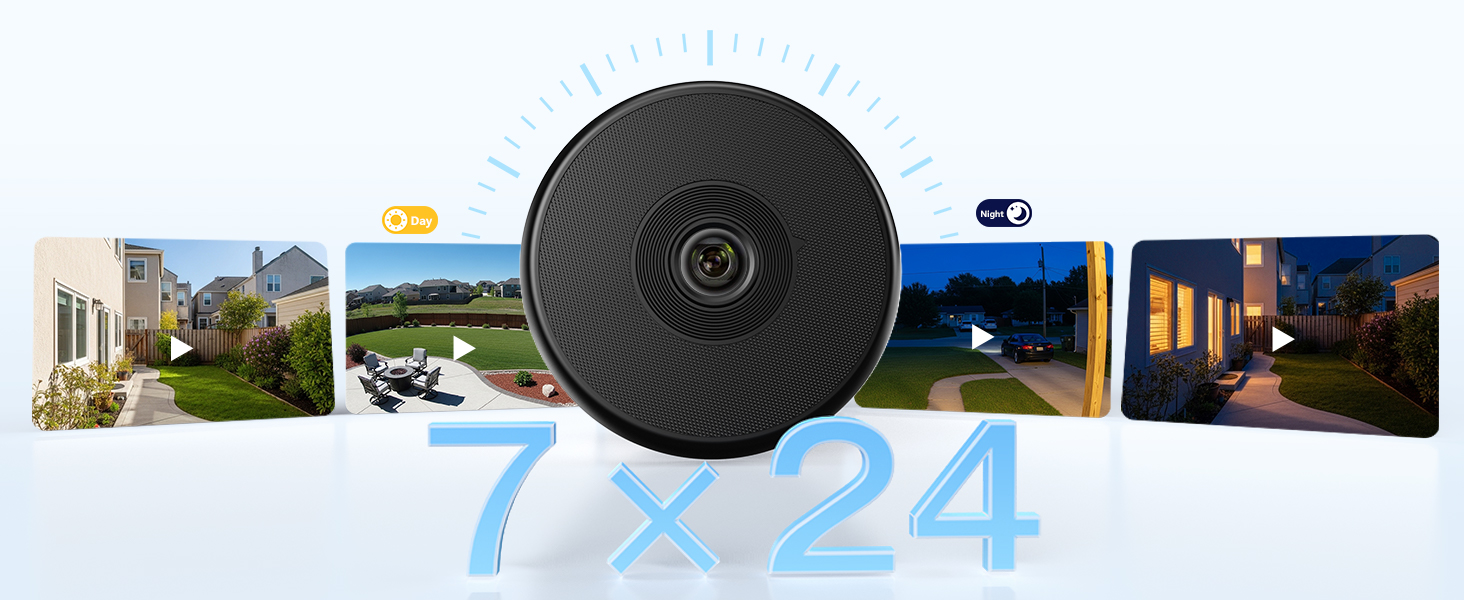
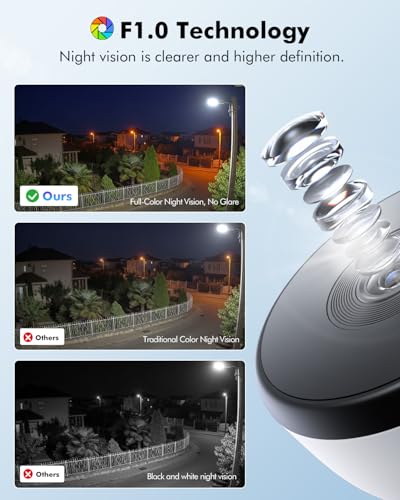
- 【Starlight-level Color Night Vision, Clear Imaging in Low Light】Even in dimly lit environments such as dimly lit corridors or moonlit courtyards, the window camera maintains vibrant colors and sharp, clear images. Thanks to the ultra-sensitive sensor and intelligent noise reduction algorithm of this security camera night vision through window, every detail at night is captured clearly
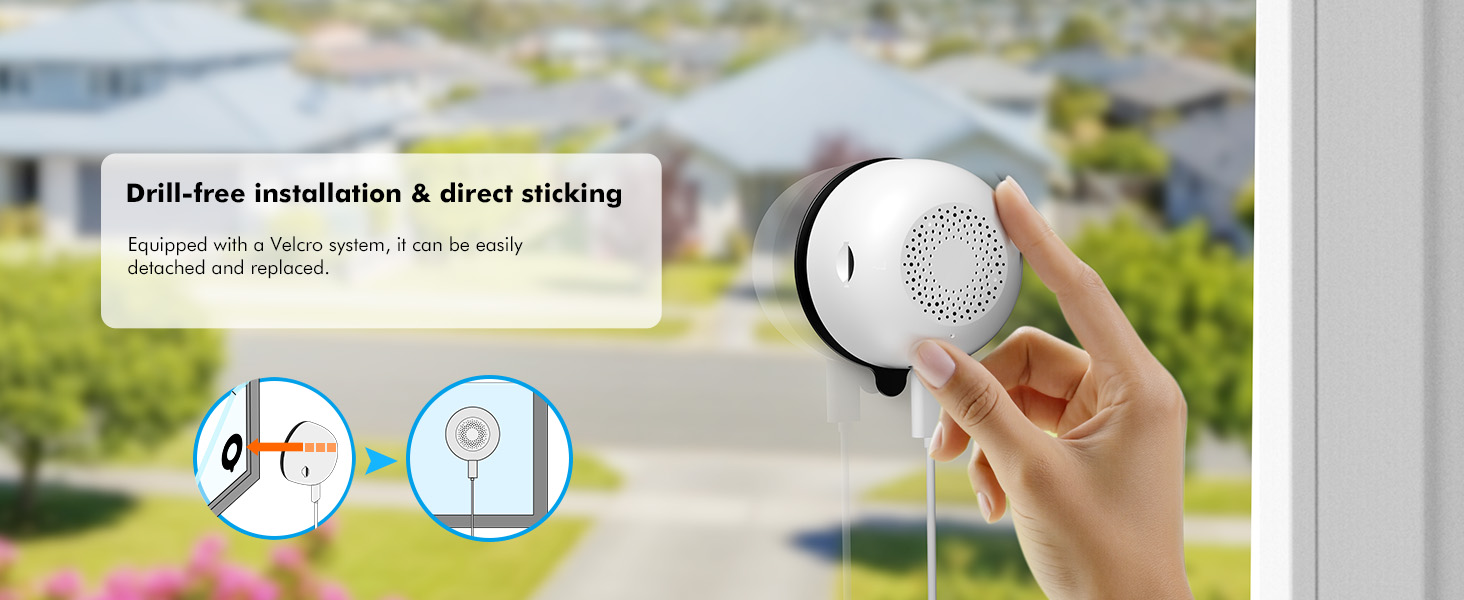
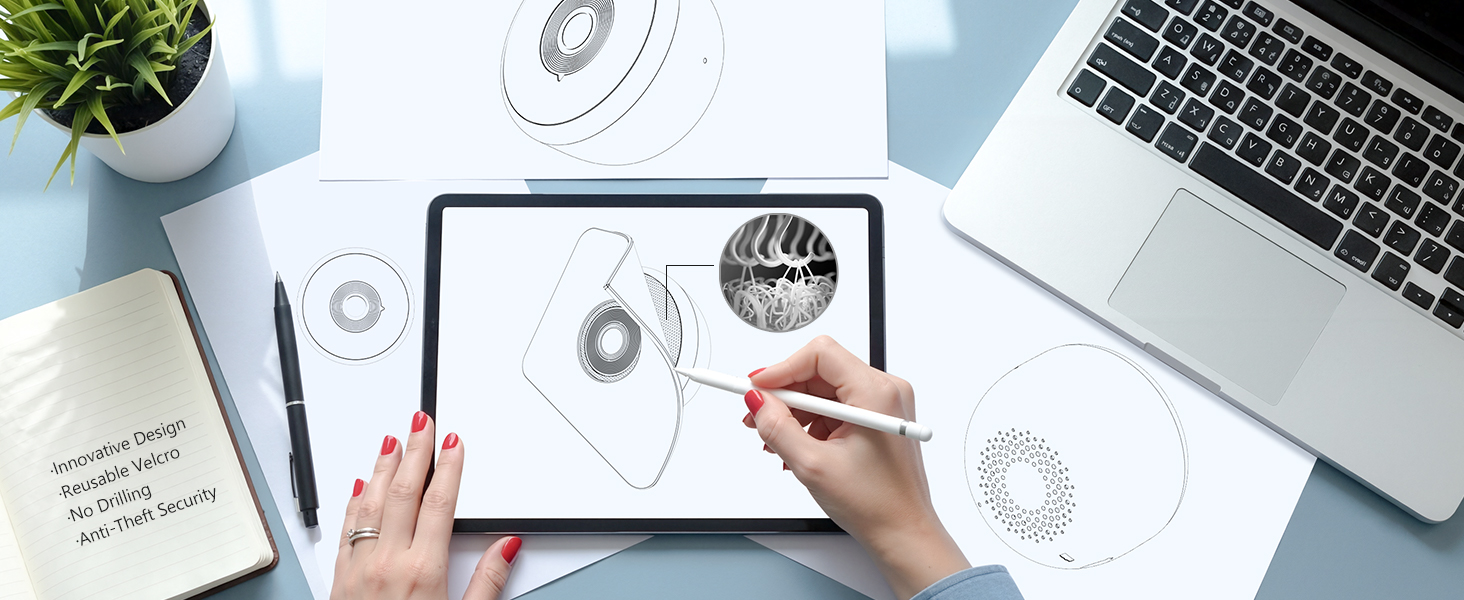
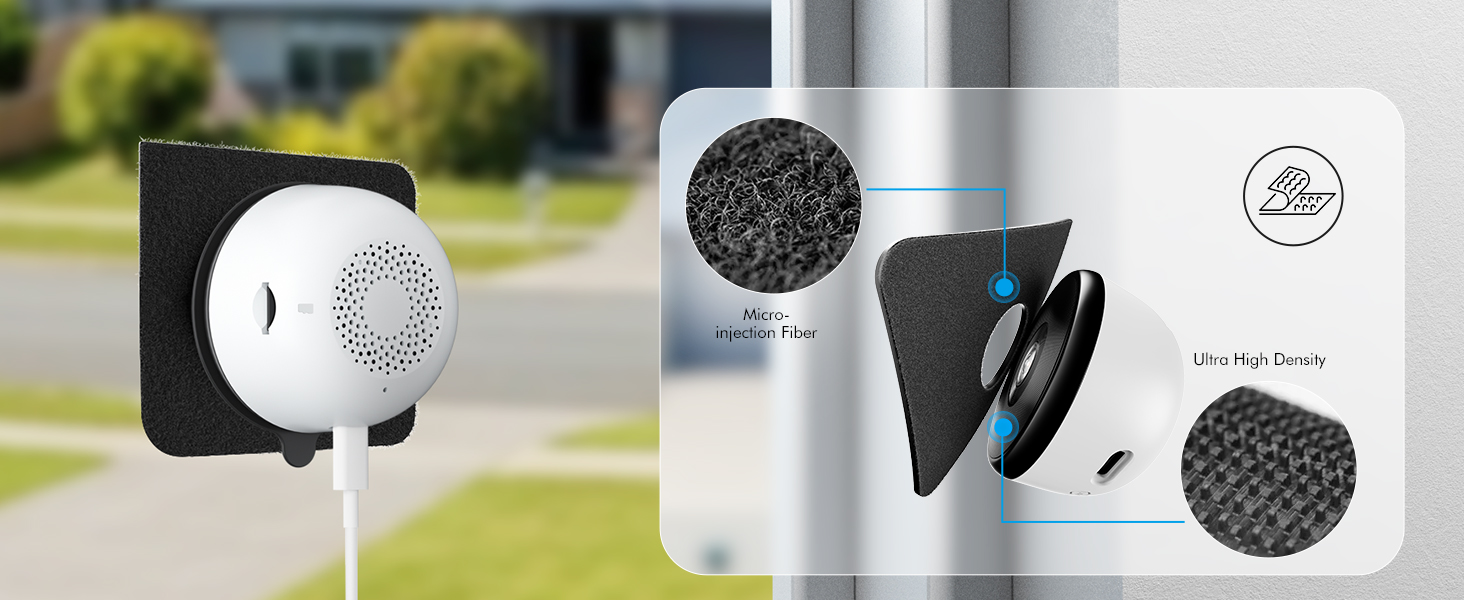
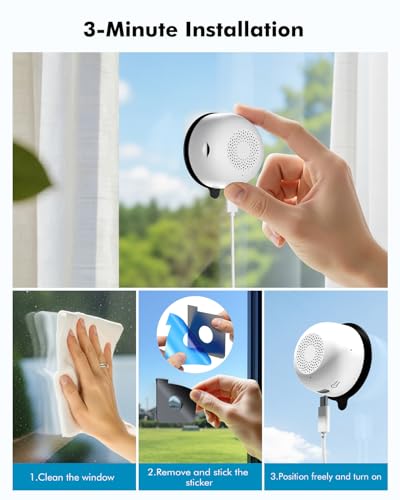
- 【3-Second Quick Installation, Zero Damage】This security camera uses 3M industrial-grade strong adhesive: no drilling, no wiring required. Simply stick it on! The window camera leaves no residue after removal, making it ideal for homes, rental properties, shops, or offices. It can be taken with you and reused when you move
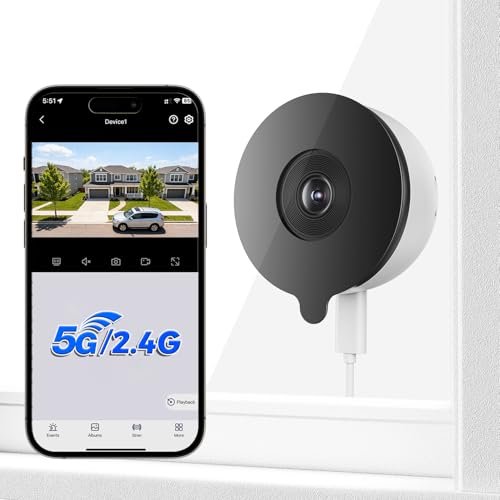
- 【Dual-band WiFi for more Stable and Faster Connection】Utilizing next-generation wireless technology, this window camera for looking outside can automatically switch between 2.4G and 5G networks: the 2.4G band offers wide coverage and strong wall penetration; the 5G band boasts fast transmission speeds and low latency, enabling intelligent and seamless connection switching. One-click intelligent wireless setup, connecting in just 3 seconds
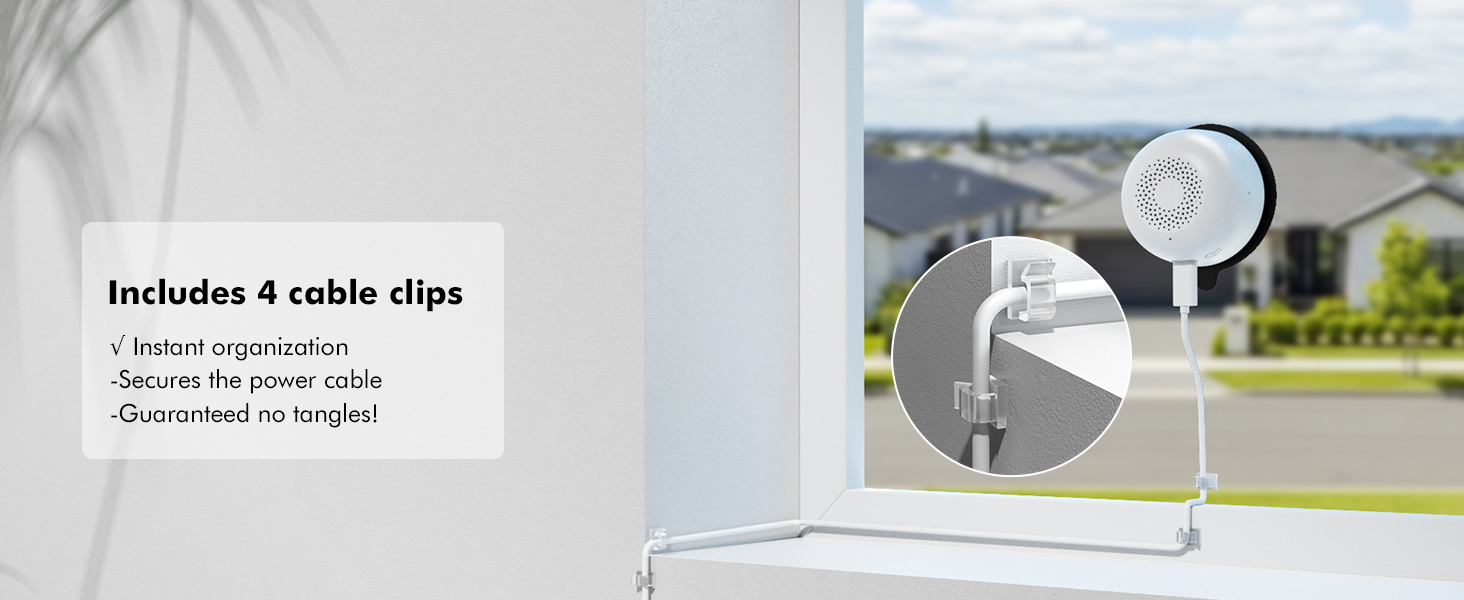
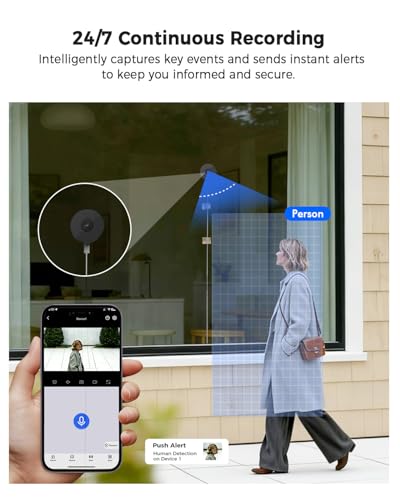
- 【Stable Power Supply, 24/7 Monitoring】The window camera uses a wired connection; simply plug it into a power source to use. No need to worry about battery life, this window security camera provides 24/7 uninterrupted protection. Intelligent detection and human body recognition functions provide real-time alerts via a mobile app. It can instantly, safely, and worry-free detect abnormal situations
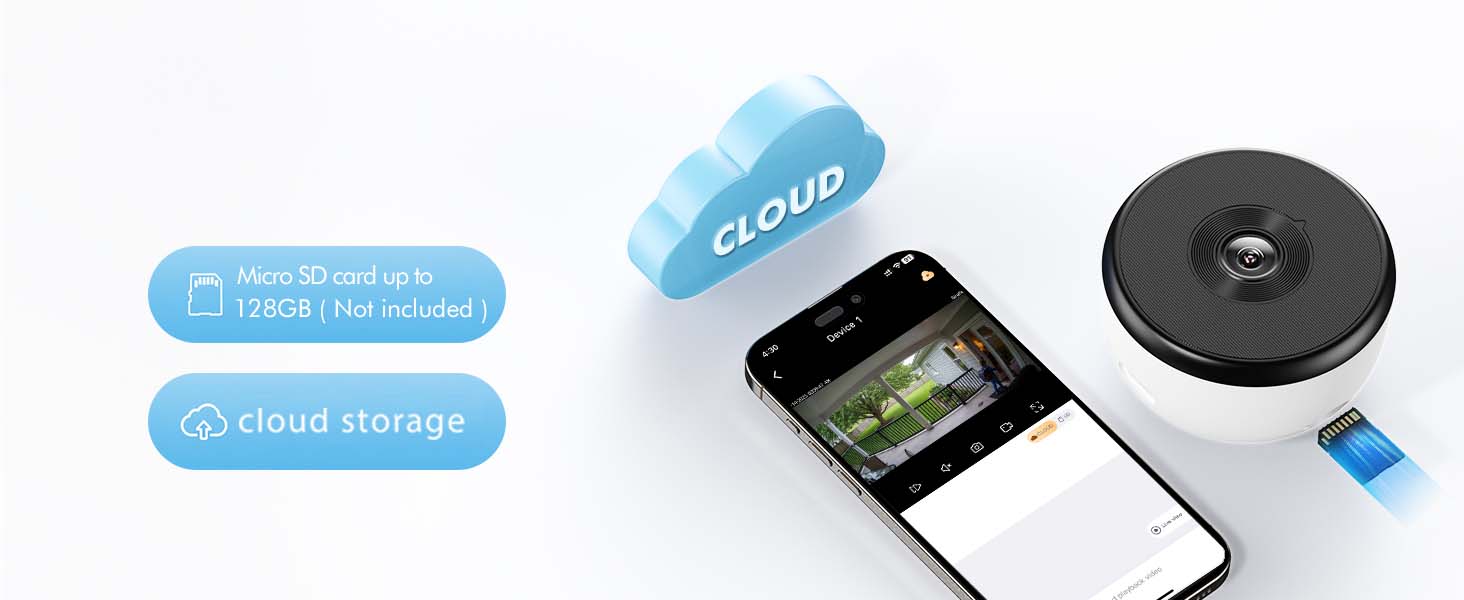
- 【One-Screen Control, Intelligent Loop Recording, Continuous Recording】 This mobile app can simultaneously view up to 16 cameras, monitoring key areas such as windows, glass walls, and fish tanks. This window camera supports cloud storage and TF card backup, expandable up to 128GB. When storage space is insufficient, the system automatically deletes old recordings to ensure continuous recording of the latest footage, eliminating the need for manual cleanup
| SKU: | B0G7J1VCLJ |
| Weight: | 170 g |
| Dimensions: | 6 x 6 x 3.7 cm; 170 g |
| Model: | Mrowly Y661 |
| Pack Quantity: | 1 |
| Batteries Required: | No |
| Batteries Included: | No |
| Manufacture: | Mrowly |
| Quantity: | 1 |
Product Description
2K Window Camera for Looking Outside (No Drilling Required) – Innovative Design


Bluetooth Pairing
High success rate, fast pairing speed
1.Tap “+” to Add Device; 2.Tap “Camera scan code to add'
3.Input Wi-Fi Password; 4.Wait for Connection(auto-detect in 30s); 5.Device Added
Note: Please ensure that your phone's Wi-Fi and Bluetooth are both turned on before pairing.
- The video showcases the product in use.The video guides you through product setup.The video compares multiple products.The video shows the product being unpacked.
Monitoring area settings
Merchant videoFixed Zone Detection
You can flexibly configure a detection zone to receive notifications and record videos specific to that area.
Share on Multiple Devices
Share security. Invite family members to monitor your live cameras – so everyone stays informed.

What app does this security camera use?
On mobile, use the “Yeskamo” app; on PC, use EseeCloud.
How to share device with family members?
Device Settings – Share Device (To ensure video privacy and security, a device can only be bound to one account. Other users can only connect after sharing through the primary account (the first device connected).)
How do I configure this security camera?
1.Tap “+” to Add Device;
2.Tap “Camera scan code to add'
3.Input Wi-Fi Password;
4.Wait for Connection(auto-detect in 30s);
Note: Please ensure that your phone's Wi-Fi and Bluetooth are both turned on before pairing.
What apps can I use with this window camera?
Mobile App – “Yeskamo”; PC – “EseeCloud”
Is this window camera waterproof?
No, it is not waterproof and should not be used in rain or humid environments.