Touchscreen Monitor 4K Gaming 27 Inch UHD 3840×2160 IPS
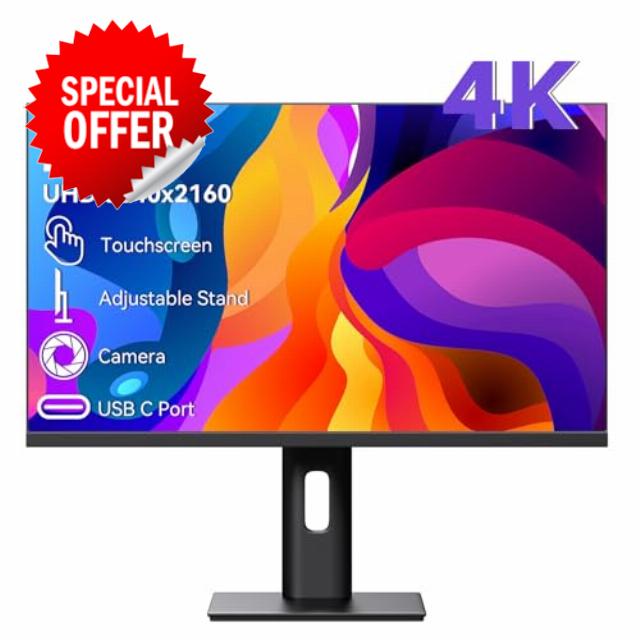
Touchscreen Monitor 4K Gaming 27 Inch UHD 3840×2160 IPS Computer Monitor with Webcam, 60Hz, Ultra-Thin Bezel, HDMI, DisplayPort, 400 cd/㎡, VESA, Tilt Adjustable
Monitor specifications
| Screen Size | 27 inch |
| Resolution | 3860×2160 |
| Panel Type | IPS |
| Viewing Angle | 178° |
| Brightness | 400 cd/㎡ |
| Contrast | 3000:1 |
| Response time | 3~5ms |
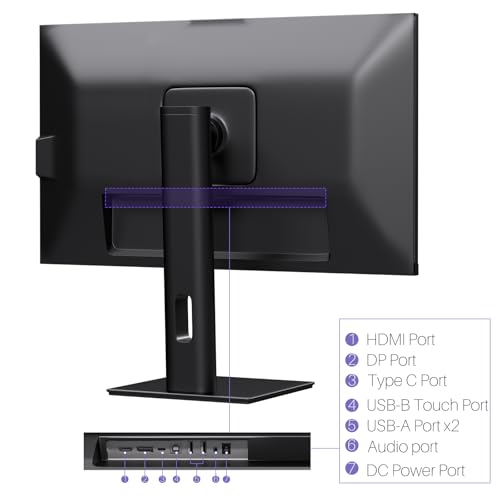
| Input port | DP, HDMI, Type C 3.1, Audio Port, DC Port |
| Power Adapter | DC 12V 5A |
| Speakers | Two built-in 1.5w speakers |
| Compatible System | Windows 7 above |
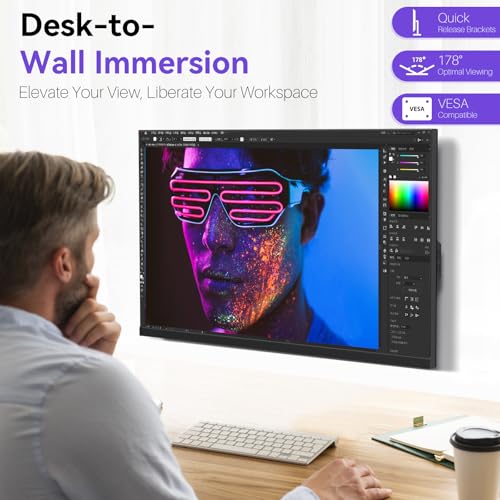
| VESA Specification | 100*100mm (Distance between the centers of two VESA screw holes) |
| Speacial Features | Touchscreen, built in webcam, stand adjustable, built-in speakers, VESA mountable |
| VESA Screws | M4 Fine threadv |
| Built-in Webcam | 3MP |
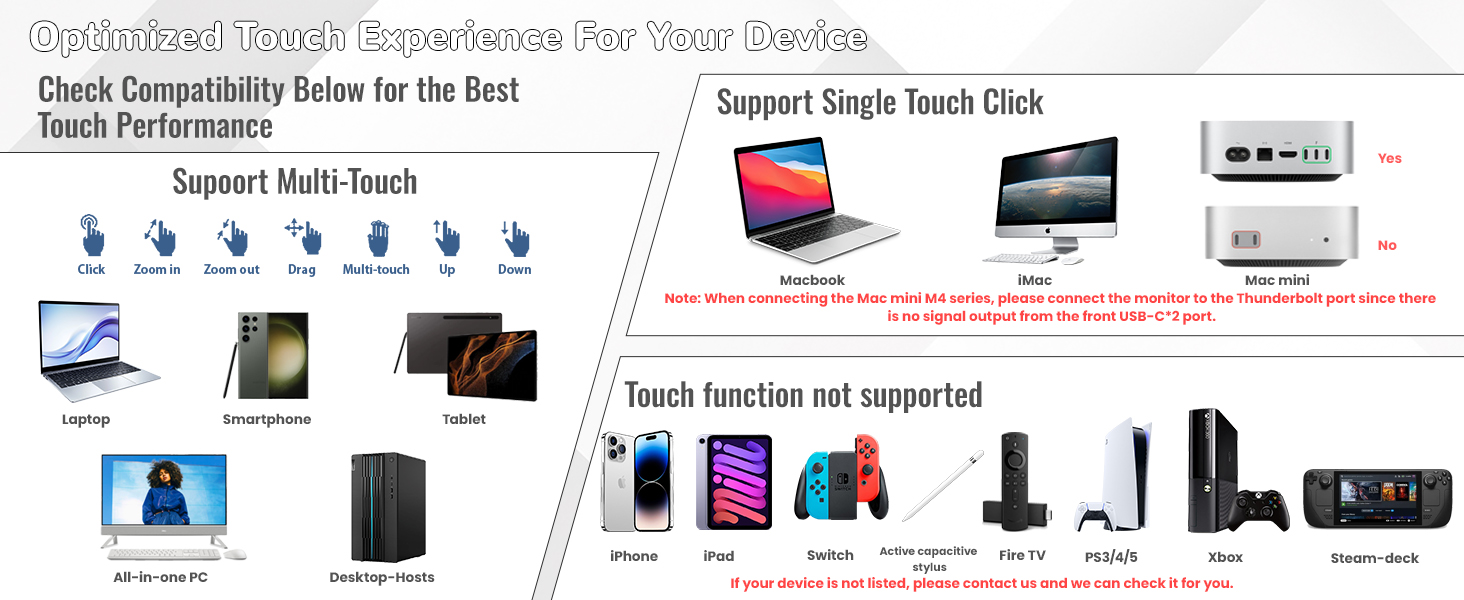
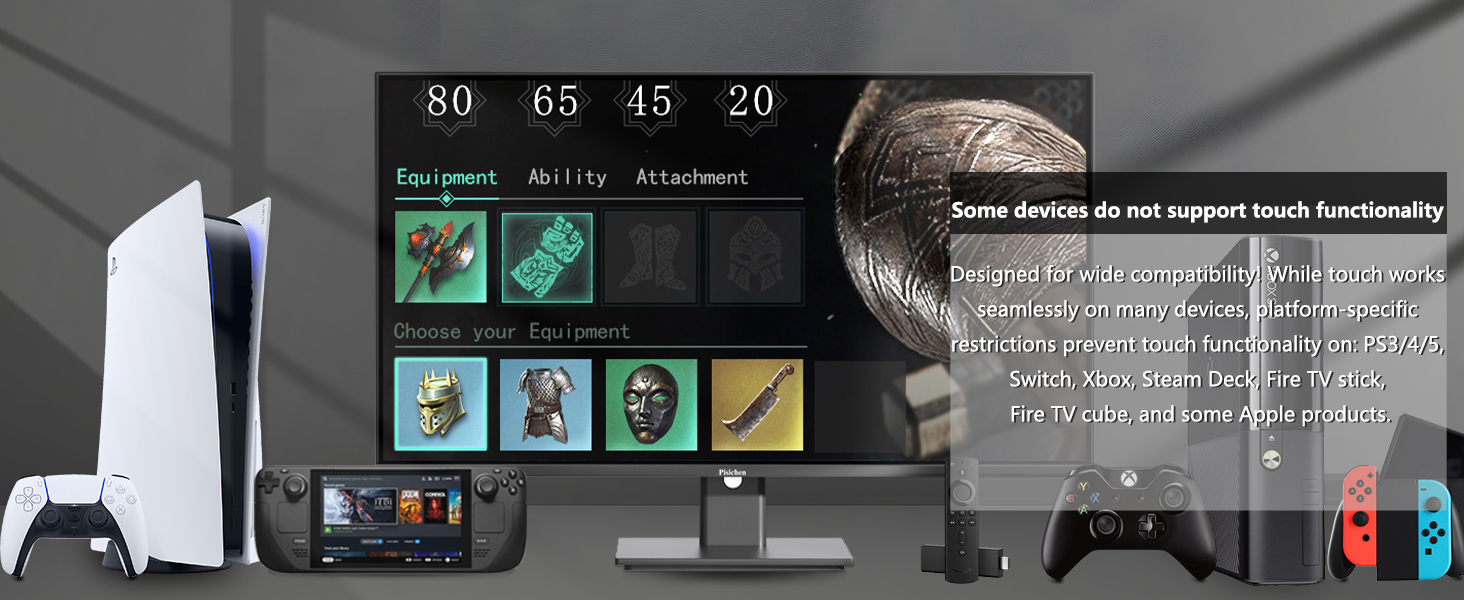
Is touch functionality compatible with iOS, iPadOS and macOS?
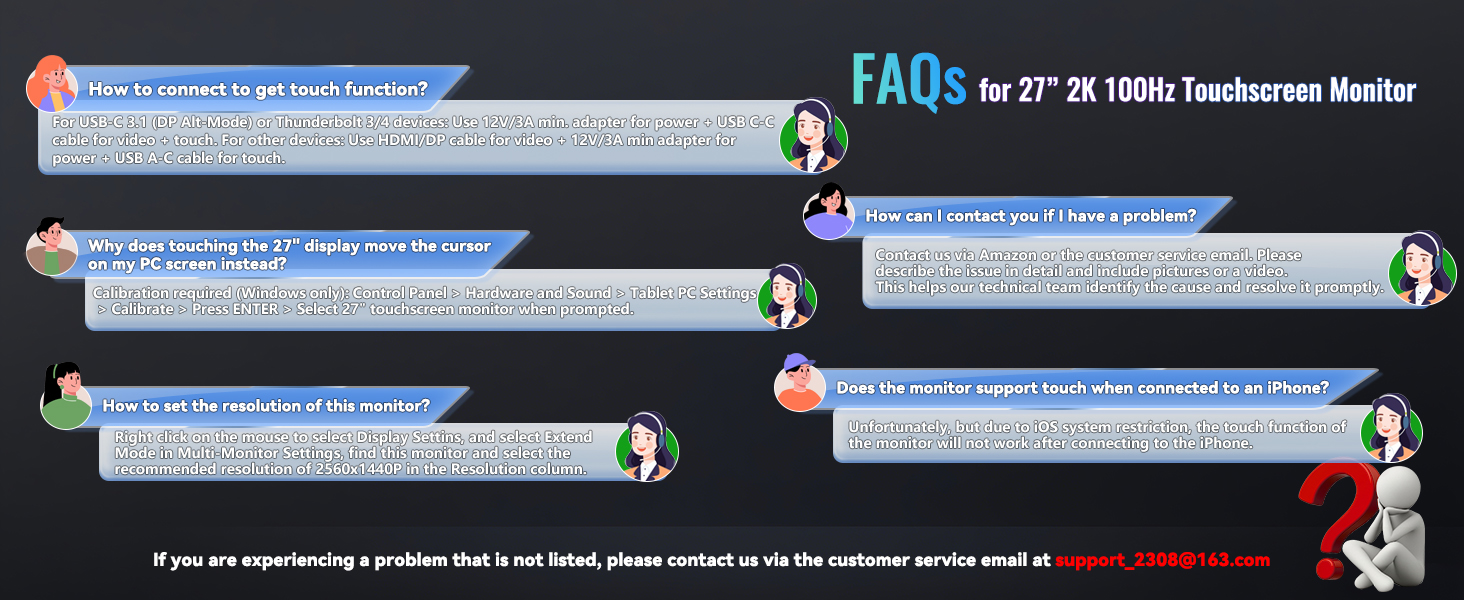
Unfortunately, the monitor's touch feature is unsupported on iOS/iPadOS/macOS due to system compatibility restrictions, but display functions will operate normally when connected via a full-featured Type-C or HDMI interface.
How to connect the monitor?/Can I connect the monitor to my phone?
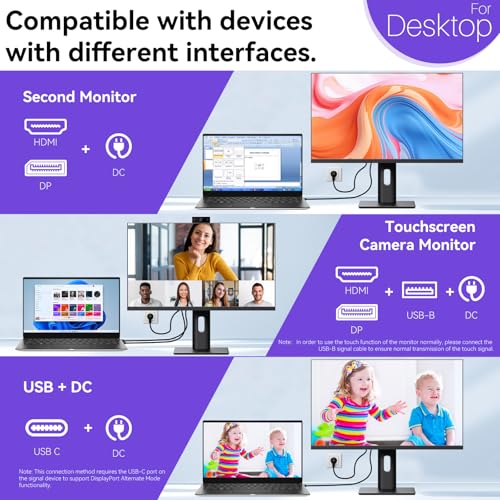
1.If your phone/laptop/mini pc comes with a full-featured USB C port, please connect the INCLUDED power adapter and USB C- USB C cable. 2. If your device with HDMI and USB 2.0 ports, please connect the INCLUDED power adapter, HDMI and USB 2.0 cables.
Why can't the monitor reach 3860x2160P resolution?
1. Please check the device can output 3860x2160P first. 2. If the host has a discrete graphics card, please make sure the monitor is connected to ports of the discrete graphics card. 3. Some gaming devices/hosts need to adjust manually.
Why is there a touch delay during use?
This situation is related to your computer host configuration, when your host configuration is higher, the touch will be more sensitive, and the touch response speed of the monitor is faster.
Can I use a stylus to write on the monitor?
Yes, but use a passive capacitive stylus. Hold it low like a pen with your fingers close to the screen – the closer your grip is to the tip, the better it works.
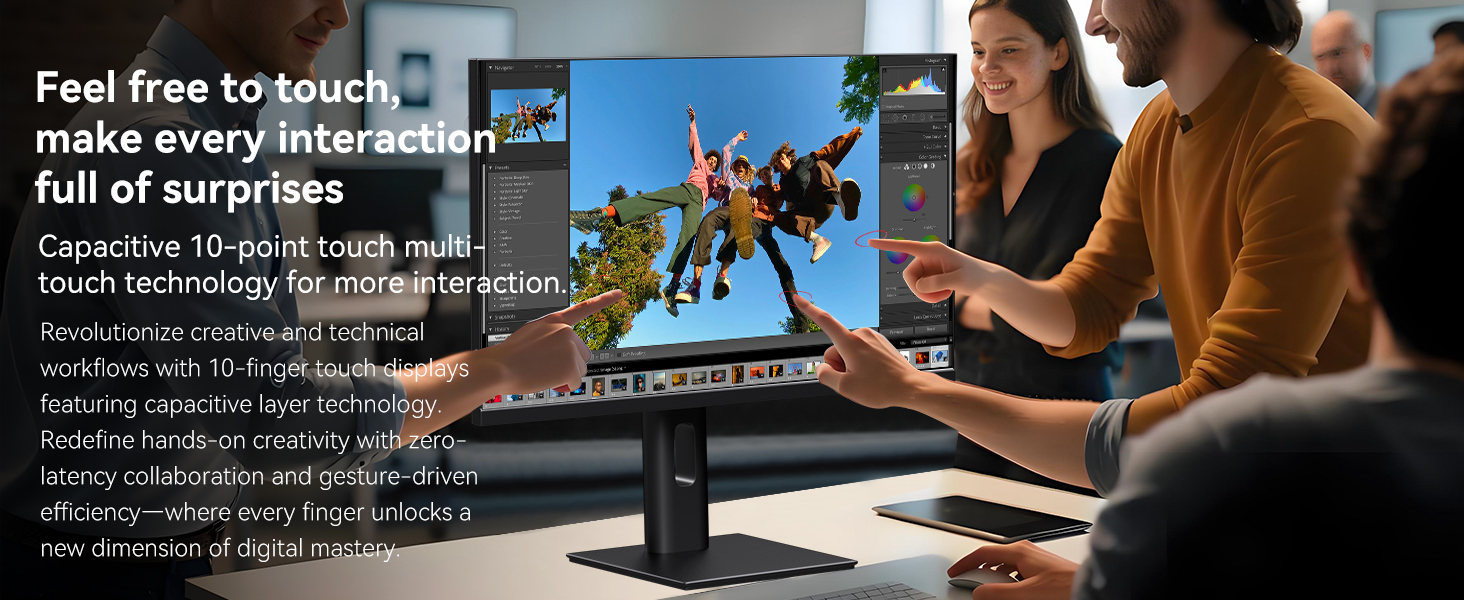
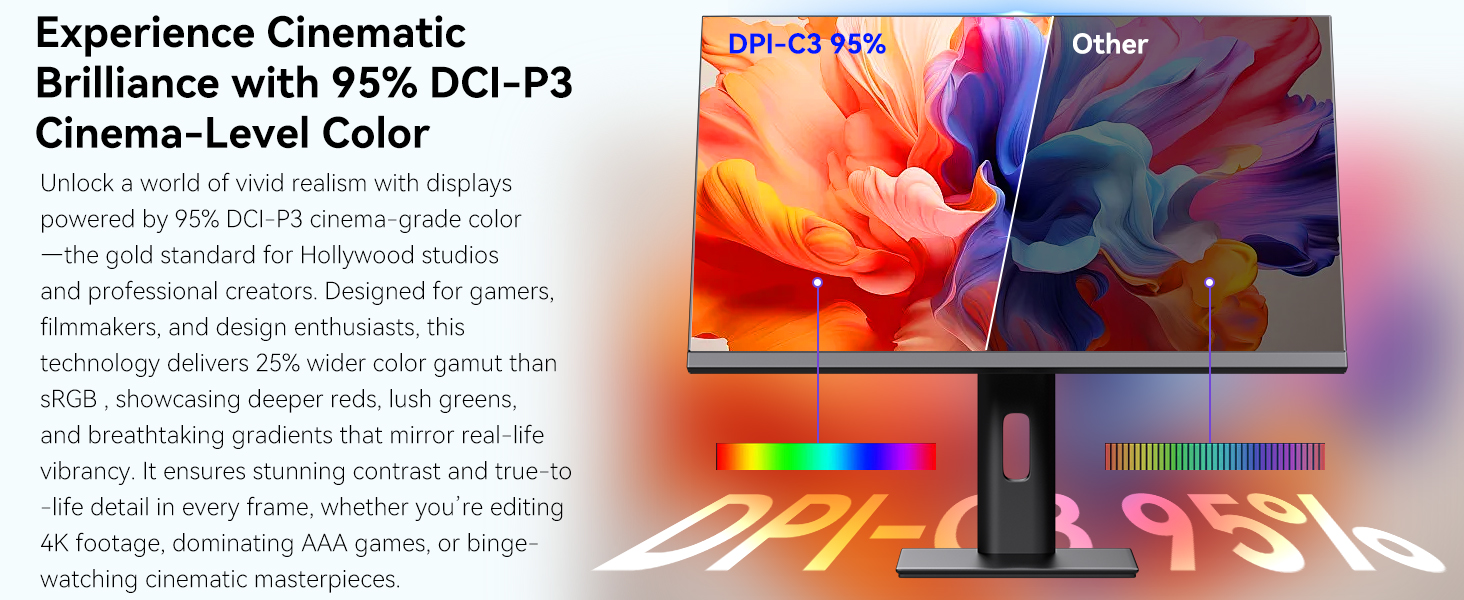
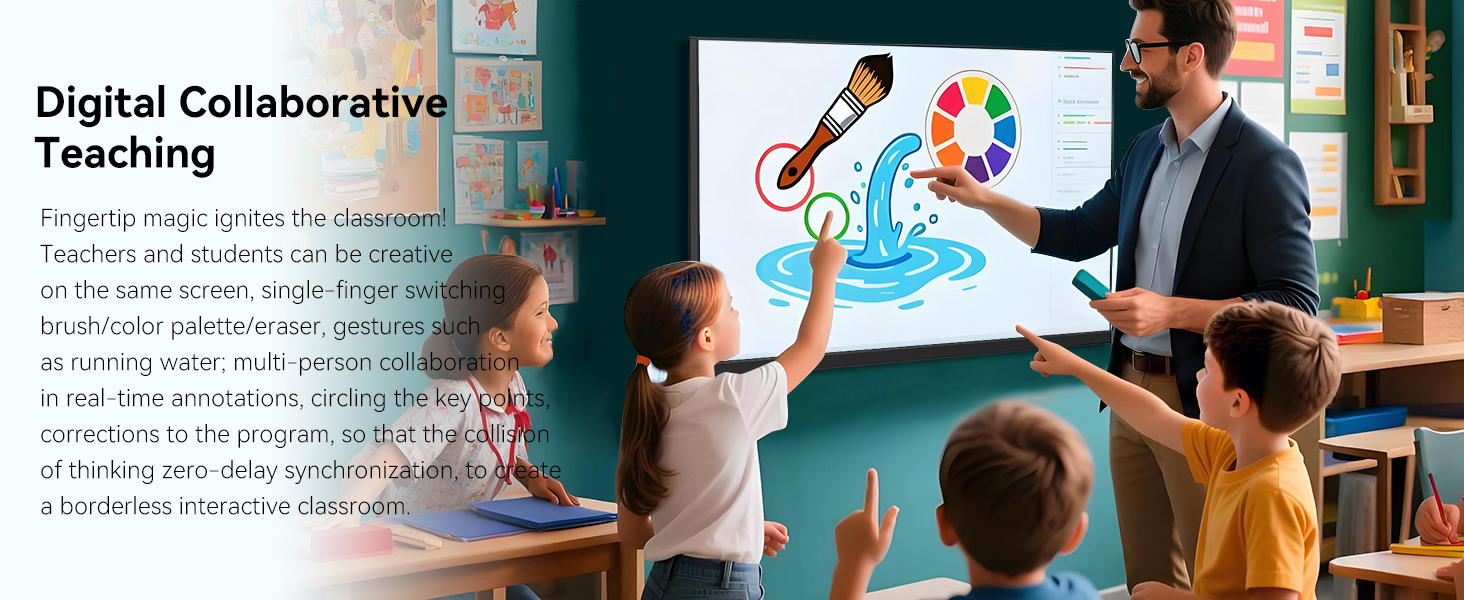
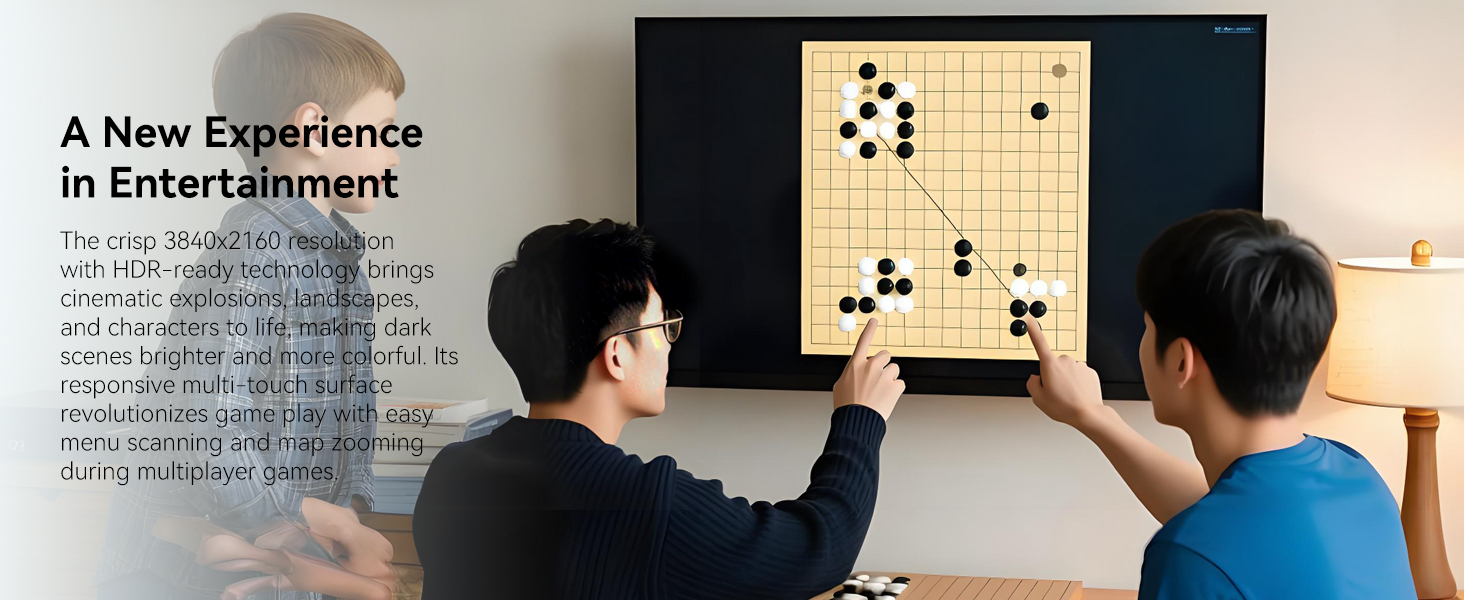
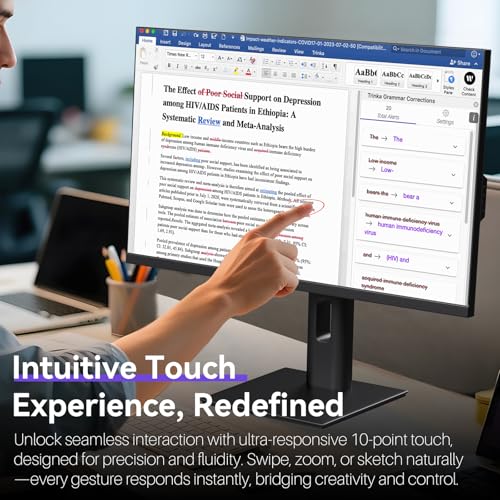
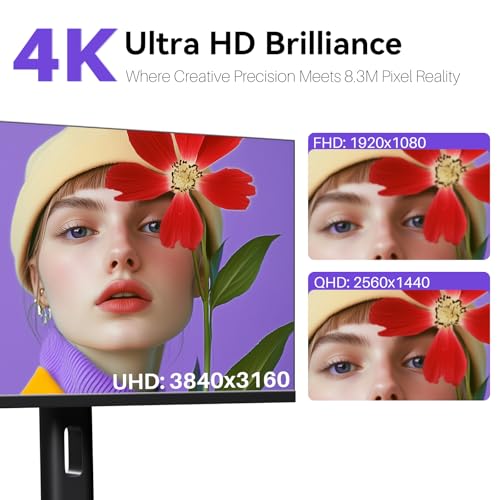
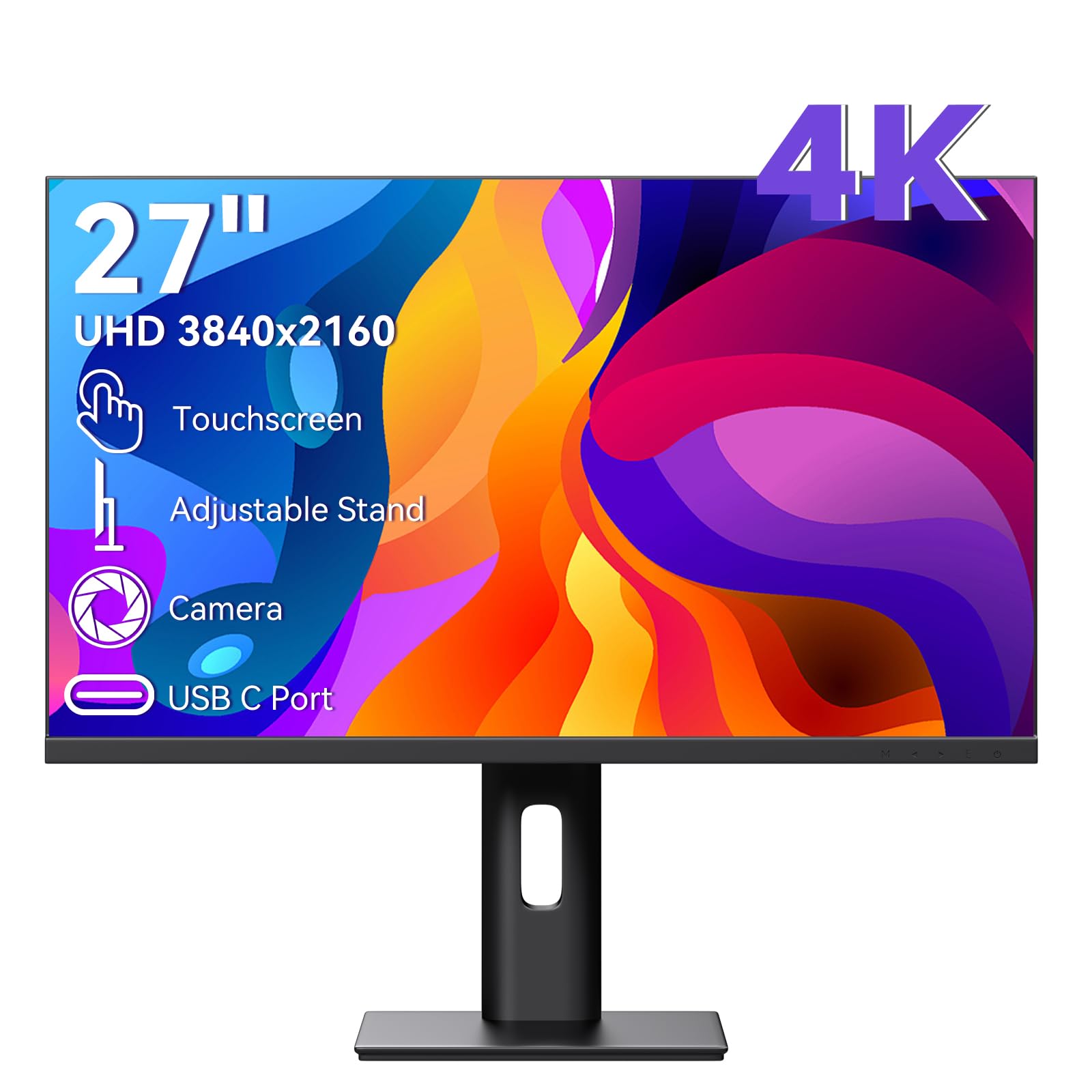
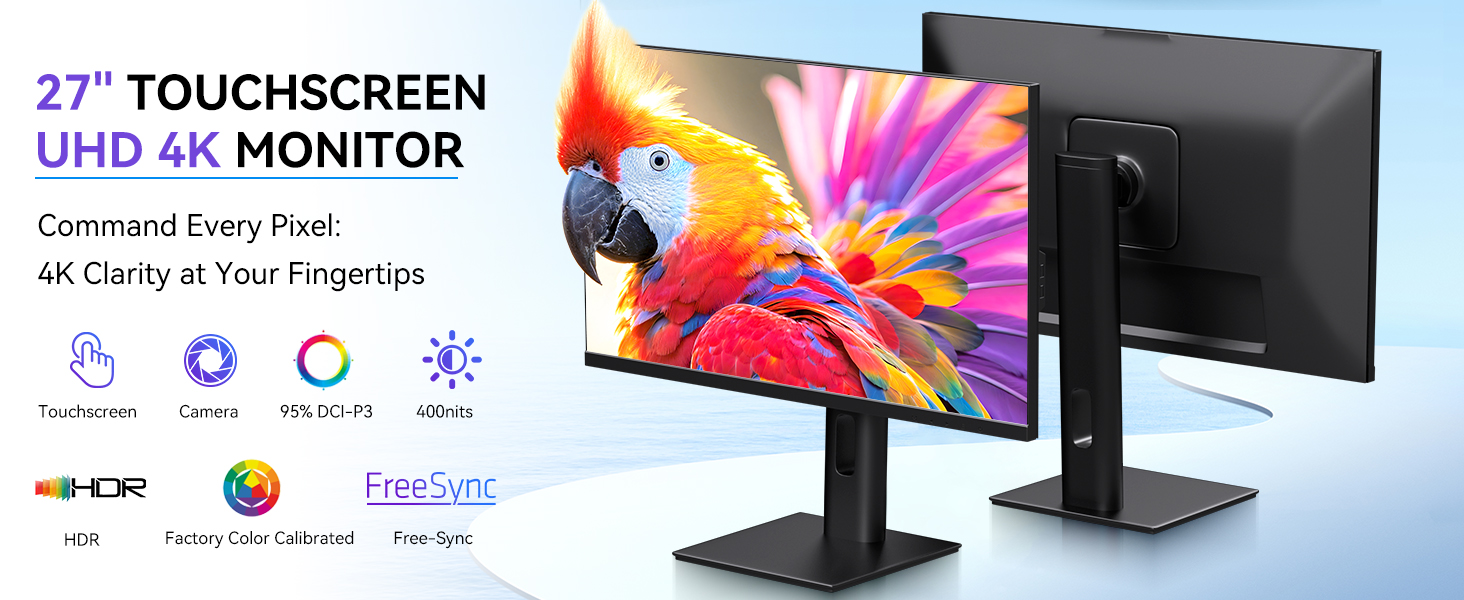
- Ultra HD 4K Touchscreen Display – Experience stunning clarity with a 27-inch 4K Ultra HD screen. Enjoy vibrant colors, sharp details, and wide viewing angles perfect for work, creative projects, and entertainment. The responsive 10-point touchscreen allows for intuitive control directly on the display.
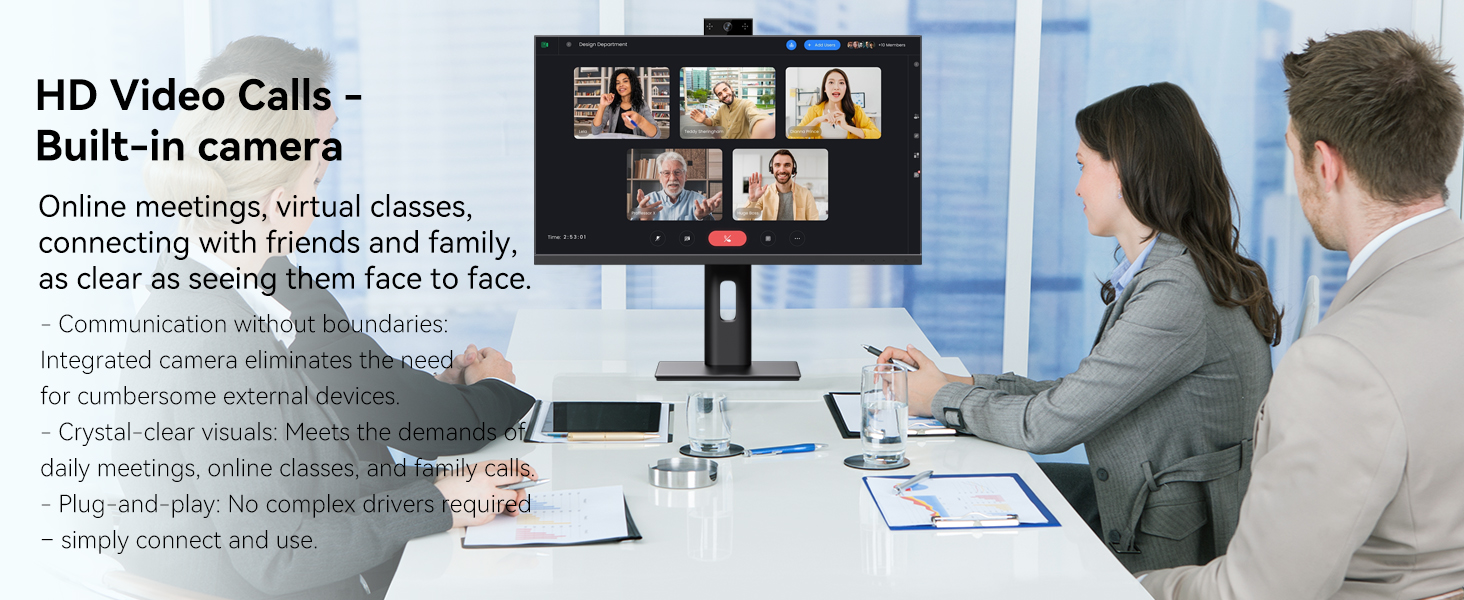
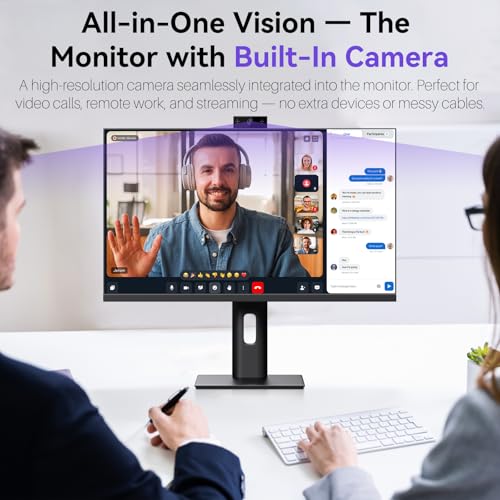
- Built-in High-Definition Webcam – Stay connected seamlessly with the integrated webcam. Make video calls, attend online meetings, or stream with ease. The convenient built-in design saves space and reduces clutter on your desk.
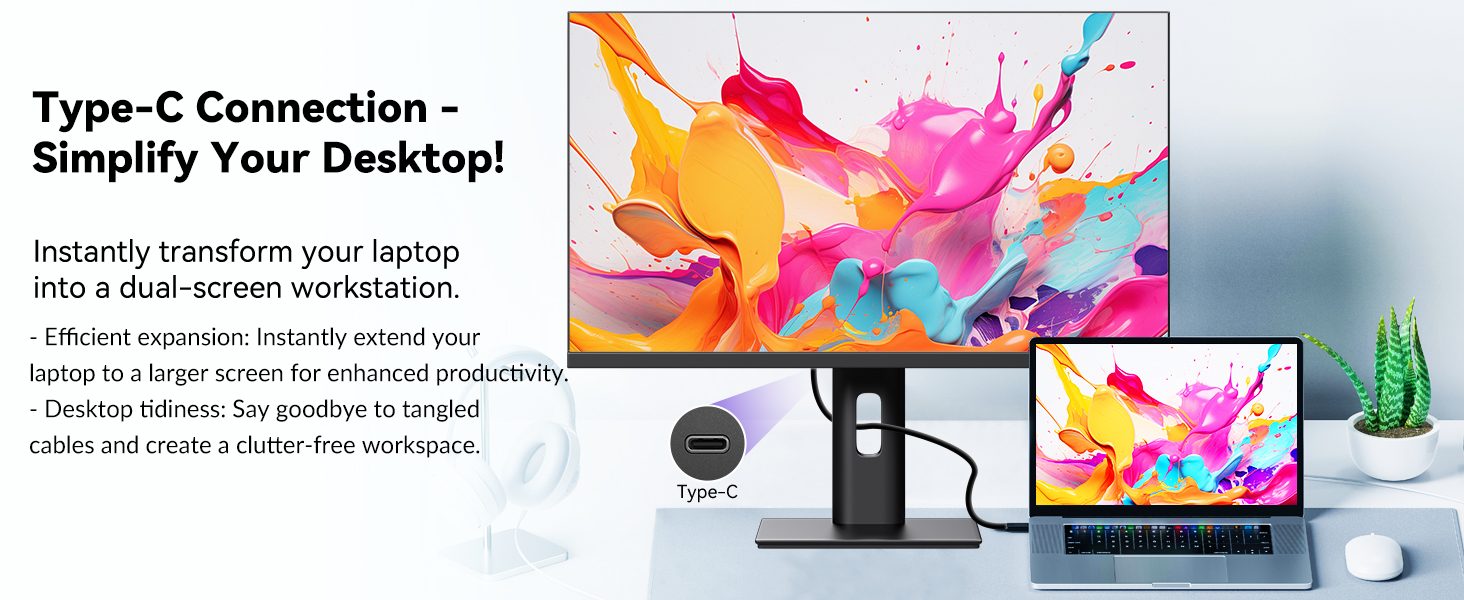
- Versatile and User-Friendly Connectivity – Equipped with multiple ports including HDMI, DP and USB-C, this monitor offers easy connections to your laptop, PC, and other devices. It supports both touch and traditional input methods for flexible operation.
- Optimized for Productivity and Creativity – Boost your efficiency with the large 4K touch display. Ideal for graphic designers, content creators, and professionals, it enables precise control and streamlined workflows. The high-resolution screen also excels at multitasking.
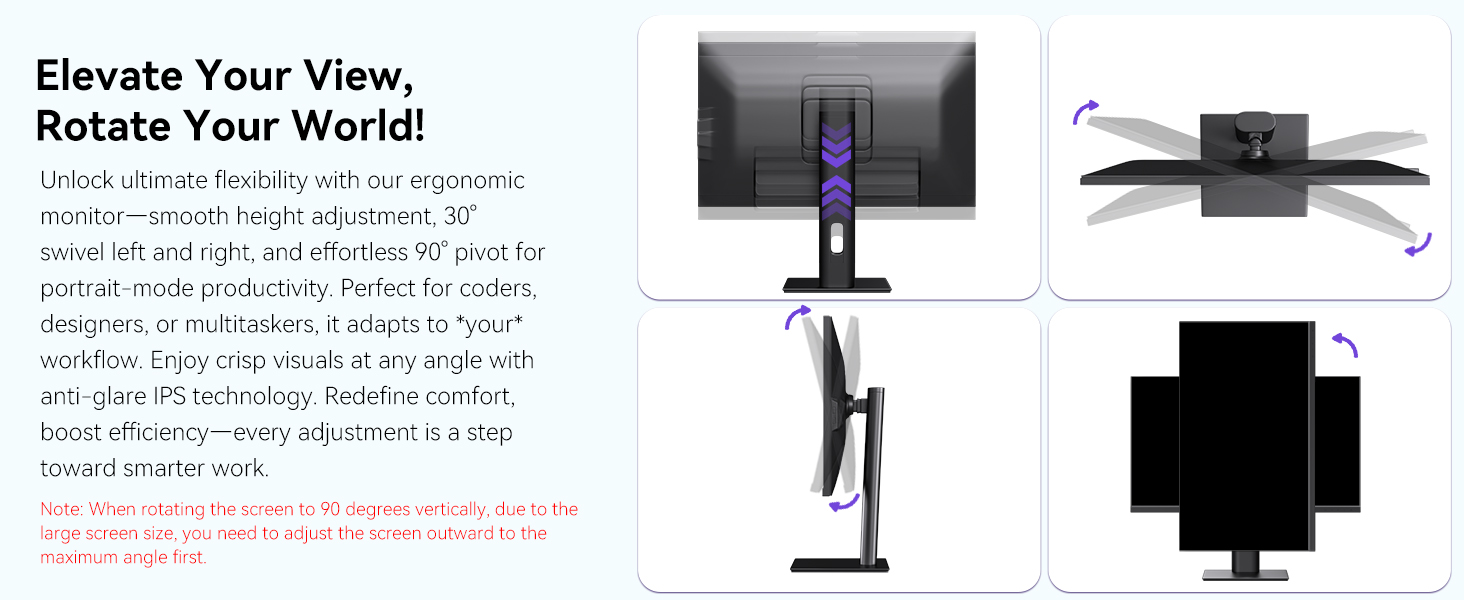
- Sleek and Functional Design – This monitor features a modern design that fits any workspace. The adjustable stand allows you to find the perfect viewing angle, ensuring comfort during long hours of use while maintaining a professional look.
| SKU: | B0FXGCC5QF |
| Weight: | 7.25 kg |
| Dimensions: | 2.2 x 61.5 x 40 cm; 7.25 kg |
| Brand: | Pisichen |
| Model: | 27INCMR-4K |
| Colour: | black |
| Manufacture: | Shenzhen Kenowa Electronics Co., LTD |
| Colour: | black |
Product Description
Monitor specifications
| Screen Size | 27 inch |
| Resolution | 3860×2160 |
| Panel Type | IPS |
| Viewing Angle | 178° |
| Brightness | 400 cd/㎡ |
| Contrast | 3000:1 |
| Response time | 3~5ms |
| Input port | DP, HDMI, Type C 3.1, Audio Port, DC Port |
| Power Adapter | DC 12V 5A |
| Speakers | Two built-in 1.5w speakers |
| Compatible System | Windows 7 above |
| VESA Specification | 100*100mm (Distance between the centers of two VESA screw holes) |
| Speacial Features | Touchscreen, built in webcam, stand adjustable, built-in speakers, VESA mountable |
| VESA Screws | M4 Fine threadv |
| Built-in Webcam | 3MP |
Is touch functionality compatible with iOS, iPadOS and macOS?
Unfortunately, the monitor's touch feature is unsupported on iOS/iPadOS/macOS due to system compatibility restrictions, but display functions will operate normally when connected via a full-featured Type-C or HDMI interface.
How to connect the monitor?/Can I connect the monitor to my phone?
1.If your phone/laptop/mini pc comes with a full-featured USB C port, please connect the INCLUDED power adapter and USB C- USB C cable. 2. If your device with HDMI and USB 2.0 ports, please connect the INCLUDED power adapter, HDMI and USB 2.0 cables.
Why can't the monitor reach 3860x2160P resolution?
1. Please check the device can output 3860x2160P first. 2. If the host has a discrete graphics card, please make sure the monitor is connected to ports of the discrete graphics card. 3. Some gaming devices/hosts need to adjust manually.
Why is there a touch delay during use?
This situation is related to your computer host configuration, when your host configuration is higher, the touch will be more sensitive, and the touch response speed of the monitor is faster.
Can I use a stylus to write on the monitor?
Yes, but use a passive capacitive stylus. Hold it low like a pen with your fingers close to the screen – the closer your grip is to the tip, the better it works.