4K 60Hz Dual DisplayPort to HDMI Adapter, MST Splitter
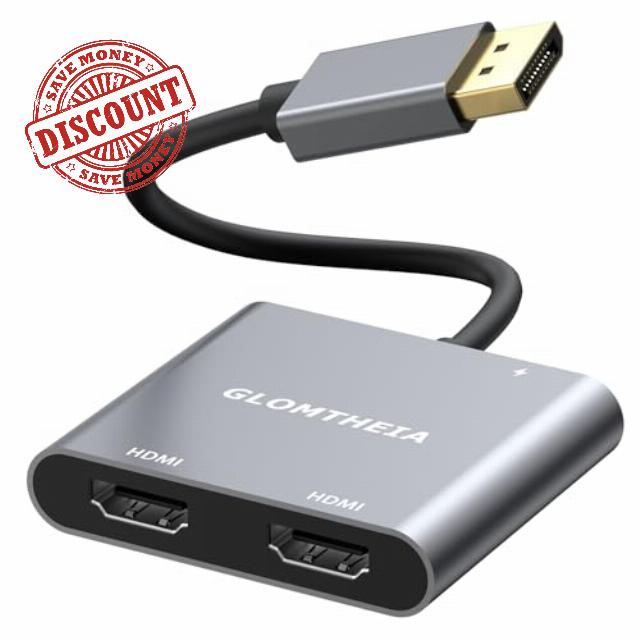
4K 60Hz Dual DisplayPort to HDMI Adapter, MST Splitter for Dual Monitor Extender, Support Extended and Mirror Mode, Plug and Play, USB Power Cord Included
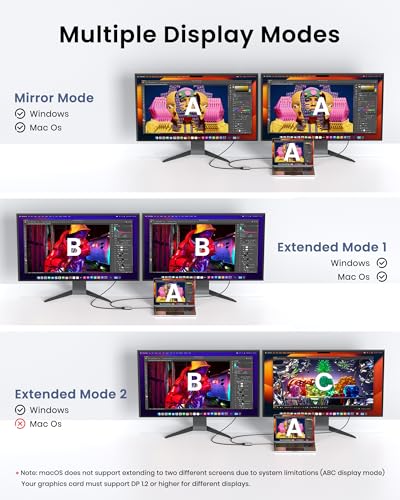
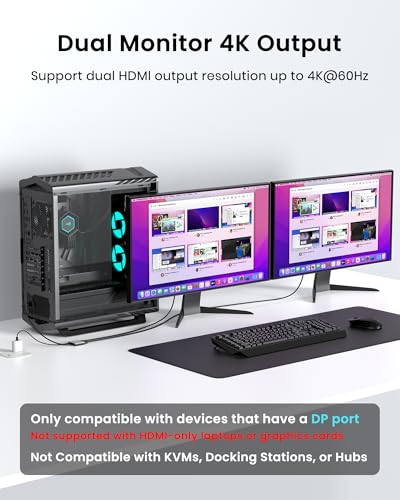
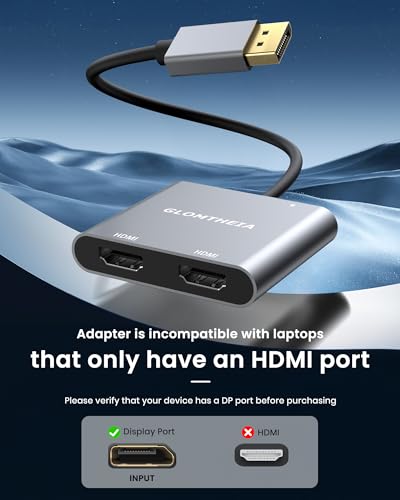
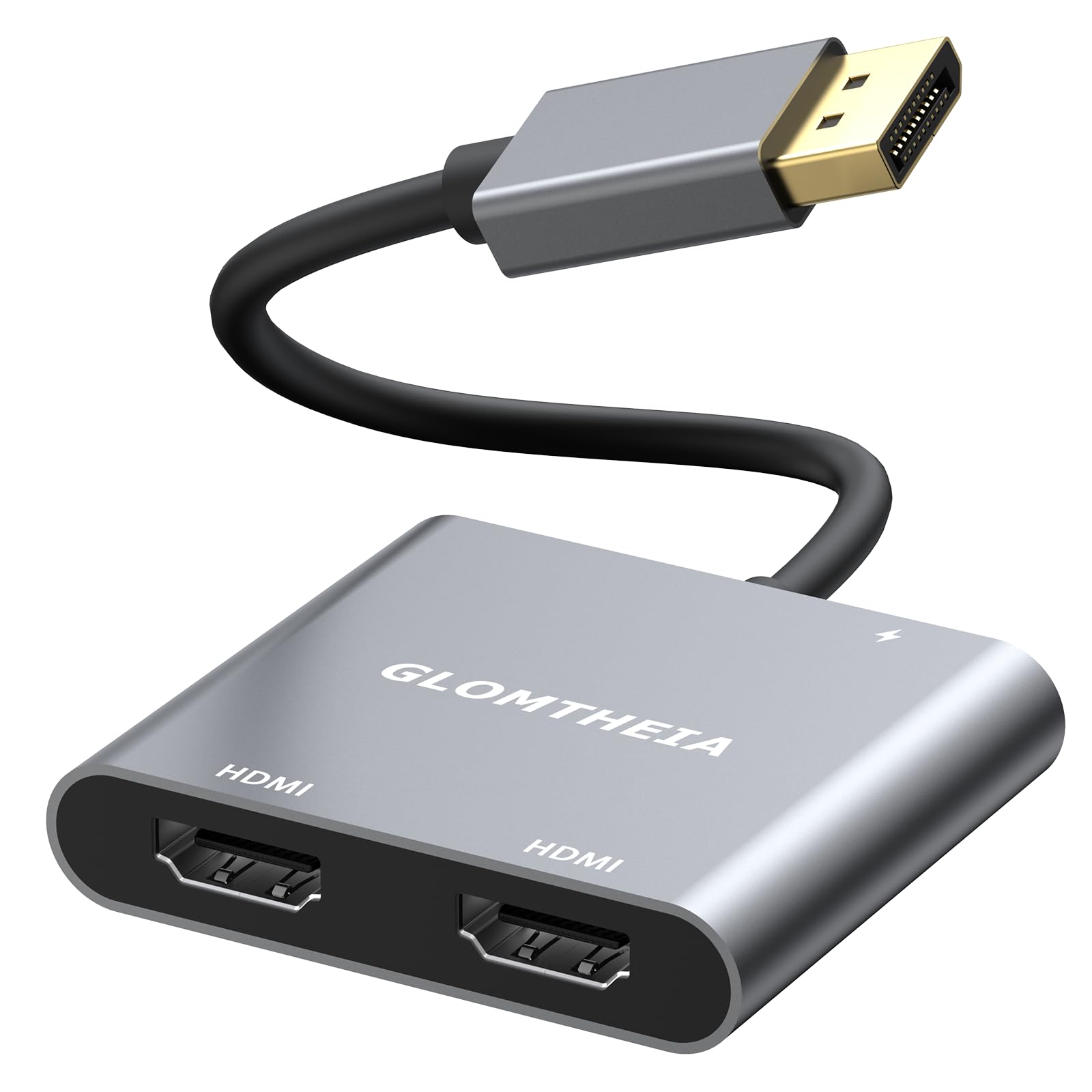
The 4K DisplayPort to Dual HDMI adapter lets you connect a single DisplayPort-enabled device to two HDMI monitors, supporting 4K@60Hz resolution for each display. This adapter is perfect for users who need to improve productivity by working with dual monitors, whether for gaming, professional presentations, or home office setups. With extended mode, you can display different content on each screen, ideal for multitasking, while mirror mode allows you to display the same content on both monitors, perfect for presentations or streaming. Windows supports both modes, while macOS is limited to mirror mode only. Setup is simple with plug-and-play functionality, no drivers required. Simply connect the DisplayPort from your device to the adapter, use HDMI cables to connect to your monitors, and provide USB power via the included USB-C power cable. This ensures stable performance for dual HDMI output. Built with a sturdy aluminum housing, this adapter ensures effective heat dissipation and long-term durability, even during prolonged use. It is a compact and portable solution that can be easily transported and configured in any workspace. Compatible with PCs, laptops and graphics cards, this DisplayPort to HDMI splitter offers an easy way to extend or mirror your display, allowing dual monitor setups for productivity, entertainment or gaming.
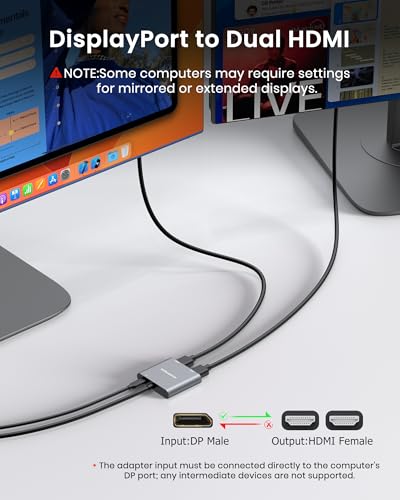
- 【4K60Hz Ultra HD】This HDMI splitter for dual monitors delivers impressive 4K@60Hz resolution when output to a single screen. When extended to dual monitors, it stably supports 4K@30Hz resolution on each display, ensuring wide compatibility and a high-quality viewing experience. It is also fully compatible with 2K, 1080P and 720P resolutions. Important: To ensure optimal performance, the device must be connected directly to your computer's DisplayPort output and is not compatible with docking stations, USB hubs, or other types of adapters.
- Supports extended and mirroring modes: Enable extended mode (different content on each view) or mirror mode (same content on both screens). Windows supports both modes, while macOS only supports mirror mode.
- Ensure DP compatibility: Your device must support DisplayPort 1.2 or higher for Extended Display Mode (MST). If your device supports DP 1.1 or below, it will only work in mirror mode.
- Cable Requirements for Optimal Performance – For best results, use standard DP 1.4 or higher cables (not included). HDMI cables must support HDMI 2.0 for 4K@60Hz output. Make sure your cables and devices support these standards for a seamless experience.
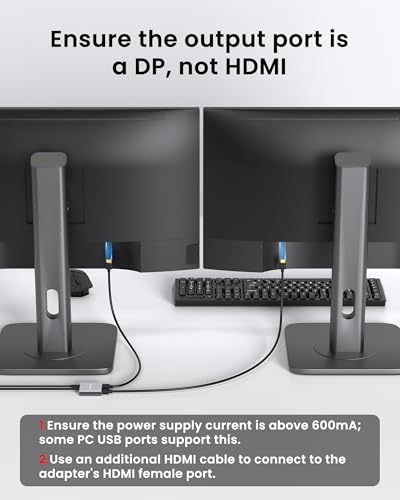
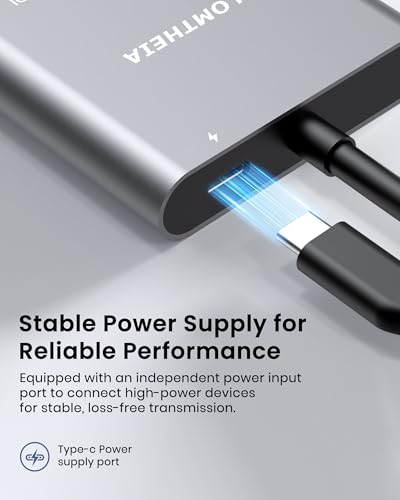
- Plug and Play with USB Power Supply – No drivers required- simply plug the DisplayPort connector into your device and connect the HDMI cables to your monitors. The adapter requires USB-C power (cable included) to operate, ensuring stable performance.
| SKU: | B0FNW85ZF5 |
| Dimensions: | 16.89 x 7.11 x 1.7 cm; 18 g |
| Manufacture: | Glomtheia |