Magcubic Mini Projector 4K & 8K, Native 1080P Portable
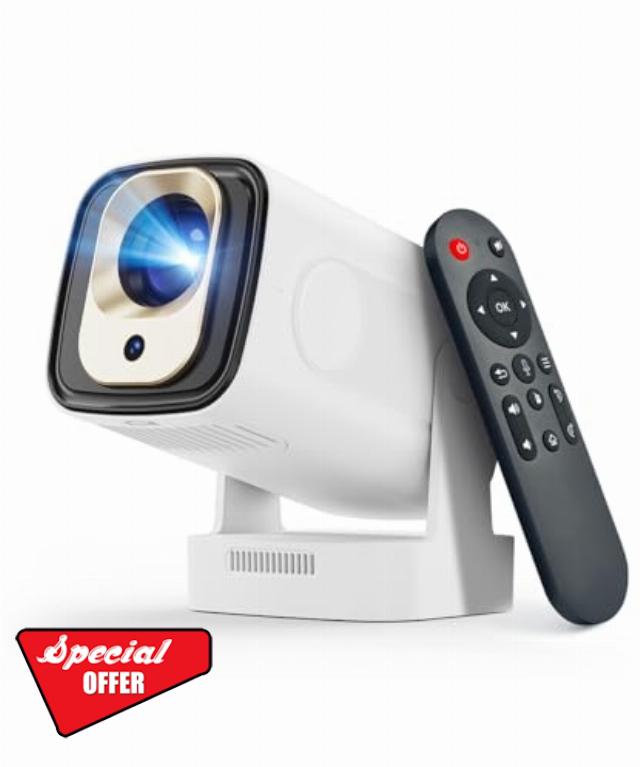
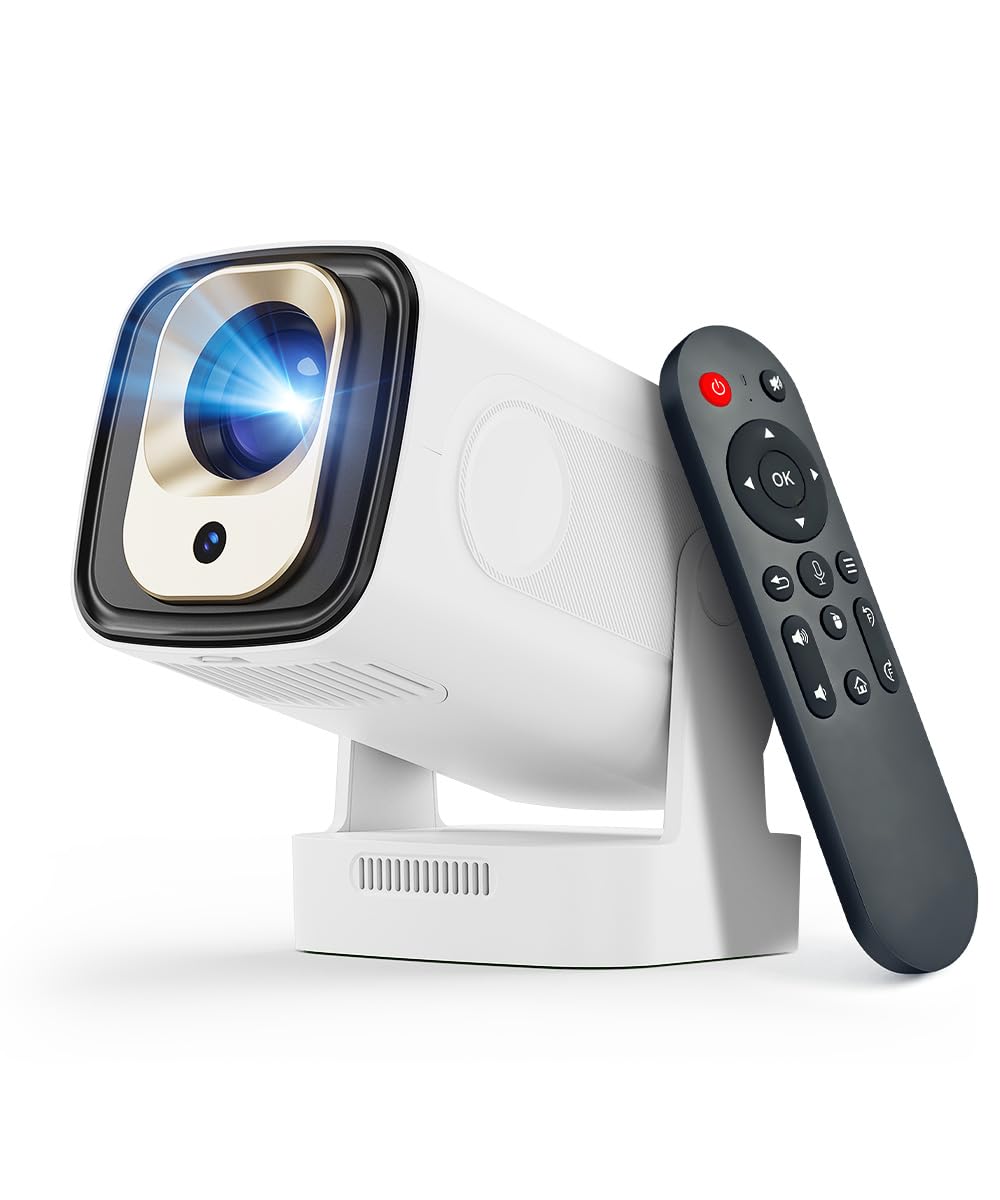
Magcubic Mini Projector 4K & 8K, Native 1080P Portable Projector with Android 14 Auto Focus & Auto Keystone Correction, WiFi 6 Bluetooth 5.4, 5W Speaker, 180° Rotation for Bedroom Home Cinema HY31
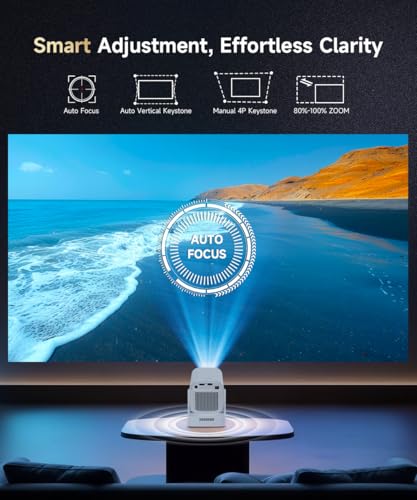
How to Activate Manual Focus?
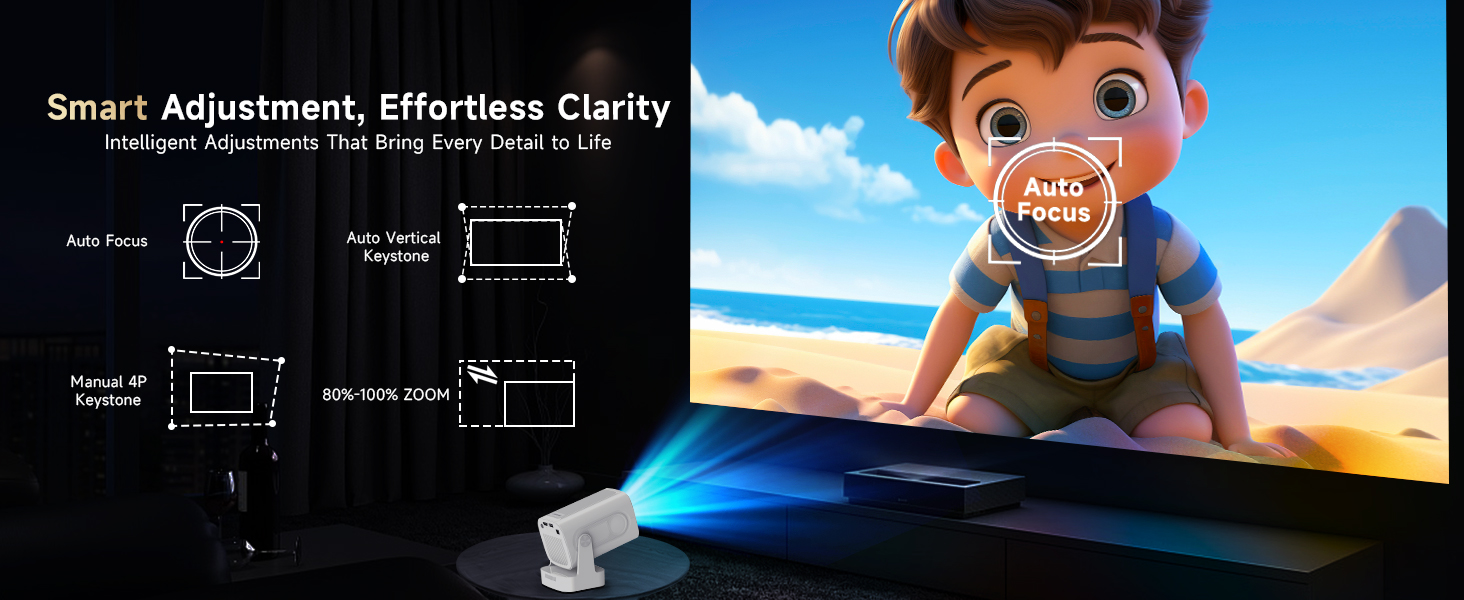
If the autofocus fails to produce a clear image, press the "Focus" buttons on the remote control to manually adjust the focus for optimal clarity.
Is It Good for Daytime Use?
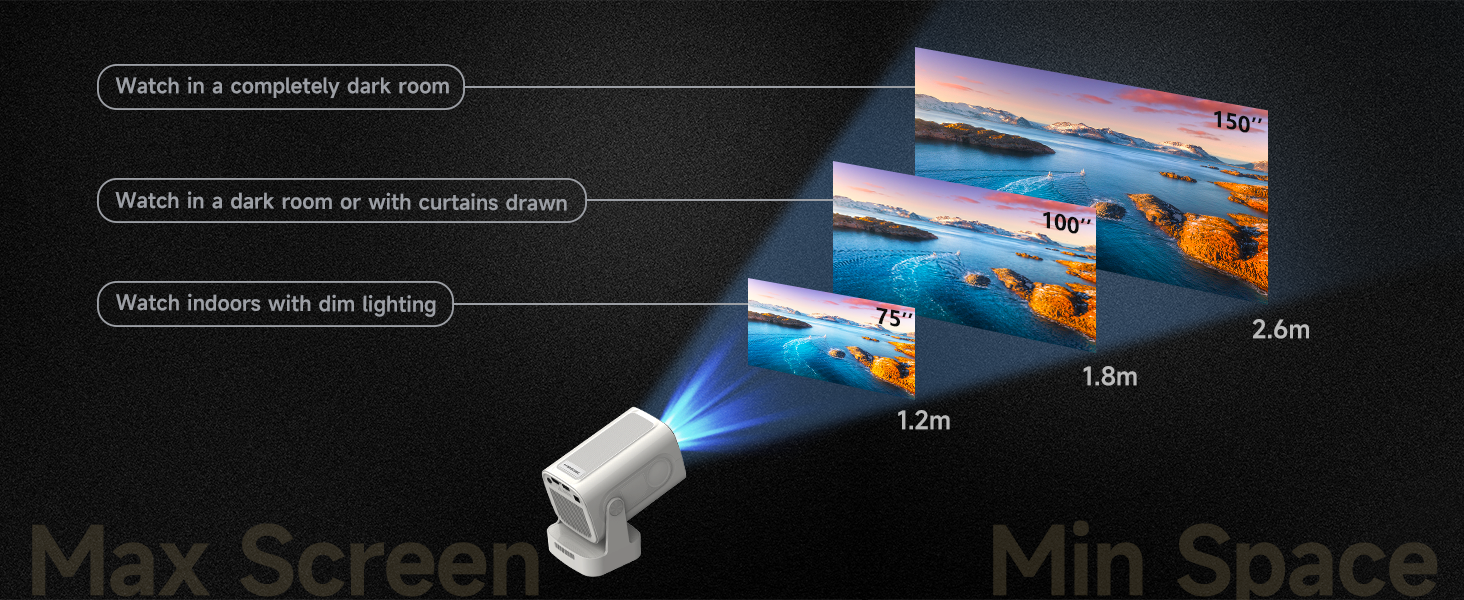
Due to its brightness limitations, the projector is ideal for dark environments, such as a backyard at night, a campsite after sunset, a living room with closed curtains, or a bedroom with the lights turned off.
What is the projection distance?
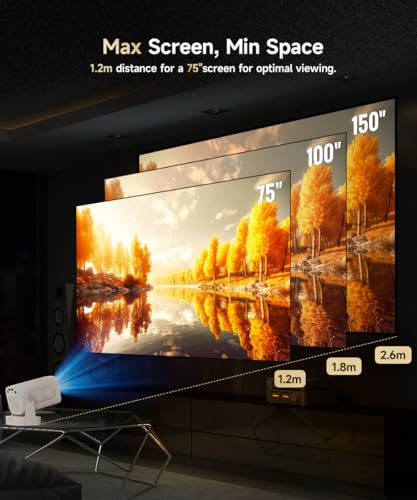
The distance between the projector and the projection surface must be a minimum of 0.6 m and a maximum of 2.5m. This ensures a projection image between 40" and 130".
Can I screen mirror from iOS to HY310?
Yes. Follow these steps: 1.Update HY310 system.(Settings > About Device > Online Upgrade). 2. Open ScreenCast app on the projector.3.On your iOS device, enable AirPlay and make sure both devices are connected to the same Wi-Fi network.
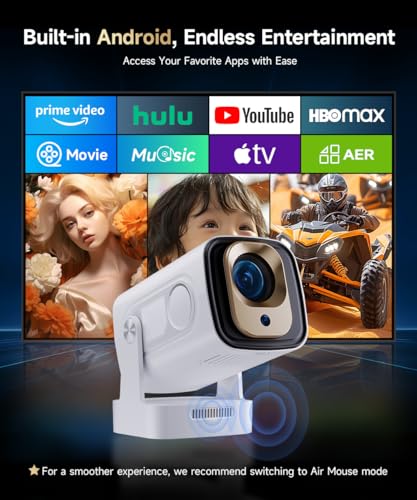
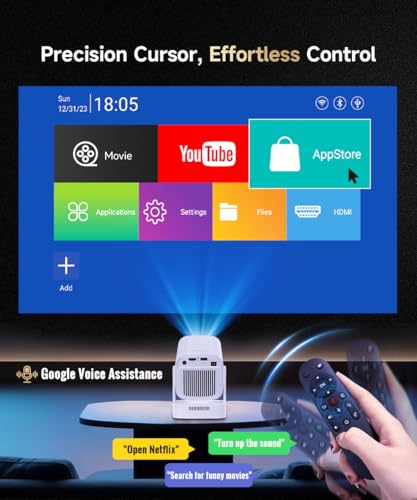
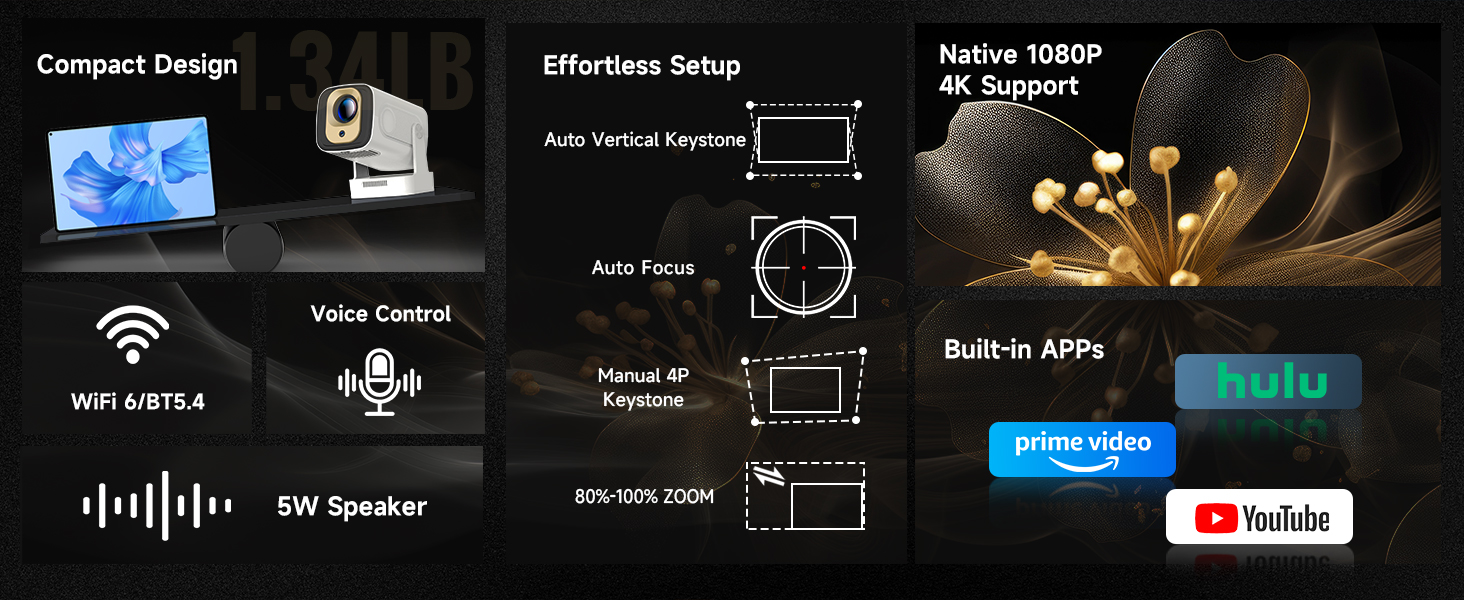
- 【Built-in Android 14 with 6000+ Apps】This mini projector features Android 14 system with over 6000 apps, including popular platforms such as Prime Video, YouTube and D+. You can enjoy movies, shows and videos with just one click—no extra devices required. Simply connect to WiFi to access your favourite content instantly and create an effortless, immersive home-theater experience anytime.
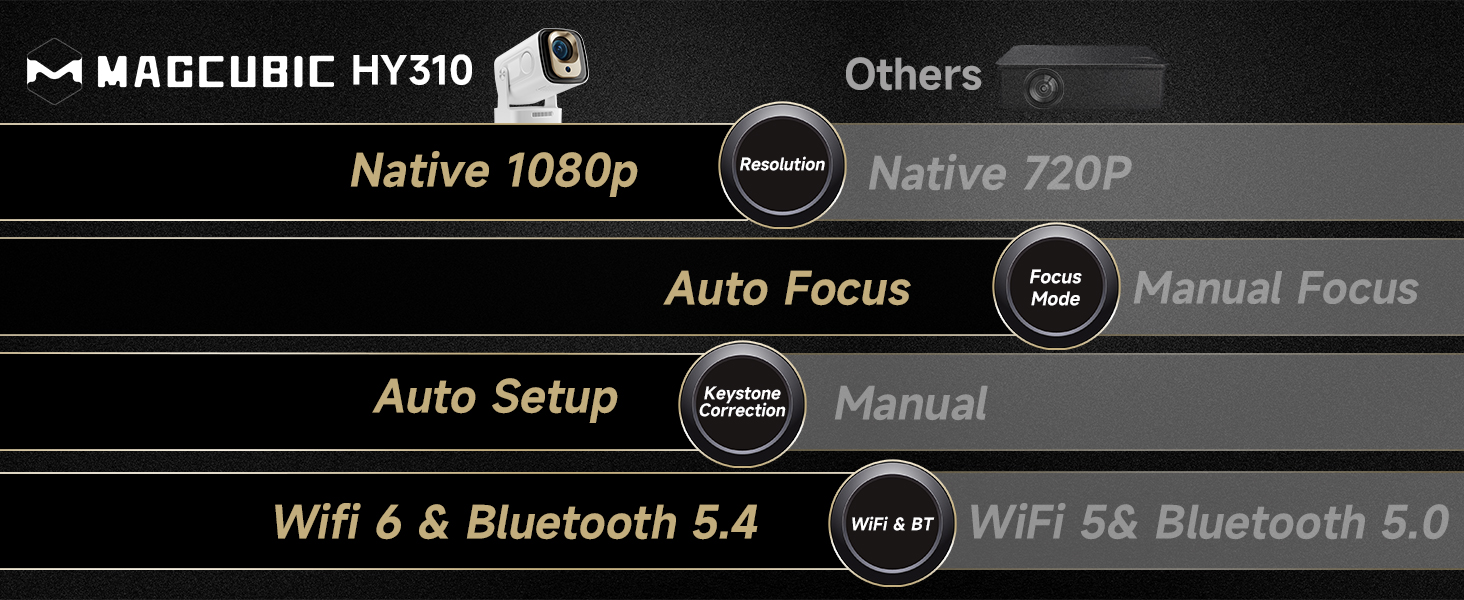
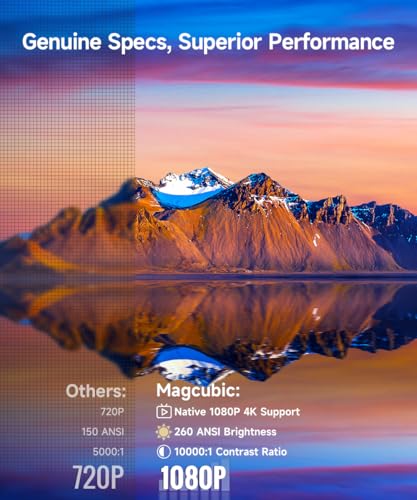
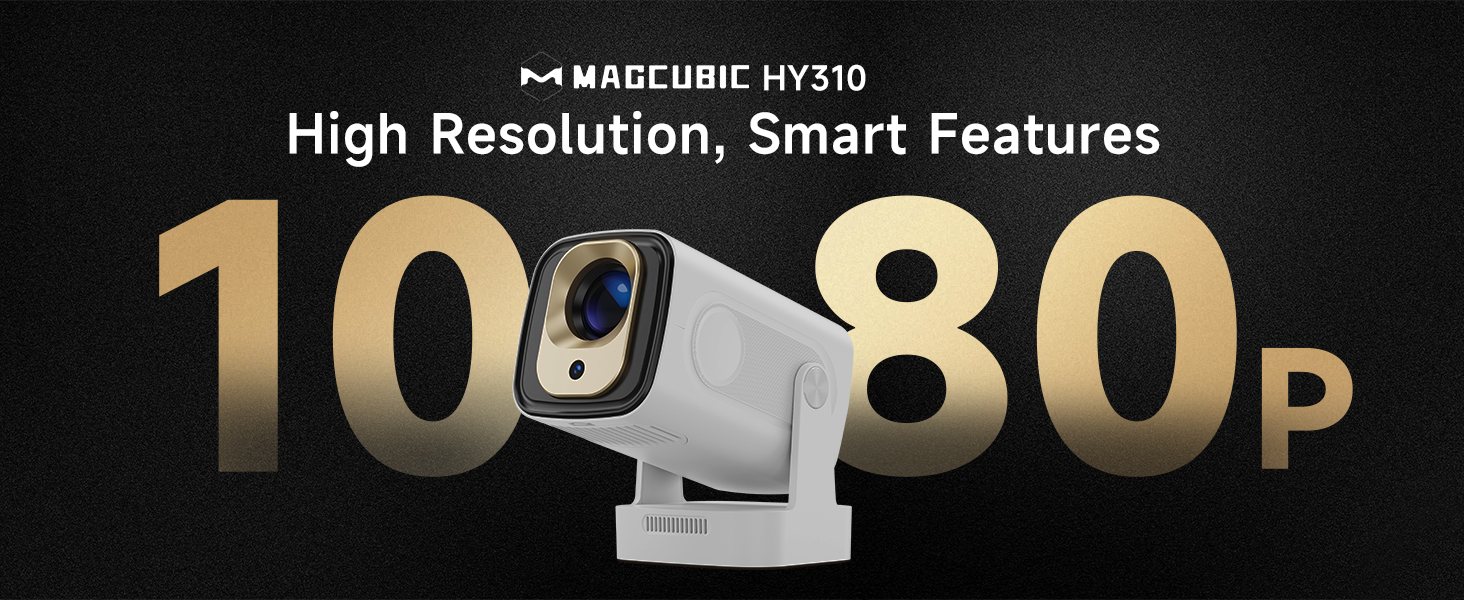
- 【4K/8K Supported & Native 1080P Resolution】This projector supports 4K/8K decoding and native 1080P resolution, equipped with advanced LCD light-source technology, 260 ANSI, HDR10+ and 10,000:1 contrast ratio, this mini projector delivering sharp details and true-to-life color reproduction. This projector for bedroom can easily turn your usual movie-watching entertainment into a theater-like enjoyment.
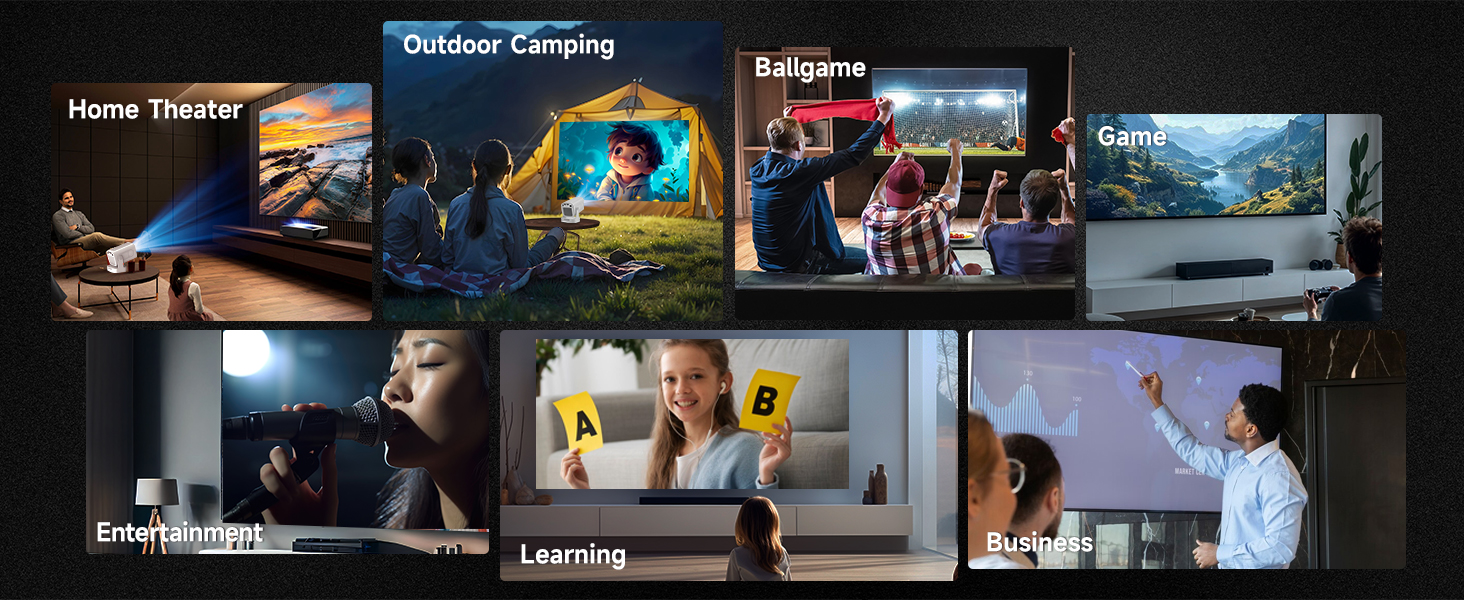
- 【Auto Focus & Big Screen】Featuring auto-focus and automatic vertical keystone correction, this projector delivers a clear, perfectly aligned image the moment you turn it on. With a maximum projection size of 150 inches and a short-throw ratio of 0.8:1, it easily produces a large screen even in compact spaces—ideal for movie nights in the bedroom, entertainment in the living room, gaming, or outdoor camping.
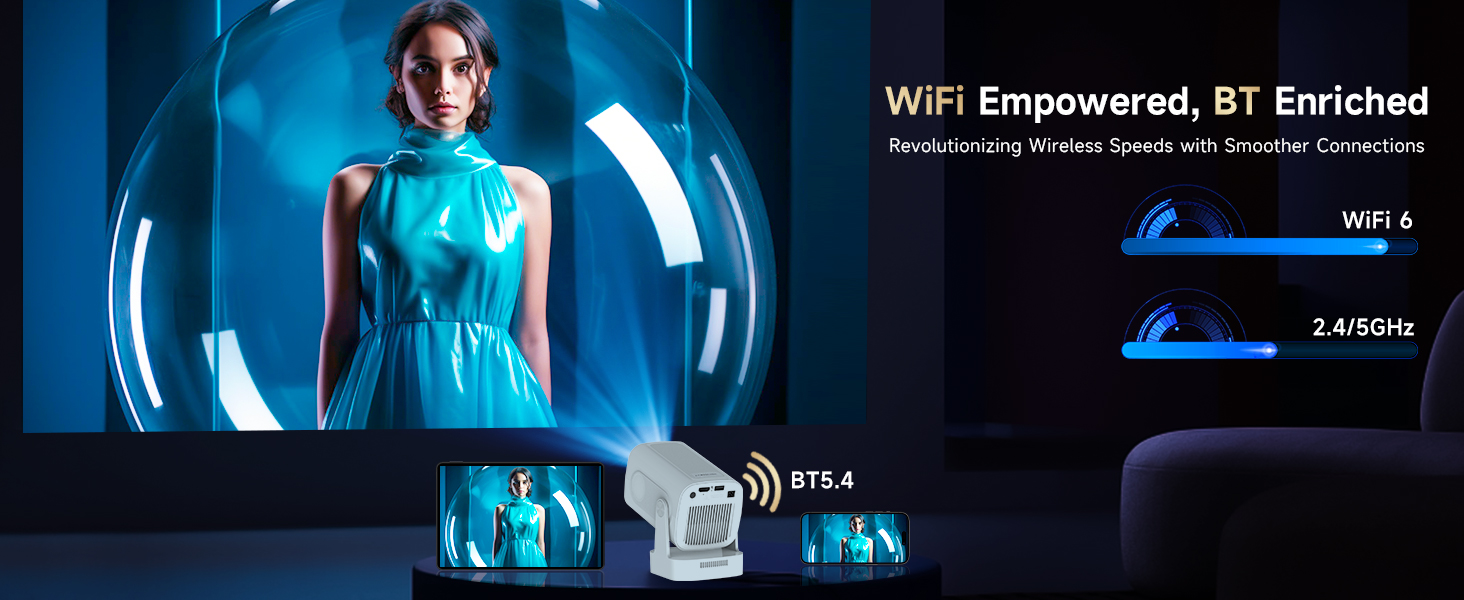
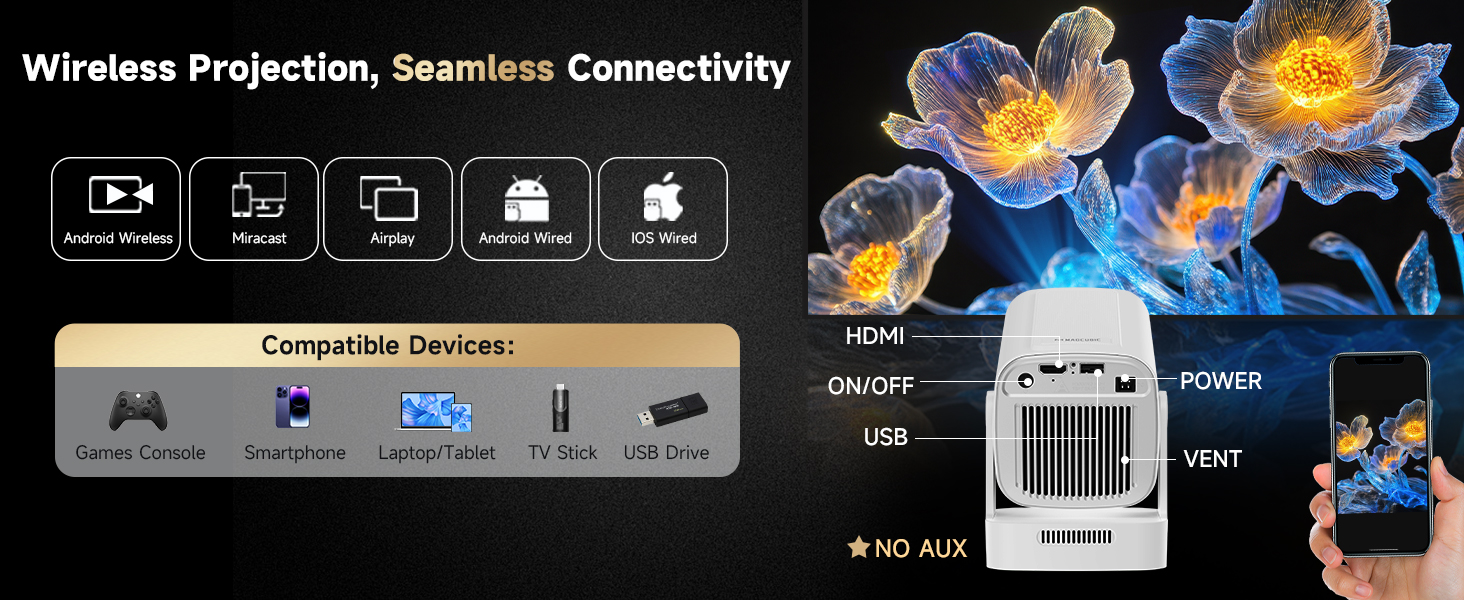
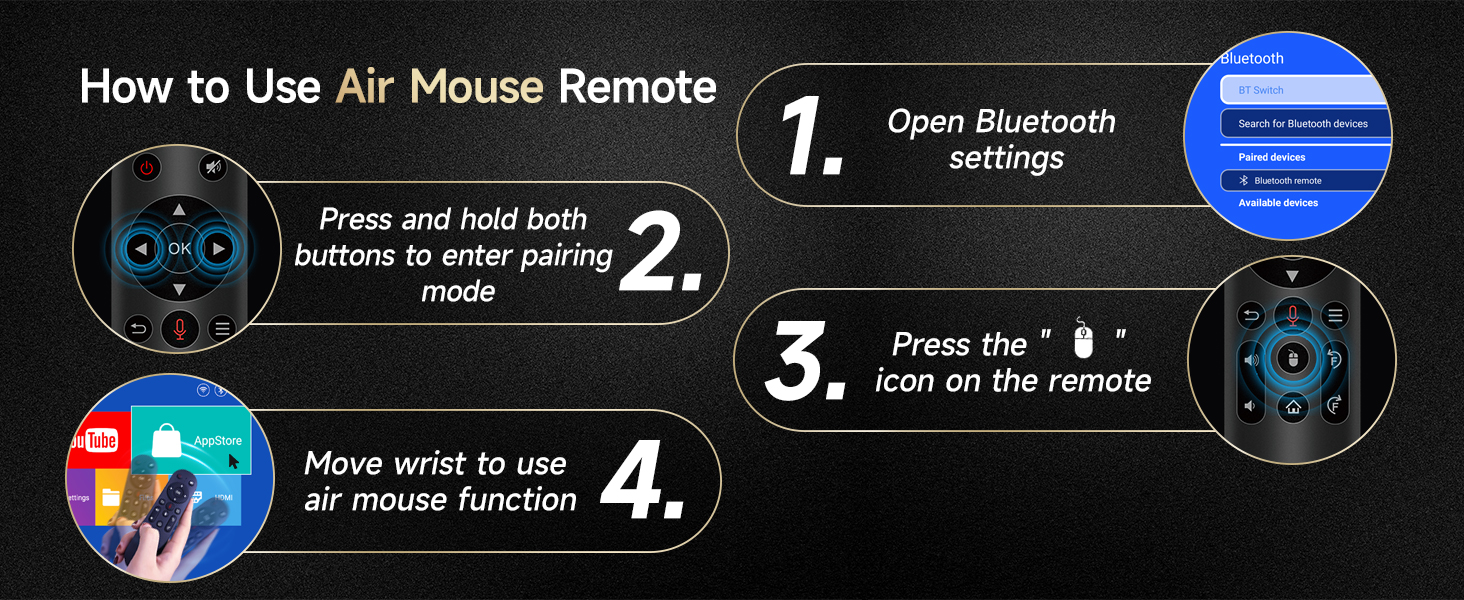
- 【All-Round Connectivity】Featuring Bluetooth 5.4 and Wi-Fi 6, this projector 4k ensures seamless wireless connectivity and stable audio transmission. It is equipped with a 5W speaker for crisp sound and supports voice assistant for convenient, hands-free control—all integrated into one compact device.
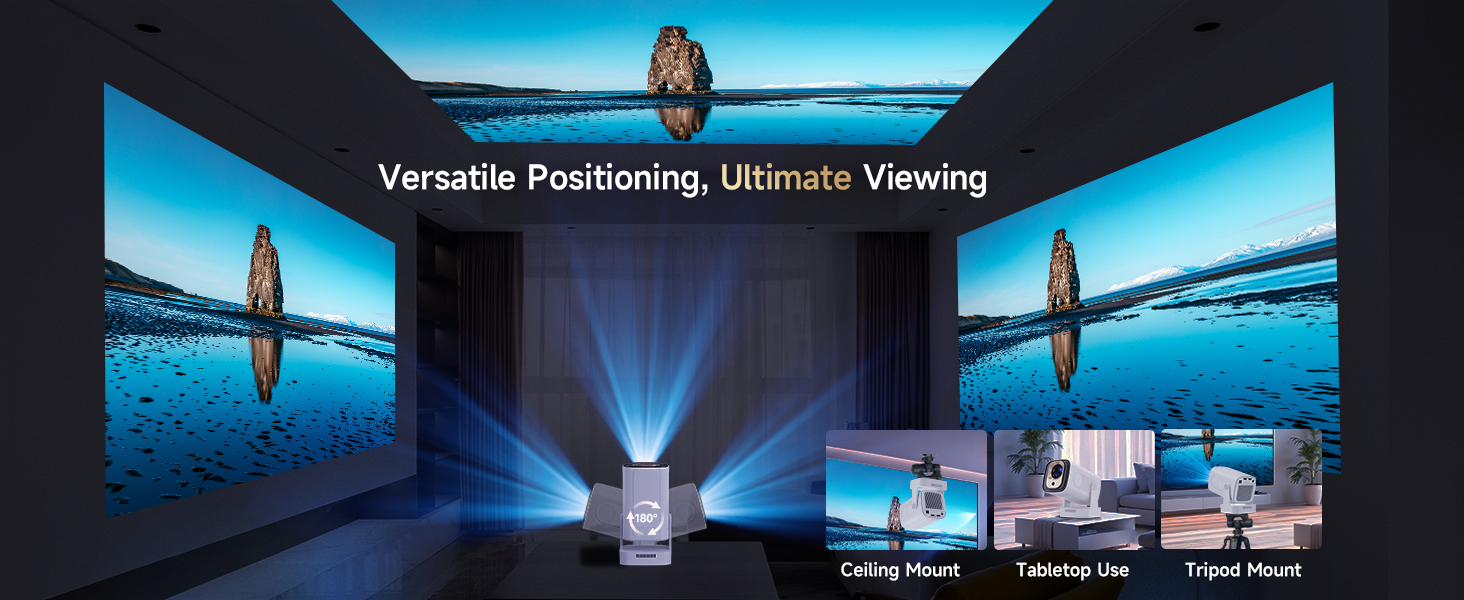
- 【180° Rotation & Three Installation Methods – Flexible for Any Room】Set the projector up your way: simply place it on a table, or mount it on a tripod, or fix it to the ceiling. Featuring a 180° rotatable design, this mini projector easily adjusts to any viewing angle — perfect for immersive home cinema or bedroom viewing experiences.
- 【Wide Compatibility with Multiple Devices】This projector offers broad compatibility with a wide range of devices, including smartphones, laptops, tablets, TV sticks and game consoles via HDMI and USB ports. ⚠️ Please note: This projector does NOT include an AUX (3.5mm audio) output.

| SKU: | B0G6J6F8NJ |
| Weight: | 980 g |
| Dimensions: | 18.4 x 15.7 x 13.5 cm; 980 g |
| Brand: | Magcubic |
| Colour: | White |
| Manufacture: | Magcubic |
| Colour: | White |
Product Description
How to Activate Manual Focus?
If the autofocus fails to produce a clear image, press the “Focus” buttons on the remote control to manually adjust the focus for optimal clarity.
Is It Good for Daytime Use?
Due to its brightness limitations, the projector is ideal for dark environments, such as a backyard at night, a campsite after sunset, a living room with closed curtains, or a bedroom with the lights turned off.
What is the projection distance?
The distance between the projector and the projection surface must be a minimum of 0.6 m and a maximum of 2.5m. This ensures a projection image between 40″ and 130″.
Can I screen mirror from iOS to HY310?
Yes. Follow these steps: 1.Update HY310 system.(Settings > About Device > Online Upgrade). 2. Open ScreenCast app on the projector.3.On your iOS device, enable AirPlay and make sure both devices are connected to the same Wi-Fi network.