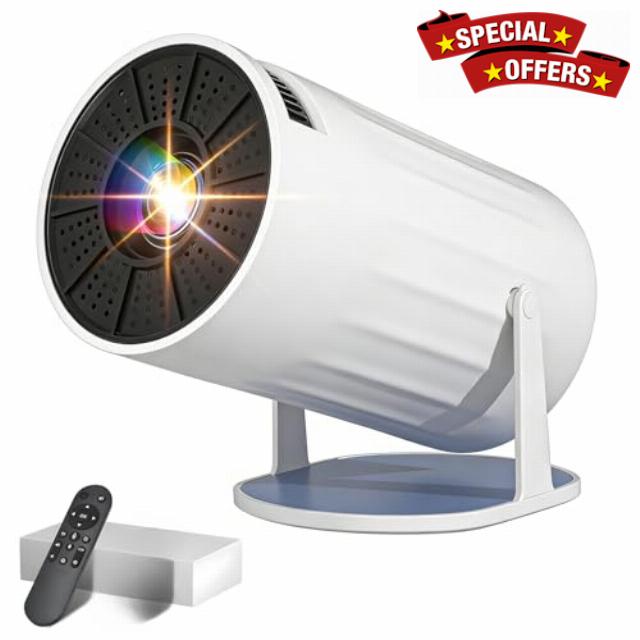
Mini Projector with 4K 1080P Portable TV Projector
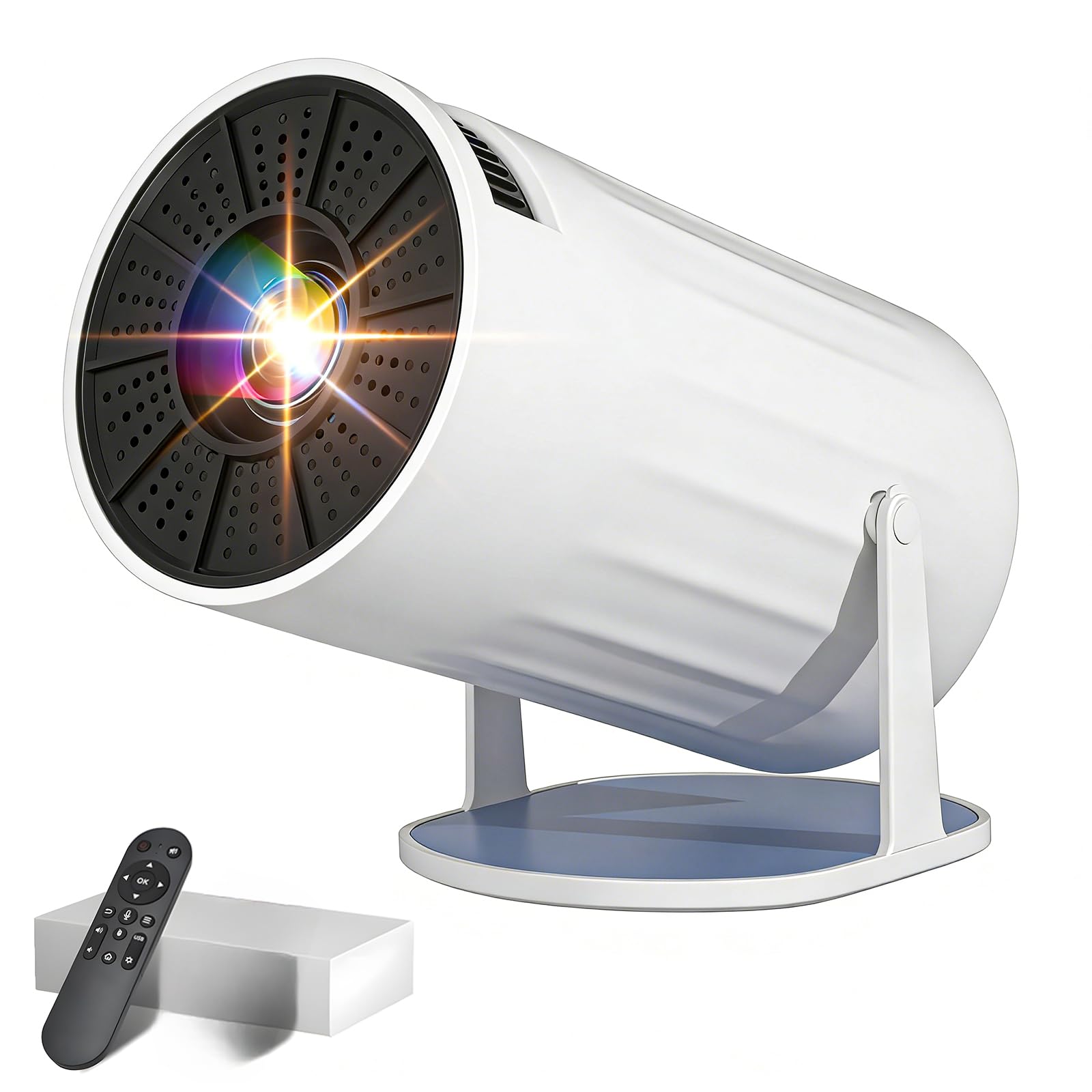
Mini Projector with 4K 1080P Portable TV Projector for Bedroom with WiFi 6 and Bluetooth 5.2, Auto Keystone, 180° Rotatable, Support 1000+ TV Live Channels, Compatible with TV Stick/HDMI/USB
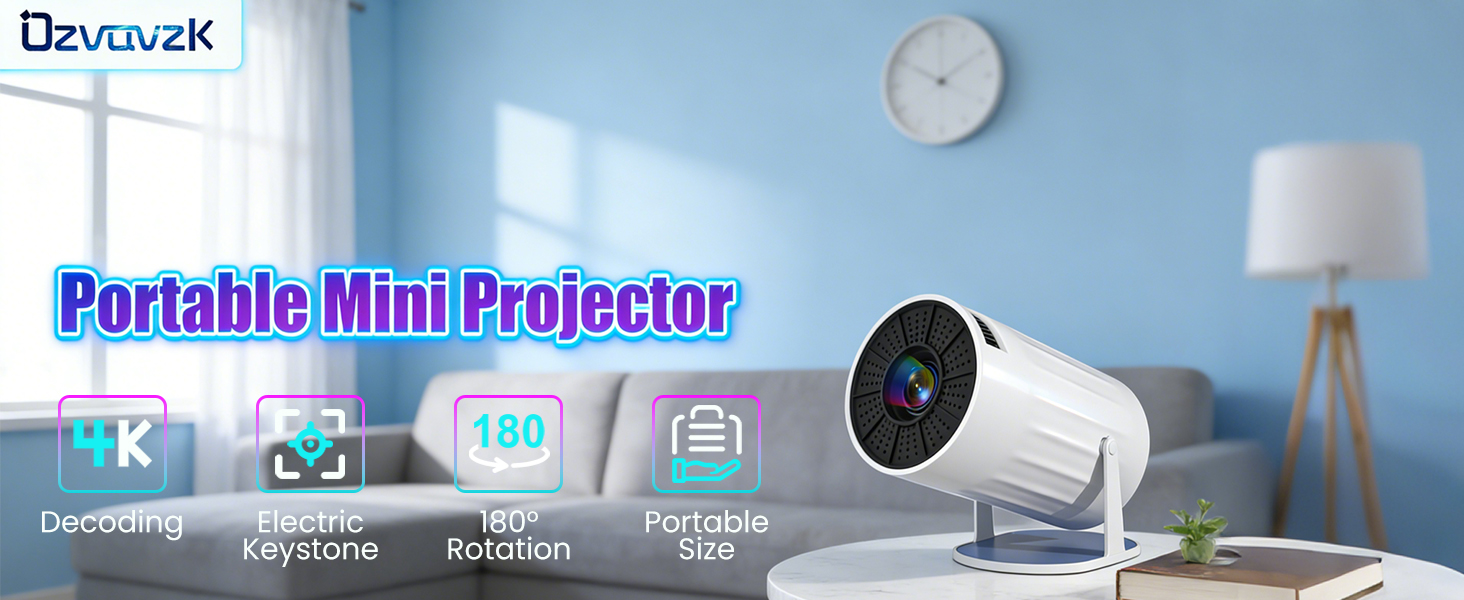
1 4K@1080P 2 Auto Keystone 3 1.2:1 Short Throw Ratio 4 BT5.2 5 WiFi 6 1 180° Rotatable 2 Portable Projector 3 Wide Compatibility
Unable to Connect to Wi-Fi?
1. Keep the projector and the router within 16 feet of each other. Check if other devices are able to establish a Wi-Fi connection. 2. Verify the time zone under Settings > Date & Time > Time Zone. 3. Try connecting to a different Wi-Fi network, or use your smartphone's hotspot. 4. Test both frequency bands (2.4 GHz and 5 GHz) on your router. 5. Reset the projector via Settings > More Settings > Restore Factory Settings.
No Bluetooth Connection?
1. Update the projector's firmware to the latest version. 2. Clear the Bluetooth pairing history. 3. Restart the projector and attempt the pairing process again. 4. Connect a Bluetooth speaker or headphones and check the audio output. 5. Place the projector as close as possible to the Bluetooth device, avoiding any metal objects or walls.
Projection Distance
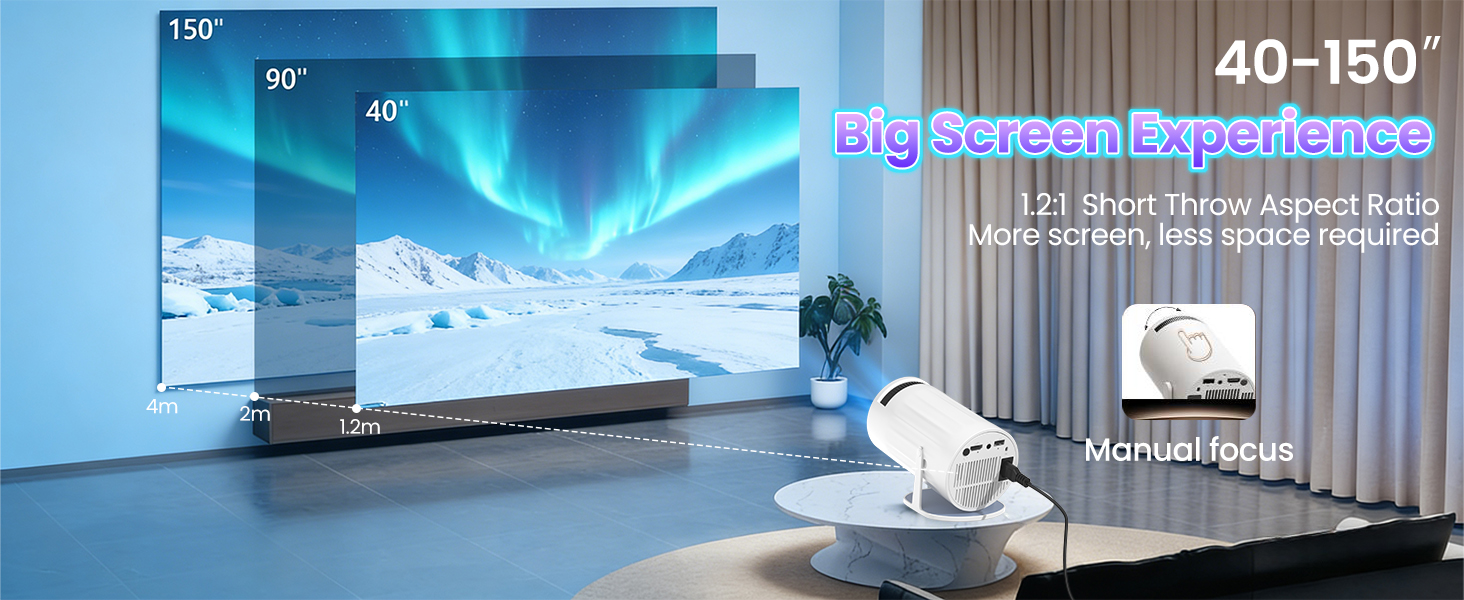
The distance between the projector and the projection surface must be a minimum of 1.2 m and a maximum of 4 m. This ensures an image size between 40" and 150".
For daytime use?
Due to its limited brightness, the projector is best suited for dark environments—such as a garden at night, a campsite after sunset, a living room with the curtains closed, or a bedroom with the lights off.
How to enable manual focus?
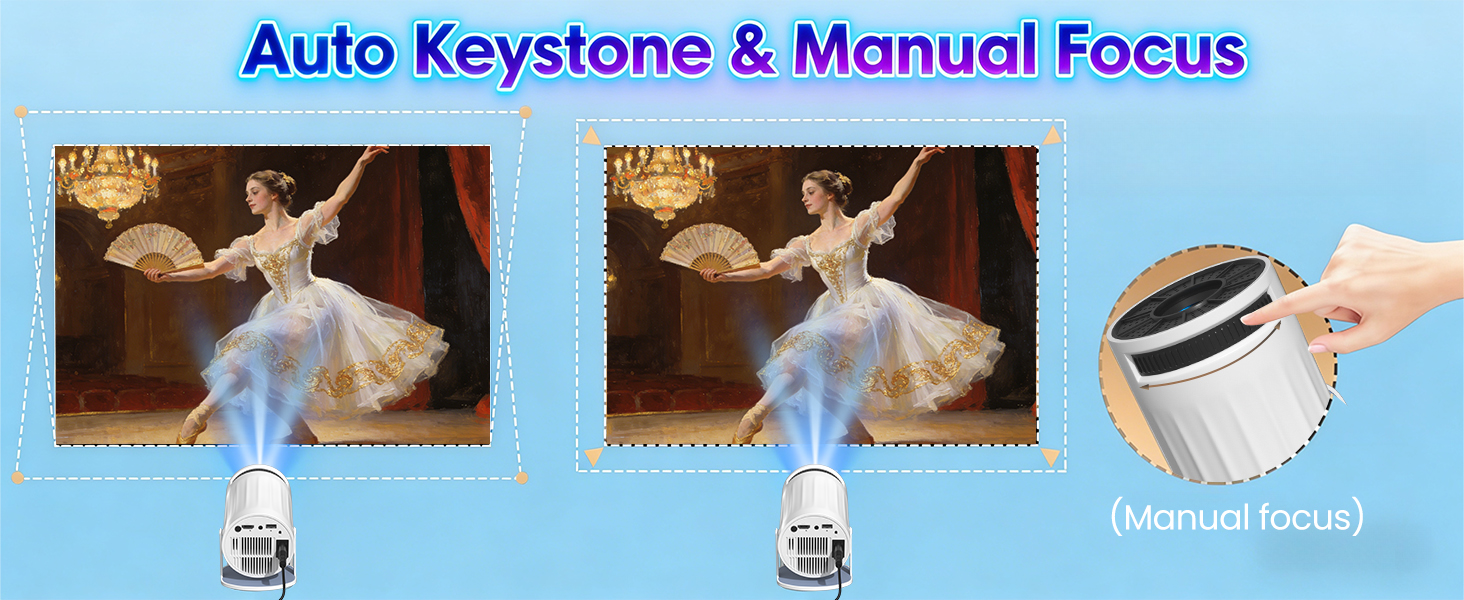
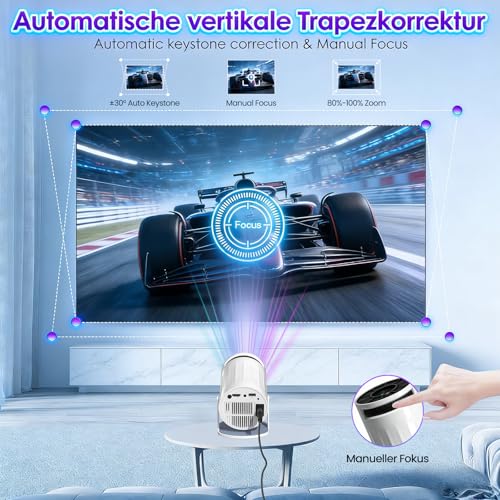
To make it easier for you to adjust the sharpness of your projection, the Coolita projector features an internal gear mechanism. Simply turn the gear to adjust the focus and achieve your desired sharpness.
How to achieve a square image?
Automatic keystone correction works best when the projector lens is aimed directly at the wall. If results are unsatisfactory: 1. Place the projector on a flat surface and align the lens perpendicular to the wall. 2. Navigate to Settings > Projection Settings > Keystone Correction > Initial Angle Correction. 3. If necessary, disable automatic correction and adjust the alignment manually.
Regarding limitations
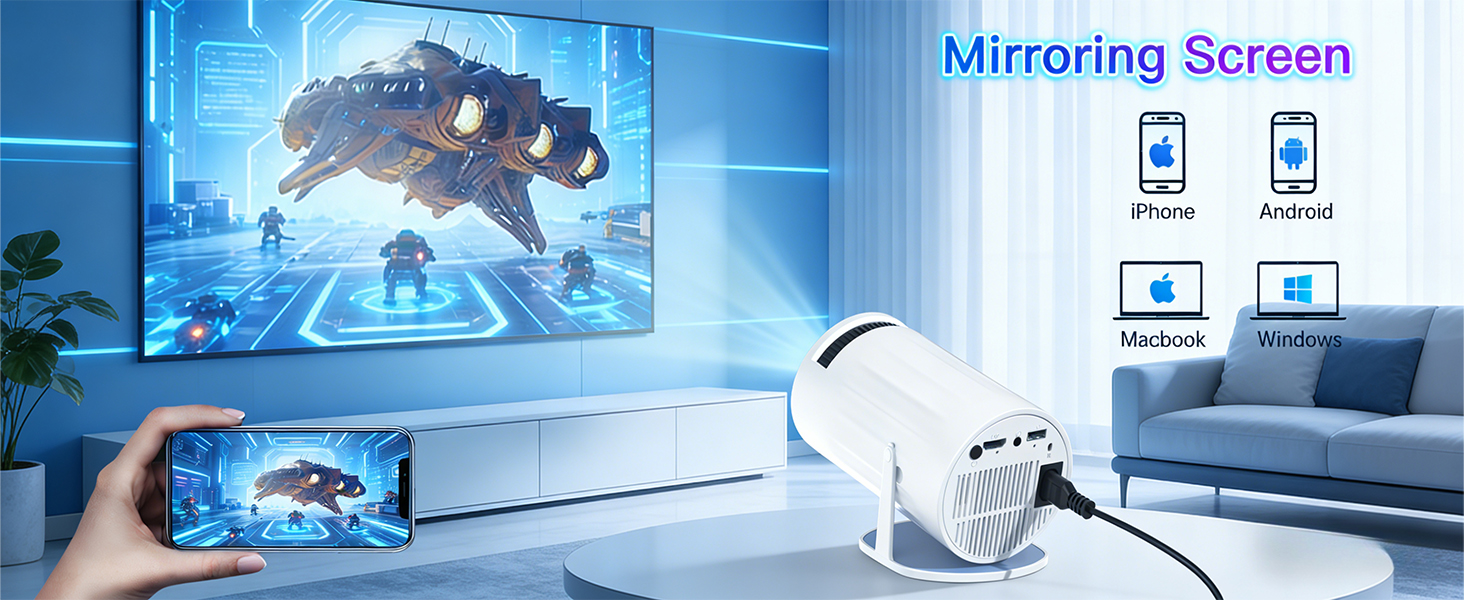
Due to HDCP (High-bandwidth Digital Content Protection), screen mirroring may not function correctly (resulting in no image or sound) when attempting to mirror content from certain apps, such as Netflix and others.
Mirroring an iOS Screen?
1. Update your device to the latest version. You can do this by navigating to Settings > About Device > Online Update. 2. Open the Airpin or ScreenCast app. 3. Use AirPlay on your iOS device, ensuring that both devices are connected to the same Wi-Fi network.
Why update via OTA?
To ensure optimal performance and benefit from our latest features and updates, please update to the latest software version before first use. You can do this by navigating to Settings > About Device > Online Update.
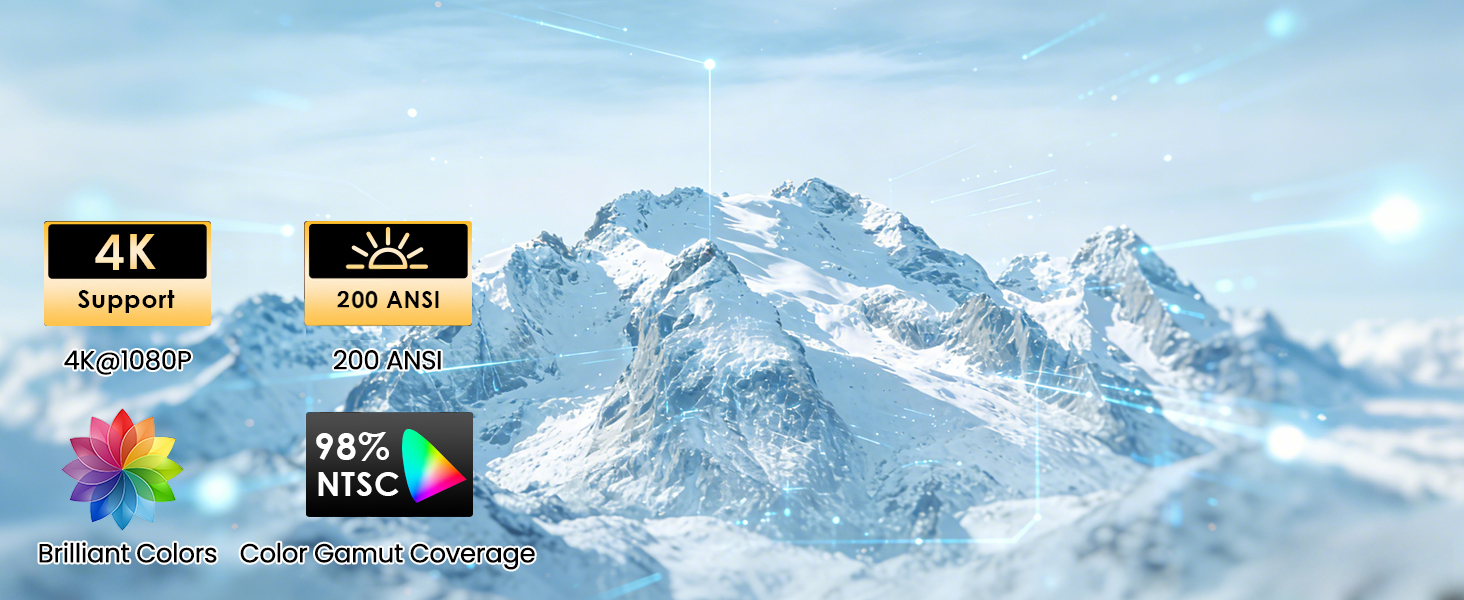
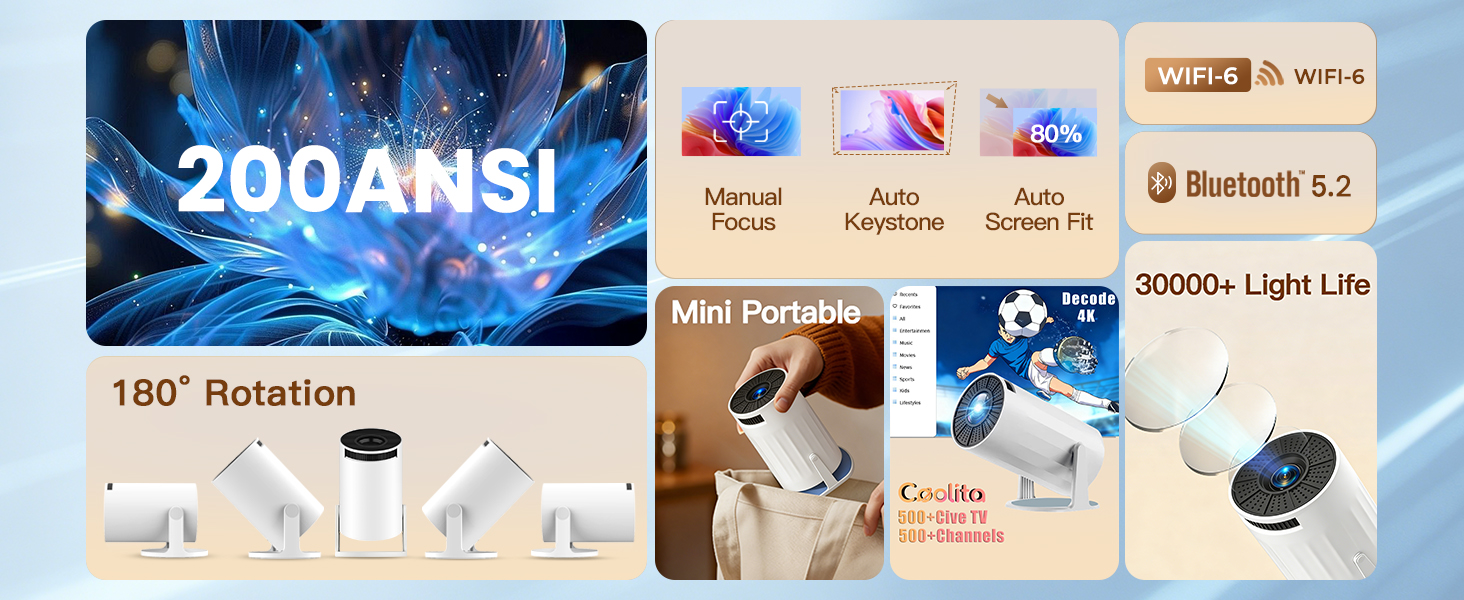
【4K Decoding & Stunning HD Visuals】Equipped with advanced LED technology, this bluetooth projector supports 4K decoding and 1080P high definition, delivering sharp, detailed images with vibrant colours and clear dark details. With a high contrast ratio and 200 ANSI lumens, it provides an immersive viewing experience,perfect for movies, gaming, and outdoor night viewing. The built-in eye protection technology also ensures comfortable viewing for long periods.
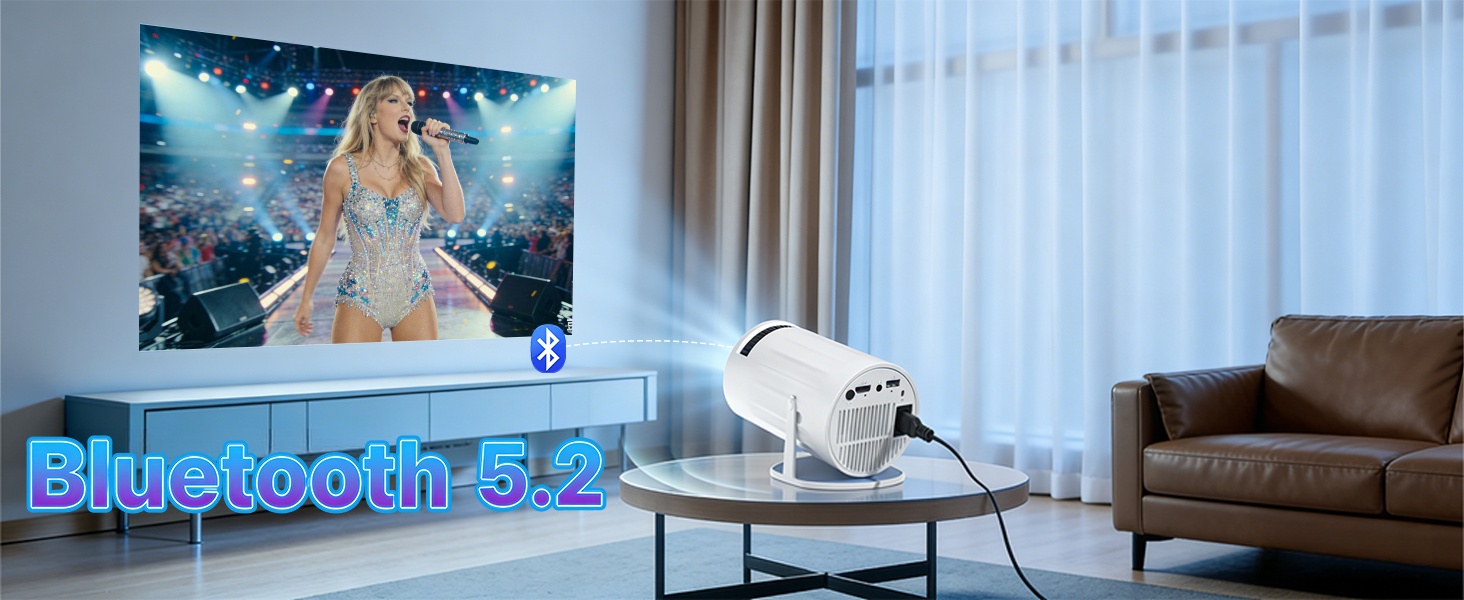
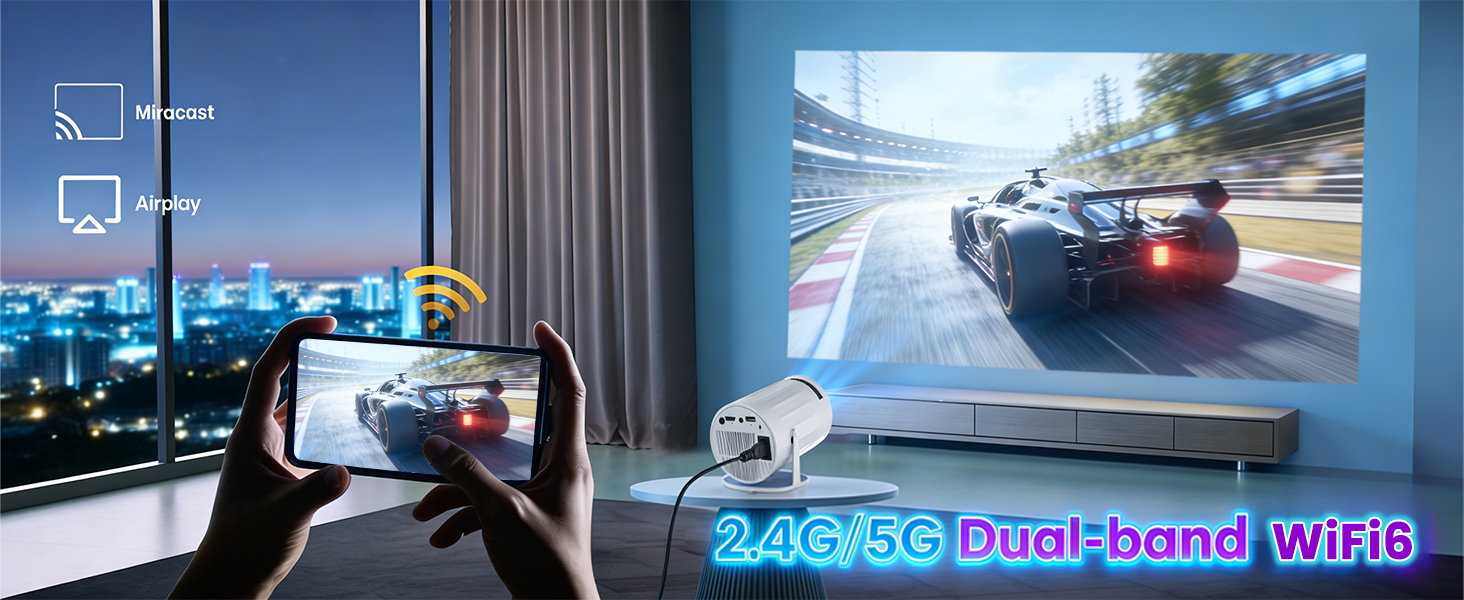
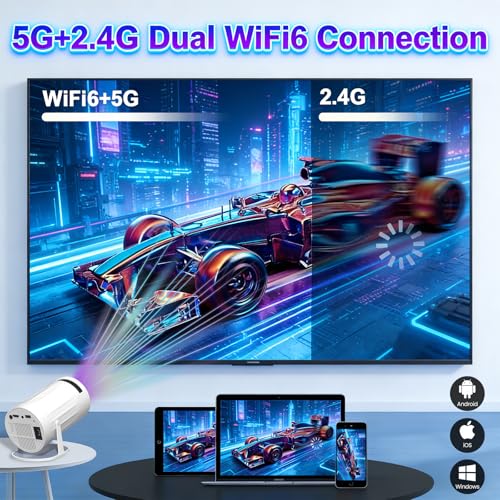
【WiFi 6 & Bluetooth 5.2】Say goodbye to cumbersome HDMI cables! Featuring dual-band (2.4G+5G) WiFi 6, this smart projector enables fast, stable streaming with ultra-low latency, making screen mirroring from smartphones, laptops, and tablets seamless. The latest bi-directional Bluetooth 5.2 allows easy pairing with wireless headphones, speakers, or soundbars, enhancing the cinematic audio experience without extra wires.
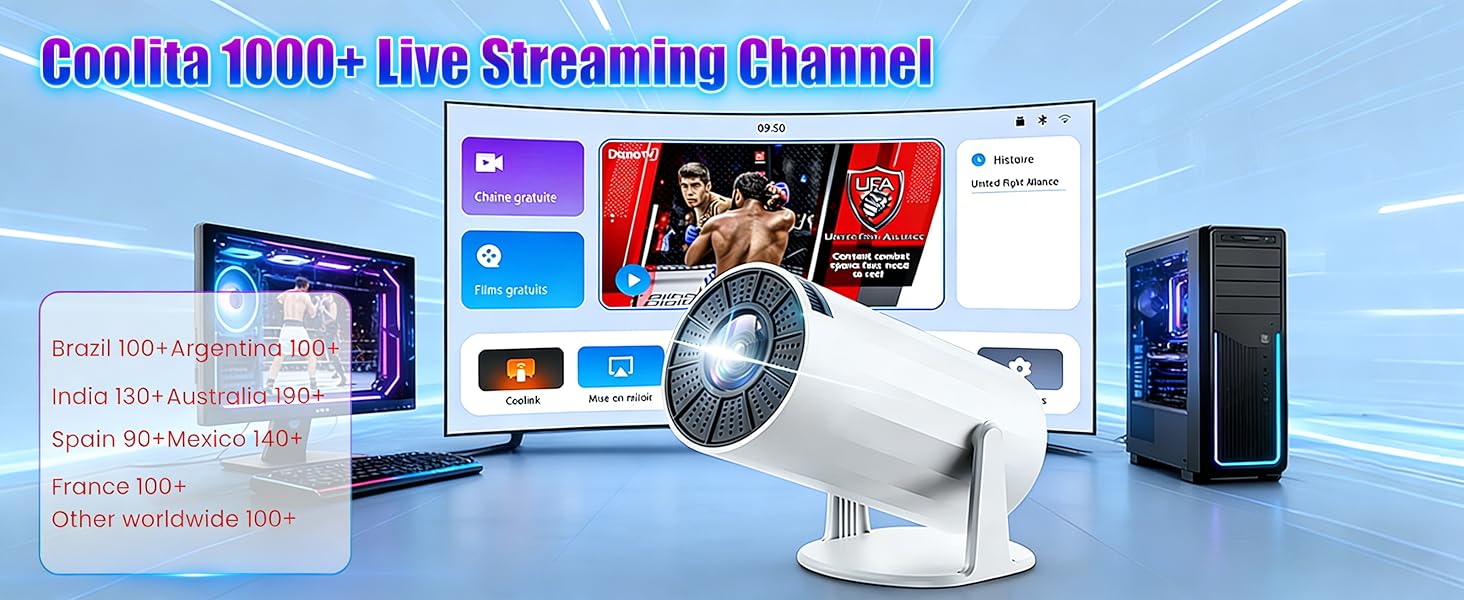
【Supports 1000+ Live TV Channels】Our small projector can play over 1000 live channels from all over the world, Watch movies or shows directly from the projector 4k without additional devices, creating a seamless and convenient entertainment experience. With smooth operation, 8GB storage, it supports remote control, making it easy to navigate and enjoy over 500,000 movies and TV shows.
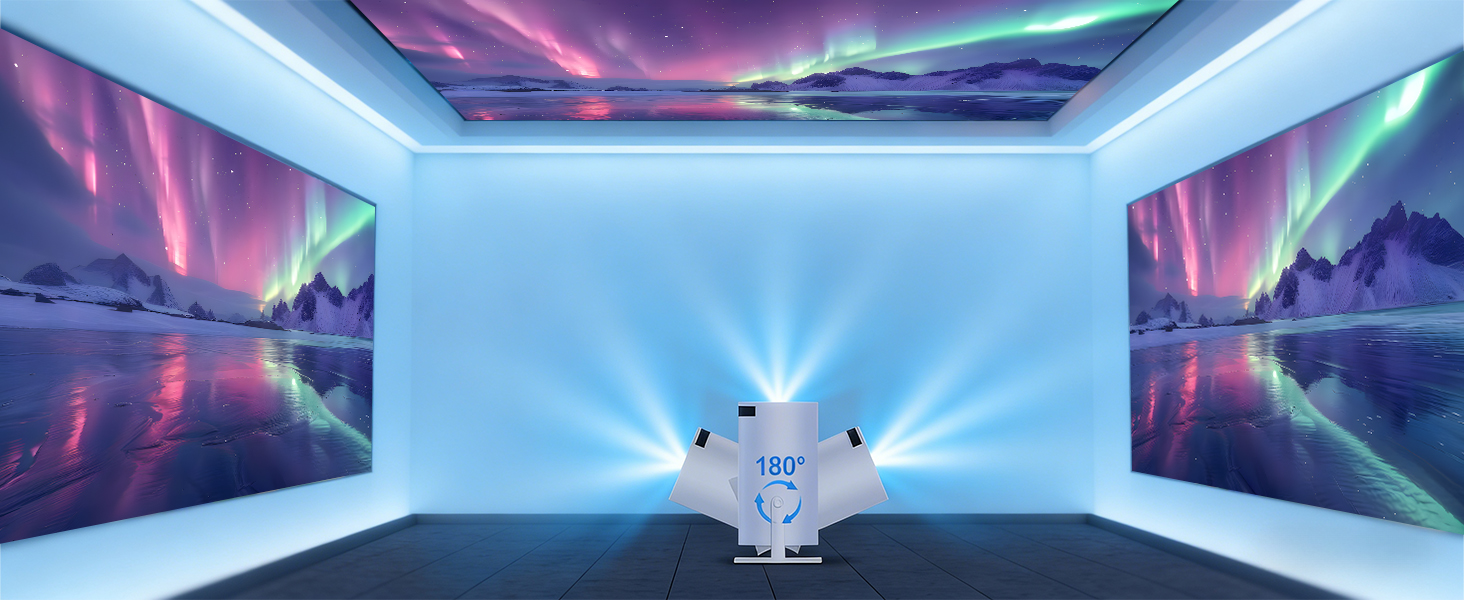
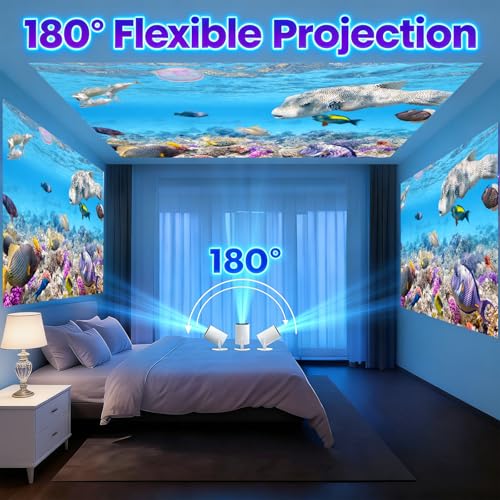
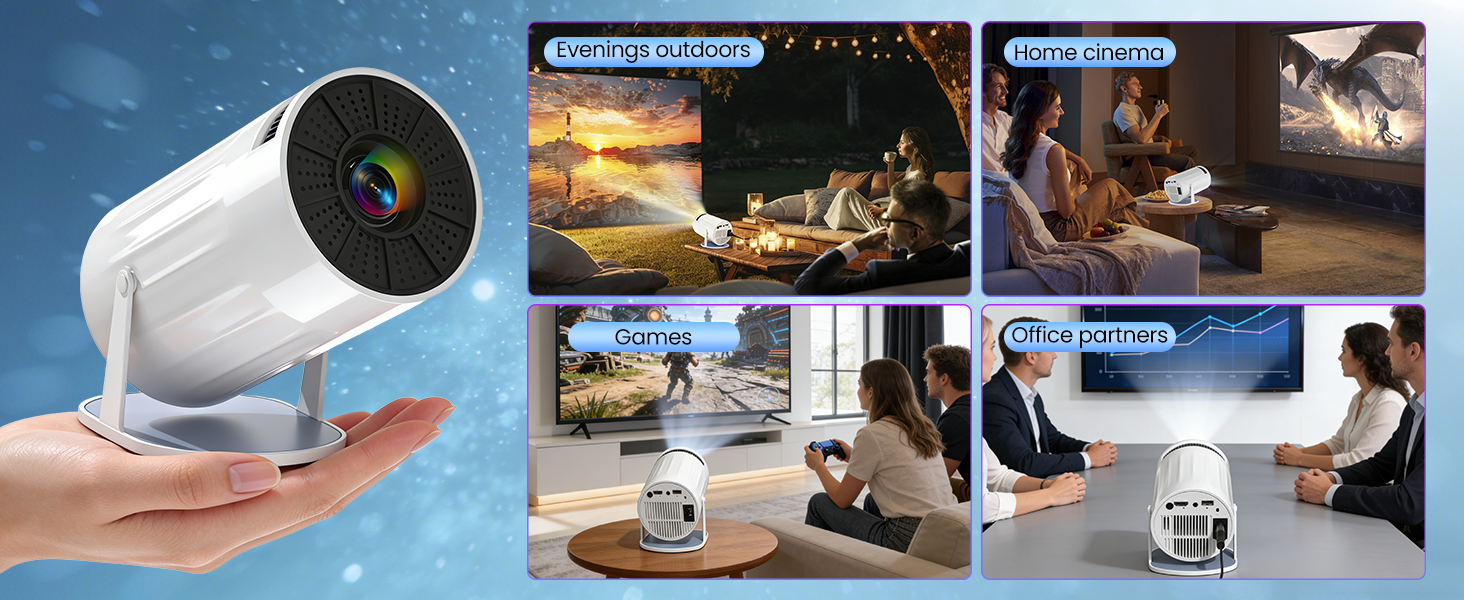
【Flexible Projection & Easy Setup】With auto vertical keystone correction (±30° range) and manual focus, you can get a square, clear image in seconds without complicated adjustments. The 180° rotatable design breaks traditional projection limits, allowing you to project on walls, ceilings, or even floors. It’s compatible with tripods, ceiling mounts, and tabletops (1/4-inch screw hole), perfect for bedroom, home theater, outdoor camping, or meetings.
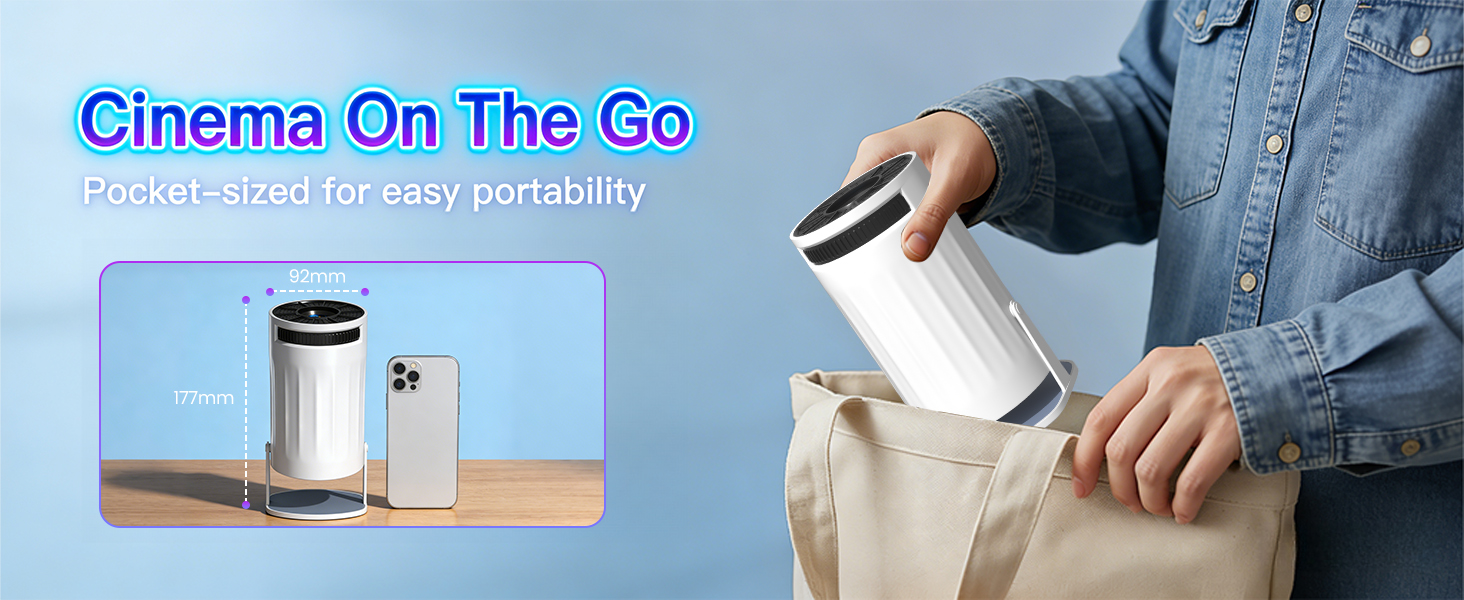
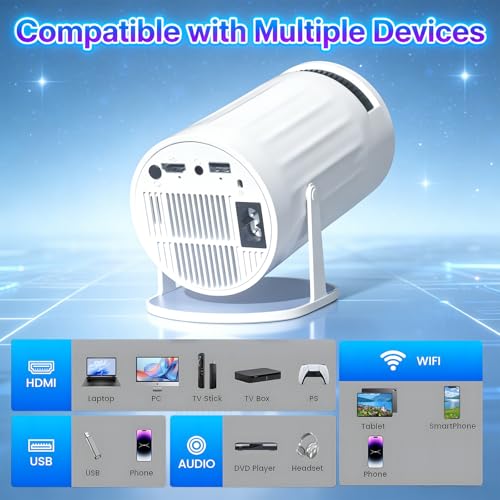
【Portable Design & Wide Compatibility】Compact and lightweight (only 0.5kg), this mini projector is easy to carry in your backpack, transforming any space into a cinema. Equipped with HDMI, USB, and 3.5mm headphone ports, it works seamlessly with TV sticks, laptops, USB drives, game consoles (Switch/PS5), smartphones, and more. The ultra-quiet cooling system (≤25dB) ensures distraction-free viewing, making it ideal for home, travel, parties, and business use.
1. Keep the projector and the router within 16 feet of each other. Check if other devices are able to establish a Wi-Fi connection. 2. Verify the time zone under Settings > Date & Time > Time Zone. 3. Try connecting to a different Wi-Fi network, or use your smartphone's hotspot. 4. Test both frequency bands (2.4 GHz and 5 GHz) on your router. 5. Reset the projector via Settings > More Settings > Restore Factory Settings.
No Bluetooth Connection?
1. Update the projector's firmware to the latest version. 2. Clear the Bluetooth pairing history. 3. Restart the projector and attempt the pairing process again. 4. Connect a Bluetooth speaker or headphones and check the audio output. 5. Place the projector as close as possible to the Bluetooth device, avoiding any metal objects or walls.
Projection Distance
The distance between the projector and the projection surface must be a minimum of 1.2 m and a maximum of 4 m. This ensures an image size between 40″ and 150″.
For daytime use?
Due to its limited brightness, the projector is best suited for dark environments—such as a garden at night, a campsite after sunset, a living room with the curtains closed, or a bedroom with the lights off.
How to enable manual focus?
To make it easier for you to adjust the sharpness of your projection, the Coolita projector features an internal gear mechanism. Simply turn the gear to adjust the focus and achieve your desired sharpness.
How to achieve a square image?
Automatic keystone correction works best when the projector lens is aimed directly at the wall. If results are unsatisfactory: 1. Place the projector on a flat surface and align the lens perpendicular to the wall. 2. Navigate to Settings > Projection Settings > Keystone Correction > Initial Angle Correction. 3. If necessary, disable automatic correction and adjust the alignment manually.
Regarding limitations
Due to HDCP (High-bandwidth Digital Content Protection), screen mirroring may not function correctly (resulting in no image or sound) when attempting to mirror content from certain apps, such as Netflix and others.
Mirroring an iOS Screen?
1. Update your device to the latest version. You can do this by navigating to Settings > About Device > Online Update. 2. Open the Airpin or ScreenCast app. 3. Use AirPlay on your iOS device, ensuring that both devices are connected to the same Wi-Fi network.
Why update via OTA?
To ensure optimal performance and benefit from our latest features and updates, please update to the latest software version before first use. You can do this by navigating to Settings > About Device > Online Update.
Founded in 1976, Flannels was created to bring high-end designer clothing from London to the rest of the world. Lap up a little luxury for less with a Flannels discount code and go all out for every occasion. Stocking big-brand names such as Stella McCartney, Victoria Beckham, Gucci and Prada, Flannels’ expansive collections for men, women and children exudes timeless style and sophistication.
Do away with last-minute trips to the shops and have someone else do the heavy lifting with Gorillas – the fresh food delivery app. Connecting you with delicious ingredients and everyday essentials in your area, you need only a Gorillas promo code handy to ensure you get all the goods you need for a phenomenal price. From fresh fish through to laundry cleaner, you’d be surprised what items are just a few finger flicks away with Gorillas.
You’ll never get a lackluster appliance at Marks Electrical because they don’t deal in second-best. From their showroom in Leicester, the Marks Electrical team offer only the finest in kitchen and living room appliances. Pair a product with a bargain price using the latest Marks Electrical discount code from Groupon to make sure your house is fitted with the best in the business. Whether you want to watch, wash, clean or cook, there’s a machine waiting to be bought at Marks Electrical.
In this modern age, there’s nothing worse than when something goes wrong with your phone! Whether it’s a cracked screen, faulty charging point or a broken camera, you’ll want to get your mobile fixed as quickly as possible so you can get back to your life. With your Quick Mobile Fix discount code, you can rely on their expertise to bring your faithful friend back to full health in record time.
Book the trip of your dreams, at a cost you love with Skyscanner. They compare offers across the internet, so you can get the best deals on flights, hotels and car hires. Now, with your Skyscanner discount code you can save even more, so your next holiday could be sooner than you think! Pick from an airport that suits you to a destination you love and Skyscanner will sort the rest so you’re not stuck with hours of research. When you book through them, they even provide extra deals on top of the already amazing prices, like the hotel discounts added when you book a flight.
Superdry is a contemporary clothing brand, fusing vintage American style and Japanese graphics with British tailoring and style. Their high quality products are renowned for their unique detailing, hand-drawn graphics, tailored fit and authentic vintage styles and washes, offering diversity and distinctiveness across the range. This distinctiveness has gained the brand exclusive appeal and a cult celebrity following, why not join them with a Superdry promo code to cut the cost of cool apparel? Superdry has 515 locations in 46 countries, and for shoppers online Groupon can help find you a great deal when shopping at Superdry.