Upgraded 2K Wireless Outdoor Security Camera with Dual-Band
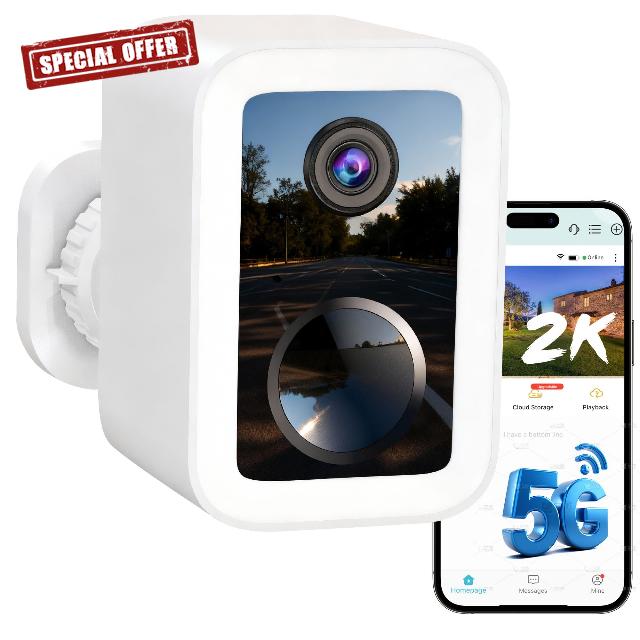
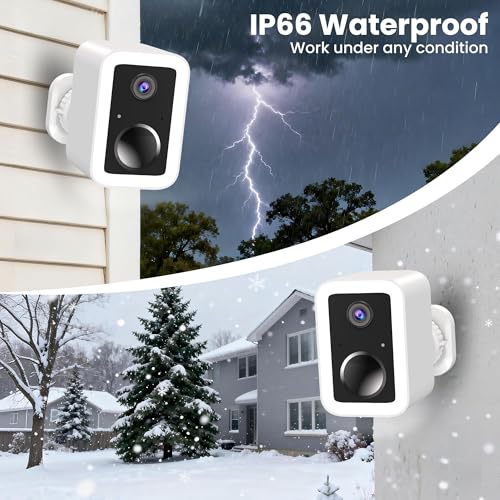
Upgraded 2K Wireless Outdoor Security Camera with Dual-Band 5GHz/2.4G WiFi & Free Cloud Storage | Colour Night Vision, Rechargeable Battery CCTV Camera Systems, Voice Intercom, IP66
Wi-Fi connection failed?
Ensure Bluetooth is on, use 2.4/5GHz Wi-Fi. Restart camera, then hold reset button 3s until green & blue lights flash alternately. You'll hear “Reset complete, device restarting.” Reset finishes in 20s. This fixes most Wi-Fi setup issues.
Can the battery truly last six months? How can I extend battery life?
Battery life varies with usage. Frequent triggers drain faster. To extend: enable power-saving mode, adjust motion detection, and limit daytime night vision. Optional solar panels can provide continuous power.
Does motion detection sometimes prove inaccurate or trigger alerts when no activity is recorded in the video?
In live view, tap the Motion Detection icon and turn it on. Set Frequency to “Frequent” and Distance to “Far”. Also: 1. Clean lens of dust/obstructions. 2. Check for moving plants or objects in detection zone. 3. Avoid strong direct light on lens.
How do I connect my camera?
Open or update the O-KAM Pro App. In the App, scan the codee on the device to add it, guided setup to connect it to your Wii-Fi. You'll be enjoying peace of mind
in just minutes.
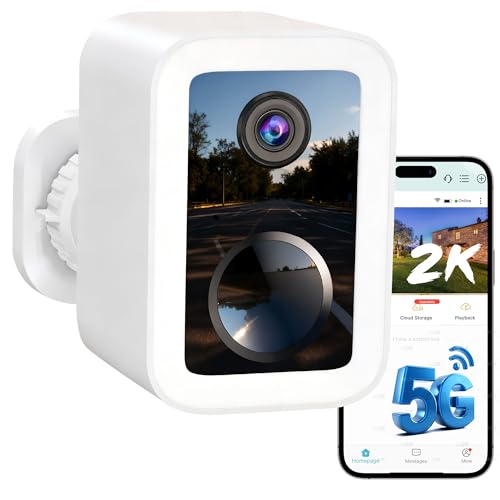
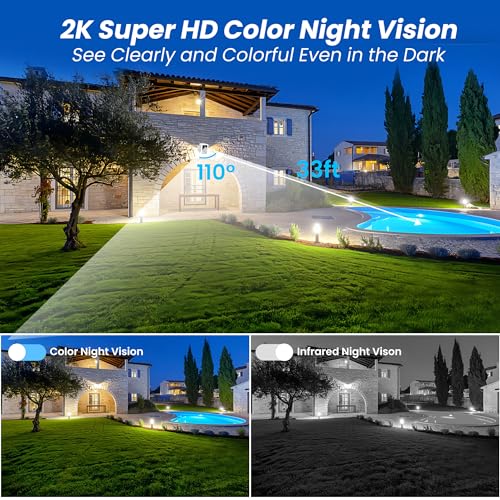
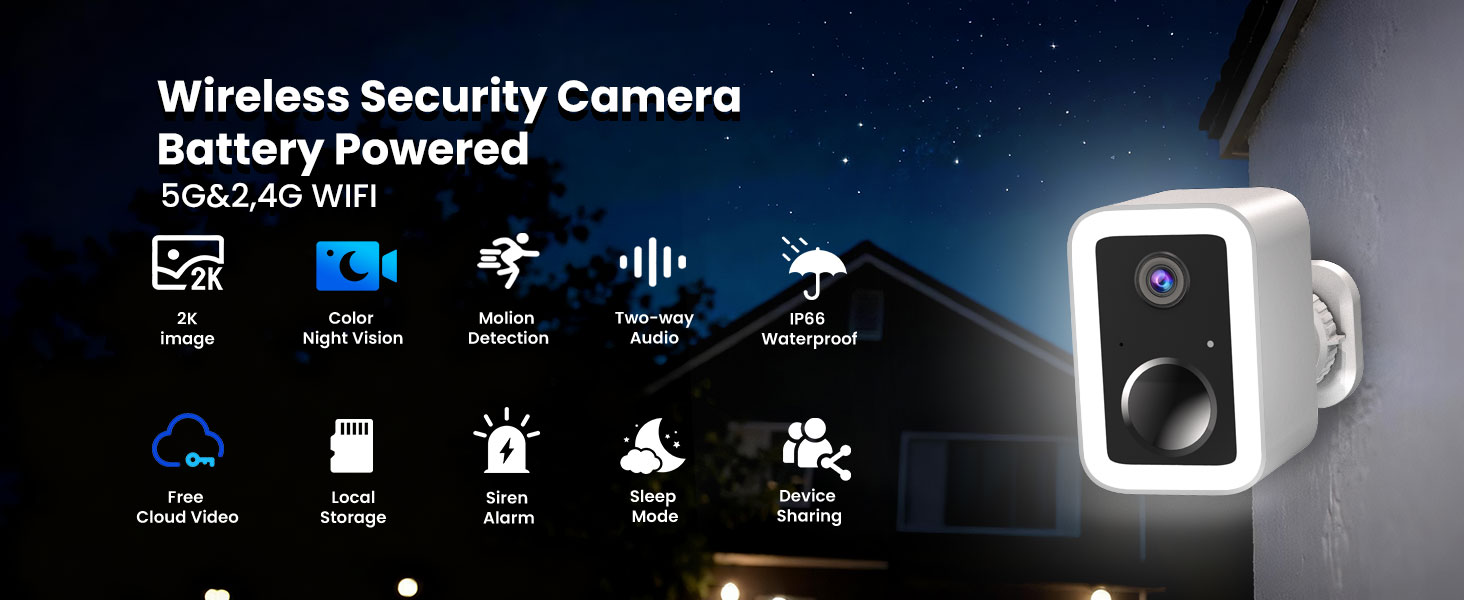
- 【2K Clarity with Full-Color Night Vision】2K FHD Picture Quality with Enhanced LED Lighting Experience superior 2304×1296 resolution—1.4x sharper than standard 1080p—for crisp daytime monitoring. With upgraded LED illumination and advanced night vision, this security camera captures vibrant full-colour footage even in pitch darkness, while the added exterior lights provide extra visibility and deterrence.
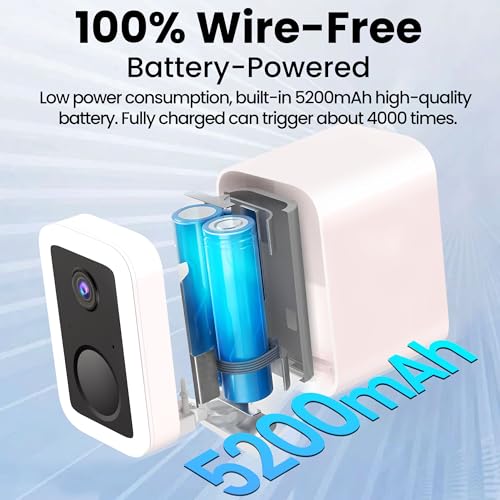
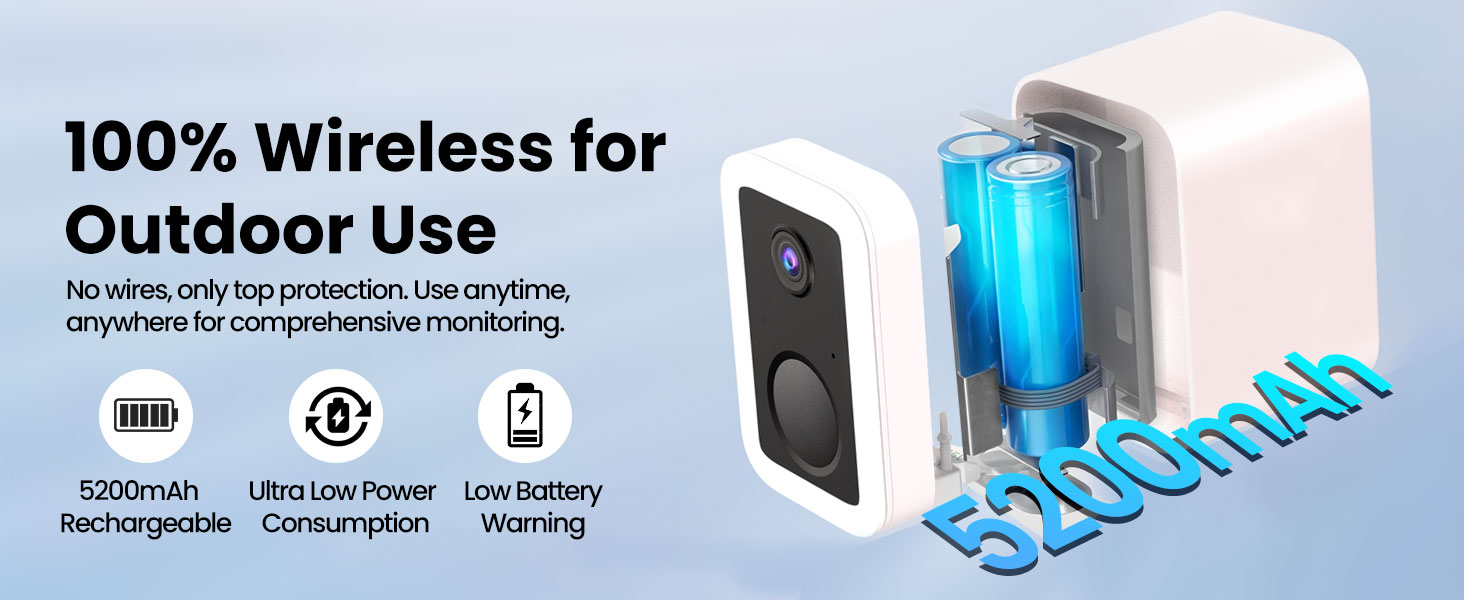
- 【5-Month Battery & Solar-Ready】 Convenience Engineered for minimal maintenance, the high-capacity battery lasts up to 150 days on a single charge under typical use. For continuous power, pair it with a solar panel (sold separately) to eliminate recharging entirely—ideal for British weather and hassle-free outdoor security.
- 【Smart Dual-Band Wi-Fi & Bluetooth Quick Pairing】Smart Dual-Band Wi-Fi & Quick Bluetooth Setup Seamlessly connect to 2.4GHz or 5GHz networks for stable, lag-free streaming. With Bluetooth-assisted installation, simply enable your phone’s Bluetooth to auto-detect and sync the camera—no complex setup required. Get everything running in under a minute.
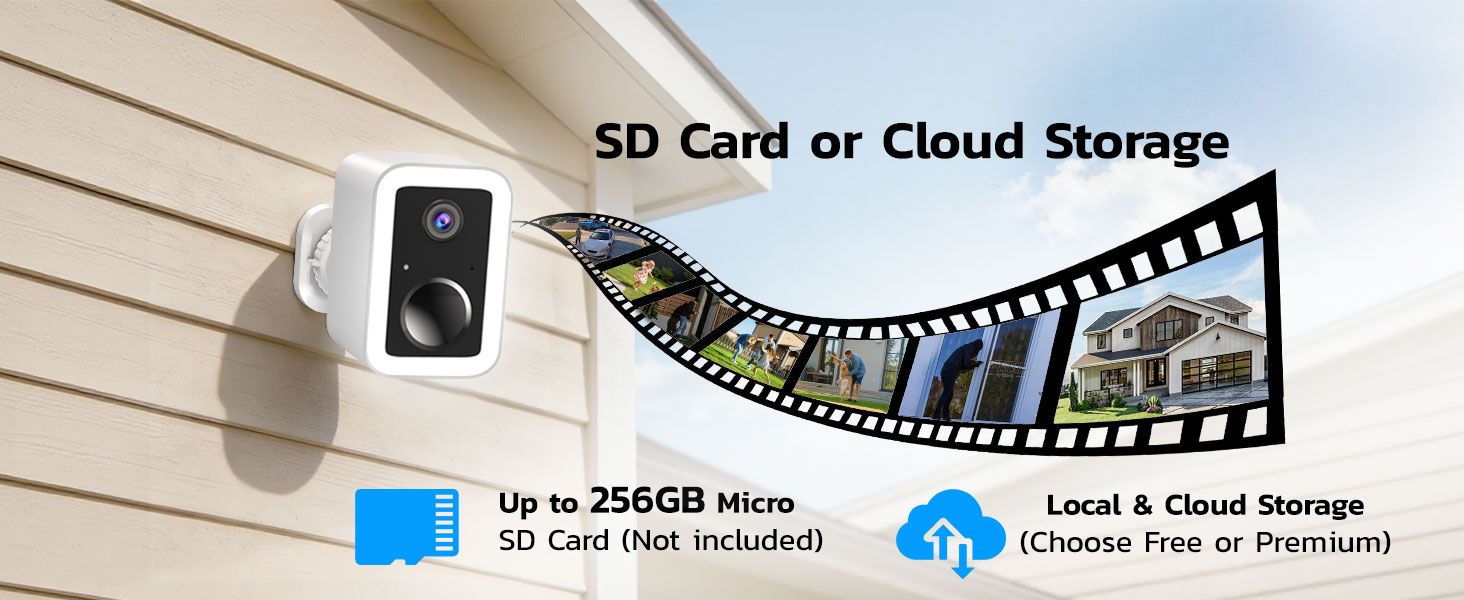
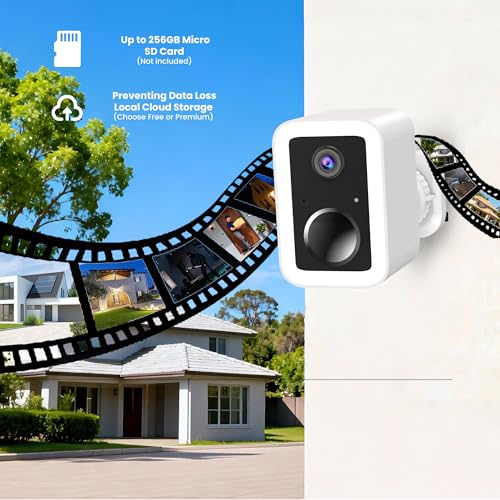
- 【Flexible Storage】Free Cloud or Local SD Backup Choose between free cloud storage (SD quality) or local SD card support up to 256GB (card not included). Access and replay footage remotely, with optional premium cloud plans for HD video. Your data remains secure and accessible on your terms.
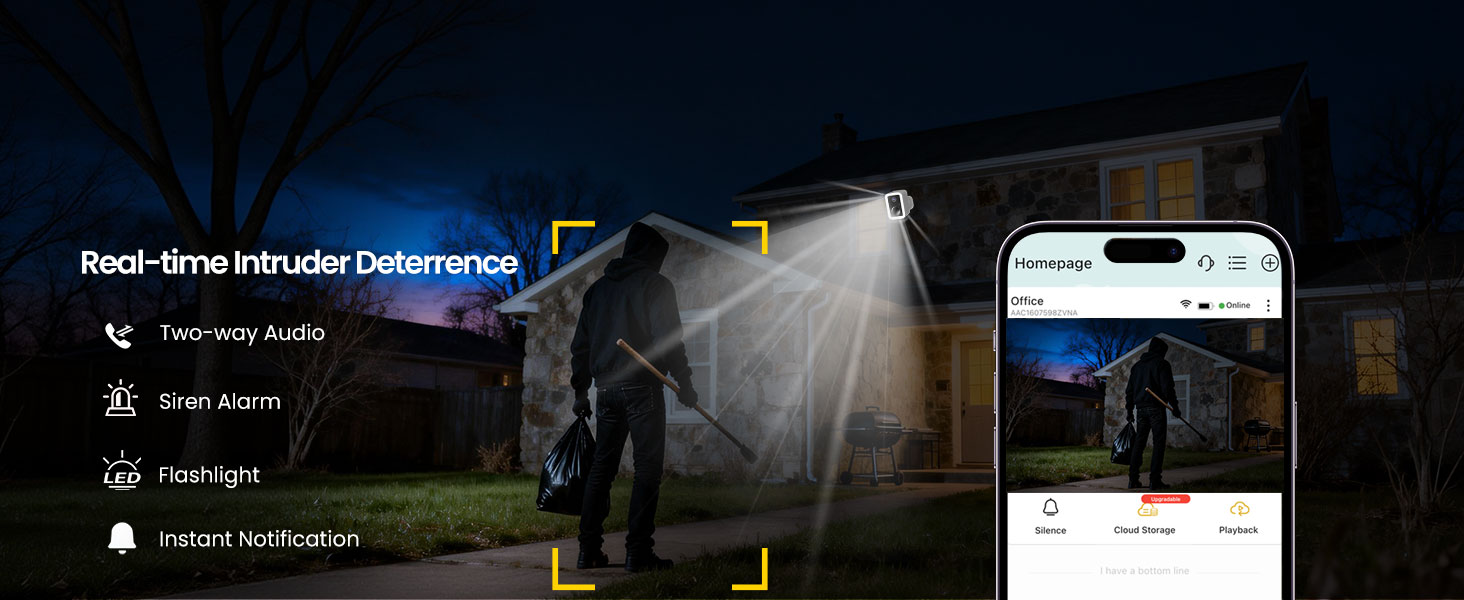
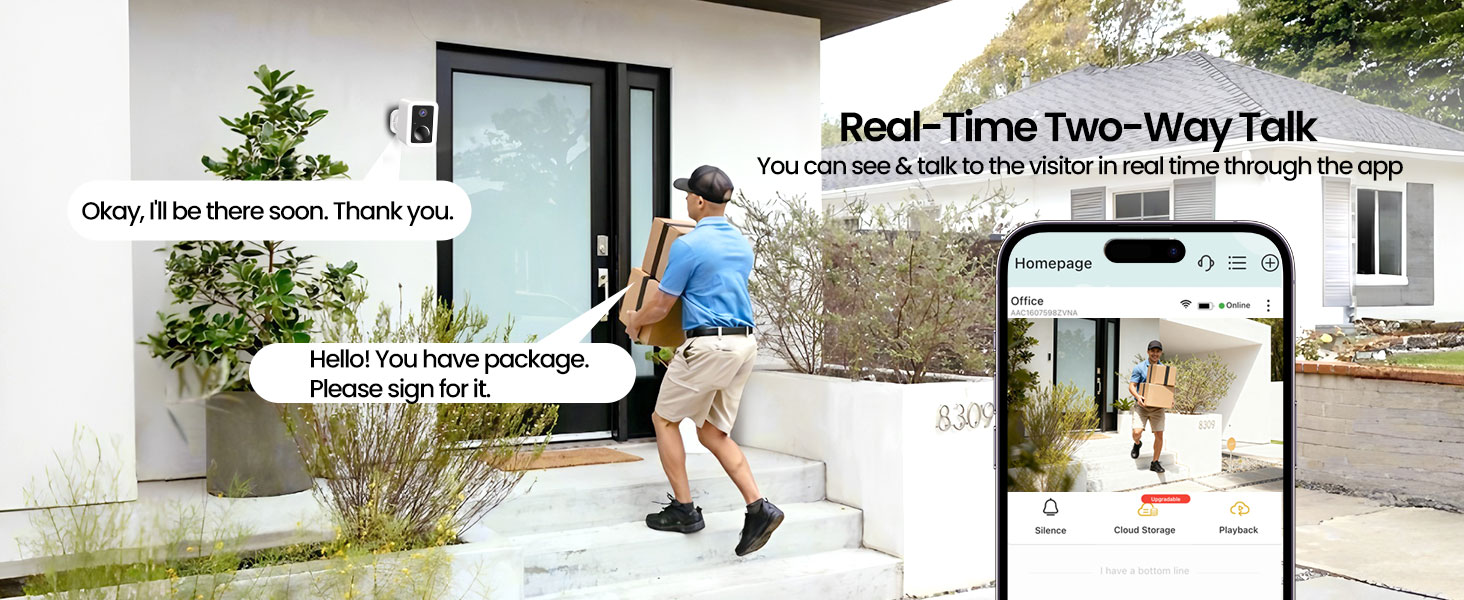
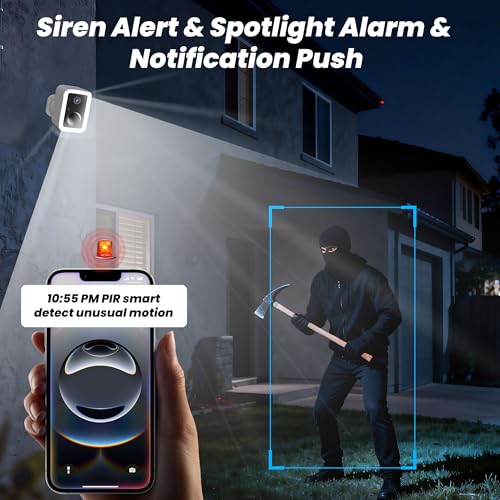
- 【Two-Way Audio & Active Deterrence】Take immediate action from anywhere. Use the app to speak directly with delivery drivers or visitors. If an intruder appears, manually trigger—or set the camera to auto-activate—the loud siren and flashing light to scare off threats before they escalate.
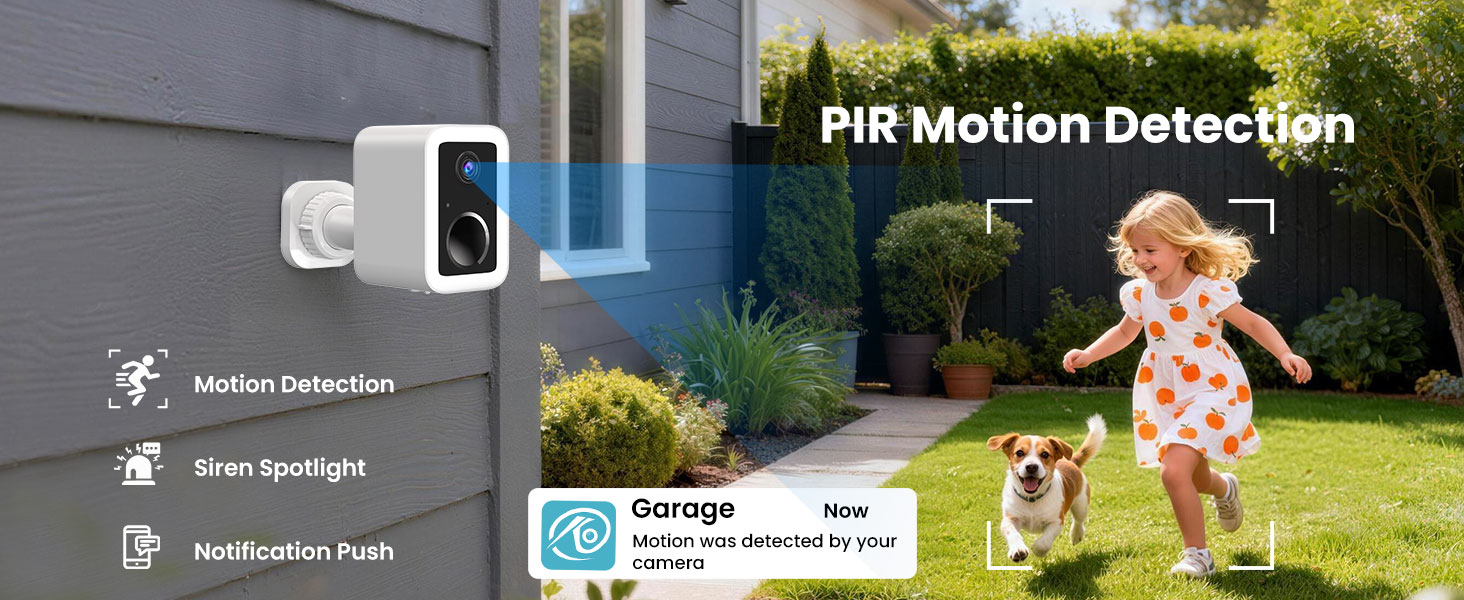
- 【AI-Person Detection & Real-Time Alerts Advanced 】PIR sensing and AI algorithms accurately distinguish people from other motion, reducing false alarms. Receive instant phone notifications, activated spotlight warnings, and an audible siren after dark—so you can respond promptly to potential threats.

| SKU: | B0G3ZV5KRN |
| Brand: | Funstorm |
| Model: | CB554 |
| Colour: | White |
| Pack Quantity: | 1 |
| Manufacture: | Funstorm |
| Colour: | White |
| Origin: | China |
| Quantity: | 1 |
Product Description
Wi-Fi connection failed?
Ensure Bluetooth is on, use 2.4/5GHz Wi-Fi. Restart camera, then hold reset button 3s until green & blue lights flash alternately. You'll hear “Reset complete, device restarting.” Reset finishes in 20s. This fixes most Wi-Fi setup issues.
Can the battery truly last six months? How can I extend battery life?
Battery life varies with usage. Frequent triggers drain faster. To extend: enable power-saving mode, adjust motion detection, and limit daytime night vision. Optional solar panels can provide continuous power.
Does motion detection sometimes prove inaccurate or trigger alerts when no activity is recorded in the video?
In live view, tap the Motion Detection icon and turn it on. Set Frequency to “Frequent” and Distance to “Far”. Also: 1. Clean lens of dust/obstructions. 2. Check for moving plants or objects in detection zone. 3. Avoid strong direct light on lens.
How do I connect my camera?
Open or update the O-KAM Pro App. In the App, scan the codee on the device to add it, guided setup to connect it to your Wii-Fi. You'll be enjoying peace of mind
in just minutes.