DisplayPort to USB C Adapter for AR Glasses – 4K120Hz
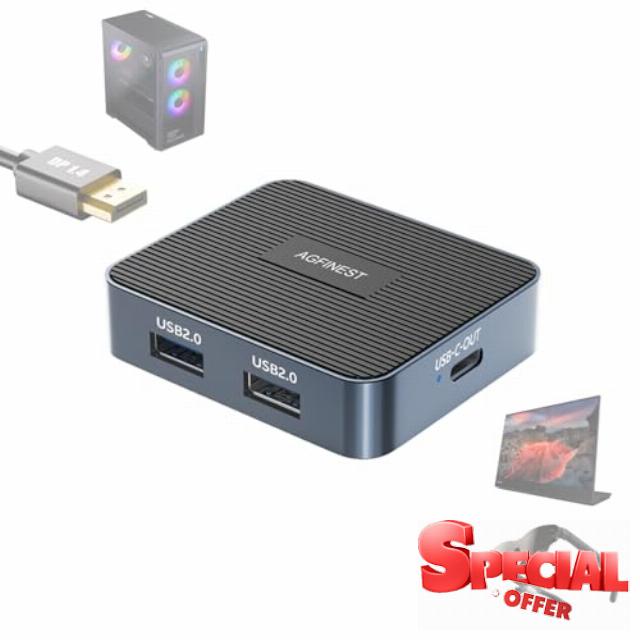
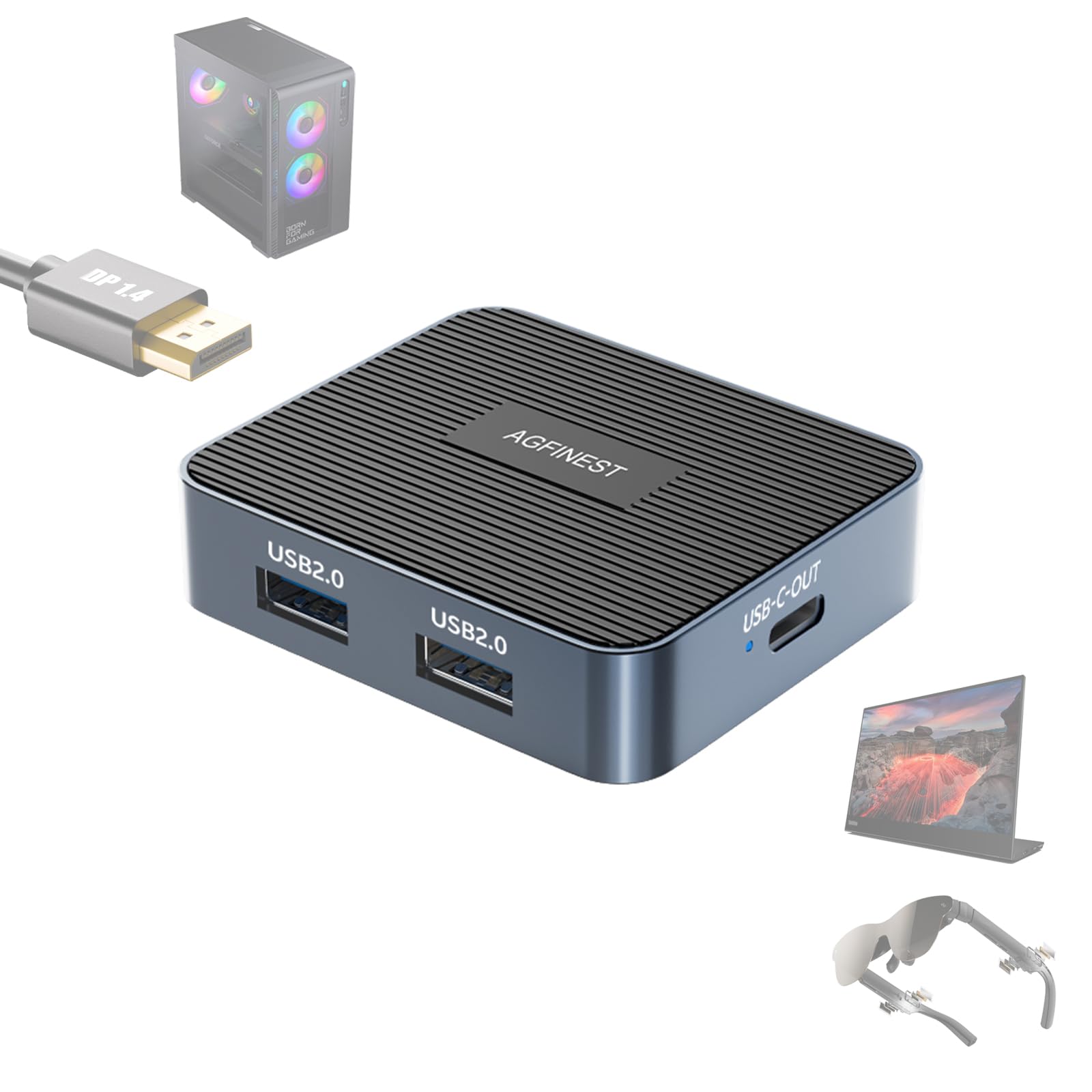
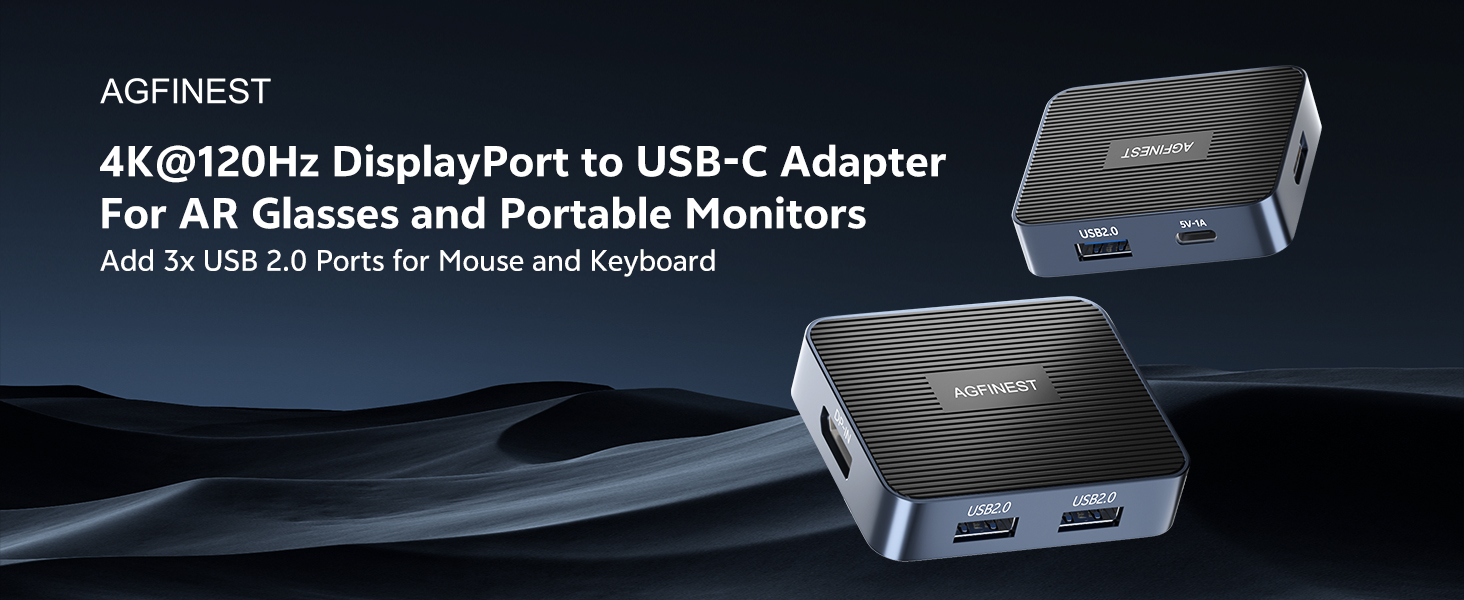
DisplayPort to USB C Adapter for AR Glasses – 4K120Hz 2K240Hz HDR 3x USB 2.0 Hub Unidirectional Source DP1.4 to USB C for PC GPU to XREAL, VITURE, Rayneo,Rokid, Portable Monitor (Power Cable Included)
Can this adapter be used in reverse (USB-C to DisplayPort)?
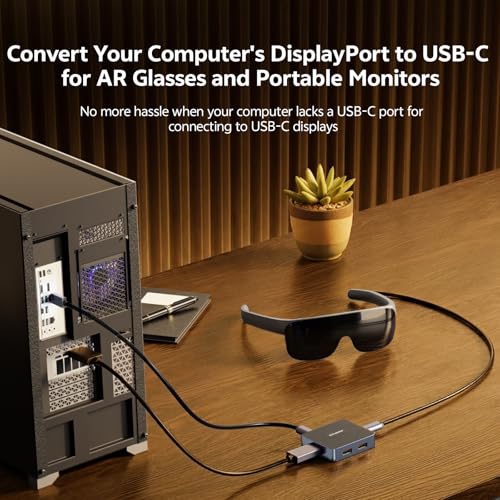
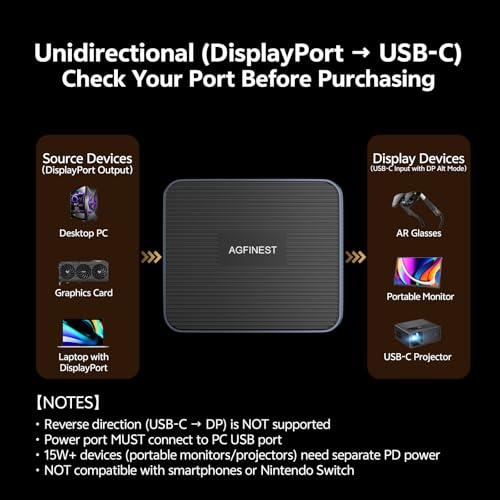
No. This adapter is one-way only (DP Source to USB-C). It converts DP from PC/GPU to USB-C for AR glasses or portable monitors. Reverse not supported. Does not work with smartphones, Switch or tablets. Check direction before purchase.
USB ports don't work even when connected to power. What should I do?
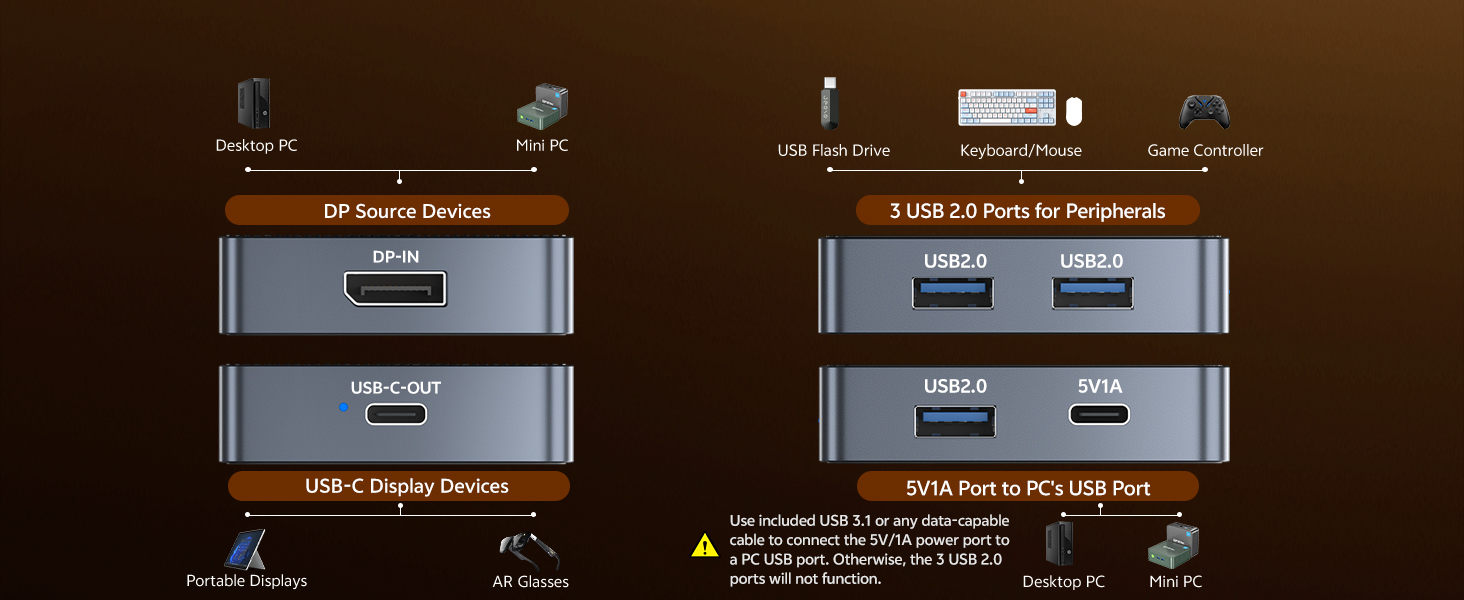
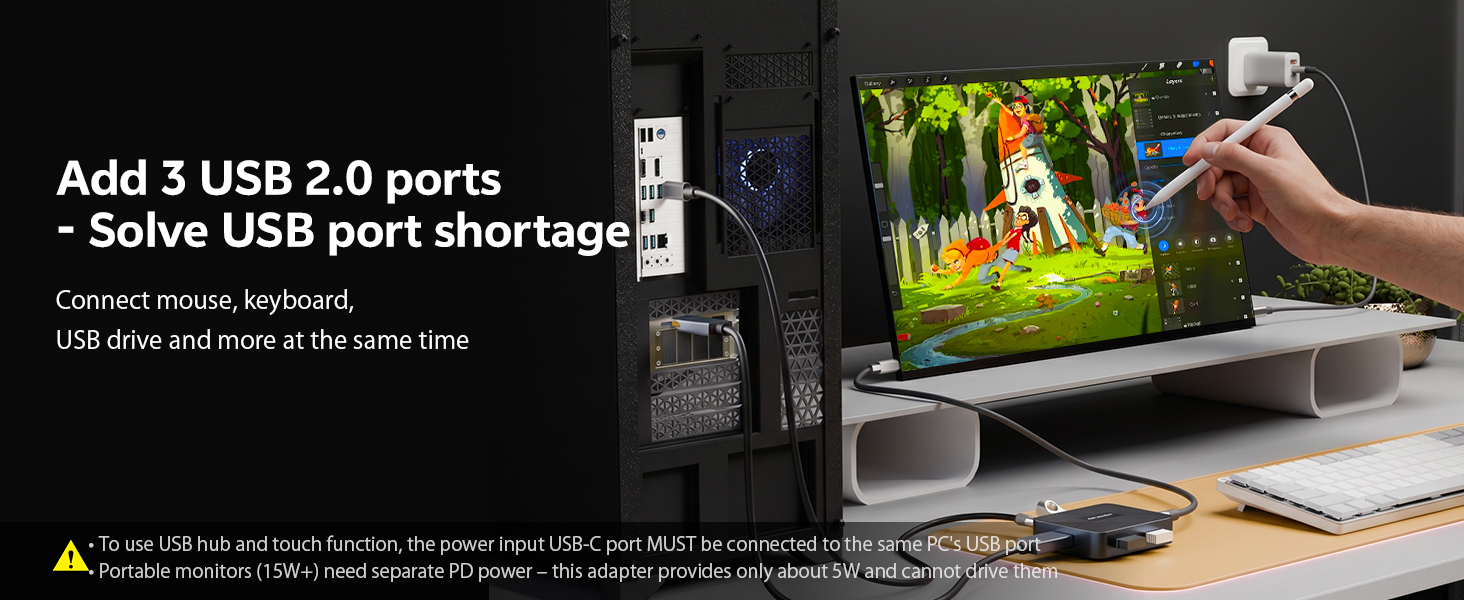
The USB hub (3 USB 2.0 ports) only activates when the power port is connected to your PC's USB port using the included USB 3.1 or any data-capable cable. Without this, the hub won't work and touch is disabled. After connecting, restart your PC.
No image on my portable monitor. Why?
The adapter's power port provides approximately 5W, enough to power itself and AR glasses. Portable monitors need 15W+ and their own PD charger. If still no image, check your PC supports DP Alt Mode.
What refresh rates and resolutions does this adapter support?
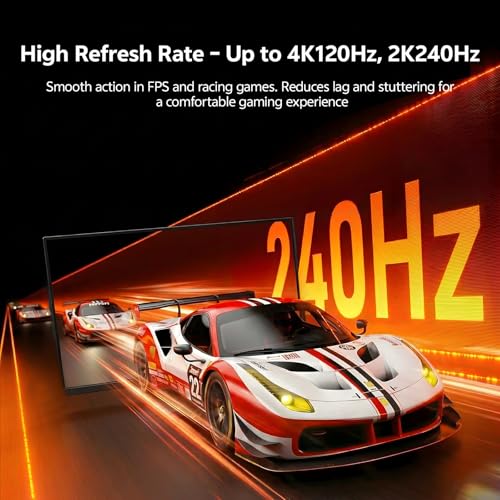
With DSC enabled: up to 8K@60Hz, 4K@240Hz, 2K@480Hz (RGB 10bit HDR). With DSC off: 4K@97Hz (RGB8bit dithering HDR) and 4K@120Hz (YCbCr422 10bit HDR). Reduces lag in FPS/racing games. Your GPU and display must also support the specs.
Do I need to install drivers?
No. This adapter is plug-and-play. No drivers or software required for video conversion or USB hub function on Windows, macOS or Linux.
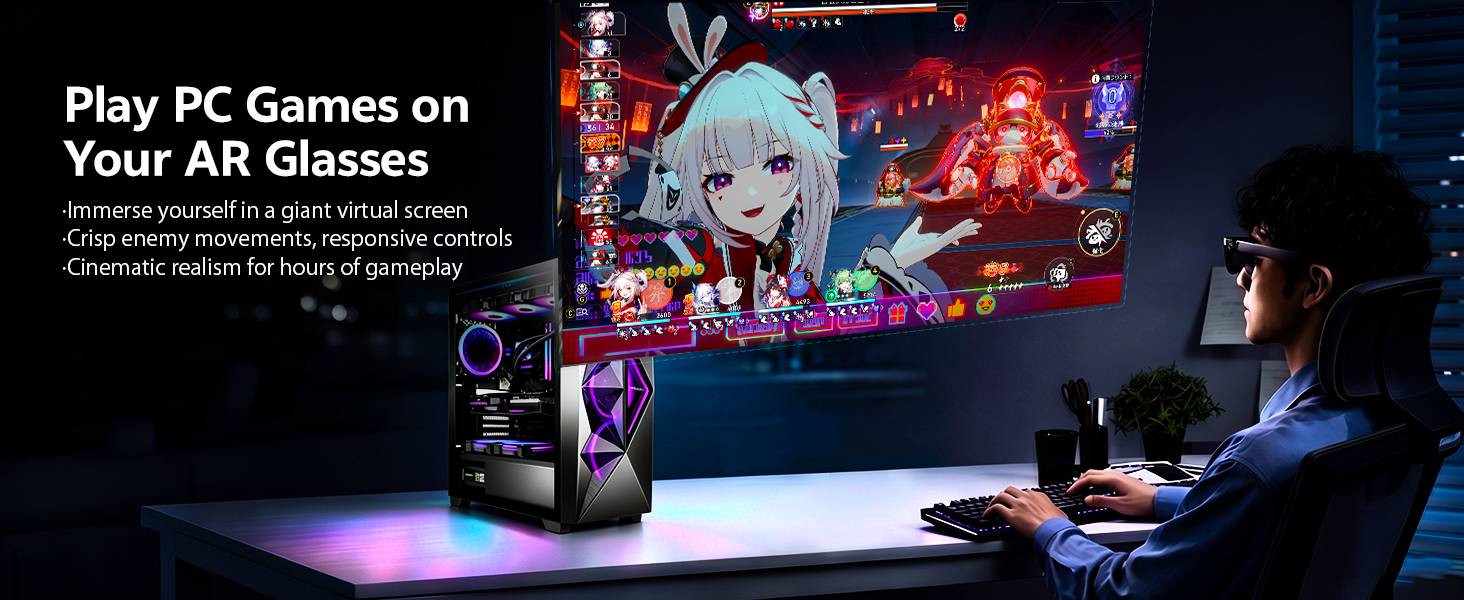
- HIGH REFRESH RATE FOR SMOOTH GAMING AND MOVIES – Supports DisplayPort 1.4 with up to 32.4Gbps bandwidth. Unidirectional DP to USB-C conversion outputs PC games and movies to AR glasses or portable monitors. Achieves 4K120Hz, 2K240Hz, and 1080P360Hz with low latency and no screen tearing. Minimises motion blur in fast-paced FPS, racing games, and action movies. Ideal for gamers and streamers who demand responsive visuals
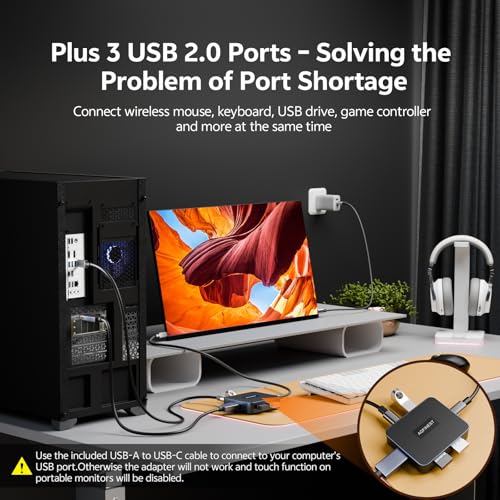
- BUILT-IN 3-PORT USB 2.0 HUB FOR PERIPHERALS – Connect keyboard, mouse, and USB flash drive simultaneously. Perfect for working from home or remote work when you need extra ports. Use the included USB-A to USB-C cable to connect the power input port to the same PC’s USB port to activate the hub. If using another cable, ensure it supports data transfer. Without power, the USB hub will not work and portable monitor touch function will be disabled
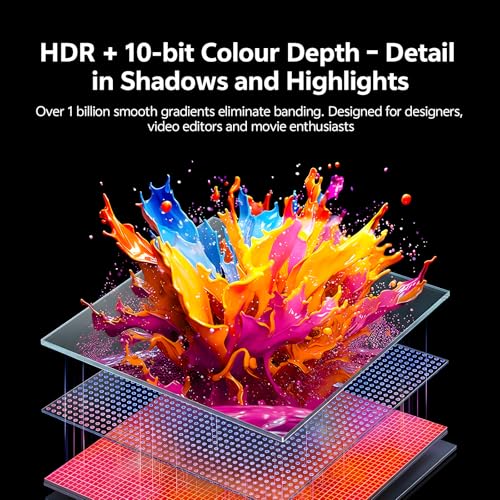
- HDR & 10-BIT COLOUR FOR PROFESSIONAL COLOUR ACCURACY – Supports HDR and 10-bit colour depth. Delivers accurate colour reproduction for designers, video editors, and content creators. Suitable for home theatre enthusiasts as well as professional graphics production and video editing. Leverages DP1.4’s wide bandwidth to prioritise image quality with excellent backlight control and gradation
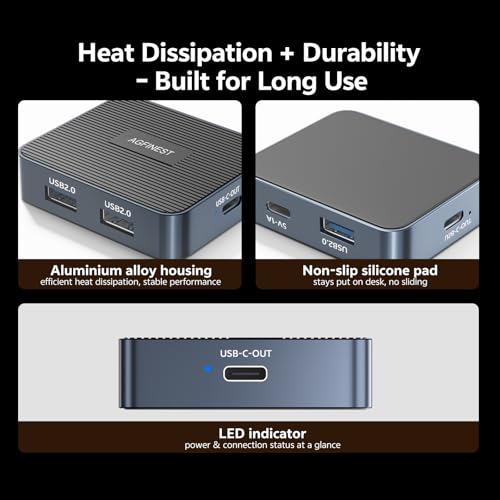
- DURABLE ALUMINIUM ALLOY WITH ANTI-SLIP SILICONE PAD – Features an aluminium alloy housing with a non-slip silicone pad on the bottom. Efficiently dissipates heat during long gaming sessions, movie marathons, or high-load video processing. Provides stable operation for dual displays or mobile work on the go. Balances heat dissipation and durability for extended use
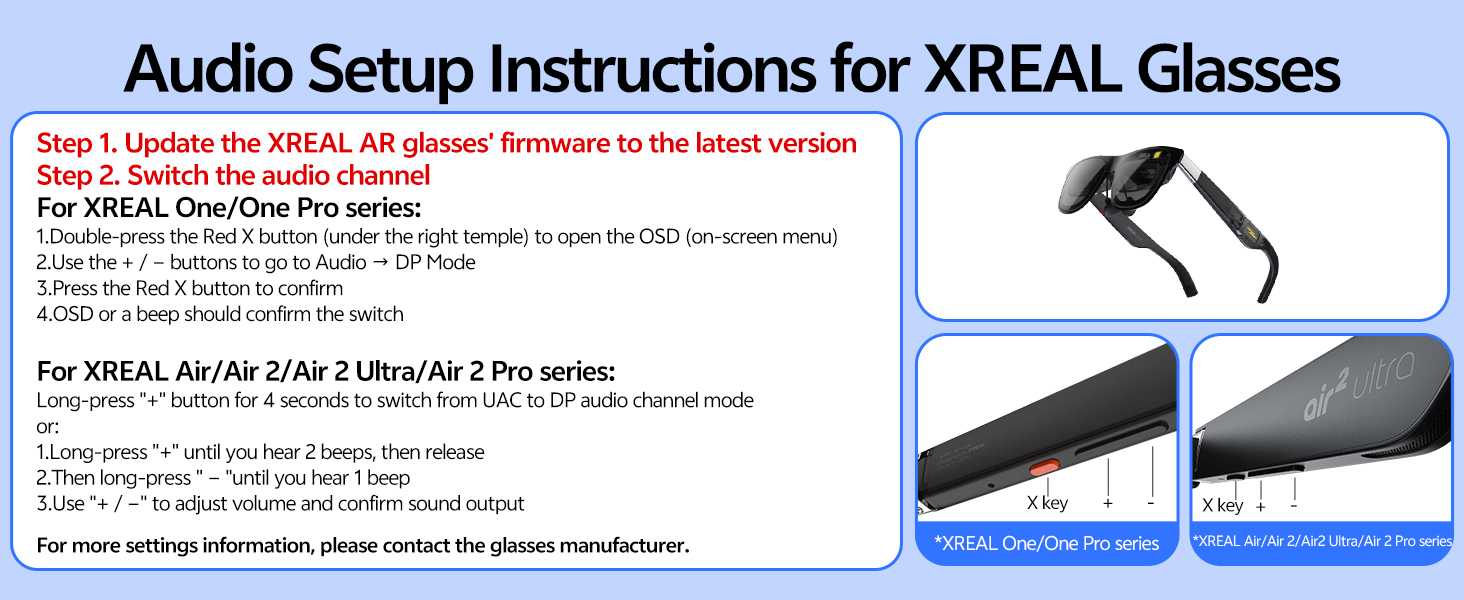
- IMPORTANT POWER NOTE AND CUSTOMER SUPPORT – The 5V/1A power port primarily powers the adapter itself and provides about 5W auxiliary power to AR glasses. It cannot drive portable monitors that require 15W or more; please use separate PD power for monitors. For some AR glasses like XREAL with no audio, long-press the brightness button to switch to DP/UAC mode. We offer a 30-day return policy and 12-month warranty – contact our customer support for any questions
| SKU: | B0GTTK7MQK |
| Weight: | 2 Ounces |
| Brand: | AGFINEST |
| Model: | 1011-1515 |
| Pack Quantity: | 1 |
| Manufacture: | AGFINEST |
| Origin: | China |
| Quantity: | 1 |
Product Description
Can this adapter be used in reverse (USB-C to DisplayPort)?
No. This adapter is one-way only (DP Source to USB-C). It converts DP from PC/GPU to USB-C for AR glasses or portable monitors. Reverse not supported. Does not work with smartphones, Switch or tablets. Check direction before purchase.
USB ports don't work even when connected to power. What should I do?
The USB hub (3 USB 2.0 ports) only activates when the power port is connected to your PC's USB port using the included USB 3.1 or any data-capable cable. Without this, the hub won't work and touch is disabled. After connecting, restart your PC.
No image on my portable monitor. Why?
The adapter's power port provides approximately 5W, enough to power itself and AR glasses. Portable monitors need 15W+ and their own PD charger. If still no image, check your PC supports DP Alt Mode.
What refresh rates and resolutions does this adapter support?
With DSC enabled: up to 8K@60Hz, 4K@240Hz, 2K@480Hz (RGB 10bit HDR). With DSC off: 4K@97Hz (RGB8bit dithering HDR) and 4K@120Hz (YCbCr422 10bit HDR). Reduces lag in FPS/racing games. Your GPU and display must also support the specs.
Do I need to install drivers?
No. This adapter is plug-and-play. No drivers or software required for video conversion or USB hub function on Windows, macOS or Linux.