HDMI to USB-C Adapter for AR Glasses – 4K@120Hz 8K@60Hz
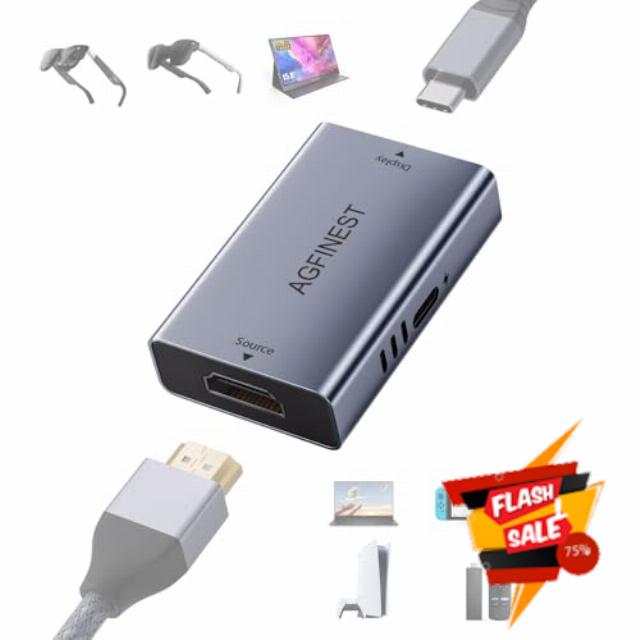
HDMI to USB-C Adapter for AR Glasses – 4K@120Hz 8K@60Hz 2K@240Hz HDMI → USB-C for Laptop Fire TV Stick PS5 Xbox Switch to XREAL Rokid VITURE Portable Monitor, Alu. alloy, Power Cable Included
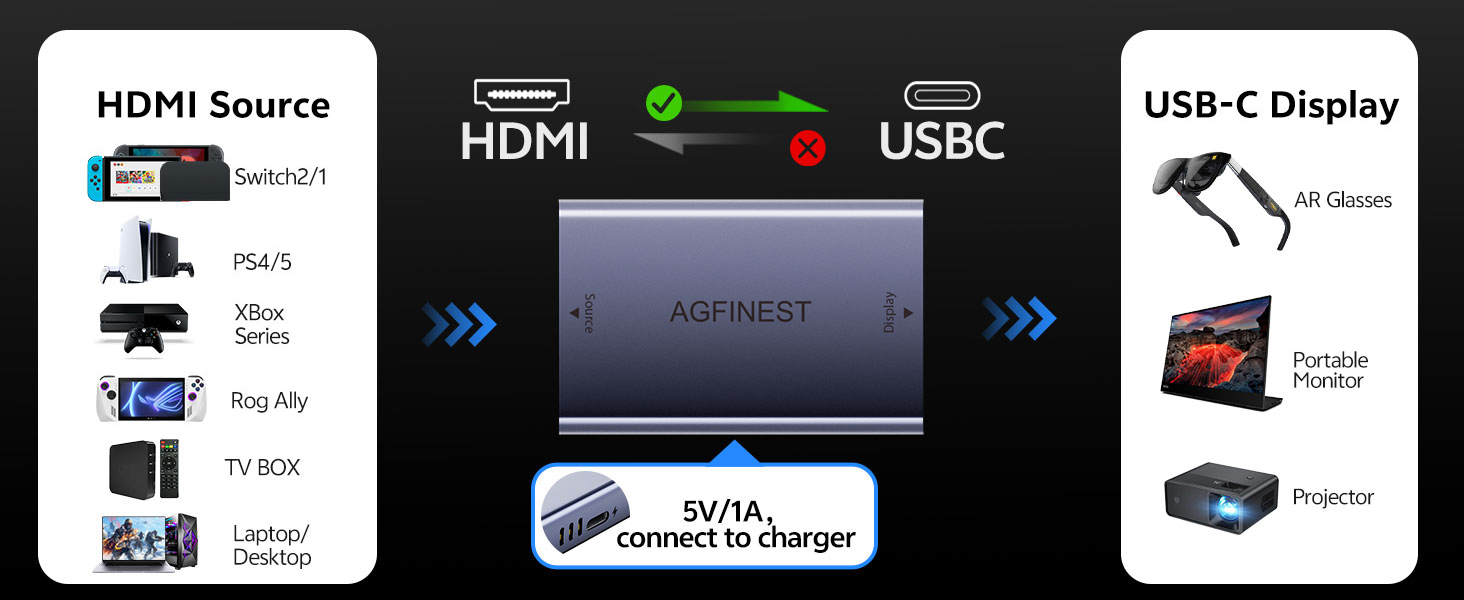
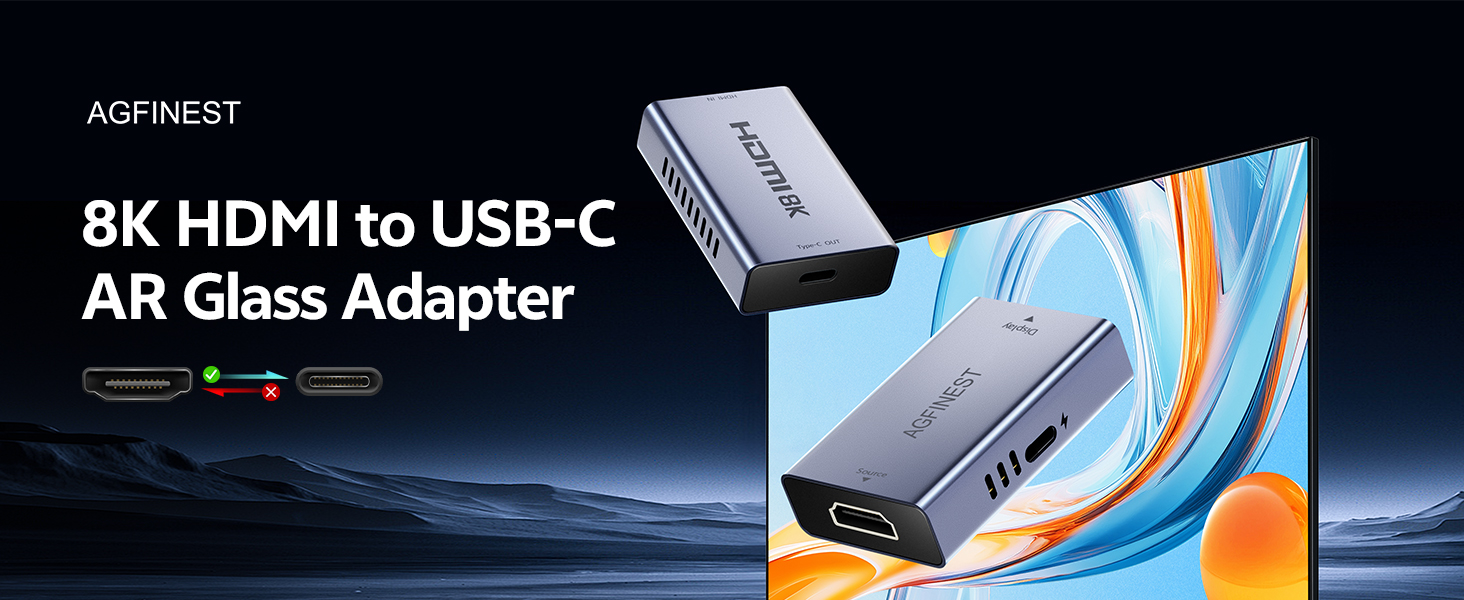
Can I use it in reverse (USB‑C to HDMI)?
No. It is unidirectional: HDMI source → USB‑C display only. It will not work from USB‑C source to HDMI display.
Does the adapter need power? And what about a portable monitor?
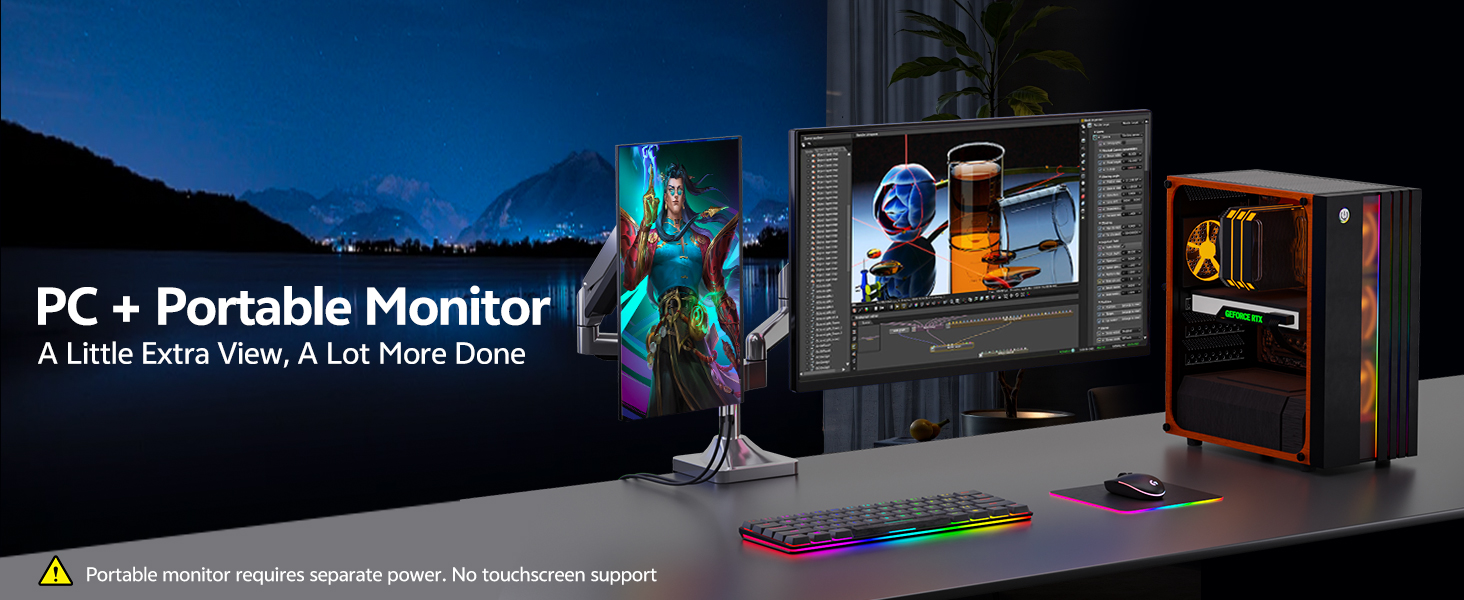
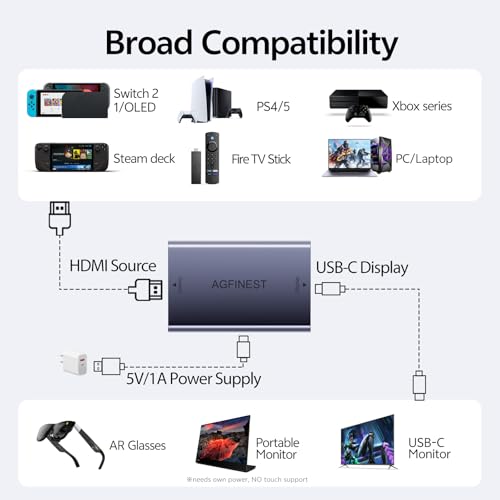
Yes, the adapter needs its own 5V/1A supply (A/C power cable included, power source not). A portable monitor must also have its own power – the adapter does not power the monitor. Both need separate power to work.
Why only 4K@60Hz, not 8K or 4K@120Hz?
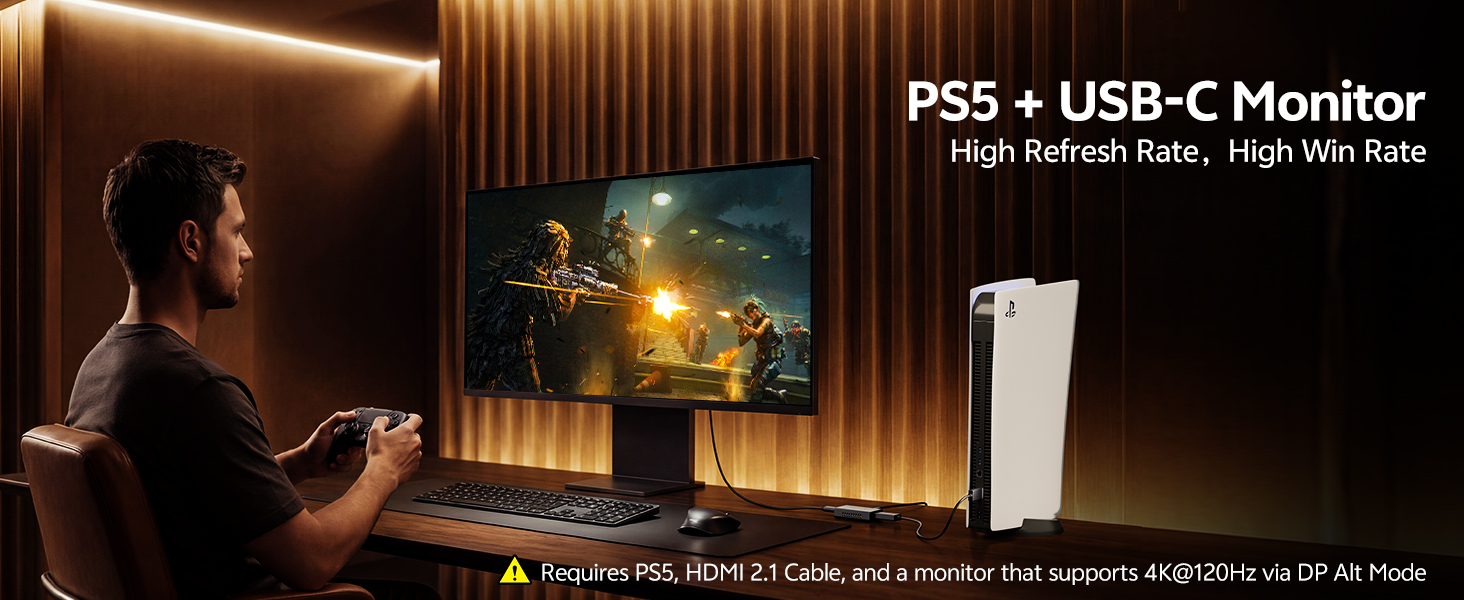
Check: HDMI 2.1 source + HDMI 2.1 cable + USB-C display with DP Alt Mode. For 8K@60Hz, both source & display devices must support DSC. For 4K@120Hz, display must support that via DP Alt Mode.
Does it support touchscreen on portable monitors?
No. This adapter is video‑only. The PD port does not support data transmission, so touch functionality cannot be achieved through this adapter.
No sound from AR glasses or need help?
Many AR glasses need audio in DP mode. Check your glasses' manual. On source devices (PS5, PC, etc.), manually set audio output to HDMI/DisplayPort. We offer 18 months of product support – we're here to help.
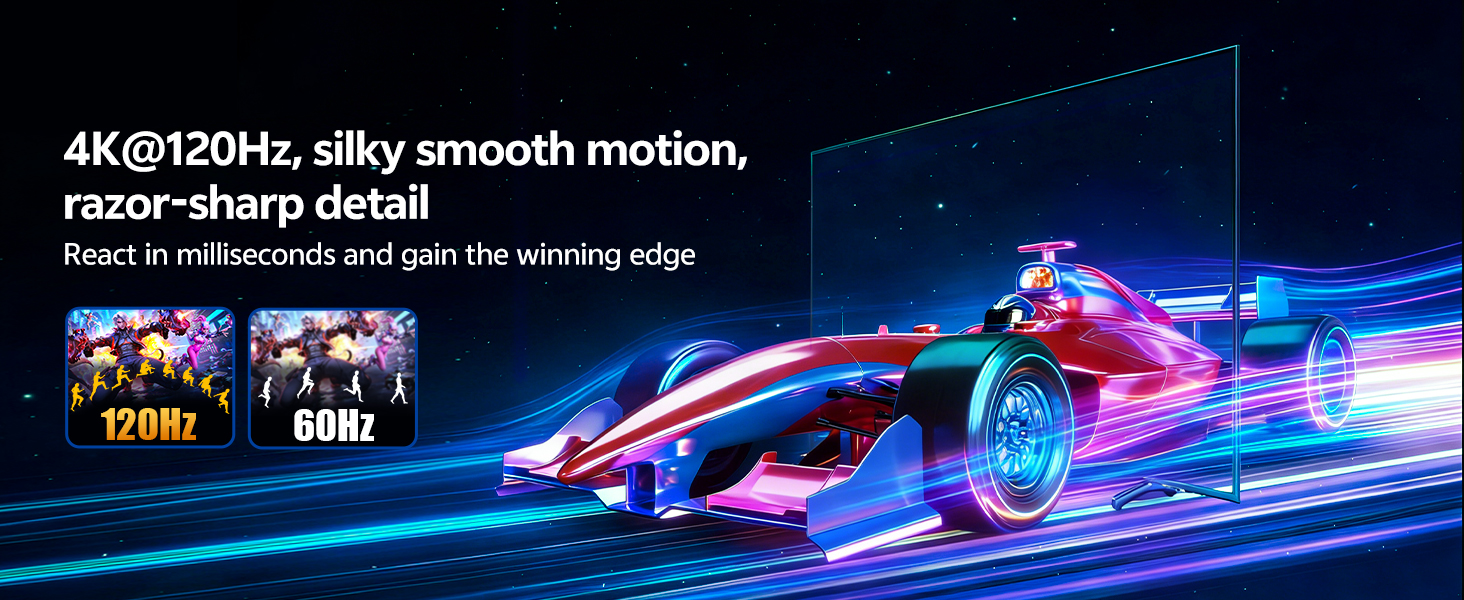
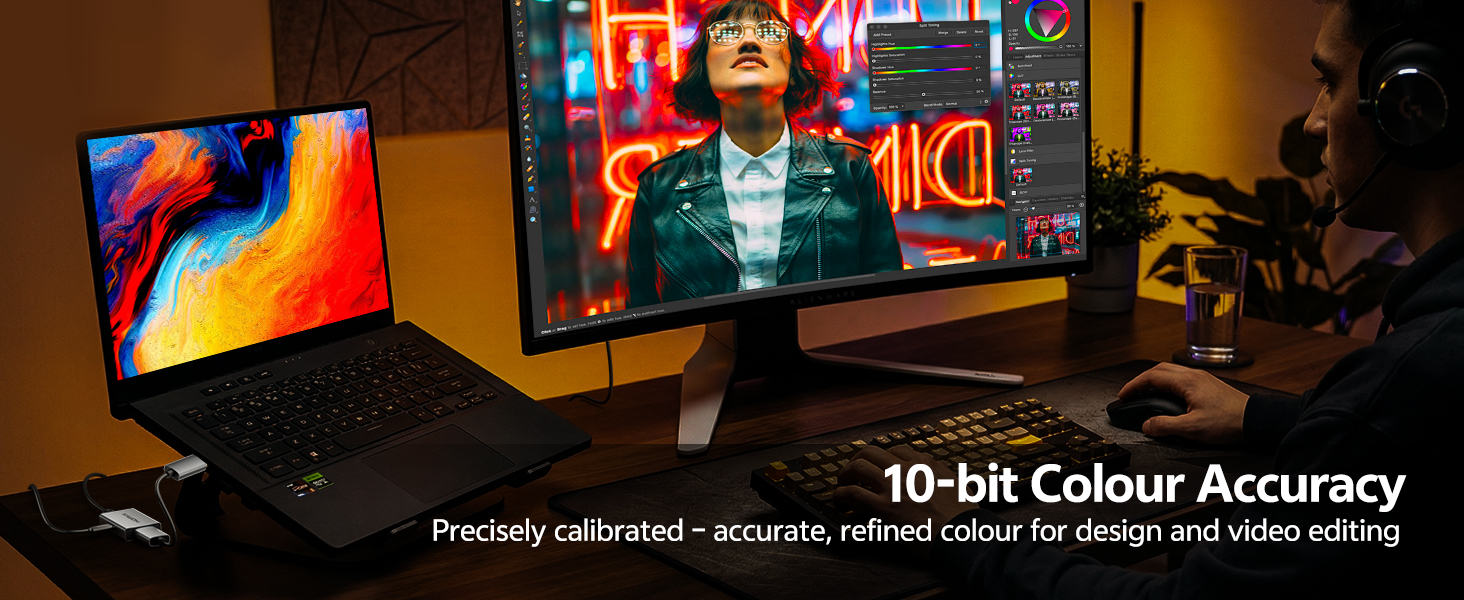
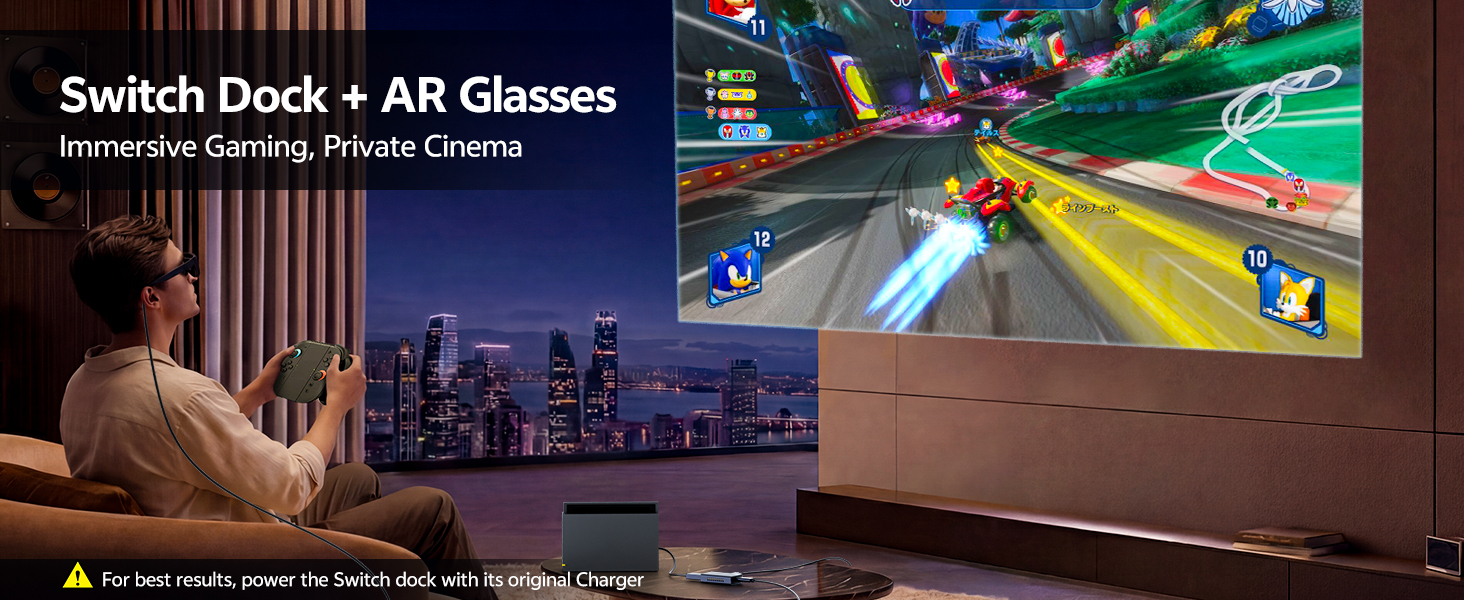
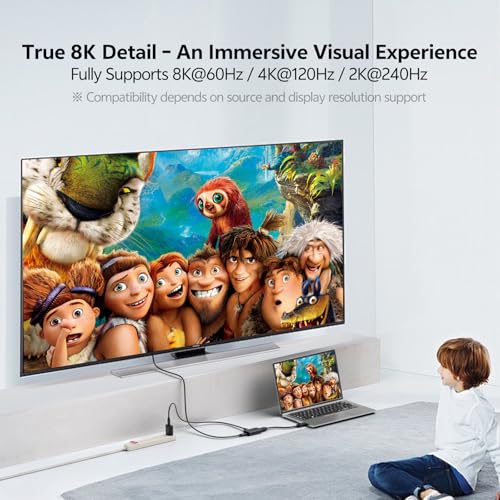
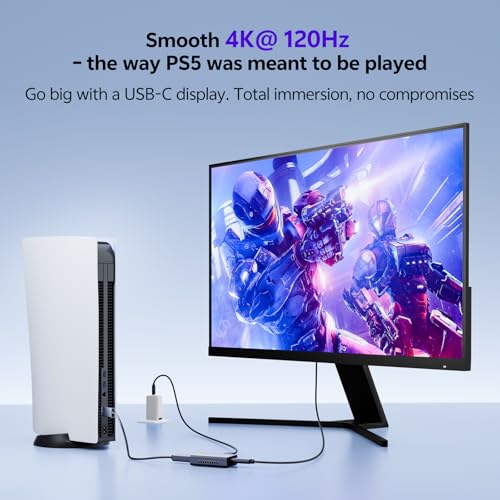
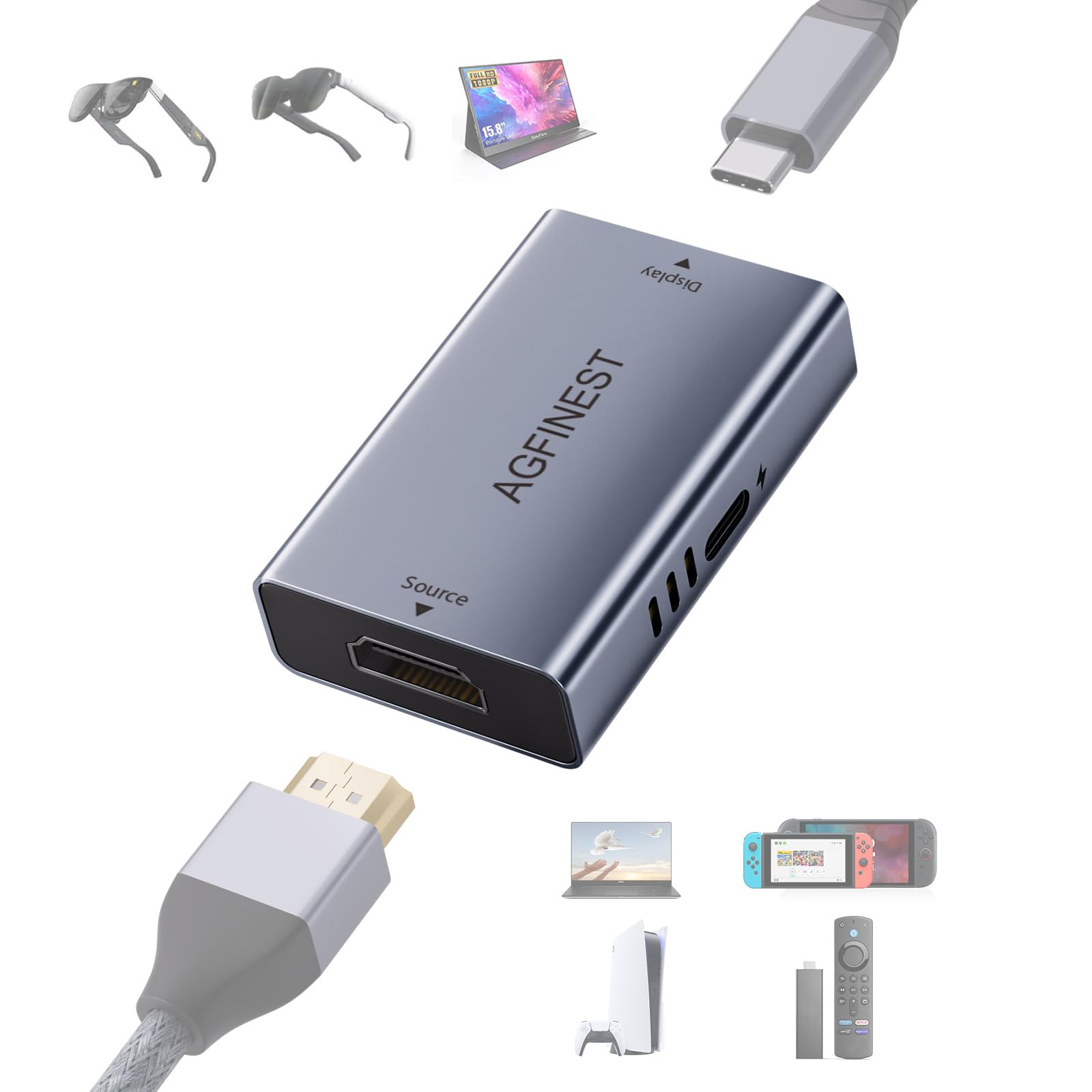
- [Crystal‑clear AR Visuals at 4K@120Hz] Supports up to 8K@60Hz, 4K@120Hz, 2K@240, 1080P@360Hz output, achieving clear and smooth images even on AR glasses and USB‑C portable monitors. Ideal for movie viewing, gaming, screen mirroring. Recommended for those who want to enjoy HDMI output devices such as Blu‑ray players and streaming sticks on a large screen
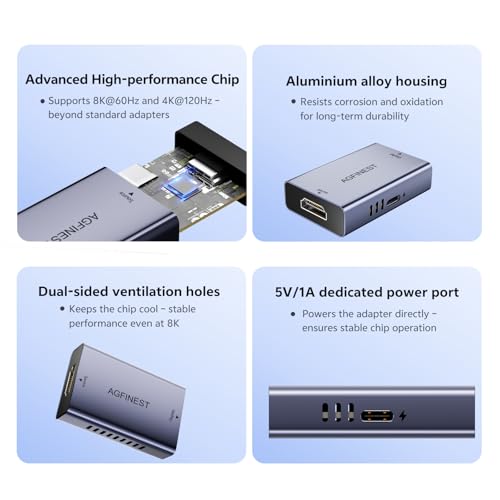
- [Stable Performance with 5V/1A Power Port + A/C USB Power Cable Included] The adapter features a dedicated USB‑C 5V/1A power port and comes with a USB‑A to USB‑C cable. This supplies stable power to the internal chip, ensuring long‑hour 4K output without dropouts. For some compatible AR glasses, it also serves as auxiliary power to maintain video
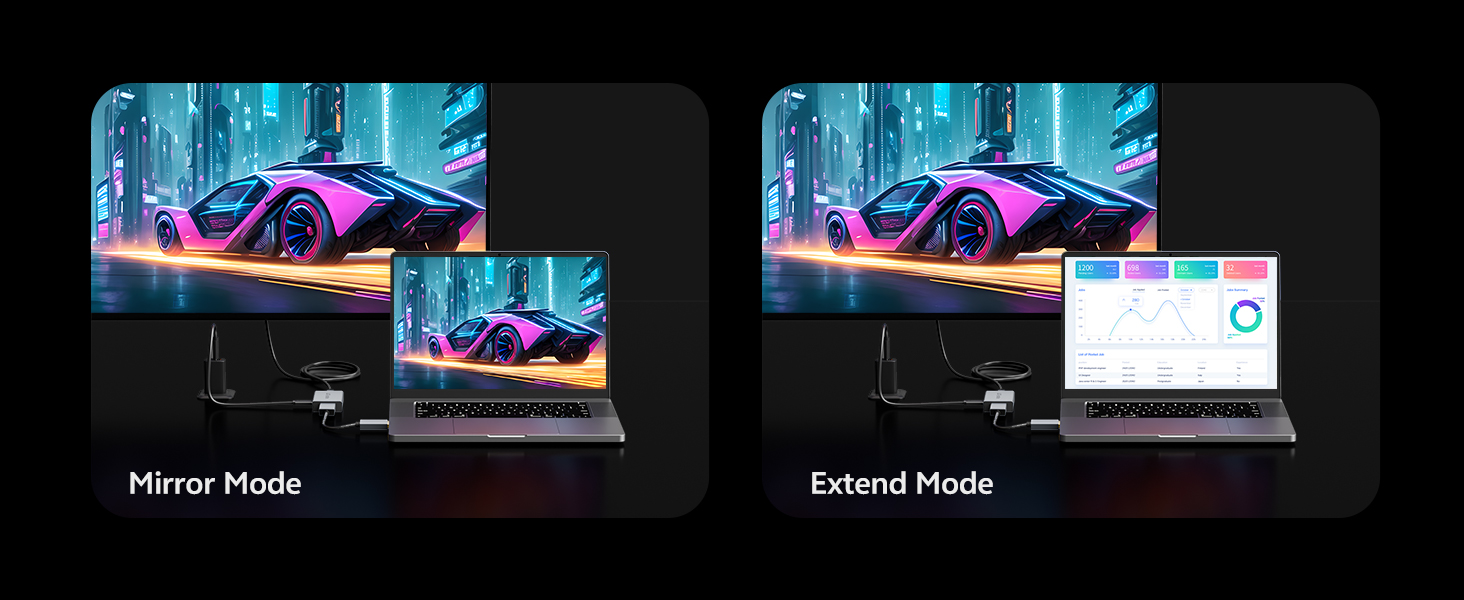
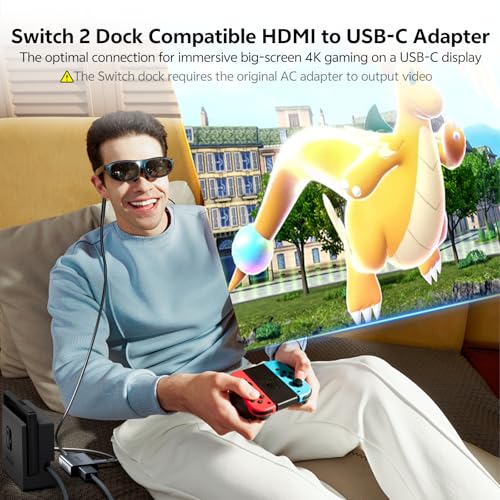
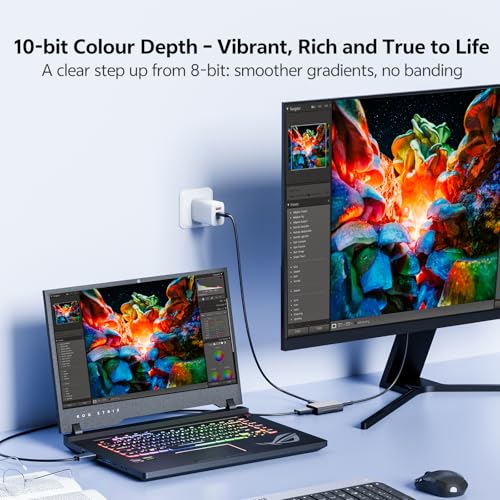
- [Connect Games Consoles & PCs to AR glasses / Portable Monitors] Mirror or extend your screen from HDMI‑equipped devices (laptop, desktop, PS5, Xbox, Switch) to USB‑C displays or AR glasses. Convenient for those who want to enjoy big‑screen gaming without hogging the family TV, or as a travel‑friendly second screen for business trips, hotels, or the train
- [Stable, Portable, and Built for High‑performance] In addition to the aluminium alloy shell which offers excellent heat dissipation and portability, the adapter features an advanced high‑performance chip that supports up to 8K and 4K@120Hz high refresh rates, plus dual‑sided ventilation holes to keep it stable under high load. The compact size fits in a pocket for easy carrying. This product is dedicated to one‑way conversion from HDMI (source) to USB‑C (display). It does not support the reverse direction or headset docks.
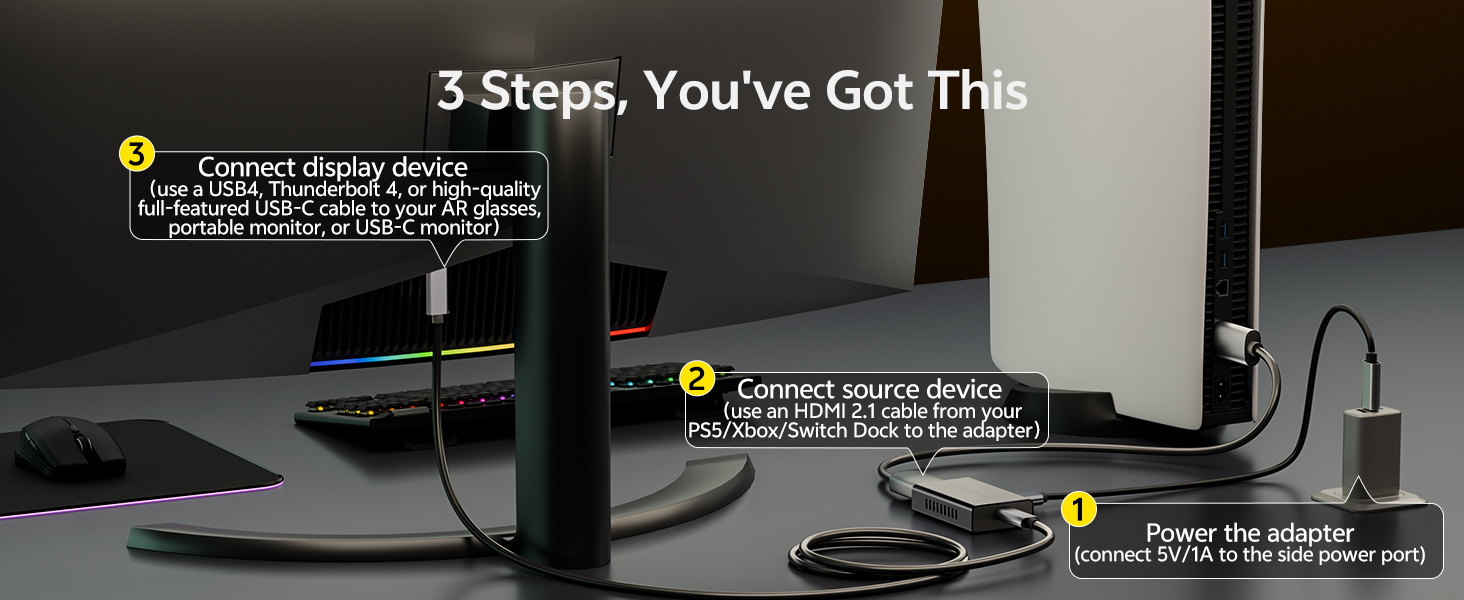
- [3‑step Connection and Reliable Support] Connection is easy in 3 steps: 1. Connect 5V power to the adapter's power port using the included cable. 2.Connect the HDMI terminal to an output device such as a PC or game console. 3. Connect the USB‑C terminal to the video input of AR glasses or a USB‑C monitor. Some AR glasses may require switching to DP mode for audio output – please check the audio settings according to the instruction manual. If you have any questions about connection, AGFINEST support will provide detailed assistance
| SKU: | B0GTSYKNSN |
| Brand: | AGFINEST |
| Model: | 1011-1312 |
| Pack Quantity: | 1 |
| Manufacture: | AGFINEST |
| Origin: | China |
| Quantity: | 1 |
Product Description
Can I use it in reverse (USB‑C to HDMI)?
No. It is unidirectional: HDMI source → USB‑C display only. It will not work from USB‑C source to HDMI display.
Does the adapter need power? And what about a portable monitor?
Yes, the adapter needs its own 5V/1A supply (A/C power cable included, power source not). A portable monitor must also have its own power – the adapter does not power the monitor. Both need separate power to work.
Why only 4K@60Hz, not 8K or 4K@120Hz?
Check: HDMI 2.1 source + HDMI 2.1 cable + USB-C display with DP Alt Mode. For 8K@60Hz, both source & display devices must support DSC. For 4K@120Hz, display must support that via DP Alt Mode.
Does it support touchscreen on portable monitors?
No. This adapter is video‑only. The PD port does not support data transmission, so touch functionality cannot be achieved through this adapter.
No sound from AR glasses or need help?
Many AR glasses need audio in DP mode. Check your glasses' manual. On source devices (PS5, PC, etc.), manually set audio output to HDMI/DisplayPort. We offer 18 months of product support – we're here to help.