Oakcastle BK100 Active Bookshelf Speakers | 2.0 Stereo
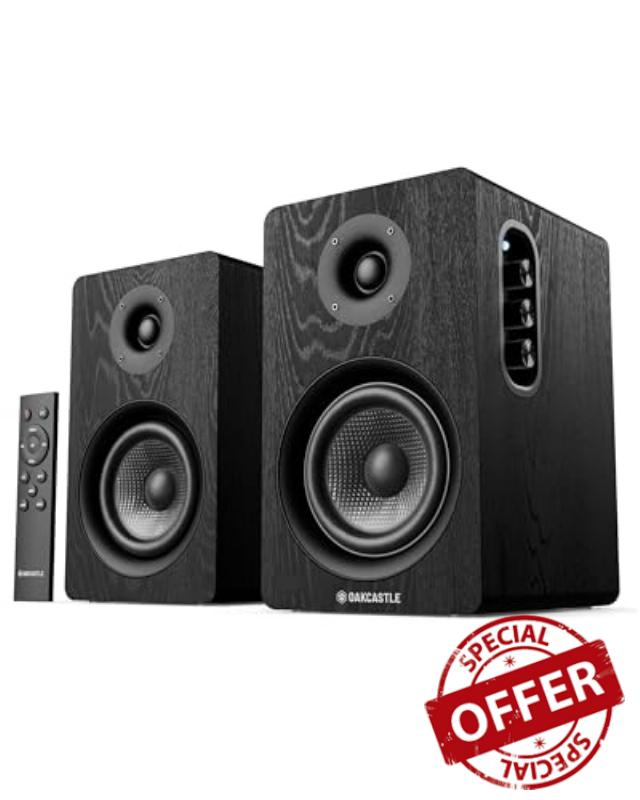
Oakcastle BK100 Active Bookshelf Speakers | 2.0 Stereo System | 60W Output | Bluetooth 5.4, USB Playback | AUX, HDMI ARC, Optical | Gaming Speakers for PC Desktop (Black)
What audio input modes are supported by the Oakcastle BK100 speakers?
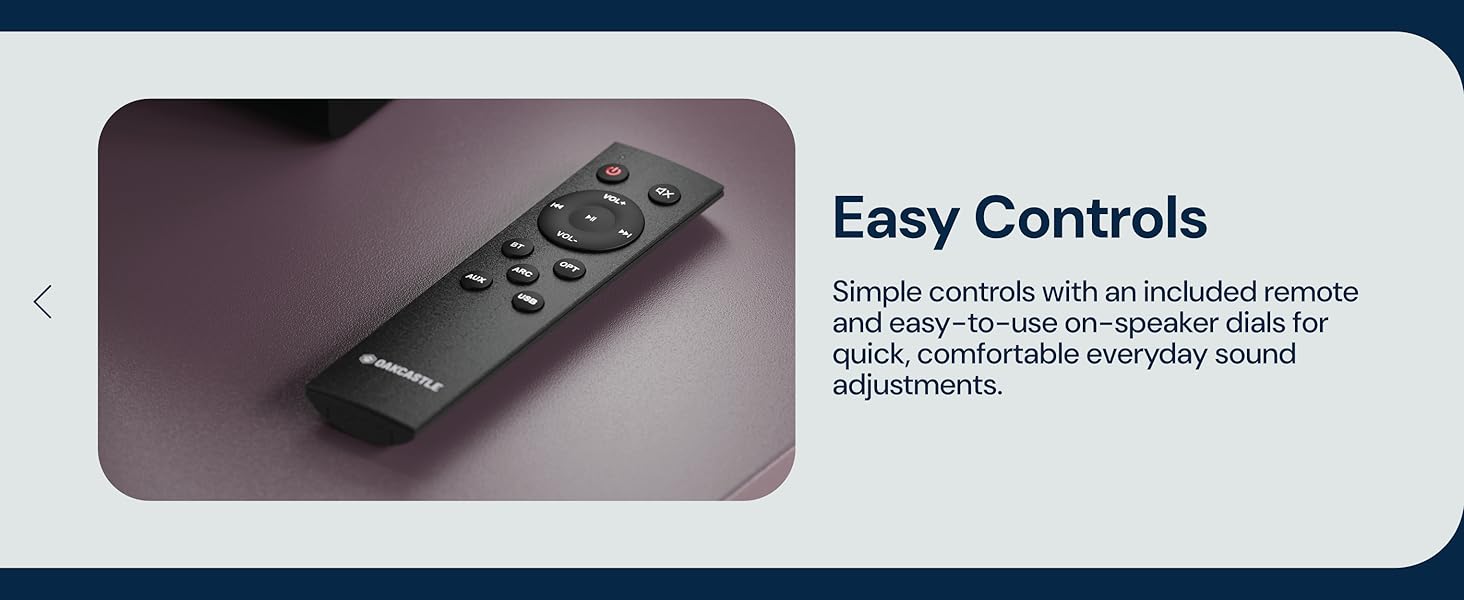
The Oakcastle BK100 supports five input modes: HDMI ARC, Optical, Bluetooth, AUX (3.5 mm Line-In), and USB playback. Each mode is selected using the MODE knob on the speaker or the dedicated buttons on the remote control.
What do the LED indicator colors mean for each input mode?
The LED indicator shows the active mode: Red for Optical, White for HDMI ARC, Green for AUX, Yellow for USB, and Blue for Bluetooth. In Bluetooth mode, the LED flashes blue when unpaired and stays solid blue when paired.
How do I connect the BK100 speakers to a TV using HDMI ARC?
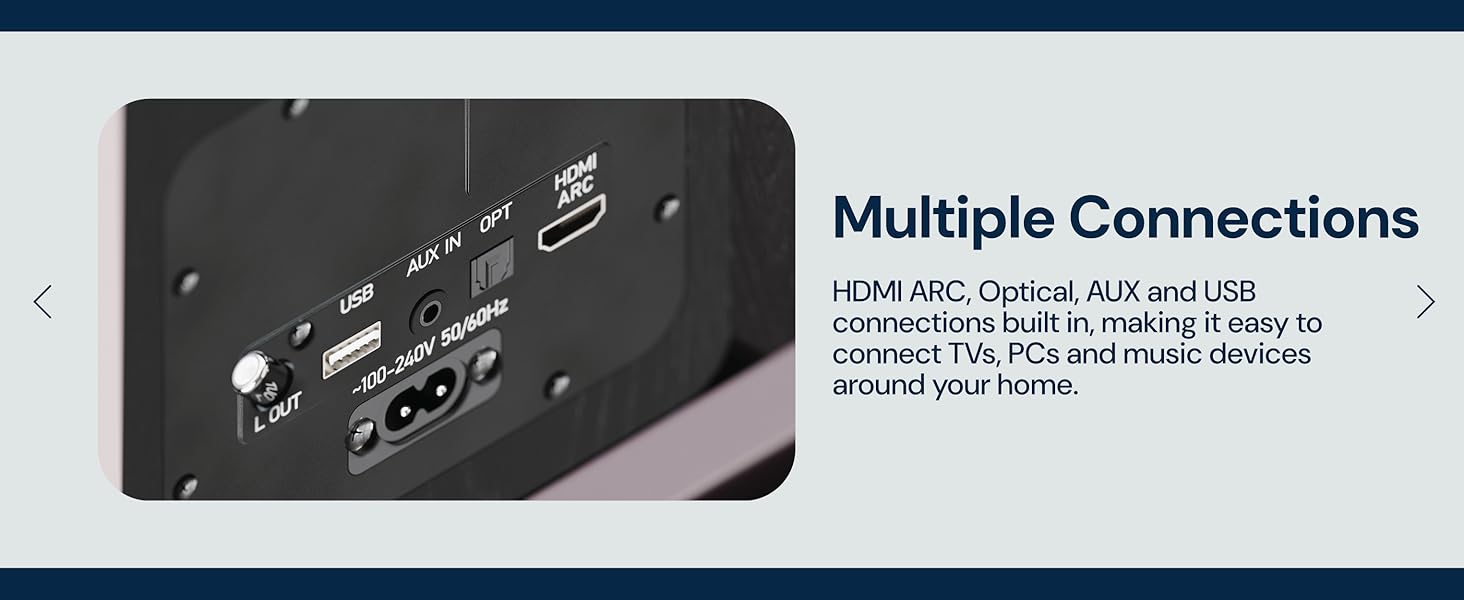
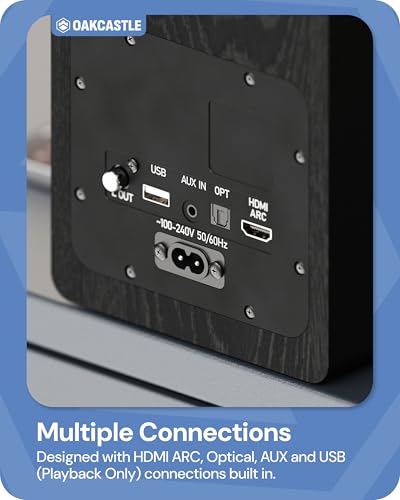
Connect a high-speed HDMI cable from the speaker’s HDMI ARC port to the TV’s HDMI ARC port. Set the speakers to ARC mode, enable HDMI-CEC on the TV, and set the TV’s digital audio output format to PCM.
What are the Bluetooth specifications and pairing steps?
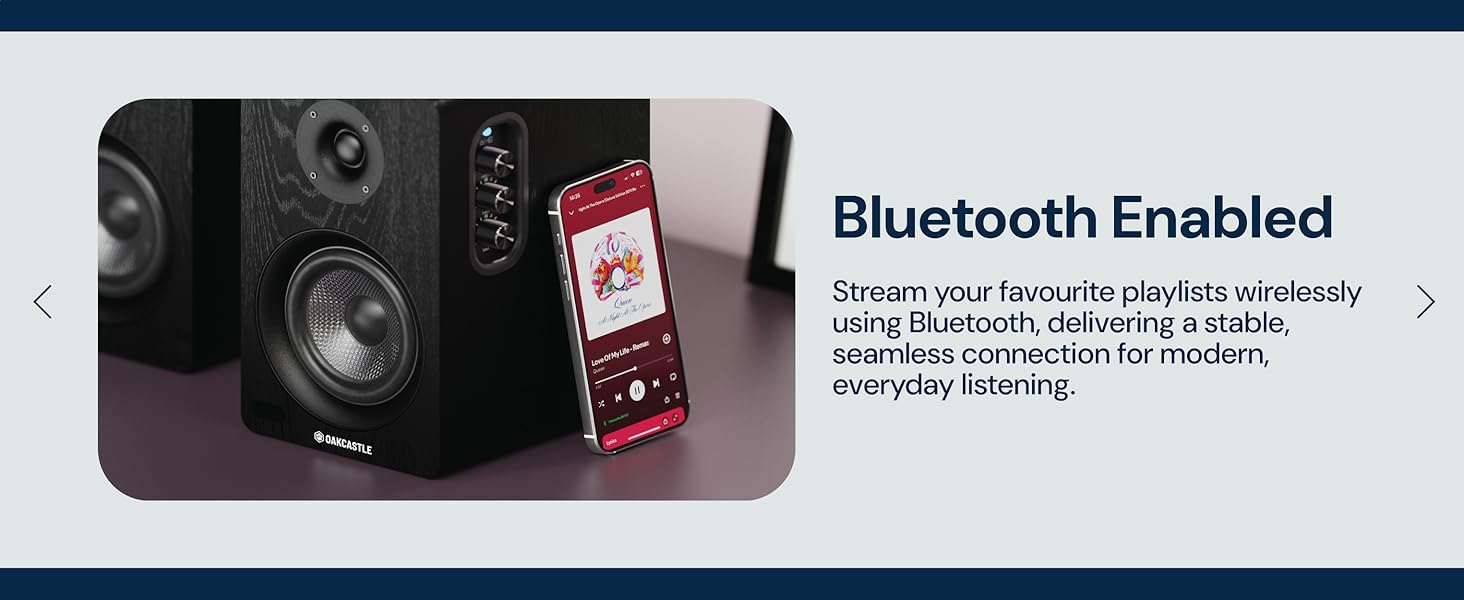
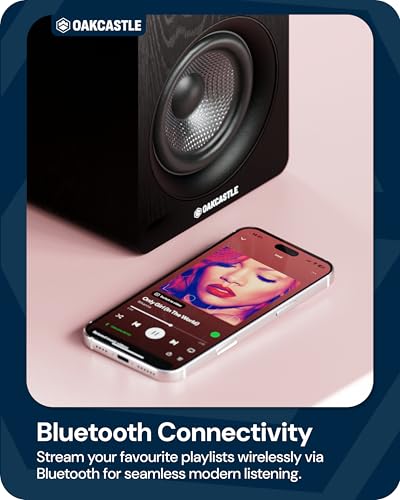
The BK100 uses Bluetooth version 5.4 with an operating range of up to 10 meters. Select Bluetooth mode, then choose “Oakcastle BK100” from your device’s Bluetooth list. A voice prompt confirms pairing when connected.
What are the USB playback limits and supported audio formats?
The USB port supports playback only from USB sticks up to 32 GB. Supported audio formats are MP3, FLAC, and WAV. The USB port is for playback only and cannot be used to connect other devices.
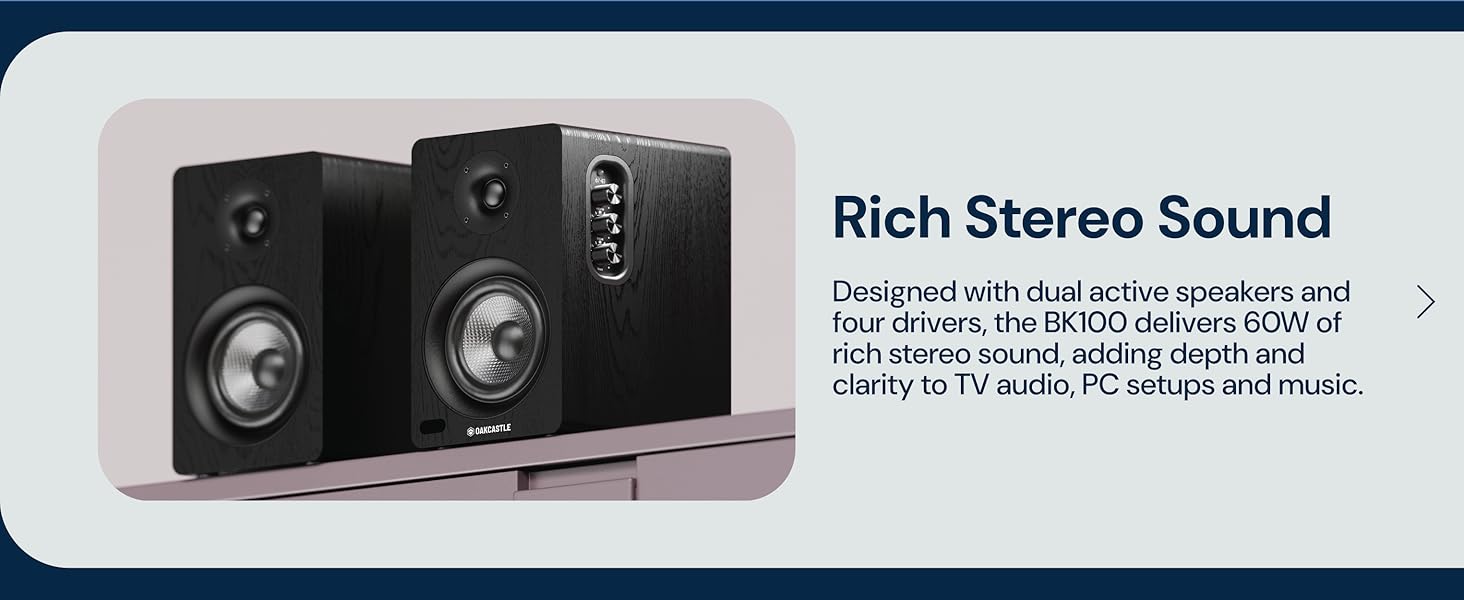
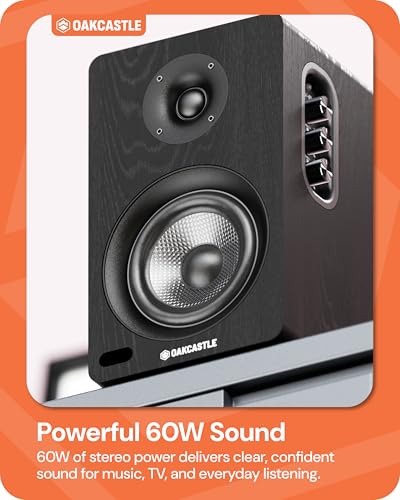
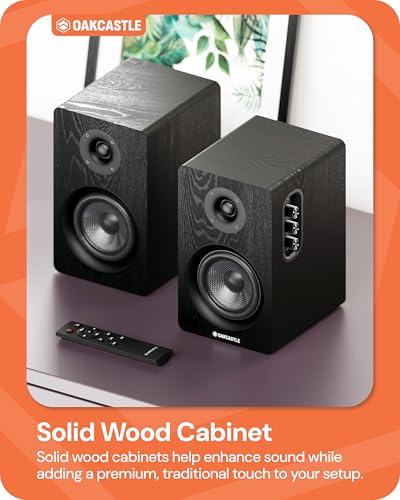
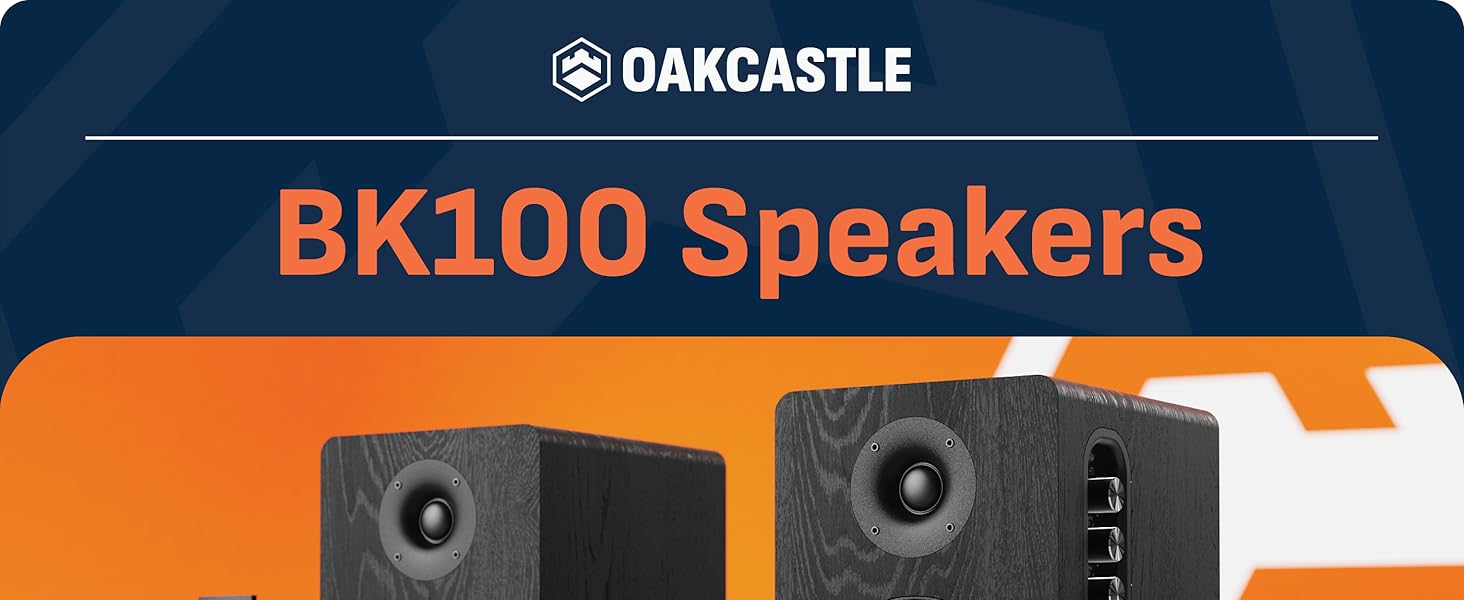
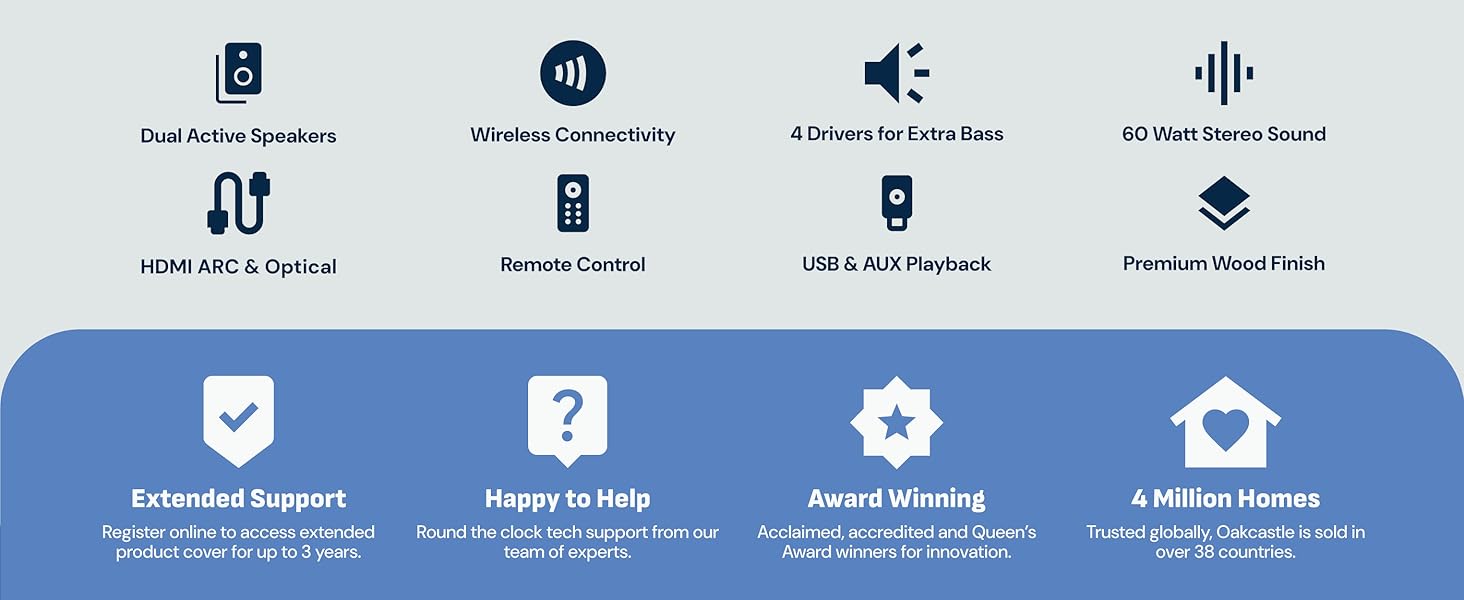
- . & : Featuring a 2.0 channel setup with 60W total output (2 x 30W) and built-in amplification, these active bookshelf speakers deliver clear, balanced stereo audio. The solid wood cabinet enhances warmth and depth, making them a great fit for desks, gaming setups or home listening.
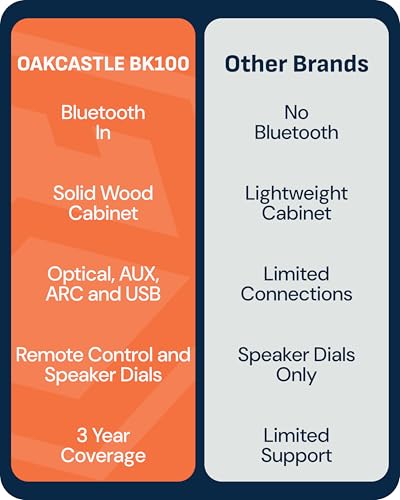
- : Versatile connections make these speakers for pc desktop easy to integrate. Enjoy Bluetooth 5.4 wireless streaming, HDMI ARC for TV and monitor use, Optical Input, AUX, phono and USB playback supporting MP3, FLAC and WAV files up to 32 GB USB sticks.
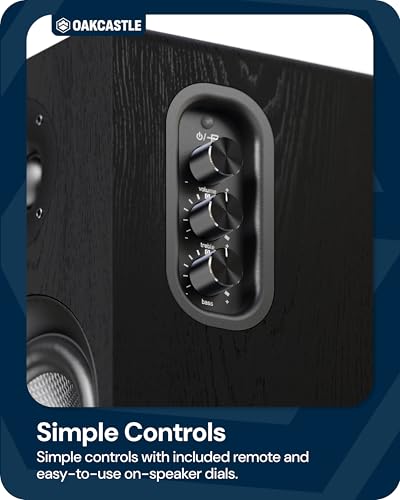
- , – : Built for straightforward everyday use, these active speakers feature physical bass and treble knobs, clear LED indicators and a handy remote. A simple, practical choice for desktop setups, whether connected to a PC or monitor. Built-in auto standby helps save energy by automatically switching the speakers into standby mode after 15 minutes without an audio signal.
- : With a sleek wooden finish, these active bookshelf speakers combine durability with elegance, offering a stylish addition to any room while delivering high-quality sound for your setup.
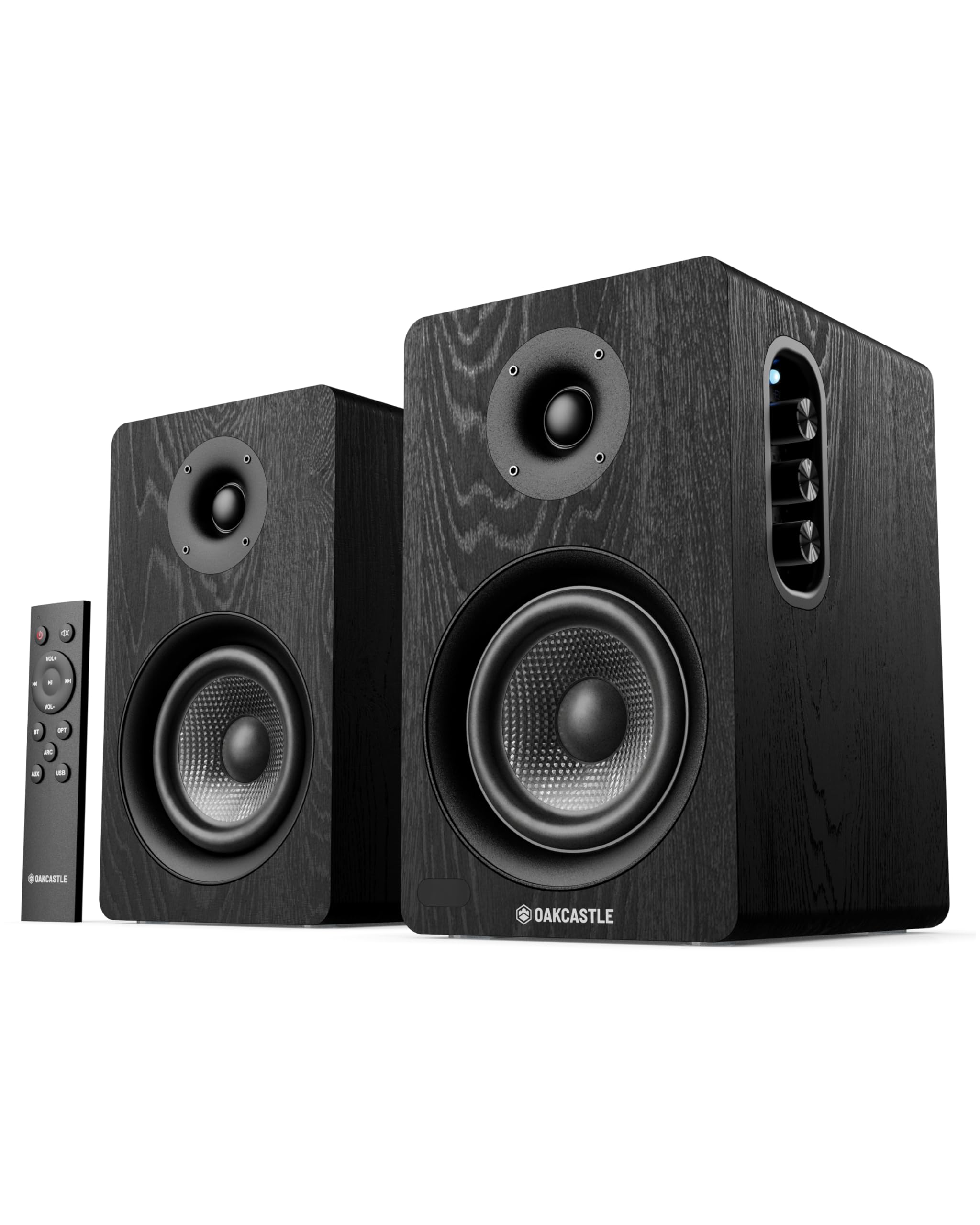
- ’ : The package includes: 2 × Oakcastle BK100 active bookshelf speakers, 1 × Remote Control, 1 × Power Cable, 1 × AUX (3.5mm) Cable, 1 × Optical Cable, 1 x speaker connecting cable (4m) and 1 × User Manual. Speaker dimensions: 20 x 13 x 21 cm.
| SKU: | B0G6ZY22VC |
| Weight: | 3.5 Kilograms |
| Brand: | Oakcastle |
| Model: | BK100 BLK |
| Colour: | Black |
| Pack Quantity: | 2 |
| Manufacture: | Oakcastle |
| Colour: | Black |
| Quantity: | 2 |
Product Description
What audio input modes are supported by the Oakcastle BK100 speakers?
The Oakcastle BK100 supports five input modes: HDMI ARC, Optical, Bluetooth, AUX (3.5 mm Line-In), and USB playback. Each mode is selected using the MODE knob on the speaker or the dedicated buttons on the remote control.
What do the LED indicator colors mean for each input mode?
The LED indicator shows the active mode: Red for Optical, White for HDMI ARC, Green for AUX, Yellow for USB, and Blue for Bluetooth. In Bluetooth mode, the LED flashes blue when unpaired and stays solid blue when paired.
How do I connect the BK100 speakers to a TV using HDMI ARC?
Connect a high-speed HDMI cable from the speaker’s HDMI ARC port to the TV’s HDMI ARC port. Set the speakers to ARC mode, enable HDMI-CEC on the TV, and set the TV’s digital audio output format to PCM.
What are the Bluetooth specifications and pairing steps?
The BK100 uses Bluetooth version 5.4 with an operating range of up to 10 meters. Select Bluetooth mode, then choose “Oakcastle BK100” from your device’s Bluetooth list. A voice prompt confirms pairing when connected.
What are the USB playback limits and supported audio formats?
The USB port supports playback only from USB sticks up to 32 GB. Supported audio formats are MP3, FLAC, and WAV. The USB port is for playback only and cannot be used to connect other devices.