Touchscreen Monitor 22 Inch FHD 1920x1080P IPS PC Monitor
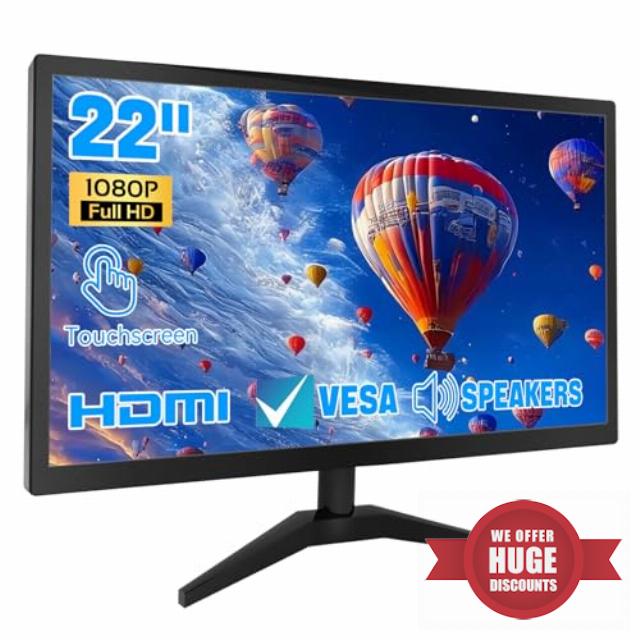
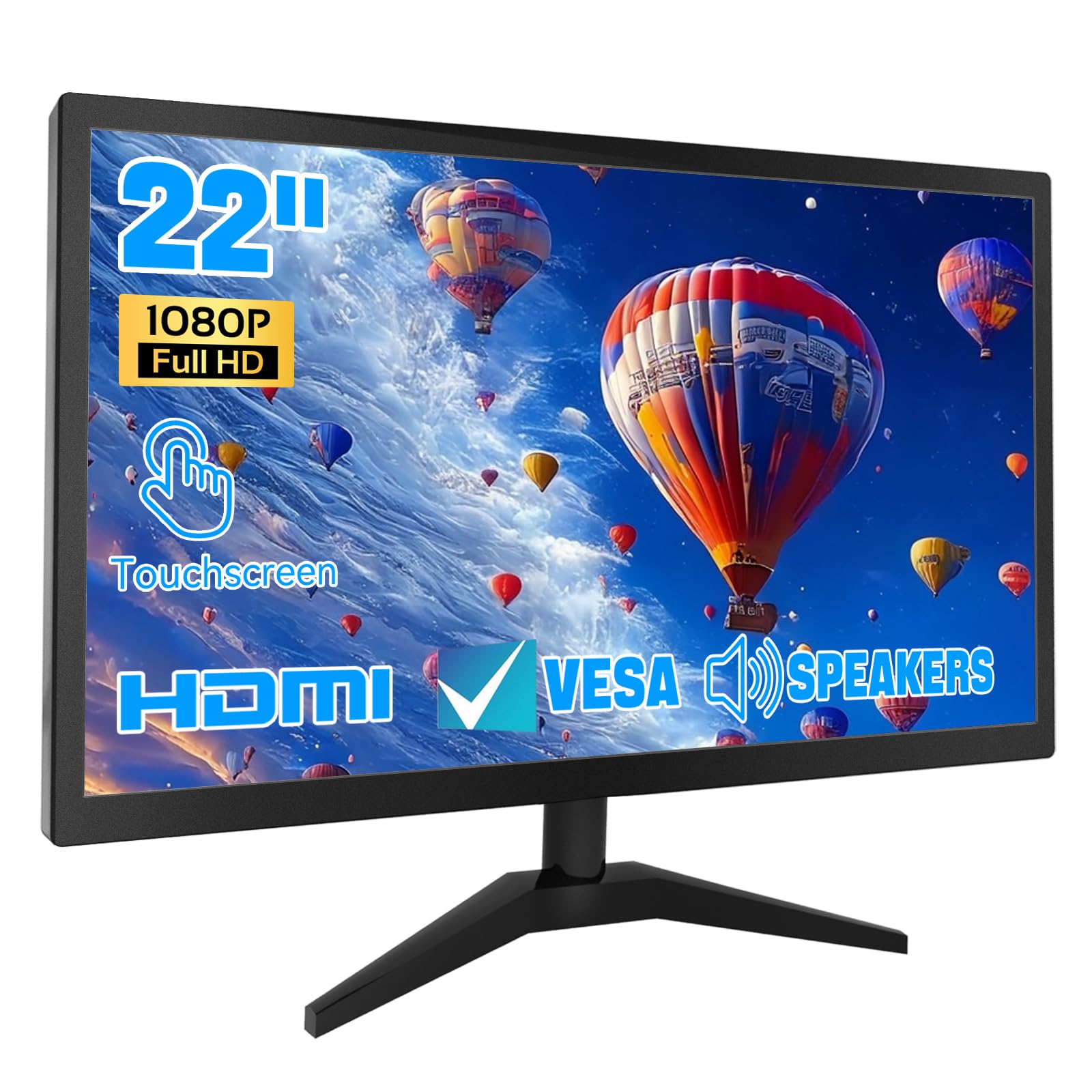
Touchscreen Monitor 22 Inch FHD 1920x1080P IPS PC Monitor, 10-Point Touch Screen Computer Display with HDMI VGA USB Ports, Built-in Speakers, VESA Mountable
Technical Specifications
| Screen Size | 21.5 inch |
| Resolution | 1920x1080P |
| Panel Type | IPS |
| Ports | HDMI, USB 2.0, VGA, Audio |
| Brightness | 250 cd/㎡ |
| Compatible System | Windows 7 after |
| Speakers | 1.5W |
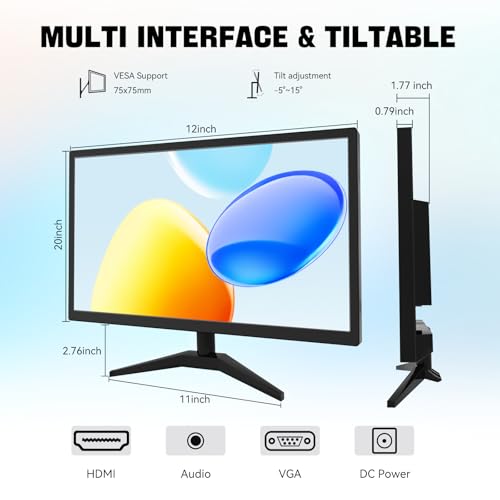
| Special Features | Touchscreen, Built in speakers, Tilt adjustable |
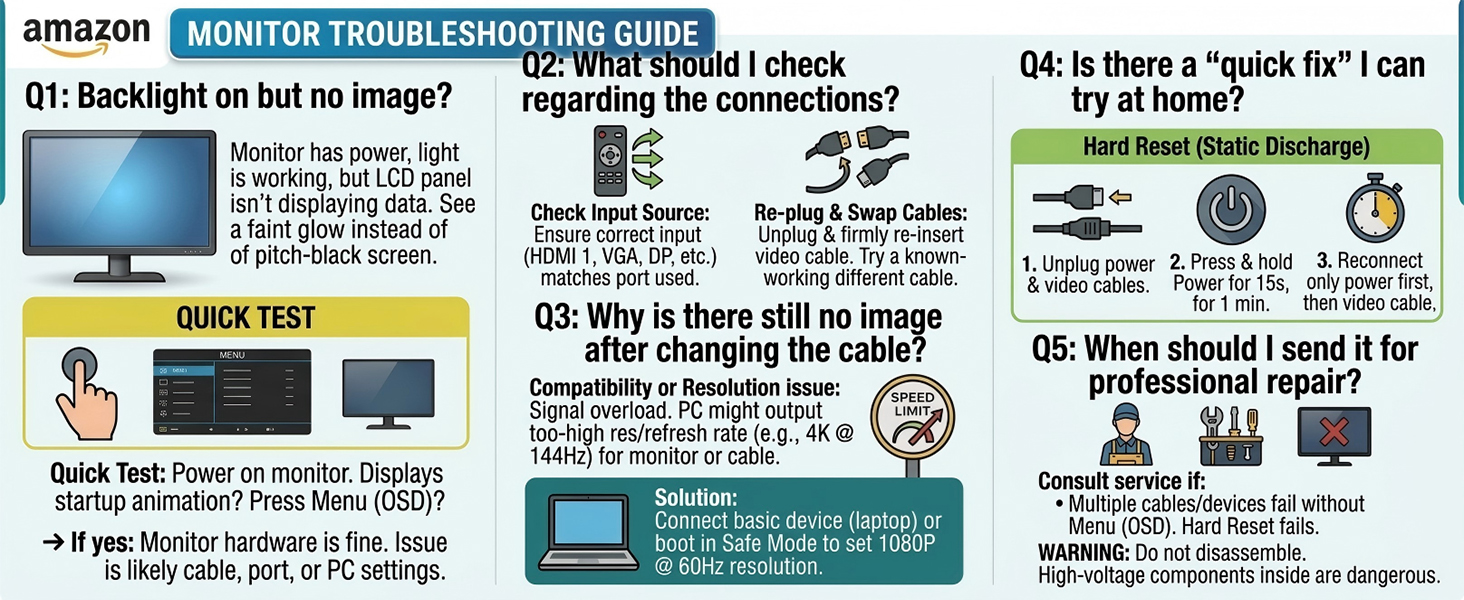
Why is there no signal when I connect the monitor?
1. please check if the HDMI interface of the signal output device is normal; 2. please try to replace the HDMI signal cable 3. please check if the default display device in the computer system has been changed.
Can I connect a Mac OS device?
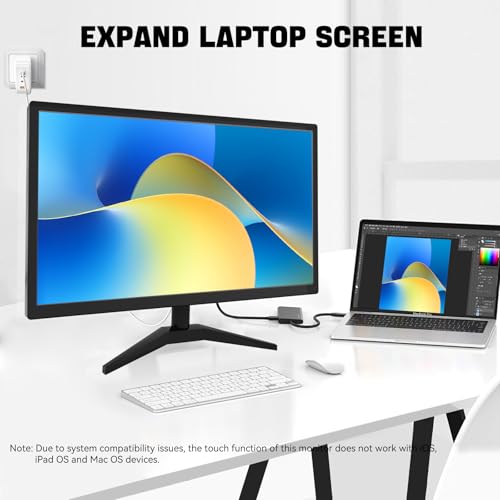
Unfortunately, the touch function of this monitor is currently not compatible with Mac OS devices, so you will not be able to use the touch function of the monitor when connecting a Mac OS device.
How to disassemble the monitor base?
1. Pls tilt the monitor outward to the maximum angle first to find the snap position at the bottom of the monitor 2. Toggle the snap with a one screwdriver while pulling down the base strut 3. Toggle the snap on the bottom of the base to remove it.
Why is there no sound from the monitor speakers after connecting to the computer?
1. Set default audio to this monitor (disable GPU audio). 2. Enable Windows Audio service. 3. Test HDMI port/cable integrity. 4. Check mute & volume levels. Priority: Settings → Drivers → Connections → Hardware -Still issues? Contact our support.
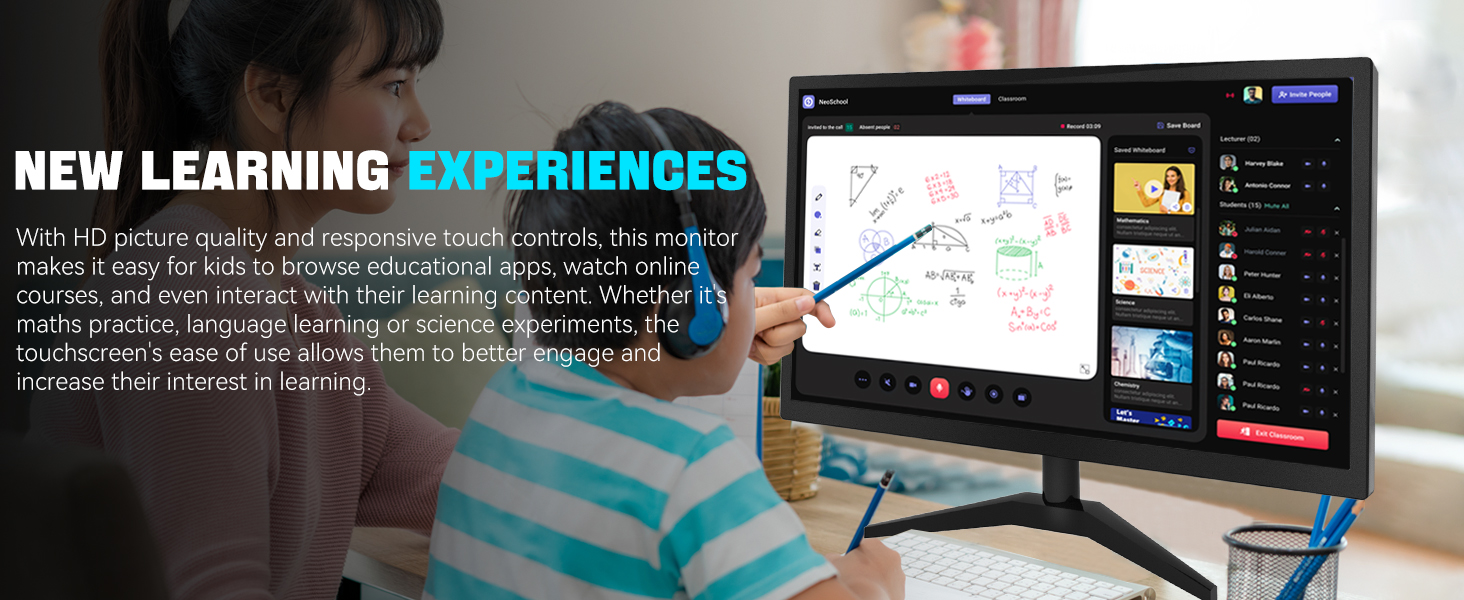
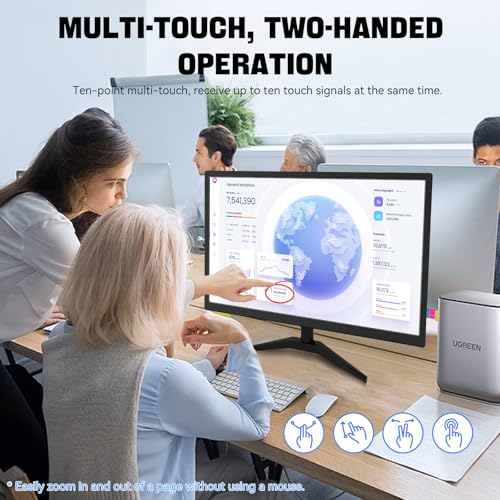
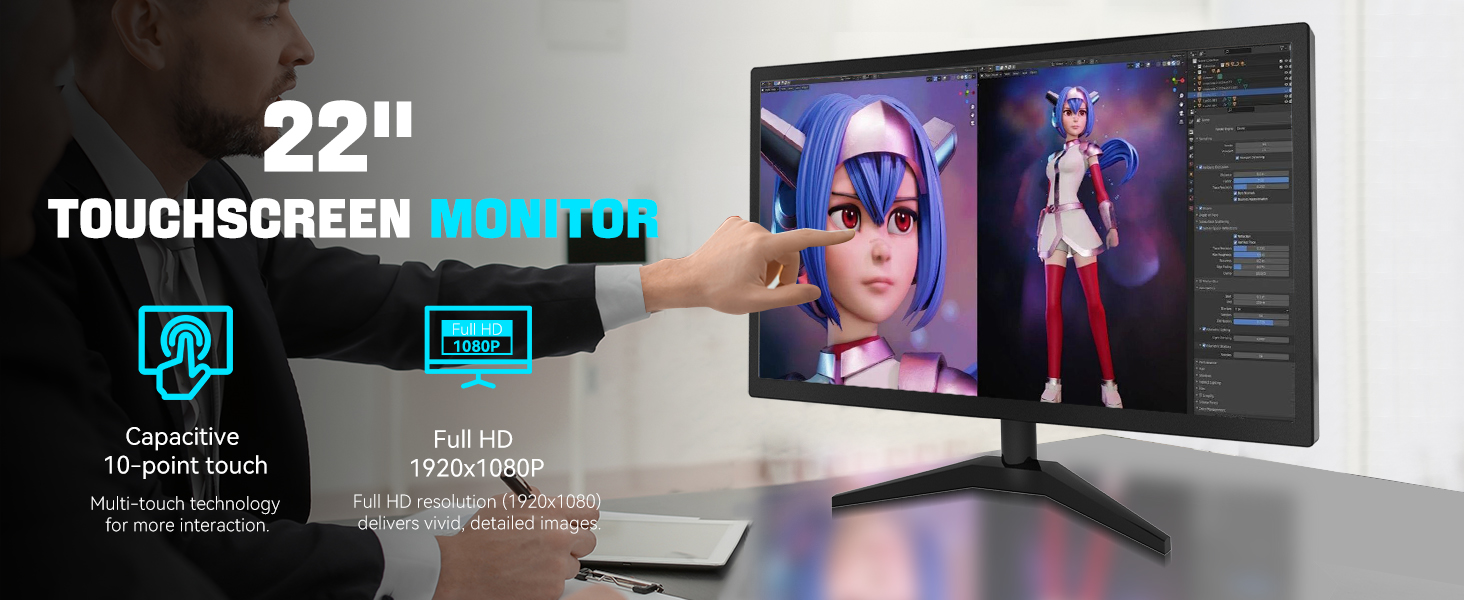
- 1. Ultra-Responsive 22-Inch Touchscreen with 10-Point Precision Command your screen with intuitive touch. This 22-inch monitor features advanced 10-point capacitive technology, translating every tap, swipe, and pinch into pixel-perfect action. Navigate apps, zoom into details, and glide through menus with flawless accuracy. (Multi-touch is fully supported on non-Apple devices; Apple devices are limited to single-touch.) Elevate your workflow with lag-free control designed for dynamic professional and creative tasks.
- 2. Crystal-Clear FHD 1080P for All-Day Productivity See everything in sharp, stunning detail. Immerse yourself in reliable Full HD 1920×1080 resolution, delivering crisp text for documents and vibrant visuals for videos and calls. With low blue light emission and flicker-free technology, enjoy comfortable viewing that reduces eye strain, making long work sessions or relaxed streaming sessions effortlessly clear.
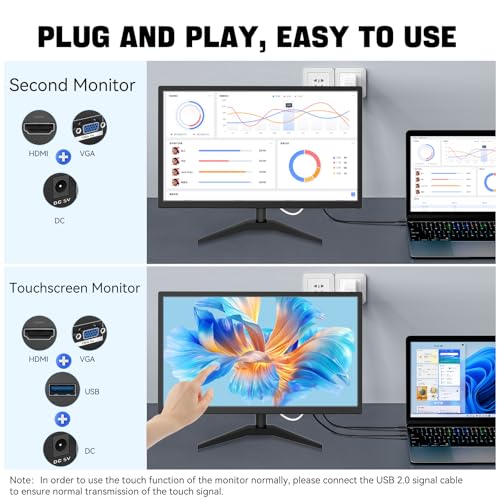
- 3. 3-in-1 Smart Display Modes for Fluid Multitasking Adapt your screen to fit the moment. Switch seamlessly between mirroring, extending, or using this touchscreen as a standalone display. Perfect for presentations, coding, gaming, or collaborative work—unlock new levels of productivity with a simple mode change.
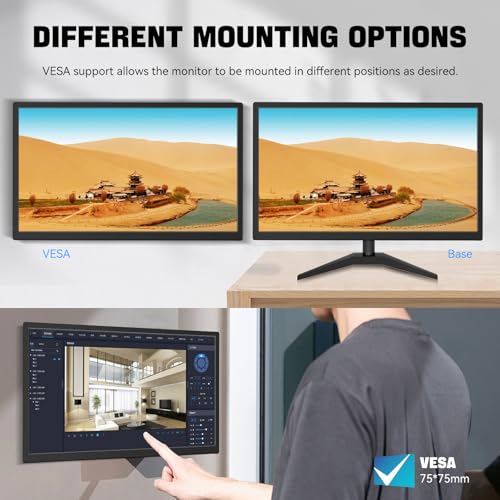
- 4. Space-Smart Design with VESA Mount & Integrated Audio Reclaim your desk and optimize your setup. Ready for 75x75mm VESA mounting, this monitor fits seamlessly on walls or monitor arms for an ergonomic, clutter-free workspace. Integrated speakers deliver clear sound for video conferences and media, so you stay focused without the need for extra accessories.
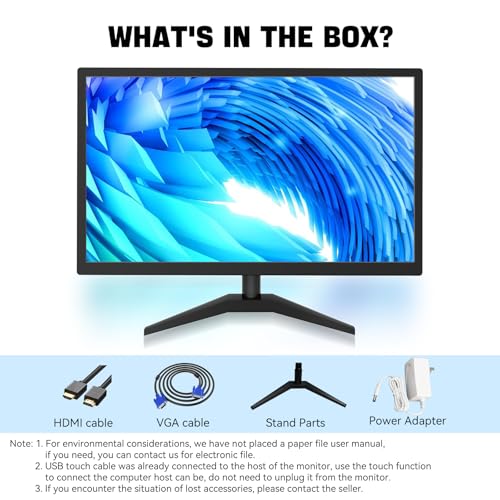
- 5. Effortless Plug-and-Play Connectivity Get up and running in seconds. Connect easily to PCs, laptops, and popular devices like PS5 or Switch using HDMI, VGA, and USB ports—no software required. To activate touch, just plug in the included cables. It’s simplicity meets versatility, built for home, office, and everyday tech.


| SKU: | B0FSJJ7FZ7 |
| Brand: | ERCGWOP |
| Model: | 22NWCM |
| Colour: | black |
| Manufacture: | ERCGWOP |
| Colour: | black |
| Origin: | China |
Product Description
Technical Specifications
| Screen Size | 21.5 inch |
| Resolution | 1920x1080P |
| Panel Type | IPS |
| Ports | HDMI, USB 2.0, VGA, Audio |
| Brightness | 250 cd/㎡ |
| Compatible System | Windows 7 after |
| Speakers | 1.5W |
| Special Features | Touchscreen, Built in speakers, Tilt adjustable |
Why is there no signal when I connect the monitor?
1. please check if the HDMI interface of the signal output device is normal; 2. please try to replace the HDMI signal cable 3. please check if the default display device in the computer system has been changed.
Can I connect a Mac OS device?
Unfortunately, the touch function of this monitor is currently not compatible with Mac OS devices, so you will not be able to use the touch function of the monitor when connecting a Mac OS device.
How to disassemble the monitor base?
1. Pls tilt the monitor outward to the maximum angle first to find the snap position at the bottom of the monitor 2. Toggle the snap with a one screwdriver while pulling down the base strut 3. Toggle the snap on the bottom of the base to remove it.
Why is there no sound from the monitor speakers after connecting to the computer?
1. Set default audio to this monitor (disable GPU audio). 2. Enable Windows Audio service. 3. Test HDMI port/cable integrity. 4. Check mute & volume levels. Priority: Settings → Drivers → Connections → Hardware -Still issues? Contact our support.