11.5″ Car Tablet Pro Max 2026: Wireless Carplay Screen
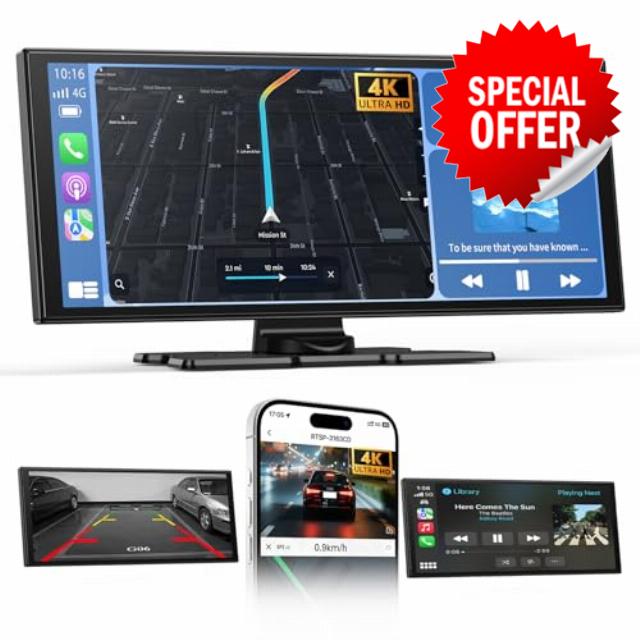
11.5″ Car Tablet Pro Max 2026: Wireless Carplay Screen for Car with 4K Front and 1080P Rear Camera, Android Auto Screen IPS Touchscreen/Mirror Link/Loop Recording/Navigation / 64G SD
●11.5'' Car Tablet Pro Max 2026, Carplay Screen for Car with 4K Front Camera and 1080P Rear Camera
1. Our in-car screen is controlled by touch screen, real-time control, and responsive. Loop recording, overwrite the oldest video.
2. The car screen can be wirelessly connected through the Bluetooth function, and it supports IOS10 and above or Android 11.0 and above.
3. The stand for Android can be rotated and adjusted 360°, and the viewing angle can be adjusted according to needs, with a friendly design.
4. The car screen provides: Bluetooth/AUX/FM/built-in speaker 4 sound output mode, which can be set according to your own needs.
Connect to Carplay
1)Turn on Carplay option on this device.
2)Search for the device name of T85B-XXXX from phone Bluetooth and connect.
3)Agree to use Carplay, and select Connect instead of Use Bluetooth Only.
Connect to Android Auto
1)Turn on Android Auto option on this device.
2)Search for the device name of T85B-XXXX from Android phone Bluetooth and connect.3)Agree to use Android auto.
Note:
If your phone is running Android 16, frequent disconnections may occur while using Android Auto. Please follow the steps below to fix this issue.
1.Search for and download EVELink from Google Play on your phone.
2.On the smart screen, switch to SuperLink (Android mode).
3.Launch the EVELink app on your phone, then connect to the smart screen.
4.Wait for the message "Android 16 Auto Connect issue Fixed" to appear in the EVELink app. Once shown, tap OK.
5.Switch to Android Auto mode and connect your phone. Confirm that Android Auto no longer disconnects.
Airplay Mirroring
1)Turn on Airplay option on this device.
2)Search for the device name of AIRPLAY-XXXX drom phone WiFi and enter the password of 12345678 and connect. It is normal to display no network connection. Please open cellular data separately for network connection on your iPhone.
3)Turn on phone screen mirroring and search the SmartScreen and connect.
Super Link
1)Turn on Super Link option on this device and switch to Android icon.
2)Install the app [EveLink] on your phone.
3)Run the app and select "WiFi Direct" connection mode and connect to this device.
WiFi Video
1)Turn on WiFi Video option on this device.
2)Install the app on your phone.
3)According to the app prompt, connect to WiFi of this device, the password is 12345678.
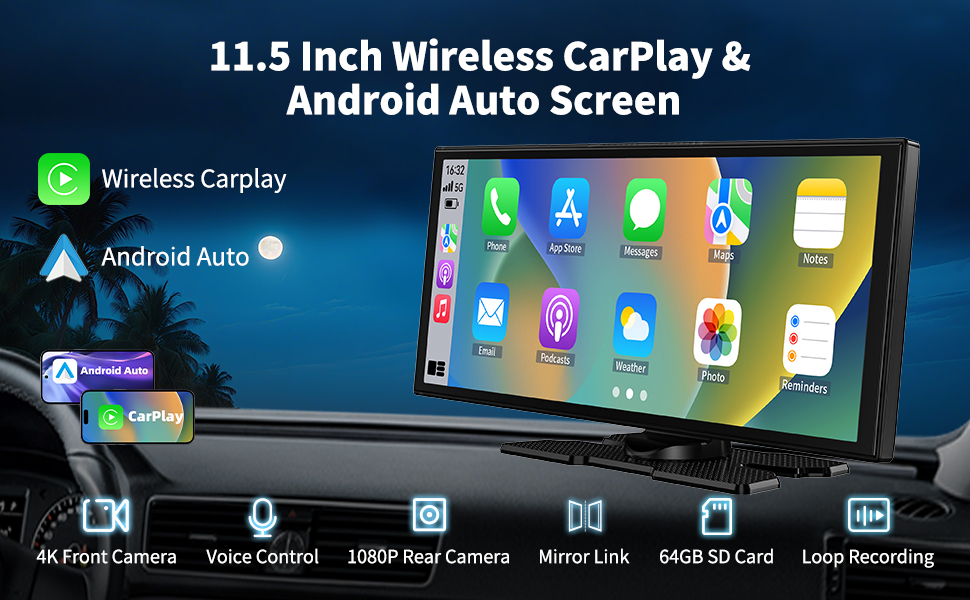
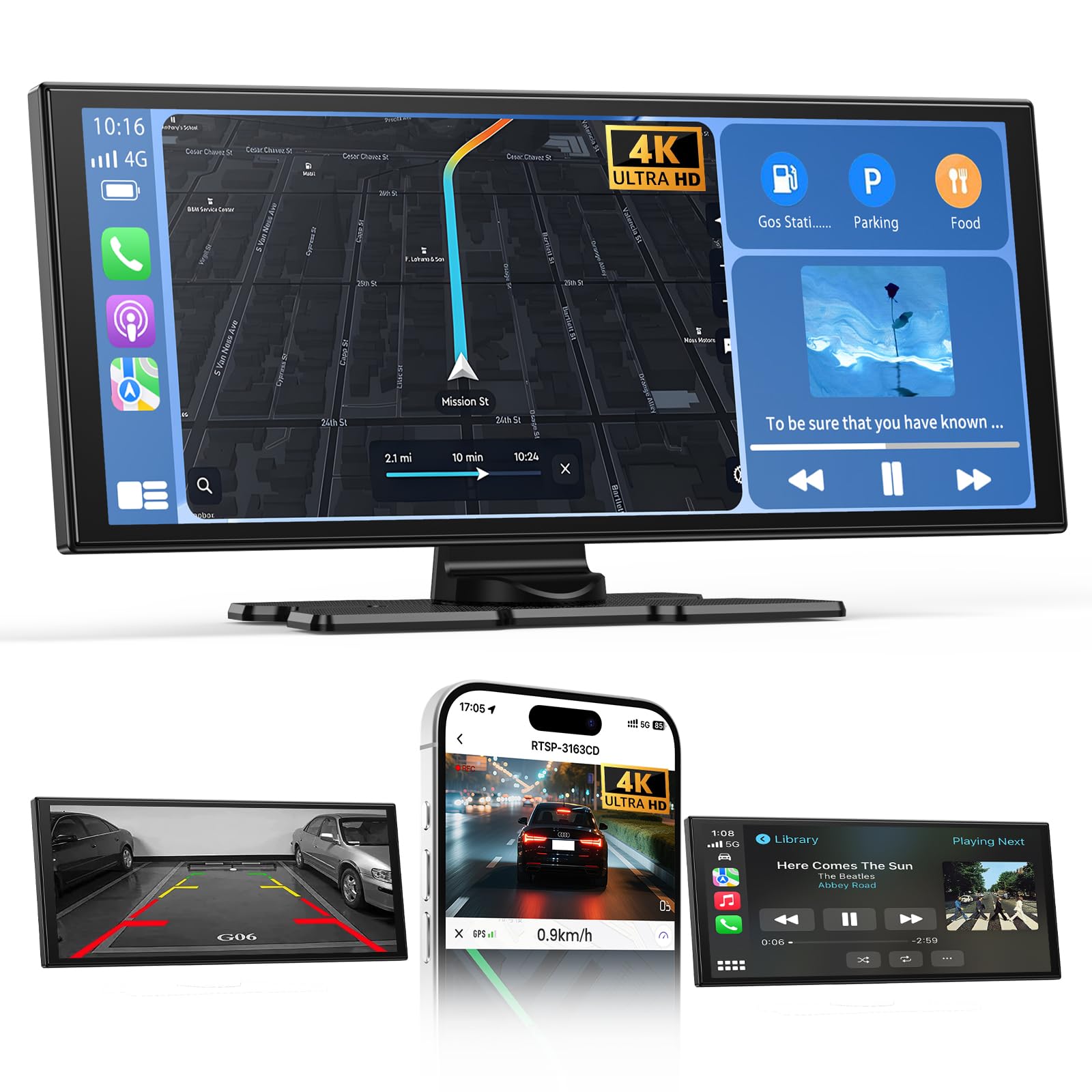
- 【Wireless Carplay & Android Auto】Our carplay screen for car not only supports Carplay wireless connection, but also supports Android Auto wireless connection. After connecting to Carplay or Android Auto via Bluetooth, we can use the mobile phone's map navigation, voice control, music playback, answering calls and other functions through car tablet, to provide us with a more comfortable, safer, and smarter driving experience
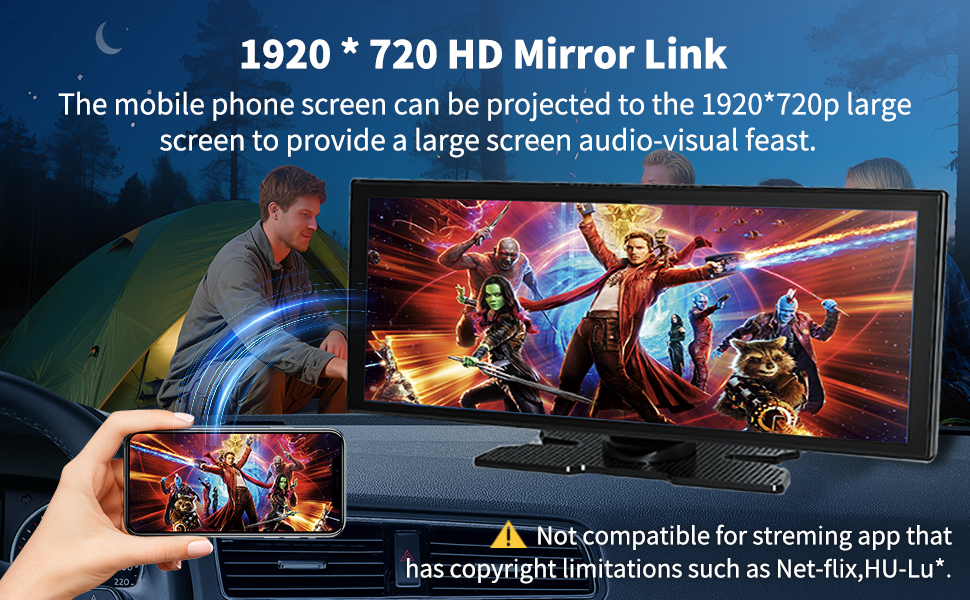
- 【11.5" IPS Touchscreen & Mirror Link】Android auto screen is an 11.5-inch IPS HD touch screen, which responds quickly, has no lag, and has 1920*720P HD picture quality. Connect to Airplay/Super Link through the WIFI of your Android or IOS mobile phone to achieve wireless mirroring and projection, and Enjoy the visual and auditory feast that the car tablet pro max 2026 brings to us
- 【4K Front & 1080P Rear Camera】Our car play screen adopts a 4K HD front camera and a 1080P IP65 protection rear camera, 140° front and 138° rear wide-angle shooting, no matter rain or night, it can provide clear recording. When the rear camera is properly installed, the carplay screen automatically switches to the reversing image when the car is in reversing gear, assisting in reversing and warehousing
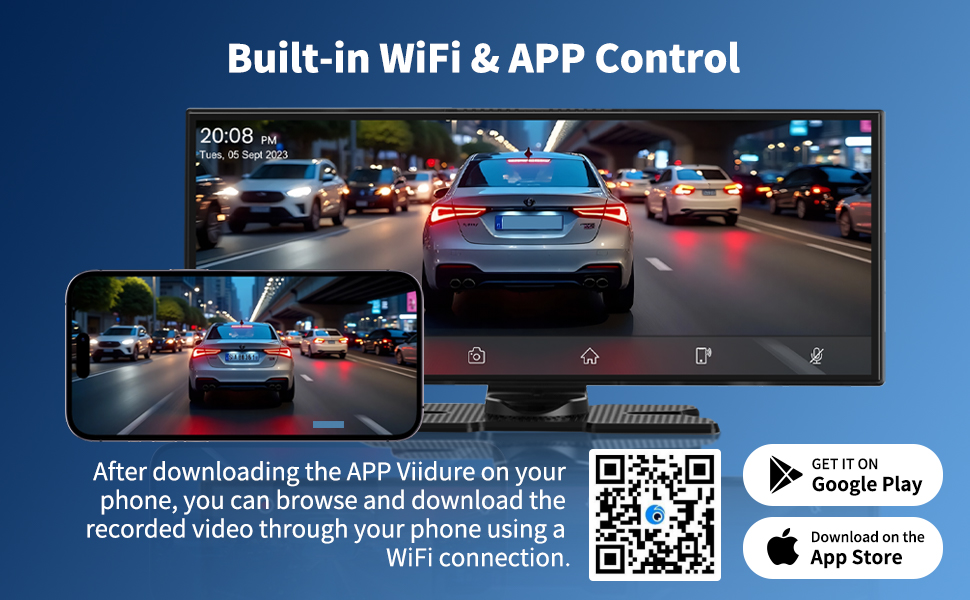
- 【APP View & Loop Recording】After scanning the QR code on your phone and downloading the APP, you can connect to the wireless android auto screen through your phone's WiFi, so that you can preview and play the video in the APP. Once the 64GB SD card is inserted, the wireless carplay screen starts looping videos and automatically overwrites the oldest videos, eliminating the need to manually clear the cache
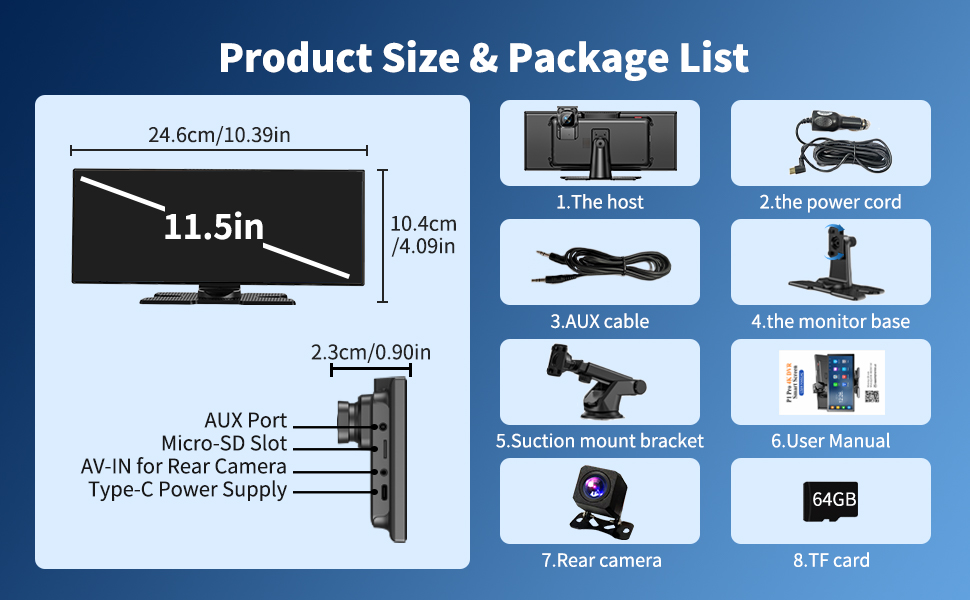
- 【4 Sound Transmission Modes & Plug and Play】The car tablet pro max supports Bluetooth, FM, AUX audio output mode, and the audio can be played directly through the stereo sound of the original car, or you can use the speakers that come with the device. The installation of the android auto carplay is very simple, no need for complex wiring, no need to disassemble the original car console, just use the power cord to connect the car cigarette lighter interface to use

| SKU: | B0GHRP8XP7 |
| Brand: | ZGJXYRT |
| Model: | P1 |
| Manufacture: | Veralady |
| Origin: | China |
Product Description