4K Visualiser for Teaching, USB Document Camera, PC Viewers
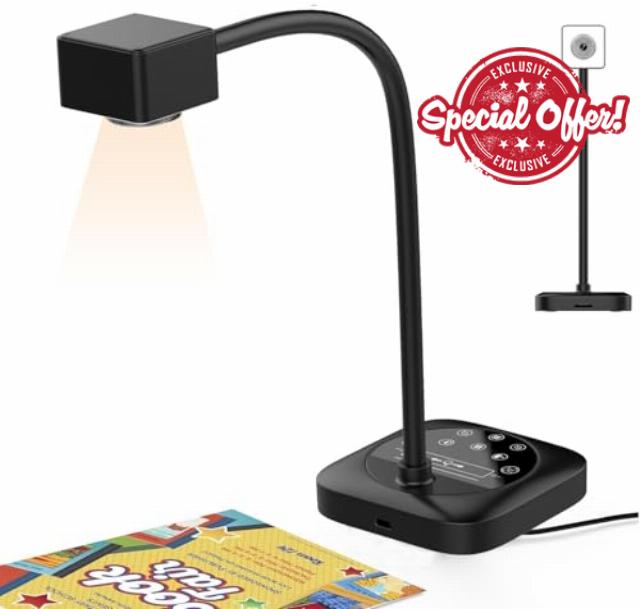
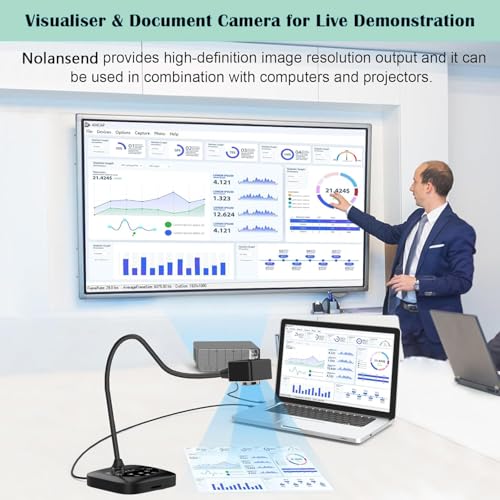
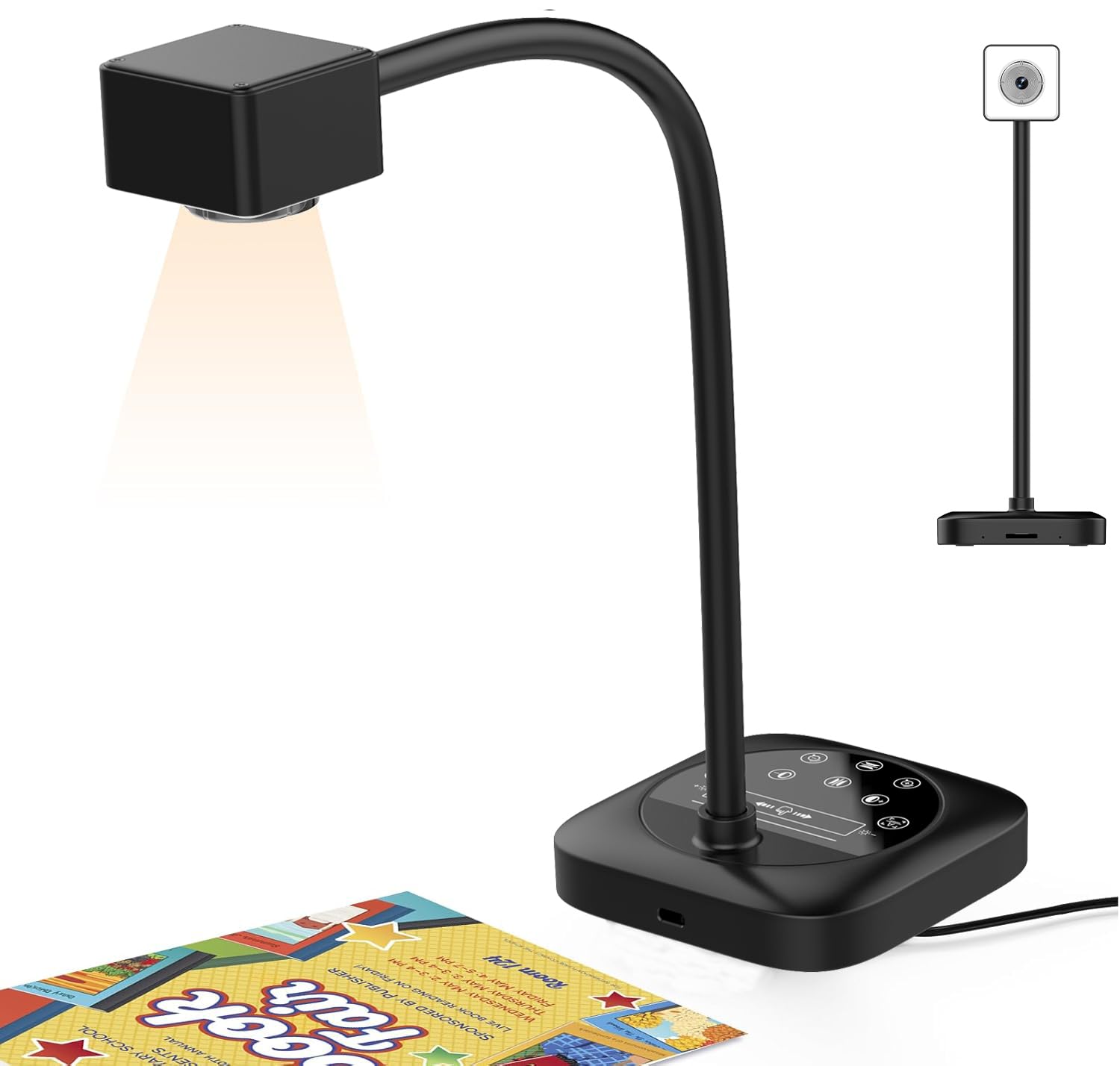
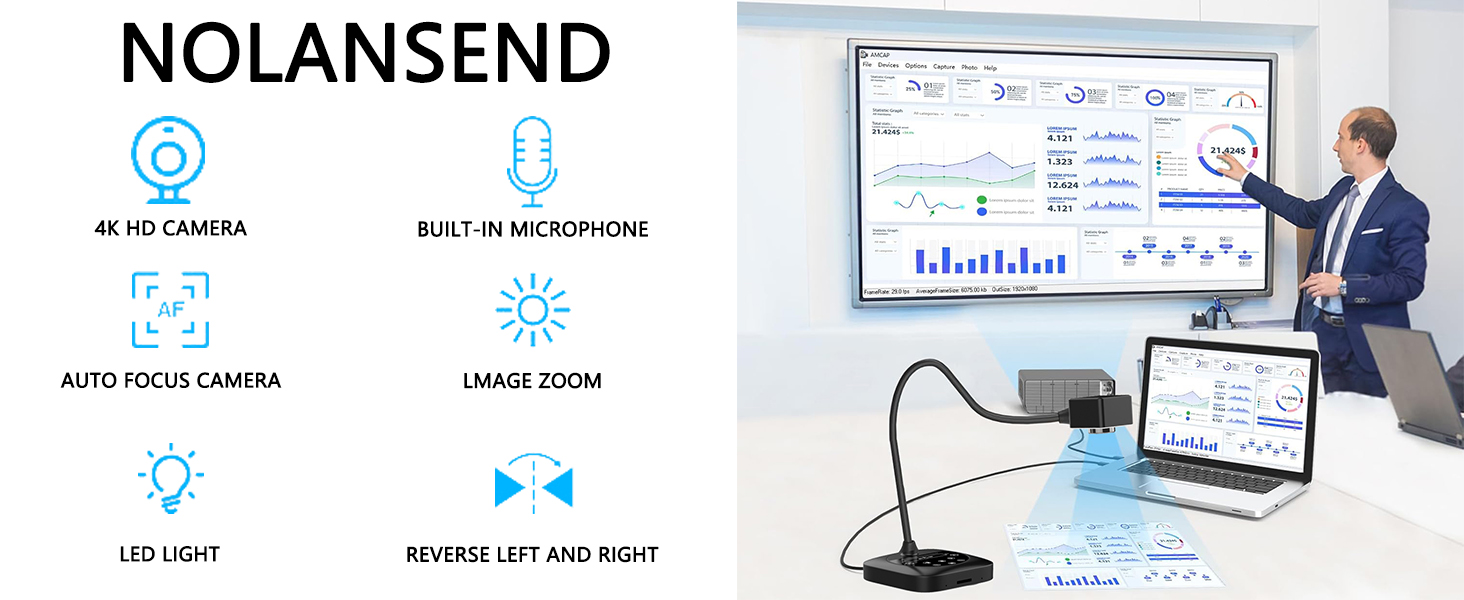
4K Visualiser for Teaching, USB Document Camera, PC Viewers for Classroom with LED Light, Auto Focus, Image Invert, Fold, for Classroom visualisation, Online Teaching, Learning Work
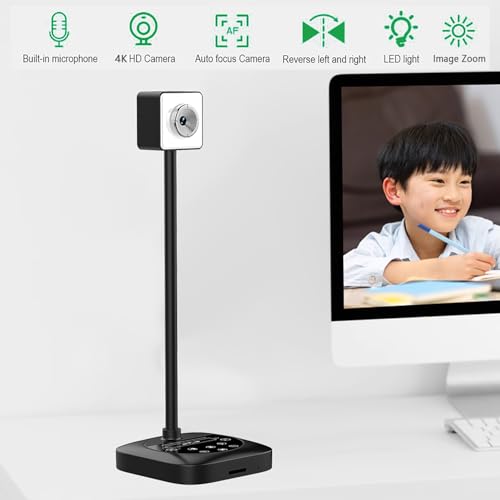
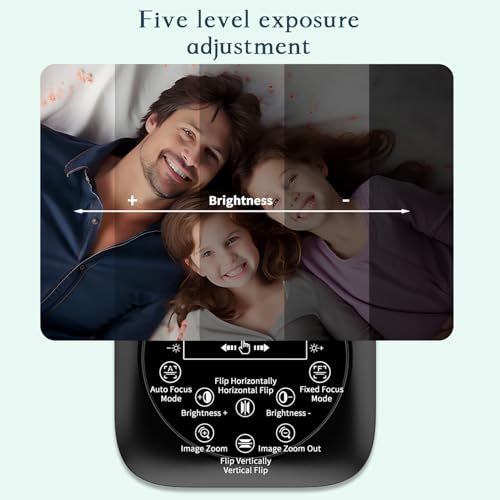
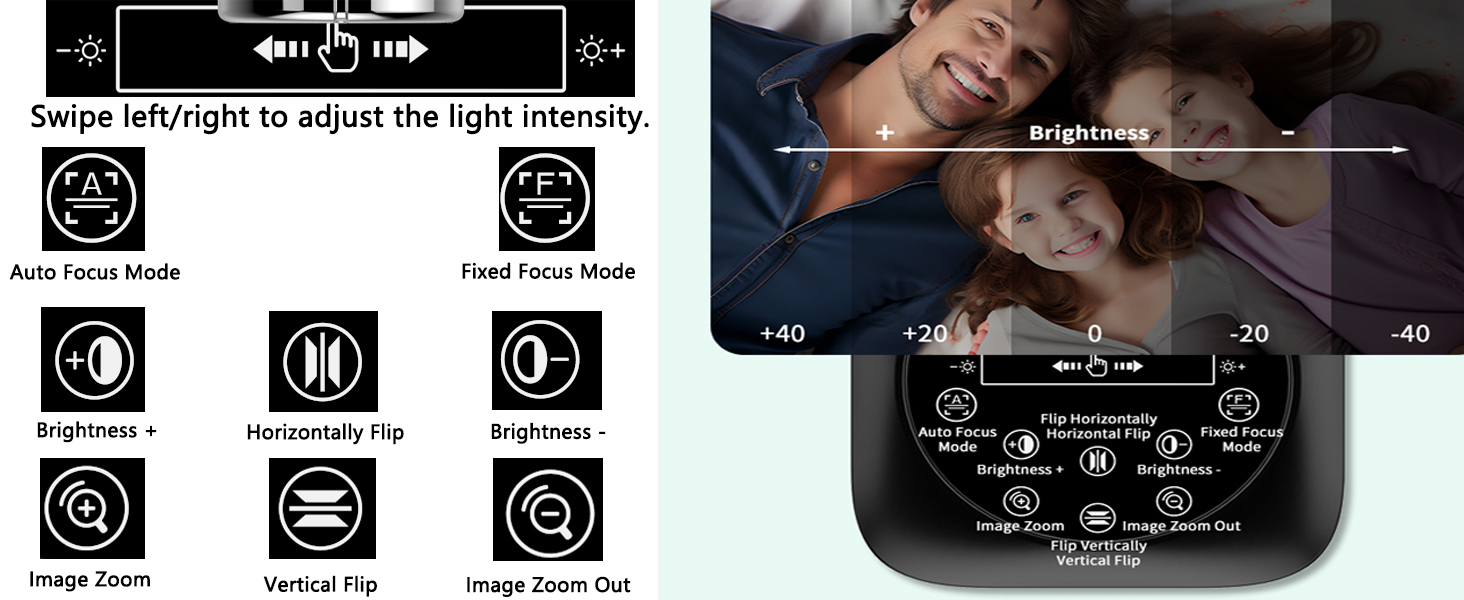
Common settings buttons are located at the bottom of the product
Swipe left/right to adjust three brightness levels
Auto focus/Manual focus
Brightness increase/decrease
Horizontal/Vertical flip
Image zoom function (Must be used at 1080p resolution.)
Nolansend Visualiser is only for use with desktops or laptops, and it cannot be used with iPads or mobile devices. the item doesn't come with an hdmi connection. Its universal systems compatibility is as follow:
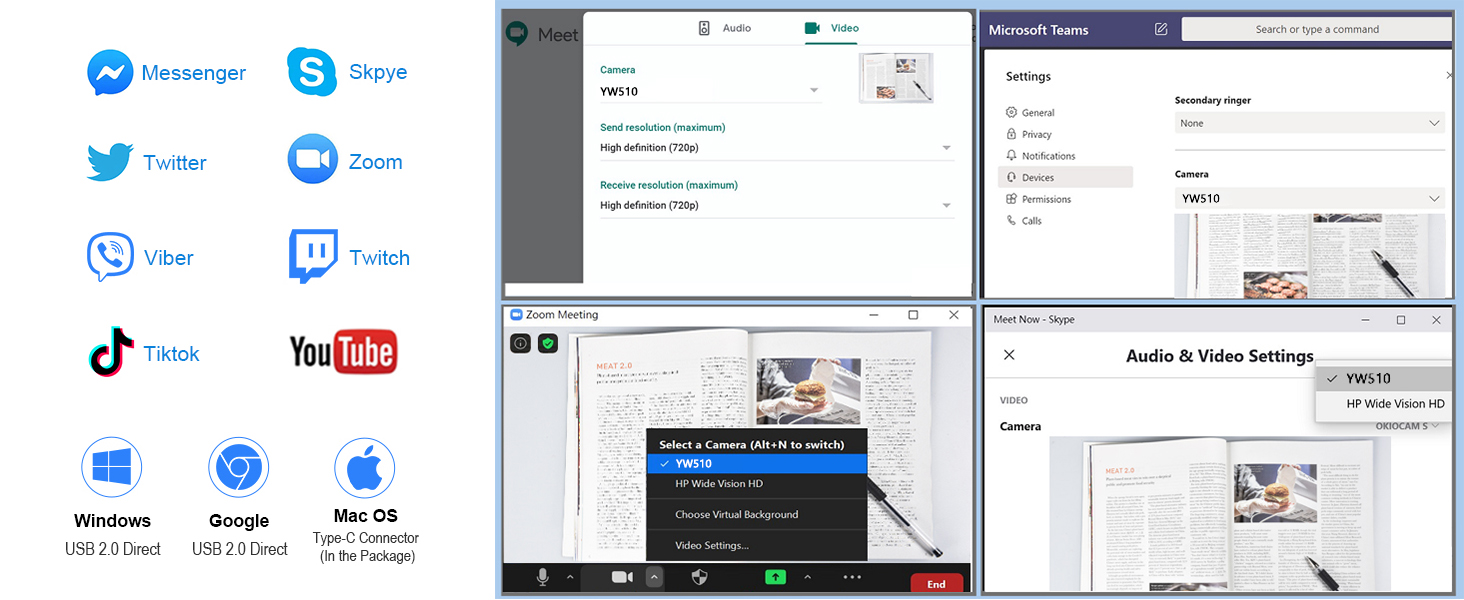
System supporting Windows PC, Macs,and Chromebooks
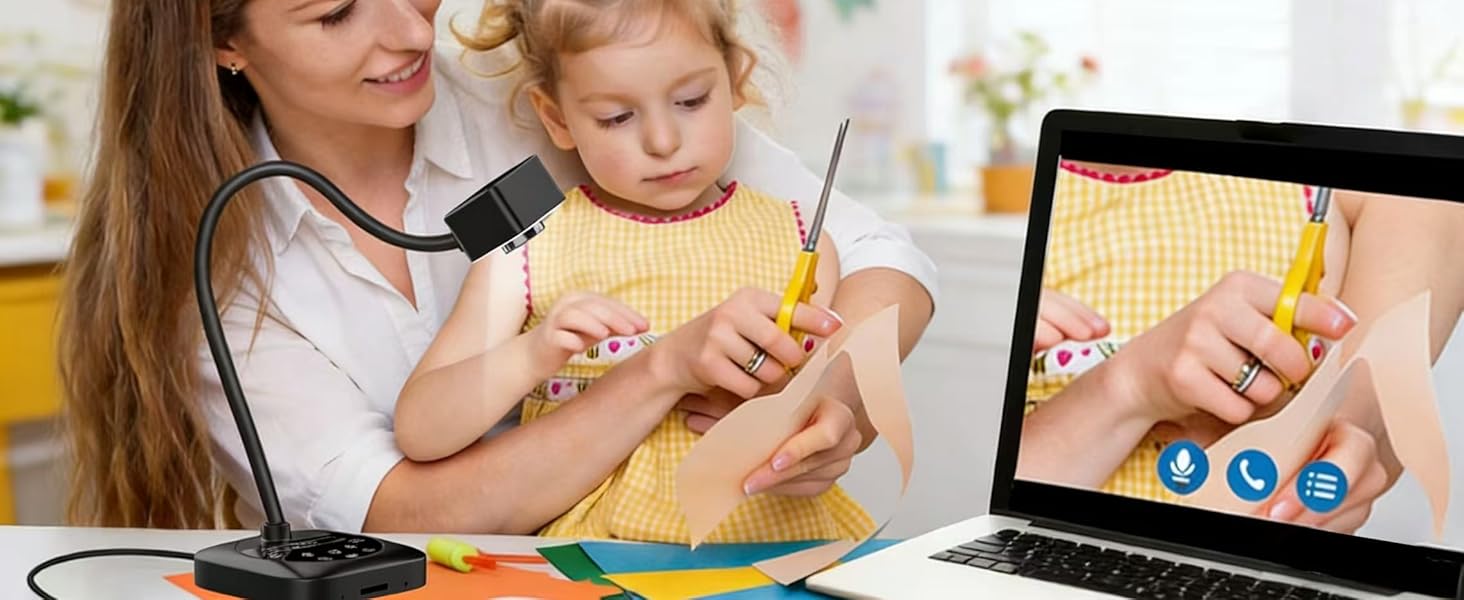
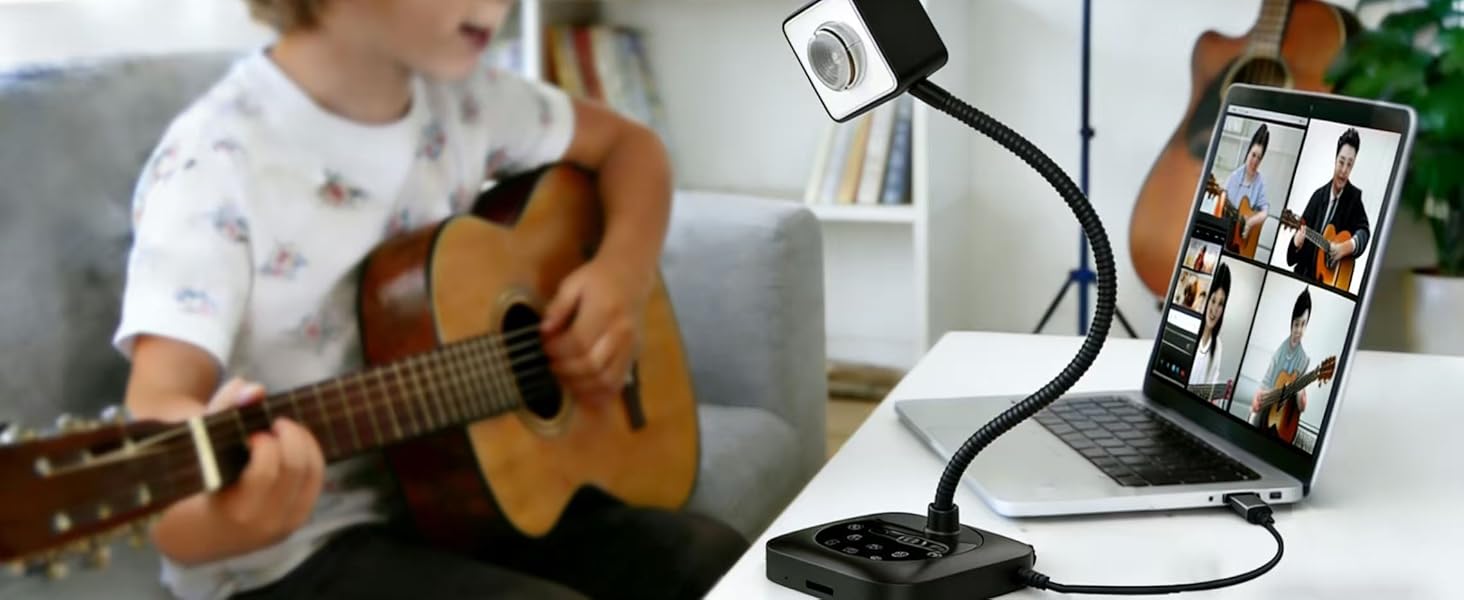
Compatible for E-Learning/Online Lesson App: Tiktok, Google Meet, Skype, Microsoft Teams, Zoom.
The document camera is compatible with Tiktok, Zoom, Skype, Google Meet, Microsoft Teams, FaceTime, etc. ! You can start a video conference with doc cam in 3 steps:
Step 1: Plug in the computer. It will be automatically detected. No need to install any drivers or other software.
Step 2: Launch the desired video sharing app.
Step 3: In the settings menu, change the camera source to "Stream Camera" and you can start using it.
Finally: Image resolution can be adjusted as you need.
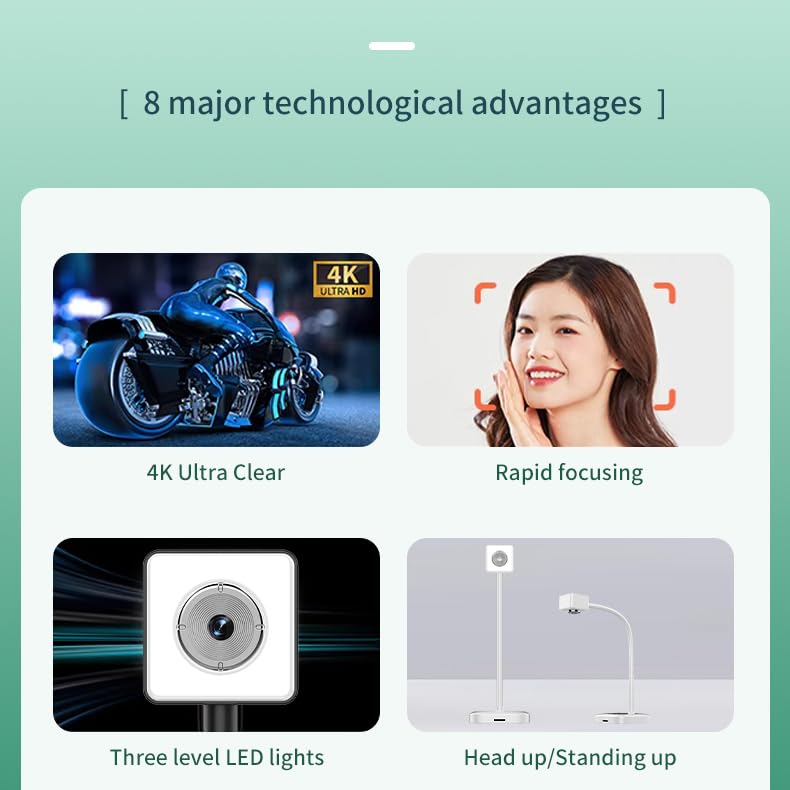
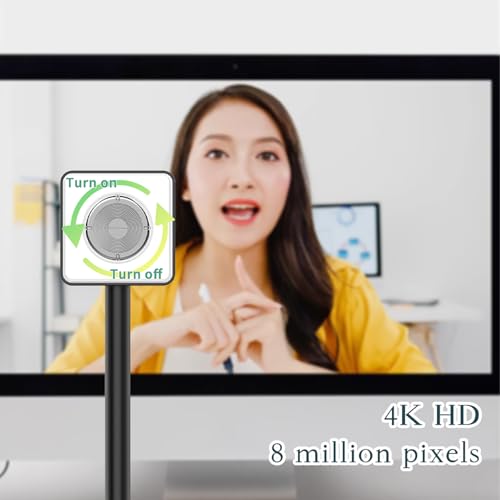
- Nolansend visualiser, USB document camera and PC webcam: Equipped with HD sensor, the highest resolution can reach 3840P. Its small size frees up valuable desk space, and its durable, multi-jointed design enables excellent image capture of any 2D and 3D object, Nolansend visualiser can not support zoom and HDMI function, also not support iPad, it can only connect to computer via USB 2.0 cable.
- Visualiser with left and right mirror function: Tailor-made document camera that best meets your requirements. Image inversion can be adjusted with buttons, and it supports the mirror function of freely adjusting the image during video chat or remote teaching. No need to worry about mirroring
- Visualiser for teaching with LED light : Adjust brightness by sliding the bottom slider., simple and convenient to use, can change the brightness according to the environment.
- Manual-focus document camera: It can adjust the focus more accurately to ensure the clarity of the picture. It features HD 3840P resolution with a refresh rate of up to 30 frames per second (fps), and our enhanced focus helps capture videos that are as accurate and true-to-life as possible
- Highly compatible, Important: Nolansend visualiser is not plug and play, you need to select in the system of your computer. The USB cable in the visualiser box, which can be directly work seamlessly with all mainstream webinar software applications (Zoom, Google Meet, etc.).If you have any problem with the item or the computer does not recognize the camera, please contact our friendly support team for a quick solution.

| SKU: | B0G4QSPMBP |
| Brand: | Nolansend |
| Model: | B0G4QSPMBP |
| Batteries Included: | No |
| Manufacture: | Nolansend |
| Origin: | China |
Product Description
Nolansend Visualiser is only for use with desktops or laptops, and it cannot be used with iPads or mobile devices. the item doesn't come with an hdmi connection. Its universal systems compatibility is as follow:
System supporting Windows PC, Macs,and Chromebooks
Compatible for E-Learning/Online Lesson App: Tiktok, Google Meet, Skype, Microsoft Teams, Zoom.
The document camera is compatible with Tiktok, Zoom, Skype, Google Meet, Microsoft Teams, FaceTime, etc. ! You can start a video conference with doc cam in 3 steps:
Step 1: Plug in the computer. It will be automatically detected. No need to install any drivers or other software.
Step 2: Launch the desired video sharing app.
Step 3: In the settings menu, change the camera source to “Stream Camera” and you can start using it.
Finally: Image resolution can be adjusted as you need.