AURSINC Mini MMDVM Duplex Hotspot Board with Antenna, UHF
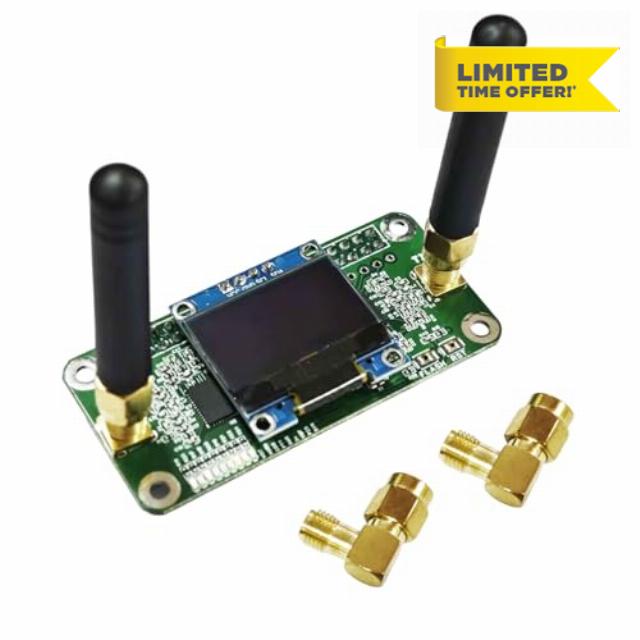
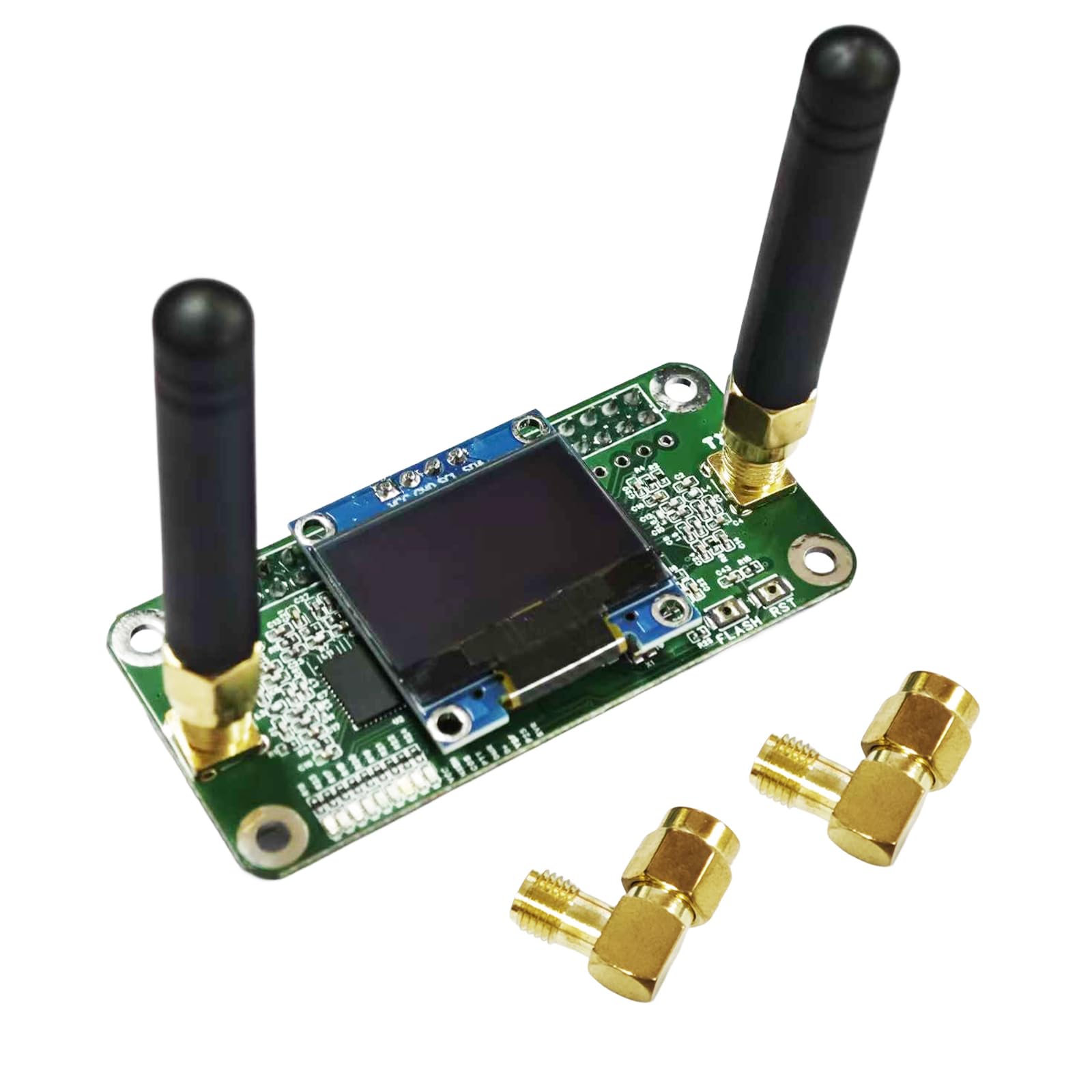
AURSINC Mini MMDVM Duplex Hotspot Board with Antenna, UHF (433-900MHz) VHF (144-146MHz) Dual Band, Supports P25 DMR YSF DSTAR NXDN POCSAG, Compatible with Raspberry Pi-Zero W/3/3B/3B+/4 (with OLED)
MMDVM Dual-Band Hat for Raspberry Pi: High-Performance Amateur Radio Module
Designed for amateur radio enthusiasts and hobbyists, this MMDVM duplex module delivers versatile functionality with wide compatibility, easy setup, and reliable performance—perfect for building your own digital radio system. It supports DMR, P-25, and D-Star protocols plus seamless system integration, working flawlessly with all Raspberry Pi models (Pi 1, 2/2b, 3/3b/3b+, 4/4b, Pi Zero, Pi Zero 2W) to fit your existing setup. Powered by a 32-bit ARM processor, it offers RF power up to 10mW and has undergone comprehensive testing to ensure stable operation, making it ideal for both beginners and experienced users.
Assembly is a breeze: the module comes with pre-loaded firmware that can be easily upgraded via software, and onboard LED indicators clearly show real-time device status (Transmit Tx, Receive Rx, Push-To-Talk PTT, operating mode) for quick monitoring. You can also choose between Duplex Mode and Simple Mode via Pi-star control, adapting to different usage needs.
In terms of frequency coverage, it supports the UHF band (433-900MHz) and VHF band (144-146MHz)—including 144-148, 219-225, 420-475 main frequency bands, and 842-950 band—with the 430-440MHz range being optimal for amateur radio use (note: TX (Transmit) = 0, RX (Receive) = 0). For continuous screen display in Pi-Star settings, simply select “OLED Type 3” in the “Display Type” field at the top of the page and set the port to “Modem.”
Setting up the module is straightforward too: modify the modem type (supports any model ending with GPIO) and select “STM32-DVM/MMDVM_HS-Raspberry Pi Hat (GPIO)” as the Radio/Modem Type. To keep the screen on when idle, enter the “Expert” section, find “MMDVM Host,” scroll to the “OLED section,” and set LogoScreensaver to “1”—no more blank screens during use. Updating firmware is equally simple: press and hold the BOOT button to power on (or hold BOOT at any time, briefly press RST, then release) until the SVC light turns off to enter upgrade mode. Use the path “pi-star / Expert / SSH Access” (Username: pi-star, Password: radpberry) and run the command “sudo pistar-mmdvmhshatflash hs_dual_hat” in the Pi-star terminal—no jumper settings required.
Whether you’re building a digital radio gateway, experimenting with amateur radio protocols, or expanding your Raspberry Pi project, this MMDVM module combines flexibility, performance, and ease of use to elevate your radio experience.
- [Wide Compatibility] Supports DMR, P-25, D-Star protocols and system integration. High-performance configuration: Equipped with a 32-bit ARM processor, with RF power up to 10mW, and the product has undergone comprehensive testing. Compatible with all Raspberry Pi models, including Pi 1, 2/2b, 3/3b/3b+, 4/4b, Pi Zero, and Pi Zero 2W
- [Easy to Assemble] Firmware is pre-loaded and can be easily upgraded via software. Onboard LED indicators display real-time device status (Transmit Tx, Receive Rx, Push-To-Talk PTT, operating mode). Supports Pi-star control mode selection: Duplex Mode / Simple Mode
- [Frequency Range] Supports UHF band 433-900MHz and VHF band 144-146MHz (including 144-148, 219-225, 420-475 main frequency bands, and 842-950 band). Best suited for amateur bands: 430-440MHz. Note: TX (Transmit) = 0, RX (Receive) = 0. To keep the screen on continuously in Pi-Star settings, ensure "OLED Type 3" is selected in the "Display Type" field at the top of the page, and set the port to: Modem
- [Setup Instructions] The modem type can be modified (supports any model ending with GPIO). Select Radio/Modem Type as: STM32-DVM/MMDVM_HS-Raspberry Pi Hat (GPIO). Enter the "Expert" section, find "MMDVM Host", and scroll down to the "OLED section". Set LogoScreensaver to "1" to keep the screen on at all times; otherwise, the screen will go blank when idle
- [Updating New Firmware (FW)] Upgrade operation: Press and hold the BOOT button to power on, or press and hold the BOOT button at any time, then briefly press the RST button and release it. When the SVC light is off, it enters upgrade mode (operation path: pi-star / Expert / SSH Access / Username: pi-star Password: radpberry). No need to set jumpers; you can directly execute the upgrade command (enter in the Pi-star terminal): sudo pistar-mmdvmhshatflash hs_dual_hat
| SKU: | B0GJSC7YJ2 |
| Brand: | AURSINC |
| Manufacture: | AURSINC |
| Origin: | China |