AV Access 8K KVM Switch 3 Monitors 2 Computers, Laptop +
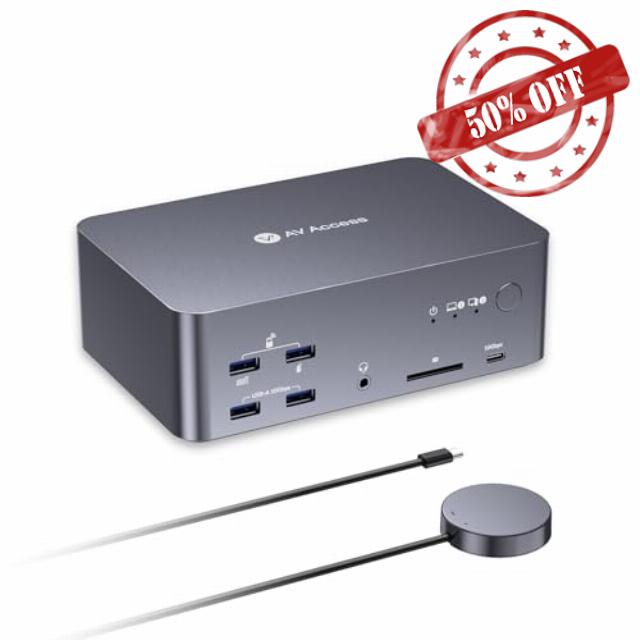
AV Access 8K KVM Switch 3 Monitors 2 Computers, Laptop + Desktop KVM Docking Station, 100W PD, GbE, 2xUSB 3.2 10Gbps USB C Hub, SD Reader & Remote Switcher for HP, Dell, Chromebook, PC, and More
Can I use iDock B23 with two monitors?
Yes, you can just connect to two monitors. Just be careful how input ports and output ports work in pairs (eg, HDMI IN A with HDMI OUT A). If you are using one laptop, one desktop and two monitors, iDock C10 or iDock B10 is better for you.
Does iDock B23 work well for gamers?
Yes, iDock B23 is designed for gamers. There is no latency caused by the KVM switch and it supports up to 8K@60hz, 4K@165hz resolutions. With three monitors, you can multitask more easily – chat with groups, search for tips while you are playing.
Can I use a MacBook with iDock B23?
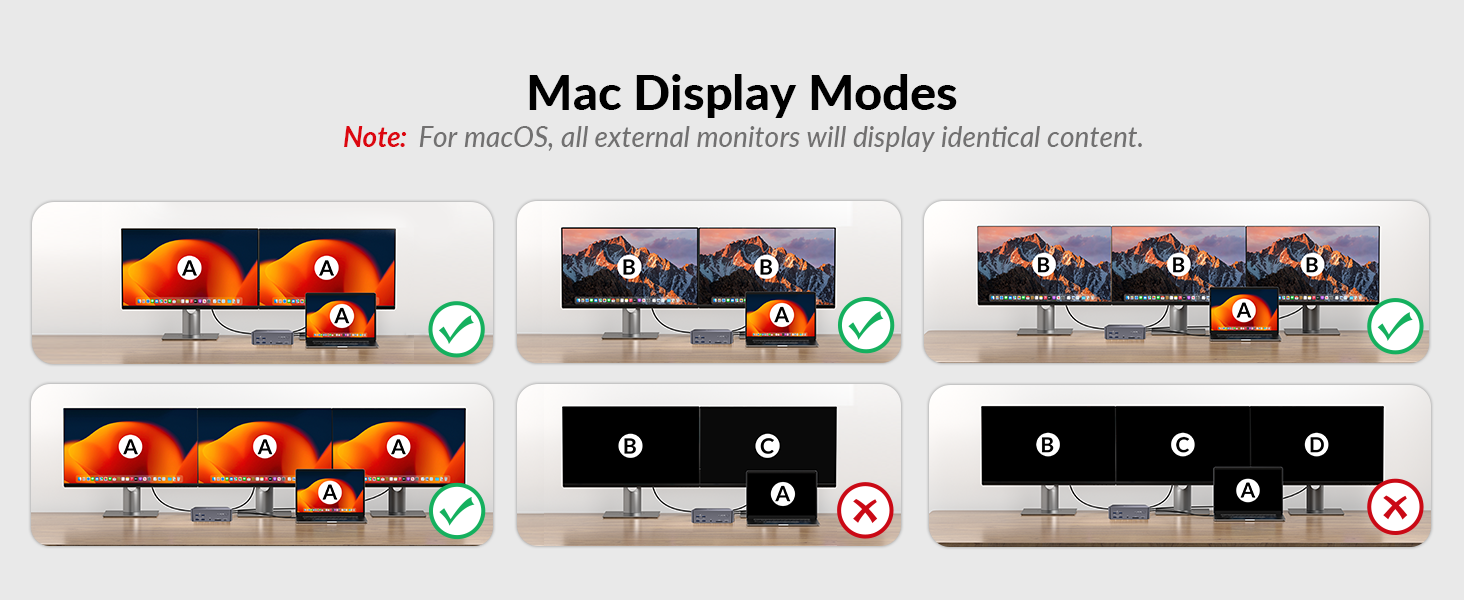
Not really. If you connect to a Mac device, you will get three duplicate screens.
Does the iDock B23 support G-Sync, FreeSync, and VRR?
Yes, the iDock B23 supports G-Sync, FreeSync, and VRR.
Does iDock B23 support ultra-wide screens?
Yes. iDock B23 supports ultra-wide resolutions such as 3840*1440@240Hz/120Hz, 3840*1080@240Hz/120Hz, 3440*1440@240Hz/120Hz.
AV Access KVM Switch with Docking Station
| Add To Basket Add To Basket Add To Basket Add To Basket Add To Basket Add To Basket Add To Basket | |||||||
| Customer Reviews | 4.0 out of 5 stars20 | 4.0 out of 5 stars412 | 4.3 out of 5 stars21 | 4.2 out of 5 stars46 | 4.1 out of 5 stars86 | 4.2 out of 5 stars61 | 4.0 out of 5 stars412 |
| Price | £289.99£289.99 | £279.99£279.99 | £212.49£212.49 | £189.99£189.99 | £239.99£239.99 | £234.59£234.59 | £229.99£229.99 |
| Computers | 1 Laptop + 1 Desktop | 2 Laptops | 1 Laptop + 1 Desktop | 1 Laptop + 1 Desktop | 1 Laptop + 1 Desktop | 1 MacBook + 1 Desktop | 2 Desktop (NOT for laptop) |
| Monitors | Triple Monitor | Dual Monitor | Dual Monitor | Dual Monitor | Dual Monitor | Dual Monitor | Triple Monitor |
| Video Interface | Type-C, DP, HDMI | Type-C, HDMI | Type-C, DP, HDMI | Type-C, DP, HDMI | Type-C, DP, HDMI | Type-C, DP, HDMI | DP |
| Control | Panel Button/Remote Button | Panel Button/Remote Button | Panel Button | Panel Button/Remote Button | Panel Button/Remote Controller | Panel Button/Remote Controller | Panel Button/Hotkey |
| Remote Switch Button | √(included) | √(not included) | × | √(included) | √(included) | √(included) | √(not included) |
| Video Resolution | 8K@30Hz 4K@60Hz | 4K@60Hz 2K@144Hz 1080P@240Hz | 4K@60Hz 2K@144Hz 1080P@240Hz | 4K@60Hz 3440×1440@60Hz | 8K@60Hz, 4K@165Hz | 4K@60Hz 2K@144Hz 1080P@240Hz | 8K@60Hz 4K@165Hz 1080P@144Hz |
| Power Delivery | √ | √ | √ | √ | √ | √ | × |
| EDID Emulation | × | √ | √ | √ | × | √ | × |
| Ethernet Connection | √ (for Laptop and Desktop) | √ | √ (Laptop only) | √ (Laptop only) | √ (for Laptop and Desktop) | √ (for Mac and Desktop) | √ |
| USB Peripherals | 1*USB-C3.2, 3*USB3.0, 2*USB3.2 | 1*USB-C 3.0,4*USB 2.0,2*USB3.0 | 1*USB-C3.0,2*USB2.0,3*USB3.0 | 1*USB-C3.0,2*USB2.0,2*USB3.0 | 1*USB-C3.2,2*USB 3.0,3*USB 3.2 | 1*USB-C3.2, 2*USB3.0, 2*USB3.2 | 1*USB1.1,1*USB2.0,4*USB3.0 |
| SD Card | √ | √ | × | √ | √ | √ | √ |
| Cables included | 1*USB B-A,2*DP,1*HDMI,1* USB-C | 2*USB-C | 1*USB B-A,1*DP,1*HDMI,1* USB-C | USB-A to C, USB-C | USB-A,USB-C 3.2,HDMI 2.1,DP1.4 | USB-A to C,Dual-USB-C ,HDMI,DP | 2*USB B-A,6*DP |
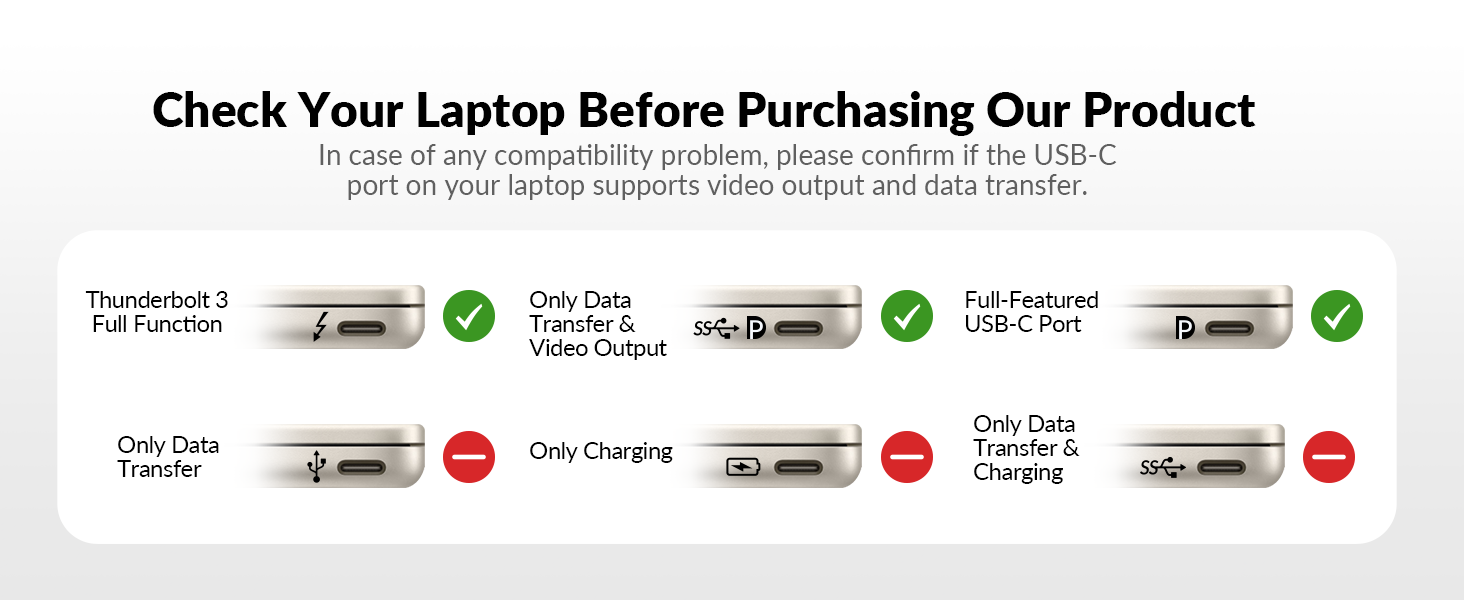
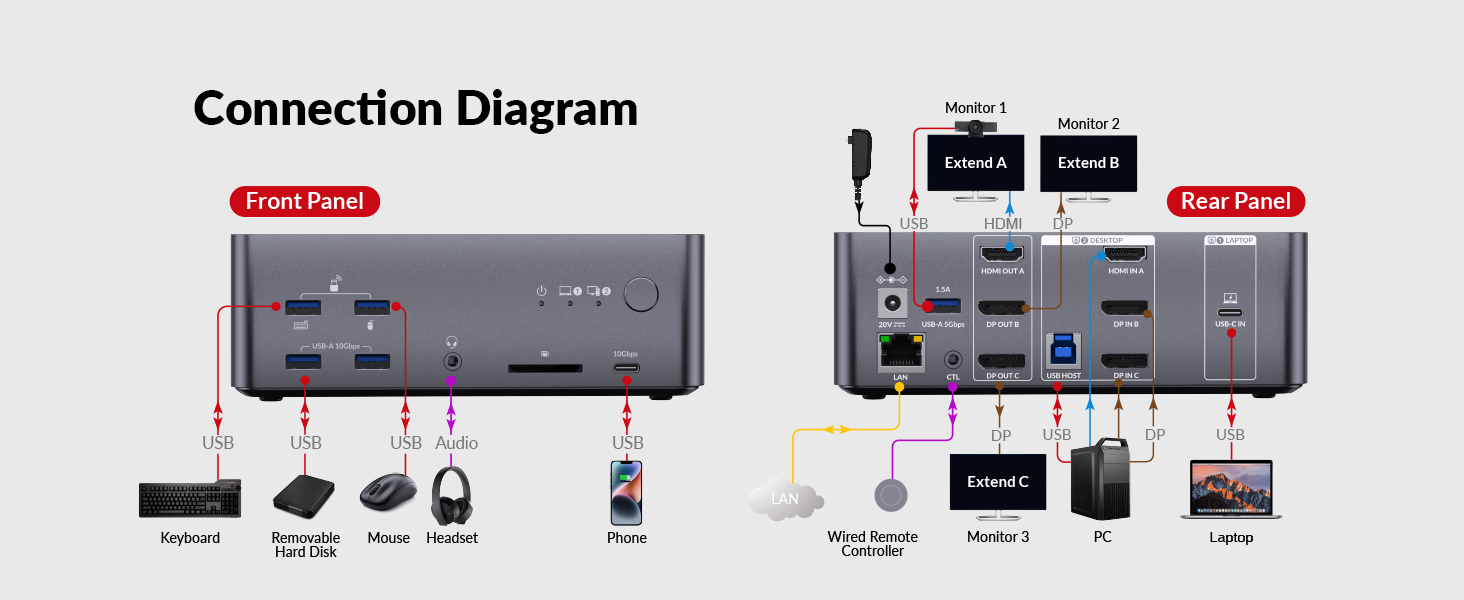
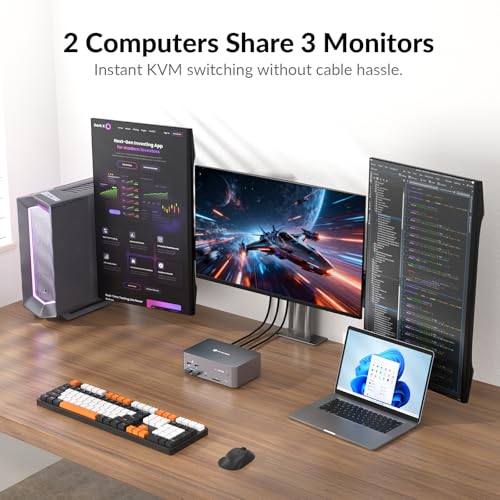
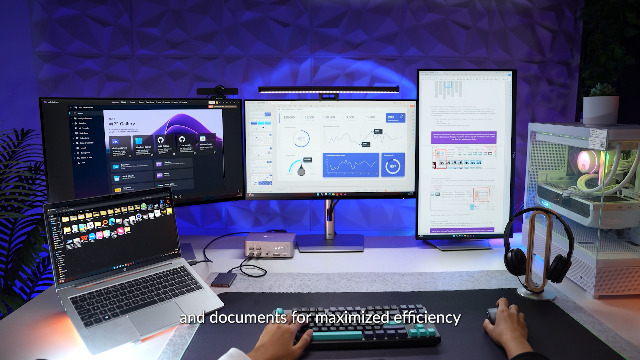
- 【2 Computers, 1 Dock – Total Control】: Connect your USB C laptop and desktop PC (via USB-B + HDMI + 2 DisplayPorts, all required) to a single dock. Control both with one keyboard, mouse, and up to three monitors—no re-plugging or extra cables. Perfect for hybrid offices and dual-PC setups.
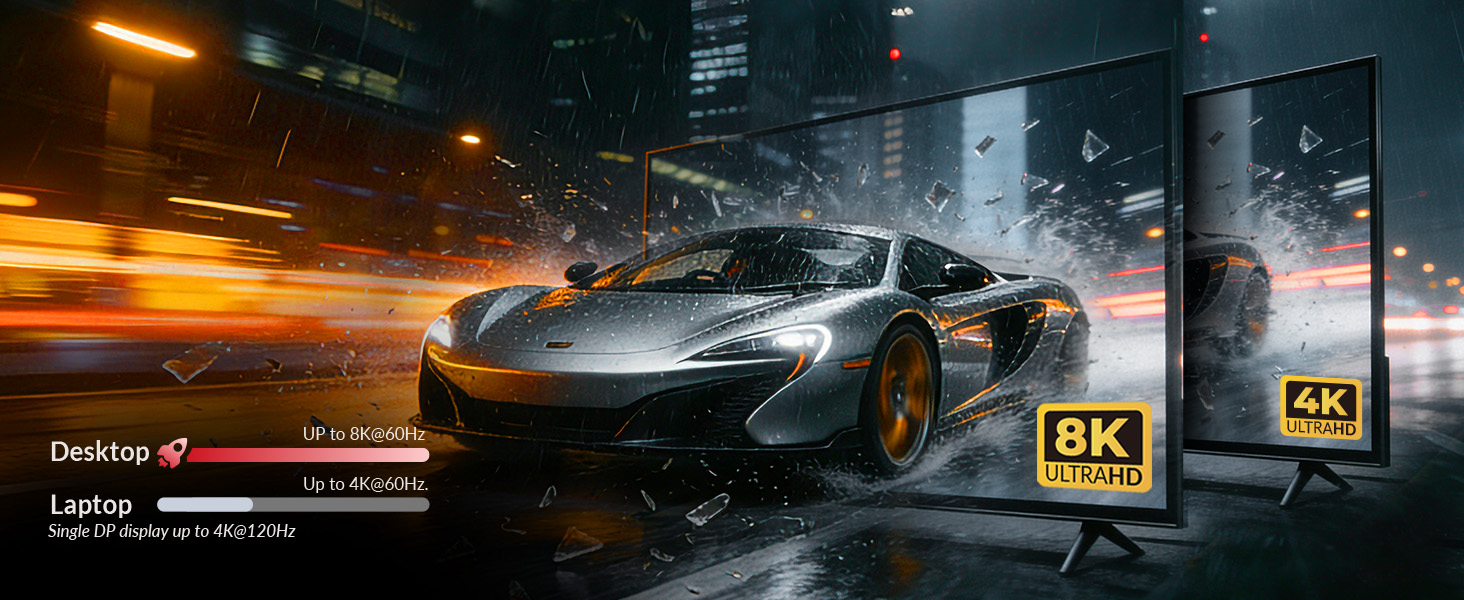
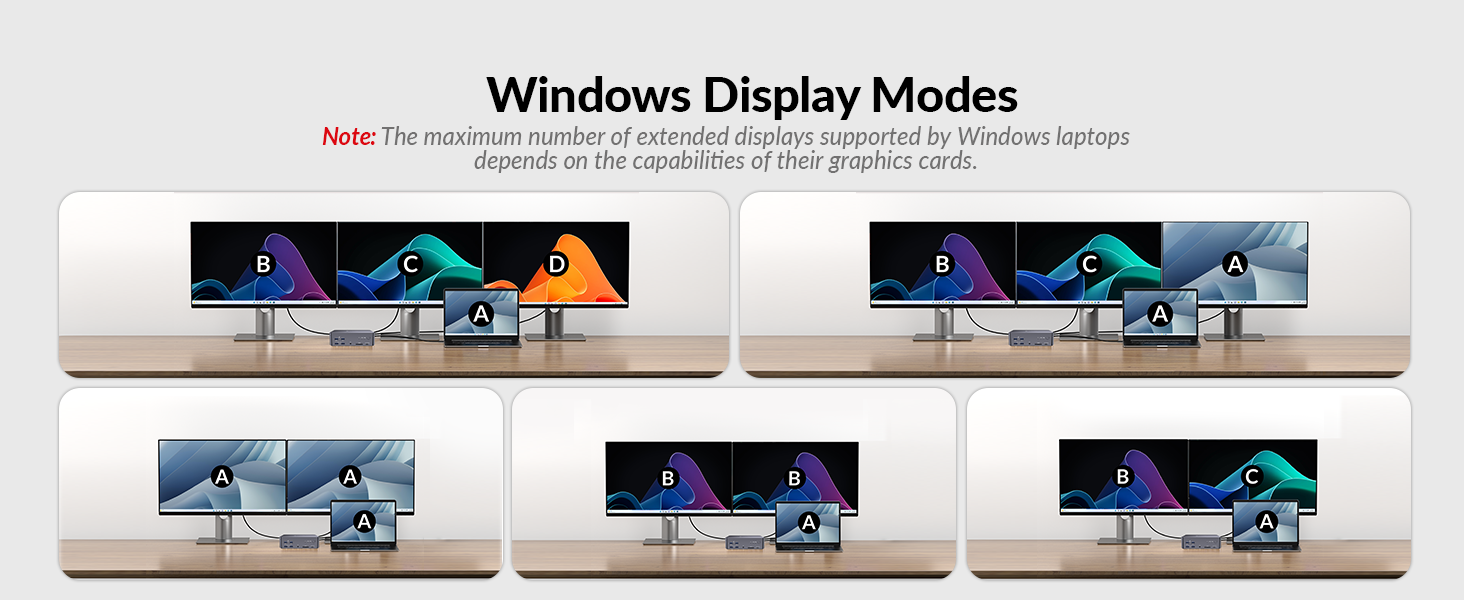
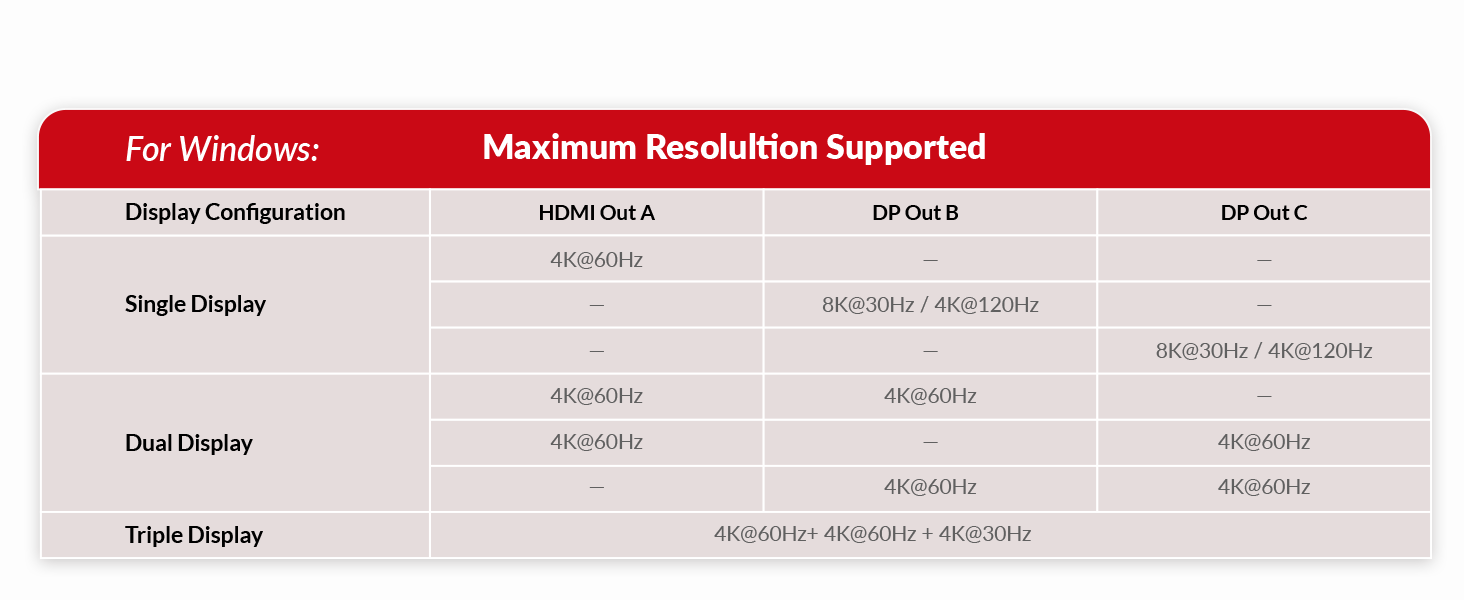
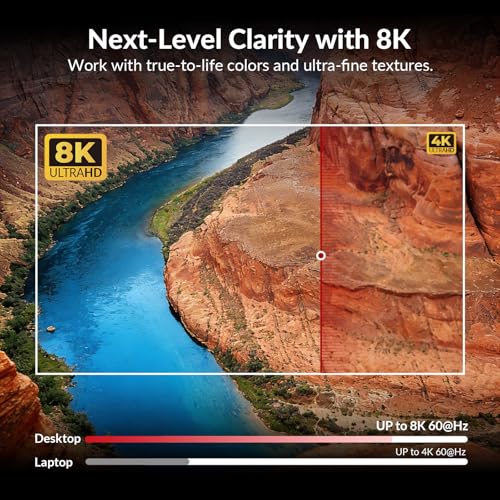
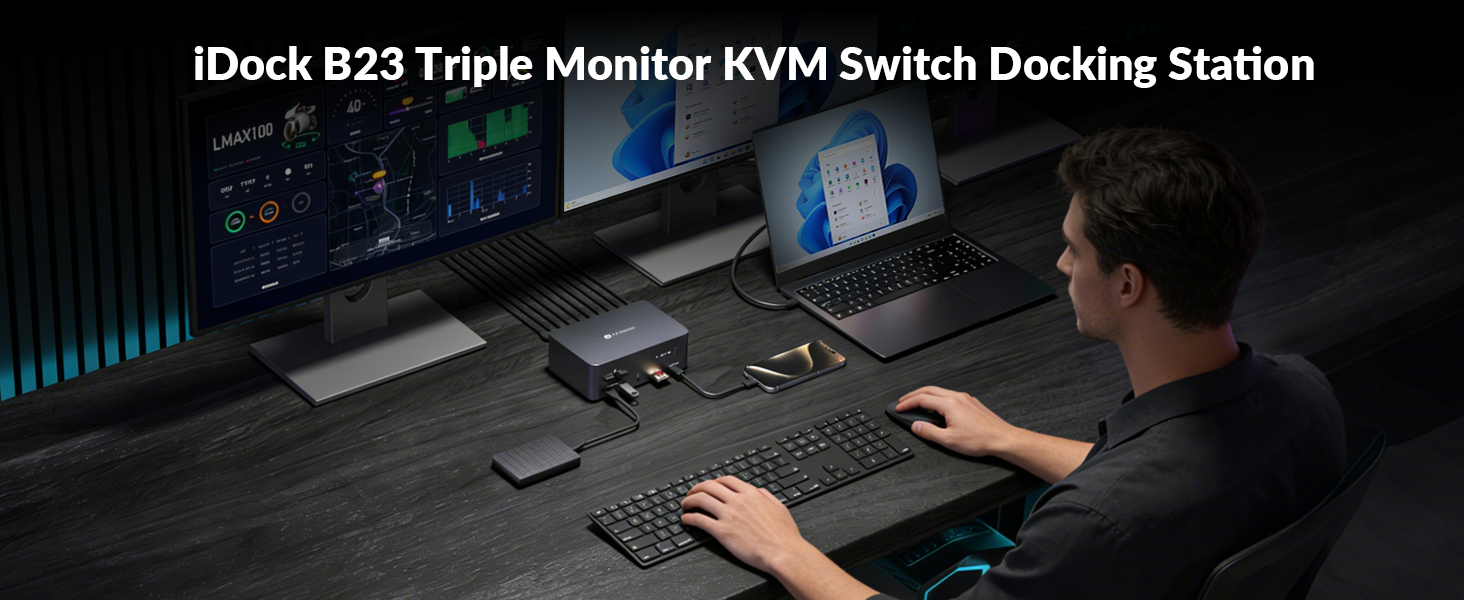
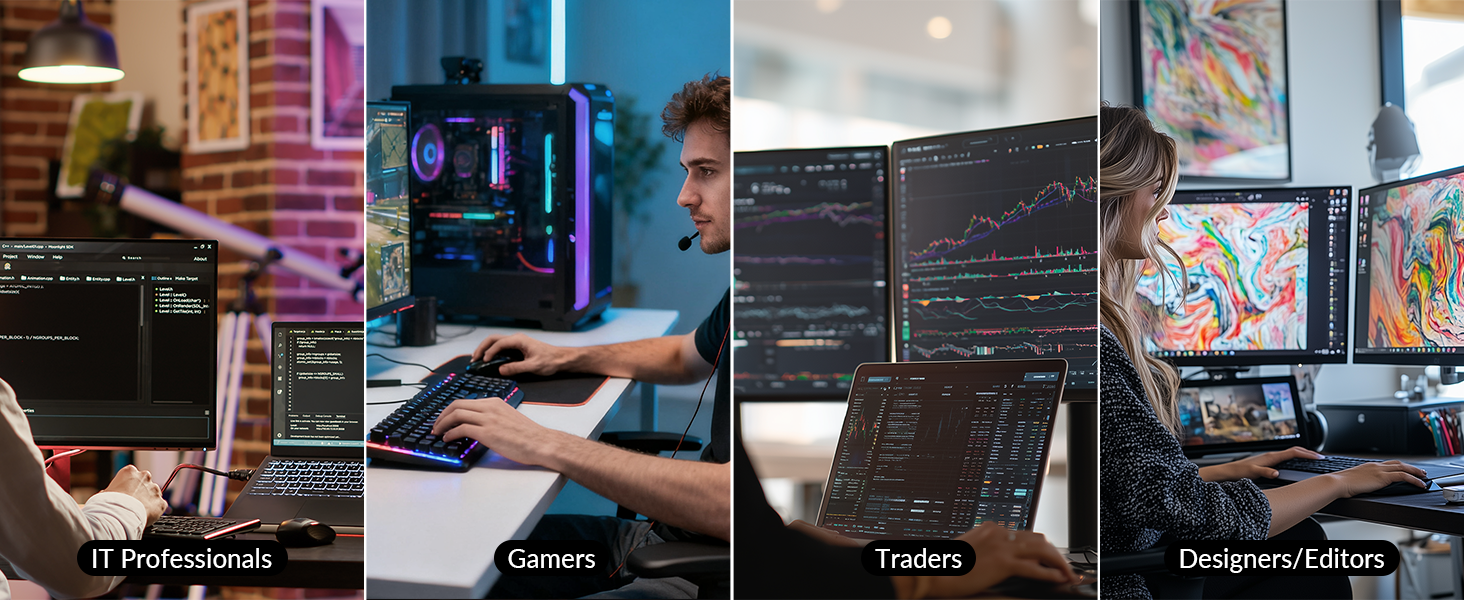
- 【KVM Switch 3 Monitors 8K Output】: Supports up to three external displays through 2 DisplayPorts and 1 HDMI output, delivering up to 8K@30 Hz or 4K@120 Hz quality. Ideal for designers, coders, and traders who need crisp, immersive visuals and fluid multi-display performance.
- 【 Display Performance Note】: When only the USB C laptop input is connected (no desktop), the dock outputs up to 4K@120Hz or 8K@30Hz via DisplayPort, or 4K@60Hz via HDMI. When both laptop and desktop are connected to all 3 monitors, output supports Dual 4K@60Hz + 4K@30Hz simultaneously.
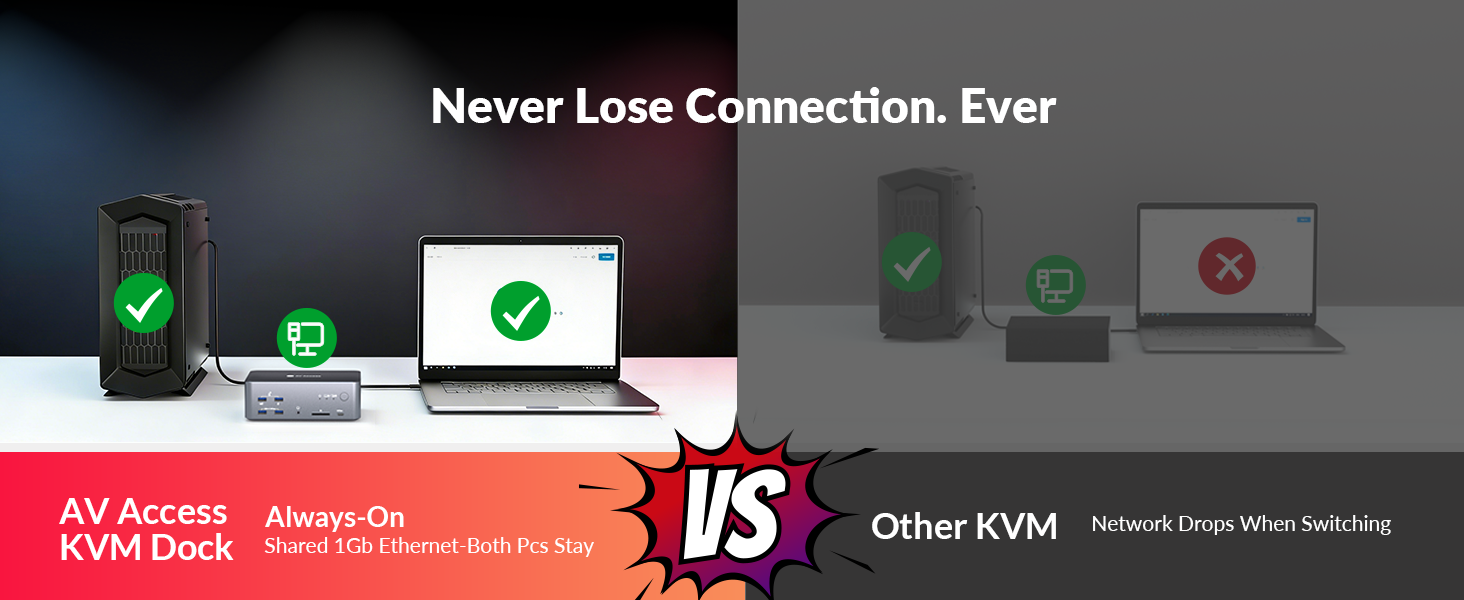
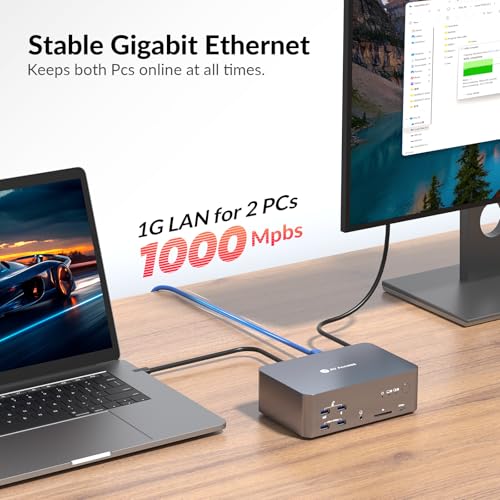
- 【 Always-On 1 Gb Ethernet Connection】: Stay connected on both computers at all times. The shared 1 Gigabit LAN port remains active even when switching control—so the other PC can keep downloading, syncing cloud files, or updating without interrupting your work.
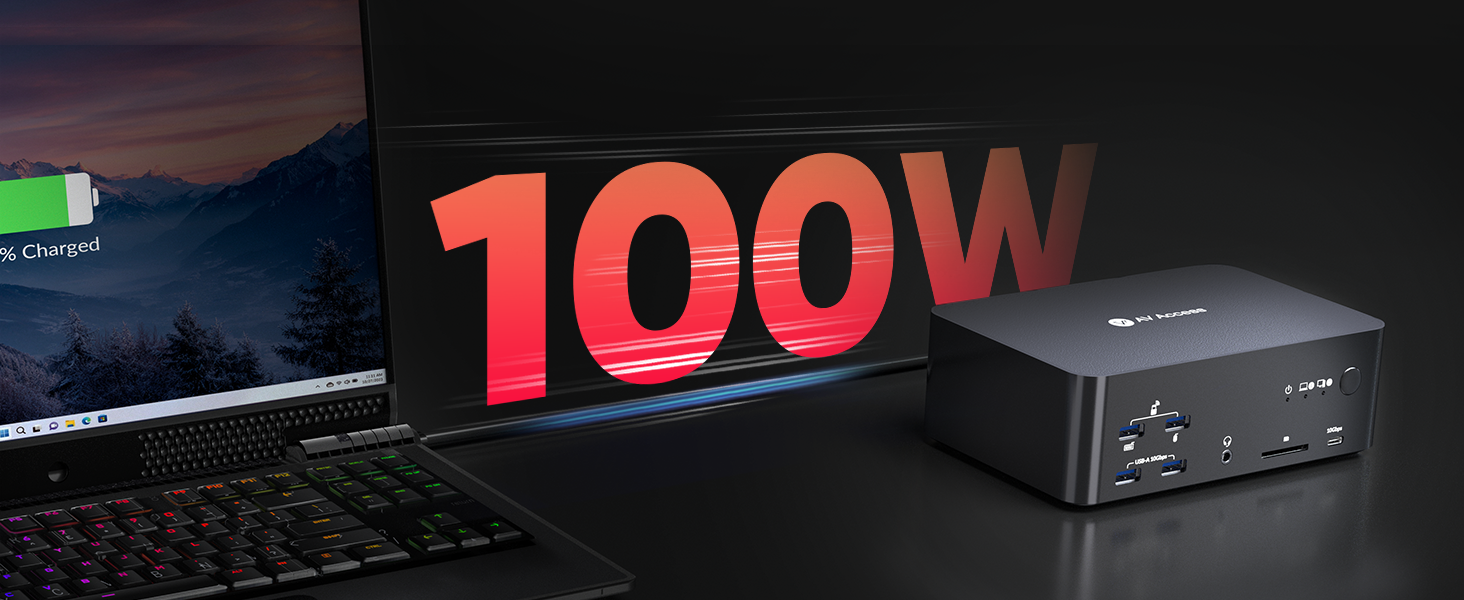
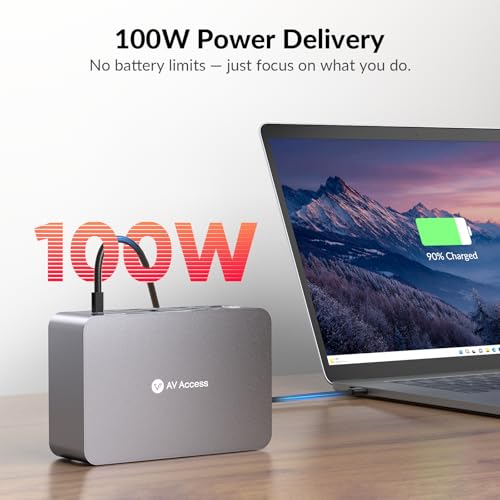
- 【 Power & Productivity in One Cable】: The USB C laptop input supports up to 100 W Power Delivery while transferring video and data, ensuring your laptop stays charged and performant throughout long sessions without needing a separate charger.
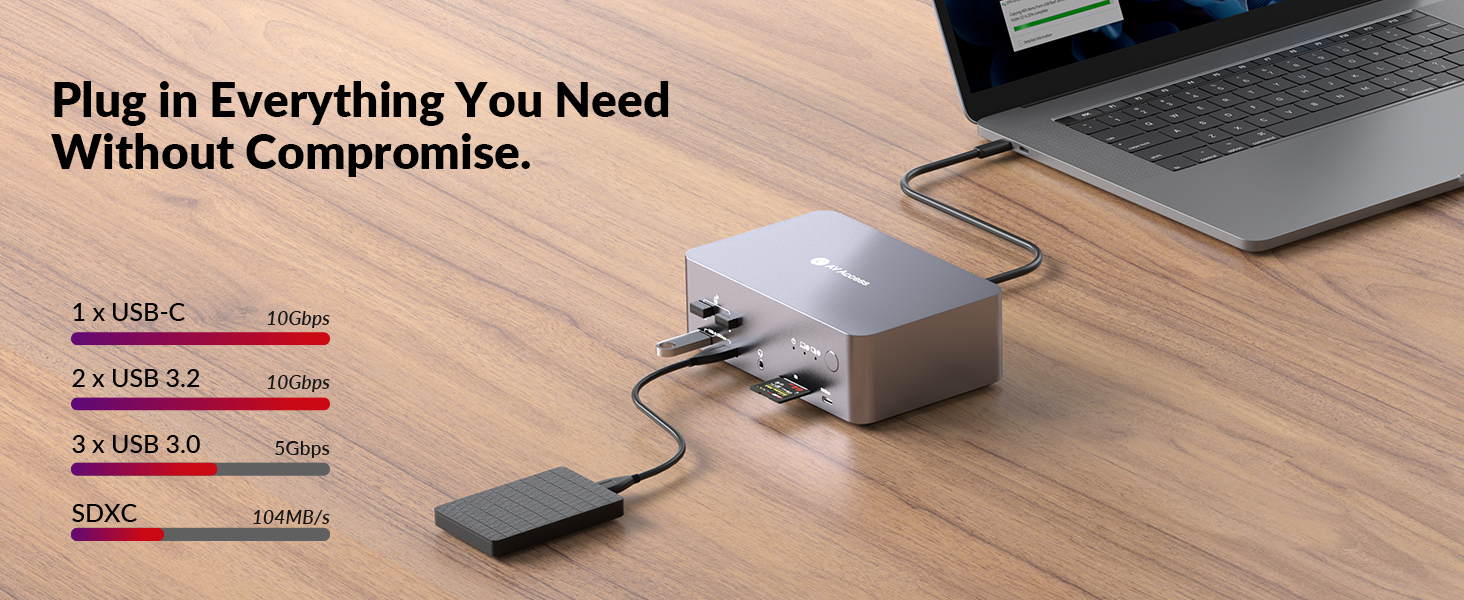
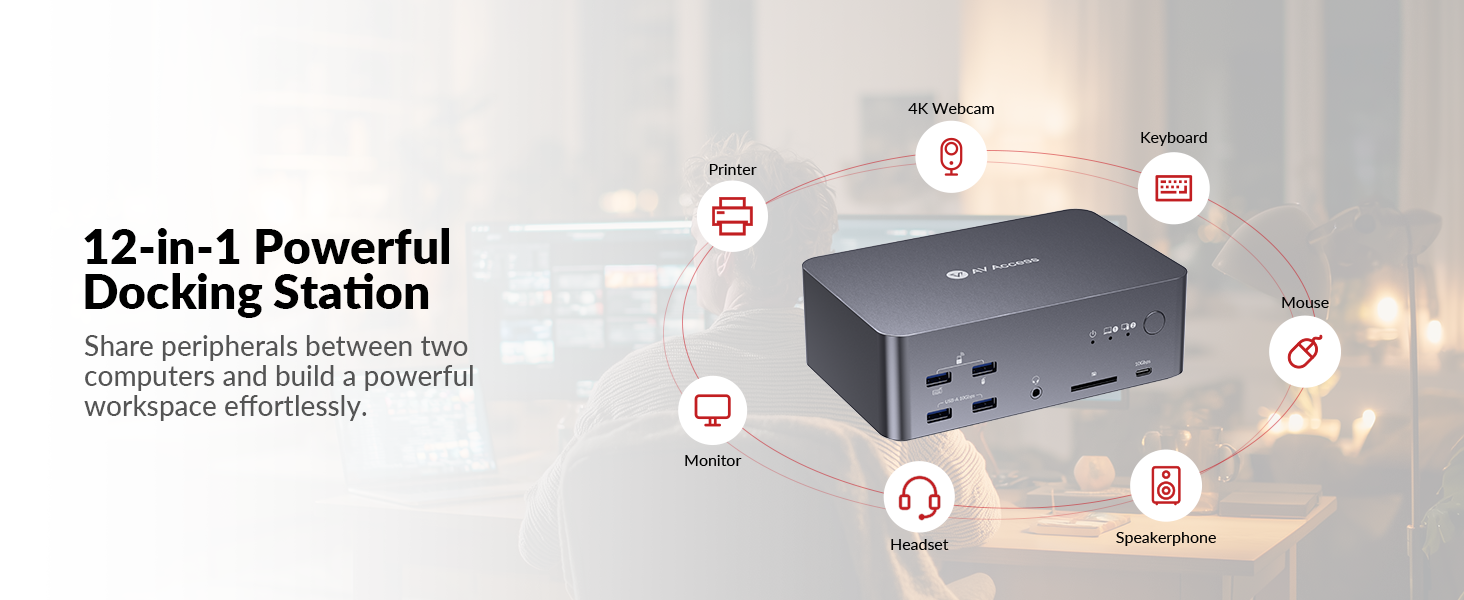
- 【 10 Gbps SuperSpeed USB Hub】: Two front USB-A 3.2 ports (10 Gbps), one USB C 3.2 port (10 Gbps, 1.5A ) and one rear USB-A 3.0 port (5 Gbps, 1.5A) handle high-speed SSDs and data devices, while the front two USB-A 3.0 ports (5 Gbps) connect keyboards, mice, or printers for seamless productivity.
- 【 Media & Audio Made Easy】: Quickly transfer photos and video via the built-in SDXC card slot (up to 2 TB, 104 MB/s). A 3.5 mm TRRS combo jack supports headsets with microphones for conference calls and media editing.
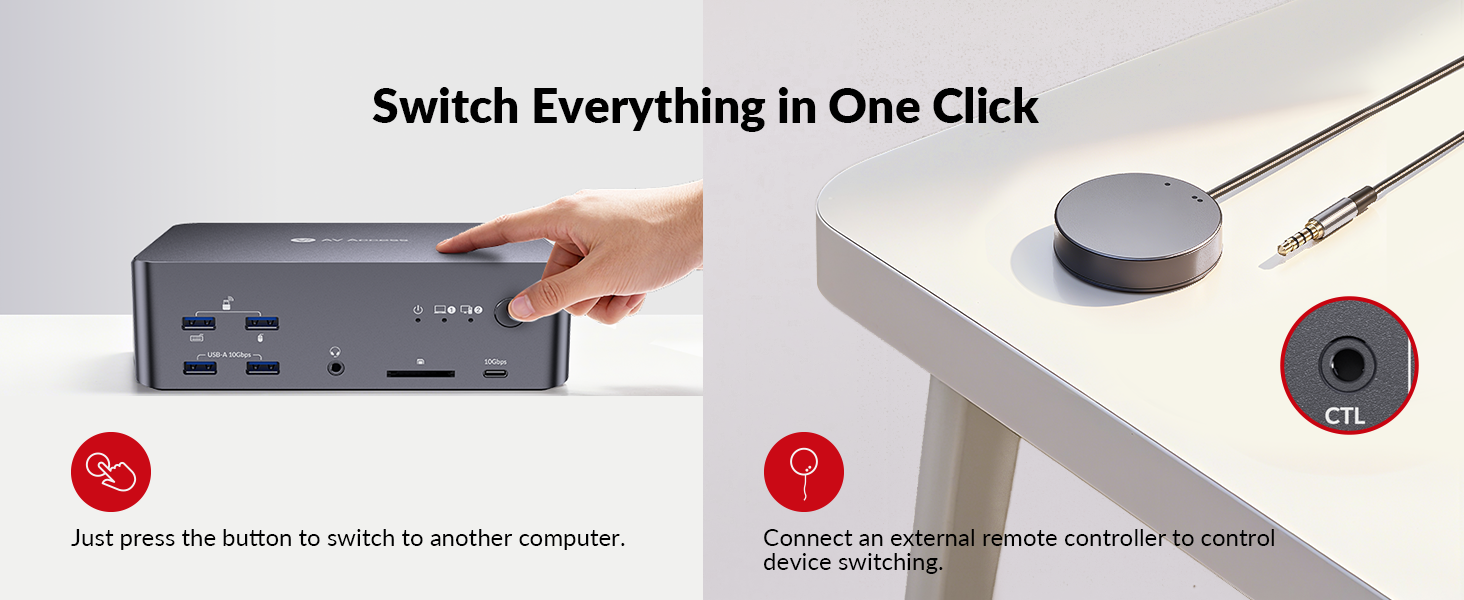
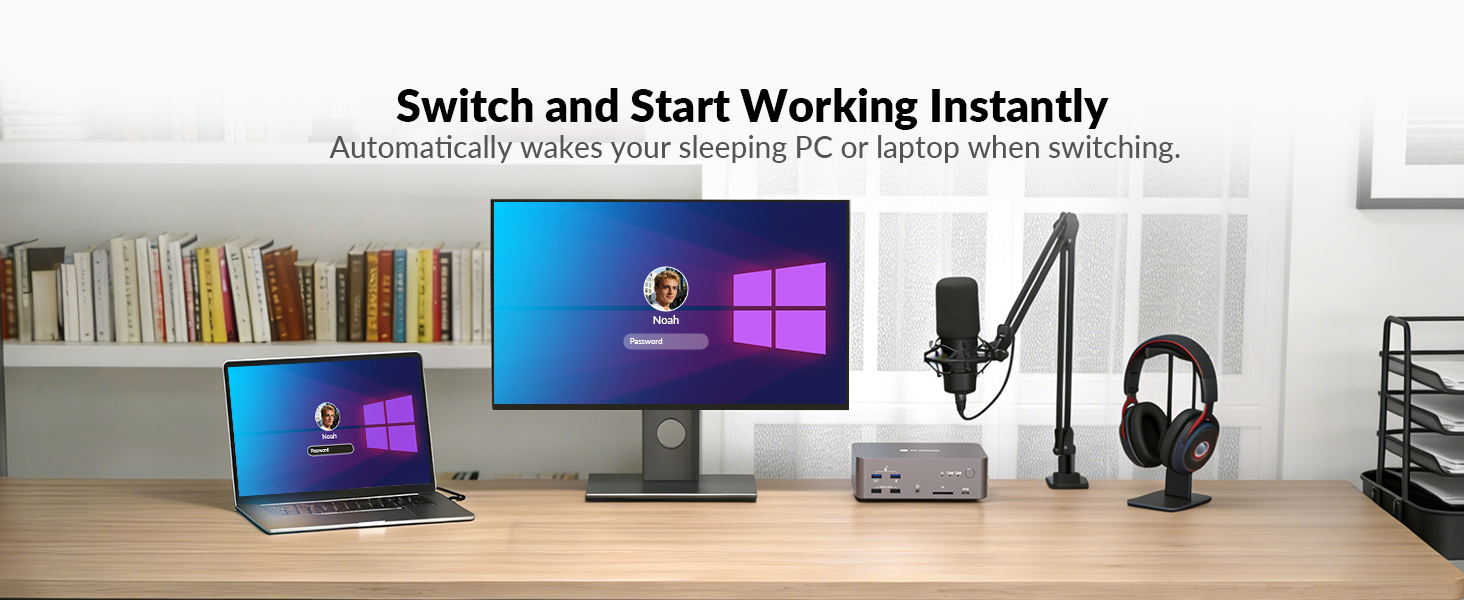
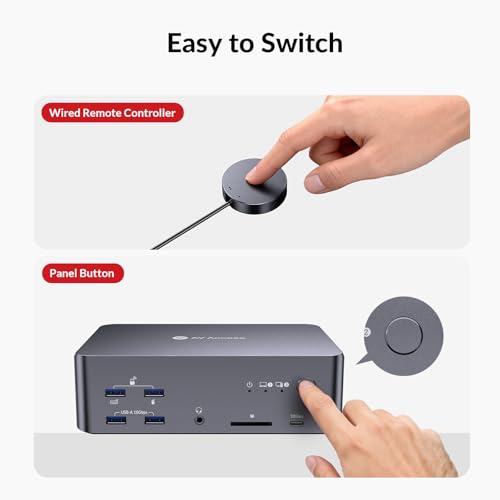
- 【Instant Switching Control】Toggle between laptop and desktop instantly with the front-panel button or included wired remote controller. Visual indicators clearly show which system is active, ensuring smooth, lag-free transitions.
- 【Universal Compatibility & macOS Note】 Works with Windows, macOS, and Linux systems. macOS supports mirrored display only (due to OS limitations), while Windows supports extended triple-screen output for maximum workspace flexibility.
| SKU: | B0FWC9NS9V |
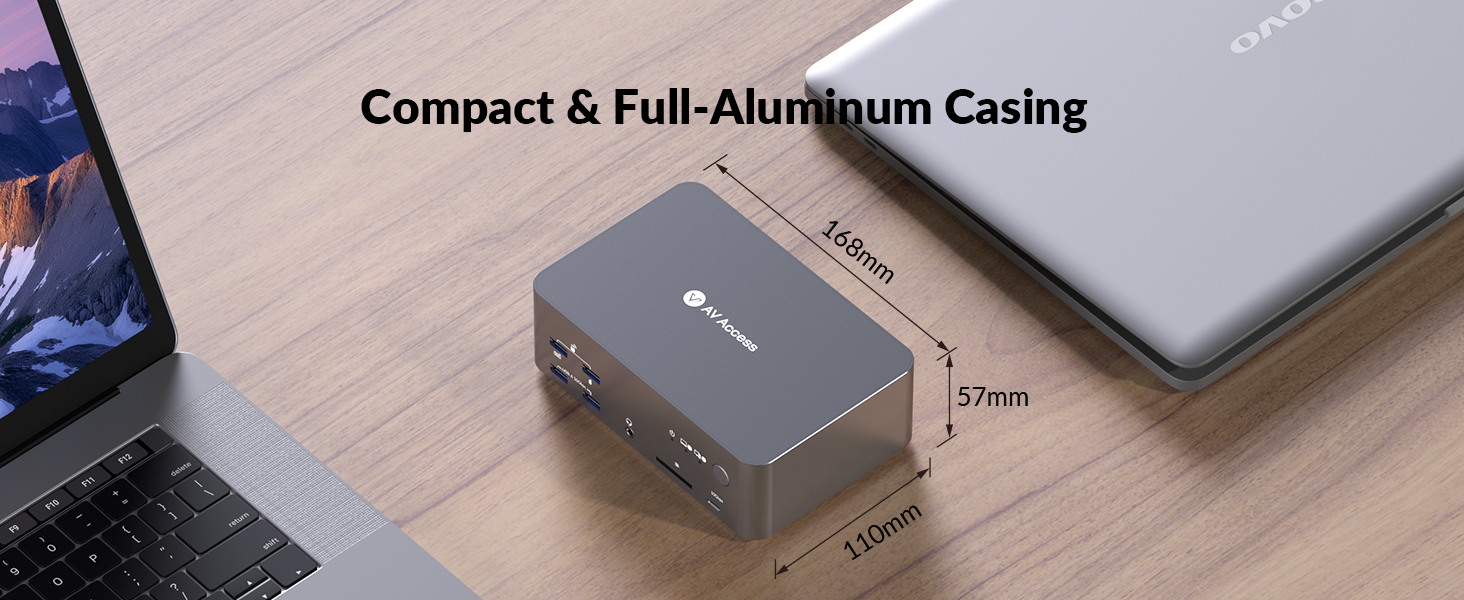
| Dimensions: | 14.3 x 2.3 x 2.6 centimetres |
| Brand: | v AV Access |
| Model: | iDock B23 |
| Manufacture: | AV ACCESS |
| Origin: | China |
Product Description
Can I use iDock B23 with two monitors?
Yes, you can just connect to two monitors. Just be careful how input ports and output ports work in pairs (eg, HDMI IN A with HDMI OUT A). If you are using one laptop, one desktop and two monitors, iDock C10 or iDock B10 is better for you.
Does iDock B23 work well for gamers?
Yes, iDock B23 is designed for gamers. There is no latency caused by the KVM switch and it supports up to 8K@60hz, 4K@165hz resolutions. With three monitors, you can multitask more easily – chat with groups, search for tips while you are playing.
Can I use a MacBook with iDock B23?
Not really. If you connect to a Mac device, you will get three duplicate screens.
Does the iDock B23 support G-Sync, FreeSync, and VRR?
Yes, the iDock B23 supports G-Sync, FreeSync, and VRR.
Does iDock B23 support ultra-wide screens?
Yes. iDock B23 supports ultra-wide resolutions such as 3840*1440@240Hz/120Hz, 3840*1080@240Hz/120Hz, 3440*1440@240Hz/120Hz.
AV Access KVM Switch with Docking Station
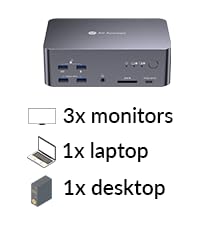 iDock B23 | 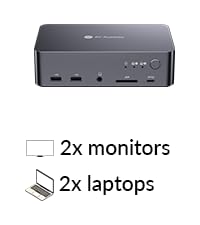 iDock C20 | 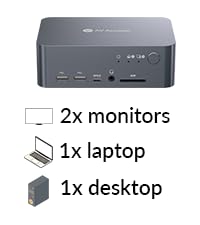 iDock C10 | 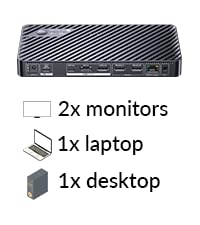 iDock P10 | 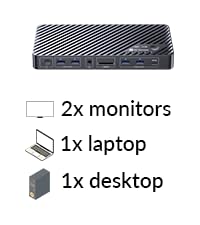 iDock B10 (8K KVM) | 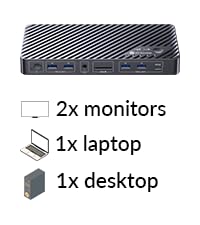 iDock M10 (for MacBook) | 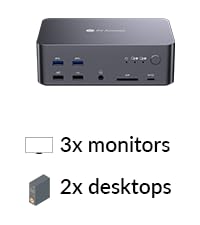 iDock D23 | |
|---|---|---|---|---|---|---|---|
| Customer Reviews | 4.0 out of 5 stars20 | 4.0 out of 5 stars412 | 4.3 out of 5 stars21 | 4.2 out of 5 stars46 | 4.1 out of 5 stars86 | 4.2 out of 5 stars61 | 4.0 out of 5 stars412 |
| Price | £289.99 | £279.99 | £212.49 | £189.99 | £239.99 | £234.59 | £229.99 |
| Computers | 1 Laptop + 1 Desktop | 2 Laptops | 1 Laptop + 1 Desktop | 1 Laptop + 1 Desktop | 1 Laptop + 1 Desktop | 1 MacBook + 1 Desktop | 2 Desktop (NOT for laptop) |
| Monitors | Triple Monitor | Dual Monitor | Dual Monitor | Dual Monitor | Dual Monitor | Dual Monitor | Triple Monitor |
| Video Interface | Type-C, DP, HDMI | Type-C, HDMI | Type-C, DP, HDMI | Type-C, DP, HDMI | Type-C, DP, HDMI | Type-C, DP, HDMI | DP |
| Control | Panel Button/Remote Button | Panel Button/Remote Button | Panel Button | Panel Button/Remote Button | Panel Button/Remote Controller | Panel Button/Remote Controller | Panel Button/Hotkey |
| Remote Switch Button | √(included) | √(not included) | × | √(included) | √(included) | √(included) | √(not included) |
| Video Resolution | 8K@30Hz 4K@60Hz | 4K@60Hz 2K@144Hz 1080P@240Hz | 4K@60Hz 2K@144Hz 1080P@240Hz | 4K@60Hz 3440×1440@60Hz | 8K@60Hz, 4K@165Hz | 4K@60Hz 2K@144Hz 1080P@240Hz | 8K@60Hz 4K@165Hz 1080P@144Hz |
| Power Delivery | √ | √ | √ | √ | √ | √ | × |
| EDID Emulation | × | √ | √ | √ | × | √ | × |
| Ethernet Connection | √ (for Laptop and Desktop) | √ | √ (Laptop only) | √ (Laptop only) | √ (for Laptop and Desktop) | √ (for Mac and Desktop) | √ |
| USB Peripherals | 1*USB-C3.2, 3*USB3.0, 2*USB3.2 | 1*USB-C 3.0,4*USB 2.0,2*USB3.0 | 1*USB-C3.0,2*USB2.0,3*USB3.0 | 1*USB-C3.0,2*USB2.0,2*USB3.0 | 1*USB-C3.2,2*USB 3.0,3*USB 3.2 | 1*USB-C3.2, 2*USB3.0, 2*USB3.2 | 1*USB1.1,1*USB2.0,4*USB3.0 |
| SD Card | √ | √ | × | √ | √ | √ | √ |
| Cables included | 1*USB B-A,2*DP,1*HDMI,1* USB-C | 2*USB-C | 1*USB B-A,1*DP,1*HDMI,1* USB-C | USB-A to C, USB-C | USB-A,USB-C 3.2,HDMI 2.1,DP1.4 | USB-A to C,Dual-USB-C ,HDMI,DP | 2*USB B-A,6*DP |