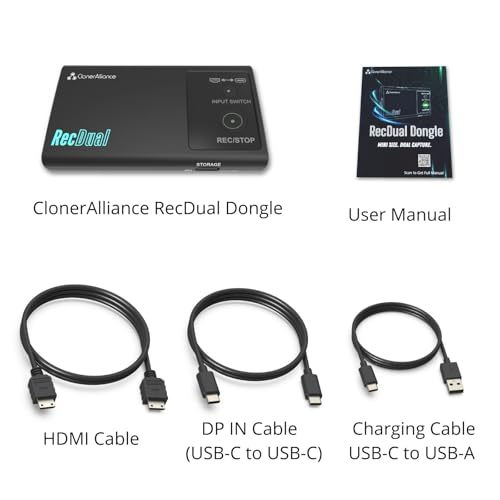
ClonerAlliance RecDual Dongle, Mini Standalone Dual-Input
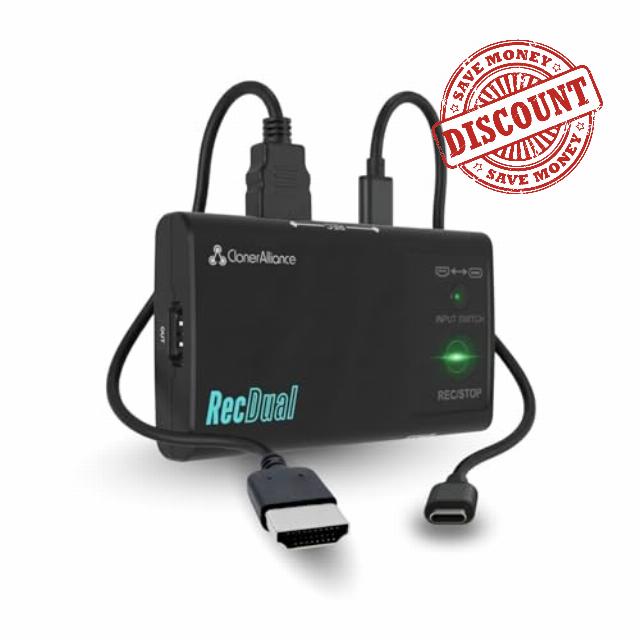
ClonerAlliance RecDual Dongle, Mini Standalone Dual-Input 1080p@60fps Video Recorder with 4K@60fps Passthrough, HDMI & USB Type-C DP Capture. Schedule & Loop Recording.
RecDual Dongle: Pocket-Size Standalone Recorder for Everyday Capture
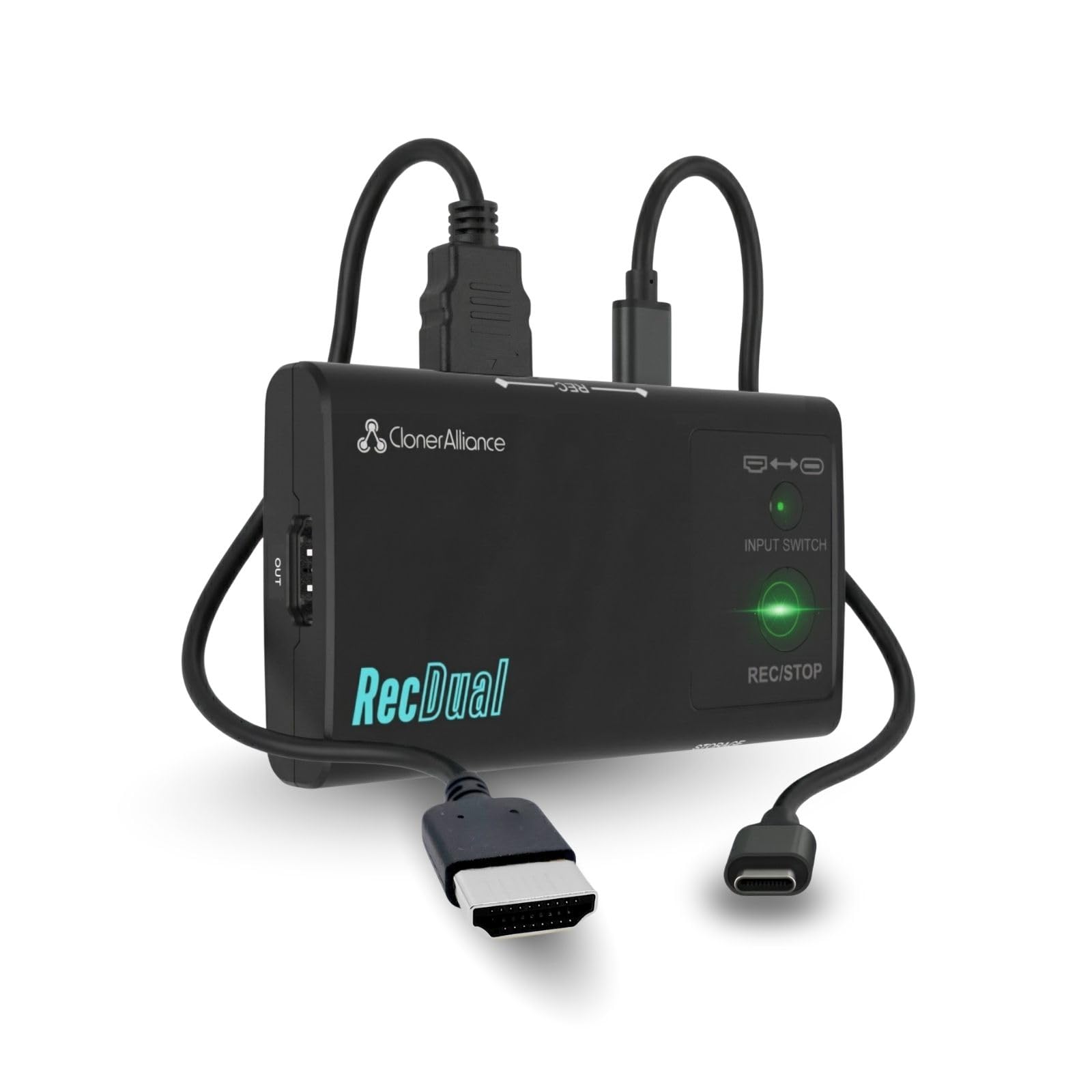
RecDual Dongle captures video from HDMI or USB-C DP sources directly to MicroSD card. No PC needed, no drivers required. Features 1080P@60fps recording, 4K@60 passthrough, loop recording, and 65W pass-through charging. Pocket-sized design for gaming, content creation, meetings, and more.
See How RecDual Dongle Records in One Click—Anywhere
The video showcases the product in use.The video guides you through product setup.The video compares multiple products.The video shows the product being unpacked.One-Click MP4 Recording to MicroSD
Merchant videoForget complicated capture cards and software setups. Connect your source, press REC, and let it run. 4K@60 passthrough keeps your display quality perfect while capturing 1080P@60fps footage. Loop recording ensures non-stop capturing even when storage is full.
Hardware Encoding
Record Without Slowing Down Your Device
Standalone hardware encoding puts zero load on your device. Game and record with no lag or stutter.
HDMI + USB-C DP
Two Inputs, Endless Possibilities
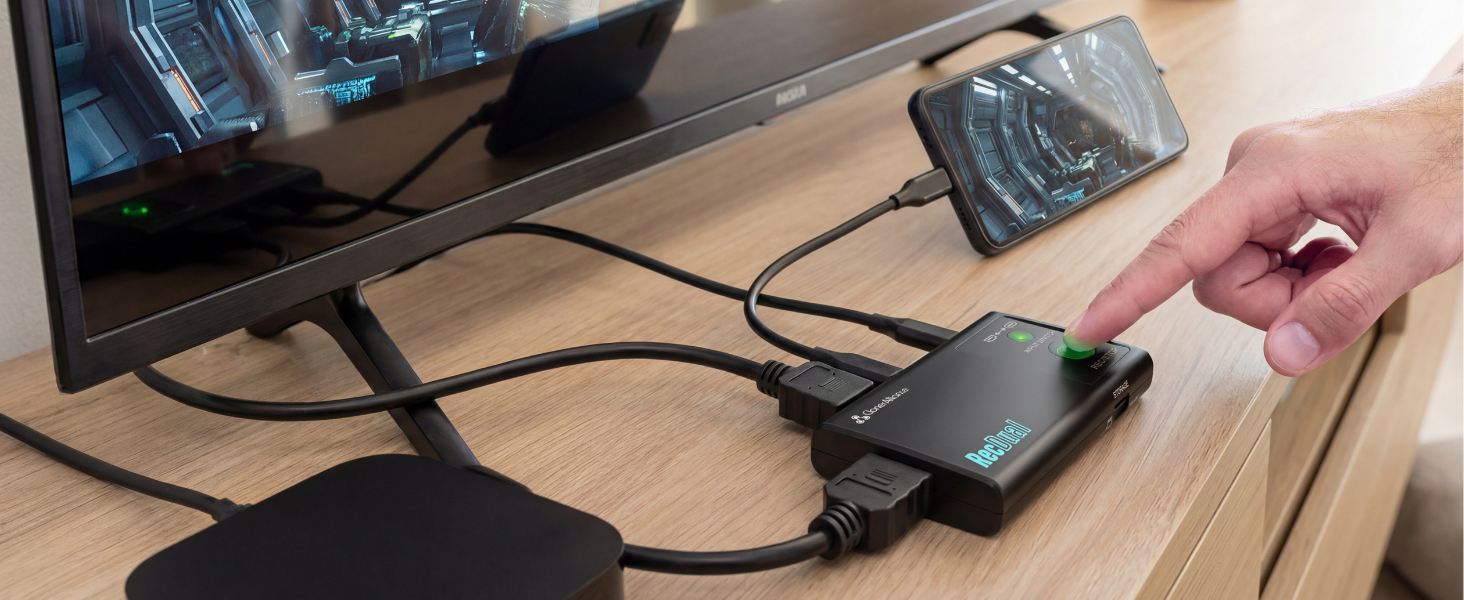
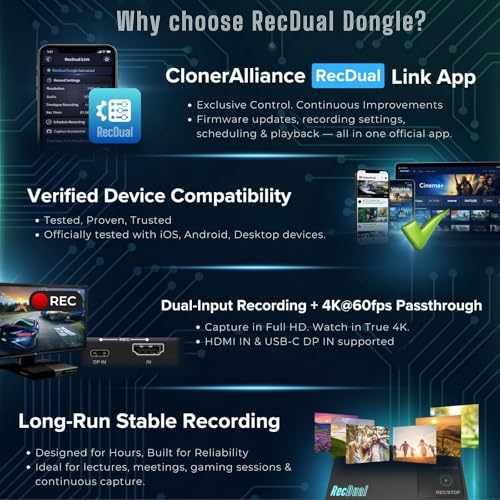
Switch between HDMI and USB-C DP with one button. Record consoles, phones, laptops, and cameras.
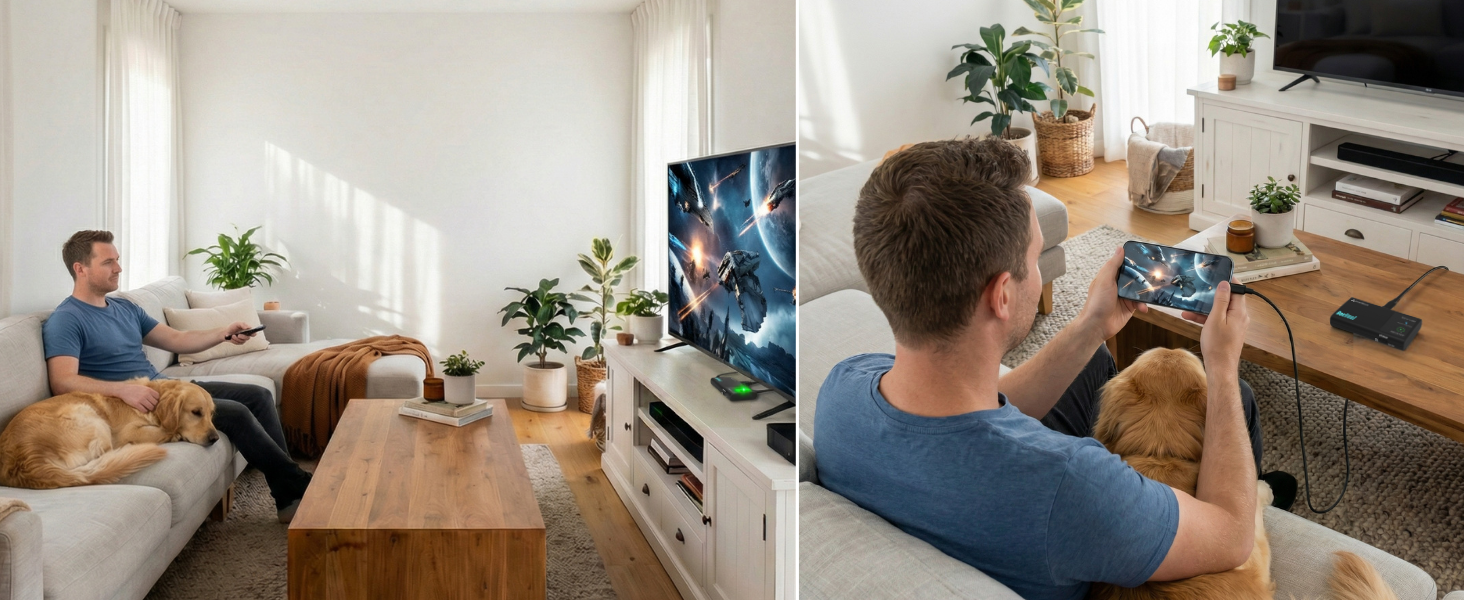
Play in 4K
Enjoy 4K Gaming While Recording 1080P
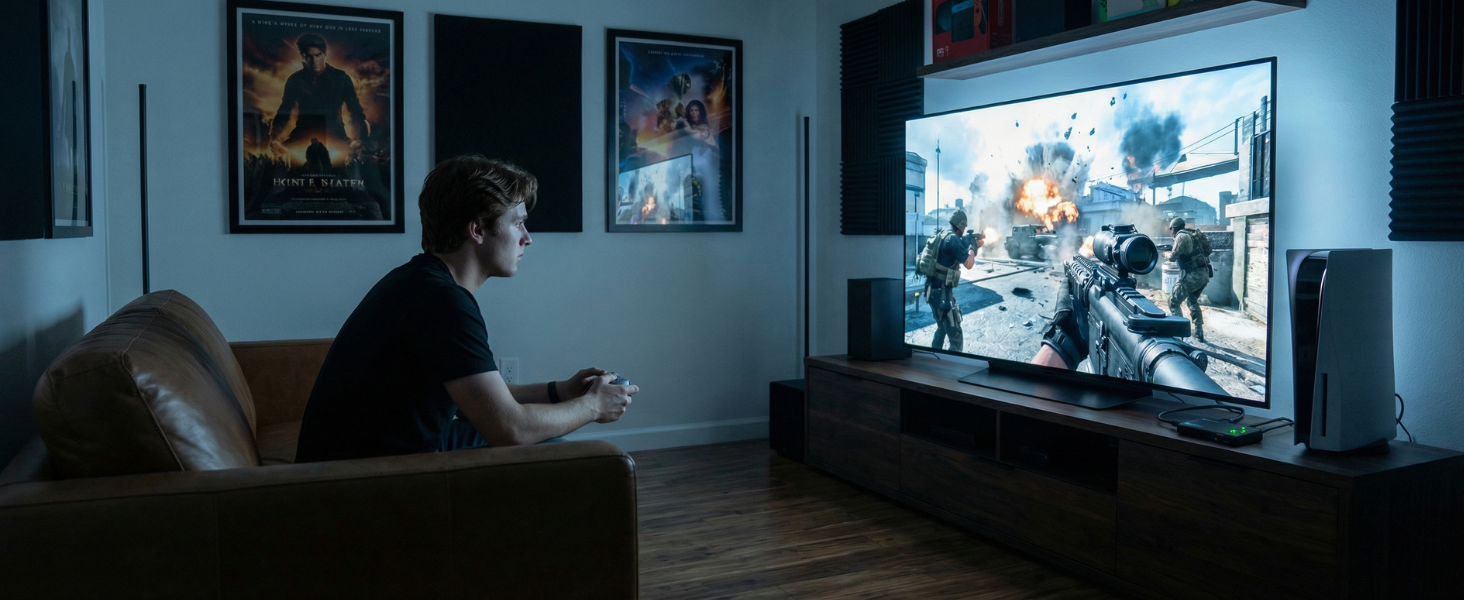
4K@60fps passthrough to your TV while capturing 1080P@60fps. No quality compromise on your display.
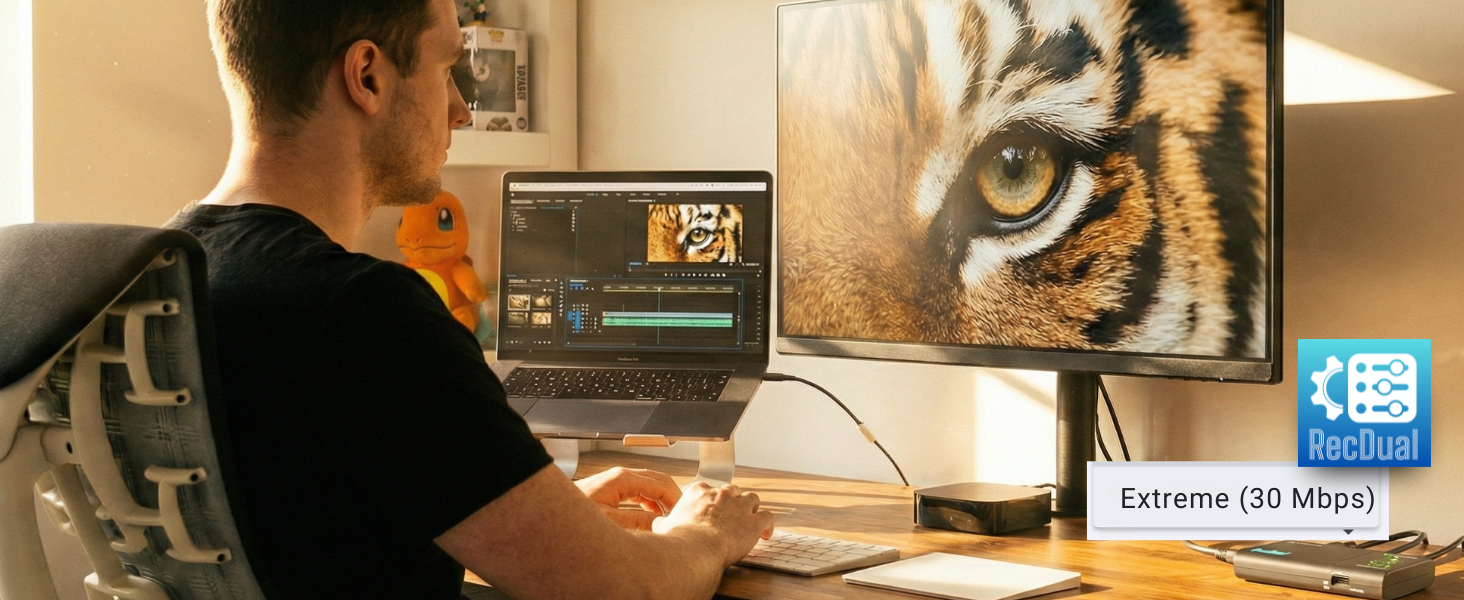
Up to 30Mbps
Professional H.264 Recording Quality
H.264/AVC encoding at up to 30Mbps delivers crisp footage. Easily set by using RecDual Link App.
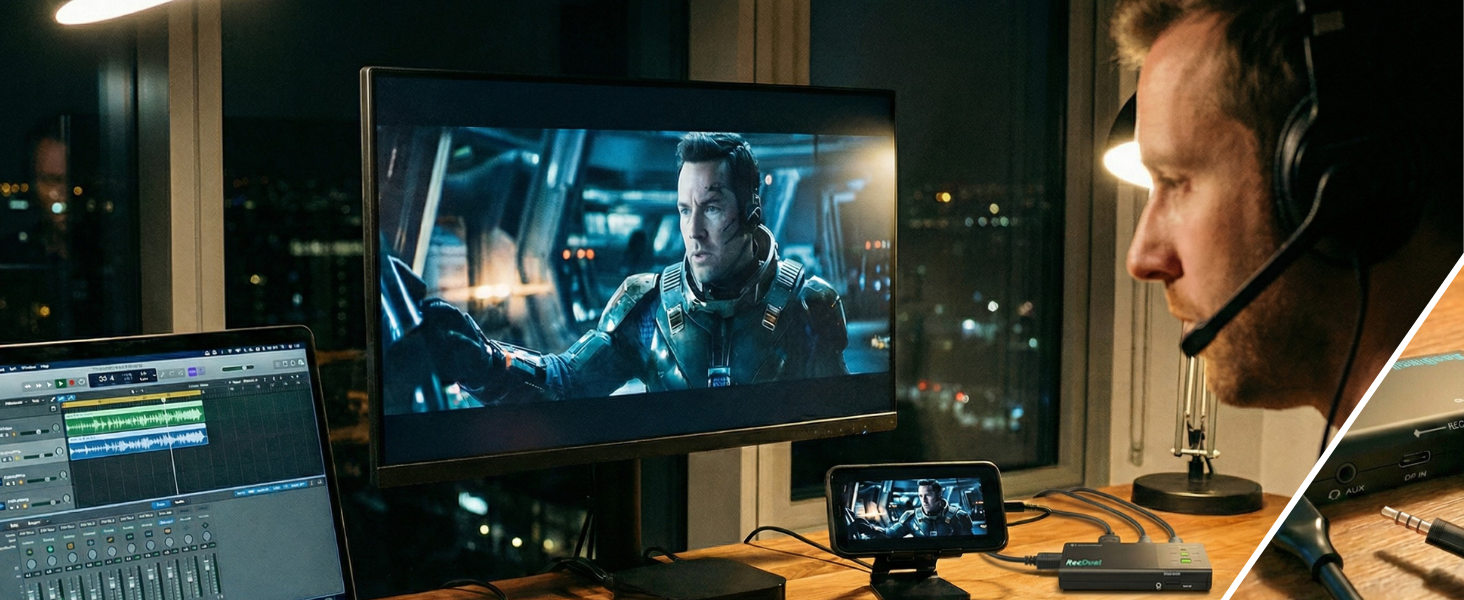
Mic In / Audio Out
Flexible Sound, Simple Setup
Use AUX IN for mic input or audio output, you can mix commentary or monitor sound while recording.
Instant Playback Mode
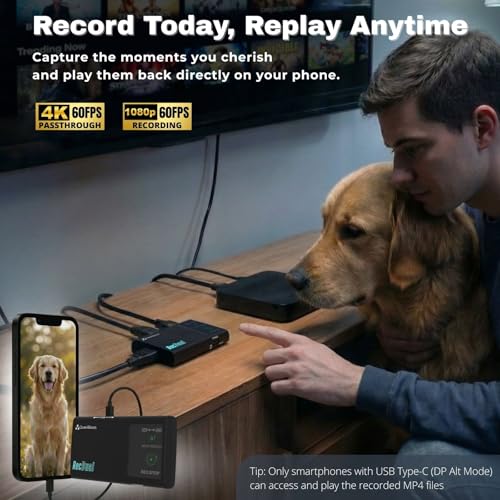
Watch Your Recordings Anywhere
It can be used as an external storage device. Don’t need to transfer MP4 files for playing anymore.
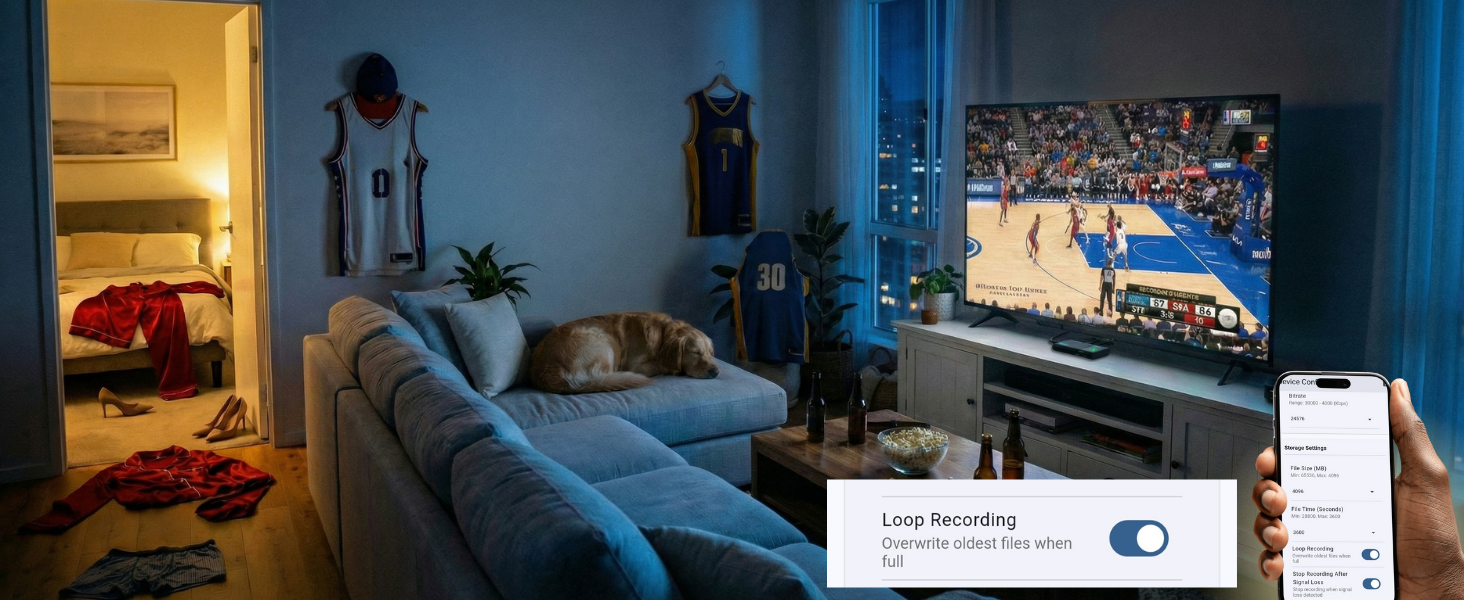
Never Miss a Moment
Record the Entire Game While You Enjoy
Enable loop recording. Auto-overwrites oldest files when full — capture every highlight hands-free.
Full Control
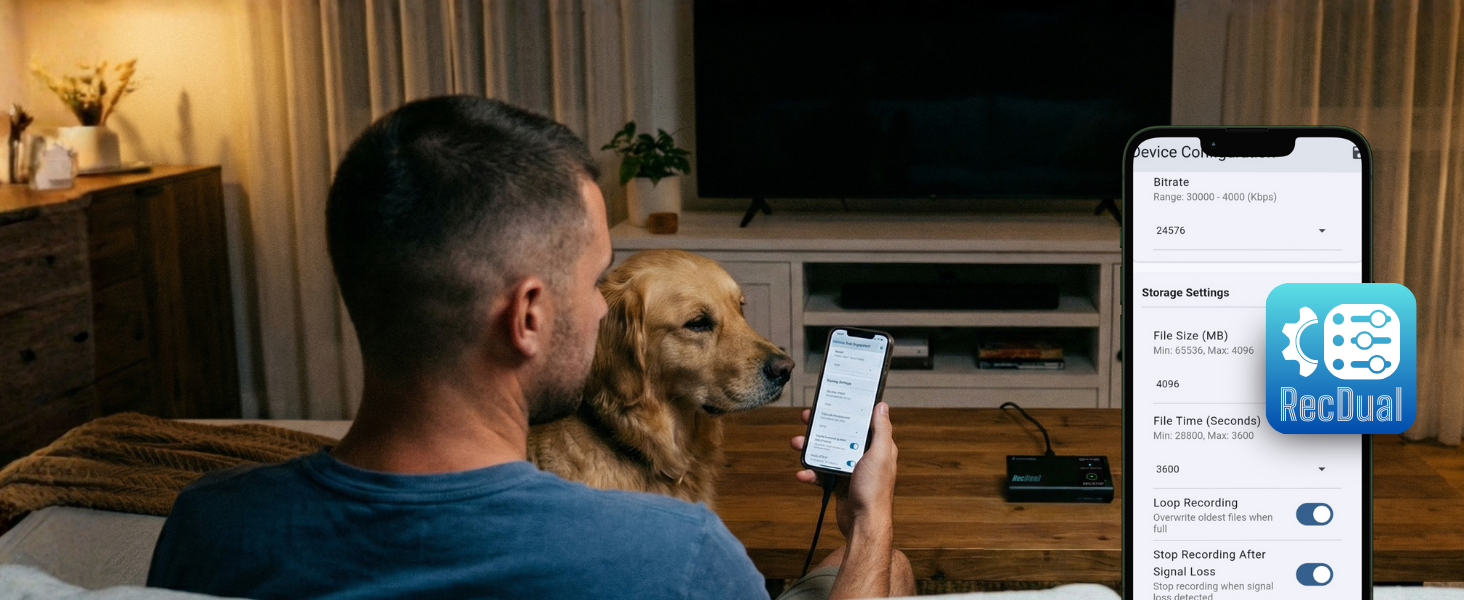
Configure, and Manage with App
Configure recording, adjust settings, update firmware, manage files — all from the RecDual Link app.
Edit-Ready Footage
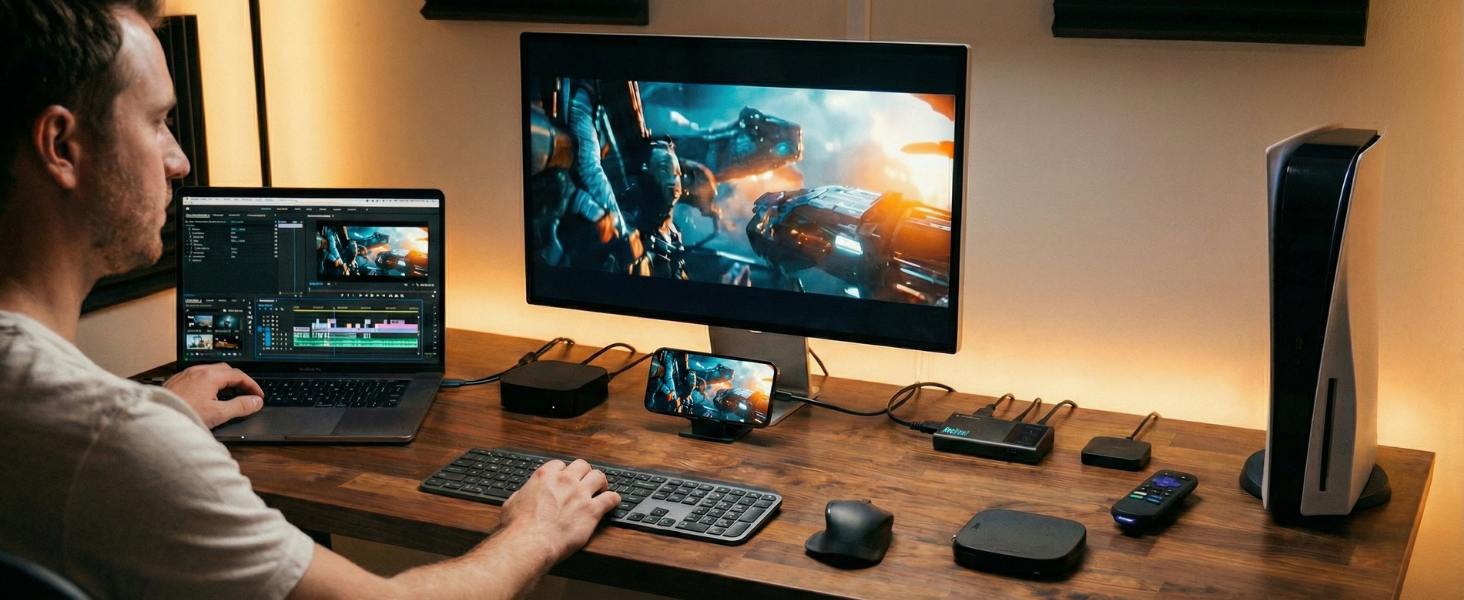
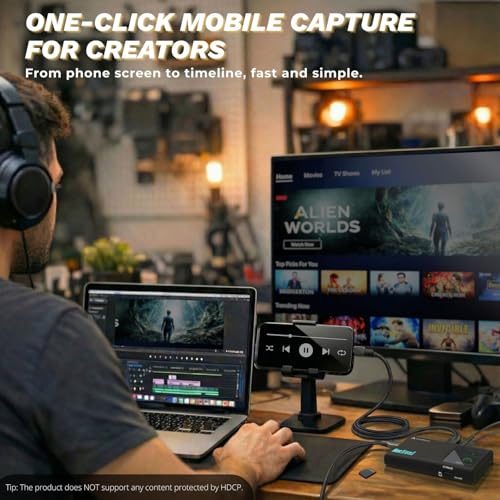
From Any Device to Your Editing Timeline
Consoles, phones, laptops — record from any source and import MP4 files straight to your editor.
Technical Specifications
| Maximum Recording Resolution | 1920×1080@60fps |
| Video Passthrough | Up to 4K@60fps passthrough |
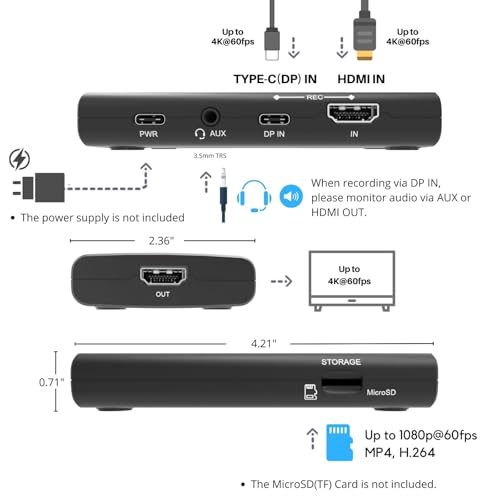
| Input Interfaces | HDMI and USB Type-C (DP Alt Mode) |
| Video Encoding Bitrate | Up to 30Mbps |
| Audio Encoding Bitrate | 192Kbps (AAC, 48Khz) |
| Passthrough Latency | Less than 20ms |
| Encode Formats | H.264/AVC only |
| Color Space | YUV 4:2:0, 8-bit |
| Storage Media | TF Card(MicroSD) |
| Power Input | USB-C (PD 2.0), 65W pass-through charging |
| Audio Input | AUX (3.5mm, MIC/LINE compatible) |
| Supported OS -RecDual Link App | Windows, Android, iOS |
Does RecDual Dongle record 4K video?
It supports 4K@60 passthrough to HDMI OUT, and records up to 1080p@60 to the TF card.
Why is my phone/laptop speaker muted during recording?
Audio is routed through the capture path. Use the 3.5mm AUX port for headphones/speakers, or listen from the TV via HDMI OUT.
My phone asks to format the TF card when connected-what should I do?
Insert the TF card into RecDual Dongle first, then connect the phone via USB Type-C DP. This avoids the system format prompt and keeps recording files intact.
Why doesn't a TF card formatted by my phone work?
Some phones create non-standard partitions. Format the TF card on a Windows PC/Mac (standard exFAT/FAT32) before use for best compatibility.
Can the Type-C power port charge every phone?
The power port supports PD charging. If your device uses a different fast-charge protocol, charging may be limited; recording and passthrough still work normally.
- What can it do? – Record HDMI IN or USB Type-C DP IN video standalone up to 1080p@60fps, while enjoying 4K@60fps HDMI passthrough on your TV/monitor. Save MP4 files directly to a MicroSD (TF) card as a compact DVR-style recorder for media players, set-top boxes, mobiles, game consoles, cameras, and laptops.
- Why do I need it? – Capture long sessions while your phone, laptop, or console stays responsive and storage stays free. It works as a standalone DVR, saving video directly to a MicroSD (TF) card and supporting 4K@60fps HDMI passthrough for full-screen viewing. Ideal for training, presentations, medical/education demos, monitoring playback, and archiving HDMI or USB Type-C sources.
- Why choose it over other similar products? – True PC-free, one-click recording with hardware encoding for dependable long-run capture. Loop recording maintains continuous operation by managing storage automatically. A silent, fanless build suits quiet rooms and professional setups. Plug-and-record workflow delivers quick setup and consistent results across HDMI and USB Type-C sources.
- Is my device compatible with it? – Works with HDMI output devices like media players, set-top boxes, cameras, game consoles, and PCs. USB Type-C DP Alt Mode devices are supported for DP IN recording (tested with modern Type-C phones and tablets, plus USB Type-C laptops). Output to any TV/monitor via HDMI OUT for passthrough viewing.
- What's more? – Includes RecDual Link app: easy firmware upgrades, parameter settings (time, recording options, scheduled recording), and video playback/file management from your recordings. [The device does not support any content protected by HDCP. When connected to an HDCP (Content Protection) source, it will output an error message or nothing. This does not indicate a defect.]
| SKU: | B0GF1FXG8J |
| Weight: | 2.4 Ounces |
| Dimensions: | 10.7 x 6.1 x 1.8 centimetres |
| Brand: | ClonerAlliance |
| Model: | CA-1290 |
| Manufacture: | ClonerAlliance |
Product Description
RecDual Dongle: Pocket-Size Standalone Recorder for Everyday Capture
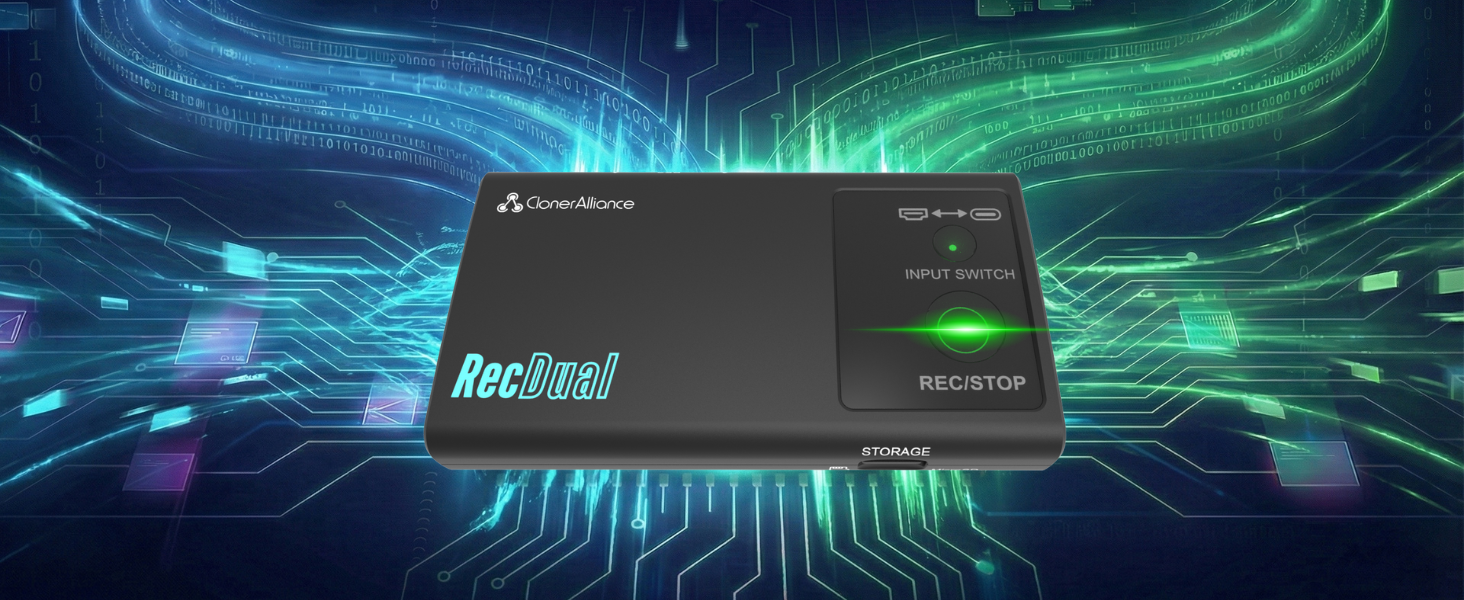
RecDual Dongle captures video from HDMI or USB-C DP sources directly to MicroSD card. No PC needed, no drivers required. Features 1080P@60fps recording, 4K@60 passthrough, loop recording, and 65W pass-through charging. Pocket-sized design for gaming, content creation, meetings, and more.
See How RecDual Dongle Records in One Click—Anywhere
The video showcases the product in use.The video guides you through product setup.The video compares multiple products.The video shows the product being unpacked.One-Click MP4 Recording to MicroSD
Merchant videoForget complicated capture cards and software setups. Connect your source, press REC, and let it run. 4K@60 passthrough keeps your display quality perfect while capturing 1080P@60fps footage. Loop recording ensures non-stop capturing even when storage is full.

Hardware Encoding
Record Without Slowing Down Your Device
Standalone hardware encoding puts zero load on your device. Game and record with no lag or stutter.
HDMI + USB-C DP
Two Inputs, Endless Possibilities
Switch between HDMI and USB-C DP with one button. Record consoles, phones, laptops, and cameras.
Play in 4K
Enjoy 4K Gaming While Recording 1080P
4K@60fps passthrough to your TV while capturing 1080P@60fps. No quality compromise on your display.
Up to 30Mbps
Professional H.264 Recording Quality
H.264/AVC encoding at up to 30Mbps delivers crisp footage. Easily set by using RecDual Link App.
Mic In / Audio Out
Flexible Sound, Simple Setup
Use AUX IN for mic input or audio output, you can mix commentary or monitor sound while recording.
Instant Playback Mode
Watch Your Recordings Anywhere
It can be used as an external storage device. Don’t need to transfer MP4 files for playing anymore.
Never Miss a Moment
Record the Entire Game While You Enjoy
Enable loop recording. Auto-overwrites oldest files when full — capture every highlight hands-free.
Full Control
Configure, and Manage with App
Configure recording, adjust settings, update firmware, manage files — all from the RecDual Link app.
Edit-Ready Footage
From Any Device to Your Editing Timeline
Consoles, phones, laptops — record from any source and import MP4 files straight to your editor.
Technical Specifications
| Maximum Recording Resolution | 1920×1080@60fps |
| Video Passthrough | Up to 4K@60fps passthrough |
| Input Interfaces | HDMI and USB Type-C (DP Alt Mode) |
| Video Encoding Bitrate | Up to 30Mbps |
| Audio Encoding Bitrate | 192Kbps (AAC, 48Khz) |
| Passthrough Latency | Less than 20ms |
| Encode Formats | H.264/AVC only |
| Color Space | YUV 4:2:0, 8-bit |
| Storage Media | TF Card(MicroSD) |
| Power Input | USB-C (PD 2.0), 65W pass-through charging |
| Audio Input | AUX (3.5mm, MIC/LINE compatible) |
| Supported OS -RecDual Link App | Windows, Android, iOS |
Does RecDual Dongle record 4K video?
It supports 4K@60 passthrough to HDMI OUT, and records up to 1080p@60 to the TF card.
Why is my phone/laptop speaker muted during recording?
Audio is routed through the capture path. Use the 3.5mm AUX port for headphones/speakers, or listen from the TV via HDMI OUT.
My phone asks to format the TF card when connected-what should I do?
Insert the TF card into RecDual Dongle first, then connect the phone via USB Type-C DP. This avoids the system format prompt and keeps recording files intact.
Why doesn't a TF card formatted by my phone work?
Some phones create non-standard partitions. Format the TF card on a Windows PC/Mac (standard exFAT/FAT32) before use for best compatibility.
Can the Type-C power port charge every phone?
The power port supports PD charging. If your device uses a different fast-charge protocol, charging may be limited; recording and passthrough still work normally.