Double Din Car Stereo Compatible with [Wireless] Apple
![Double Din Car Stereo Compatible with [Wireless] Apple CarPlay Android Auto 7" Touchscreen Bluetooth AM/FM/RDS Radio USB (Fast Charge 3A) Backup Camera](https://couponmatrix.uk/posts/wp-content/uploads/2026/05/51x8XcXQBXL.jpg)
Double Din Car Stereo Compatible with [Wireless] Apple CarPlay Android Auto 7″ Touchscreen Bluetooth AM/FM/RDS Radio USB (Fast Charge 3A) Backup Camera
- 7" HD Touchscreen.
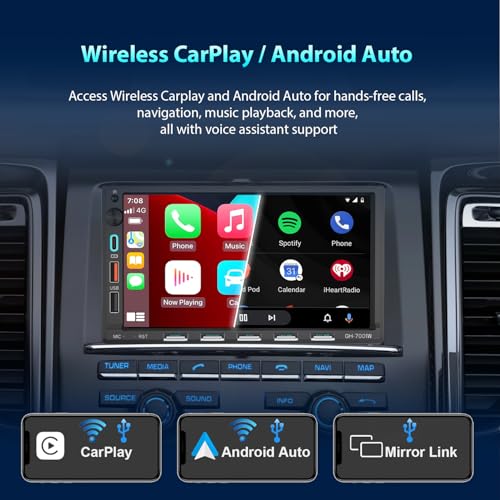
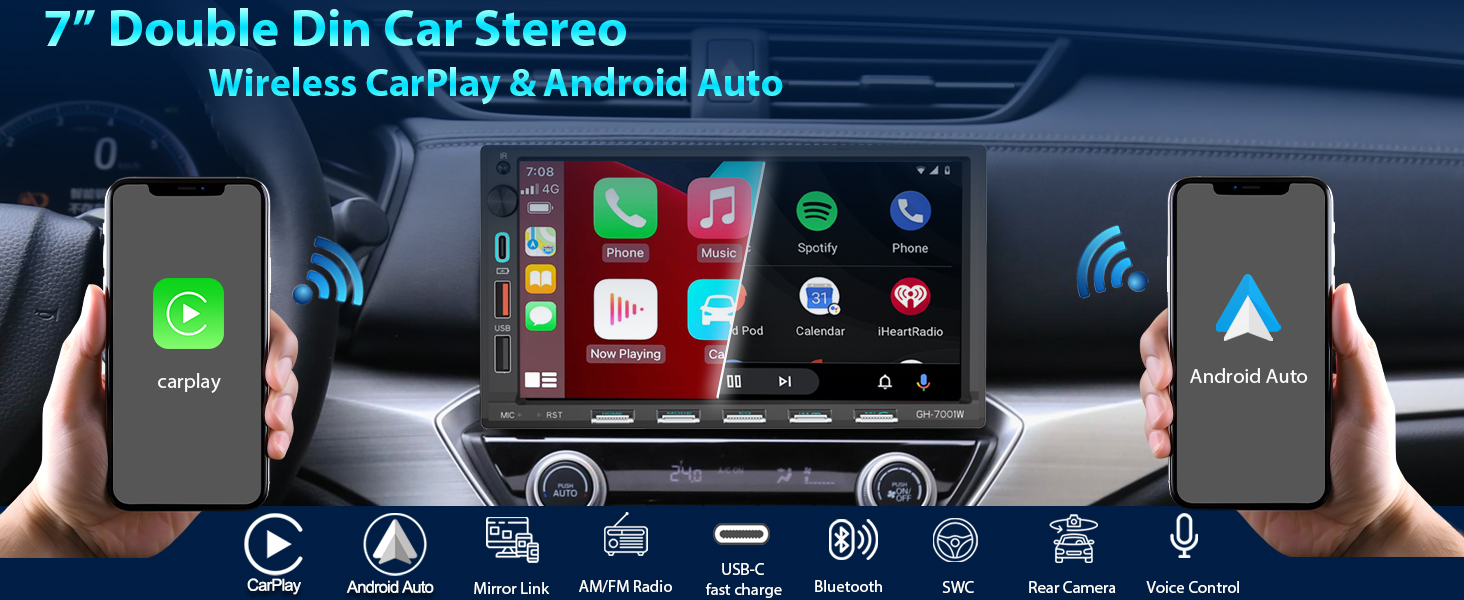
- Wired / Wireless Carplay & Android Auto: Sync your IOS/Android smartphone to seamlessly access the features on your phone through the built-in display. Make calls hands-free with the help of Siri. Play music apps like Spotify or Pandora with your iphone.
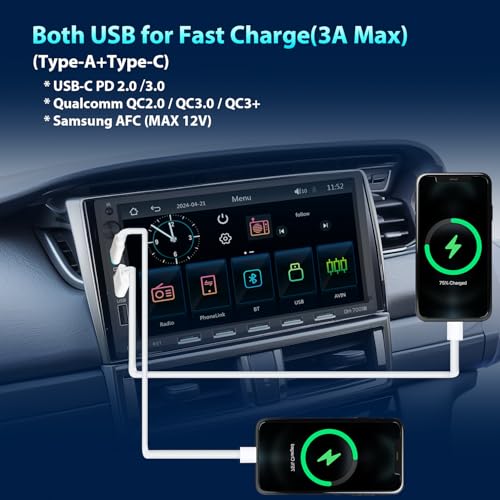
- Both USB ports (type-A+tyle C) for fast charge(3A max): 3 USB Port ( Front), one is designed for data reads, while the other 2 USB ports for fast charge at same time.
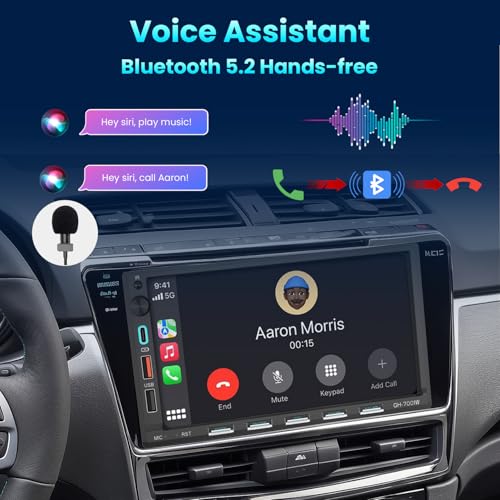
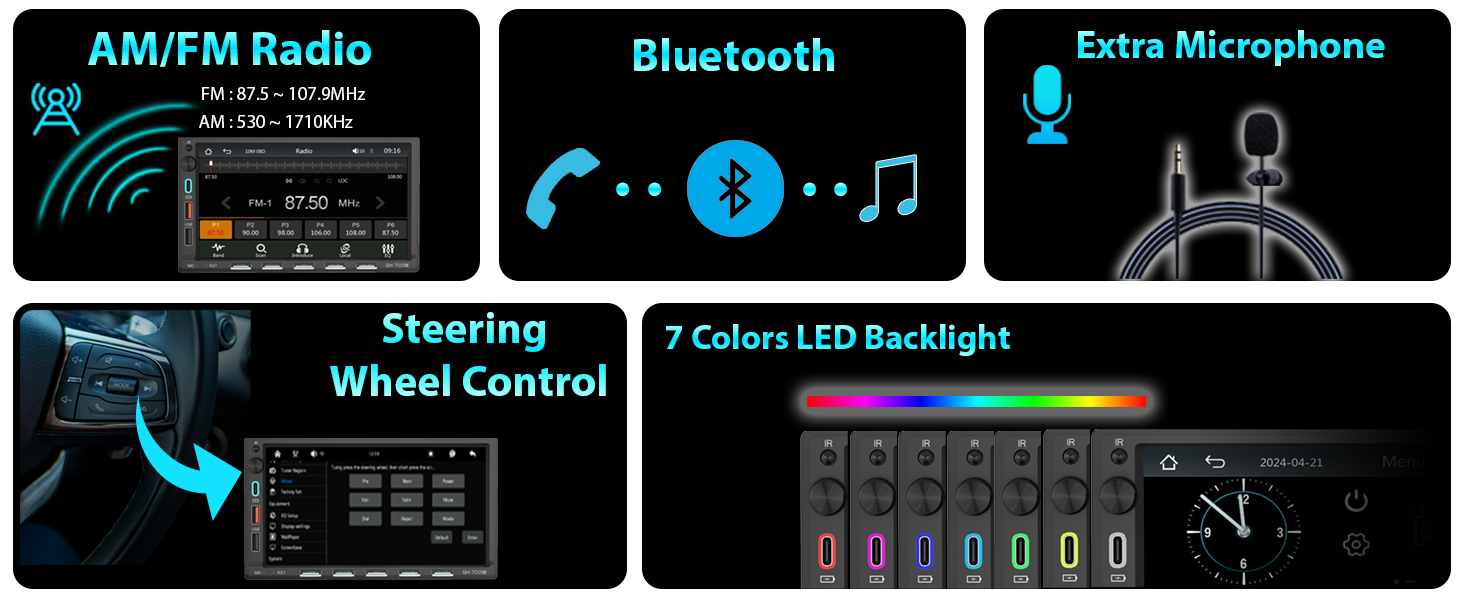
- Bluetooth : When paired with a smartphone , you can make hands-free calls and Play music apps like Spotify or Pandora wirelessly.
- External Mic for Call: Dual mic Design( built-mic + external optional mic jack) makes sure you can get a quality calling.
- Phone Mirroring/Casting: It allows you to cast what's displayed on your phone(such as GG maps, Youtube video) to the car stereo screen via original USB interface. Supports almost all Android and IOS phones.
- AM/FM Radio with RDS.
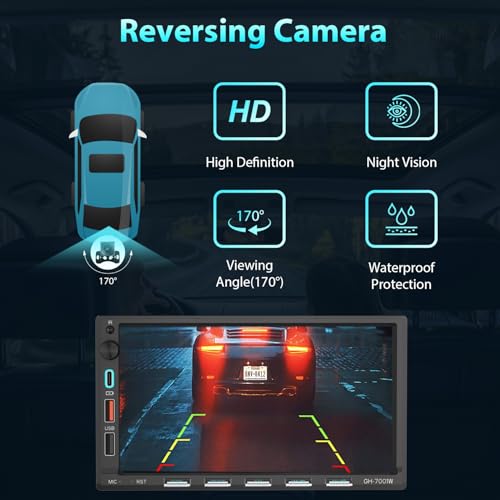
- Rear View HD Camera: You will see the rear surroundings on the big screen when the vehicle shifts into reverse. Package includes a HD waterproof Rear view camera.
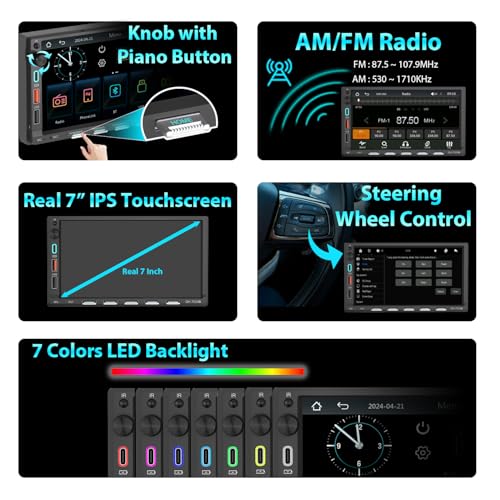
- Steering Wheel Controls: Control this unit using the vehicle's existing steering wheel control buttons.
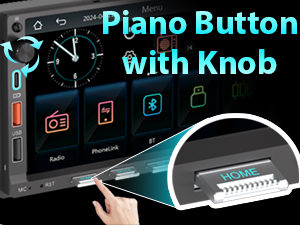
Physical piano buttons & Knob
New design of physical piano buttons with a knob.
Both USB for fast charge
3 USB Port ( Front), one is designed for data reads, while the other 2 USB ports(Type-A+Type-C) for fast charge at same time.
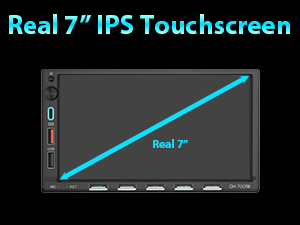
Real 7" Touchscreen
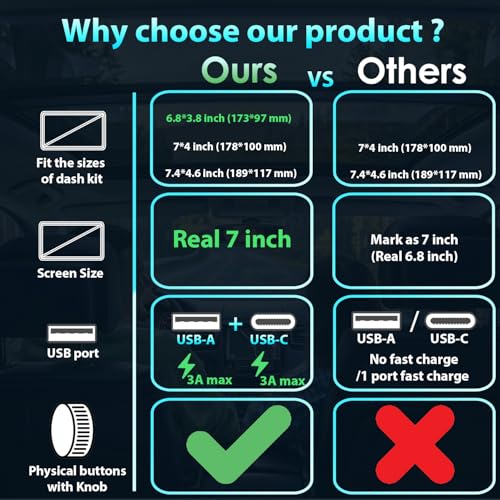
Base on US double din standard size (6.8"x3.8"),Our product provide a real 7" touchscreen while other's product is only 6.8" (mark as 7").
Versatile frame fittness
Fit most of the cars' dast kit:
6.8"x3.8" / 7"x4" / 7.4“x4.6"
1. Why no power after installed?
Confirm the car voltage is 12V,Check the fuse work or not ;
Confirm the car ignition on (Switch ignition key to "ACC" )
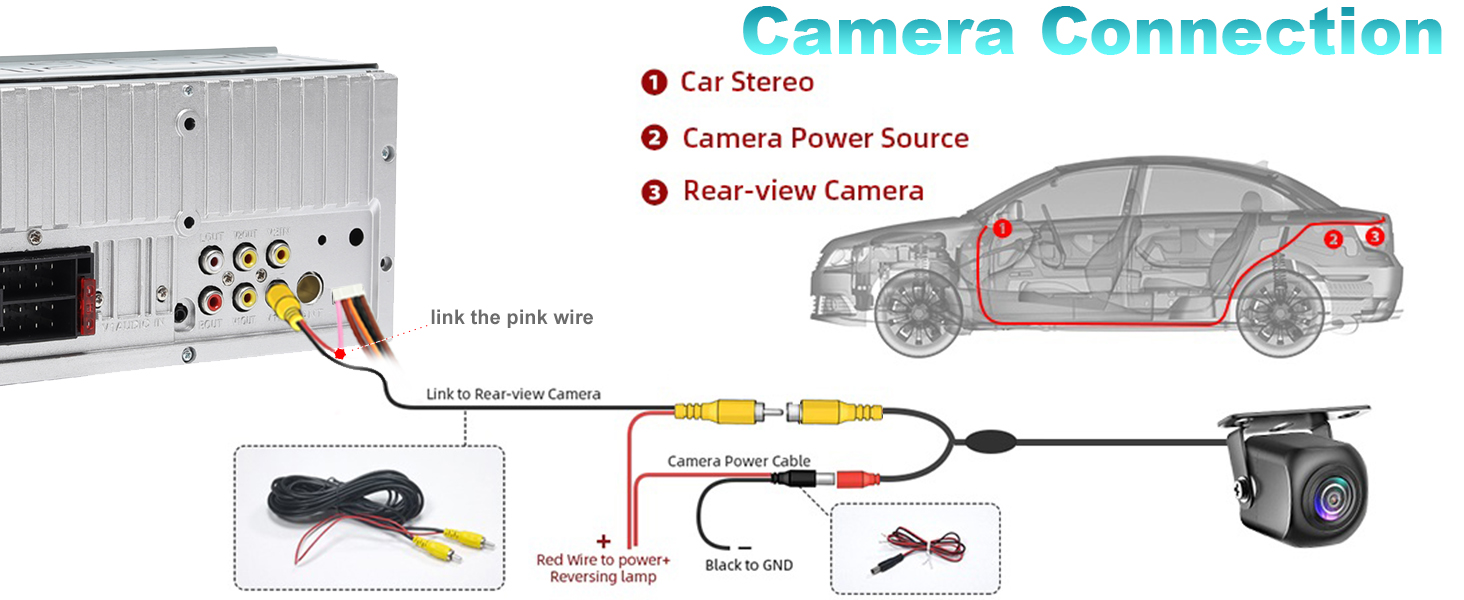
Confirm both yellow & red cables have been connected yet;
2. Why the saved stations / the Clock setting / playback status lost every time you start the car?
Please exchange the yellow & Red cables to connect. (the red cable and yellow cable are in opposite positions in some models of cars)
3. Why show "invalid" when you click "Bluetooth" / "Mirror-Link" icon ?
Pls turn off the wireless carplay/android auto in your phone (Refer to the manual), then use the Bluetooth/Mirror Link mode again.
4. Why cannot use the Mirror-Link function after plug-in the USB cable ?
Pls click on the icon "Phonelink" & choose the "Mirror" first, then plug in the USB cable , it will enter into the Mirror mode.
If you plug in the USB cable first , it will enter into the wired carplay/android auto mode.
5. Why the radio cannot connect the Bluetooth all the time ?
1. Unplug the power cable & plug in again
2. Reset the radio to factory mode.
- Real 7 inch HD touchscreen with knob & fit 6.8"*3.8"(US double din standard) dash kit. While others list 7" touchscreen but the real size is 6.8";Or others list is real 7" touchscreen & fit 6.8"*3.8" dash kit but without knob.
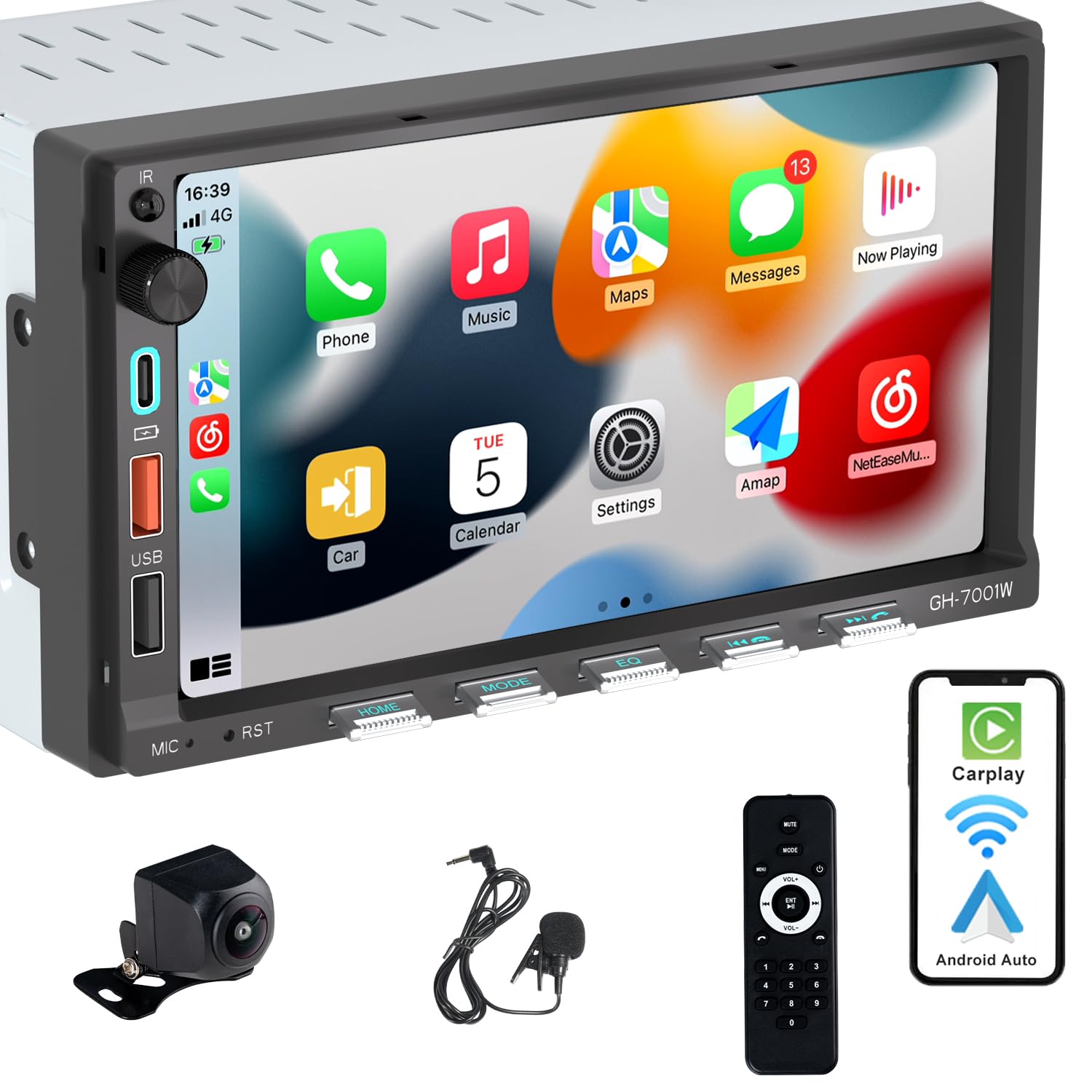
- Compatible with Wired/Wireless Apple CarPlay , Android Auto & Mirror Link: This double din car stereo is compatible with both Wired/Wireless CarPlay and Android Auto, allowing you to access music, make phone calls, send messages, and navigate using voice assistants
- 2 USB ports for fast charge (3A max): 3 USB Ports (Front); 2 USB (type-A + type-C) for fast charge(3A max) while the other USB is used for playing music or data transmission;You can use both USB ports for fast charge at the same
- Bluetooth & External Mic: Independent Bluetooth module with external mic, improving transmission efficiency, reducing static noise, hands-free calling and audio streaming of the car play screen
- Rear View Backup Camera: Night vision, 170° viewing angle waterproof backup camera, more safer and time-efficient experience! Simply shift into reverse and the system powers on the camera automatically, for optimal visibility no matter the weather conditions!
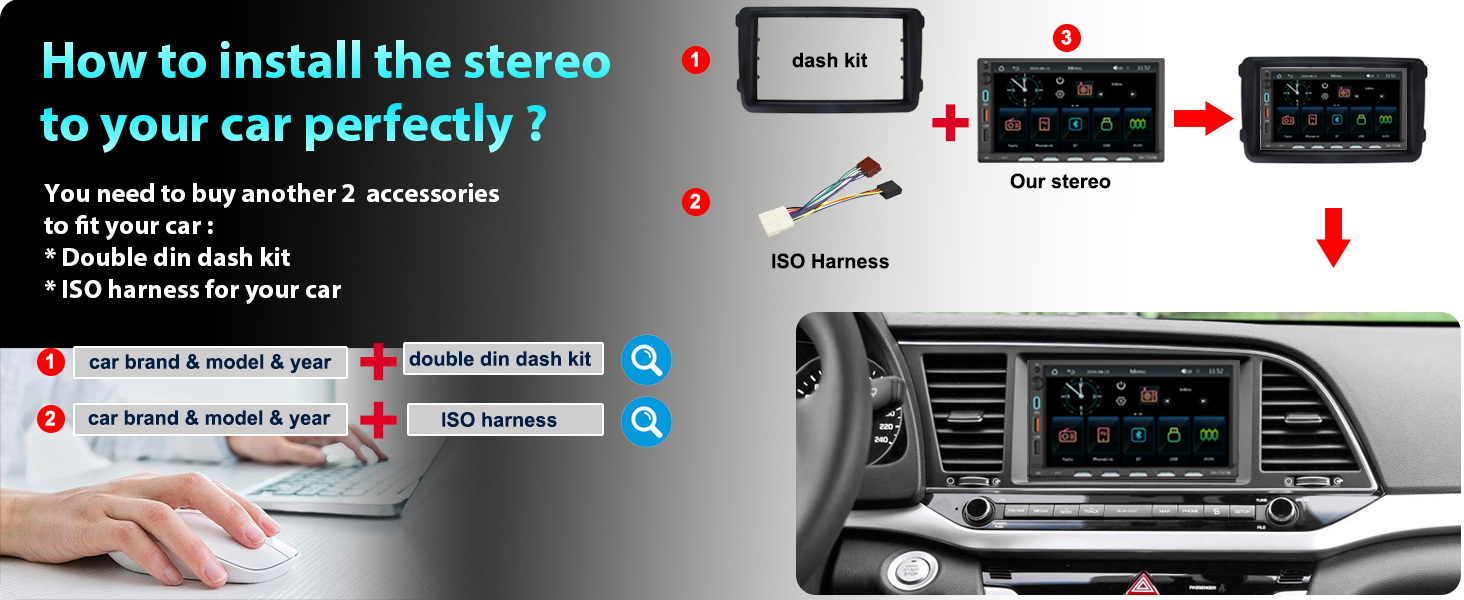
- Measure Opening Size: Please read our stereo size carefully and measure your dashboard size, if it matched 1 of the following 3 sizes, then it will fit your model: 173*96 mm (6.8*3.8 inch); 178*100 mm (7*4 inch); 189*117 mm (7.44*4.61 inch)
| SKU: | B0GRV5MW1J |
| Weight: | 1.7 Pounds |
| Brand: | Alondy |
| Model: | GH-7001W-UK |
| Manufacture: | Alondy |
Product Description
1. Why no power after installed?
Confirm the car voltage is 12V,Check the fuse work or not ;
Confirm the car ignition on (Switch ignition key to “ACC” )
Confirm both yellow & red cables have been connected yet;
2. Why the saved stations / the Clock setting / playback status lost every time you start the car?
Please exchange the yellow & Red cables to connect. (the red cable and yellow cable are in opposite positions in some models of cars)
3. Why show “invalid” when you click “Bluetooth” / “Mirror-Link” icon ?
Pls turn off the wireless carplay/android auto in your phone (Refer to the manual), then use the Bluetooth/Mirror Link mode again.
4. Why cannot use the Mirror-Link function after plug-in the USB cable ?
Pls click on the icon “Phonelink” & choose the “Mirror” first, then plug in the USB cable , it will enter into the Mirror mode.
If you plug in the USB cable first , it will enter into the wired carplay/android auto mode.
5. Why the radio cannot connect the Bluetooth all the time ?
1. Unplug the power cable & plug in again
2. Reset the radio to factory mode.