L18M3P73 L18M3P74 51Wh 11.52V Laptop Battery Compatible
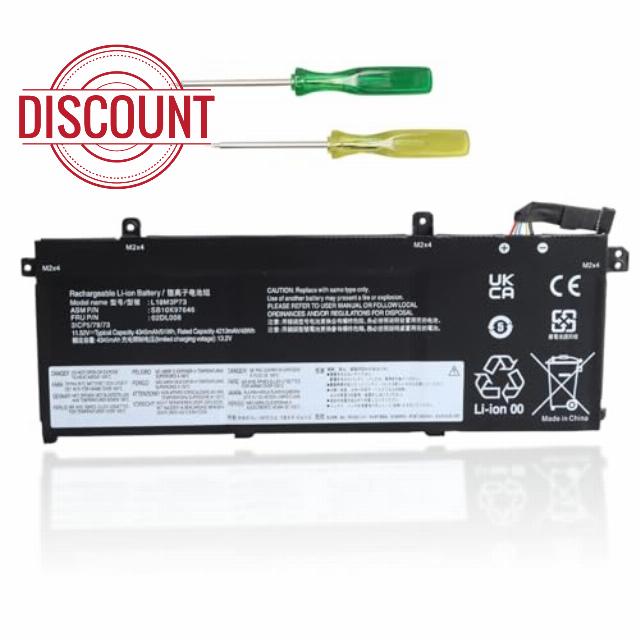
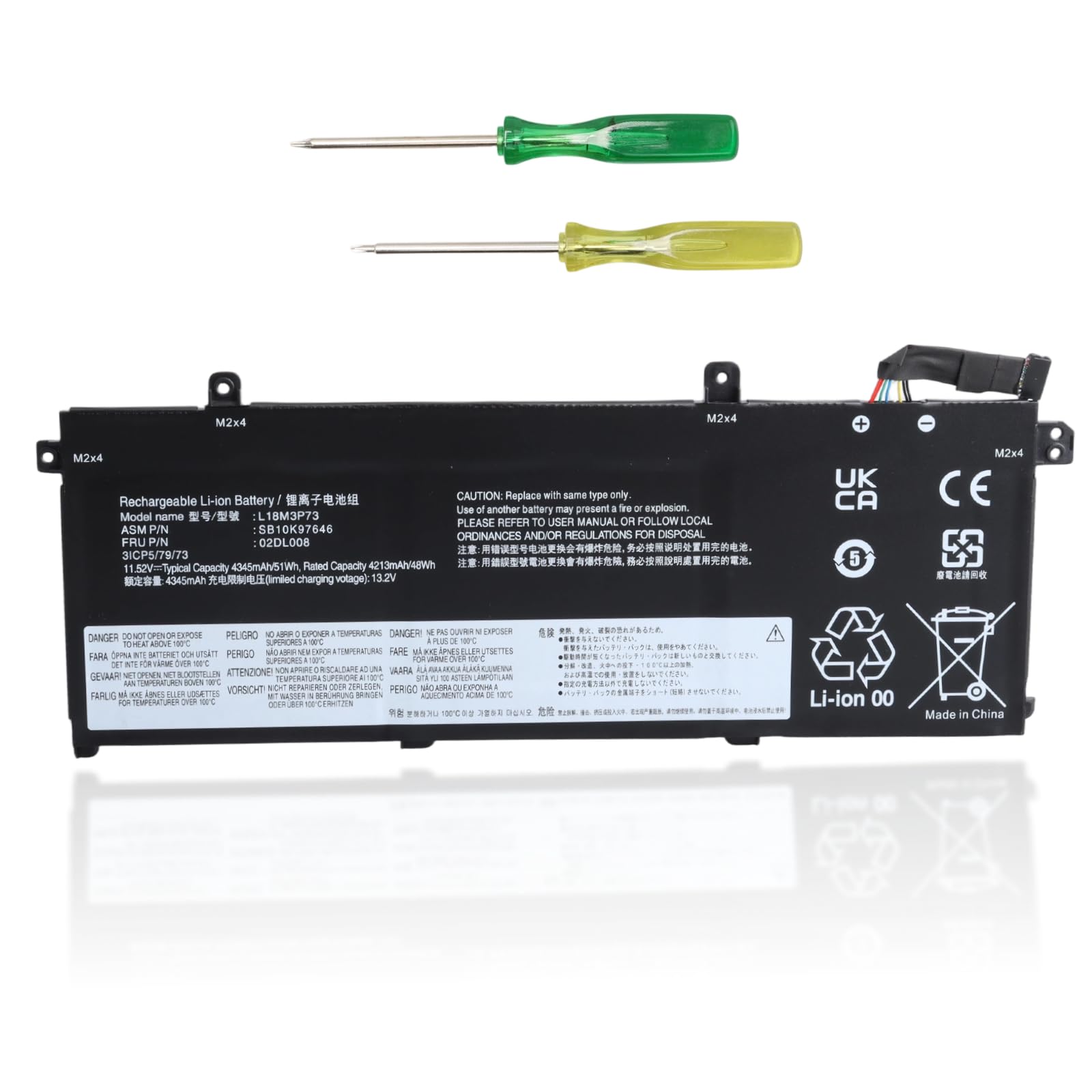
L18M3P73 L18M3P74 51Wh 11.52V Laptop Battery Compatible with Lenovo ThinkPad T490 T495 P43S T14 P14S Gen 1st / 2nd Series, Replaces L18C3P71 L18L3P73 L18M4P73 L18M4P74 SB10K97646 SB10K97647
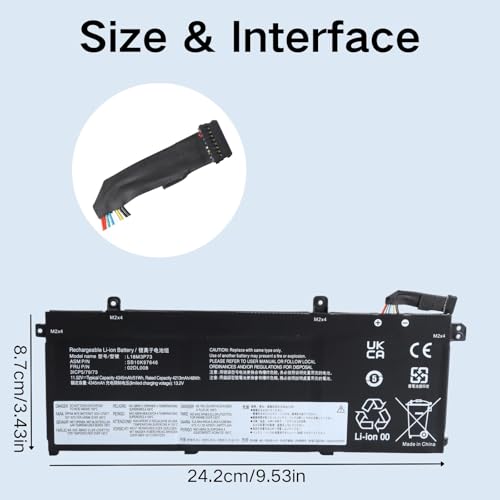
Before purchasing, please confirm your device model, original battery model, voltage, dimensions, and interface to ensure compatibility.
(You can press "Ctrl+F" to find the desired model)
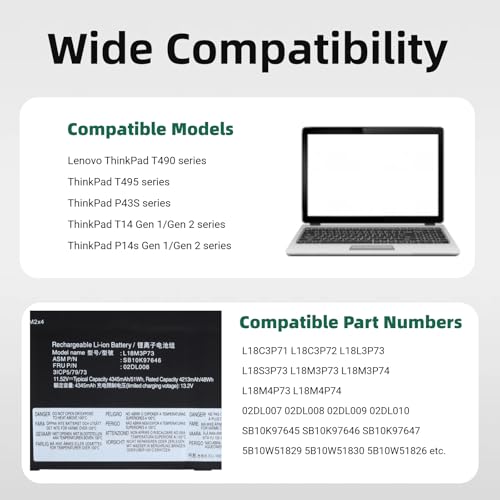
Compatible Lenovo Models:
- ThinkPad T490 (20N2, 20N3, 20Q9, 20QH, 20RY, 20RX, etc.)
- ThinkPad T495 (20NJ, 20NK, etc.)
- ThinkPad P43s (20RH, 20RJ, etc.)
- ThinkPad T14 Gen 1 (20S0, 20S1, 20S2, etc.)
- ThinkPad T14 Gen 2 (20W0, 20W1, 20UD, 20XE, etc.)
- ThinkPad P14s Gen 1 (20S4, 20S5, etc.)
- ThinkPad P14s Gen 2 (20Y1, 21A0, etc.)
- TP00103, TP00103E, TP00103G Equivalent Series Models
Compatible Part Numbers:
- L18C3P71, L18C3P72, L18L3P73, L18S3P73, L18M3P73, L18M3P74, L18M4P73, L18M4P74
- 02DL007, 02DL008, 02DL009, 02DL010
- SB10K97645, SB10K97646, SB10K97647, SB10K97648, SB10T83197 SB10T83122, SB10T83148, SB10T83149, SB10W51929, SB10W51928, SB10W51926
- 5B10W51829, 5B10W51830, 5B10W51826, 5B10W51827, 5B10W13906, 5B10W13905, 5B10W13877, 5B10W13954, 5B10W13907, 5B10W13908
High-quality Battery Cells
- 4345mAh large capacity for long-lasting battery life
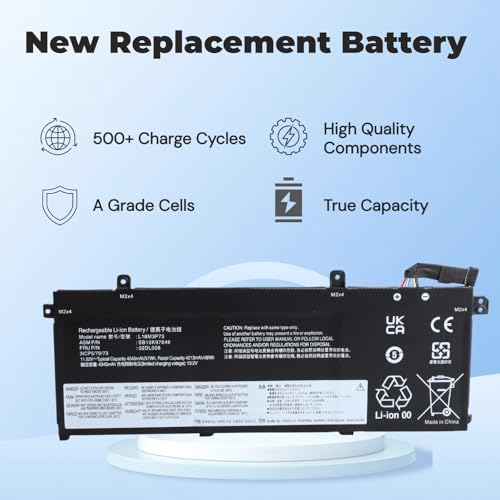
- 500+ charge/discharge cycles
- High-density Grade A lithium-ion battery cells
Intelligent BMS Chip
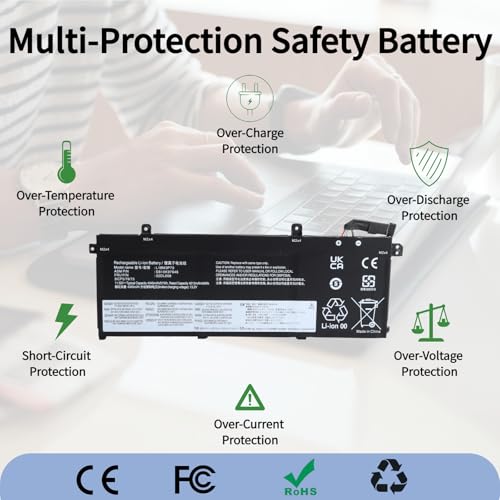
- Multiple safety protections
- Intelligent balancing technology to extend cycle life
- Ensuring stable operation in all environments
How to Check Your Computer/Battery Model
- Method 1: Check the label on the bottom of your laptop
- Method 2: Check the printing on the surface of the original battery
- Method 3: Check within the computer's system: Press Win + R to open the Run window → type msinfo32 → search for System Model
Note
- Before purchasing, please verify that the model number of your old battery matches the model number on the bottom of your laptop.
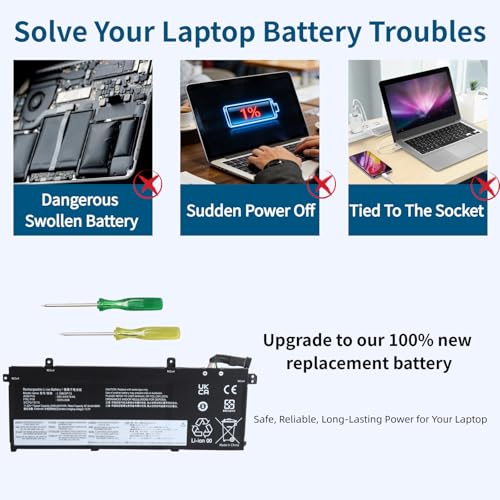
- Before replacing the battery, disconnect the power adapter and remove the old battery. Press and hold the power button for 15–20 seconds to release any residual charge on the motherboard, preventing short circuits and damage. This also ensures the new battery can be recognized.
- It is recommended to complete 3–4 full charge-discharge cycles for the new battery to achieve optimal cell performance.
- Lithium batteries have no memory effect; charge them as needed. Avoid storing them with the charge level below 10% for extended periods or at a full charge for extended periods.
- Do not disassemble, squeeze, or puncture the battery; do not immerse the battery in fire or water.
- You can search for battery installation tutorials for your laptop model on YouTube.
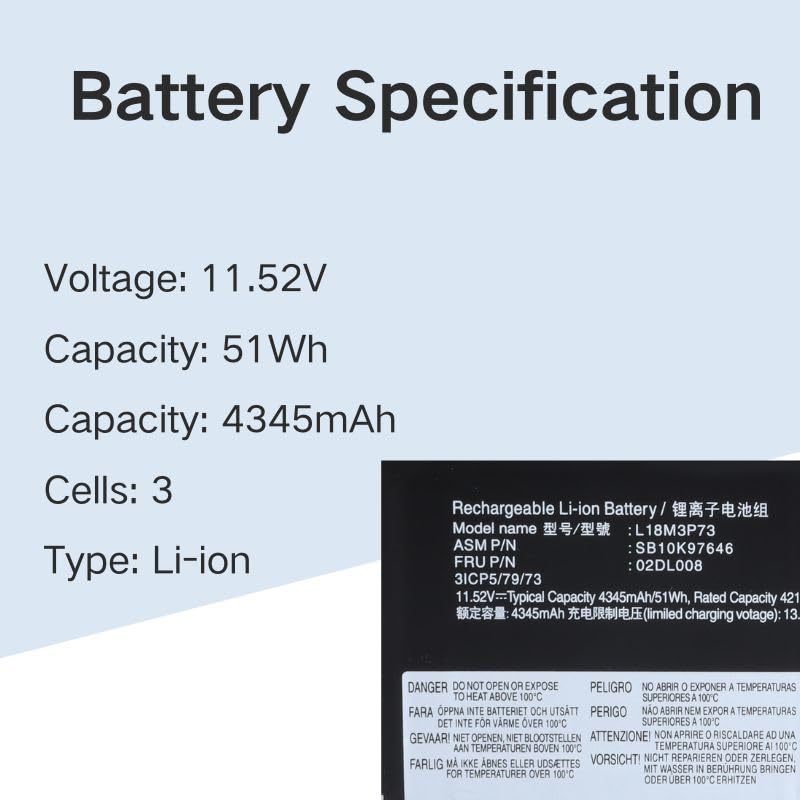
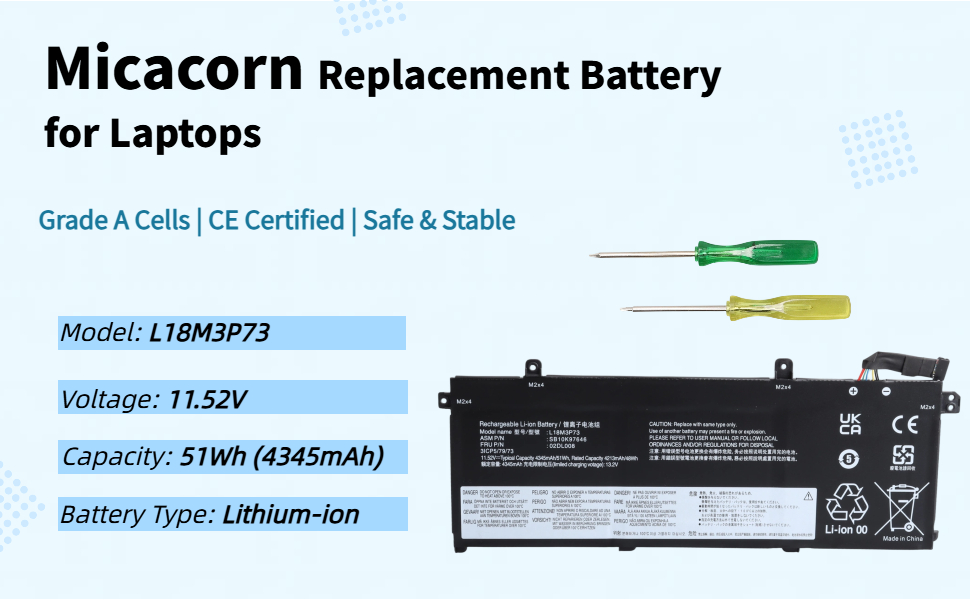
- 【Specifications】Type: Lithium-ion battery; Voltage: 11.52V; Capacity: 4345mAh/51Wh, 3-cell internal design, supports 500+ charge/discharge cycles, extending laptop's mobile usage time.
- 【Compatible Models】Compatible with Lenovo ThinkPad T490 series (20N2, 20N3, 20Q9, etc.), ThinkPad T495 series (20NJ, 20NK), ThinkPad P43S series (20RH, 20RJ), ThinkPad T14 Gen 1/Gen 2 series (20S0, 20S1, 20S2, 20UD, etc.), ThinkPad P14s Gen 1/Gen 2 Series (20S4, 20S5, 20Y1, 21A0, etc.), compatible with TP00103G, TP00103E, TP00103, etc.
- 【Compatible Part Numbers】L18C3P71, L18C3P72, L18L3P73, L18S3P73, L18M3P73, L18M3P74, L18M4P73, L18M4P74; 02DL007, 02DL008, 02DL009, 02DL010; SB10K97645, SB10K97646, SB10K97647 SB10K97648, SB10T83197, SB10T83122, SB10T83148, SB10T83149, SB10W51929, SB10W51928, SB10W51926; 5B10W51829, 5B10W51830, 5B10W51826, 5B10W51827, 5B10W13906, 5B10W13905, 5B10W13877, 5B10W13954, 5B10W13907, 5B10W13908.
- 【Multiple Safety Protections】Built-in intelligent circuit protection board with 6 layers of protection against overcharge, over-discharge, overvoltage, overcurrent, short circuit, and overheating, eliminating potential safety hazards; passed CE and RoHS international safety certifications, and completed full-process compliance testing including EMC and EC, ensuring greater peace of mind.
- 【Quality Assurance】Uses 100% brand new Grade A battery cells, with no memory effect, fast charging, and stable and durable battery life; for any usage issues, please contact customer service, we promise to respond and resolve within 24 hours, ensuring a worry-free shopping experience.
| SKU: | B0GTKVH529 |
| Brand: | Micacorn |
| Model: | L18M3P73 |
| Batteries Included: | Lithium Ion |
| Manufacture: | Micacorn |
| Origin: | China |
Product Description

Note
- Before purchasing, please verify that the model number of your old battery matches the model number on the bottom of your laptop.
- Before replacing the battery, disconnect the power adapter and remove the old battery. Press and hold the power button for 15–20 seconds to release any residual charge on the motherboard, preventing short circuits and damage. This also ensures the new battery can be recognized.
- It is recommended to complete 3–4 full charge-discharge cycles for the new battery to achieve optimal cell performance.
- Lithium batteries have no memory effect; charge them as needed. Avoid storing them with the charge level below 10% for extended periods or at a full charge for extended periods.
- Do not disassemble, squeeze, or puncture the battery; do not immerse the battery in fire or water.
- You can search for battery installation tutorials for your laptop model on YouTube.