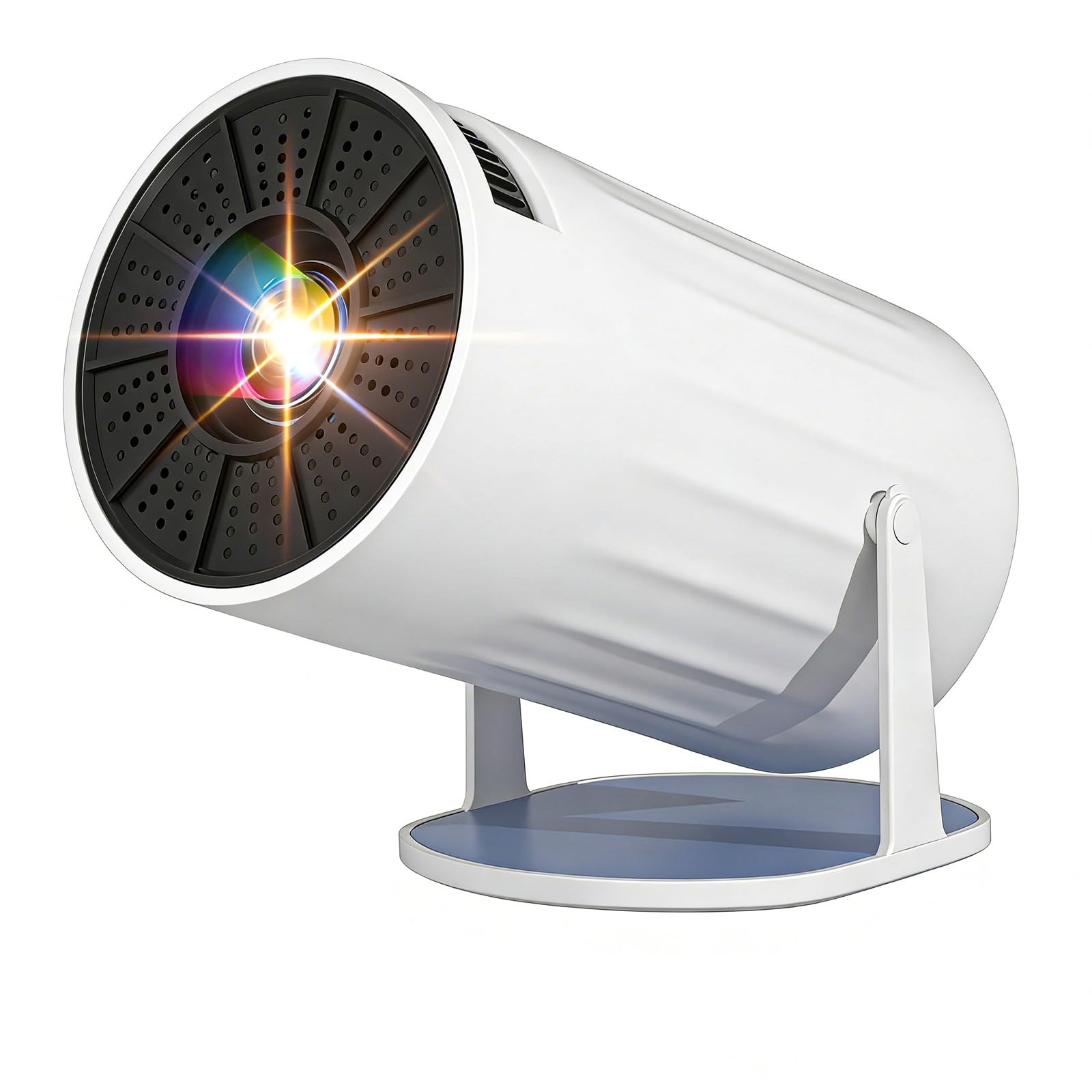
Mini Projector 4K 1080P Bluetooth Projector Portable TV
Mini Projector 4K 1080P Bluetooth Projector Portable TV Projector for Bedroom with WiFi 6 and Bluetooth 5.2, Auto Keystone, 180° Rotatable, Compatible with TV Stick/HDMI/USB
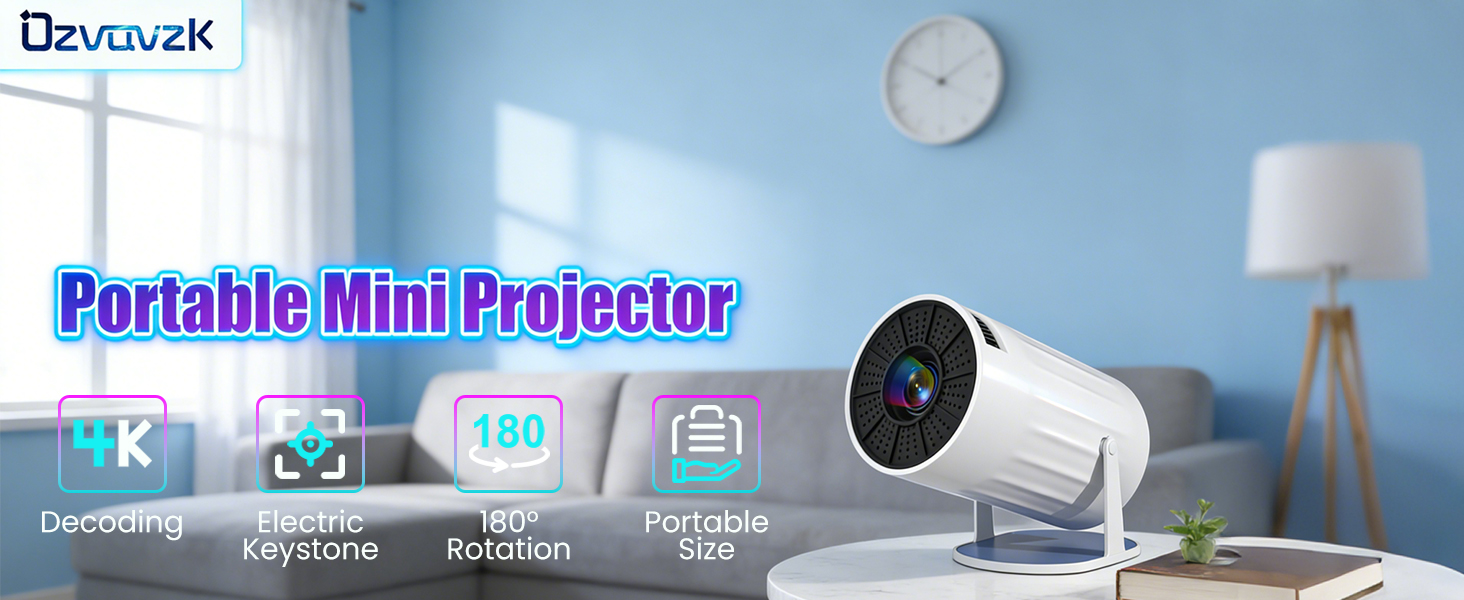
1 4K@1080P 2 Auto Keystone 3 1.2:1 Short Throw Ratio 4 BT5.2 5 WiFi 6 1 180° Rotatable 2 Portable Projector 3 Wide Compatibility
Unable to Connect to Wi-Fi?
1. Keep the projector and the router within 16 feet of each other. Check if other devices are able to establish a Wi-Fi connection. 2. Verify the time zone under Settings > Date & Time > Time Zone. 3. Try connecting to a different Wi-Fi network, or use your smartphone's hotspot. 4. Test both frequency bands (2.4 GHz and 5 GHz) on your router. 5. Reset the projector via Settings > More Settings > Restore Factory Settings.
No Bluetooth Connection?
1. Update the projector's firmware to the latest version. 2. Clear the Bluetooth pairing history. 3. Restart the projector and attempt the pairing process again. 4. Connect a Bluetooth speaker or headphones and check the audio output. 5. Place the projector as close as possible to the Bluetooth device, avoiding any metal objects or walls.
Projection Distance
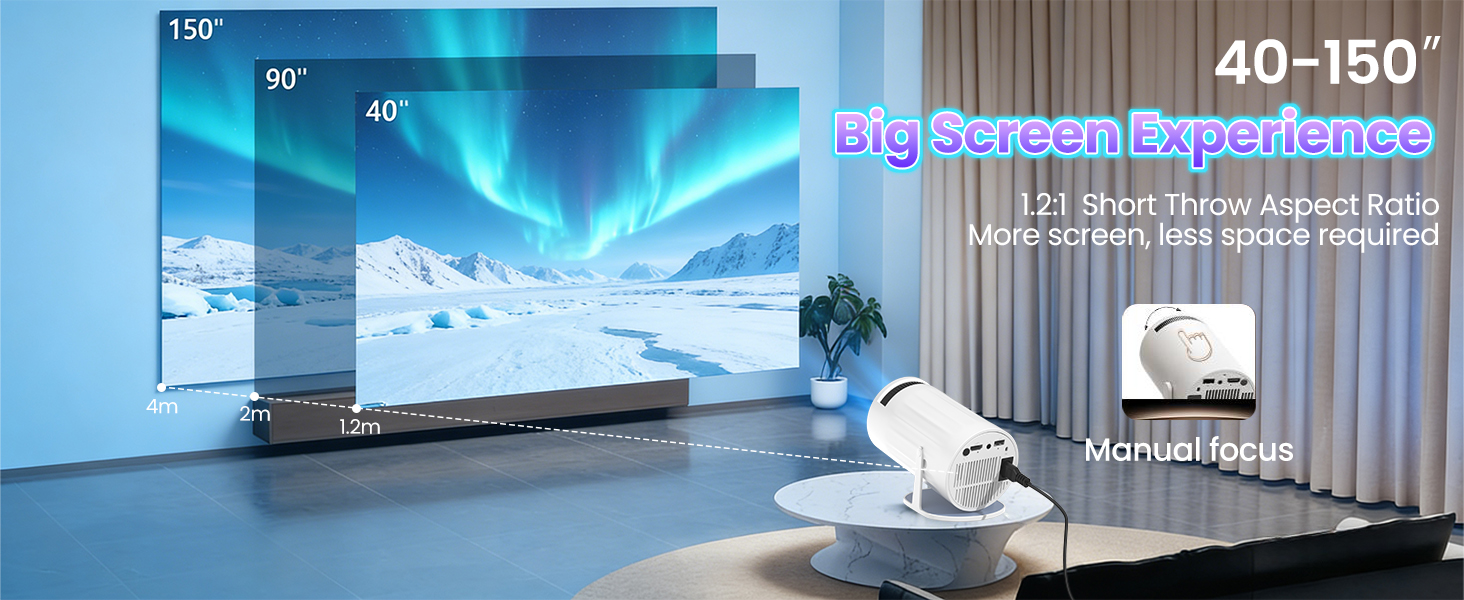
The distance between the projector and the projection surface must be a minimum of 1.2 m and a maximum of 4 m. This ensures an image size between 40" and 150".
For daytime use?
Due to its limited brightness, the projector is best suited for dark environments—such as a garden at night, a campsite after sunset, a living room with the curtains closed, or a bedroom with the lights off.
How to enable manual focus?
To make it easier for you to adjust the sharpness of your projection, the Coolita projector features an internal gear mechanism. Simply turn the gear to adjust the focus and achieve your desired sharpness.
How to achieve a square image?
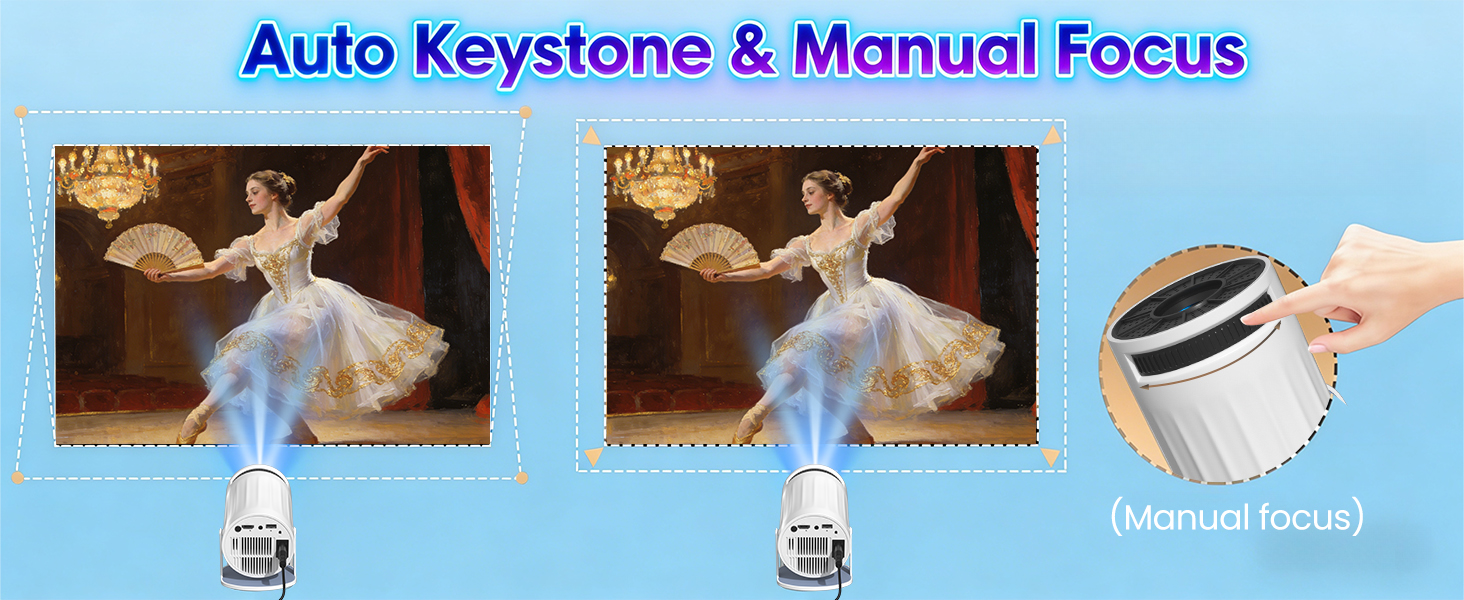
Automatic keystone correction works best when the projector lens is aimed directly at the wall. If results are unsatisfactory: 1. Place the projector on a flat surface and align the lens perpendicular to the wall. 2. Navigate to Settings > Projection Settings > Keystone Correction > Initial Angle Correction. 3. If necessary, disable automatic correction and adjust the alignment manually.
Regarding limitations
Due to HDCP (High-bandwidth Digital Content Protection), screen mirroring may not function correctly (resulting in no image or sound) when attempting to mirror content from certain apps, such as Netflix and others.
Mirroring an iOS Screen?
1. Update your device to the latest version. You can do this by navigating to Settings > About Device > Online Update. 2. Open the Airpin or ScreenCast app. 3. Use AirPlay on your iOS device, ensuring that both devices are connected to the same Wi-Fi network.
Why update via OTA?
To ensure optimal performance and benefit from our latest features and updates, please update to the latest software version before first use. You can do this by navigating to Settings > About Device > Online Update.
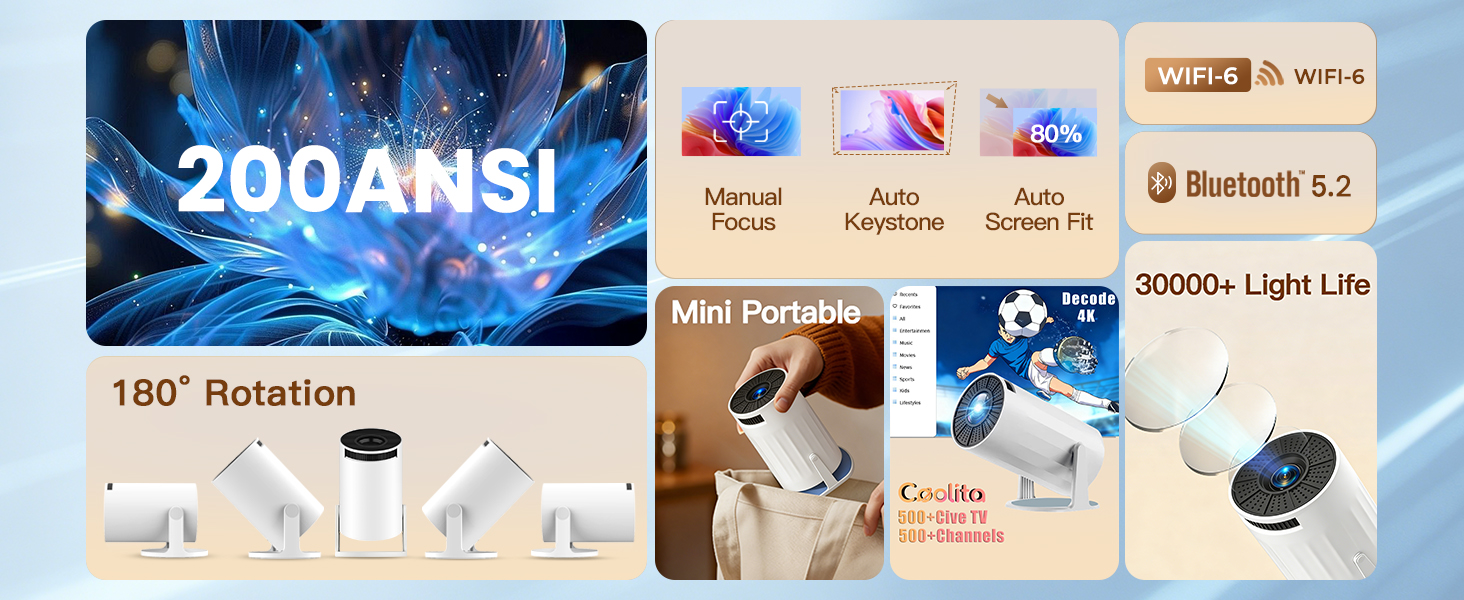
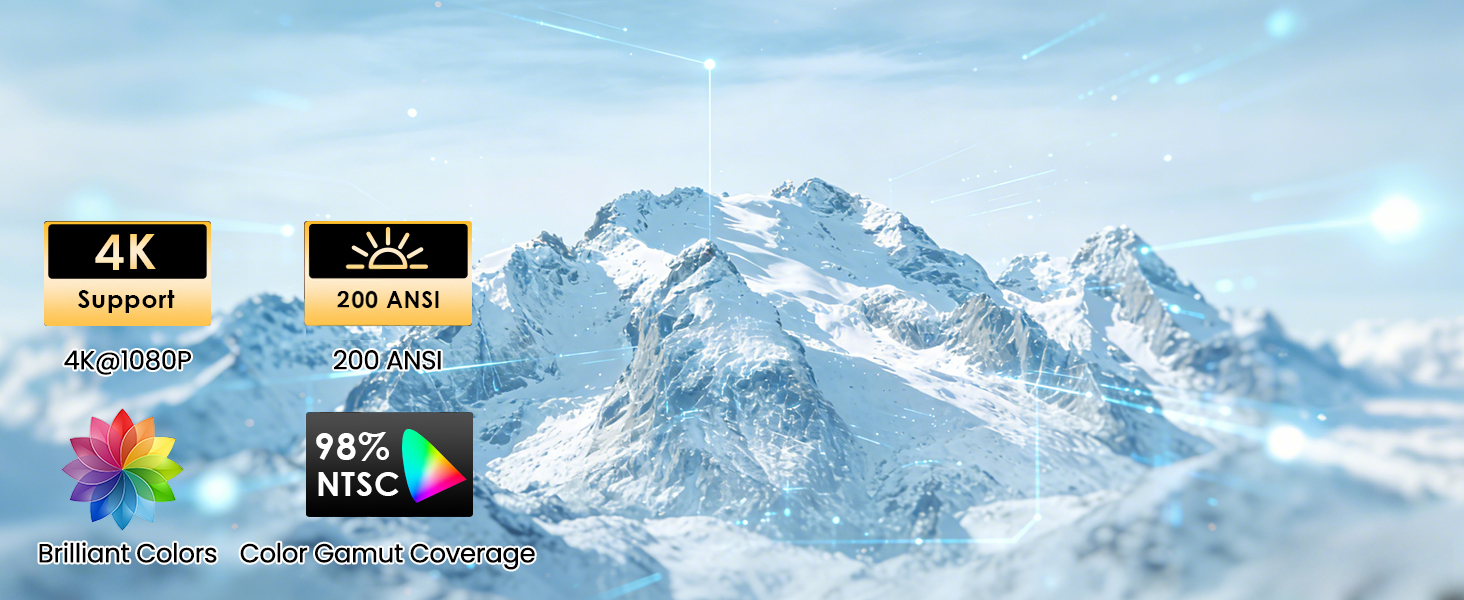
【4K Decoding & Stunning HD Visuals】Equipped with advanced LED technology, this bluetooth projector supports 4K decoding and 1080P high definition, delivering sharp, detailed images with vibrant colours and clear dark details. With a high contrast ratio and 200 ANSI lumens, it provides an immersive viewing experience,perfect for movies, gaming, and outdoor night viewing. The built-in eye protection technology also ensures comfortable viewing for long periods.
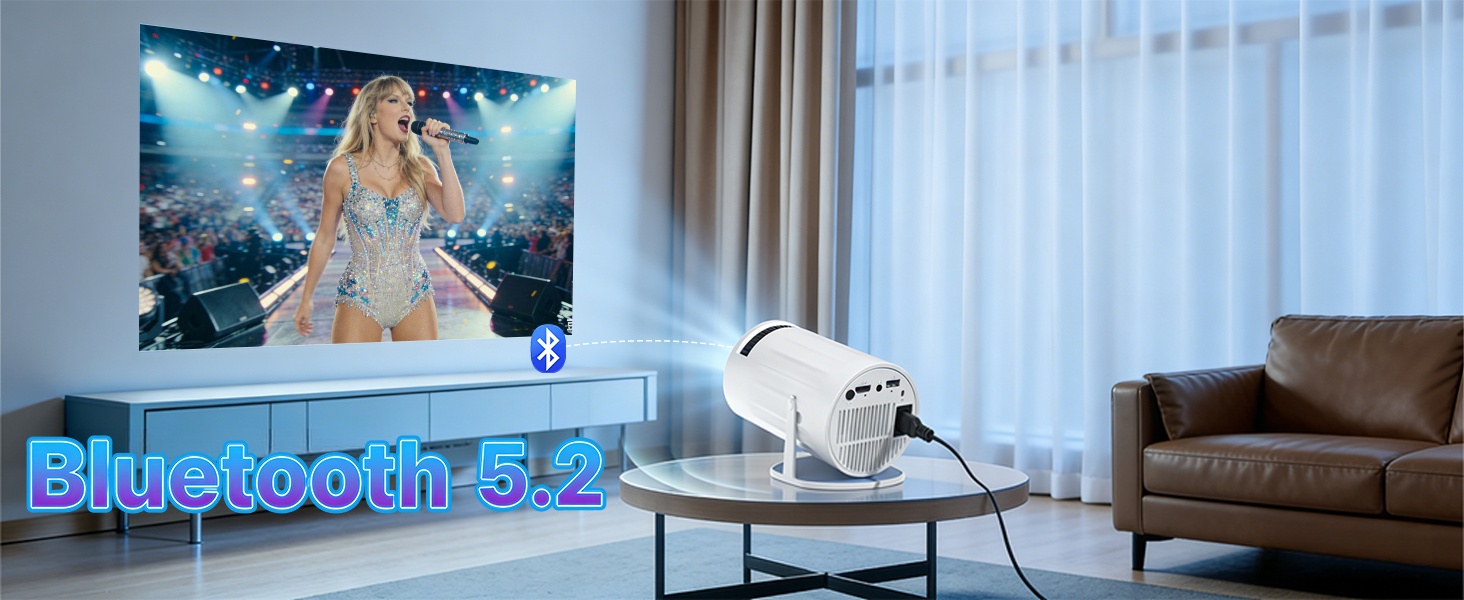
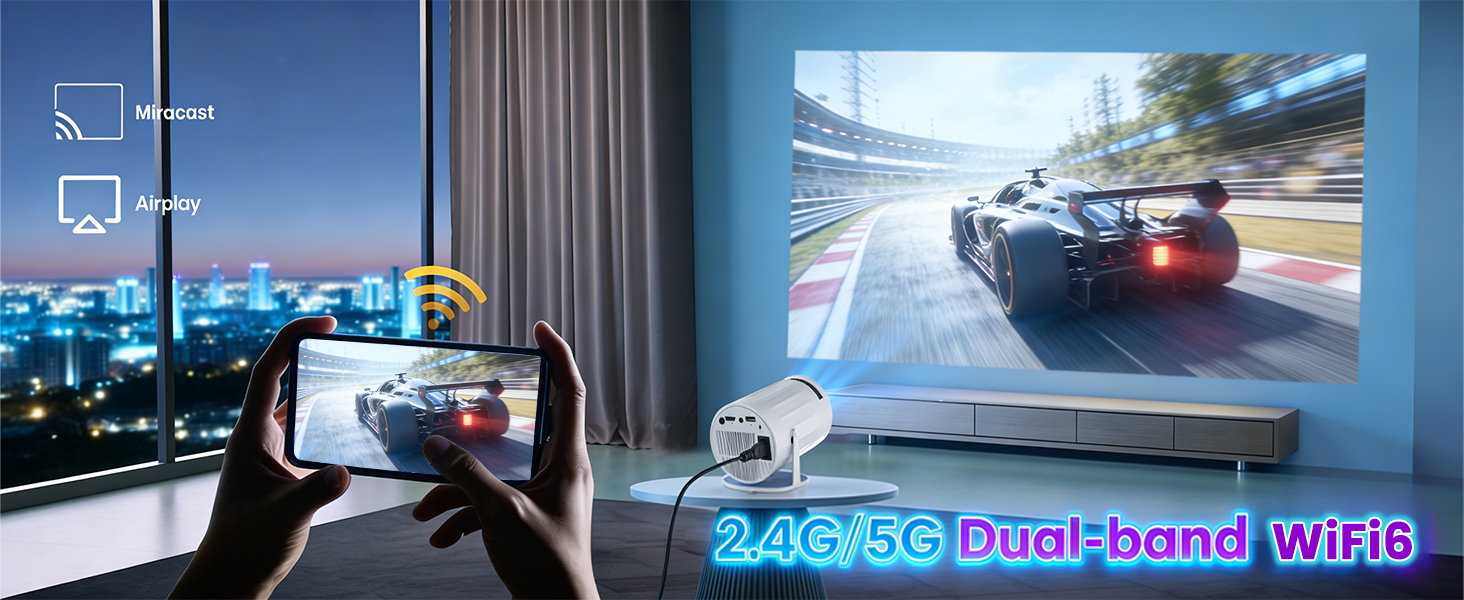
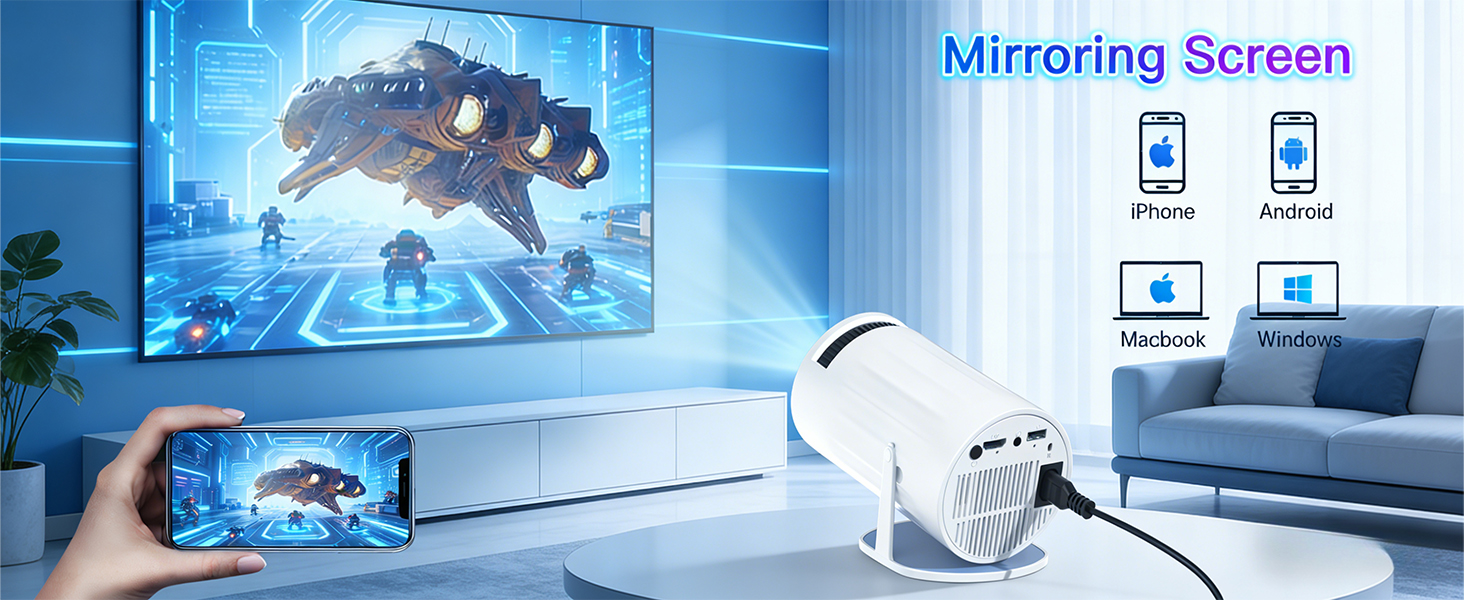
【WiFi 6 & Bluetooth 5.2】Say goodbye to cumbersome HDMI cables! Featuring dual-band (2.4G+5G) WiFi 6, this smart projector enables fast, stable streaming with ultra-low latency, making screen mirroring from smartphones, laptops, and tablets seamless. The latest bi-directional Bluetooth 5.2 allows easy pairing with wireless headphones, speakers, or soundbars, enhancing the cinematic audio experience without extra wires.
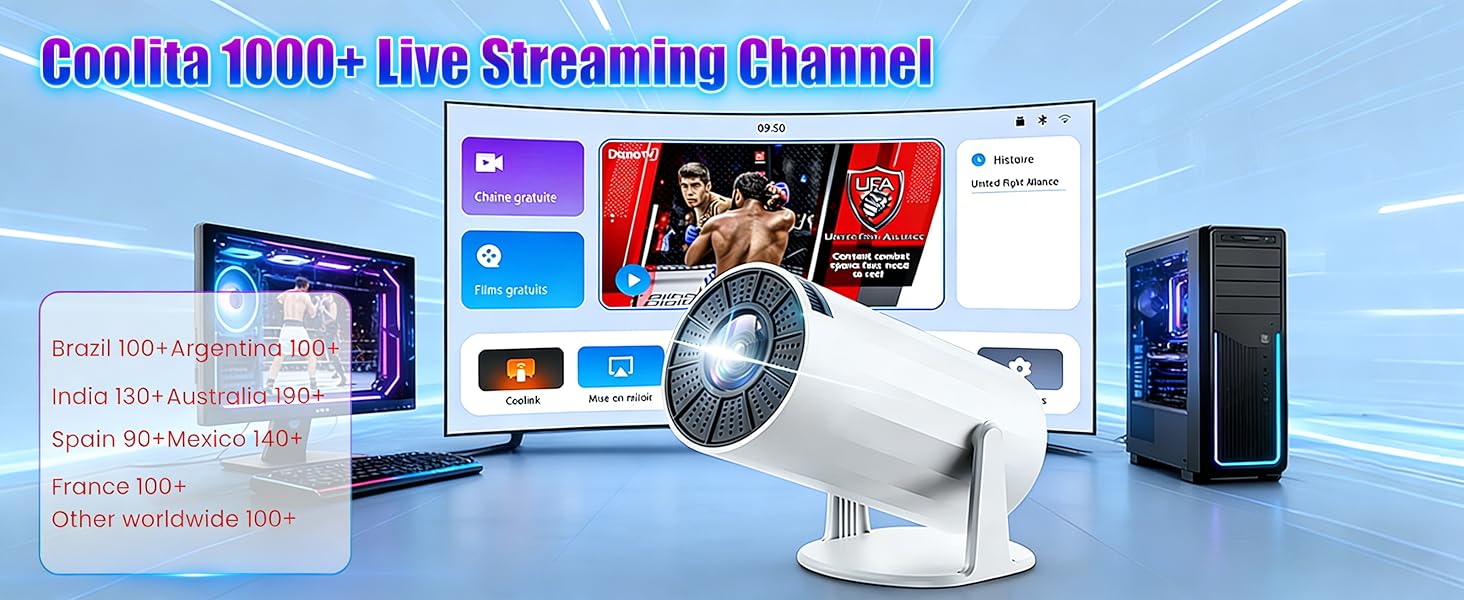
【Supports 1000+ Live TV Channels】Our small projector can play over 1000 live channels from all over the world, Watch movies or shows directly from the projector 4k without additional devices, creating a seamless and convenient entertainment experience. With smooth operation, 8GB storage, it supports remote control, making it easy to navigate and enjoy over 500,000 movies and TV shows.
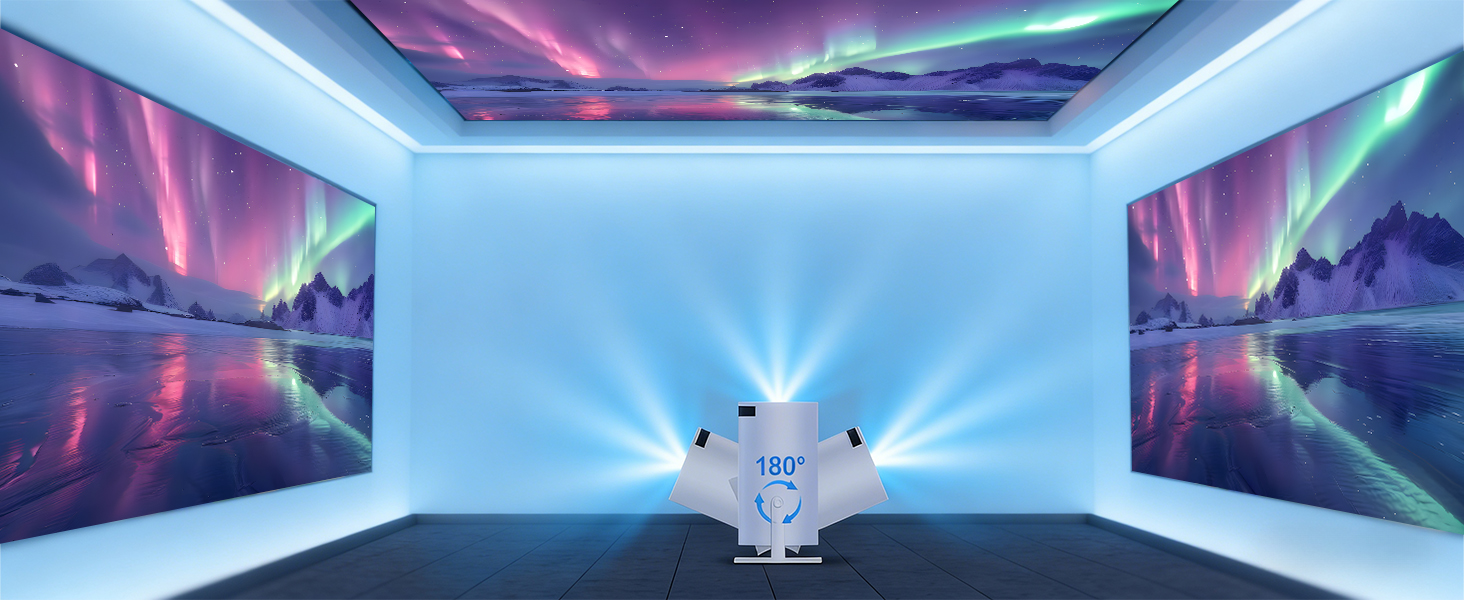
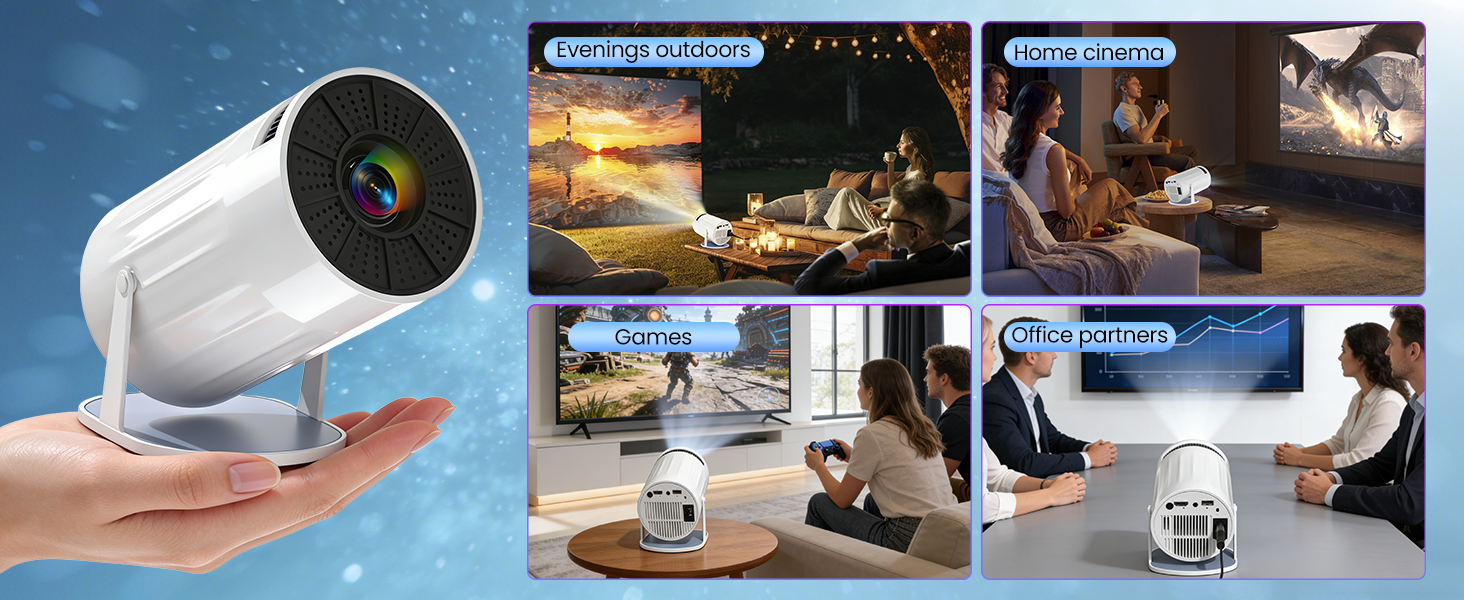
【Flexible Projection & Easy Setup】With auto vertical keystone correction (±30° range) and manual focus, you can get a square, clear image in seconds without complicated adjustments. The 180° rotatable design breaks traditional projection limits, allowing you to project on walls, ceilings, or even floors. It’s compatible with tripods, ceiling mounts, and tabletops (1/4-inch screw hole), perfect for bedroom, home theater, outdoor camping, or meetings.
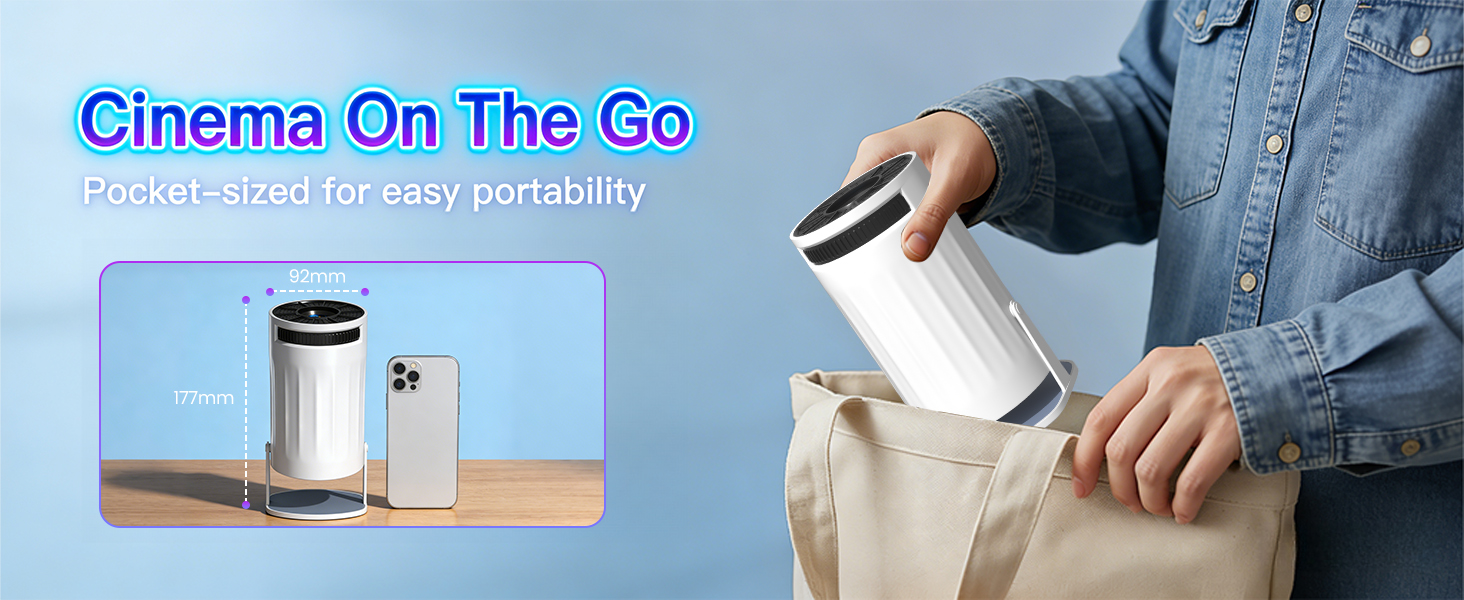
【Portable Design & Wide Compatibility】Compact and lightweight (only 0.5kg), this mini projector is easy to carry in your backpack, transforming any space into a cinema. Equipped with HDMI, USB, and 3.5mm headphone ports, it works seamlessly with TV sticks, laptops, USB drives, game consoles (Switch/PS5), smartphones, and more. The ultra-quiet cooling system (≤25dB) ensures distraction-free viewing, making it ideal for home, travel, parties, and business use.
1. Keep the projector and the router within 16 feet of each other. Check if other devices are able to establish a Wi-Fi connection. 2. Verify the time zone under Settings > Date & Time > Time Zone. 3. Try connecting to a different Wi-Fi network, or use your smartphone's hotspot. 4. Test both frequency bands (2.4 GHz and 5 GHz) on your router. 5. Reset the projector via Settings > More Settings > Restore Factory Settings.
No Bluetooth Connection?
1. Update the projector's firmware to the latest version. 2. Clear the Bluetooth pairing history. 3. Restart the projector and attempt the pairing process again. 4. Connect a Bluetooth speaker or headphones and check the audio output. 5. Place the projector as close as possible to the Bluetooth device, avoiding any metal objects or walls.
Projection Distance
The distance between the projector and the projection surface must be a minimum of 1.2 m and a maximum of 4 m. This ensures an image size between 40″ and 150″.
For daytime use?
Due to its limited brightness, the projector is best suited for dark environments—such as a garden at night, a campsite after sunset, a living room with the curtains closed, or a bedroom with the lights off.
How to enable manual focus?
To make it easier for you to adjust the sharpness of your projection, the Coolita projector features an internal gear mechanism. Simply turn the gear to adjust the focus and achieve your desired sharpness.
How to achieve a square image?
Automatic keystone correction works best when the projector lens is aimed directly at the wall. If results are unsatisfactory: 1. Place the projector on a flat surface and align the lens perpendicular to the wall. 2. Navigate to Settings > Projection Settings > Keystone Correction > Initial Angle Correction. 3. If necessary, disable automatic correction and adjust the alignment manually.
Regarding limitations
Due to HDCP (High-bandwidth Digital Content Protection), screen mirroring may not function correctly (resulting in no image or sound) when attempting to mirror content from certain apps, such as Netflix and others.
Mirroring an iOS Screen?
1. Update your device to the latest version. You can do this by navigating to Settings > About Device > Online Update. 2. Open the Airpin or ScreenCast app. 3. Use AirPlay on your iOS device, ensuring that both devices are connected to the same Wi-Fi network.
Why update via OTA?
To ensure optimal performance and benefit from our latest features and updates, please update to the latest software version before first use. You can do this by navigating to Settings > About Device > Online Update.
How can I use my AllSole discount code? You’ll be instructed to enter a code once you are on the transaction page. There will be a clearly shown area to enter the code. Remember to enter the promo code before you complete the transaction, as it may not be possible to apply the code afterwards.
For the latest celebrity styles at your fingertips, AX Paris is the place to be! Discover the trendiest outfits as worn by the hottest fashion influencers and refresh your wardrobe with this season’s most papped looks for less. Add an exclusive AX Paris discount code to your order and liven up your everyday wardrobe for a fraction of the price. Polish your look with the most gorgeous footwear and accessories and make every outfit Instagram worthy.
If you’re after easy-to-wear everyday clothing that screams effortless chic, why not browse through and grab a Baukjen discount code from Groupon. Baukjen produces all manner of stylish ladies’ clothing for today’s modern woman. From knitwear and jewellery to trousers and dresses, busy women can find that ideal investment to wear which provides an ultimately elegant look for everyday use, without compromising style principles. So if you fall into this category, head online and use these and start spending and saving right now.
Is there anything better than a good cup of coffee? Like a little hug in a mug, a nice coffee can turn a bad day into a good day in just a few quick sips, and nobody does coffee better than Costa. If you’re after a delicious deal on an incredible coffee then check out our Costa vouchers and see if you can’t just save a pretty penny on your favourite hot beverage. Whether you love a latte or crave a cappuccino, Costa has you covered.
Turn your cumbersome morning routine into a natural delight with Dollar Shave Club, the experts in all things shaving. Pick from cutting-edge products like the Repair Serum and Shave Butter and knock down their already phenomenal price with a Dollar Shave Club promo code to make them yours for a pittance. Sceptics and shaving fans alike should subscribe to a Starter Kit and see the difference in every morning routine.
Set sail for the holiday of a lifetime with Marella Cruises, the all-inclusive cruise breaks from TUI. Explore the huge range of sailing holidays and enjoy state-of-the-art facilities, five-star entertainments and delicious cuisine for one great price. Book your trip for less with a Marella Cruises discount code and uncover the Caribbean, Asia, or the Mediterranean. You'll even get the chance to hop off at different ports and explore the local sights, festivities and cuisine too.