Single Din Car Stereo, 1 Din Car Radio with Wireless CarPlay
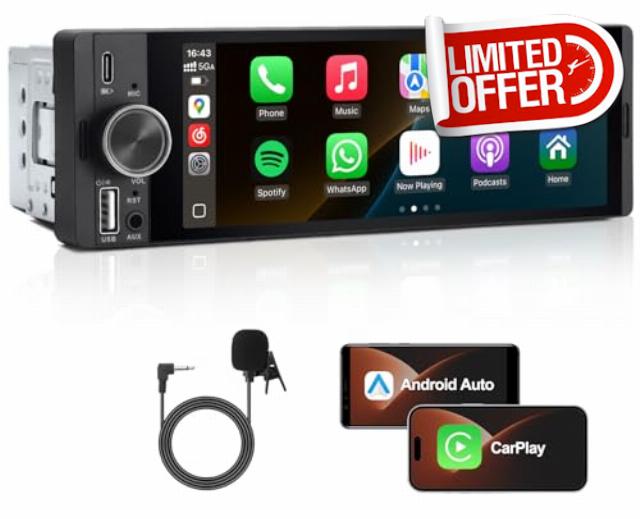
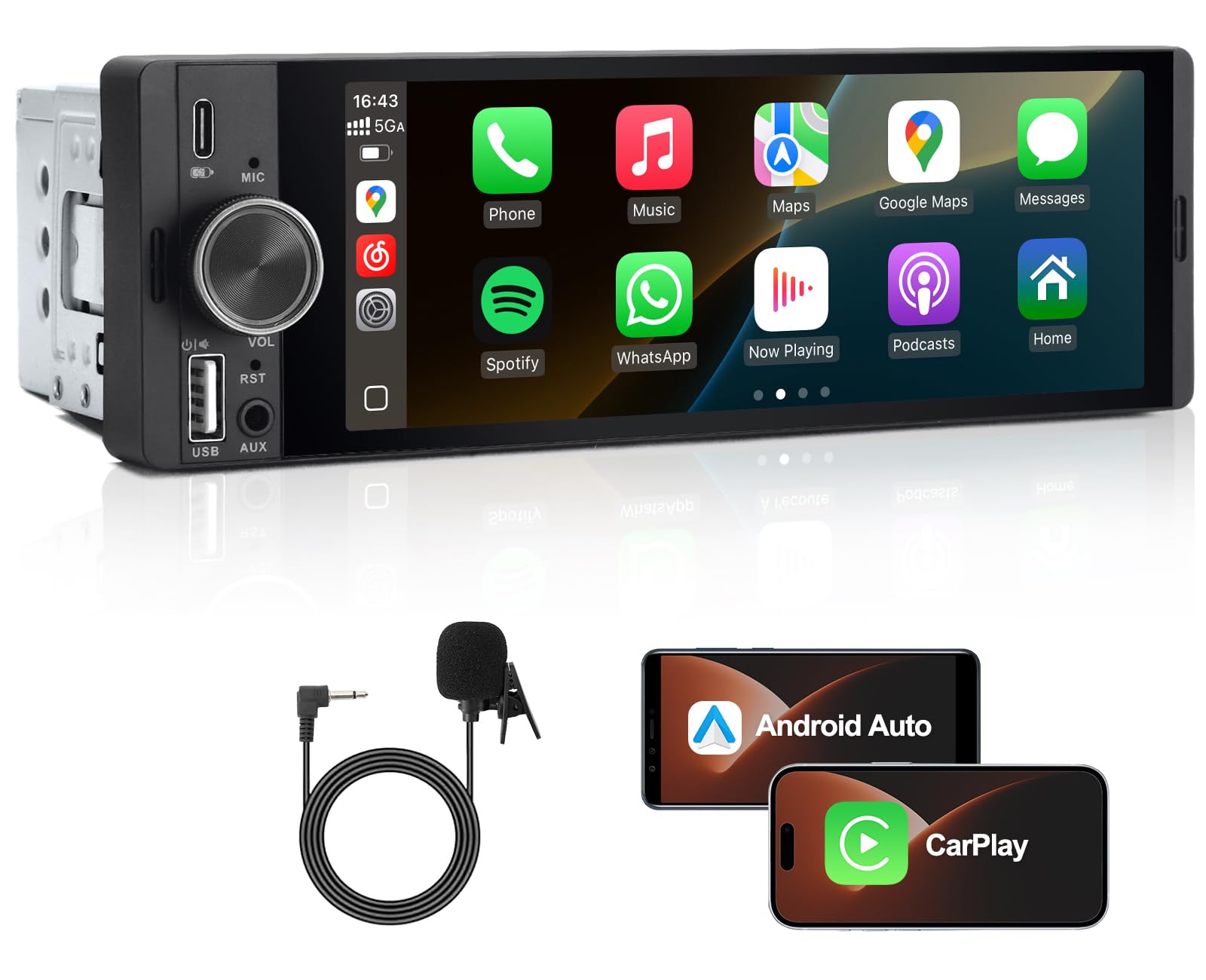
Single Din Car Stereo, 1 Din Car Radio with Wireless CarPlay & Android Auto, 6.36″ Touch screen Head Unit with Voice Control, Mirror Link, FM, Bluetooth Hands-free Calling, SWC, EQ, Type-C
Note:
The device cannot directly install map apps. The only way to use a map app is by connecting your smartphone (using CarPlay or Android Auto) and then using the app installed on your phone through the device's screen.
No Built-in Speaker
Sound works only after installation in vehicle.
Note:
- Connector types vary by vehicle, so no universal plug is available. We provide loose cables for compatibility with your car.
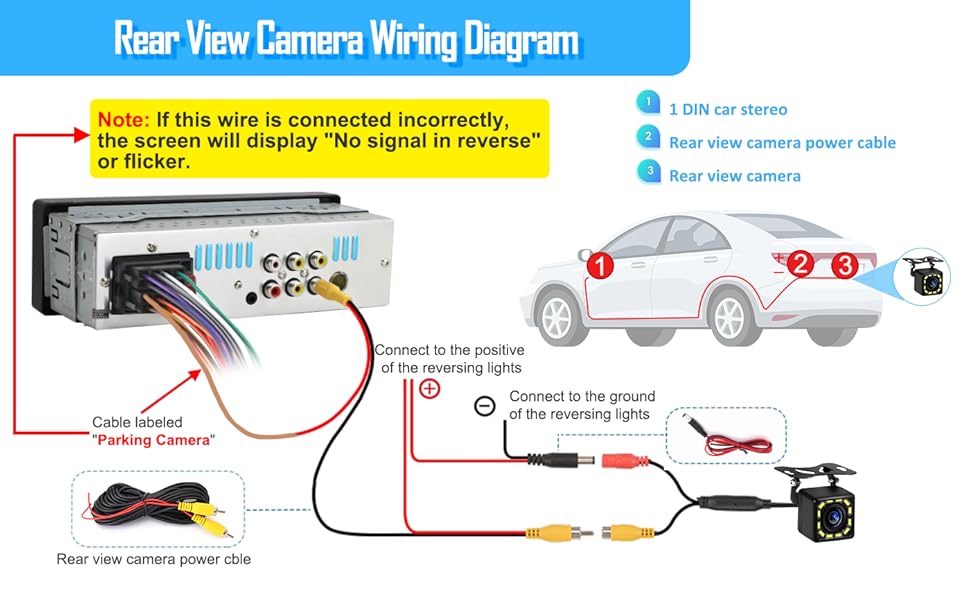
- Incorrect wiring of brown wire labeled “Parking Camera” may cause the screen to display “No Signal in Reverse” or result in screen flickering.
• If you purchased the version WITHOUT a rear-view camera, this brown “Parking Camera” wire does NOT need to be connected. Please leave it unconnected and properly insulated.
• If you purchased the version WITH a rear-view camera, please connect the reverse camera strictly according to the wiring method shown in the image.
How to exit CarPlay/Android Auto back to the radio menu?
In the CarPlay or Android Auto interface, you will see an icon labeled "Home." Tap this icon to return to the radio's main menu.
Why does the device fail to shut down completely?
The ACC wire is connected incorrectly. Please reconnect it according to the diagram in the instruction manual.
Why can't language and other settings be saved after being changed?
After making changes, you need to disconnect the ACC (not the power supply), wait about 10 seconds, and then reconnect the ACC.
How do I save a radio frequency?
Press and hold any of the six icons below to save the selected radio frequency above to the pressed position.
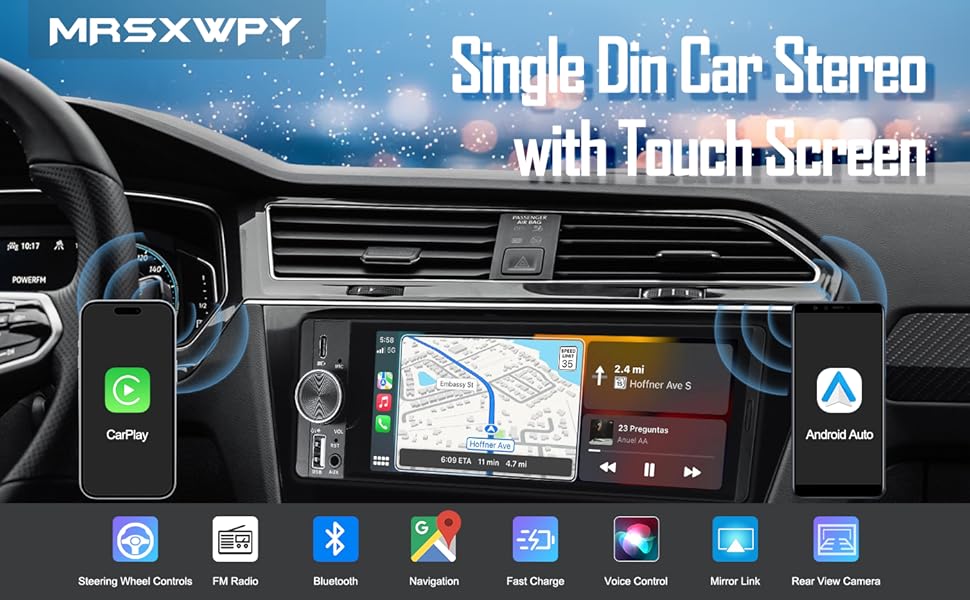
- 【Single DIN Car Stereo with 6.36" Touchscreen】Upgrade your dashboard with the MRSXWPY Single DIN Car Stereo featuring a large 6.36-inch HD touchscreen for a smooth, modern in-car experience. Clear, responsive display and easy-to-use interface make every drive more enjoyable
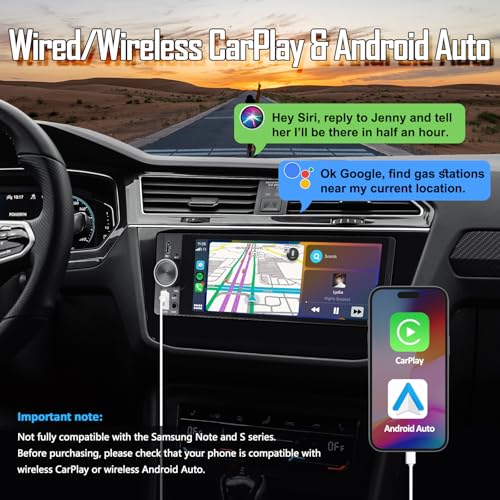
- 【Wireless CarPlay & Android Auto】Connect your smartphone easily via Apple CarPlay or Android Auto—wired or wireless—to access maps, music, calls, and messages safely while driving. Enjoy a smarter, hands-free way to stay connected with intuitive on-screen control
- 【Bluetooth 5.0 Hands-Free & Music Streaming】Enjoy clear Bluetooth hands-free calls and stable wireless audio streaming. The Bluetooth car stereo supports Spotify, YouTube, and other apps, letting you play your favourite songs while keeping your hands safely on the wheel
- 【GPS Navigation with Precise Route Guidance】Supports third-party apps such as Google Maps, Waze, Sygic and more for reliable real-time navigation. Perfect for city and long-distance driving with always up-to-date traffic information
- 【Mirror Link & Multimedia Player】Mirror your iPhone or Android phone screen to the car radio display using Mirror Link, and enjoy videos, apps, and other content directly on the 6.36” HD screen. Perfect for entertainment on long trips
| SKU: | B0GR94HP4V |
| Weight: | 450 Grams |
| Brand: | MRSXWPY |
| Colour: | Black |
| Manufacture: | xuanhuang |
| Colour: | Black |
| Origin: | China |
Product Description



How do I save a radio frequency?
Press and hold any of the six icons below to save the selected radio frequency above to the pressed position.