SIXTOP 2G+64G Android Car Stereo for Volkswagen VW Polo
SIXTOP 2G+64G Android Car Stereo for Volkswagen VW Polo 2009-2013 / VW Caddy 2005-2015 with Wireless CarPlay Android Auto, 7″ HD Touch Screen Head Unit with GPS WiFi RDS FM Bluetooth Car Radio
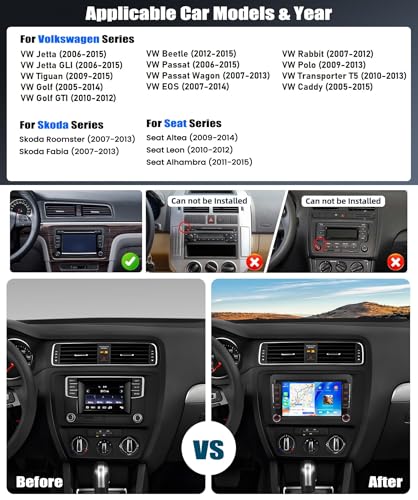
Suitable Car Models & Years
| For Volkswagen | VW Amarok (2011-2016), VW Beetle (2012-2014) |
| For Volkswagen | VW Caddy (2005-2015), VW EOS (2007-2014) |
| For Volkswagen | VW Golf MK5 (2004-2009), VW Golf MK6 (2009-2013) |
| For Volkswagen | VW Polo (2009-2013), VW Tiguan (2008-2014) |
| For Volkswagen | VW Scirocco (2009-2014), VW Jetta (2006-2015) |
| For Volkswagen | VW Transporter T5 (2010-2013), VW Transporter T6 (2016-2019) |
| For Volkswagen | VW Passat (2006-2015), VW Passat Wagon (2006-2012) |
| For Skoda | Skoda Octavia (2007-2013), Skoda Roomster (2007-2013), Skoda Fabia (2007-2013) |
| For Seat | Seat Altea (2009-2014), Seat Leon (2010-2012), Seat Alhambra (2011-2015) |
| Note | The compatibility list is for reference only, please confirm the shape and size of the center console before purchasing |
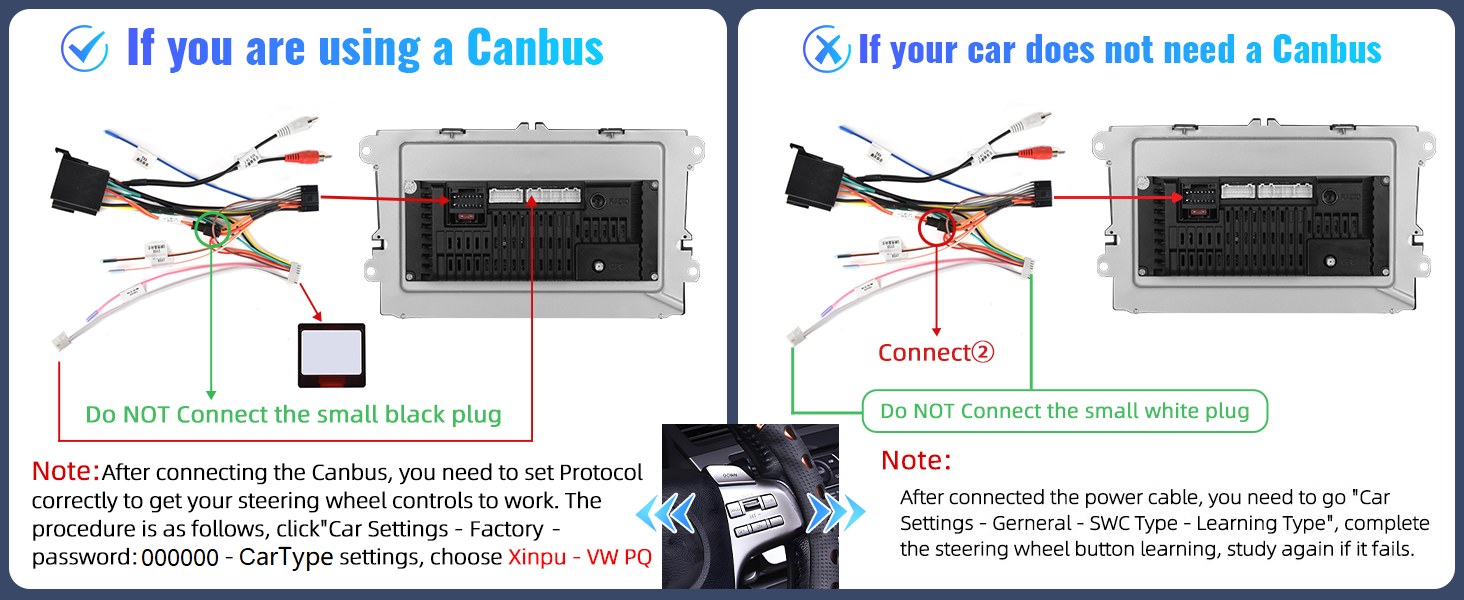
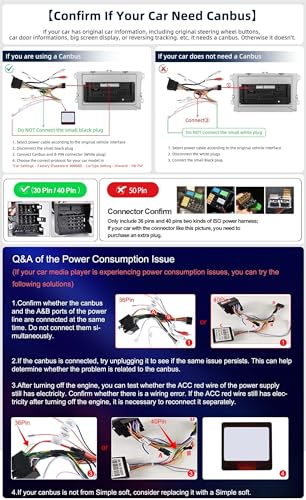
| Use Canbus | If use Canbus, please disconnect the small black connector, and connect Canbus |
| No Canbus | If does not use Canbus, please disconnect the Canbus connectors (white), and the small black connector |
| Power Cable | If needs 56-Pin power cable, please reach us |
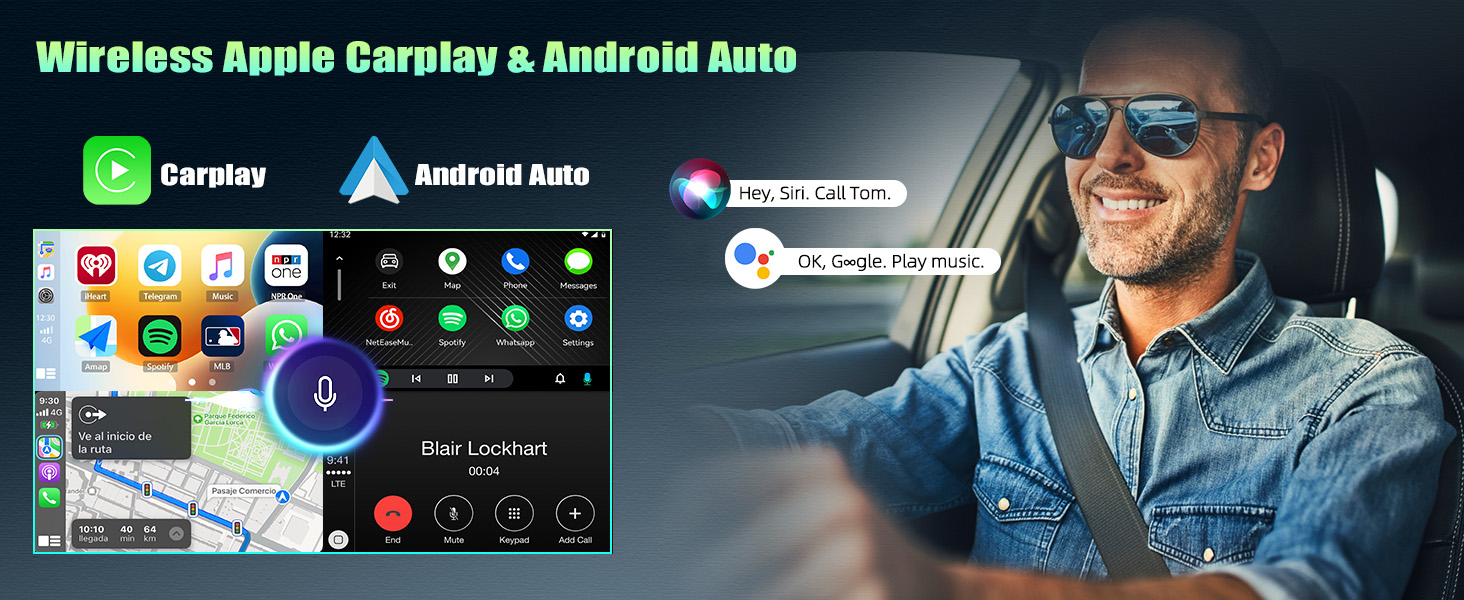
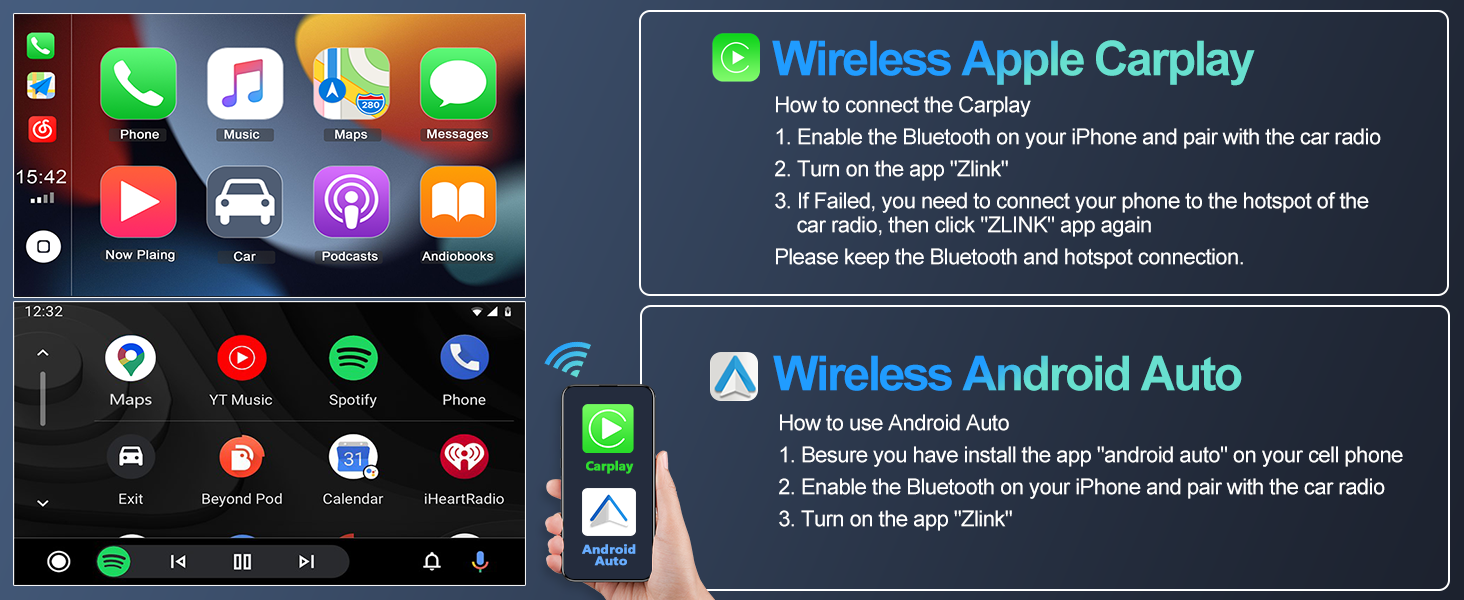
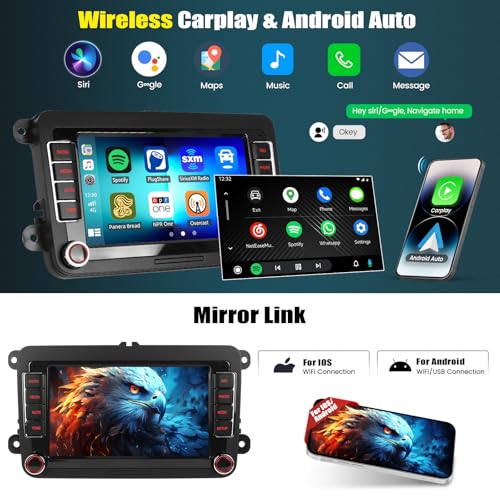
Wireless Freedom Meets Smart Control – Wireless CarPlay & Android Auto – seamlessly sync your phone’s contacts, navigation (Google/Waze), calls, and music
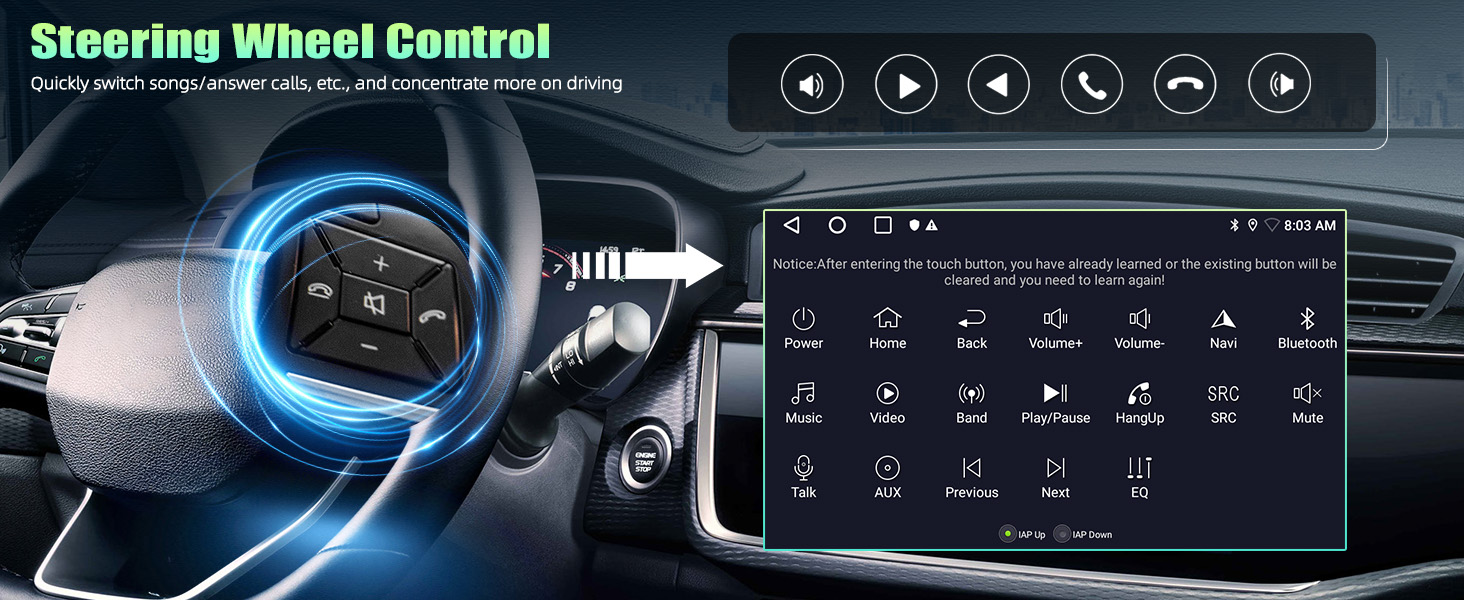
Stay in control & safety – reversing safety & hands-free steering controls – see more, stress less
If use Canbus, disconnect the small black connector
If no Canbus, connect the small black connector, and learn the steering button functions via "Car Settings – SWC Type – Learning Type"
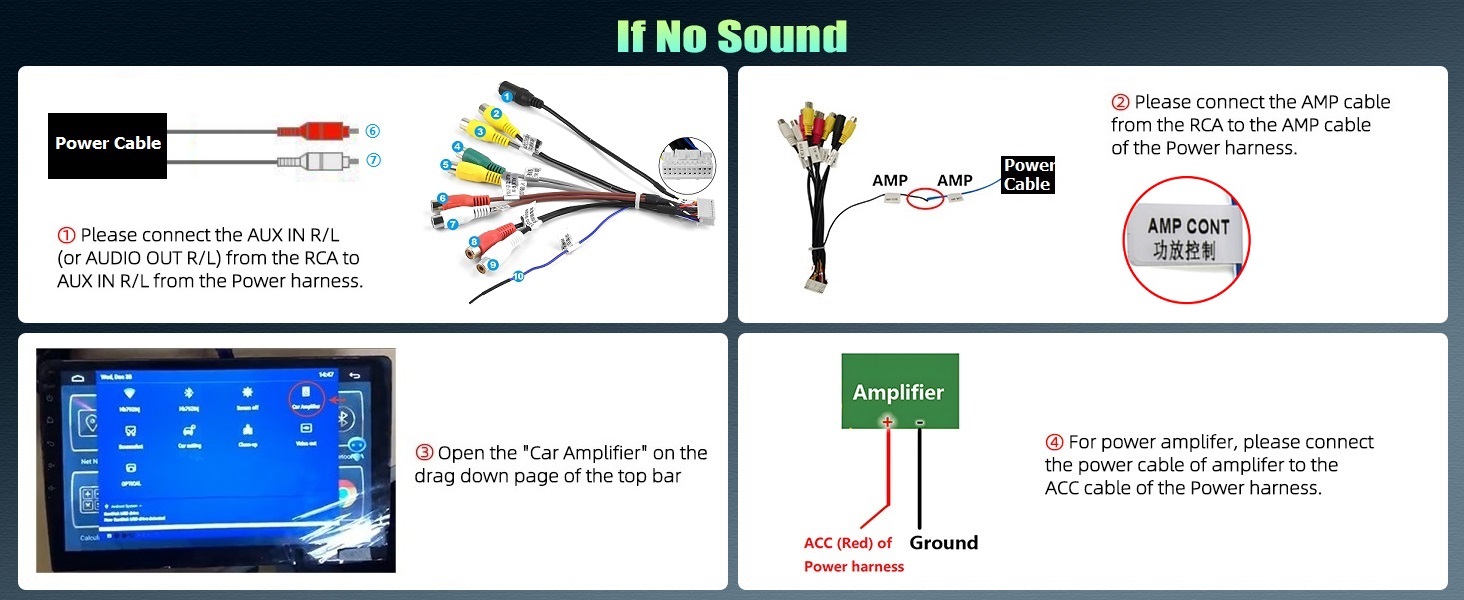
If no audio,1. connect theAUX R/Lof Power toAUX R/L INof RCA cable
2. connectAMPfrom RCA toAMPof Power
Specification
| System | Android 13 |
| Memory | 2GB (RAM)+64GB (ROM) |
| Chipset | MT8163 |
| Operating speed | 1.3GHZ |
| Screen resolution | 1024*600 |
| Screen size | 7'' |
| Bluetooth version | 4.1 |
| Power output | 4*45W |
| Power amplifier chip | YD7388 |
| Radio chip | MT6625LN |
| Radio Band | FM/RDS |
| Video output | Not Support |
| Reversing input | AHD/CVBS |
| USB | Double USB interface |
| Factory setting keyword | 000000 |
| Language | Chinese/English/French/Italian/Korean/Japanese/Arabic/Spanish/Portuguese/Russian/Turkish/Vietnamese/Hebrew/Polish/German |
Why the radio does not turn off and keeps draining my battery?
1. If your car wiring has been modified before, please find you car real ACC wire and connect to the red wire of car radio power cable
2. Use a multimeter to check for leaks when car is off. If Canbus is leaking, please remove it and reach us
Why no Audio? / Why FM Radio has audio but Bluetooth and Carplay does not get audio?
1. Connect "AMP Cont" of RCA to ACC
2. For power amplifier – connect the power cable of Amplifier to the 12V ACC wire of our product
3. Open the "amplifier" icon on the drag down page of the top bar
4. NOT compatible with Premium Audio System
Why steering wheel control does not work?
1. Select Protocol via: Car Settings – Factory (PWD: 000000) – CarType Settings – SimpleSoft – VW – VW PQ. Restart your car
2. Or change it into other brands/models
3. If no Canbus, go “Car Settings – SWC Type" and learn button functions
Why Bluetooth or WiFi signal is weak? / Why is there no network even though WiFi is connected?
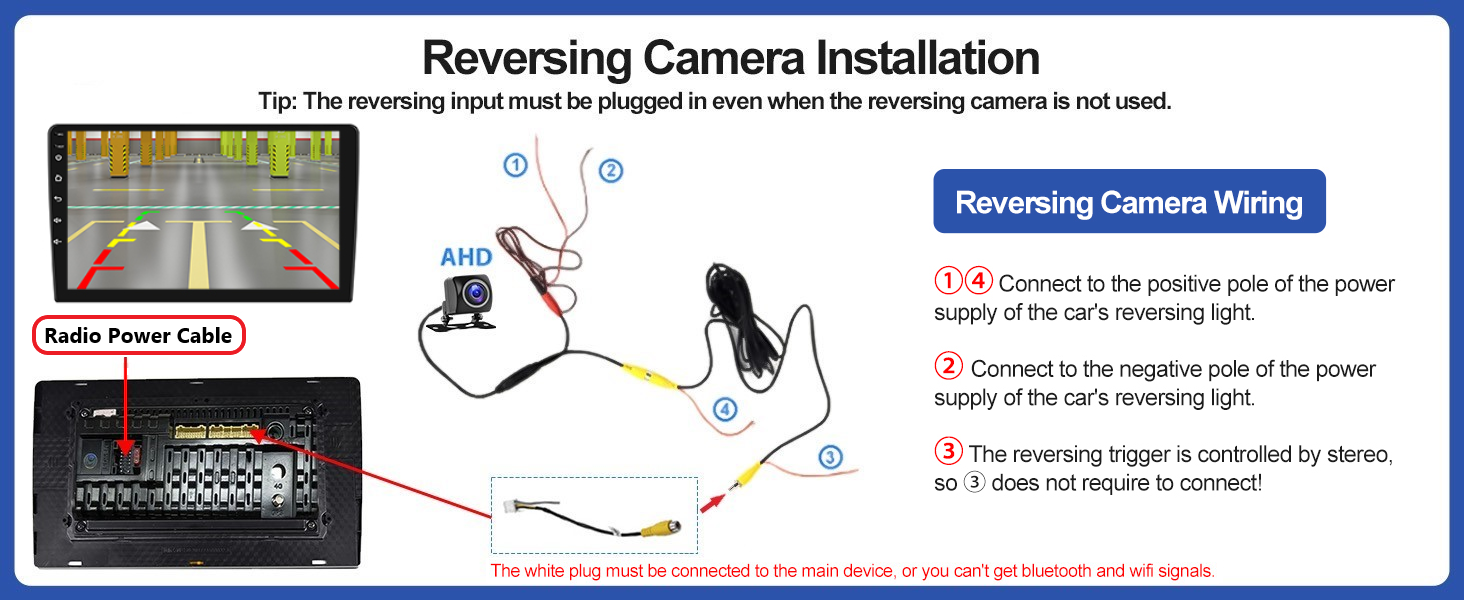
1. There is a sepearetely backup camera input cable, please insert it to the rear of car radio. It will enhance Bluetooth and WiFi signal
2. The android car stereo only supports 3G Internet, please confirm the Internet is 2.4Ghz
Why offline navigation does not work?
Hello. Please download offline map data firstly. Download maps in the "Here Wego" application:
1. Connected the car radio to wifi or hotspot
2. Enter the WeGo application – menu – download the map here
3. Select the countries you need and download
- [ANDROID CAR STEREO FOR VOLKSWAGEN] – 7 Inch touch screen resolution 1024 x 600, car radio with 2GB RAM and 64GB ROM is suitable for 2009-2013 VW Polo Radio, 2005-2015 VW Caddy Radio, including a Canbus
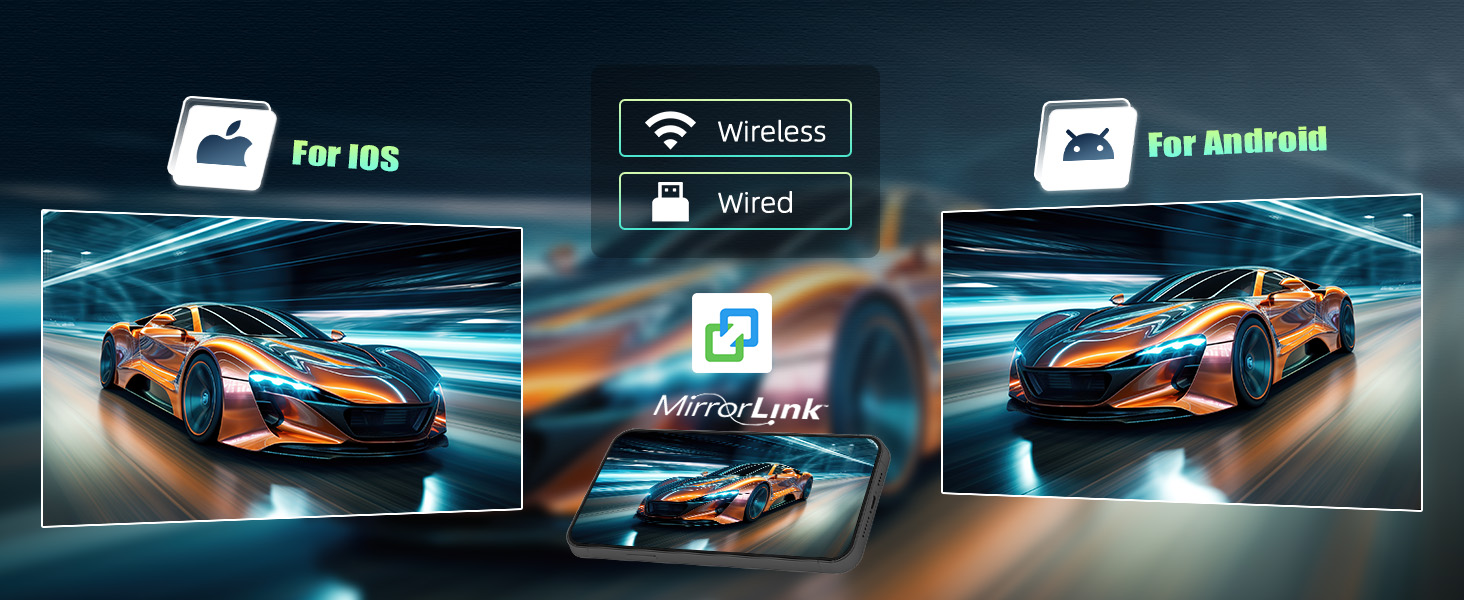
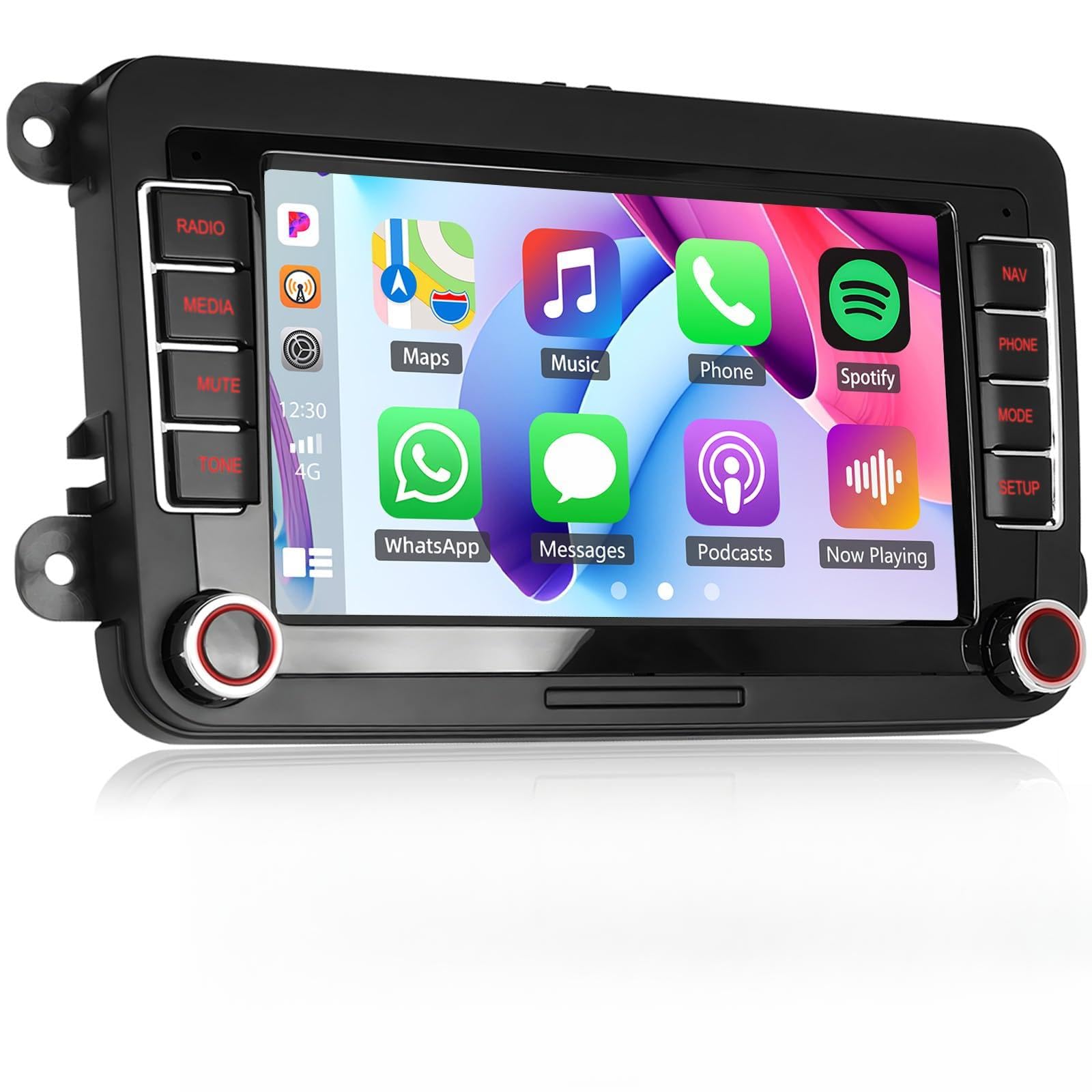
- [WIRELESS CARPLAY & ANDROID AUTO & MIRROR LINK] – Optional wired or wireless connection to carplay or Android Auto, access to mobile phone contacts, emails, notifications, maps navigation, music, and other information, as well as voice commands. Mirrorlink supports to project your phone's screen to a larger car radio screen
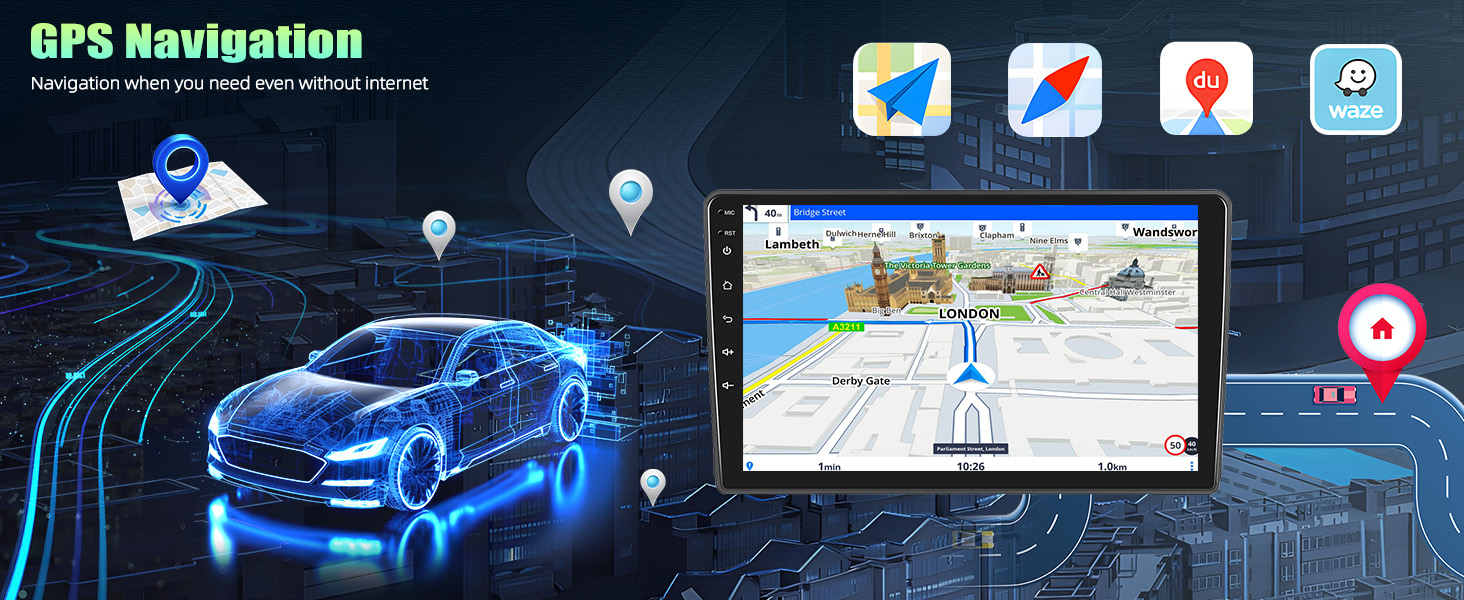
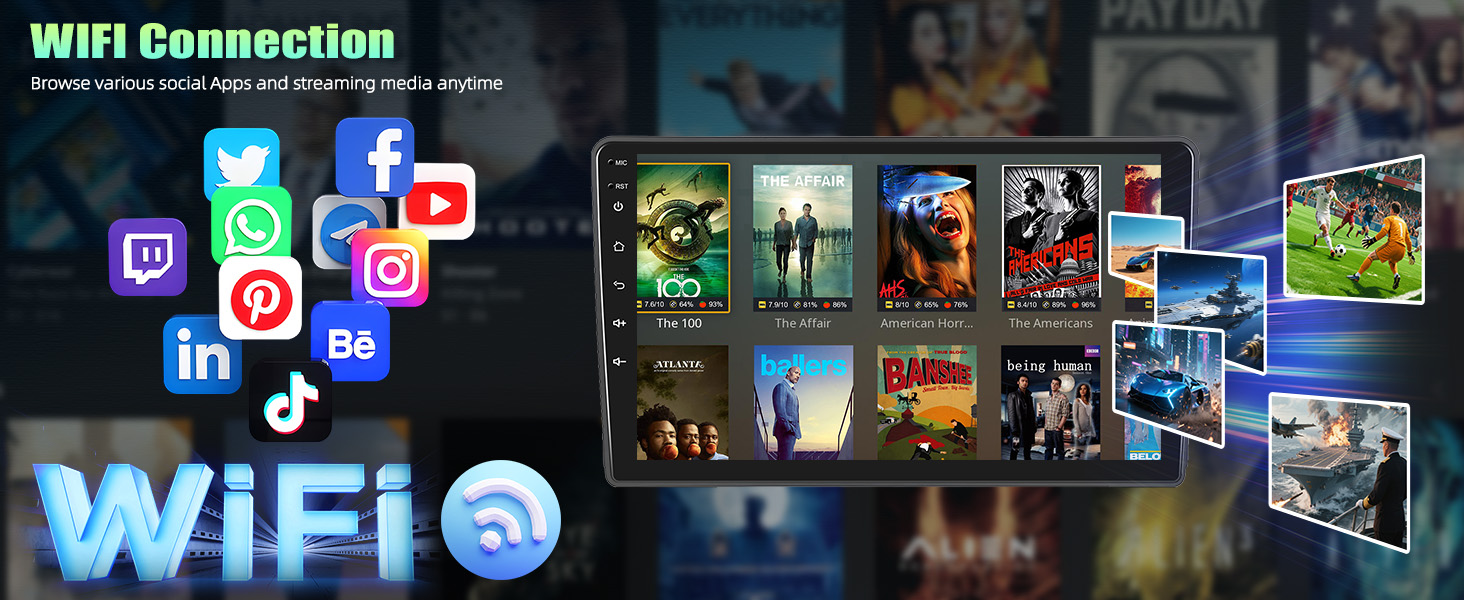
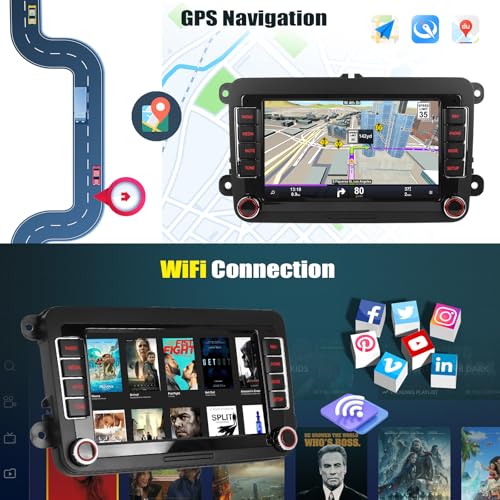
- [WIFI MODULE & GPS NAVIGATION] – Connected to WiFi and you can download various applications on the car stereo. You can listen to music online and watch "YouTube" videos. It's as convenient as a big smartphone and adds pleasure to the journey. Thanks to the integrated GPS navigation function, you can download offline navigation directly from the Play Store or use Google's online maps
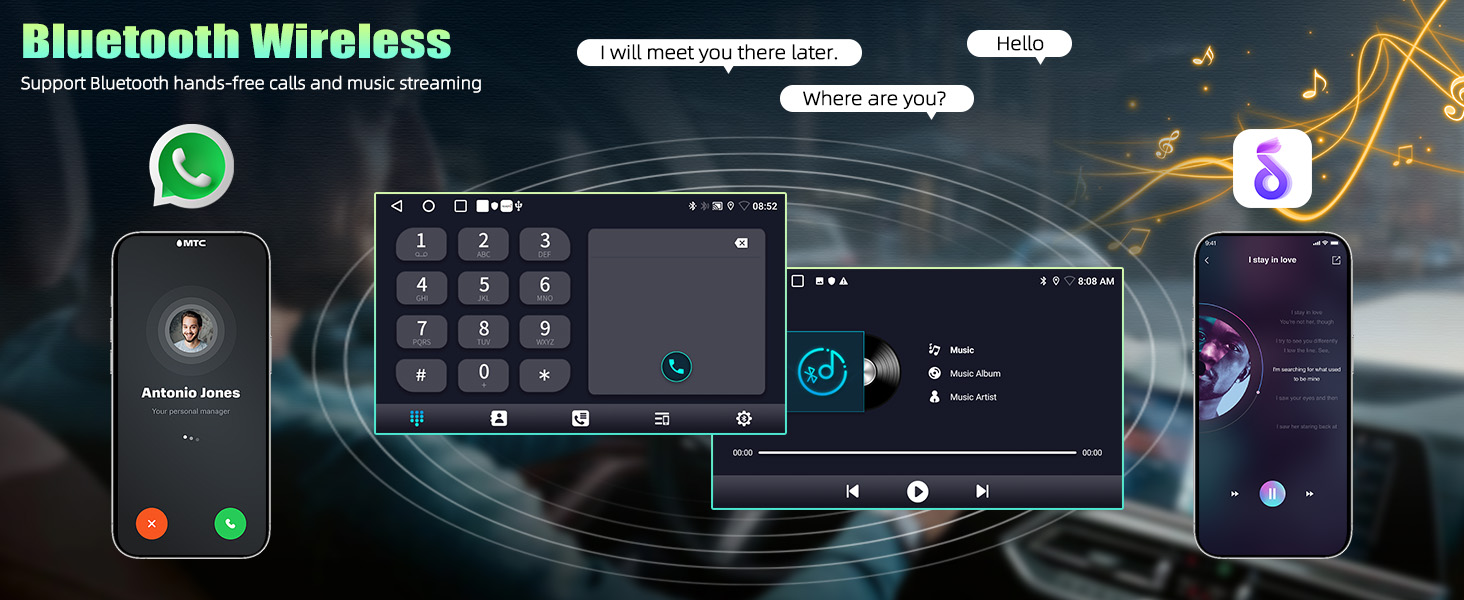
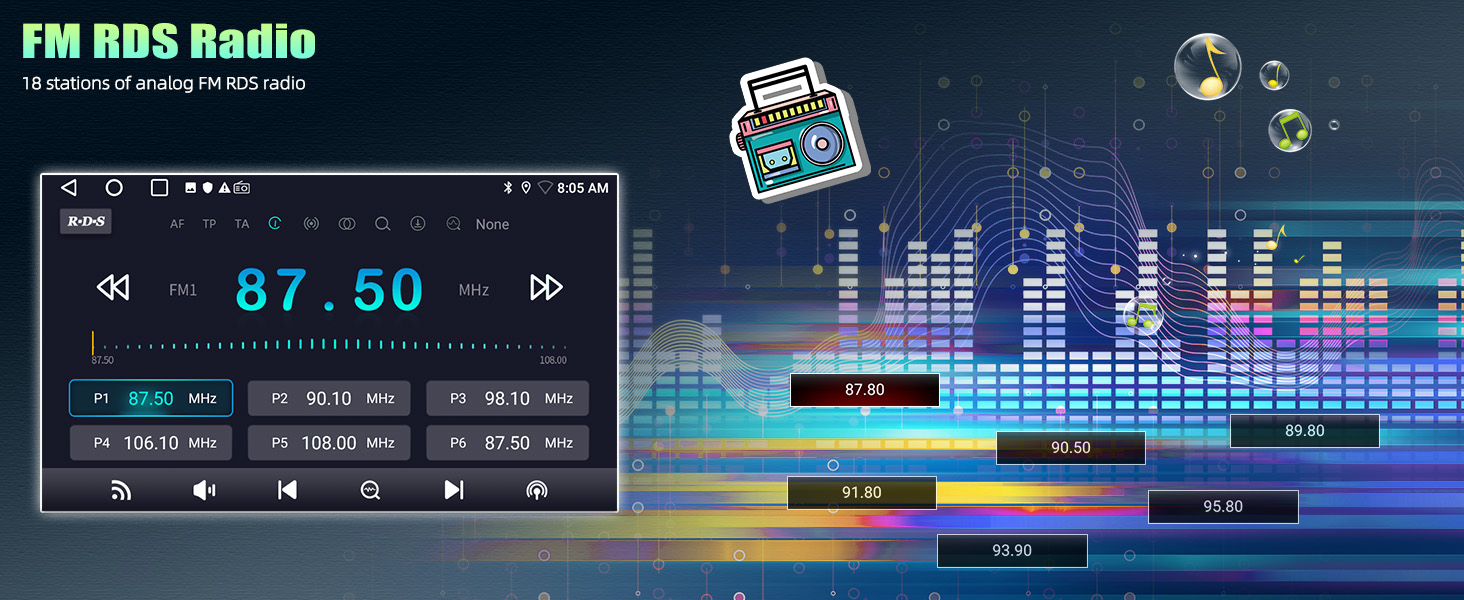
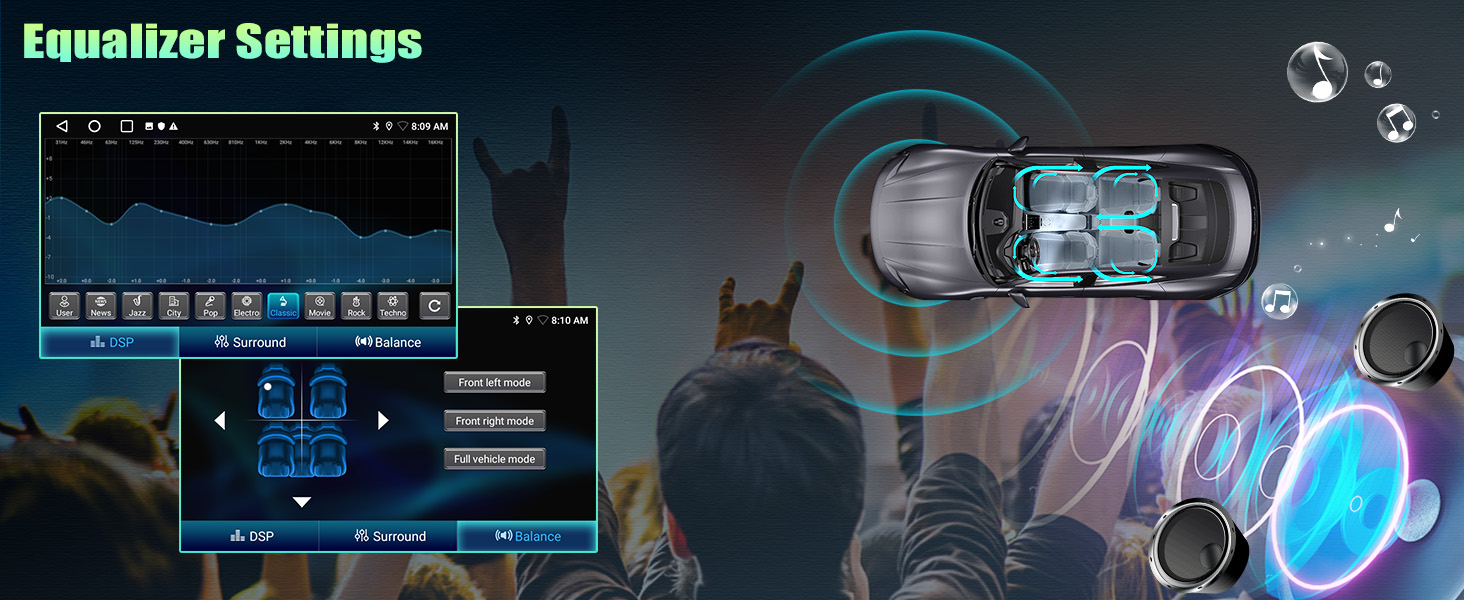
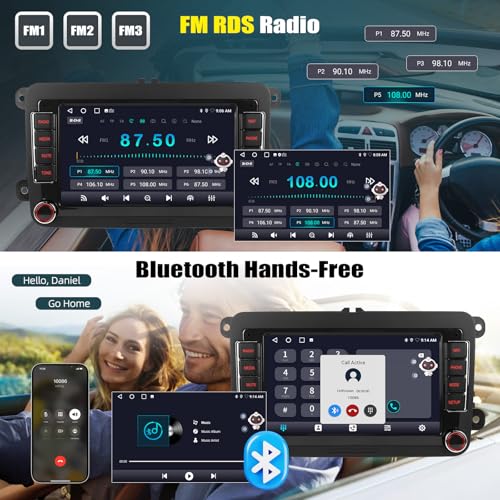
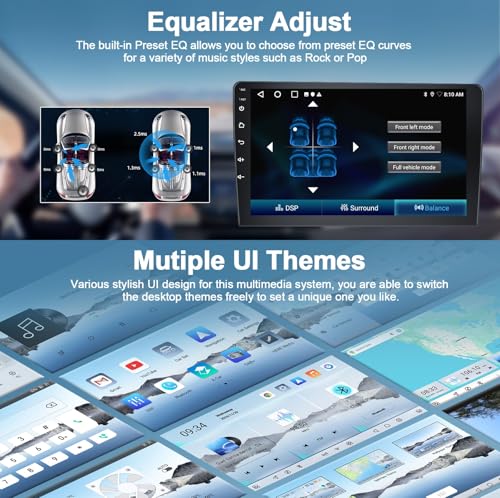
- [BLUETOOTH & FM/RDS & EQUALIZER] – The car radio with Bluetooth hands-free function supports contact synchronization, hands-free calling and Bluetooth music playback. The car radio supports FM/RDS radio station listening, news broadcasts, weather forecasts and more. Supports equalization to adjust bass, rock, pop, line, dance, classical and more
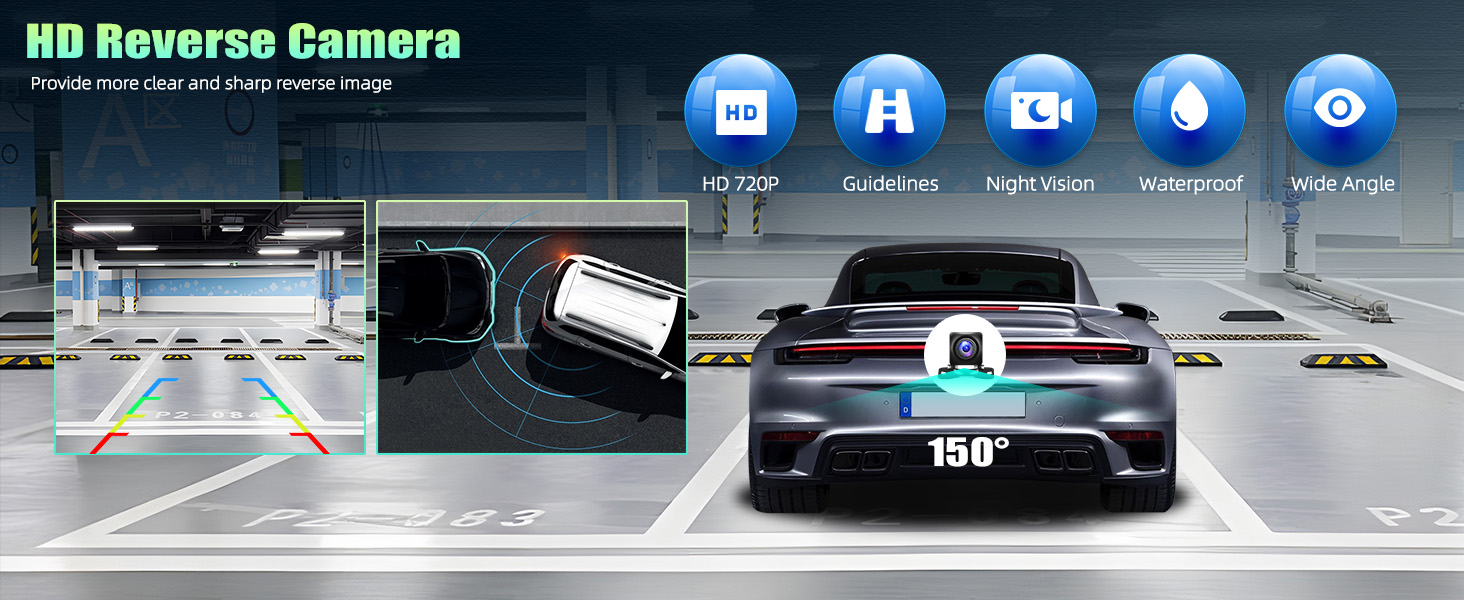
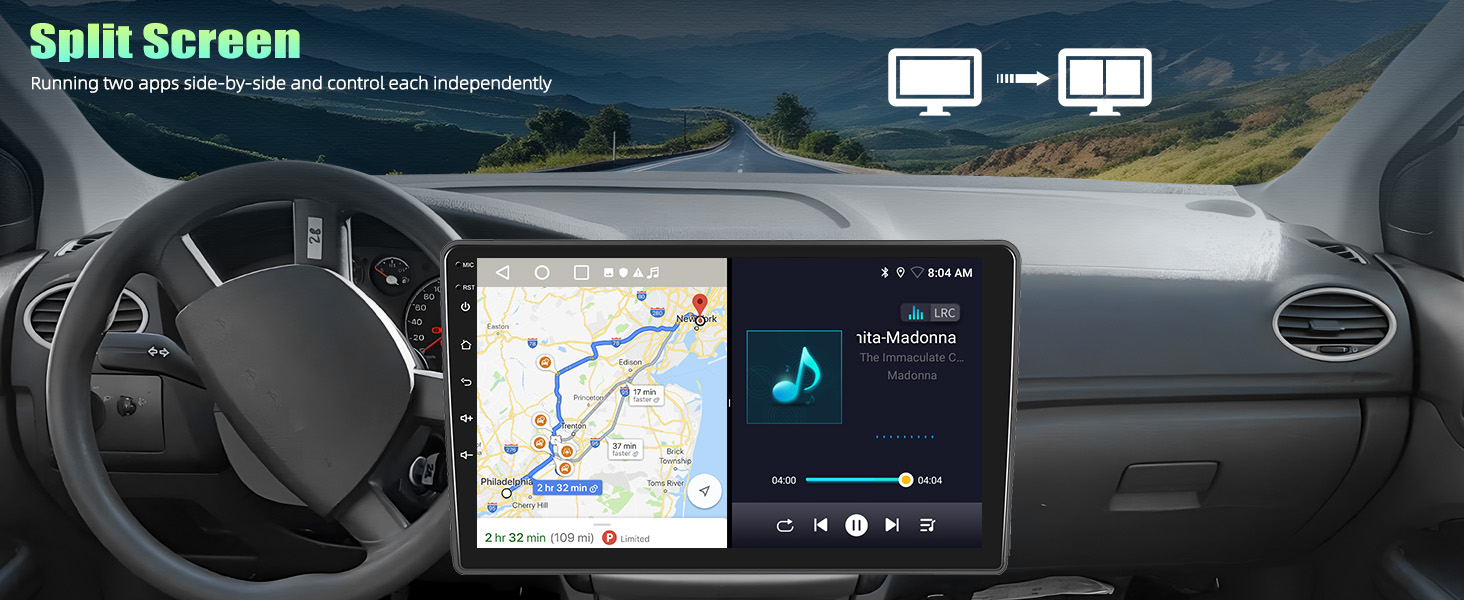
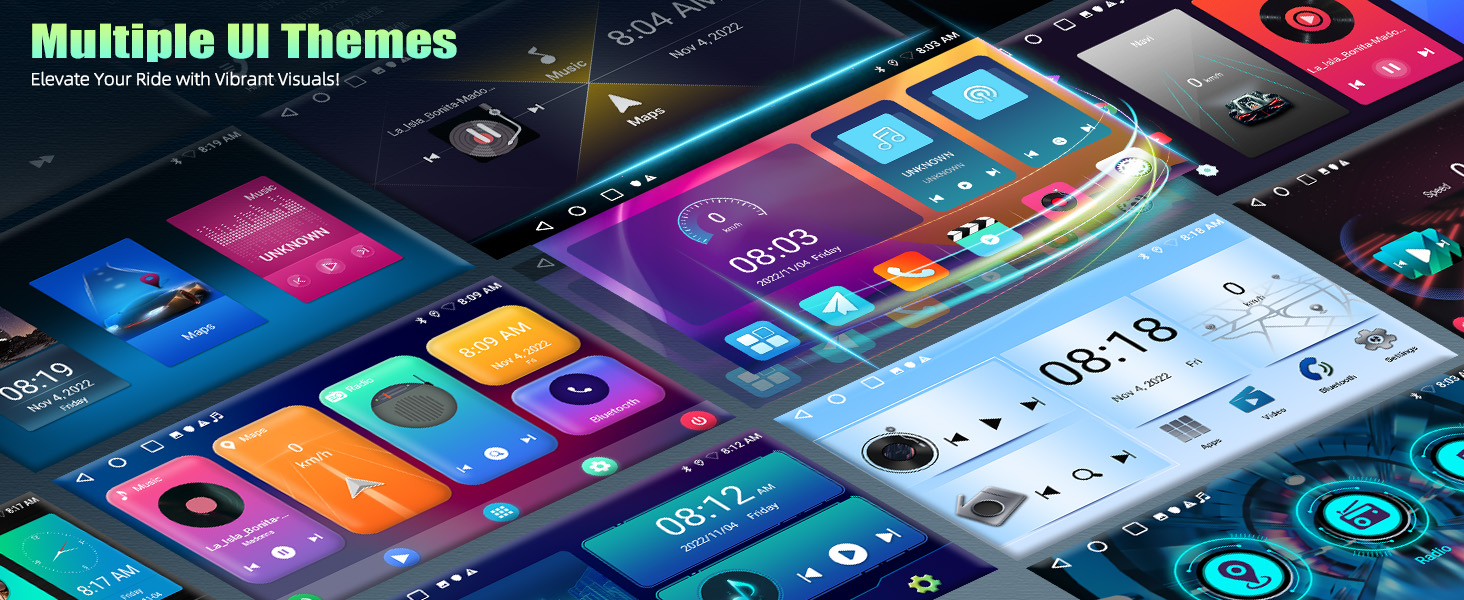
- [CAR MULTIMEDIA PLAYER] – Includes various UI desktop themes. Supports steering wheel control, USB playback and phone charging. Split-screen Spotify and Waze while hunting for parking. With amplifiers audio outputs and subwoofer output. Ablility to add external backup camera (Not Included)
| SKU: | B0G6JYWVDQ |
| Brand: | SIXTOP |
| Manufacture: | SIXTOP |
| Origin: | China |
Product Description
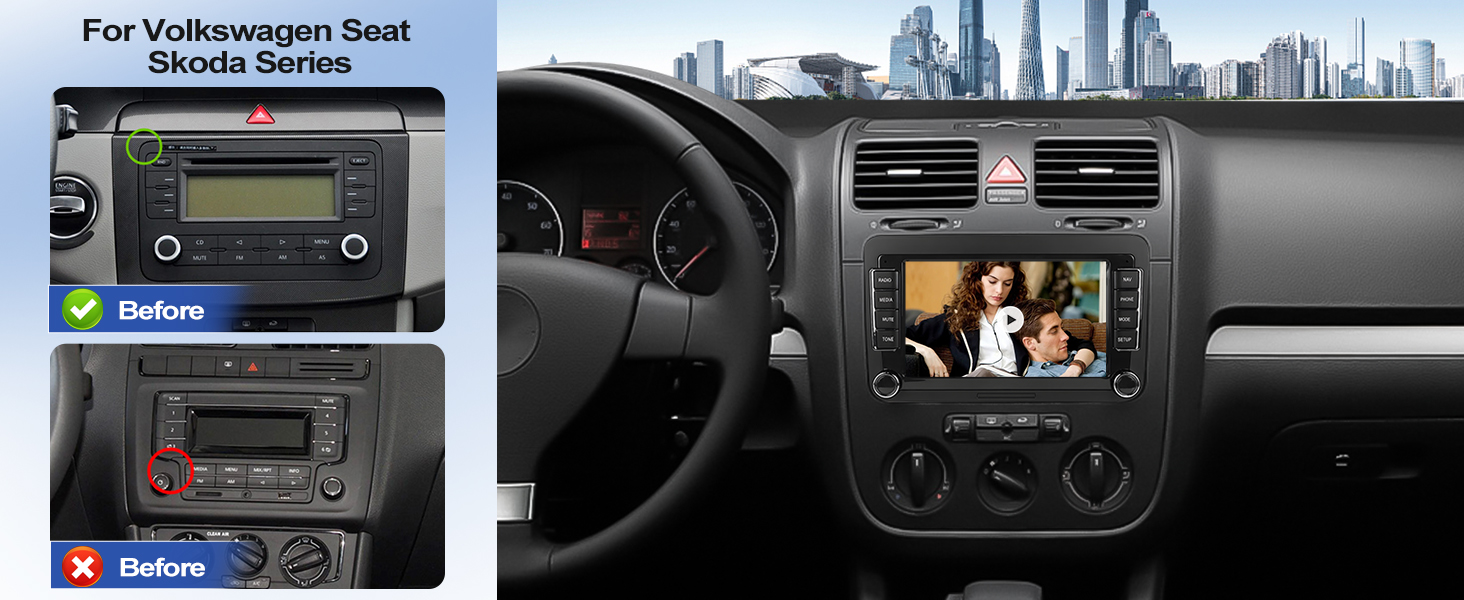
Suitable Car Models & Years
| For Volkswagen | VW Amarok (2011-2016), VW Beetle (2012-2014) |
| For Volkswagen | VW Caddy (2005-2015), VW EOS (2007-2014) |
| For Volkswagen | VW Golf MK5 (2004-2009), VW Golf MK6 (2009-2013) |
| For Volkswagen | VW Polo (2009-2013), VW Tiguan (2008-2014) |
| For Volkswagen | VW Scirocco (2009-2014), VW Jetta (2006-2015) |
| For Volkswagen | VW Transporter T5 (2010-2013), VW Transporter T6 (2016-2019) |
| For Volkswagen | VW Passat (2006-2015), VW Passat Wagon (2006-2012) |
| For Skoda | Skoda Octavia (2007-2013), Skoda Roomster (2007-2013), Skoda Fabia (2007-2013) |
| For Seat | Seat Altea (2009-2014), Seat Leon (2010-2012), Seat Alhambra (2011-2015) |
| Note | The compatibility list is for reference only, please confirm the shape and size of the center console before purchasing |
| Use Canbus | If use Canbus, please disconnect the small black connector, and connect Canbus |
| No Canbus | If does not use Canbus, please disconnect the Canbus connectors (white), and the small black connector |
| Power Cable | If needs 56-Pin power cable, please reach us |
If use Canbus, disconnect the small black connector
If no Canbus, connect the small black connector, and learn the steering button functions via “Car Settings – SWC Type – Learning Type”
If no audio, 1. connect the AUX R/L of Power to AUX R/L IN of RCA cable
2. connect AMP from RCA to AMP of Power
Specification
| System | Android 13 |
| Memory | 2GB (RAM)+64GB (ROM) |
| Chipset | MT8163 |
| Operating speed | 1.3GHZ |
| Screen resolution | 1024*600 |
| Screen size | 7'' |
| Bluetooth version | 4.1 |
| Power output | 4*45W |
| Power amplifier chip | YD7388 |
| Radio chip | MT6625LN |
| Radio Band | FM/RDS |
| Video output | Not Support |
| Reversing input | AHD/CVBS |
| USB | Double USB interface |
| Factory setting keyword | 000000 |
| Language | Chinese/English/French/Italian/Korean/Japanese/Arabic/Spanish/Portuguese/Russian/Turkish/Vietnamese/Hebrew/Polish/German |
Why the radio does not turn off and keeps draining my battery?
1. If your car wiring has been modified before, please find you car real ACC wire and connect to the red wire of car radio power cable
2. Use a multimeter to check for leaks when car is off. If Canbus is leaking, please remove it and reach us
Why no Audio? / Why FM Radio has audio but Bluetooth and Carplay does not get audio?
1. Connect “AMP Cont” of RCA to ACC
2. For power amplifier – connect the power cable of Amplifier to the 12V ACC wire of our product
3. Open the “amplifier” icon on the drag down page of the top bar
4. NOT compatible with Premium Audio System
Why steering wheel control does not work?
1. Select Protocol via: Car Settings – Factory (PWD: 000000) – CarType Settings – SimpleSoft – VW – VW PQ. Restart your car
2. Or change it into other brands/models
3. If no Canbus, go “Car Settings – SWC Type” and learn button functions
Why Bluetooth or WiFi signal is weak? / Why is there no network even though WiFi is connected?
1. There is a sepearetely backup camera input cable, please insert it to the rear of car radio. It will enhance Bluetooth and WiFi signal
2. The android car stereo only supports 3G Internet, please confirm the Internet is 2.4Ghz
Why offline navigation does not work?
Hello. Please download offline map data firstly. Download maps in the “Here Wego” application:
1. Connected the car radio to wifi or hotspot
2. Enter the WeGo application – menu – download the map here
3. Select the countries you need and download