10.26″ Carplay Screen for Car, 2-in-1 Car Play Screen
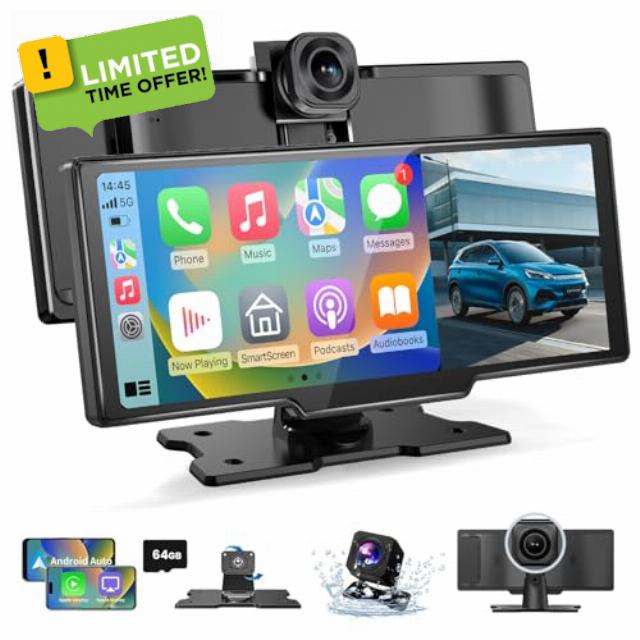
10.26″ Carplay Screen for Car, 2-in-1 Car Play Screen Wireless Android Auto with 4K Front and 1080P Rear Camera, Car Tablet Pro Max 2026 Car Stereo Mirror Link AUX FM Bluetooth 64G SD
10.26" Car Tablet Pro Max 2026, Carplay Screen for Car Android Auto Screen with 4K Front Camera and 1080P Rear Camera
1. Our in-car screen is controlled by touch screen, real-time control, and responsive. Built-in screen saver, can be set: off/10s/30s/1min.
2. The car screen can be wirelessly connected through the Bluetooth function, and it supports IOS10 and above or Android 11.0 and above.
3. The stand for Android can be rotated and adjusted 360°, and the viewing angle can be adjusted according to needs, with a friendly design.
4. The car screen provides: Bluetooth/AUX/FM/built-in speaker 4 sound output mode, which can be set according to your own needs.
Airplay Mirroring
1) Turn on Airplay Mirroring option on P1.
2) Turn on iPhone WiFi and connect to P1 WiFi.3)Enter the password 12345678.
4) Turn on iPhone screen mirroring search the SmartScreen and connect.
Android Cast
1) Turn on Super Link option on P1.
2) Follow the prompts to install the app [Evelink] on your phone.
3) Run the app and select “WiFi Direct"connection mode, connect to P1.
Note:
If your phone is running Android 16, frequent disconnections may occur while using Android Auto. Please follow the steps below to fix this issue.
1.Search for and download EVELink from Google Play on your phone.
2.On the smart screen, switch to SuperLink (Android mode).
3.Launch the EVELink app on your phone, then connect to the smart screen.
4.Wait for the message "Android 16 Auto Connect issue Fixed" to appear in the EVELink app. Once shown, tap OK.
5.Switch to Android Auto mode and connect your phone. Confirm that Android Auto no longer disconnects.
WiFi Video
1) Turn on WiFi Video option on P1.
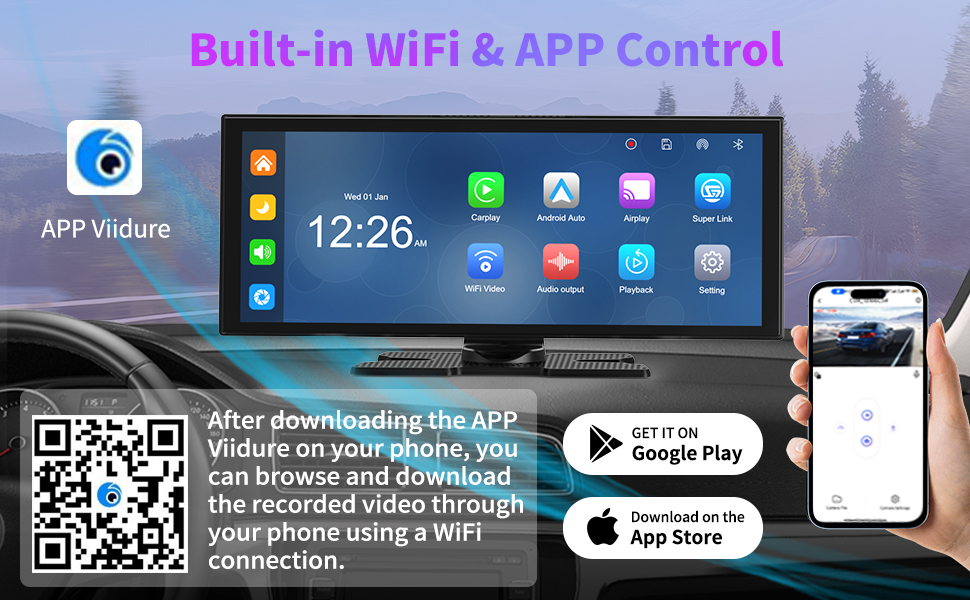
2) Install the app [Viidure] on your phone.
3) According to the app prompt, connect to P1 WiFi, the password is 12345678.
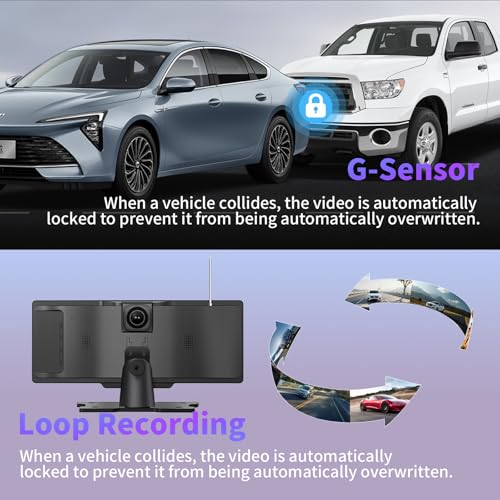
●After inserting the SD card, it starts looping recording and automatically overwrites earlier videos, no need to manually clear the cache.
●If you need to use the reversing assistance, you need to connect the rear camera to the positive terminal of the reversing lights.
●Collision sensitive setting, when a collision occurs, automatically lock the recorded image at that time.
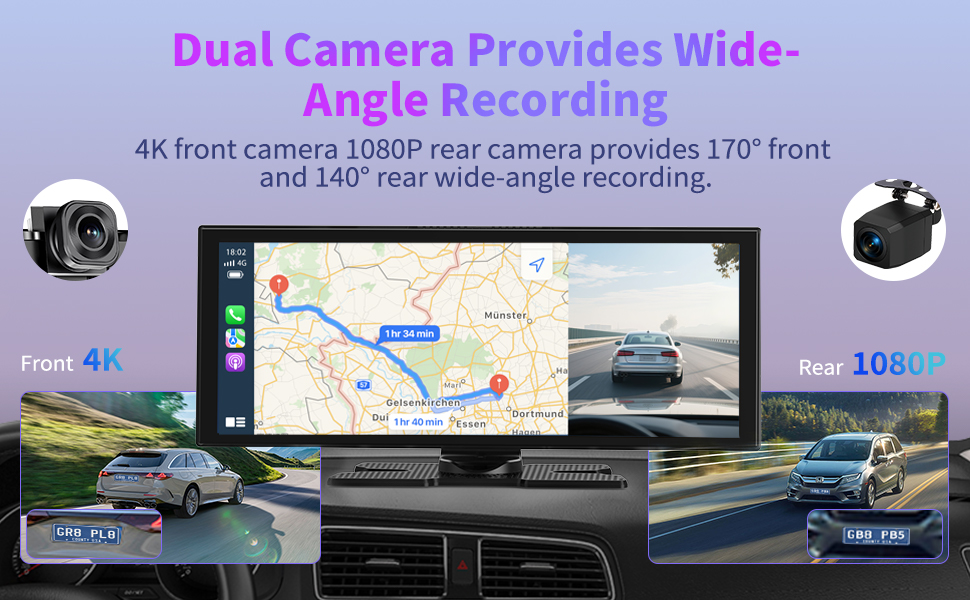
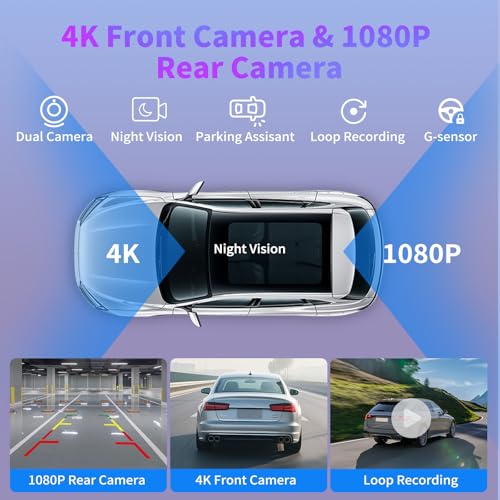
●The 4K UHD front camera makes it easy to record the beauty of our journey at any time.
If you want the rear camera screen to automatically appear when reversing, please connect the red cable of the rear camera to the positive cable of the reversing light.
***If you cannot distinguish between positive and negative cables, please use a voltmeter for measurement. When in reverse gear, the positive wire of the reverse light can detect a voltage of about 12V.
Peel off a small section of insulation film from the red cable and the positive cable of the reversing light, and screw them together and fix them with insulation tape.
***Please note that the above operations require professional auto repair skills. If you are unable to operate on your own, it is recommended that you seek the help of a professional to avoid damaging your car.
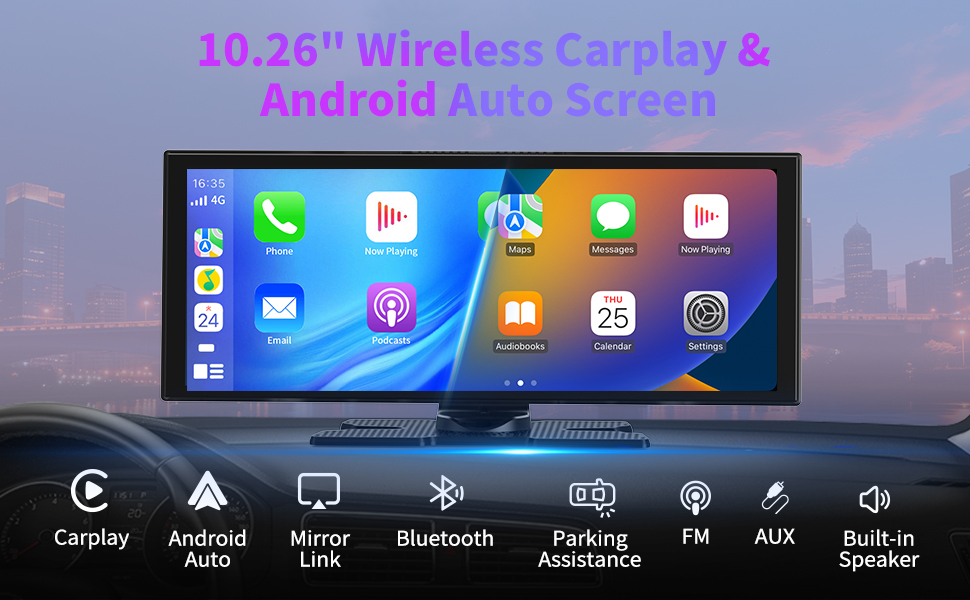
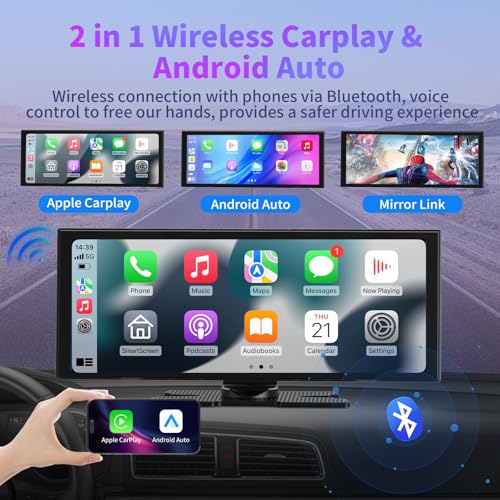
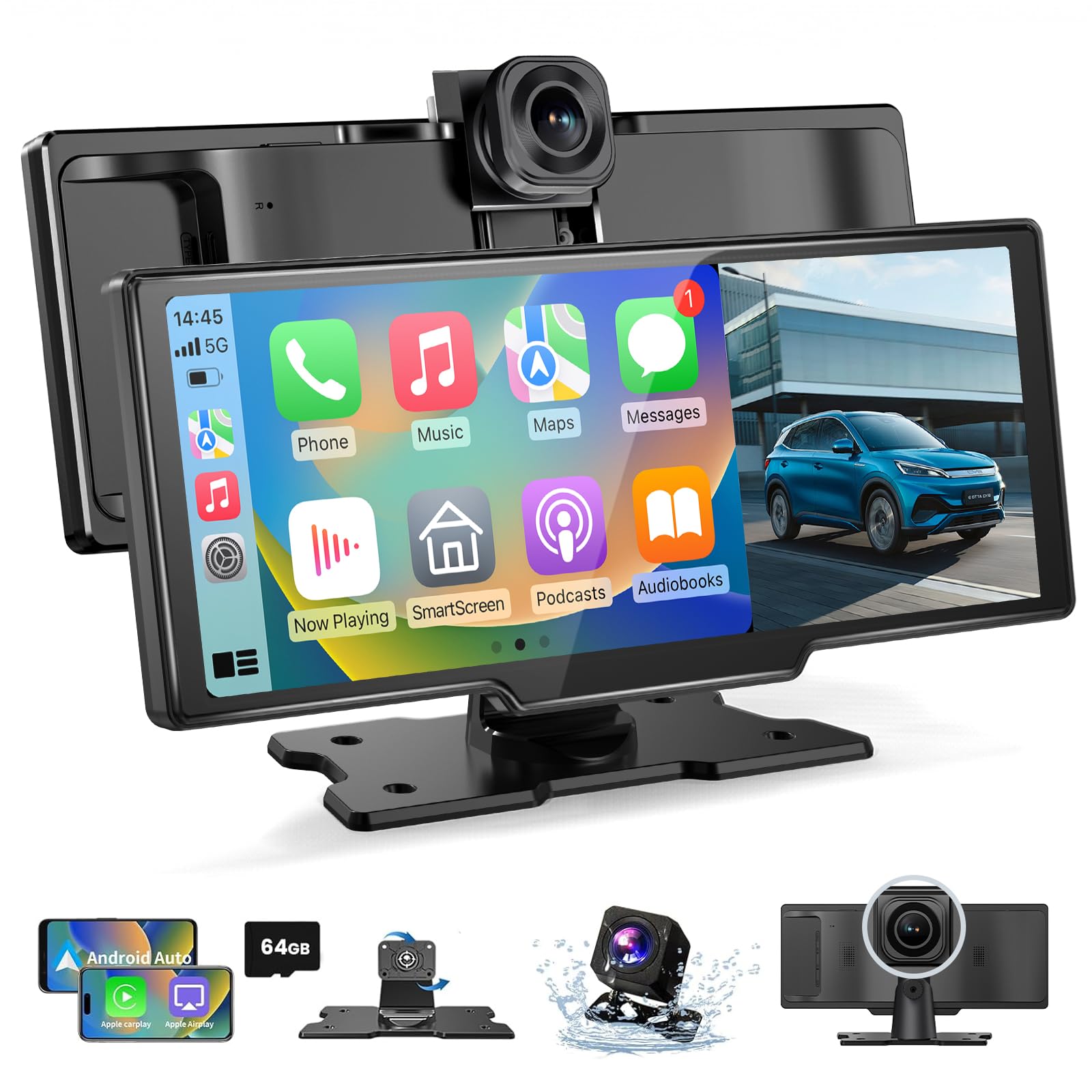
- 【Wireless CarPlay & Android Auto】Our car play screen supports not only wireless CarPlay connection but also wireless Android Auto connection. Once connected via Bluetooth to CarPlay or Android Auto, we can use our car tablet to access phone features such as navigation, voice control, music playback, and call handling, providing a more comfortable, safe, and intelligent driving experience
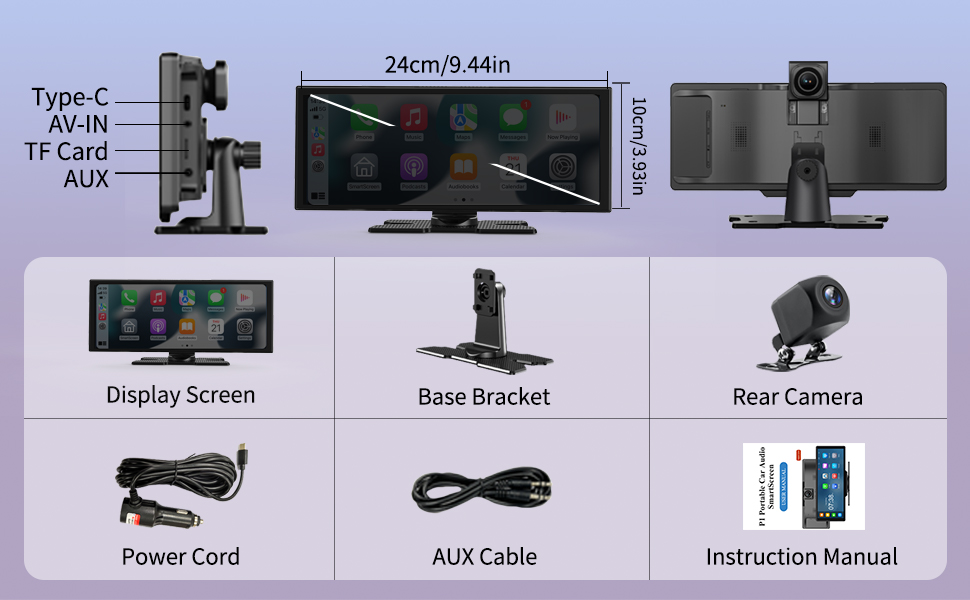
- 【10.26-inch IPS Touchscreen & Mirror Link】The Android Auto screen features an 10.26-inch IPS HD touchscreen with fast response and no delay, offering 1600*600P HD resolution. By connecting your Android or iOS phone via WiFi using Airplay/Super Link, we can wirelessly mirror our phone screen and enjoy a visual and auditory feast offered by the car tablet pro max 2026
- 【4K Front & 1080P Rear Cameras】Our carplay screen for car comes with a 4K HD front camera and a 1080P IP65 waterproof rear camera, offering 140° front and 138° rear wide-angle coverage. The wireless carplay screen provides clear recording in all conditions, whether it’s raining or at night. When the rear camera is properly installed and the car is put in reverse, the android car play automatically switches to the rear view, assisting with parking and reversing
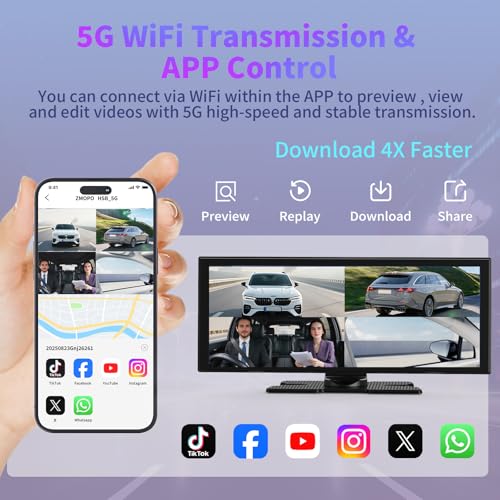
- 【App Preview & Loop Recording】After scanning the QR code on our phone to download the app, we can connect to the wireless Android Auto screen via phone WiFi and preview or play videos through the app. By inserting a 64GB SD card, the car play will automatically loop videos, overwriting the oldest files without the need for manual cache clearing
- 【4 Audio Transmission Modes & Plug-and-Play】The car tablet pro max supports Bluetooth, FM, and AUX audio output modes. Audio can play directly through the car’s original speakers or the carplay screen’s built-in speakers. Installing Android Auto CarPlay is very simple, requiring no complex wiring or removal of the original car dashboard—just connect the power cable to the car cigarette lighter socket to start using
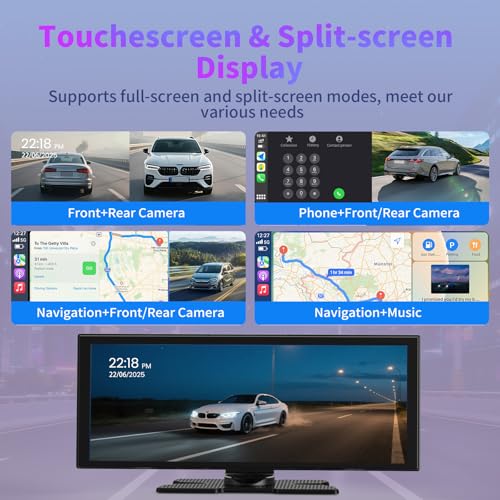
- 【Adjustable Dual Screen & Smart Brightness Adjustment】When using CarPlay or Android Auto, we can freely switch between full-screen and split-screen modes to suit different usage scenarios. The vehicle system is equipped with a light sensor, and when automatic brightness adjustment is enabled, the car play screen for car will automatically switch between day mode and night mode according to the time, providing a comfortable visual experience
| SKU: | B0H2TMR1ZQ |
| Brand: | ZGJXYRT |
| Model: | Pro Max 2026 |
| Batteries Included: | No |
| Manufacture: | Veralady |
| Origin: | China |
Product Description