90G MP3 Players with Bluetooth 5.3, HiFi Sound Portable
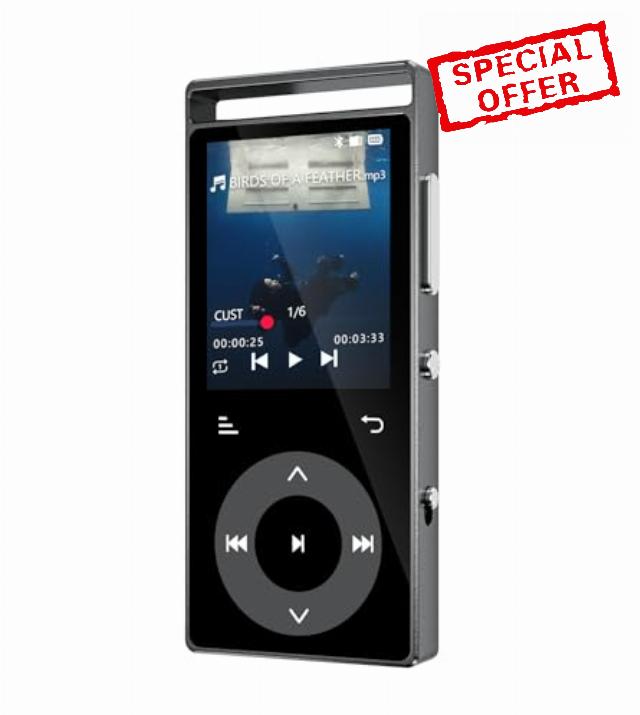
90G MP3 Players with Bluetooth 5.3, HiFi Sound Portable Music Player | MP3 Player with Built-in Touch Buttons, E-Book, Color Screen, FM Radio, Supports up to 128GB, Earphones Included (Black)
——————FAQ——————-
Q: The MP3 player cannot connect to Bluetooth headphones/speakers. What should I do?
A: Please follow the steps below:
- Turn off Bluetooth on your phone – to avoid signal interference from other devices.
- Reset your Bluetooth headphones/speakers – follow the instructions in your headphone/speaker manual.
- Bring them close and search again – place the reset headphones/speakers next to the MP3 player (within 1 meter), then search for Bluetooth devices on the MP3 player and connect.
Note: The MP3 player, phone, and computer are all Bluetooth signal transmitting devices. They cannot connect directly to each other. The MP3 player can only connect to Bluetooth receiving devices, such as Bluetooth headphones or Bluetooth speakers.
Q: The data cable cannot connect the player to my computer, and I cannot transfer music files. What should I do?
A: Please follow the troubleshooting steps below:
- Use the original data cable included with the product – other cables may not be compatible.
- Replug the cable – disconnect the cable from both the player and the computer, then reconnect firmly. Try several times.
- Change the USB port on your computer – try a different USB port.
- Test with another computer – connect the player to a different computer to rule out issues with your current computer.
- Replace the data cable – if none of the above works, try a different reliable data cable (must support data transfer, not just charging).
Hint: After a successful connection, you may need to manually confirm "Transfer Mode" or "USB Mode" on the MP3 player screen before the computer will recognize the device.
Q: Why is there no sound when playing music?
A: Please check the following in order:
- Is the volume turned up? – Make sure the MP3 player is not muted or set to the lowest volume.
- Is the playback device properly connected? – Check that Bluetooth headphones/speakers are successfully paired, or that wired earphones are firmly plugged in.
- Try playing another song – to rule out a corrupted audio file.
- Restore factory settings – If the above steps don't work, try restoring factory settings from the settings menu.
Q: Does the device have a built‑in speaker?
A: No. You must connect Bluetooth headphones/speakers or wired earphones to listen to music.
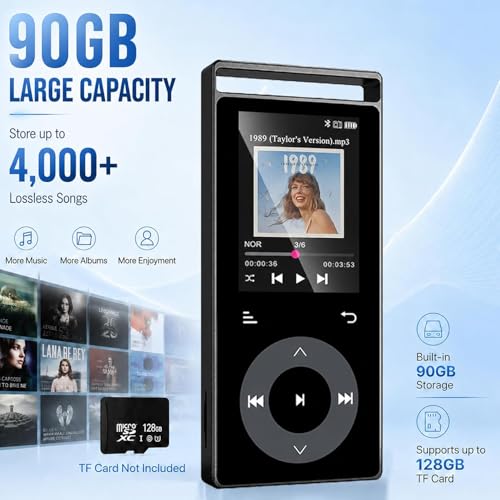
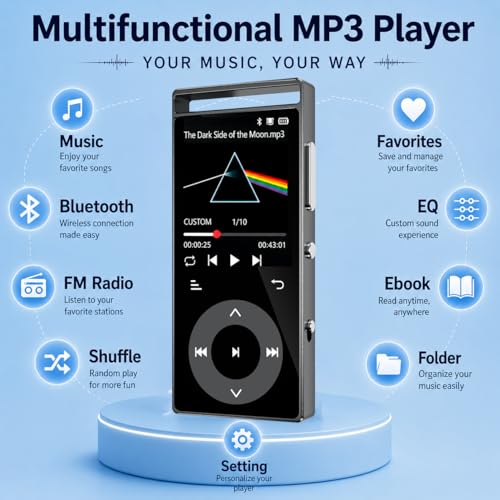
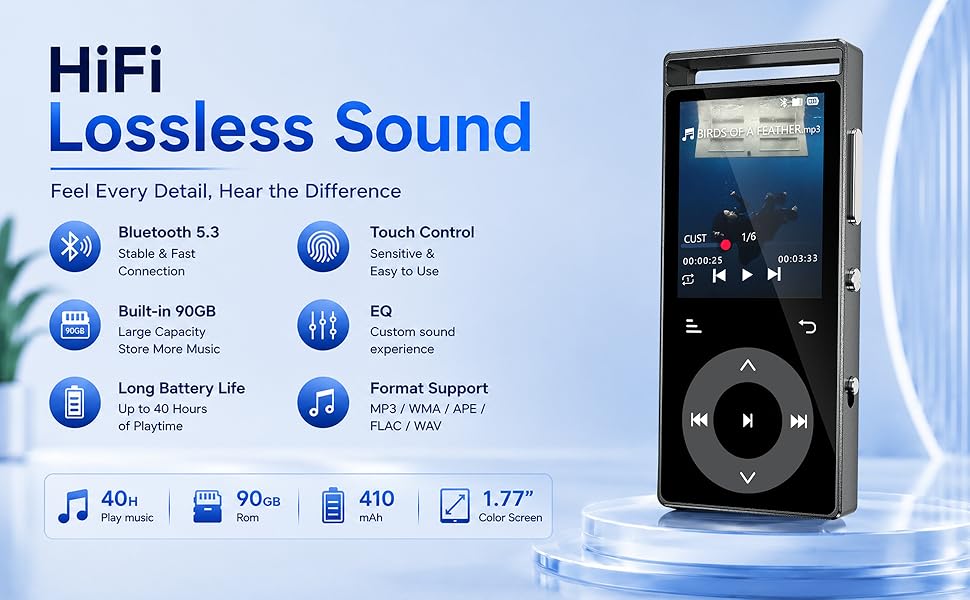
- 90GB of massive built-in storage: Tailored specifically for music enthusiasts, this mp3 players boasts a generous 90GB capacity that can hold approximately 4,000 high-quality tracks. It also supports MicroSD memory cards of up to 128GB, allowing you to effortlessly build your own lossless music library.(This MP3 Player has no built-in speaker and requires headphones for use).
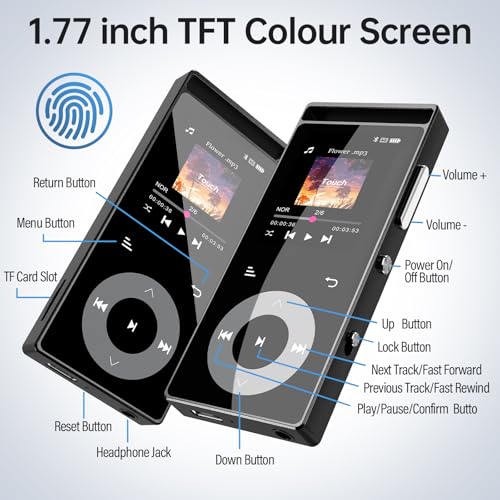
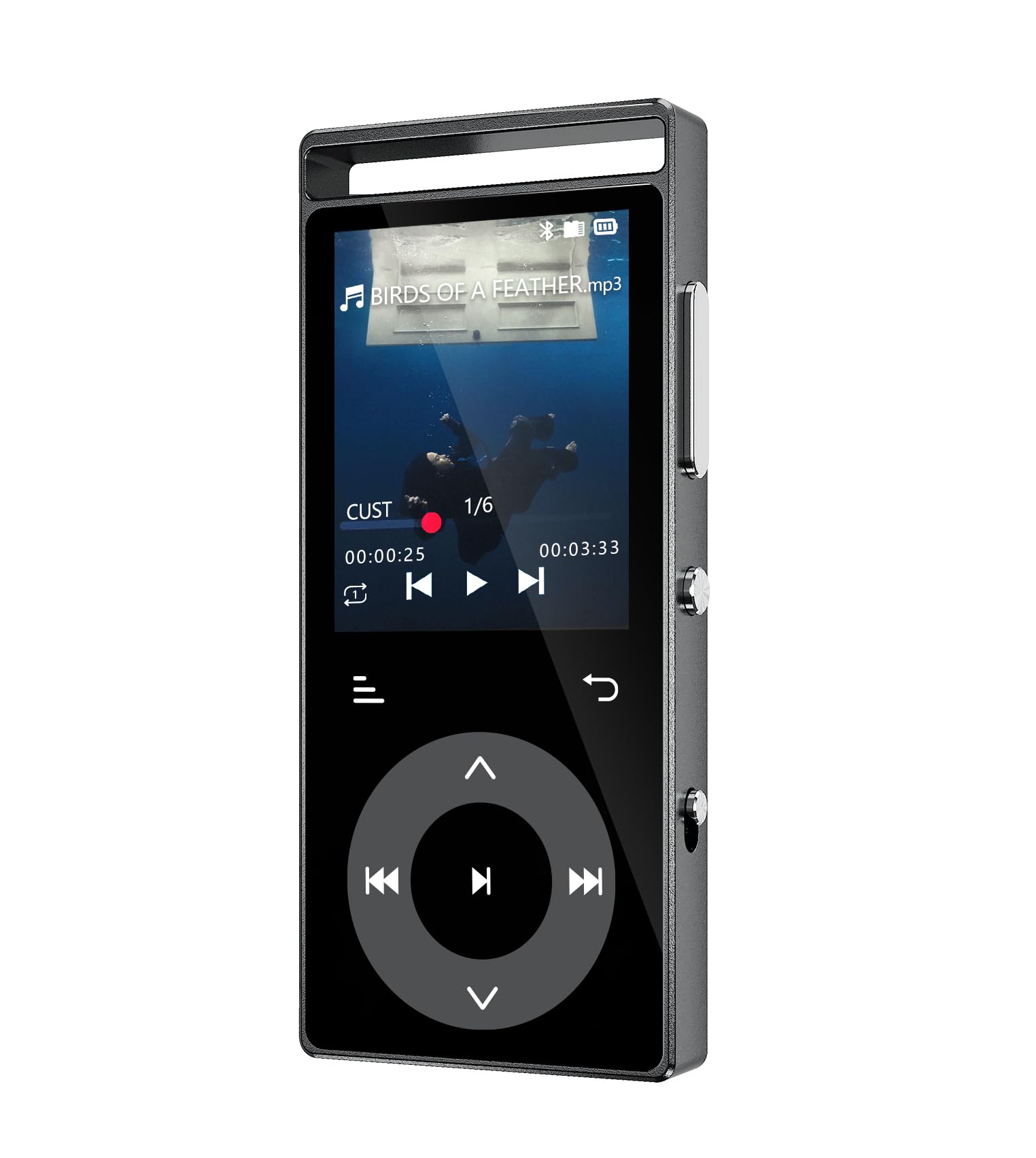
- Touch-sensitive buttons: This MP3 features touch-sensitive buttons paired with an intuitive 1.77-inch color screen, delivering responsive and smooth operation. Whether skipping tracks or accessing menus to adjust sound effects, precise control is achieved with a light touch of your fingertips. Buttons illuminate with soft backlighting upon touch as feedback. If you prefer no lighting effects, the backlight can be easily disabled in settings.
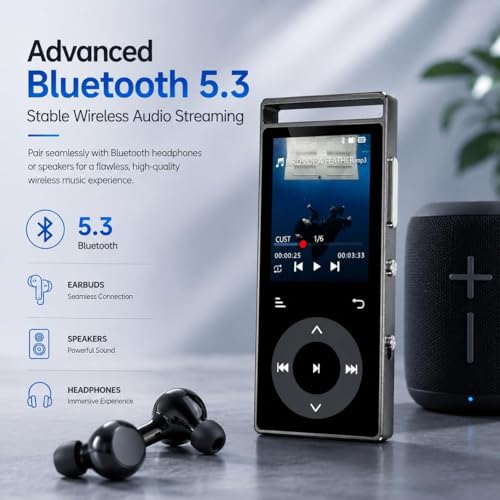
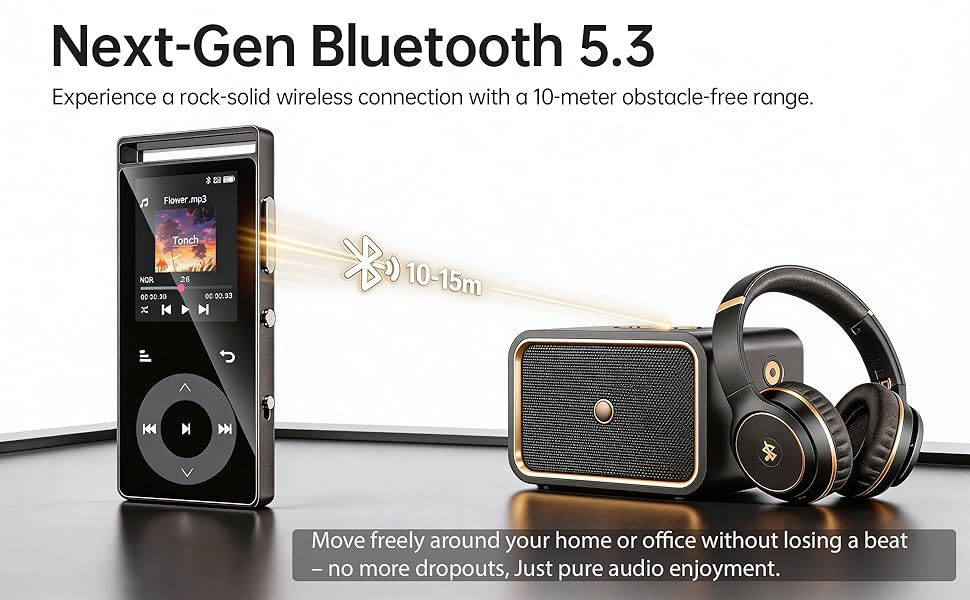
- Bluetooth 5.3: The mp3 player with bluetooth is equipped with an advanced Bluetooth 5.3 chip, offering faster transmission speeds, lower latency and improved resistance to interference, with a connection range of up to approximately 10 metres. Enjoy a stable connection to your Bluetooth headphones or speakers, freeing yourself from the hassle of cables whether you’re exercising or at home, and experience music without restrictions. ( don’t support connection to mobile phones or computers.)
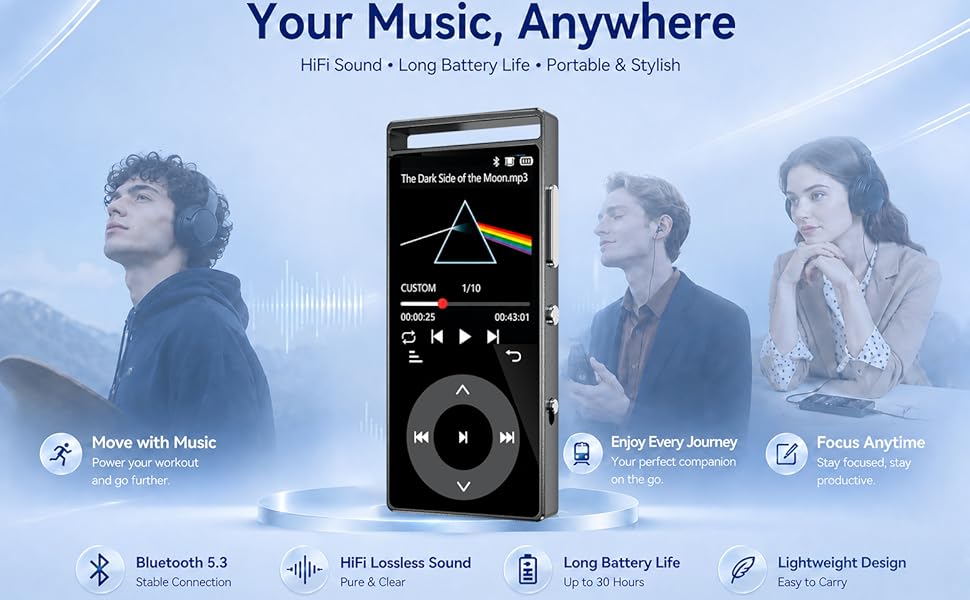
- HIFI with lossless audio quality: The portable music player is equipped with professional audio decoding chips and intelligent noise-cancelling chips, it reproduces the original sound with lossless audio quality, delivering an immersive listening experience (compatible with mainstream audio formats such as MP3, APE, FLAC, WMA, WAV and AAC). Please note: Audible, Apple Music and iTunes formats are not directly supported.
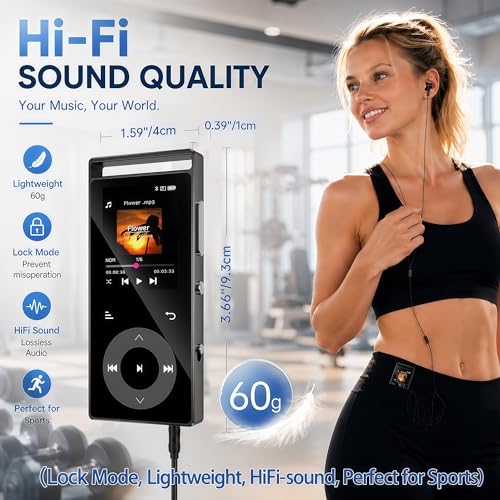
- Portable and Lightweight: This MP3 player measures 3.66 × 1.59 × 0.39 inches (9.3 × 4.05 × 1 cm) and weighs only 60 grams. Compact and slim, it’s easy to carry anywhere. It features a hollow cut-out at the top to attach a keyring or lanyard. Ideal for running, hiking, travelling and workouts, it slides neatly into your pocket or bag. Enjoy your favourite music anytime, anywhere with this lightweight, handy companion.
- Three key customisation features: This MP3 is equipped with intuitive icons for standalone playback, EQ equaliser, and a dedicated Favourites function. 1.A standalone playback mode icon allows effortless switching between shuffle, repeat and other modes. 2.A EQ icon enables free switching among diverse sound styles like rock and jazz. 3.A dedicated Favourites shortcut lets you play your personal playlist immediately on startup; it supports creating up to six custom playlists to store your songs.
- Long battery life: The MP3 player is equipped with a 410mAh high-performance polymer lithium battery, the music playback range can reach about 56 hours (actual duration is affected by factors such as volume and usage mode), allowing for smooth listening throughout daily commuting and long-distance travel without worrying about battery shortage; The body is equipped with an exquisite metal shell, which combines high-end texture and delicate touch, effectively reducing fingerprint residue.
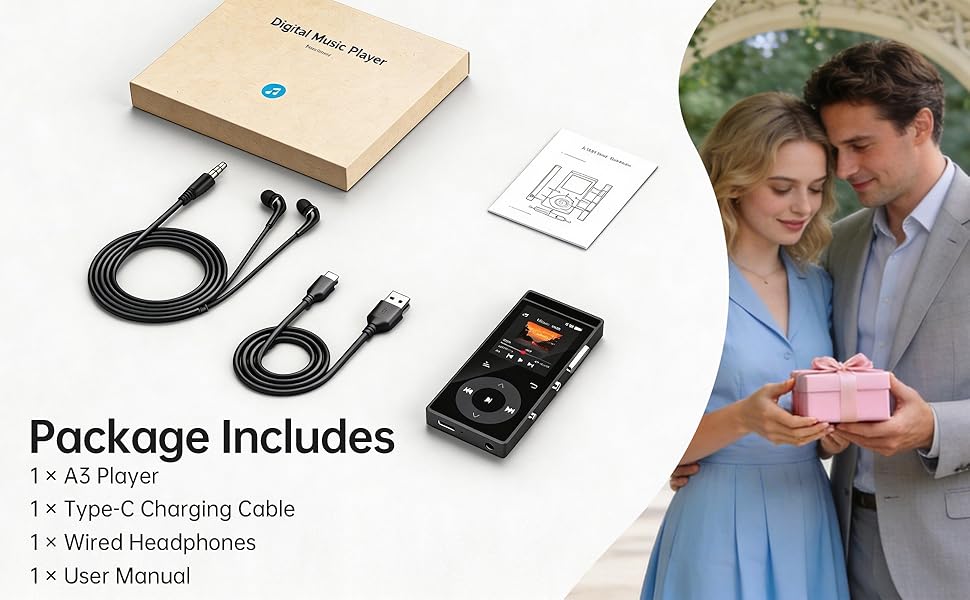
- One-touch lock: The music player Featuring a physical lock switch, a simple flick locks all touch controls, effectively preventing accidental song changes or pauses whilst on the move, so your rhythm stays uninterrupted. Flick it the other way to unlock instantly—it’s quick and easy to use. MP3 Comes with wired earphones that sit securely and deliver crystal-clear sound, allowing you to remain immersed in steady musical accompaniment even whilst running, helping you focus on every beat.
- FM Radio: The mp3 players Features a built-in FM radio; simply plug in the included wired earphones to use them as an antenna. You can search for and save your favourite stations automatically or manually. With radio recording support, you can listen to music, news, sports and music programmes whilst commuting, out for a morning run or enjoying the great outdoors—so you never miss a moment of the action.

| SKU: | B0GS528WDV |
| Weight: | 100 Grams |
| Brand: | PlayerPure |
| Colour: | Black |
| Manufacture: | Shenzhen Lepai Digital Technology Co.,LTD |
| Colour: | Black |
| Origin: | China |
Product Description
——————FAQ——————-
Q: The MP3 player cannot connect to Bluetooth headphones/speakers. What should I do?
A: Please follow the steps below:
- Turn off Bluetooth on your phone – to avoid signal interference from other devices.
- Reset your Bluetooth headphones/speakers – follow the instructions in your headphone/speaker manual.
- Bring them close and search again – place the reset headphones/speakers next to the MP3 player (within 1 meter), then search for Bluetooth devices on the MP3 player and connect.
Note: The MP3 player, phone, and computer are all Bluetooth signal transmitting devices. They cannot connect directly to each other. The MP3 player can only connect to Bluetooth receiving devices, such as Bluetooth headphones or Bluetooth speakers.
Q: The data cable cannot connect the player to my computer, and I cannot transfer music files. What should I do?
A: Please follow the troubleshooting steps below:
- Use the original data cable included with the product – other cables may not be compatible.
- Replug the cable – disconnect the cable from both the player and the computer, then reconnect firmly. Try several times.
- Change the USB port on your computer – try a different USB port.
- Test with another computer – connect the player to a different computer to rule out issues with your current computer.
- Replace the data cable – if none of the above works, try a different reliable data cable (must support data transfer, not just charging).
Hint: After a successful connection, you may need to manually confirm “Transfer Mode” or “USB Mode” on the MP3 player screen before the computer will recognize the device.
Q: Why is there no sound when playing music?
A: Please check the following in order:
- Is the volume turned up? – Make sure the MP3 player is not muted or set to the lowest volume.
- Is the playback device properly connected? – Check that Bluetooth headphones/speakers are successfully paired, or that wired earphones are firmly plugged in.
- Try playing another song – to rule out a corrupted audio file.
- Restore factory settings – If the above steps don't work, try restoring factory settings from the settings menu.
Q: Does the device have a built‑in speaker?
A: No. You must connect Bluetooth headphones/speakers or wired earphones to listen to music.