Educational Motion Gaming Console for Kids: Plug & Play TV
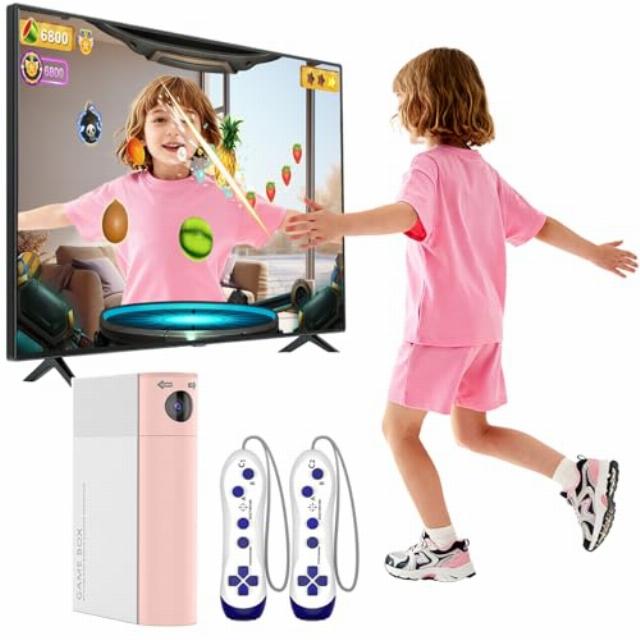
Educational Motion Gaming Console for Kids: Plug & Play TV Video Game – Interactive Learning System for Coordination & Fitness – Gift for Boys Girls Ages 3+ (Black) (Pink)
AR motion vido games console for kids
How many games come with the GREENTREEN AR Motion Gaming Console?
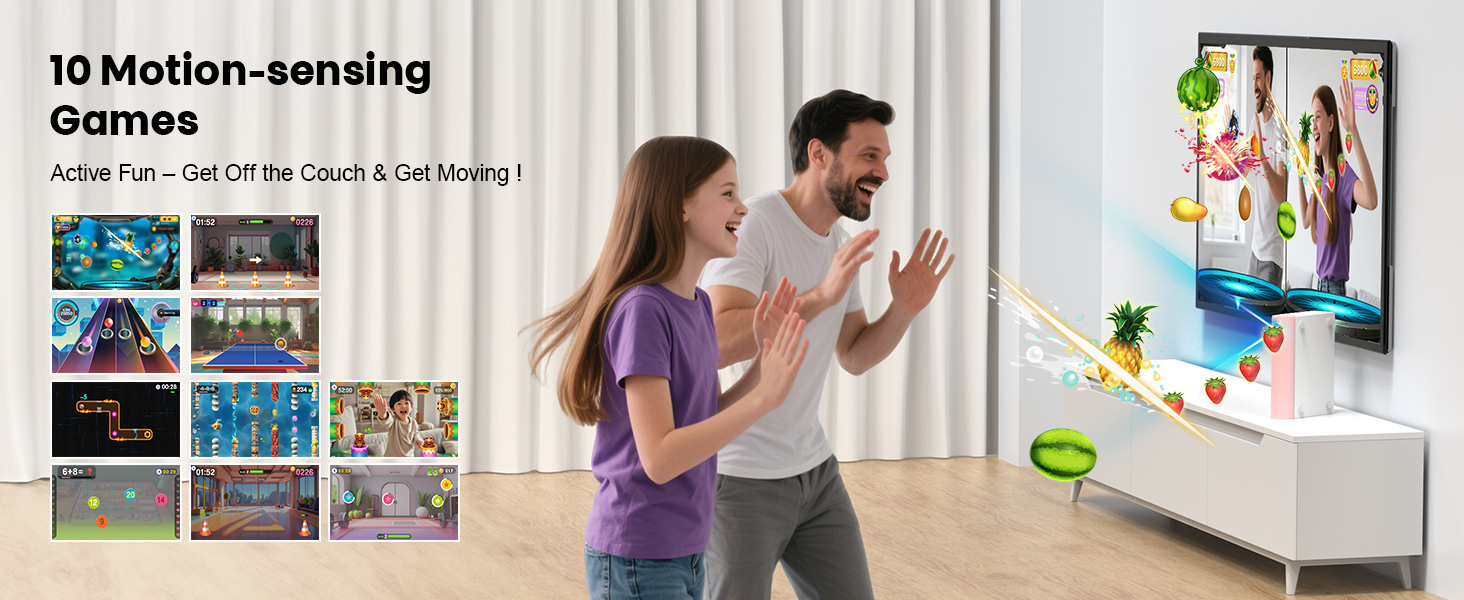
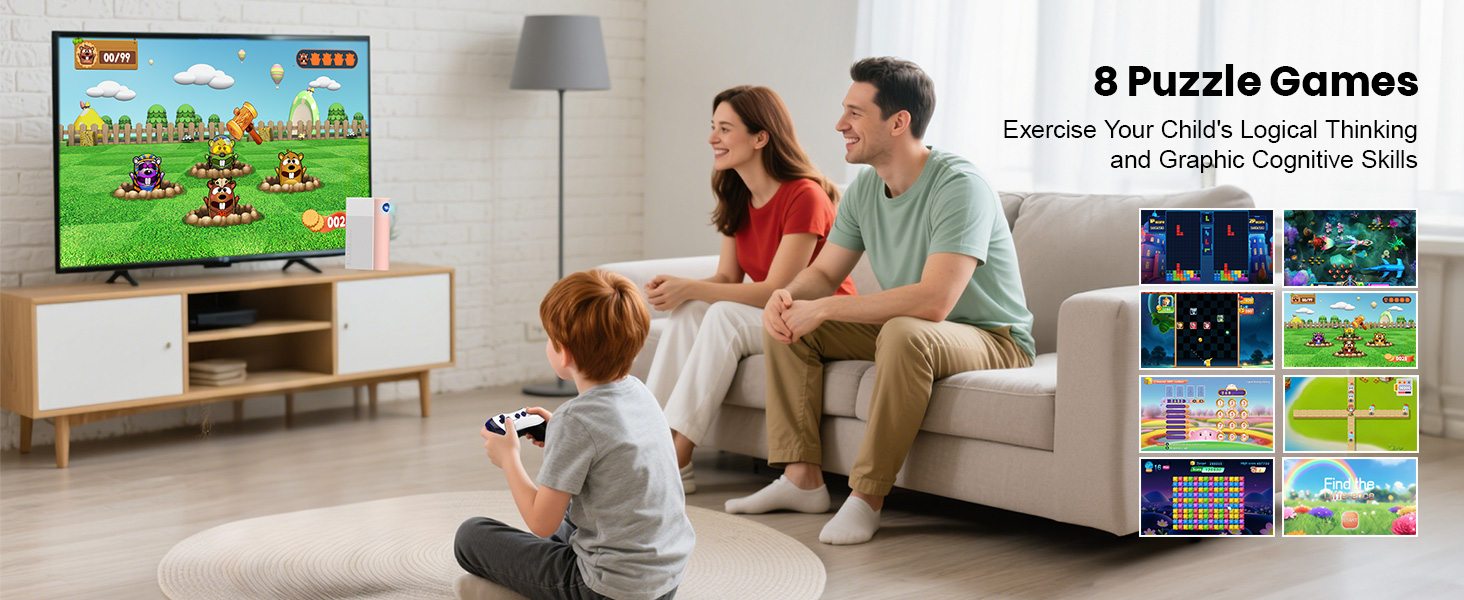
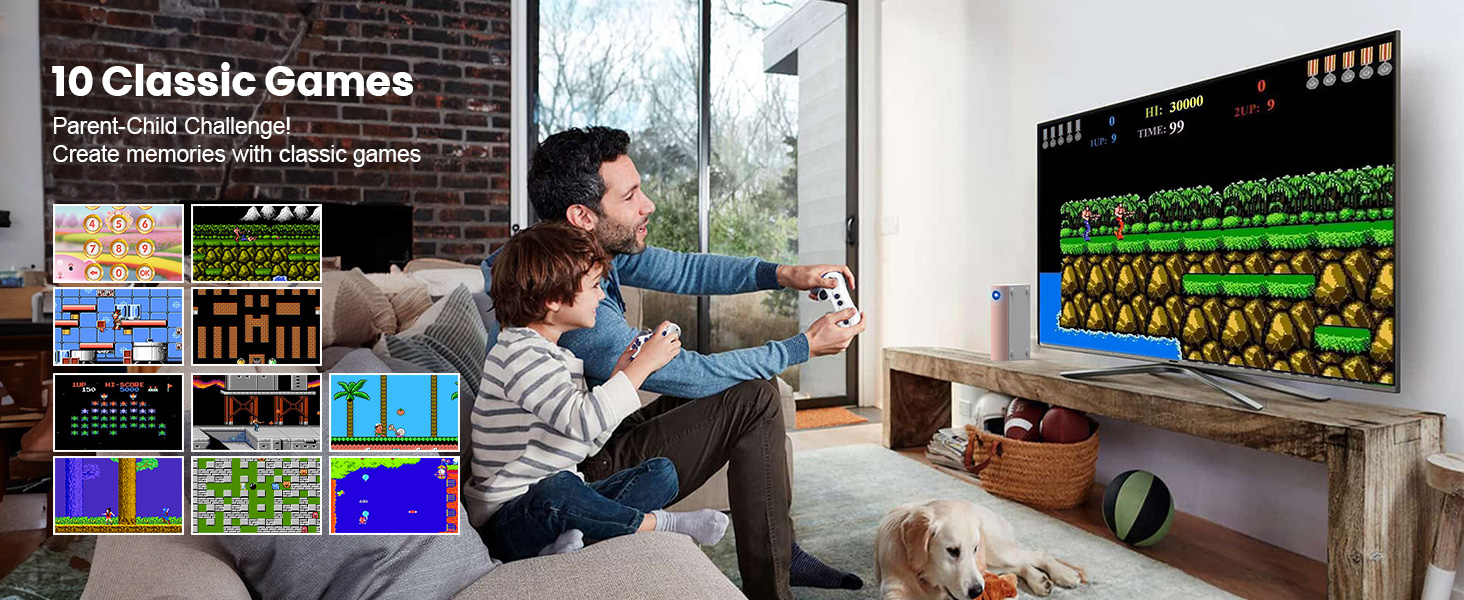
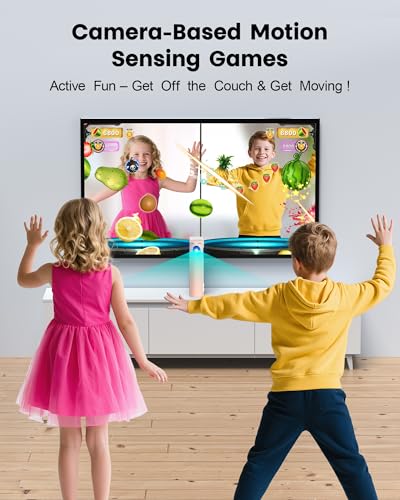
Preloaded 28 games including 10 motion-sensing, 8 puzzle, and 10 classic titles! More exciting game packs are in the works—stay tuned!
How to navigate motion-sensing games with body gestures?
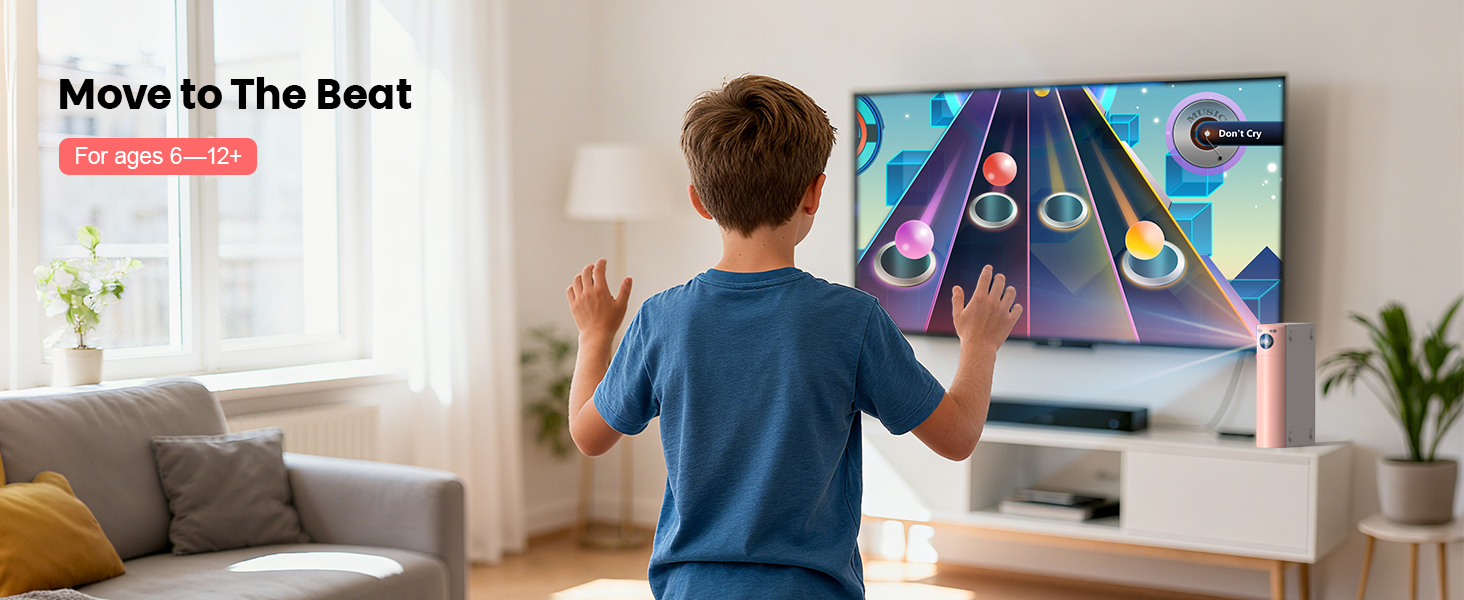
Easy 4-step control: 1)Raise L/R hand to browse; 2)Raise both hands to confirm; 3)Hover palm to select mode; 4)Move palm to top-left to exit (anti-touch). Get moving, get fun!
How to properly use camera games?
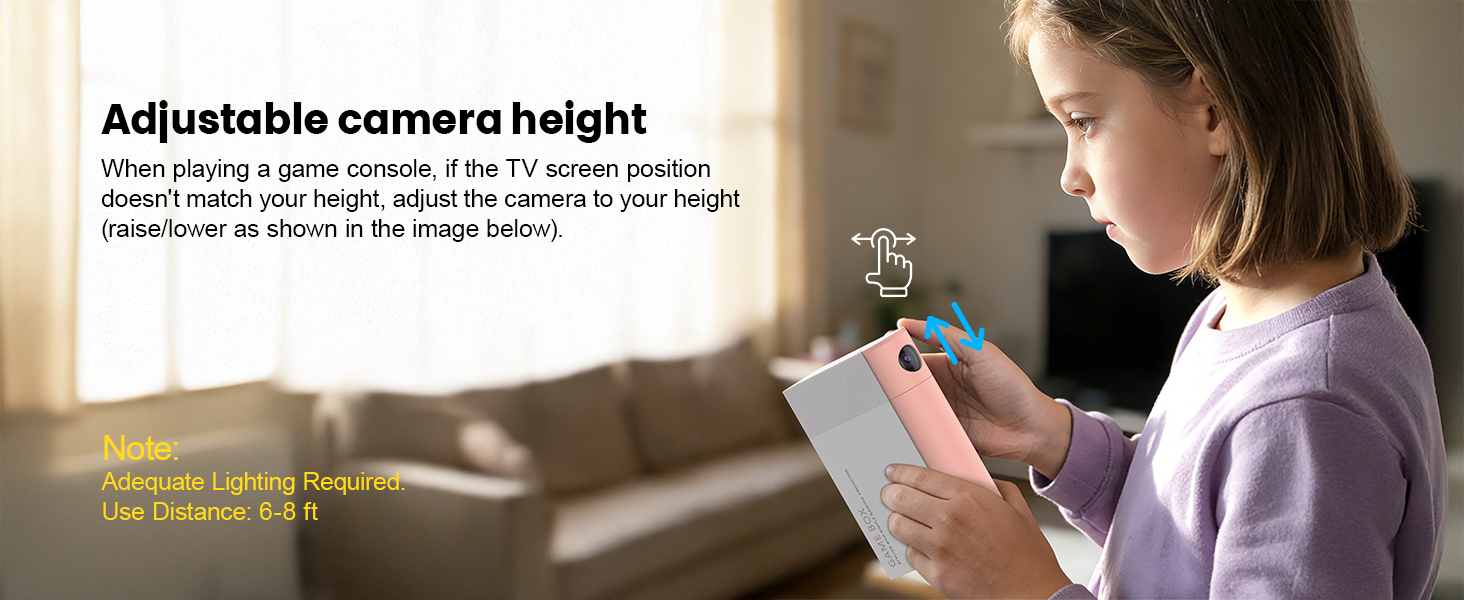
Just 5 tips for best experience: 1)Place console at mid-height, centered on TV;2)Stand in screen center; 3)Keep others out of camera view;
4)Avoid strong lights/reflections;5)Set camera high (except Happy hopping). Easy setup, smooth gameplay!
Does the Game Console Have to Stand Upright, or Can It Lie Flat?
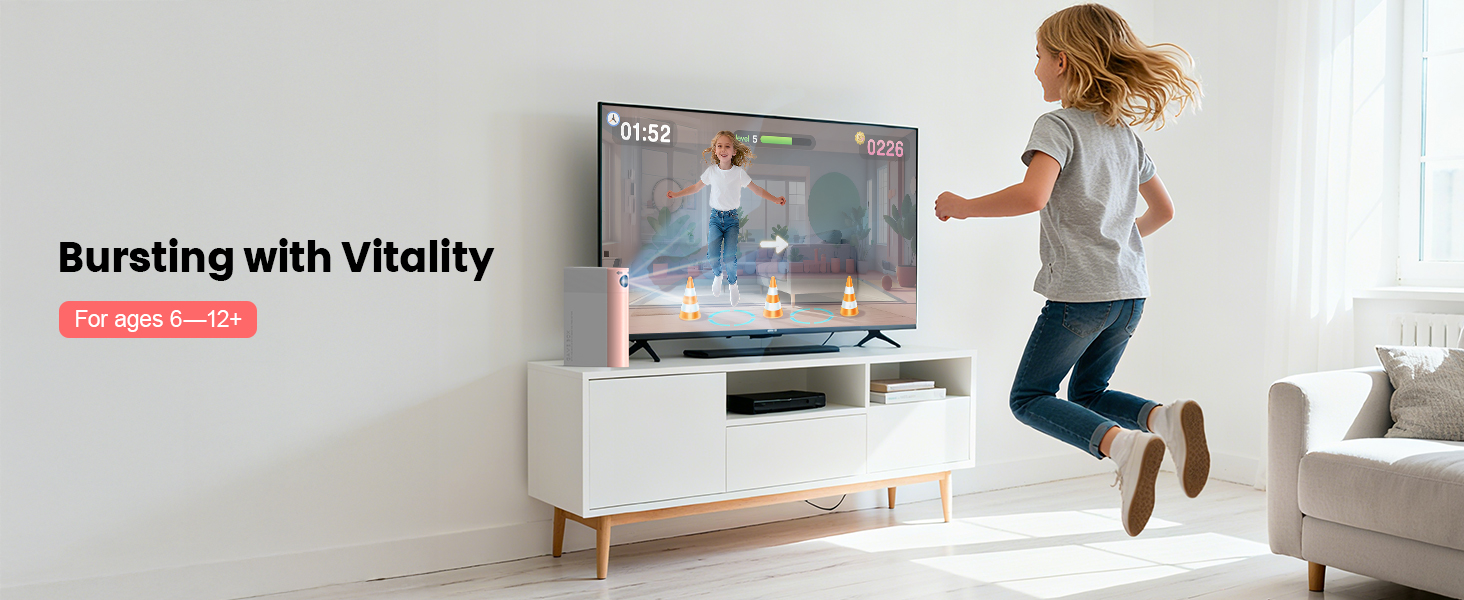
For Motion-sensing Games: The console must stand upright because the camera needs a clear view of your movements.
For Controller-based Games: You can place it either upright or flat—whichever is more convenient.
Will new games be added to the gaming console?
Yes! New games and music will drop unexpectedly on our official website – all free to download !
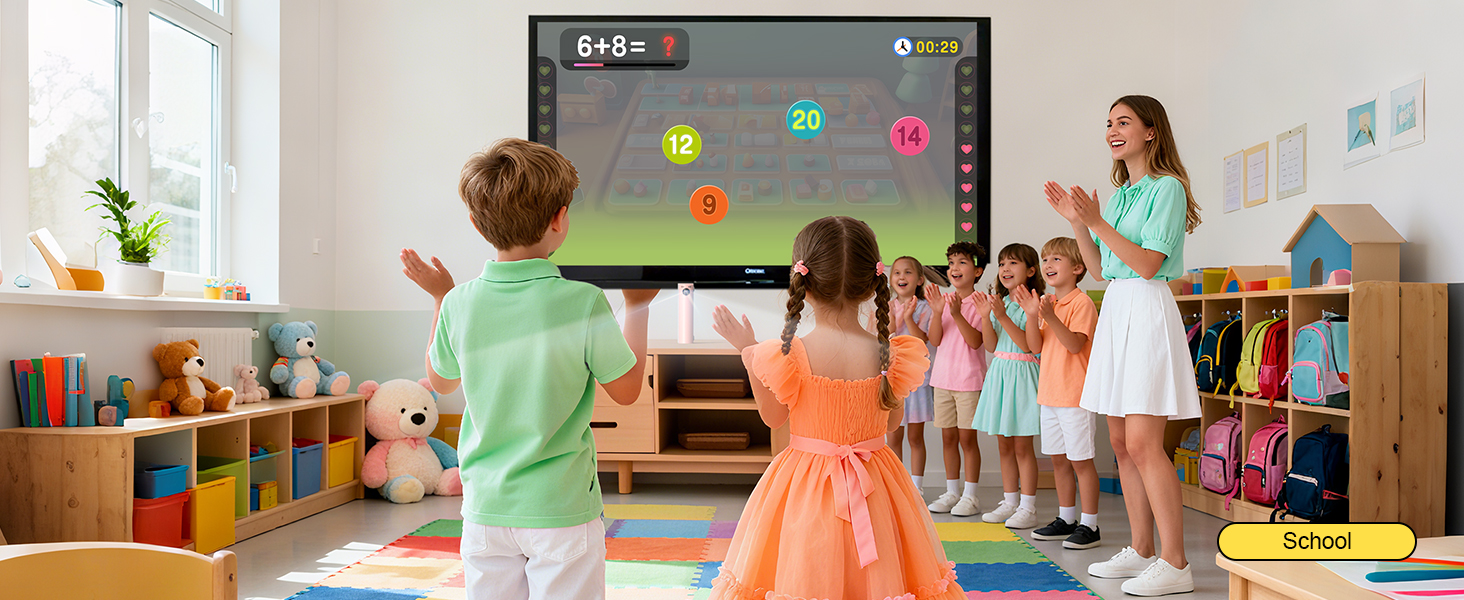
- Designed for Educational Institutions: This motion-sensing game console is an ideal auxiliary tool for classroom breaks. It can turn break time into a vibrant playground, and through a variety of educational and sports games, it enhances students' physical coordination and balance, promoting healthy physical and mental development.
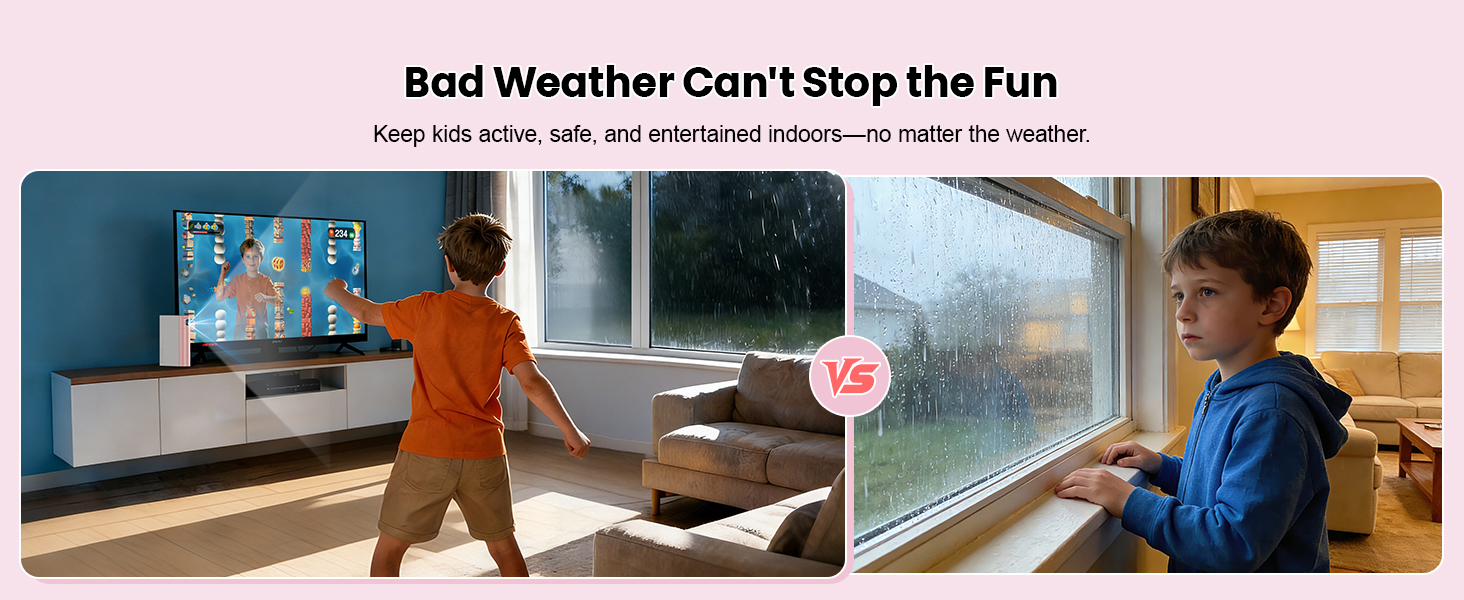
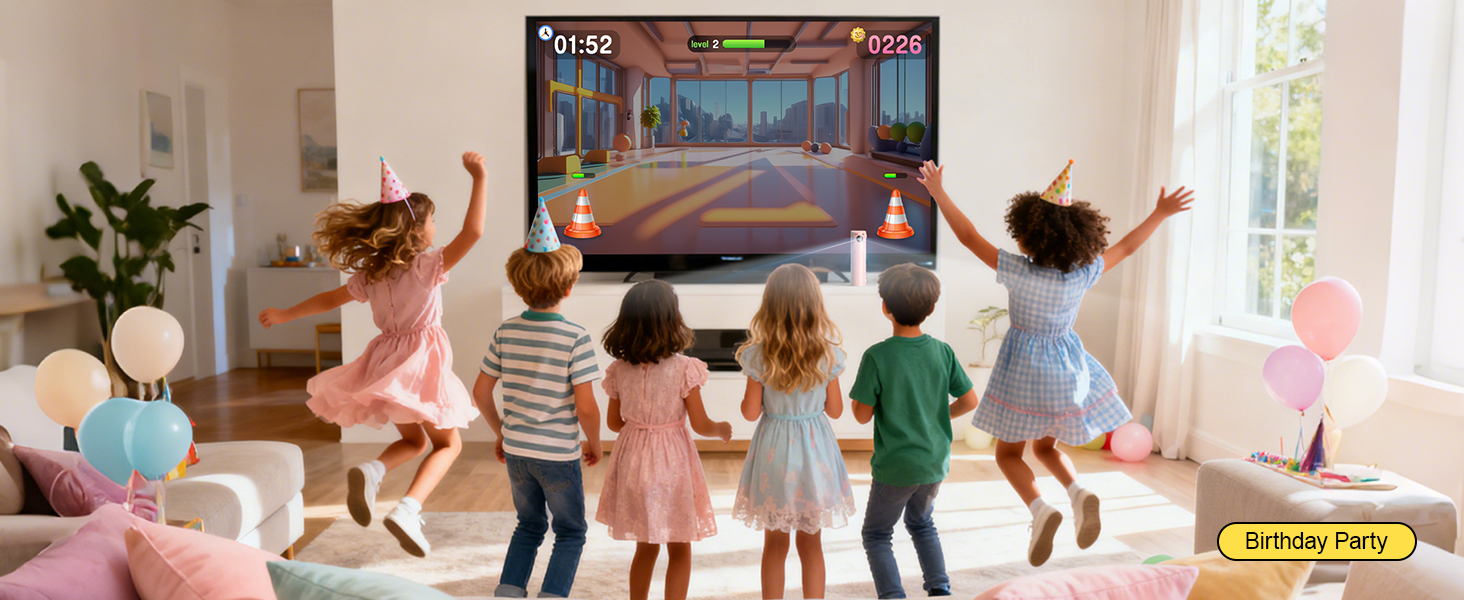
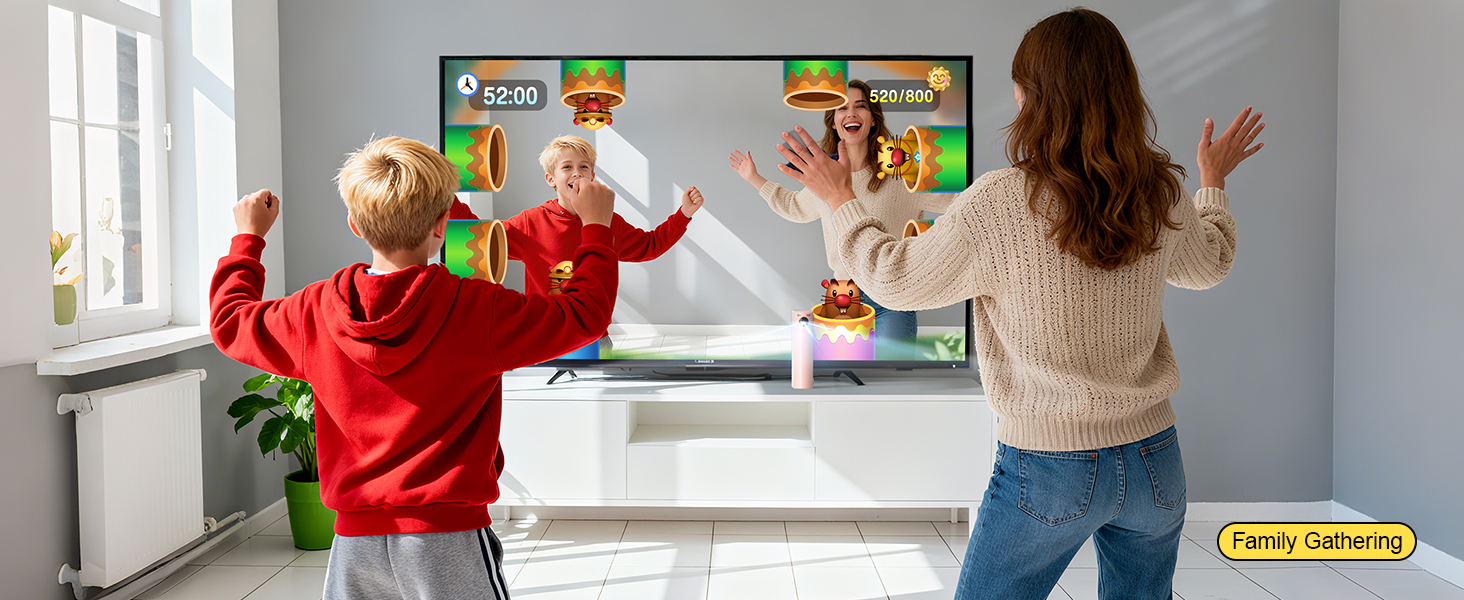
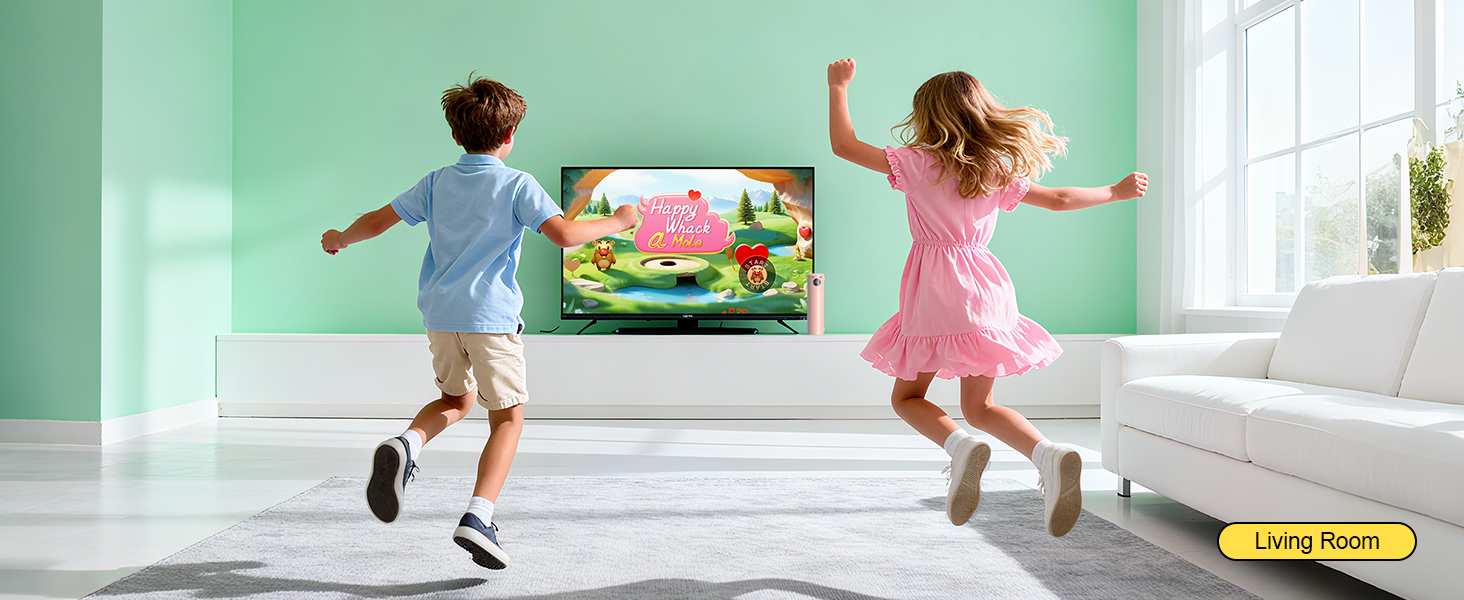
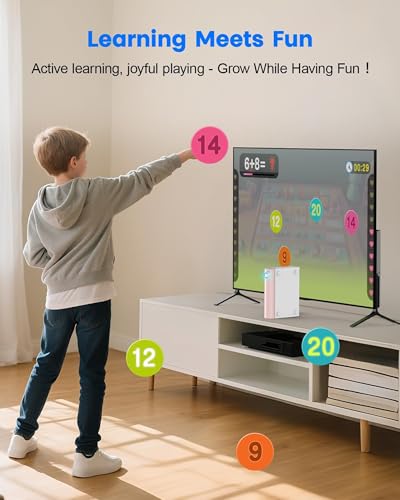
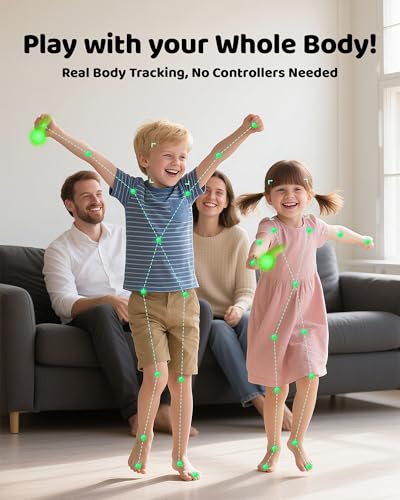
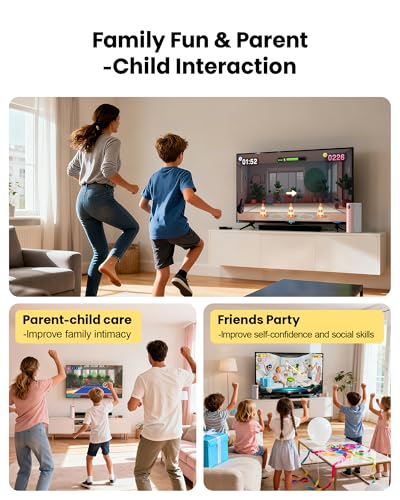
- TV Games Console With Built In Games: Turn playtime into a growth opportunity. this kids game console offers a unique blend of physical exercise and brain-teasing challenges designed to sharpen hand-eye coordination and reaction times. It’s the great way for kids to stay active while keeping their minds sharp. Ideal for indoor sports, birthday parties, and Parent-child interactive games.
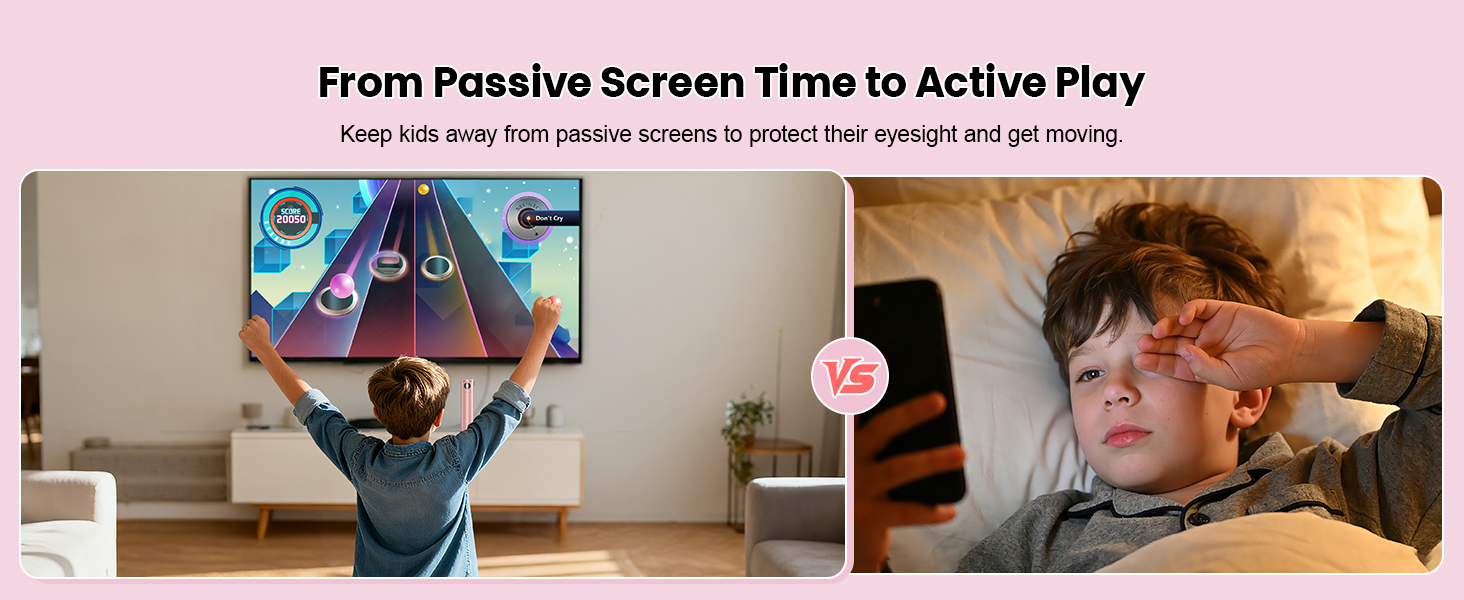
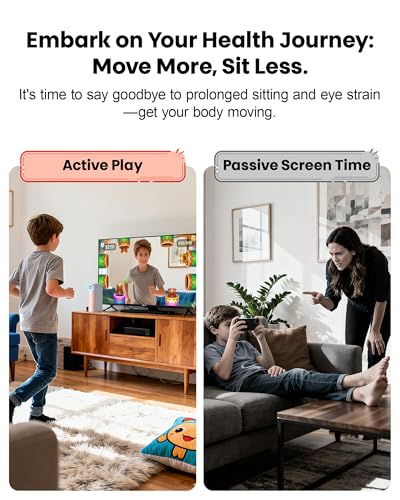
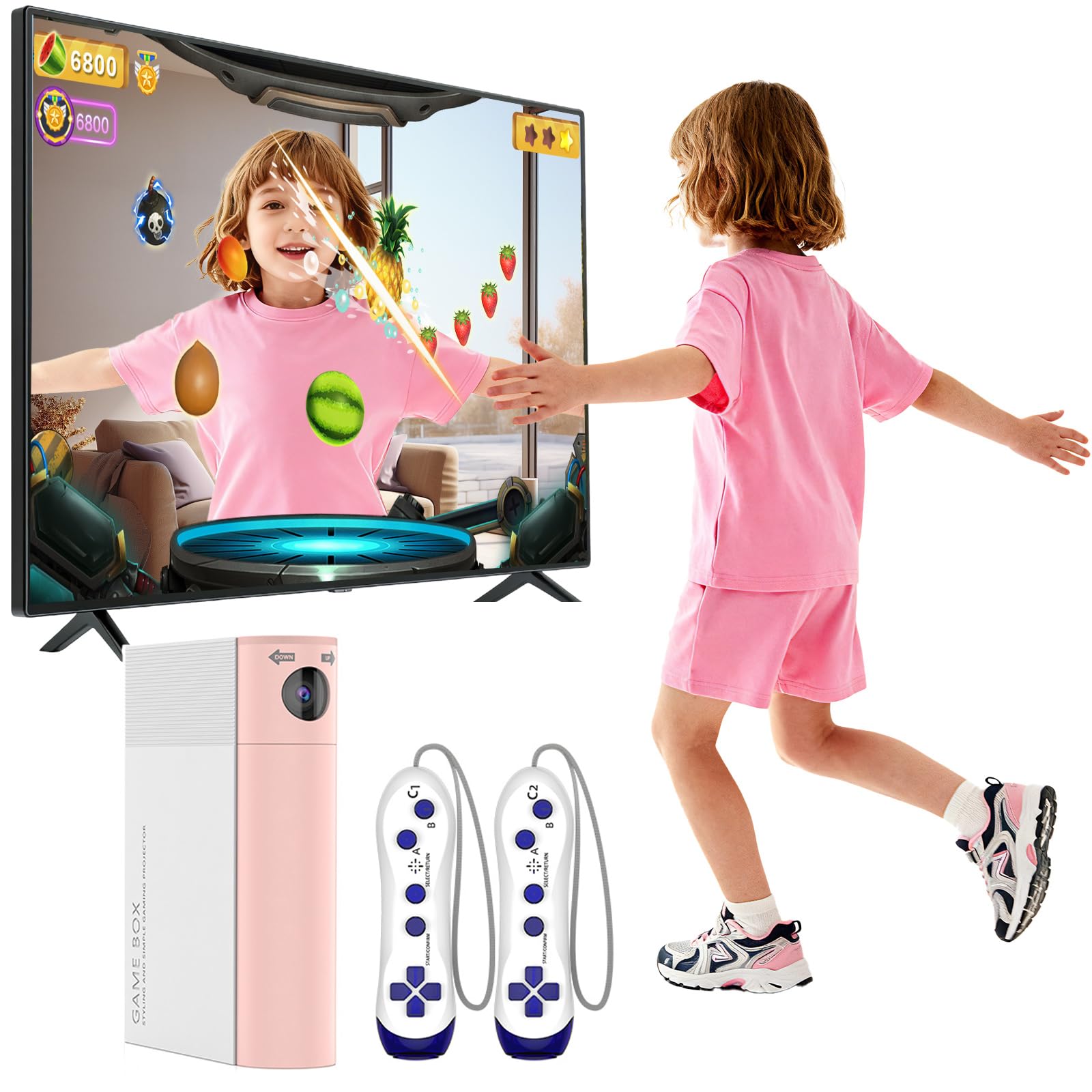
- Learning Through Play: this video game console comes pre-loaded with 21 games across sports, puzzle, adventure, and educational categories. It has two wireless controllers and supports single-player or two-player modes, this ar motion game console encourages kids to put down phones and tablets, offers a fun alternative to passive screen time.
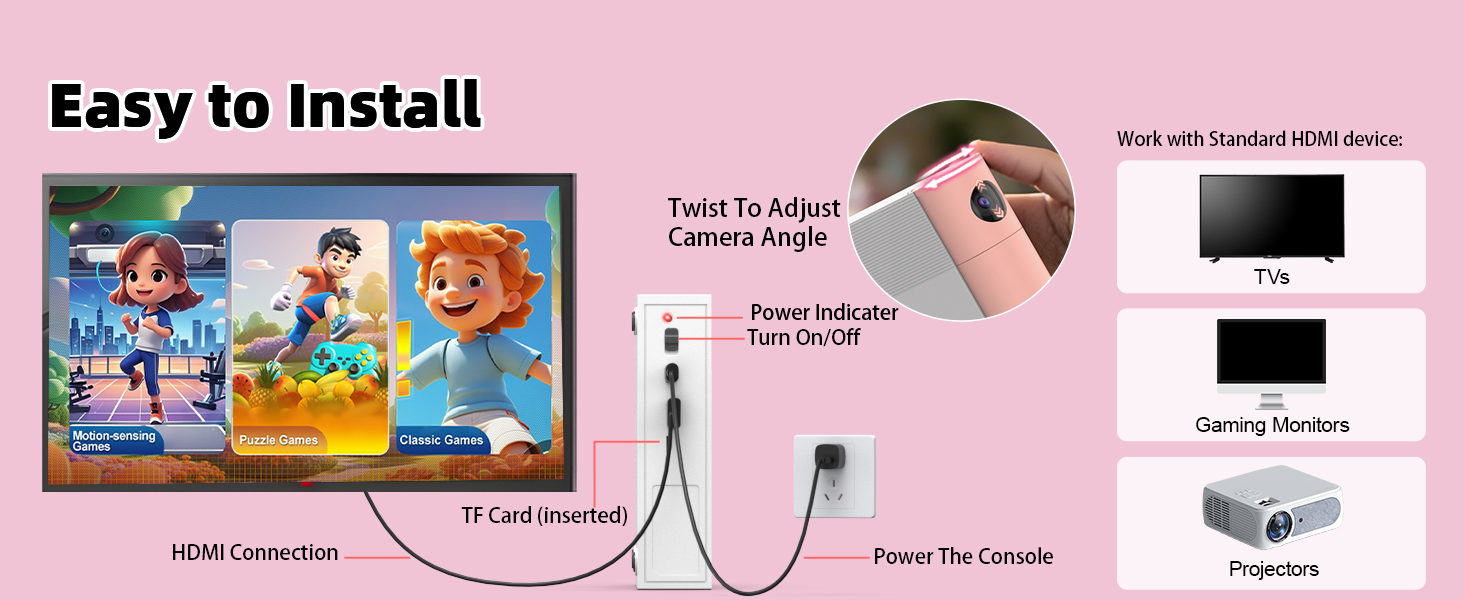
- Simple Plug-and-Play Design: Simply connect to any TV, monitor, or projector via HDMI (internet not required), and start playing instantly. Connecting to your TV is easy—just follow the video guide in our main images. The user-friendly interface allows children to jump into the action independently.
- The Gift of Shared Active Fun: Looking for a present that encourages play? This learning toy goes beyond standard toys by getting kids up and moving. This educational toy is ideal as a Children's Day gifts, back-to-school reward, birthday, or holiday present (Christmas/New Year) that parents feel good about giving.
- Reliable Privacy & Portable Design: Designed with child safety in mind, this games console for tv operates completely offline with no ads, and no inappropriate content. Its lightweight and portable design makes it easy to pack into a backpack, so you can enjoy gaming fun at home, at grandma's, or on vacation.


| SKU: | B0G5YJ4NV5 |
Product Description
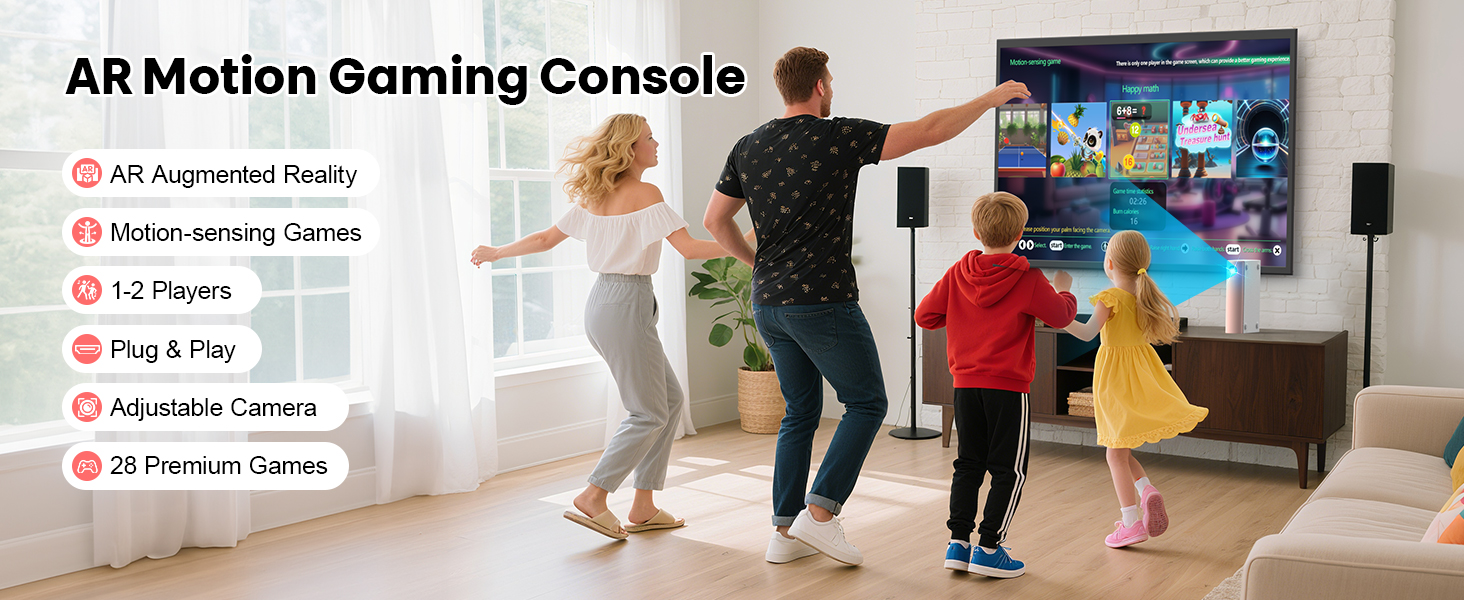
AR motion vido games console for kids
How many games come with the GREENTREEN AR Motion Gaming Console?
Preloaded 28 games including 10 motion-sensing, 8 puzzle, and 10 classic titles! More exciting game packs are in the works—stay tuned!
How to navigate motion-sensing games with body gestures?
Easy 4-step control: 1)Raise L/R hand to browse; 2)Raise both hands to confirm; 3)Hover palm to select mode; 4)Move palm to top-left to exit (anti-touch). Get moving, get fun!
How to properly use camera games?
Just 5 tips for best experience: 1)Place console at mid-height, centered on TV;2)Stand in screen center; 3)Keep others out of camera view;
4)Avoid strong lights/reflections;5)Set camera high (except Happy hopping). Easy setup, smooth gameplay!
Does the Game Console Have to Stand Upright, or Can It Lie Flat?
For Motion-sensing Games: The console must stand upright because the camera needs a clear view of your movements.
For Controller-based Games: You can place it either upright or flat—whichever is more convenient.
Will new games be added to the gaming console?
Yes! New games and music will drop unexpectedly on our official website – all free to download !