G-Anica 8K Capable Vlogging Camera & 64MP Digital Camera
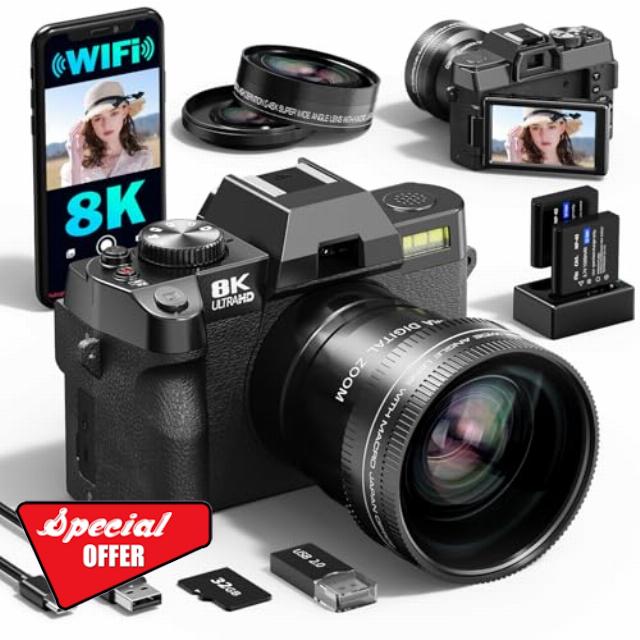
G-Anica 8K Capable Vlogging Camera & 64MP Digital Camera – AI-Enhanced Ultra HD Video, Advanced Digital Zoom, WiFi App Control – Pro Creator Kit with Wide-Angle/Macro Lenses,and 32GB TF Card (Black)
How do l install the Memory Card?
Locate the memory card slot on the bottom-right of the camera, insert the included TF card (or your own TF card) in the correct direction as indicated by the icon, and a "click" sound means successful installation.
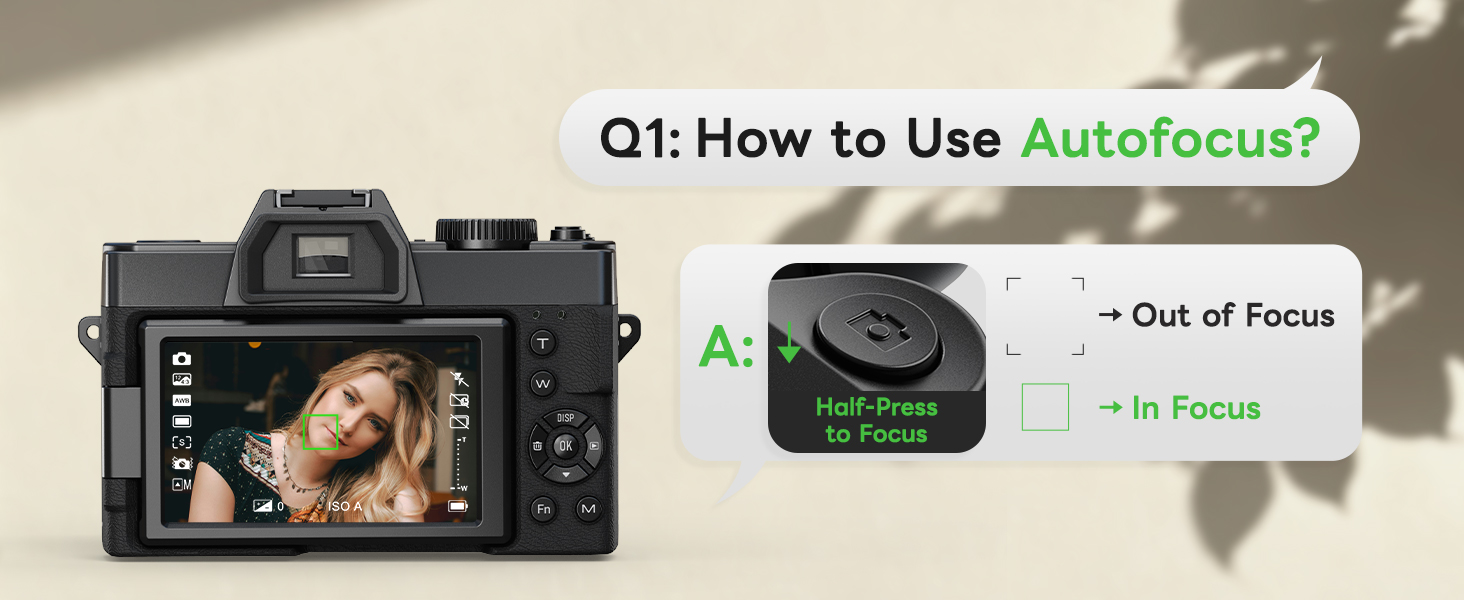
How to use autofocus while shooting?
Half-press the shutter button on the top of the camera (marked with a camera icon), and the camera will quickly autofocus.
Does this camera support selfies?
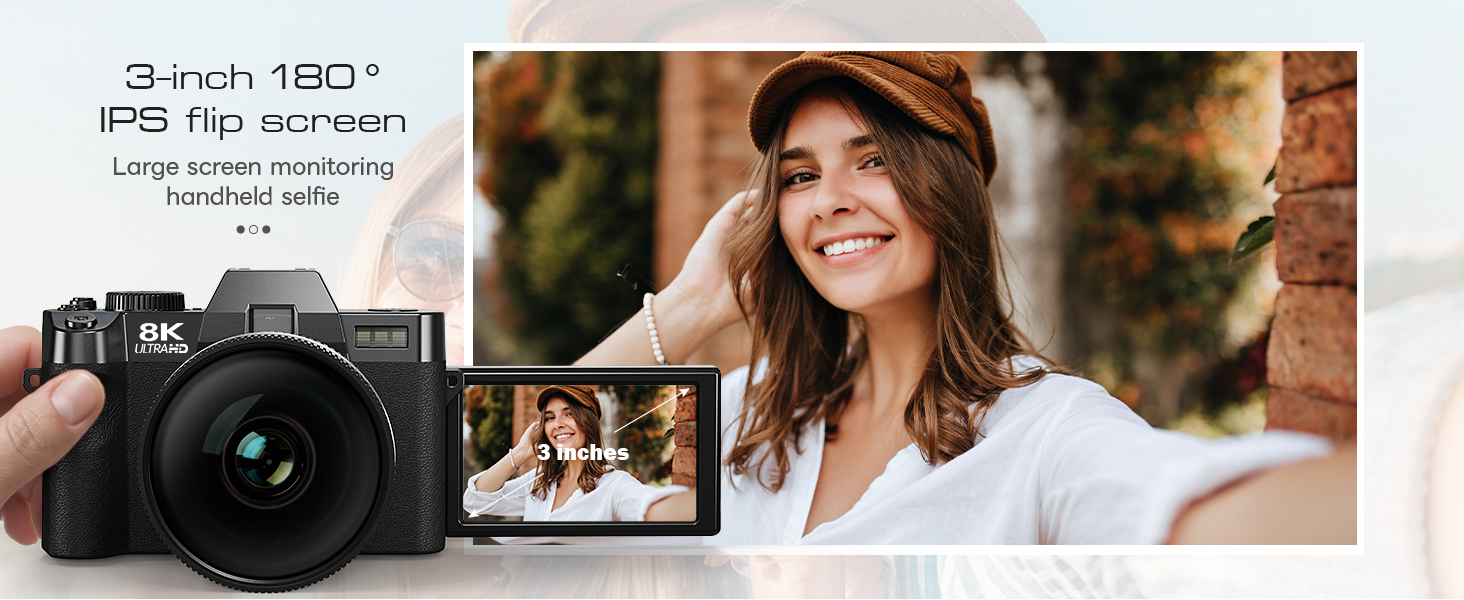
Yes! Equipped with a 3-inch 180° flip screen, this camera lets you effortlessly adjust angles and manage your expressions simply by flipping the screen horizontally.
What can wide-angle and macro lenses be used for?
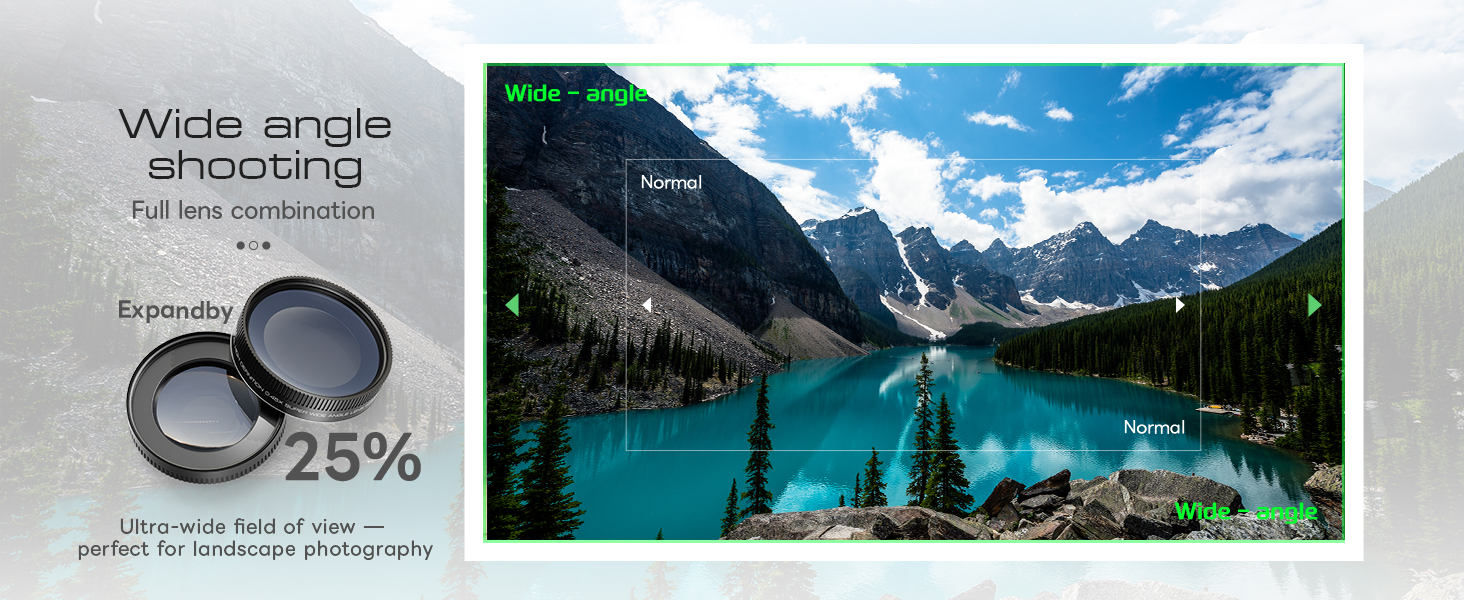
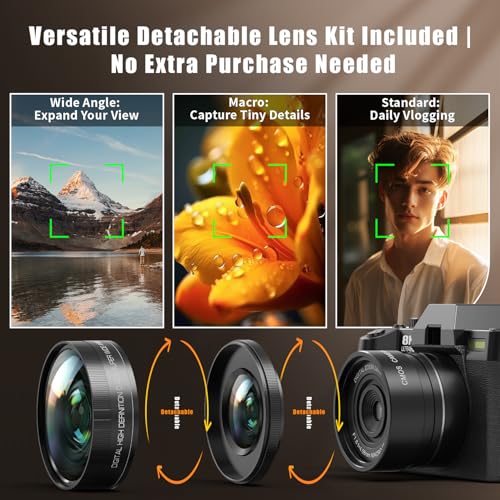
Wide-angle lens: Effortlessly capture panoramic landscapes and full group shots without repositioning.
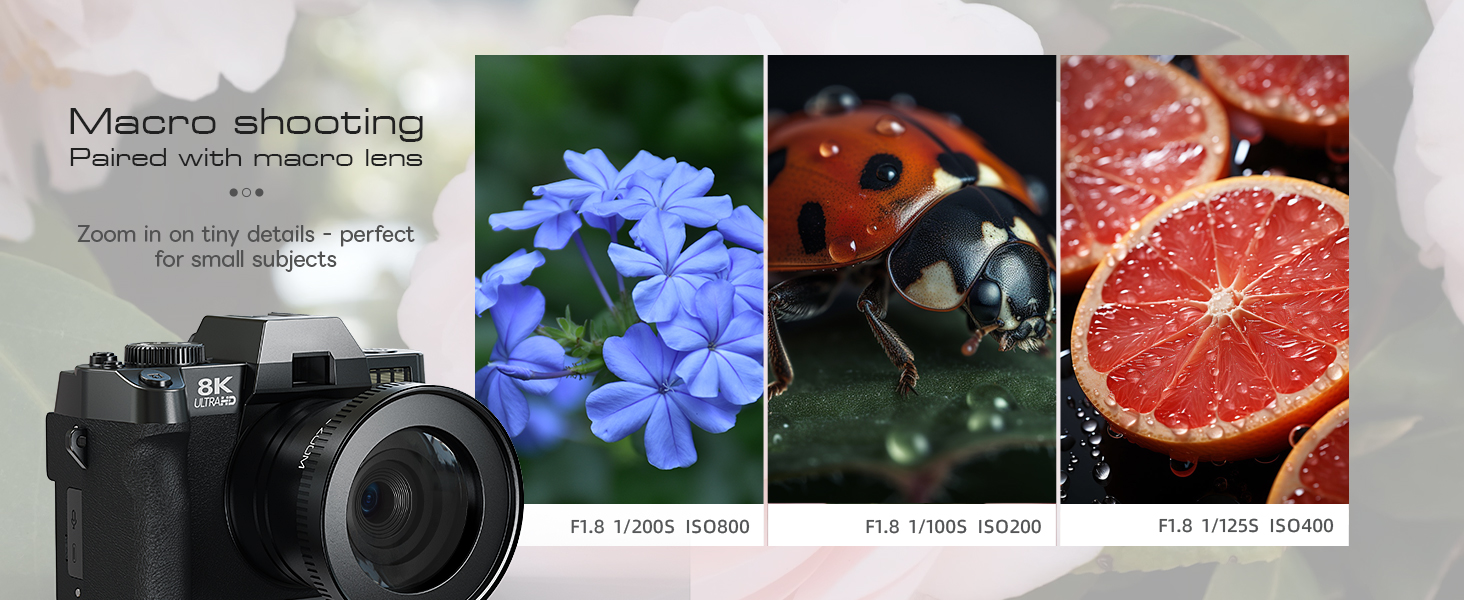
Macro lens: Deliver professional close-up results, uncovering intricate microscopic details with precision.
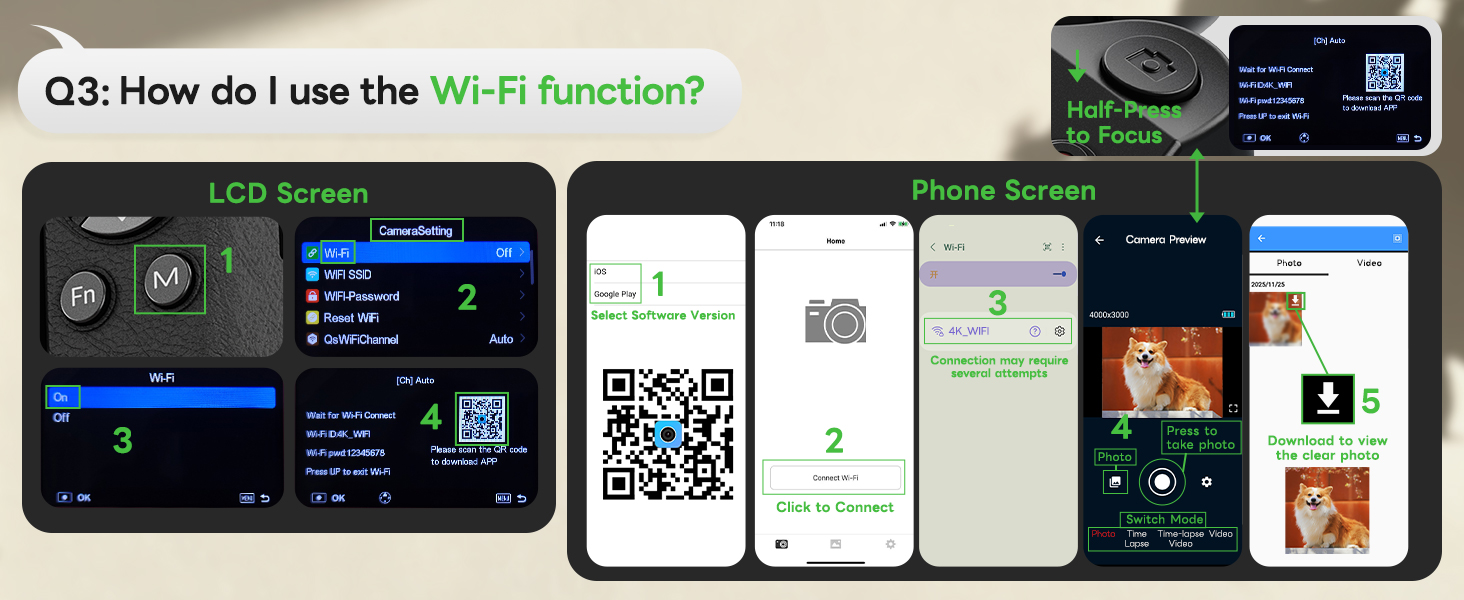
How do I use the Wi-Fi function?
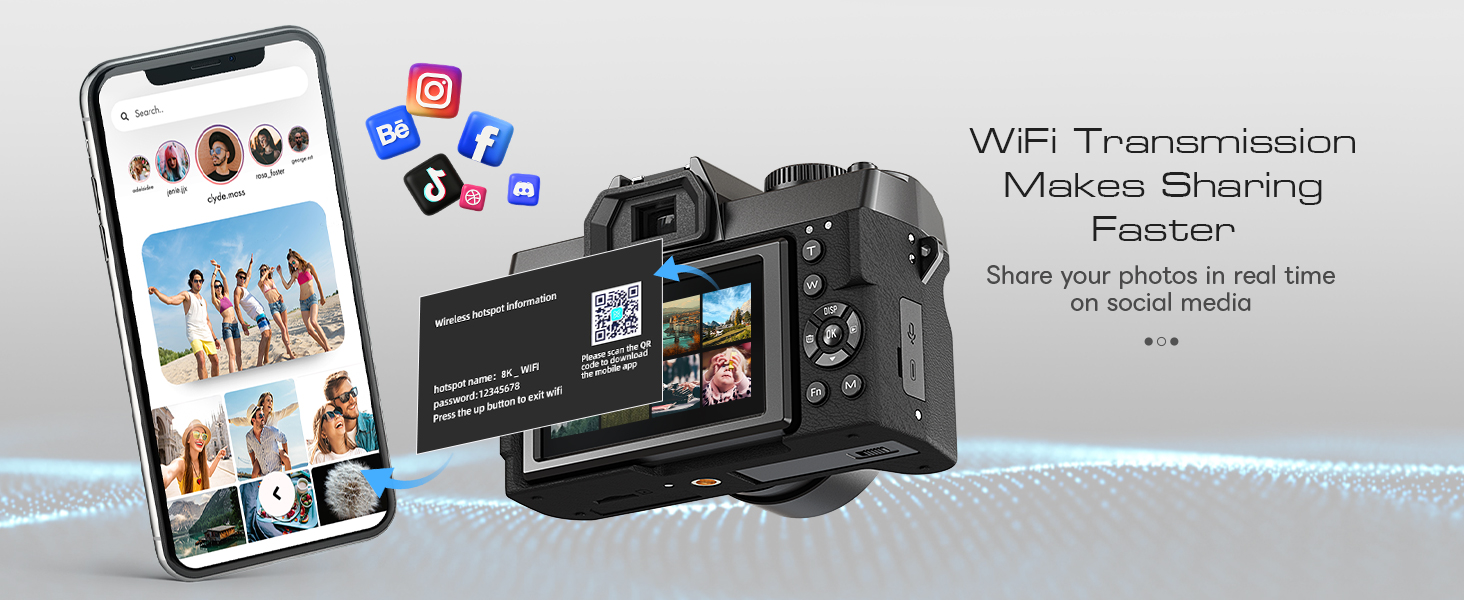
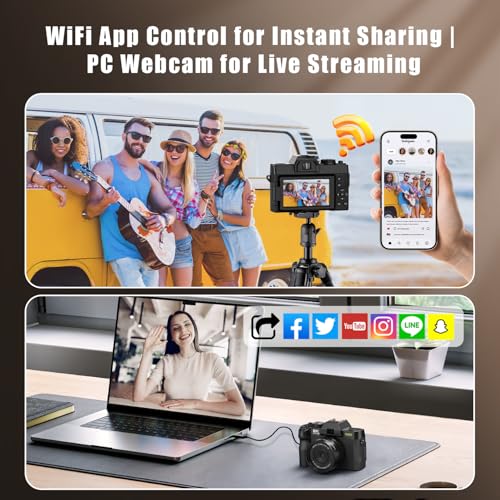
1. Press the "M" button, open Settings, find "WIFI" and enable it;
2. Scan the code on the pop-up page to download the dedicated APP;
3. Open the APP and connect to the corresponding "WIFI name" as prompted to use the WIFI function.
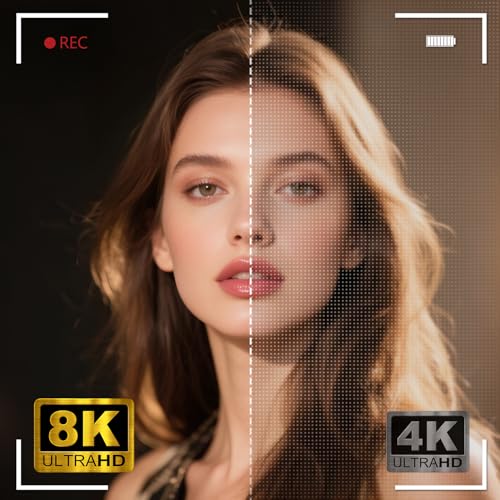
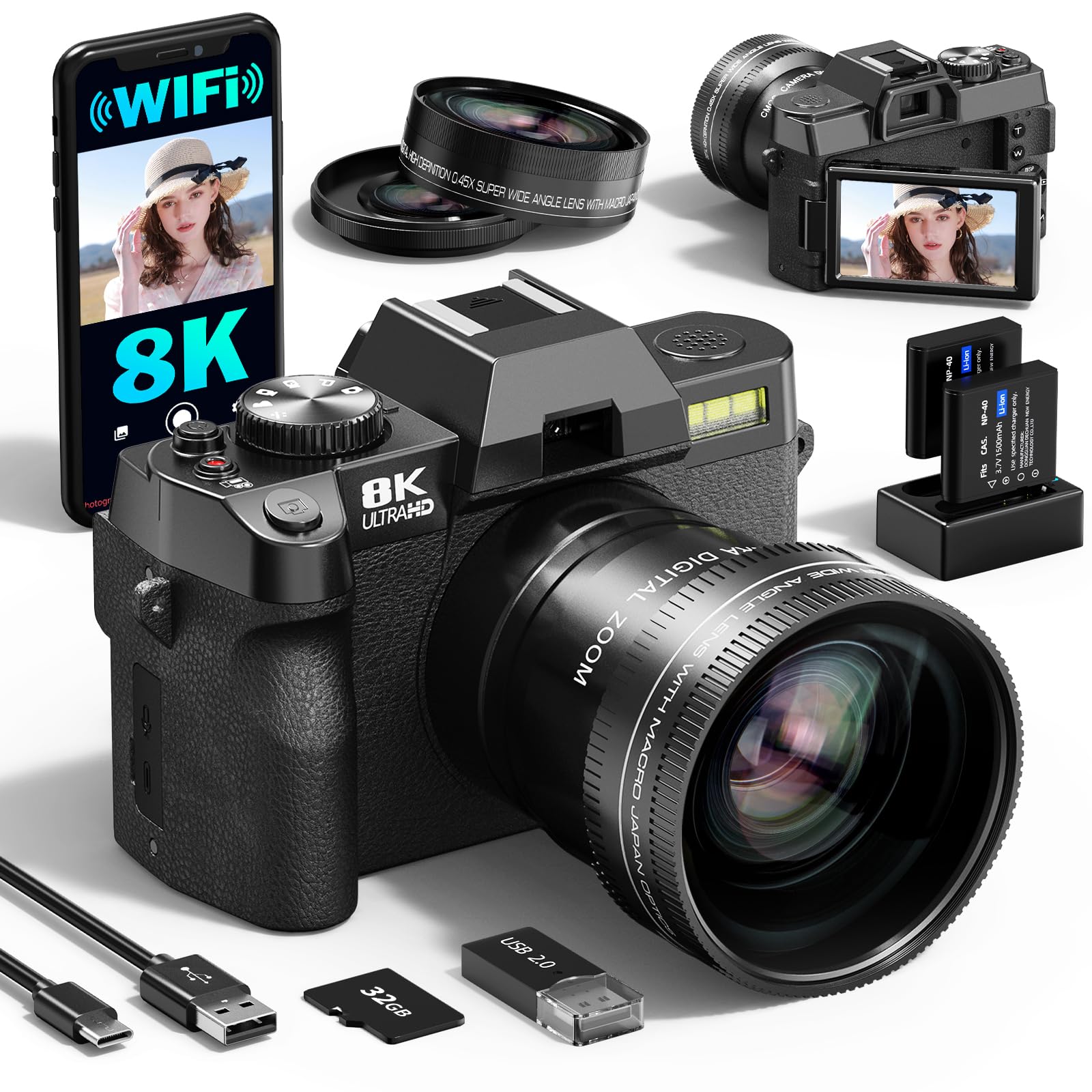
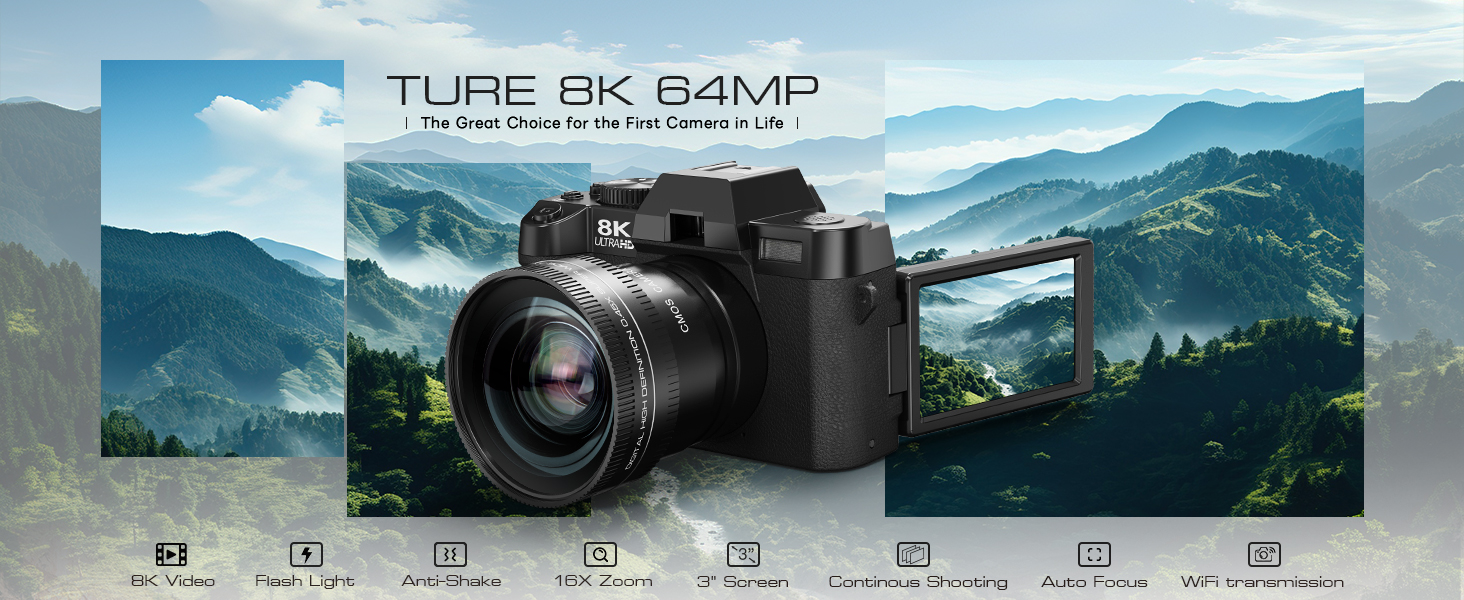
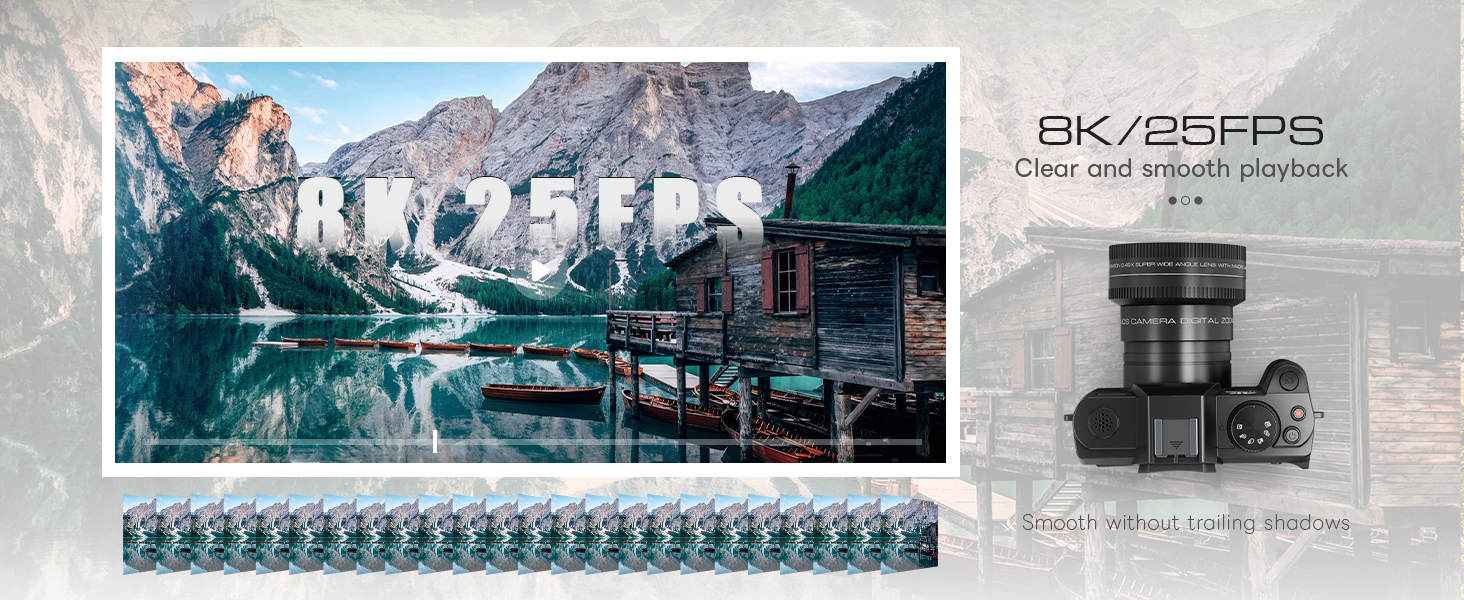
- AI-ENHANCED 8K OUTPUT & 64MP DETAIL – Powered by advanced upscaling, this camera delivers stunning 8K video and 64MP photos, giving you extra room to crop and print large without cinema-camera costs. Experience professional flexibility and next-gen clarity in every shot.
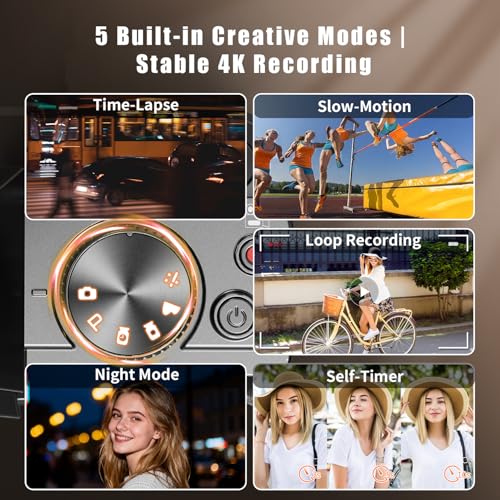
- SMOOTH HANDHELD VLOGGING WITHOUT TRIPOD – Designed for movement. Upgraded EIS stabilization keeps footage smooth while walking or hiking, so you can explore freely without bulky gear. Fast Face/Eye AF locks onto subjects instantly, perfect for dynamic travel logs and active storytelling.
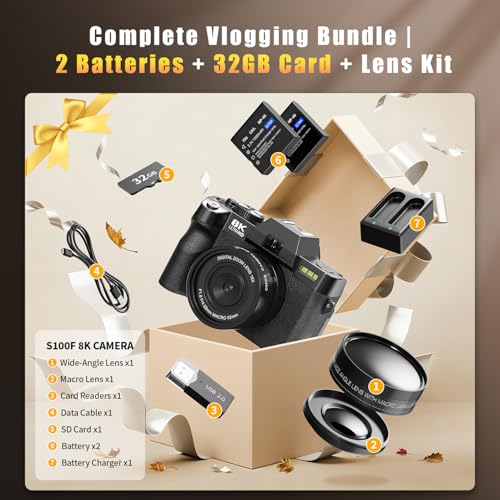
- READY-TO-SHOOT WITH 32GB CARD & WIFI 6 – Start creating the moment you unbox. Includes a high-speed 32GB TF card for ample 8K storage. Built-in WiFi 6 rapidly transfers large files to your smartphone for instant editing and sharing—no extra purchases or cables needed.
- COMPLETE TRAVEL KIT WITH PRO CASE – More than just a camera. Includes Wide-Angle & Macro lenses for versatile shots, plus a shock-absorbing carrying case. The custom-fit bag protects your gear from dust and bumps, keeping everything organized for school commutes or global adventures.
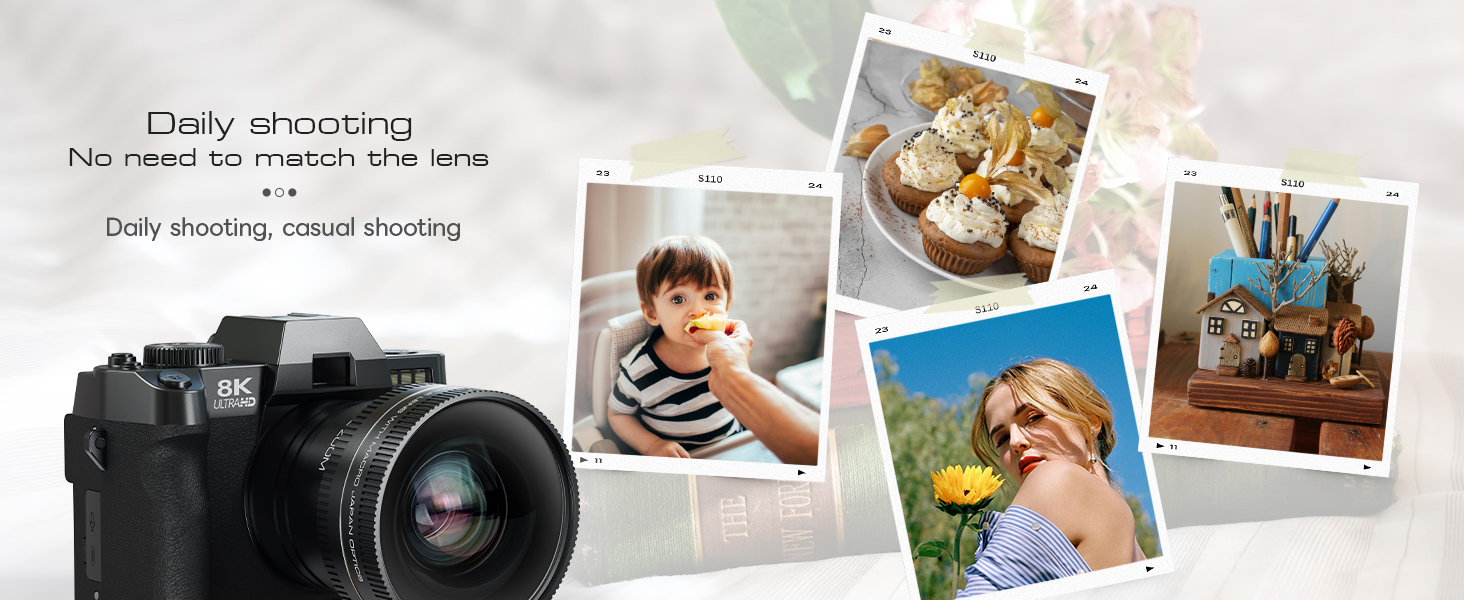
- CAPTURE LIFE’S BEST MOMENTS – Whether you’re a student documenting campus life, a traveler finding hidden gems, a parent recording childhood milestones, or a new YouTuber, this camera adapts to your story. Use the lenses for landscapes and details, and 8K for crystal-clear vlogs. The ideal gift to start your creative journey.
| SKU: | B0GL85HLXC |
| Brand: | G-Anica |
| Model: | GBL-UK-S100F-BB-Z8-B-2603-P |
| Colour: | Black |
| Batteries Included: | Yes |
| Manufacture: | G-Anica |
| Colour: | Black |
| Origin: | China |
Product Description
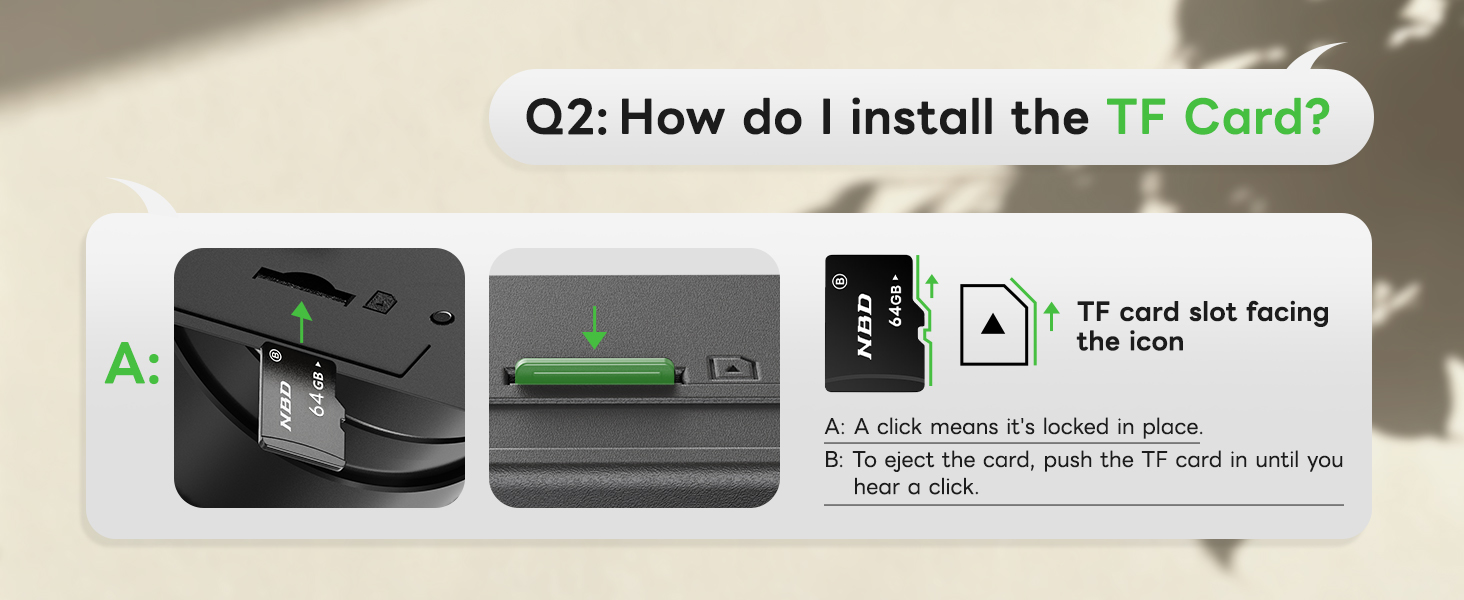
How do l install the Memory Card?
Locate the memory card slot on the bottom-right of the camera, insert the included TF card (or your own TF card) in the correct direction as indicated by the icon, and a “click” sound means successful installation.
How to use autofocus while shooting?
Half-press the shutter button on the top of the camera (marked with a camera icon), and the camera will quickly autofocus.
Does this camera support selfies?
Yes! Equipped with a 3-inch 180° flip screen, this camera lets you effortlessly adjust angles and manage your expressions simply by flipping the screen horizontally.
What can wide-angle and macro lenses be used for?
Wide-angle lens: Effortlessly capture panoramic landscapes and full group shots without repositioning.
Macro lens: Deliver professional close-up results, uncovering intricate microscopic details with precision.
How do I use the Wi-Fi function?
1. Press the “M” button, open Settings, find “WIFI” and enable it;
2. Scan the code on the pop-up page to download the dedicated APP;
3. Open the APP and connect to the corresponding “WIFI name” as prompted to use the WIFI function.