Reolink Video Doorbell Add-on Chime, Compatible
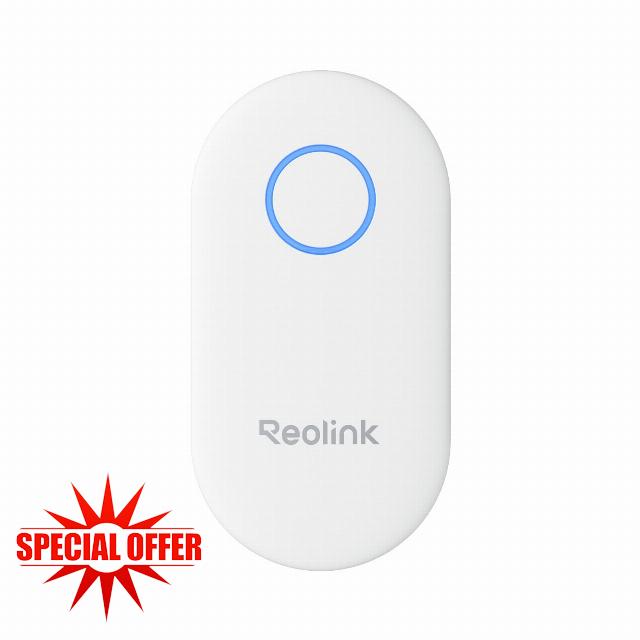
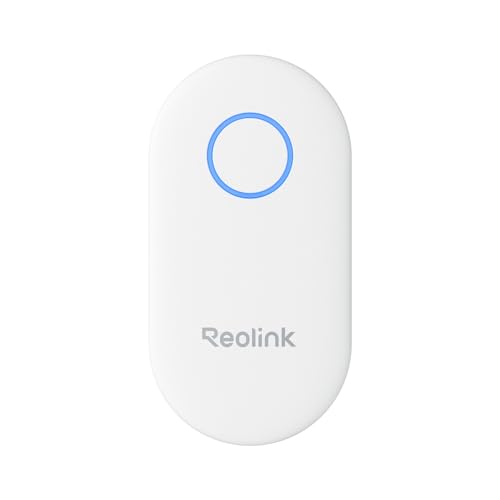
Reolink Video Doorbell Add-on Chime, Compatible with Battery-Powered Video Doorbell, Simple Plug-and-Play Installation, Remote App Control, 10 Unique Ringtones, Chime Plus
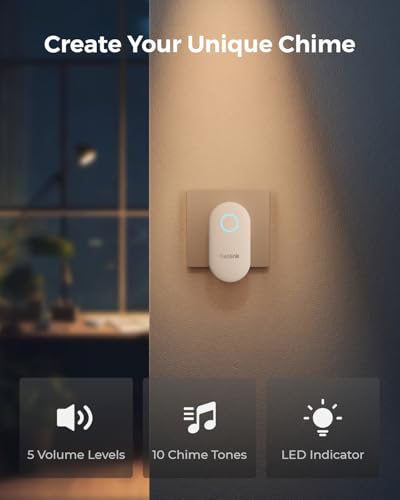
10 Ringtones, Choose the One you Like
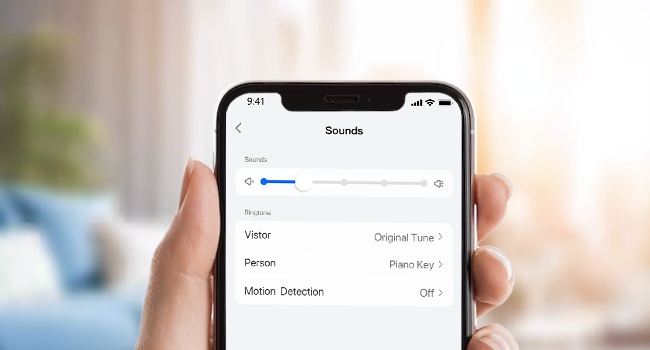
Elevate your doorbell experience by selecting the ringtone that you prefer from a collection of up to 10 melodies. Adjust the volume across 5 levels to match any environment and cater to your personal taste. Only works with Reolink Wired Video Doorbell V2 (PoE/WiFi), Video Doorbell (Battery)
One App Controls All
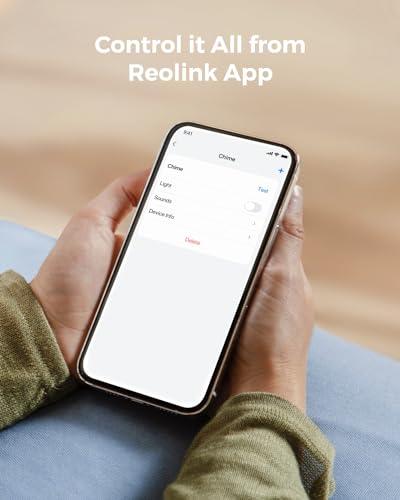
Take control of your doorbell experience with the Reolink App. From anywhere, effortlessly adjust volume, select ringtones, and manage lights. For added customization, set up unique voice prompts for person, vehicle, or package detections if your paired video doorbell supports motion alarms.
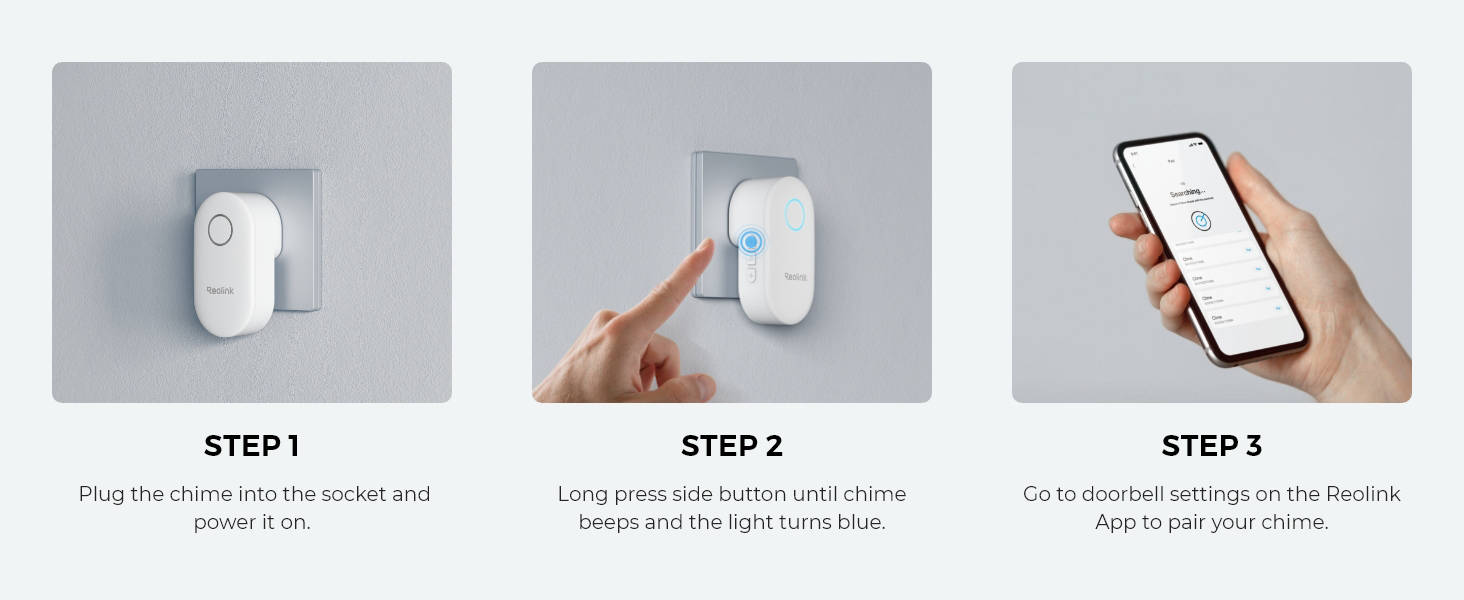
Easily Pair Reolink Chime with Doorbell Camera
How to change the Chime's Volume?
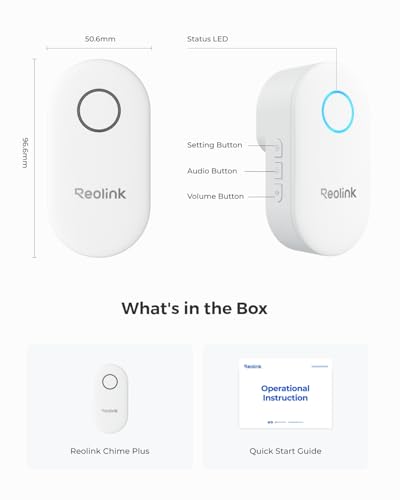
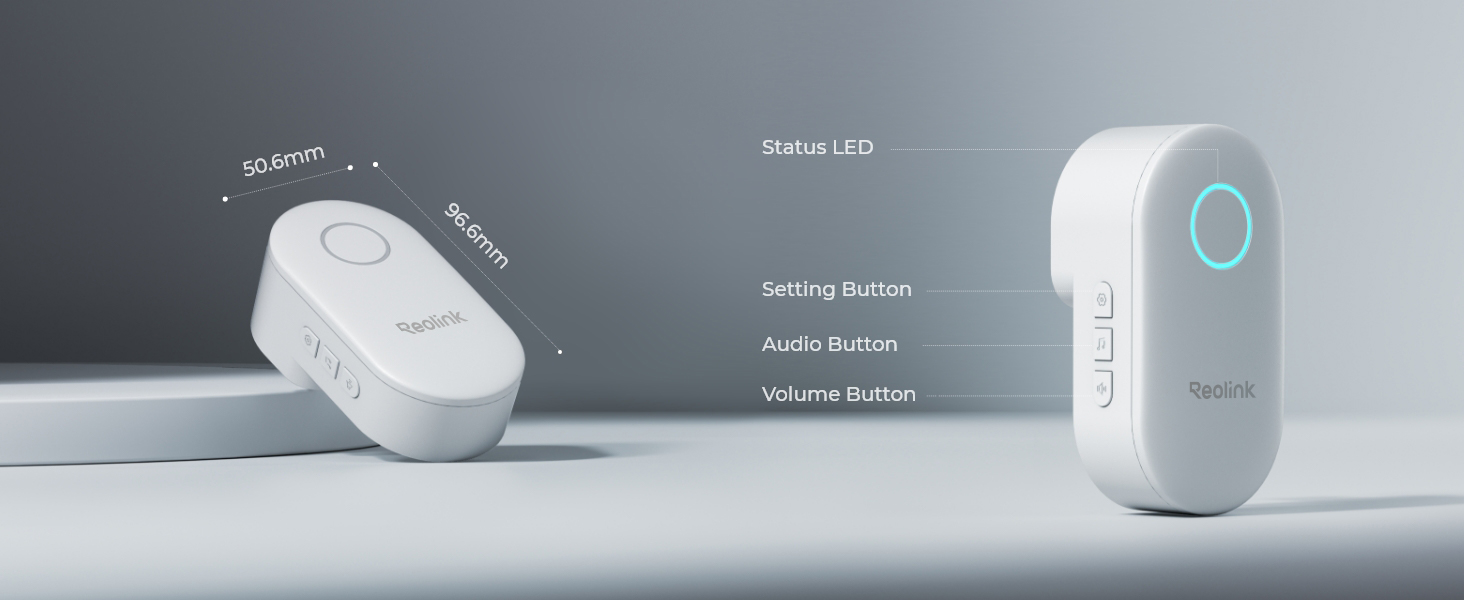
Press the third button on the side of the chime. Each time you press the volume button, the volume of the doorbell will be louder increasingly until it reaches the loudest.
The chime has 5 levels of volume: mute, low, moderate, loud, and very loud.
How to change the Chime's Volume via App?
Step 1. Launch your Reolink App, go to Device settings, and select Chime.
Step 2. Under Sound Settings, you can change the Reolink Chime's volume and ringtone for different alarms: Visitor, Person, Any Motion, Package and Vehicle.
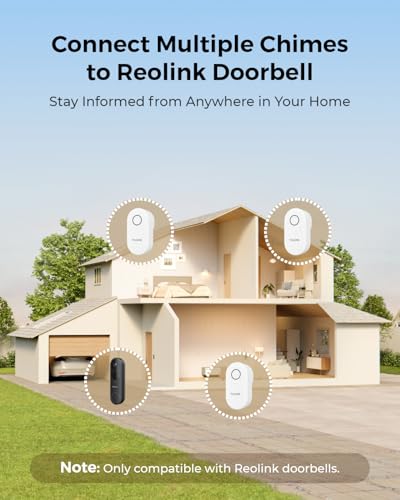
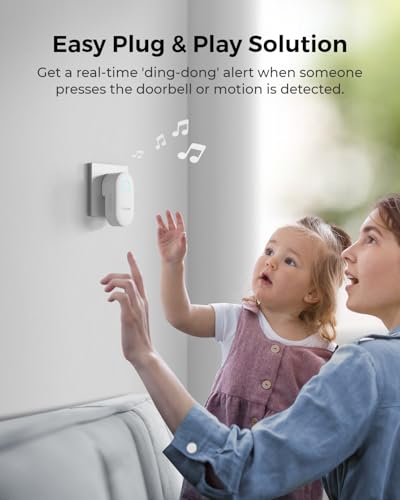
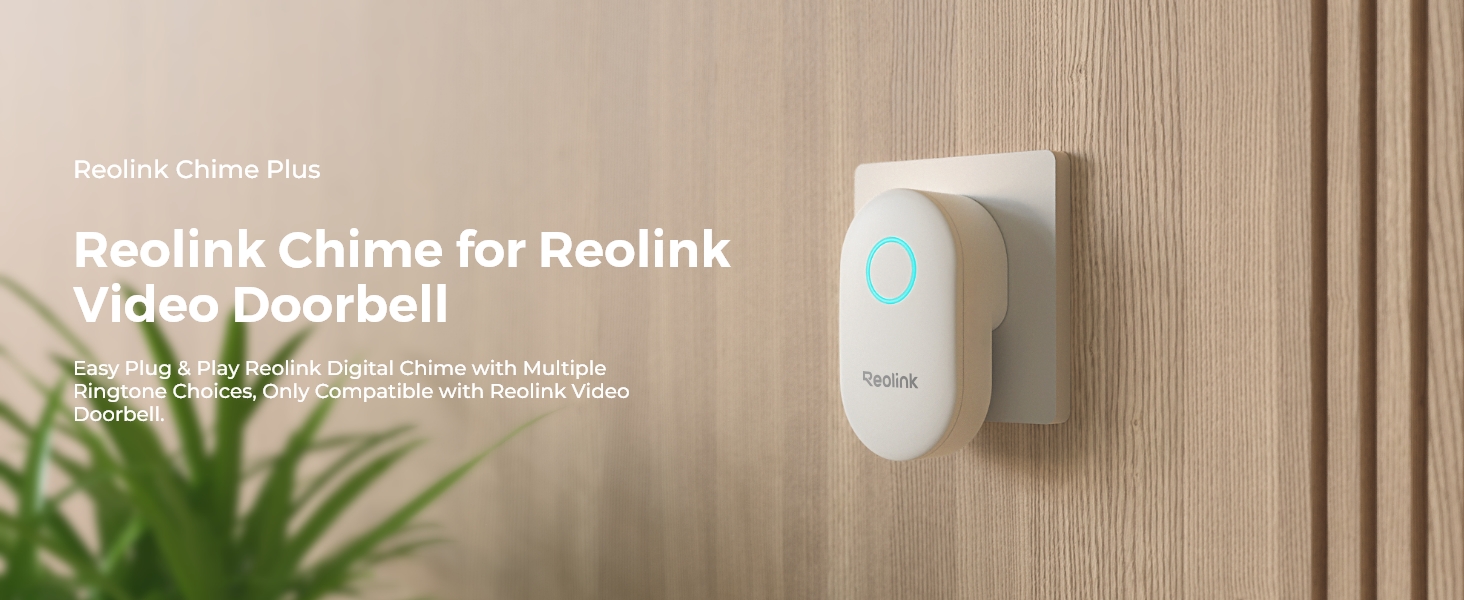
- CHIME NOTIFICATION: When a visitor presses the doorbell or motion is detected, Reolink Chime Plus rings, alerting you in real time. To ensure you never miss any events, you can connect up to 5 chimes to the Reolink doorbell.
- CUSTOMIZABLE RINGTONES: Choose the ringtone that you prefer from a collection of up to 10 melodies. Adjust the volume across 5 levels to suit various ambient environments and personal preferences. Plus, easily toggle the light on/off as needed.
- REMOTE CONTROL VIA APP: Easily adjust the volume, ringtones, and lights from anywhere using the Reolink App. Customize voice prompts for person/vehicle/package detection alerts if your paired video doorbell supports motion alarms. No distance restrictions!
- EASY PLUG & PLAY: Easily integrate the chime into your doorbell setup without the need for a transformer. Don't forget to pair your chime with the doorbell using the Reolink App during the initial setup.
- COMPATIBILITY: Reolink Chime Plus is exclusively designed for compatibility with Reolink Wired Video Doorbell V2 or higher versions, including the new Reolink Battery Doorbell. Please check the version of your current Wired Doorbell camera first. Each Chime can only pair with one doorbell.
| SKU: | B0G4N6CZNV |
| Weight: | 90 g |
| Dimensions: | 9.66 x 5.06 x 7.3 cm; 90 g |
| Model: | Chime Plus |
| Colour: | White |
| Pack Quantity: | 1 |
| Batteries Required: | No |
| Manufacture: | Reolink |
| Colour: | White |
| Quantity: | 1 |
Product Description
How to change the Chime's Volume?
Press the third button on the side of the chime. Each time you press the volume button, the volume of the doorbell will be louder increasingly until it reaches the loudest.
The chime has 5 levels of volume: mute, low, moderate, loud, and very loud.
How to change the Chime's Volume via App?
Step 1. Launch your Reolink App, go to Device settings, and select Chime.
Step 2. Under Sound Settings, you can change the Reolink Chime's volume and ringtone for different alarms: Visitor, Person, Any Motion, Package and Vehicle.