SHANGZHAOYUAN LGA 1155 Motherboard B75 for Intel 2th/3th Gen
SHANGZHAOYUAN LGA 1155 Motherboard B75 for Intel 2th/3th Gen i3,i5,i7/Xeon E3 12XX V2 Series CPUs, DDR3, NVME M.2, PCIe X16, 100M LAN, VGA, HDMI-Compatible, SATA 3.0, USB 3.0, Gaming PC Mainboard
Computer won't start, fan doesn't spin, indicator lights are off
Check CPU compatibility or damage; check motherboard and CPU power supplies; check power button cable; check power switch on; check power supply; disconnect graphics card, hard drive, USB devices, etc., then try powering on again; clear CMOS.
The fan spins briefly and then immediately shuts off, or the computer repeatedly restarts
Clear the CMOS; check CPU and memory compatibility or damage; disconnect the graphics card, hard drive, USB devices, etc., and then try powering on.
The fan is spinning, but pressing the Caps Lock key on the keyboard doesn't activate the indicator lights
Try clearing the CMOS; checking that the motherboard and CPU power supplies are properly connected; checking for CPU and memory compatibility issues or damage; and checking that the memory is installed correctly.
The fan is spinning. Pressing the Caps Lock key on the keyboard illuminates the indicator light, but there is no display
Check if the monitor and display data cable are properly connected or damaged. If using integrated graphics, ensure your CPU supports it. If using an external graphics card, connect cable to GPU output; Verify the graphics card functions normally.
Blue screen, system crash
Check if the CPU cooling fan is spinning and if the cooling fan base is properly seated on the CPU; replace the CPU, memory, hard drive, operating system, and power supply.
Motherboards you might like
| Add To Basket Add To Basket Add To Basket Add To Basket Add To Basket Add To Basket Add To Basket | |||||||
| Customer Reviews | — | 4.0 out of 5 stars67 | 3.3 out of 5 stars42 | 3.2 out of 5 stars42 | 3.6 out of 5 stars76 | 2.9 out of 5 stars9 | 2.4 out of 5 stars3 |
| Price | £40.99£40.99 | £90.99£90.99 | £76.99£76.99 | £40.99£40.99 | £80.99£80.99 | £55.99£55.99 | £54.99£54.99 |
| Chipset | Intel 7 Series Chipset | Intel H97 Chipset | Intel H110 Chipset | Intel H61 Chipset | Intel B85 Chipset | Intel HM55 Chipset | Intel HM55 Chipset |
| CPU Socket | LGA 1155 | LGA 1150 | LGA 1151 | LGA 1155 | LGA 1150 | LGA 2011-3 | LGA 2011-3 |
| Memory Slot | 2*DDR3(up to 16GB) | 4*DDR3(up to 32GB) | 2*DDR4(up to 32GB) | 2*DDR3(up to 16GB) | 4*DDR3(up to 32GB) | 4*DDR4(up to 128GB) | 4*DDR4(up to 128GB) |
| Network Card | 1*100MB LAN | 2*Gigabit LAN | 1*100MB LAN | 1*100MB LAN | 1*Gigabit LAN | 1*Gigabit LAN | 1*Gigabit LAN |
| Display Port | HDMI;VGA | HDMI;VGA;DVI | HDMI;VGA | HDMI;VGA | HDMI;VGA;DVI | No(Requires graphics card) | No(Requires graphics card) |
| PCIe Slot | 1* PCIe x16 | 1* PCIe x16; 1*PCIe x1 | 1* PCIe x16 | 1* PCIe x16; 1*PCIe x1 | 1* PCIe x16; 1*PCIe x1 | 1* PCIe x16; 1*PCIe x1 | 1* PCIe x16; 1*PCIe x1 |
| M.2 Slot | 1*NVME M.2 | 1*NVME/NGFF M.2 | 1*NVME/NGFF M.2 | 1*NVME/NGFF M.2 | 1*NVME/NGFF M.2 | 1*NVME/NGFF M.2 | 1*NVME/NGFF M.2 |
| SATA Port | 2*SATA 3.0, 2*SATA 2.0 | 3*SATA 3.0, 2*SATA 2.0 | 3*SATA 3.0 | 3*SATA 2.0 | 3*SATA 3.0, 2*SATA 2.0 | 3*SATA 2.0 | 3*SATA 2.0 |
| Motherboard Size | 195mm*170mm | 243mm*193mm | 190mm*170mm | 190mm*170mm | 244mm*195mm | 215*185mm | 215*185mm |
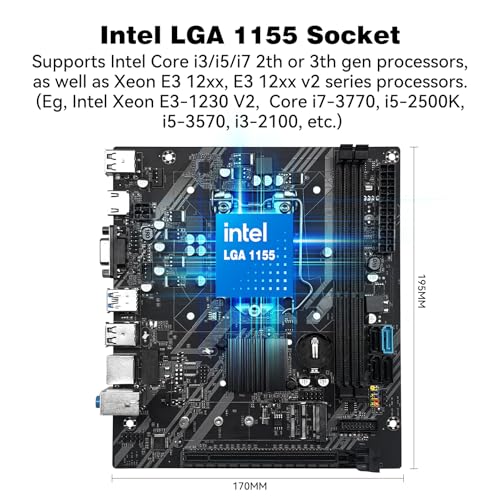
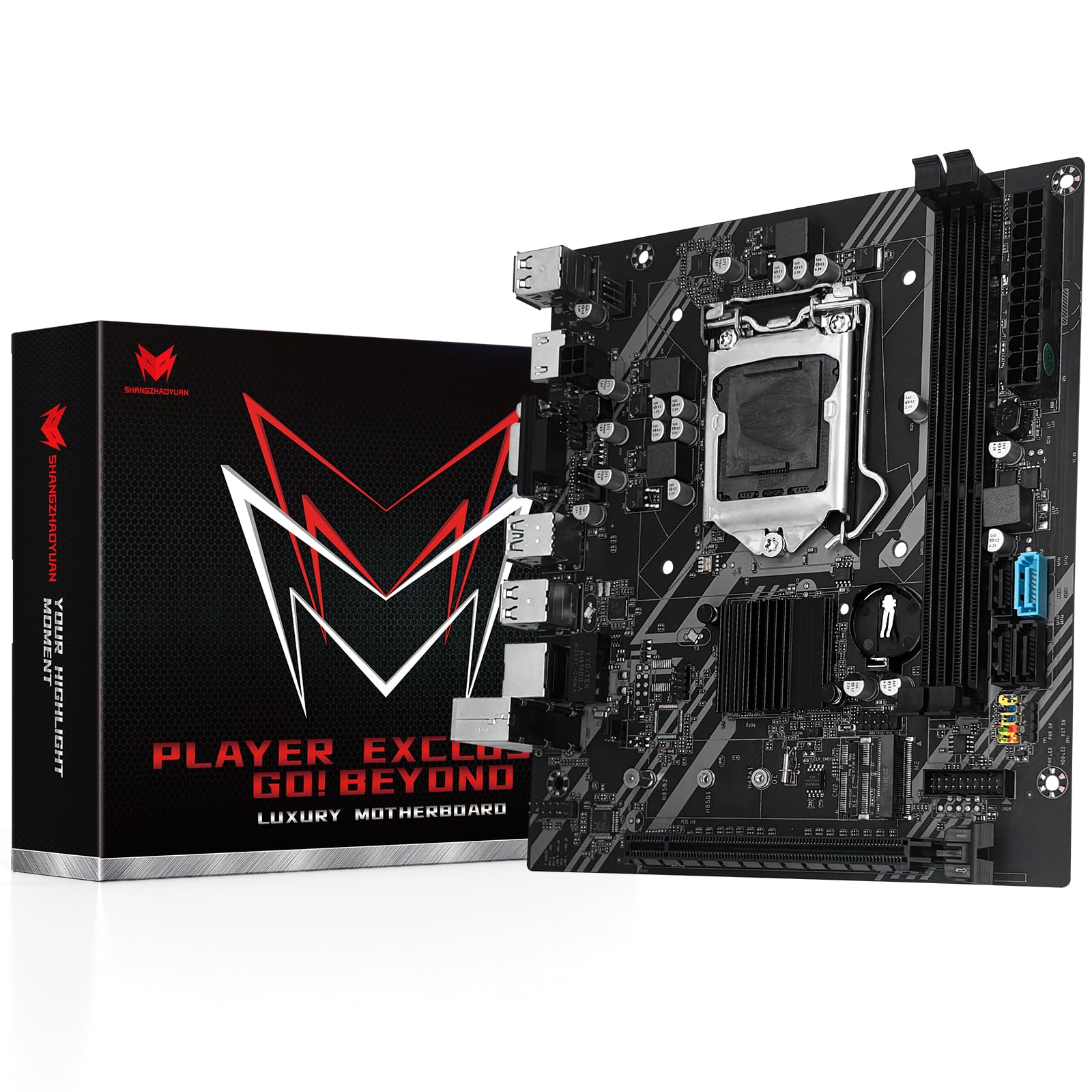
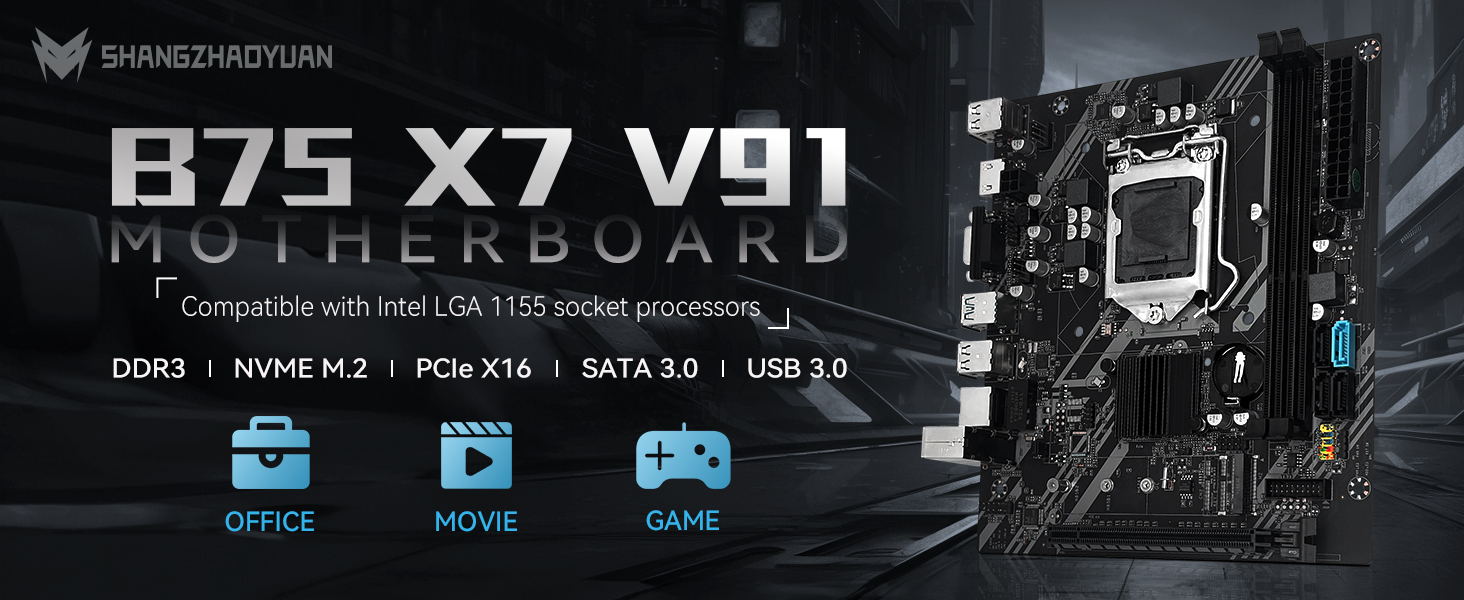
- Intel LGA 1155 Socket: The gaming Motherboard supports Intel Core i3/i5/i7 2th or 3th generation processors and Xeon E3 12xx v2, series processors. (Eg Intel xeon E3-1230 V2, Intel Core i7-3770K, Intel Core i5-3570K, Intel Core i3-2100, etc.)
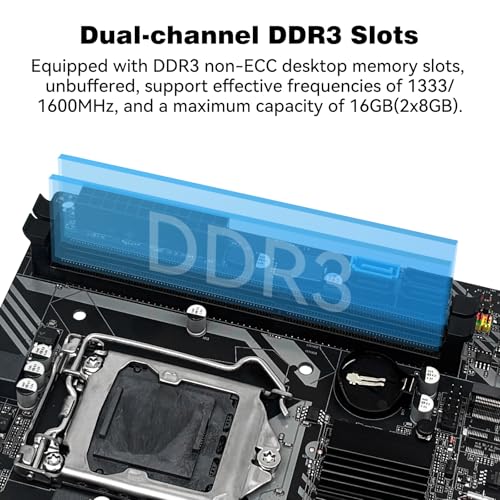
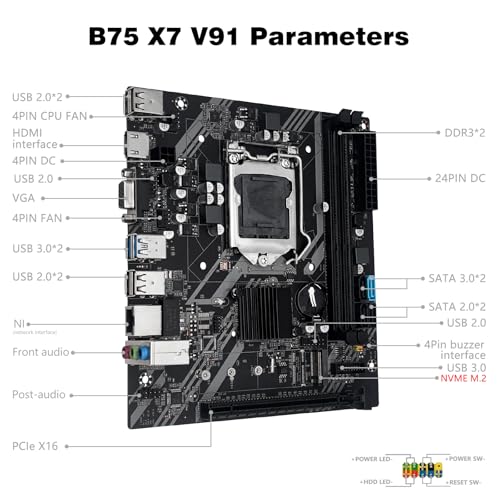
- Dual-channel DDR3 Slots: The Intel LGA1155 Motherboard support DDR3 non-ECC desktop memory max 16GB(2x8GB), unbuffered, supports 1333/1600MHz memory clock speed
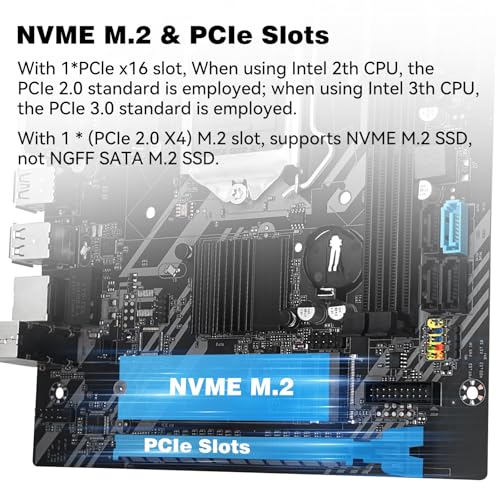
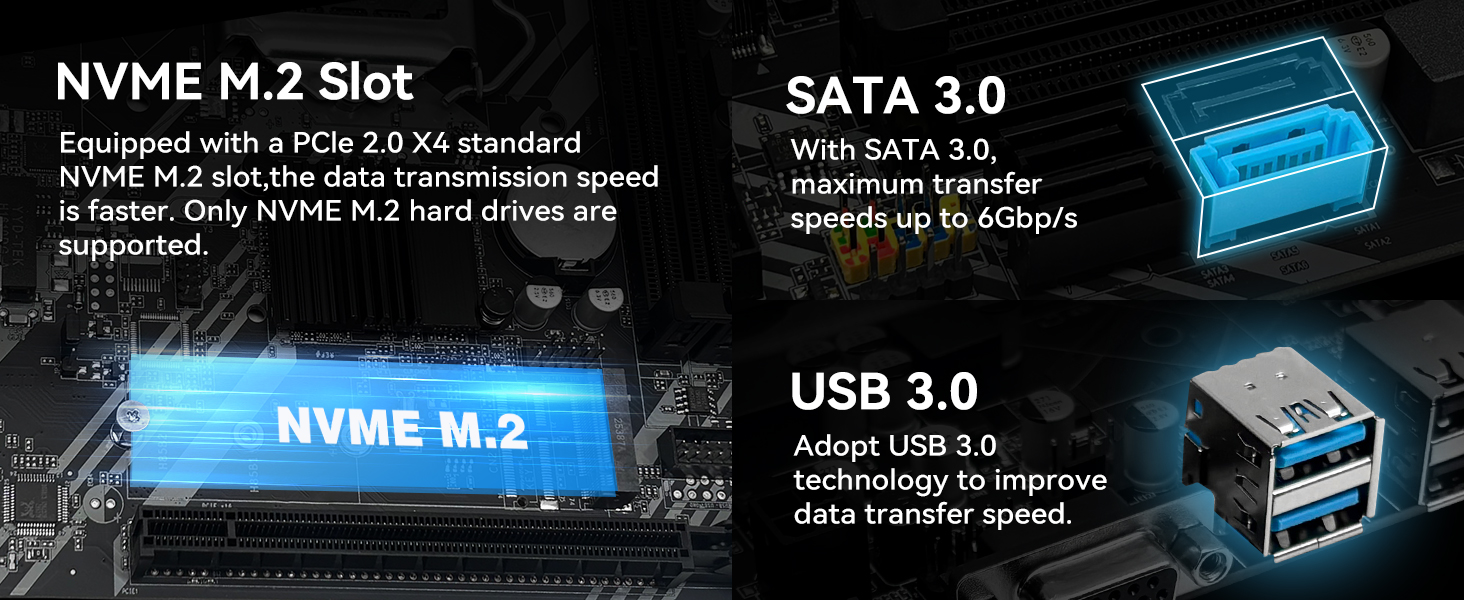
- M.2 SSD Interface: This B75 motherboard is equipped with an (PCIe 2.0 x4) NVME M.2 interface, which can support NVME M.2 hard drives, can't support NGFF M.2 hard drives
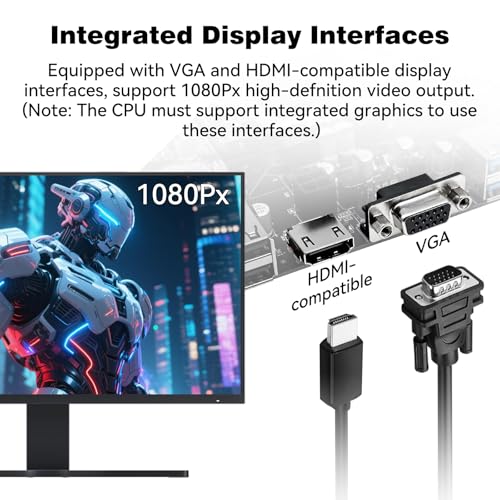
- Other Interfaces: The PC computer motherboard provides PCIe X16 slot, VGA and HDMI-compatible Interfaces, SATA interfaces, USB interfaces, 100Mbps network interface
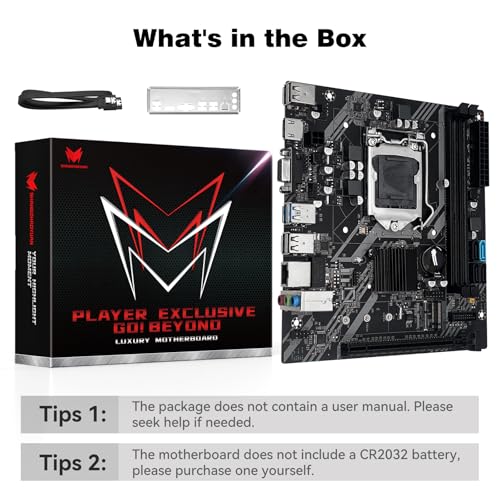
- Package Includes: 1*SATA cable, 1*I/O baffle, 1*motherboard. IMPORTANT: The package does not include the user manual. If you need the manual file, please download it from page or ask us on Amazon to get it. The motherboard does not include a CR2032L battery, you need to buy the CR2032L battery yourself
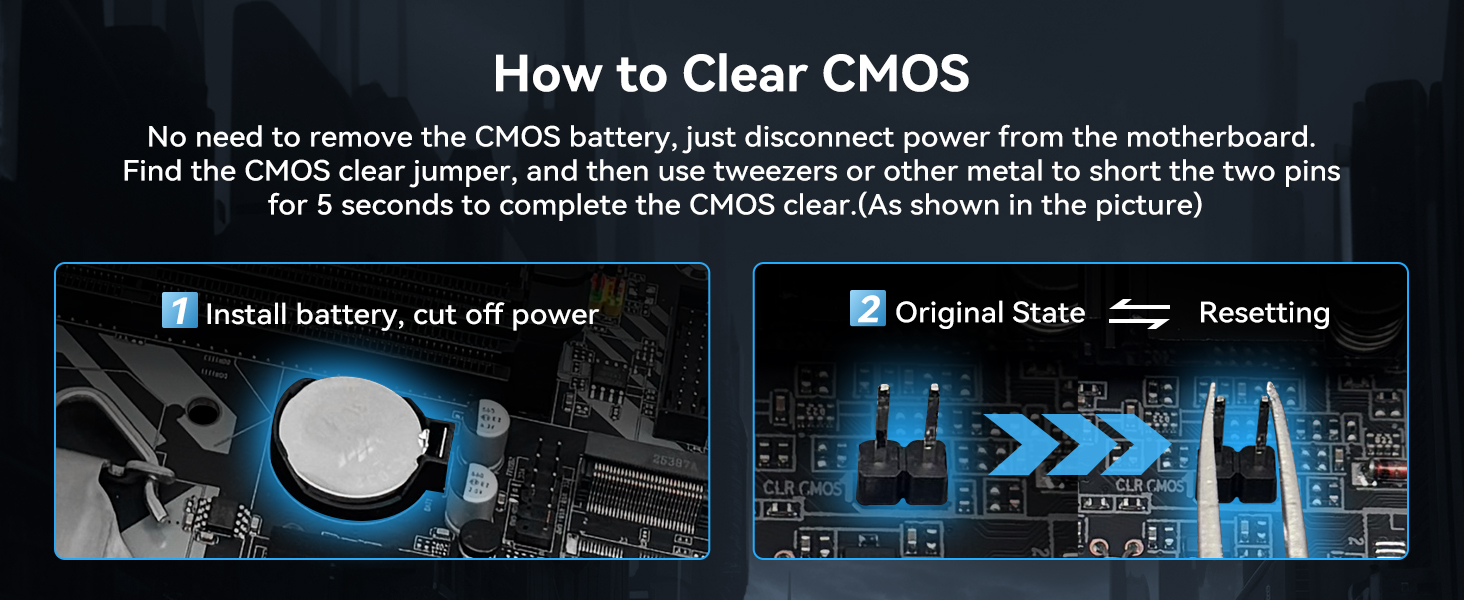
- Tips 1: If the motherboard does not boot and the fan does not work, please check whether the motherboard power supply and CPU power supply are correctly connected, whether the CPU model and memory model are compatible or good, and whether the memory module is installed in the correct position. If it still does not start after eliminating the above problems, please clear CMOS
- Tips 2: If there is no display (the fan is working, the Caps Lock key on the keyboard is pressed, and the keyboard light is off), please check whether the motherboard power supply and CPU power supply are correctly connected, check whether the memory module is installed in the correct position, and check whether the CPU and memory models are compatible and good. If there is still no display after eliminating the above, please clear CMOS
- Tips 3: If there is no display (the fan is working, the Caps Lock key on the keyboard is pressed, and the keyboard light is on). Please check whether the monitor is turned on and whether the display data cable is connected properly. If no external graphics card is installed, please check whether the CPU supports integrated graphics. If an external graphics card is installed, please check whether the data cable is correctly connected to the interface of the external graphics card. Check whether the display data cable, graphics card and monitor are in good condition. If there is still no display after eliminating the above, please clear CMOS
| SKU: | B0GQSJR38N |
| Brand: | SHANGZHAOYUAN |
| Model: | B75 |
| Manufacture: | SHANGZHAOYUAN |
| Origin: | China |
Product Description
Computer won't start, fan doesn't spin, indicator lights are off
Check CPU compatibility or damage; check motherboard and CPU power supplies; check power button cable; check power switch on; check power supply; disconnect graphics card, hard drive, USB devices, etc., then try powering on again; clear CMOS.
The fan spins briefly and then immediately shuts off, or the computer repeatedly restarts
Clear the CMOS; check CPU and memory compatibility or damage; disconnect the graphics card, hard drive, USB devices, etc., and then try powering on.
The fan is spinning, but pressing the Caps Lock key on the keyboard doesn't activate the indicator lights
Try clearing the CMOS; checking that the motherboard and CPU power supplies are properly connected; checking for CPU and memory compatibility issues or damage; and checking that the memory is installed correctly.
The fan is spinning. Pressing the Caps Lock key on the keyboard illuminates the indicator light, but there is no display
Check if the monitor and display data cable are properly connected or damaged. If using integrated graphics, ensure your CPU supports it. If using an external graphics card, connect cable to GPU output; Verify the graphics card functions normally.
Blue screen, system crash
Check if the CPU cooling fan is spinning and if the cooling fan base is properly seated on the CPU; replace the CPU, memory, hard drive, operating system, and power supply.
Motherboards you might like
 B75 X7 V91 MOTHERBOARD |  H97M PRO MOTHERBOARD | 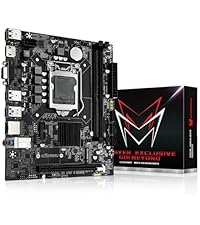 H110 MOTHERBOARD | 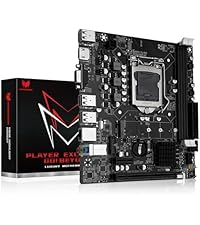 H61C MOTHERBOARD | 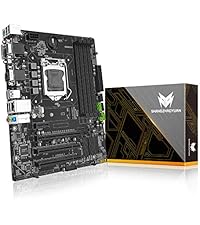 B85M PRO MOTHERBOARD | 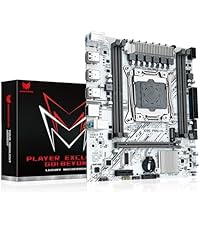 X99 PR9-H1 MOTHERBOARD | 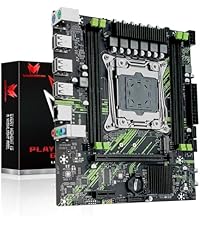 X99 PR9-H MOTHERBOARD | |
|---|---|---|---|---|---|---|---|
| Customer Reviews | — | 4.0 out of 5 stars67 | 3.3 out of 5 stars42 | 3.2 out of 5 stars42 | 3.6 out of 5 stars76 | 2.9 out of 5 stars9 | 2.4 out of 5 stars3 |
| Price | £40.99 | £90.99 | £76.99 | £40.99 | £80.99 | £55.99 | £54.99 |
| Chipset | Intel 7 Series Chipset | Intel H97 Chipset | Intel H110 Chipset | Intel H61 Chipset | Intel B85 Chipset | Intel HM55 Chipset | Intel HM55 Chipset |
| CPU Socket | LGA 1155 | LGA 1150 | LGA 1151 | LGA 1155 | LGA 1150 | LGA 2011-3 | LGA 2011-3 |
| Memory Slot | 2*DDR3(up to 16GB) | 4*DDR3(up to 32GB) | 2*DDR4(up to 32GB) | 2*DDR3(up to 16GB) | 4*DDR3(up to 32GB) | 4*DDR4(up to 128GB) | 4*DDR4(up to 128GB) |
| Network Card | 1*100MB LAN | 2*Gigabit LAN | 1*100MB LAN | 1*100MB LAN | 1*Gigabit LAN | 1*Gigabit LAN | 1*Gigabit LAN |
| Display Port | HDMI;VGA | HDMI;VGA;DVI | HDMI;VGA | HDMI;VGA | HDMI;VGA;DVI | No(Requires graphics card) | No(Requires graphics card) |
| PCIe Slot | 1* PCIe x16 | 1* PCIe x16; 1*PCIe x1 | 1* PCIe x16 | 1* PCIe x16; 1*PCIe x1 | 1* PCIe x16; 1*PCIe x1 | 1* PCIe x16; 1*PCIe x1 | 1* PCIe x16; 1*PCIe x1 |
| M.2 Slot | 1*NVME M.2 | 1*NVME/NGFF M.2 | 1*NVME/NGFF M.2 | 1*NVME/NGFF M.2 | 1*NVME/NGFF M.2 | 1*NVME/NGFF M.2 | 1*NVME/NGFF M.2 |
| SATA Port | 2*SATA 3.0, 2*SATA 2.0 | 3*SATA 3.0, 2*SATA 2.0 | 3*SATA 3.0 | 3*SATA 2.0 | 3*SATA 3.0, 2*SATA 2.0 | 3*SATA 2.0 | 3*SATA 2.0 |
| Motherboard Size | 195mm*170mm | 243mm*193mm | 190mm*170mm | 190mm*170mm | 244mm*195mm | 215*185mm | 215*185mm |