TIMMKOO MP3 Player for Kids, 2.4″ Touch Screen MP3 Players
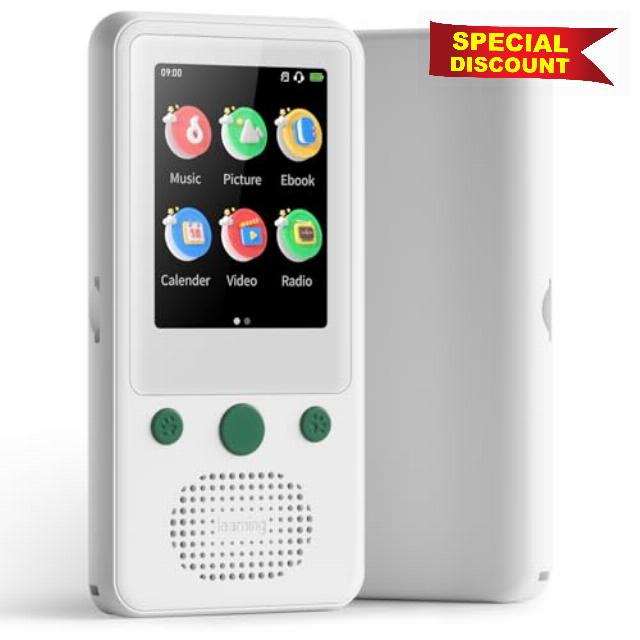
TIMMKOO MP3 Player for Kids, 2.4″ Touch Screen MP3 Players with Bluetooth, 65H Playback Portable Music Player with Speaker, Support TF Card Up to 128GB
How to make Win11 PC recognize A5?
Firstly ensure you're using a USB-A to USB-C cable to connect your A5 and Win11 PC.
If it cannot be recognized by your PC successfully, please try these steps:
1. change different USB-A to USB-C cables;
2. change different USB Ports of your PC
"How to transfer songs to A5? Where are the files transferred to A5 saved?
1. connect A5 and PC by the USB-A to USB-C cable;
2. open File Explorer of PC and open A5 Driver;
3. copy your music files to the folders of A5 where you want from your PC.
You can find your files on A5 according to the save path you chose.
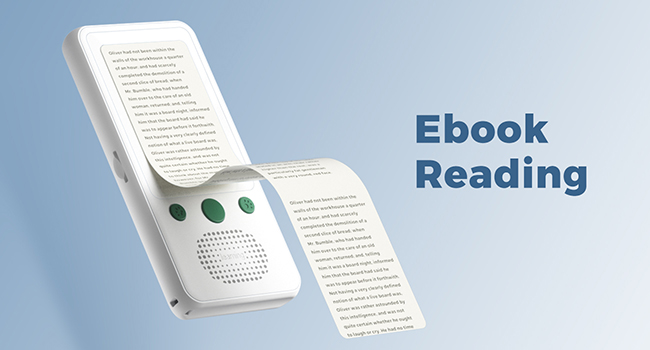
How to read ebooks via A5's Ebook app?
Open Ebook app, Swipe left on the screen or click "Return" button→Click "Open Book→Click "Open File"→Find your ebooks throught the storage path where you chose to save them before→Click your ebook to read
Why is there no sound coming from the FM radio?
FM radio function requires wired earphones (Not Included) to act as antenna.
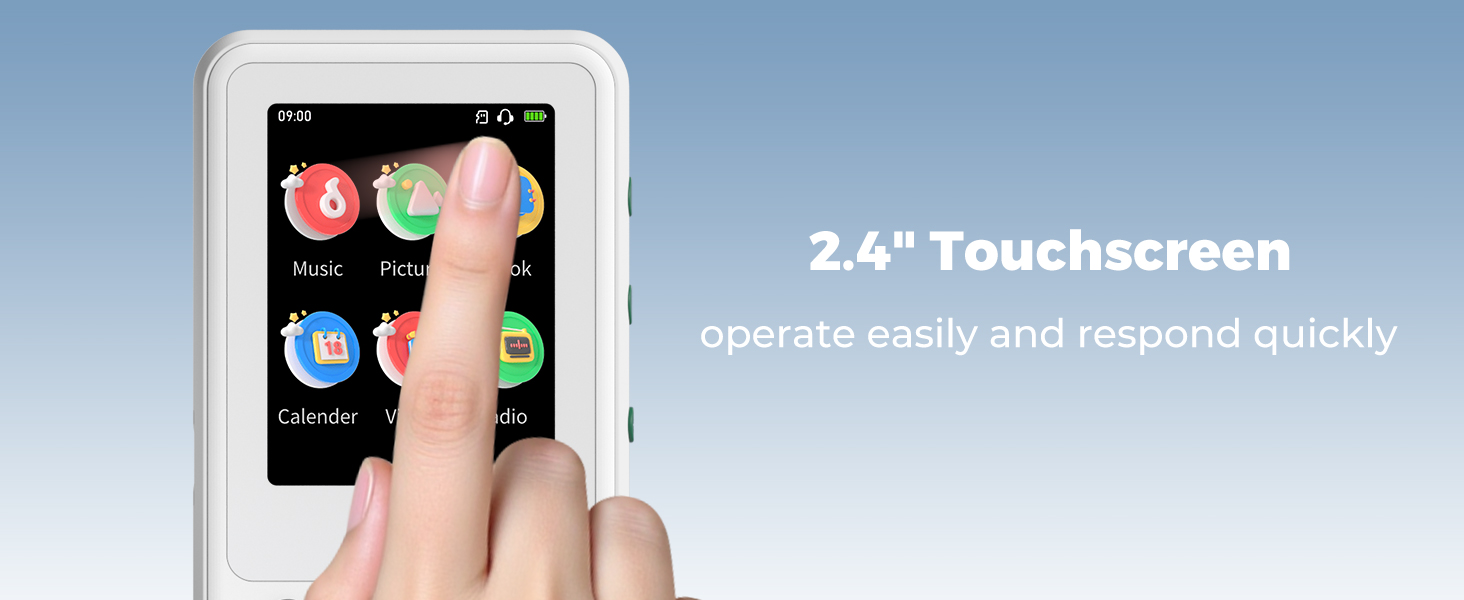
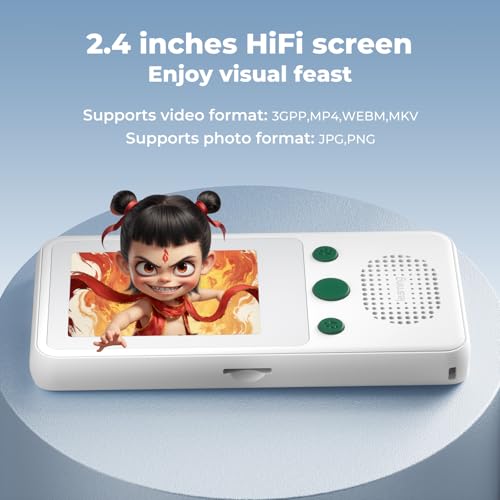
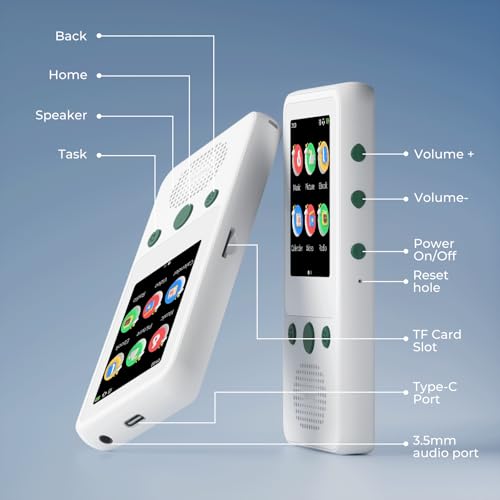
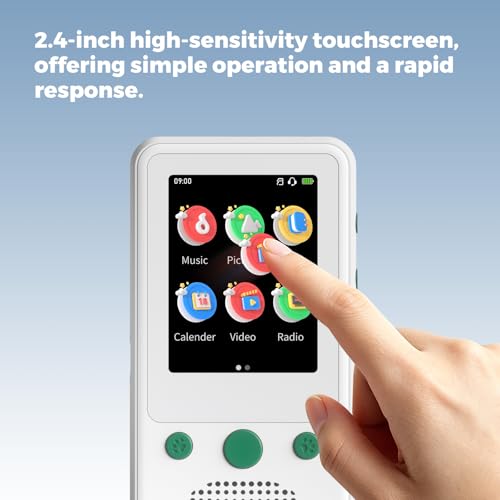
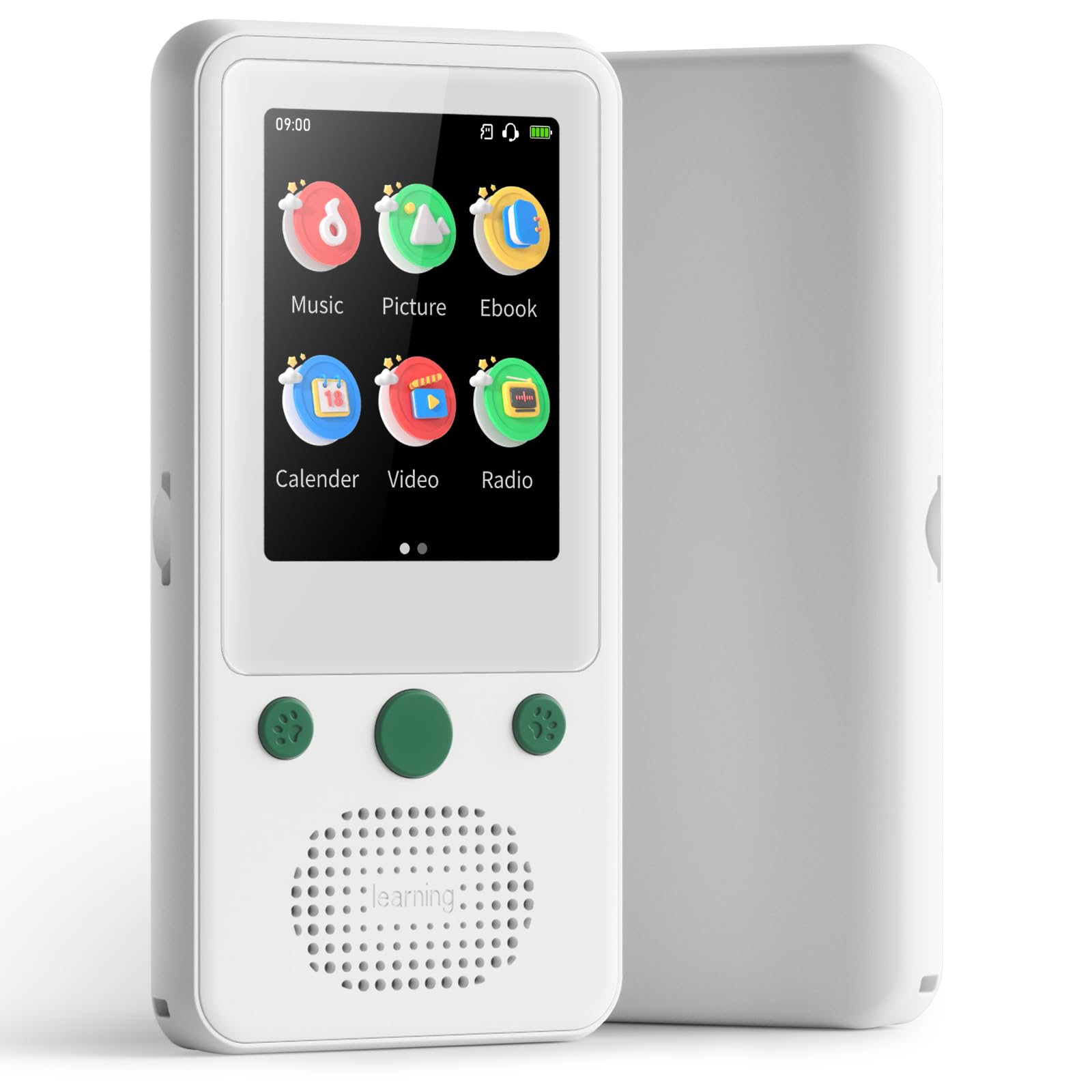
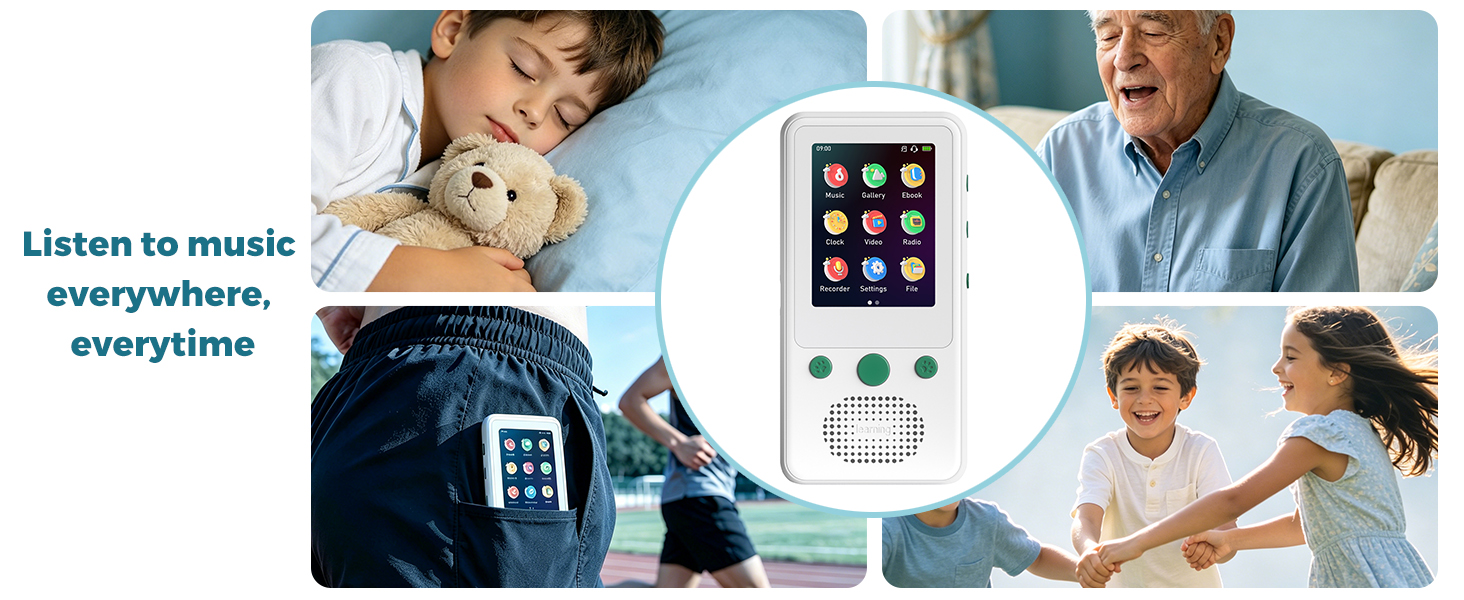
- 2.4" Touch Screen & Easy Dual Operation – Equipped with a 2.4-inch high-sensitivity touch screen and 6 physical buttons, this A5 kids mp3 player is super easy to operate for kids and seniors. No complicated learning curve, even 6-year-old kids can use it independently.
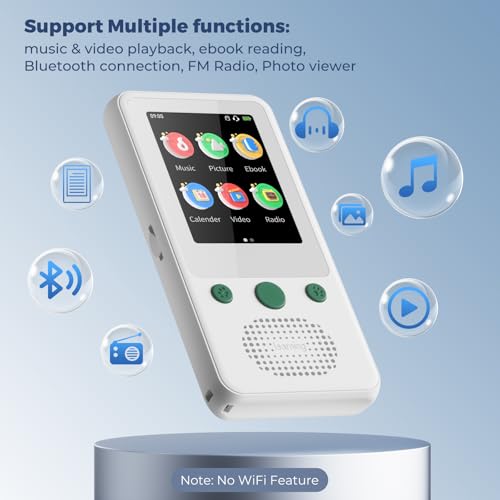
- No WiFi & Anti-Addiction Design for Kids – This mp3 players with Bluetooth features NO WiFi or internet access, which completely prevents kids from being addicted to online videos or games. It's specially designed for offline music, audiobooks playback and E-book reading, the best choice for parents to control kids' screen time.
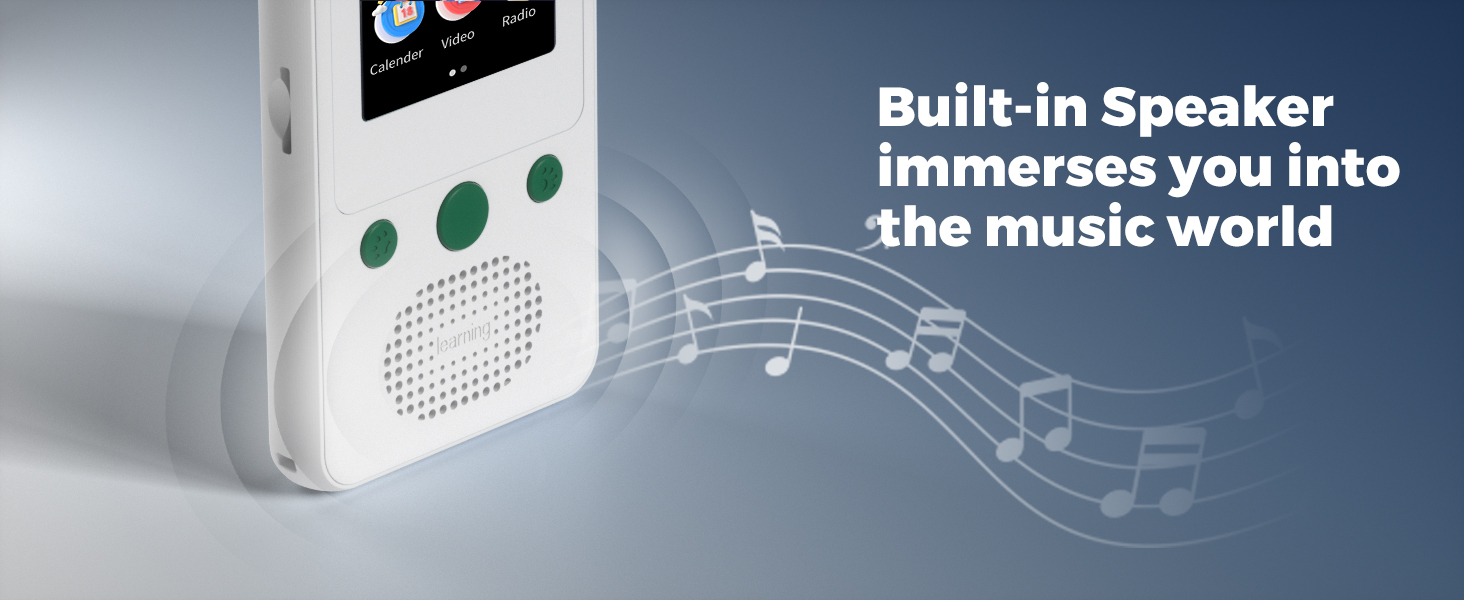
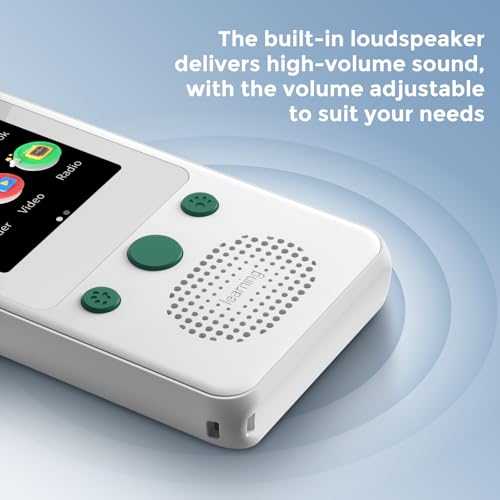
- Speaker with Volume Control – This Bluetooth mp3 player no wifi has a built-in speaker that can deliver high-volume sound, which is pretty good for some older adults who enjoy music . You can adjust the volume to the level what you need. The loudspeaker makes this Android mp3 player sound like a small speaker, so you can even use it to play music out loud at parties with friends. Note: no 3.5mm earphones included.
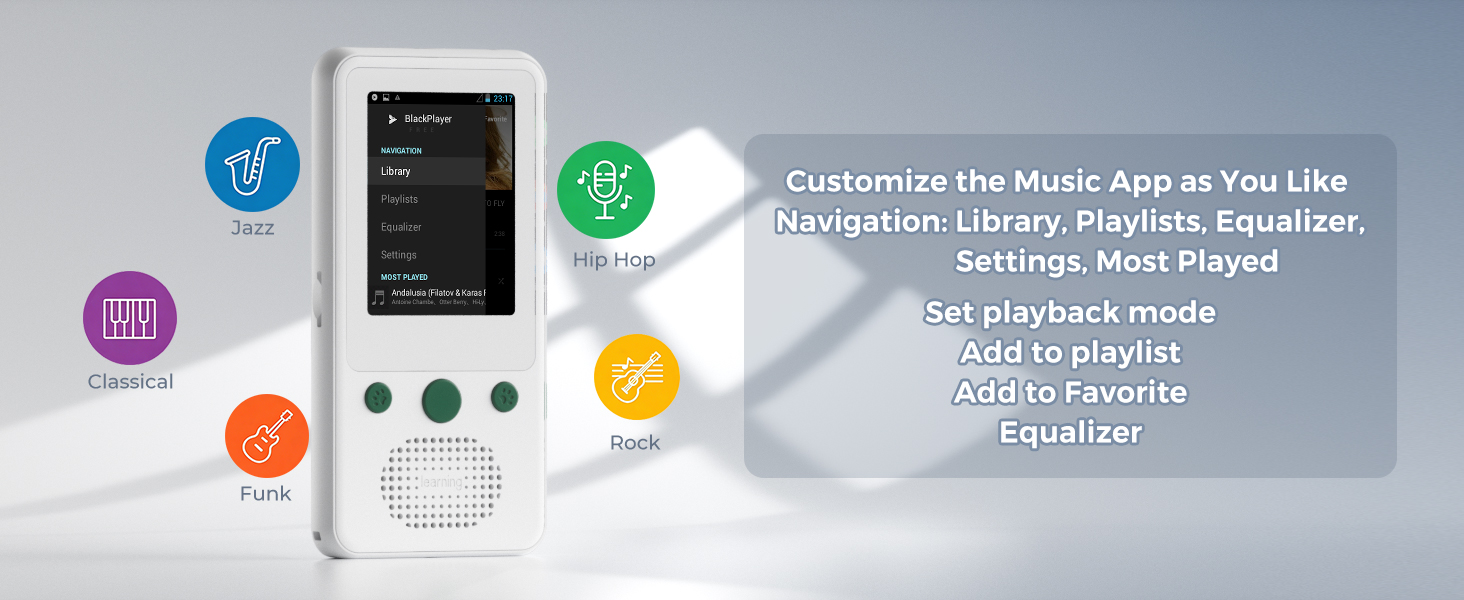
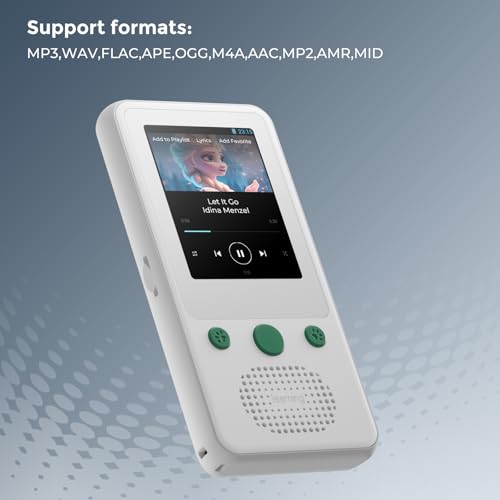
- Mighty Music App – This mp3 player for kids has a built-in Music app which can categorize audio files automaticly as Play Now, Tracks, Artists, Albums, Genres, Album Artists. You can find your music quickly under these categories. Besides, the music player has "NAVIGATION", including Library, Playlists, Equalizer and Settings, supporting you customize your mp3 player with speaker such as adding to favoriate, adding to playlists, editing your playlists and adjust sound effects etc.
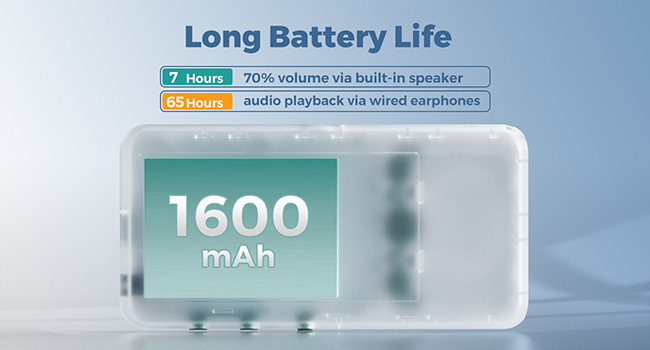
- 65H Ultra-Long Playback & Portable Design – Up to 65 hours of continuous playback with headphones, 16 hours of screen-on use, and 7 days of moderate use on a single charge. Super lightweight (only 3.39 oz) and compact size, easy to carry in pocket for school, sports, travel, and outdoor activities.
- Multi-Functional & Expandable Storage – Except for music playback and E-book reading, this mp4 player supports video playback, picture viewing, FM radio and voice recording. It comes with 4GB built-in storage and supports TF card expansion up to 128GB, you can store thousands of songs, audiobooks, and e-books for your kids. Note: only a USB-A to USB-C cable and a user manual are included.
| SKU: | B0GX5N7X9D |
| Weight: | 96 Grams |
| Brand: | TIMMKOO |
| Model: | A5 |
| Manufacture: | TIMMKOO |
| Origin: | China |
Product Description
How to make Win11 PC recognize A5?
Firstly ensure you're using a USB-A to USB-C cable to connect your A5 and Win11 PC.
If it cannot be recognized by your PC successfully, please try these steps:
1. change different USB-A to USB-C cables;
2. change different USB Ports of your PC
“How to transfer songs to A5? Where are the files transferred to A5 saved?
1. connect A5 and PC by the USB-A to USB-C cable;
2. open File Explorer of PC and open A5 Driver;
3. copy your music files to the folders of A5 where you want from your PC.
You can find your files on A5 according to the save path you chose.
How to read ebooks via A5's Ebook app?
Open Ebook app, Swipe left on the screen or click “Return” button→Click “Open Book→Click “Open File”→Find your ebooks throught the storage path where you chose to save them before→Click your ebook to read
Why is there no sound coming from the FM radio?
FM radio function requires wired earphones (Not Included) to act as antenna.