Wireless Headset With Microphone, Noise Canceling headset
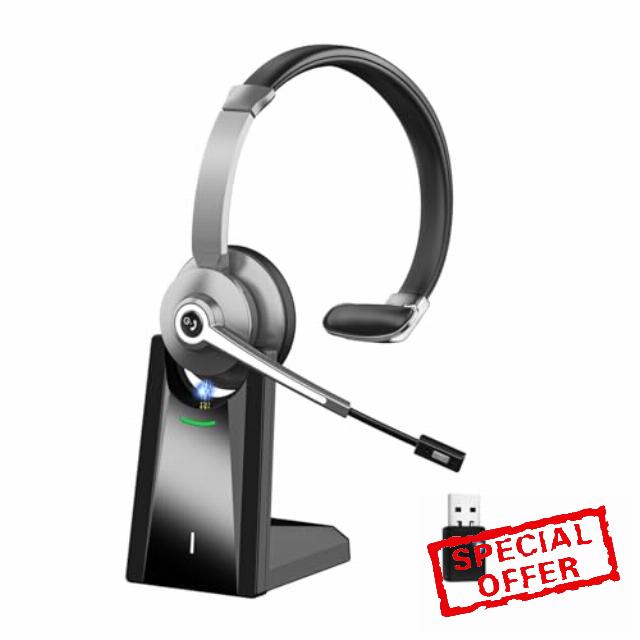
Wireless Headset With Microphone, Noise Canceling headset, Charging Base And Mute Button, Headset With Mic For Office/Skype/Zoom/Compute
WIRELESS HEADSET WITH MICROPHONE
Handsfree Clear Calls All Day
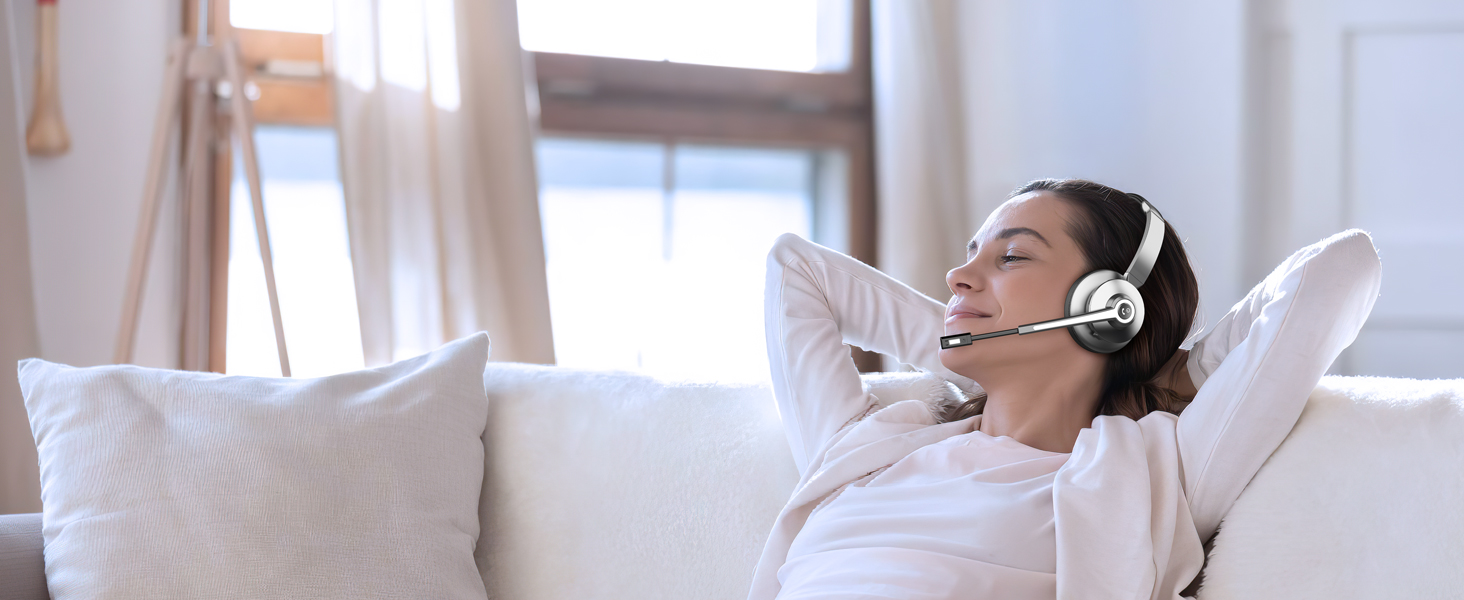
Ultra-lightweight
Stay comfortable, keeping energetic with the Bluetooth headset to achieve the best results.
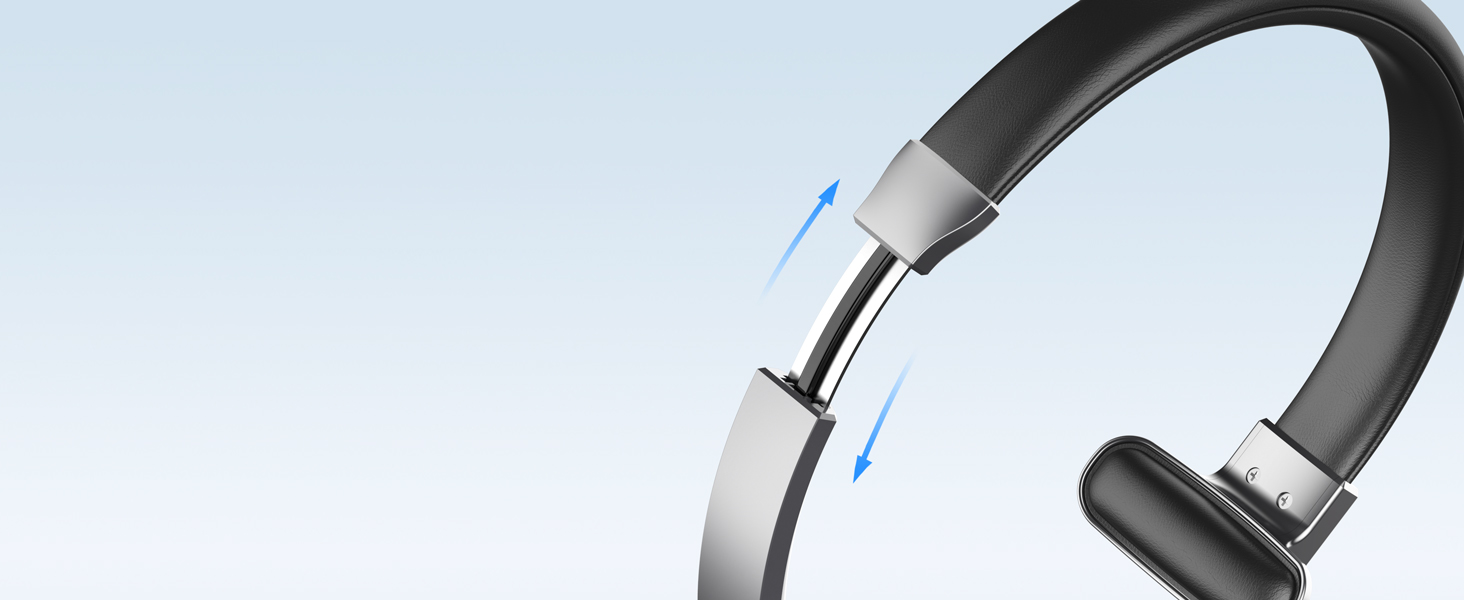
Adjustable Headband
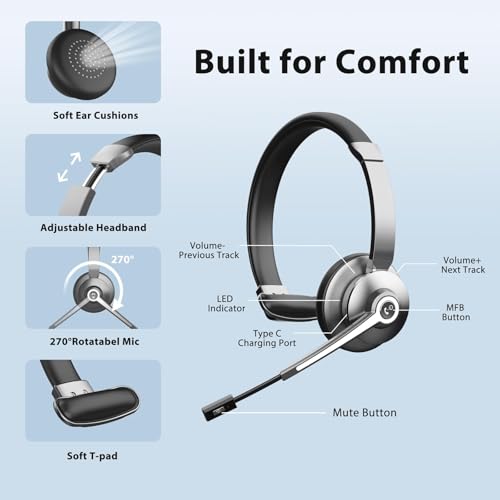
Makes it easy to fit all sizes of heads and keeps it from being too tight and causing headaches.
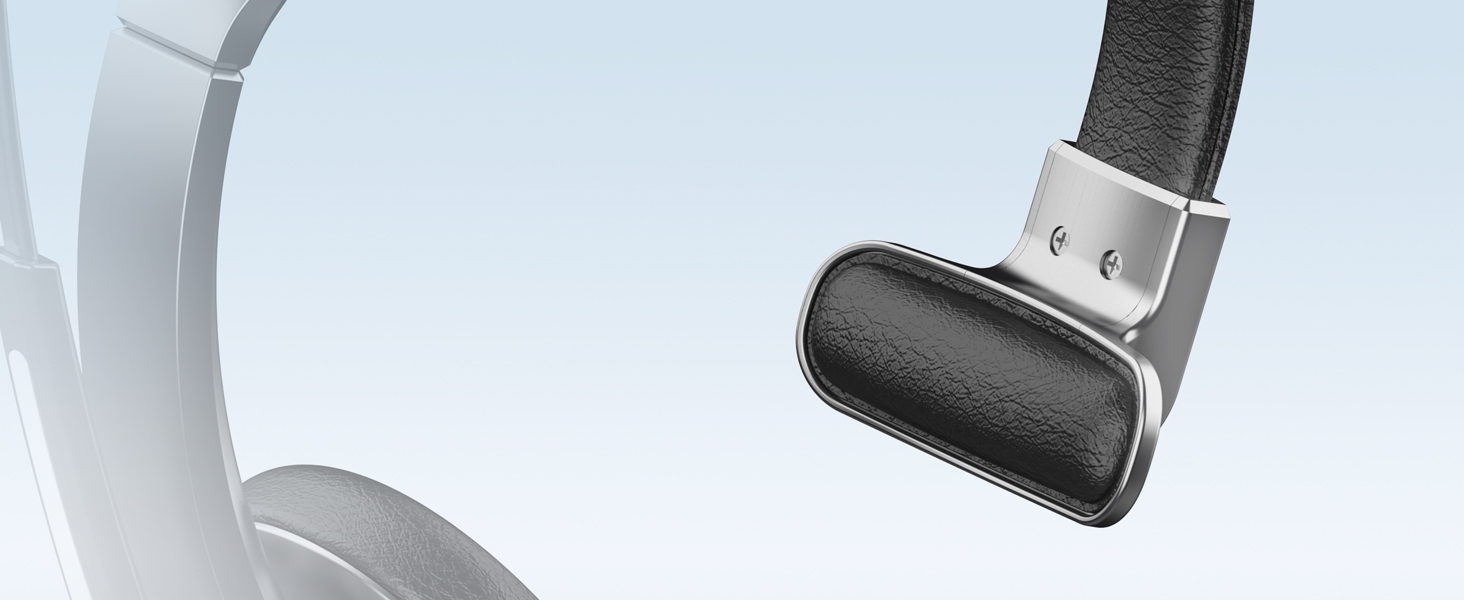
Soft Leather T- Pad
Stays securely in place but won't compress your head uncomfortably for all-day pressure-free comfort
Connected to Your Surroundings
Single-Ear design is ideal for having an open ear to monitor what's going on around you.
Soft Memory Protein Earpad
Indulge in supreme comfort with silky soft protein leather and premium puffy memory foam.
Your Voice, Professional & Clear
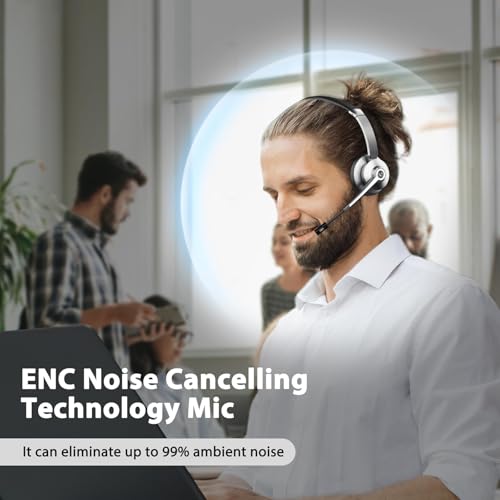
Wireless headphones with microphone certified advanced noise-canceling mic clearly captures your every word.
Never Compromise on Sound
40mm driver delivers rich and immersive sound.The bluetooth headset with microphone uses modern Bluetooth 5.0 Technology, which enhances stability and connectivity.
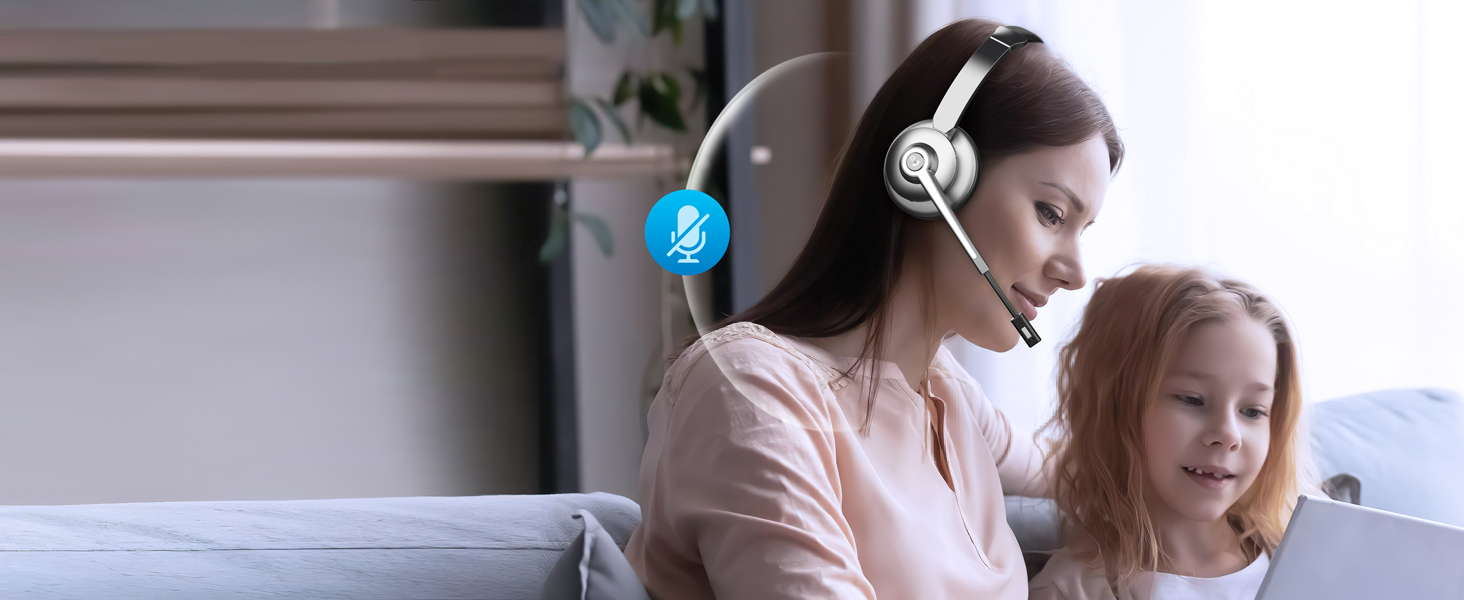
One-Click Mute
Mute the microphone quickly through pressing the mute button during calls, make the call without interference.
Wide Application
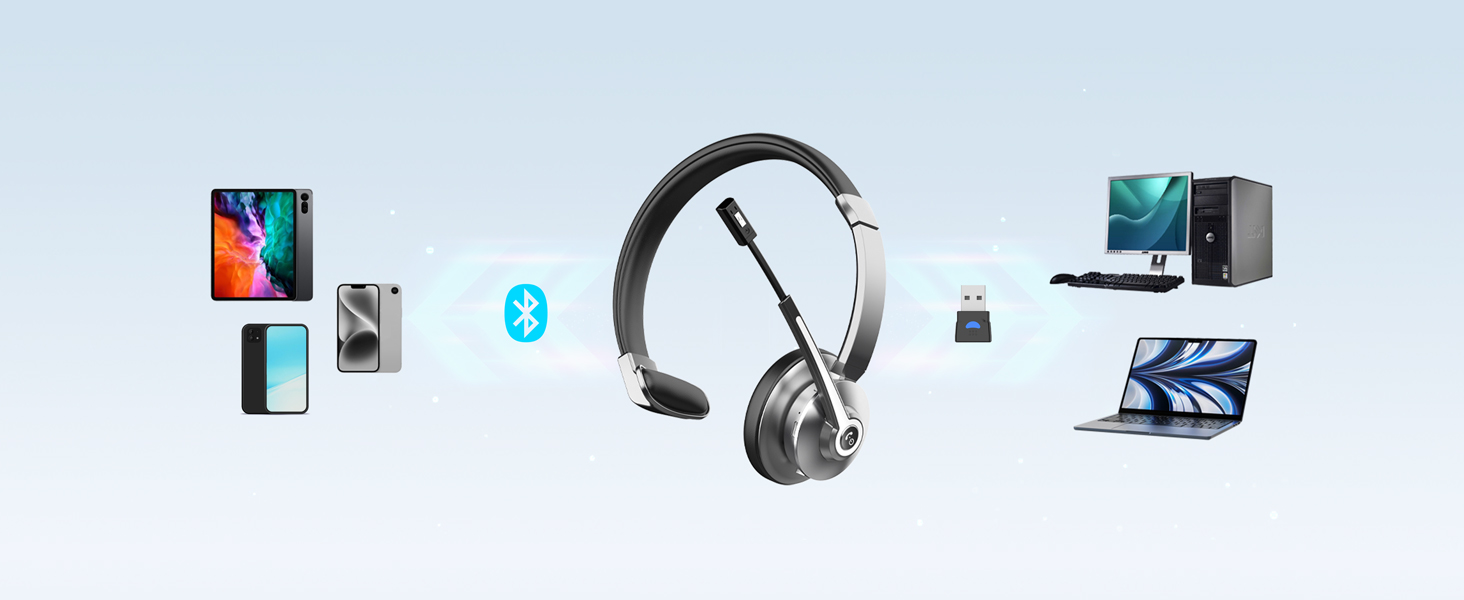
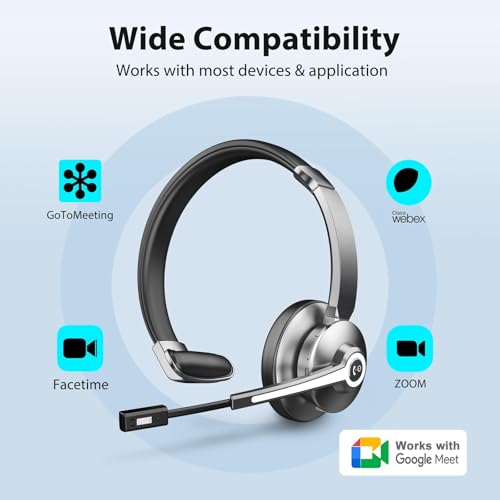
Our bluetooth headphones with microphone compatible with Mainstream Platforms like cell phones, computers, tablets, laptops, etc.
Work for Hybrid Life
This usb wireless headset works perfectly with Zoom, Skype, Teams, FaceTime, and other conferencing software for truly seamless communication & collaboration.
Store your Headset
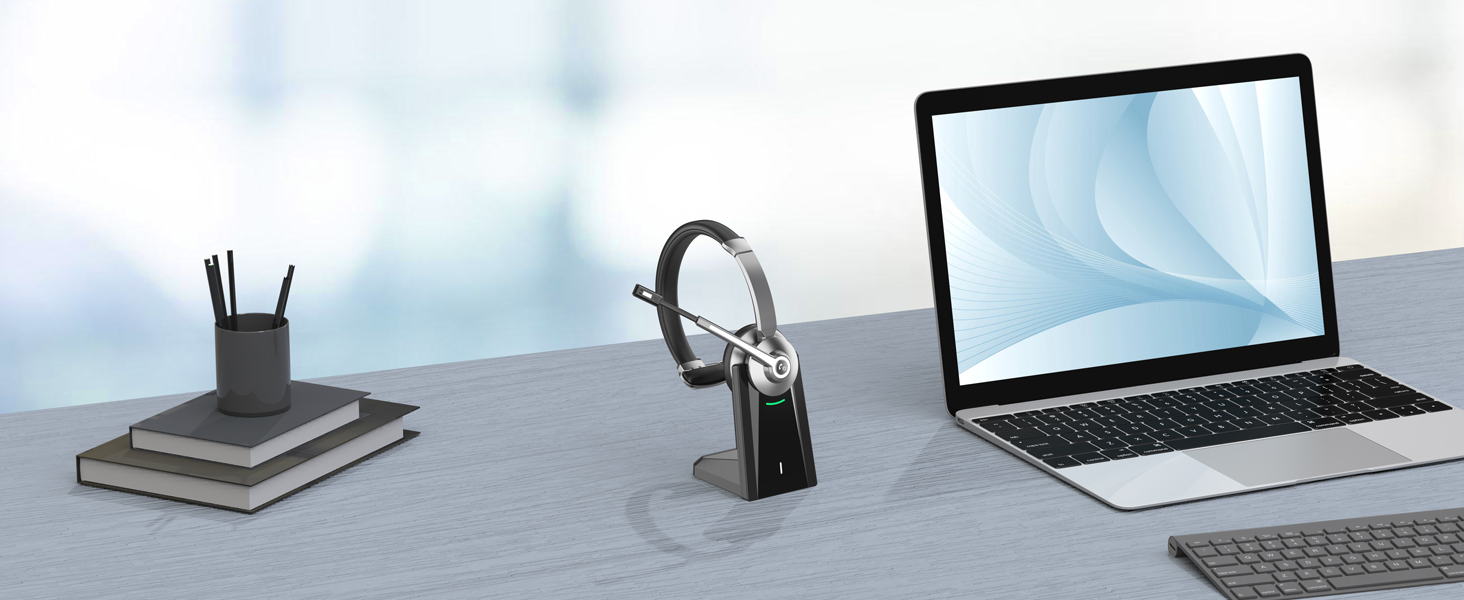
The wireless headset with charging base provides a dedicated space for your headset.
The headset wireless
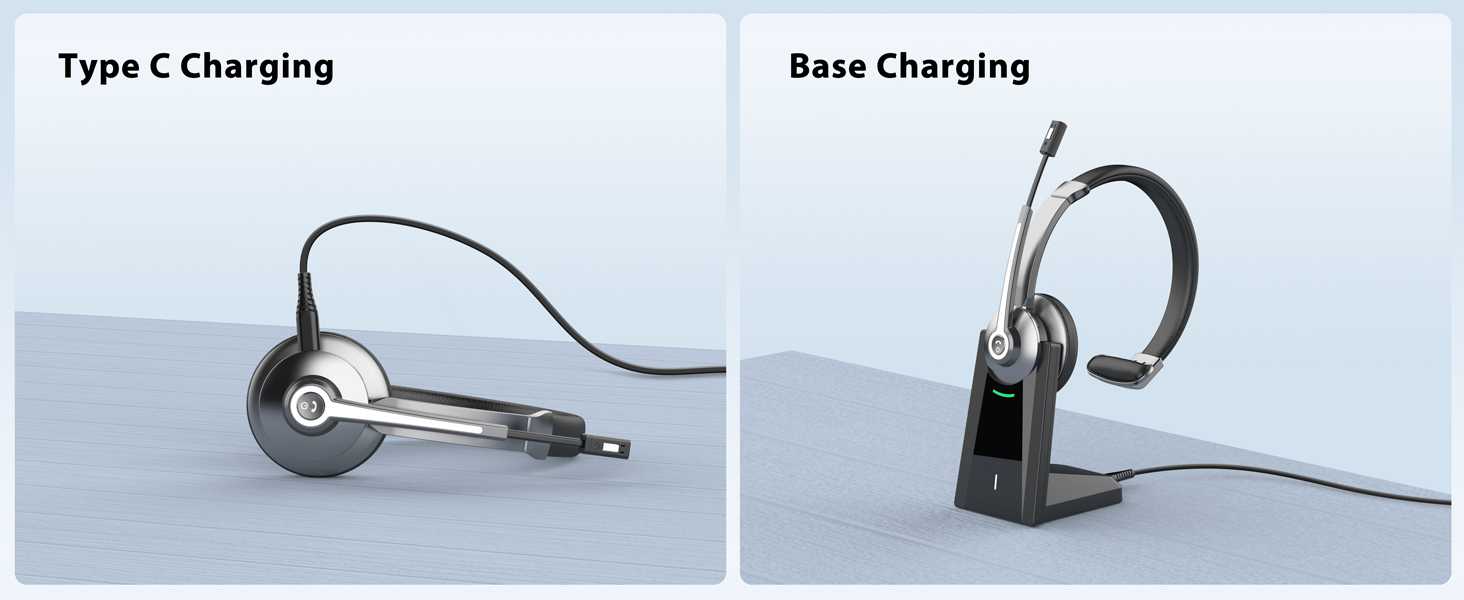
Support charging the headset directly or being charged by simply placing it into the charging dock.
Can I use the headset to answer or hang up calls?
If the headset is connected to a mobile phone, you can click the MFB to answer/end calls on the headset; If the headset is connected to a computer, you need to answer calls on the computer. Reminder: MFB does not work with desk phones and landlines
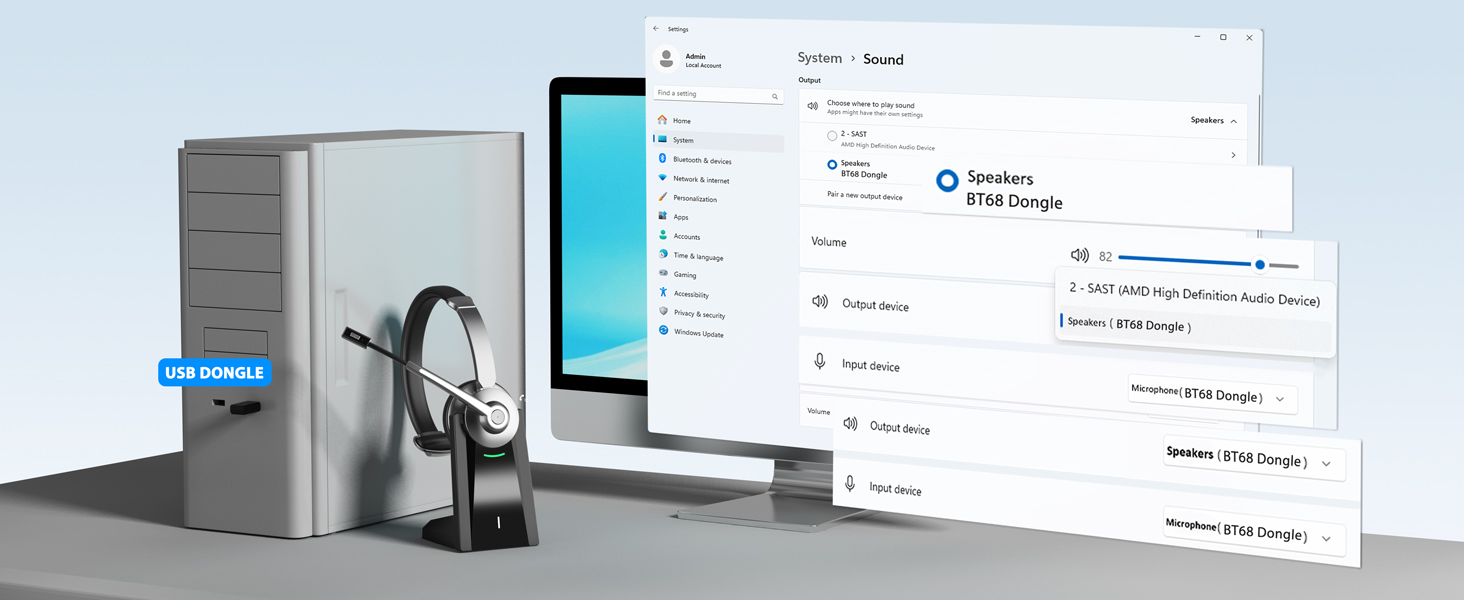
Why does teams show the microphone cannot be detected after my headset is connected to computer?
When you use software to make a call, check the settings of the computer and software, make sure to select [BT-68 Dongle] as the default output and input device. Besides, you can exit the software and login in again.Because it may not sync at first
Can I mute the microphone if I am not on a call?
Our wireless headset only support muting during a call. It doesn't support muting if you are not on a call.
How to charge the bluetooth headset?
There are two ways to charge it, you can use the type-c cable to charge the bluetooth headset directly. Or use the charging base to charge the bluetooth headset.
What should I do if there is no sound when the headset is connected to the computer?
Please check the sound settings of both the computer and the software to make sure [BT-68 Dongle] is selected as the default output and input device.
- 【AI & ENC Dual Noise Cancellation Technology】This bluetooth headset with microphone is built with AI-powered active noise cancellation and professional-grade ENC environmental noise reduction technology, cutting up to 99.6% of surrounding background noise. Wireless headset can intelligently block various daily distractions including keyboard tapping, nearby conversations and ambient chatter.
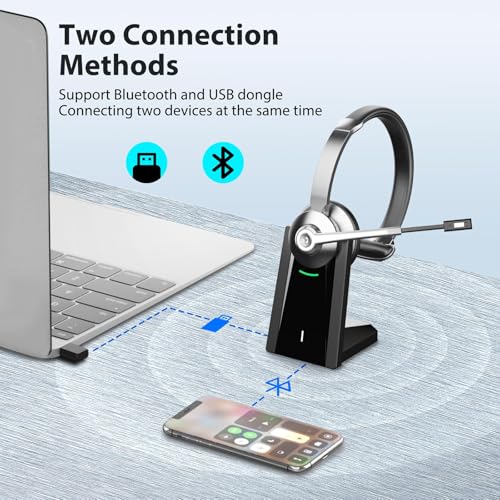
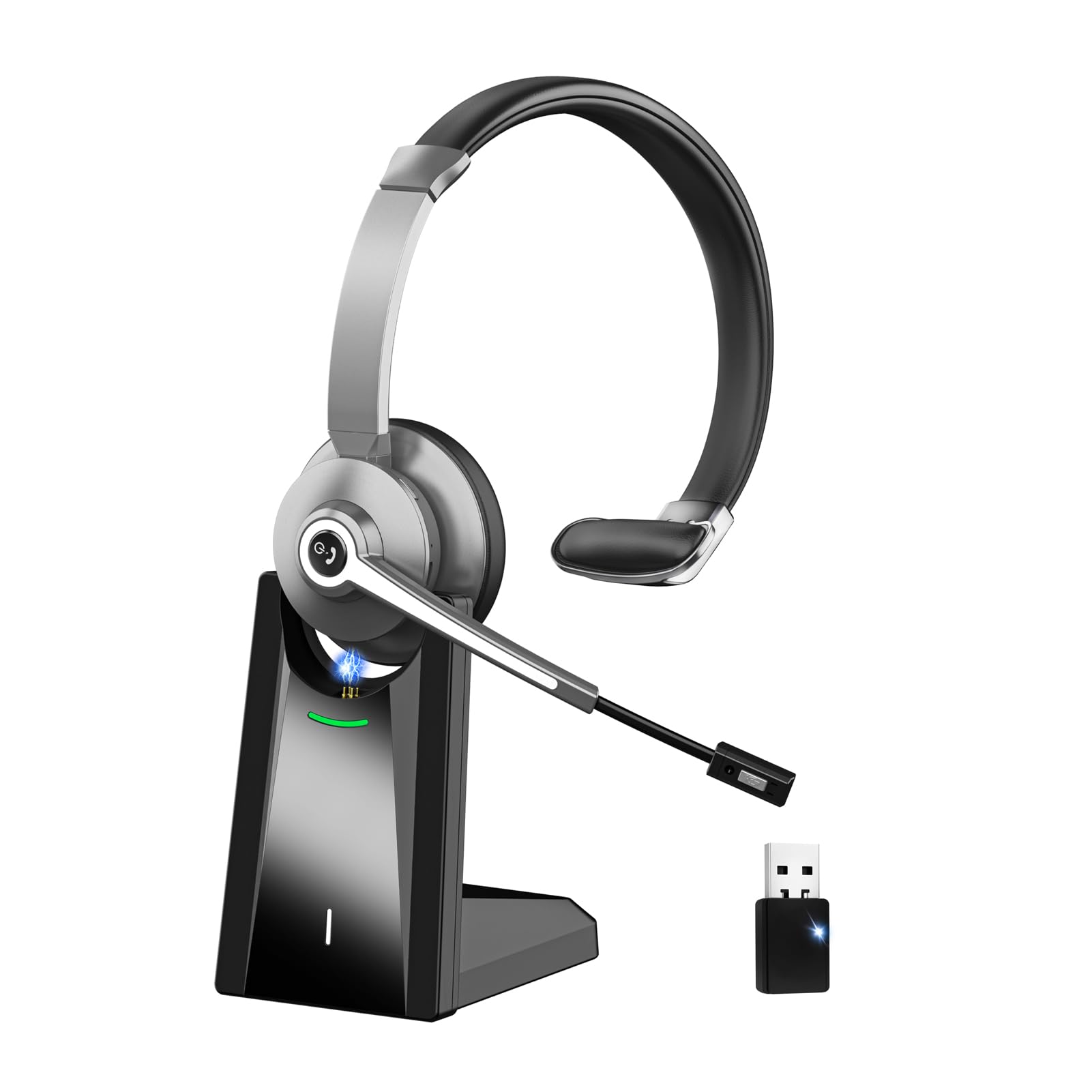
- 【Bluetooth 5.0 & USB Dongle Dual Connection】Equipped with Bluetooth 5.0 and USB dongle dual-mode connection, the headsets with microphone supports stable dual-device simultaneous pairing and flexible switching. Bluetooth headset provides an ultra-stable wireless connection range up to 33ft/10m, no need to be limited to the desktop. Headphones with microphone built-in high-fidelity speaker driver provides an immersive audio experience for business calls and video conferences.
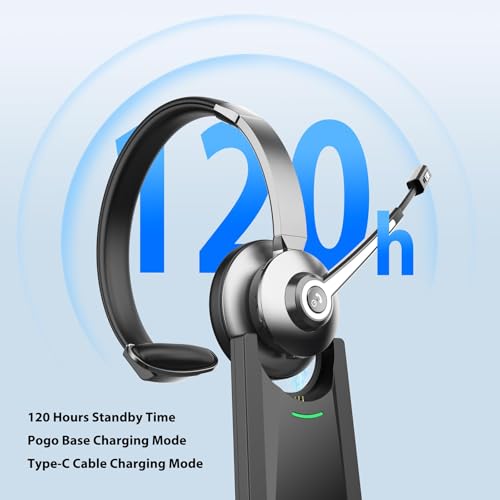
- 【Long Battery Life & Charging Dock Storage】Adopting high-capacity built-in battery, the headphones with microphone only needs 2 hours full charge to gain 26 hours long talk time and 120 hours super long standby time. PC headset with microphone comes with an exclusive charging dock and Type-C charging cable. You can recharge easily by placing the headset on the base, effectively avoiding messy tangled cables, keeping your workspace neat and organized all the time.
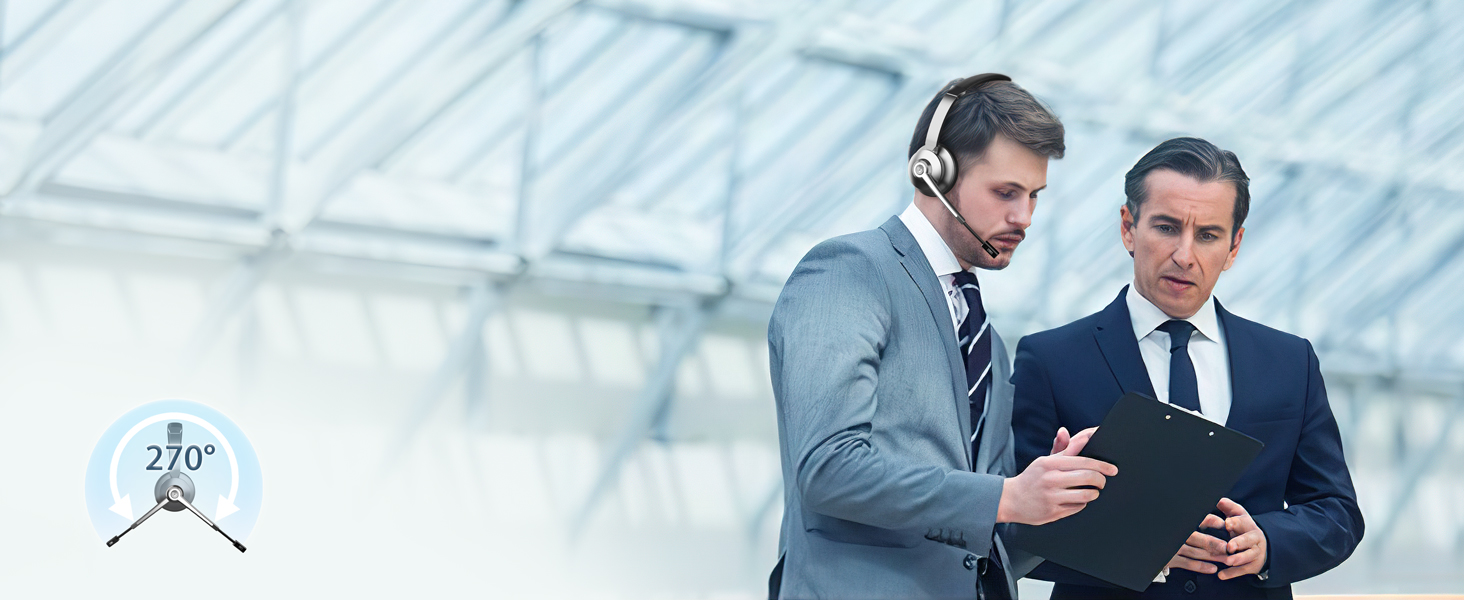
- 【Ergonomic Design & One-Click Mute Function】Designed with ergonomic adjustable headband and ultra-soft protein leather memory foam ear cushions, the wireless headphones with mic weighs only 120g to reduce head pressure for all-day comfortable wear. The 270° rotatable microphone supports left and right ear use and fits perfectly for glasses wearers. The independent mute button on the mic allows instant audio cutoff, protecting your privacy during meetings and voice chats.
- 【Wide Compatibility & Premium After-Sales Service】This laptop headphones with microphone is highly compatible with mainstream meeting software like Skype, Zoom, Microsoft Teams, Google Meet, VoIP and Avaya. Simple button controls support volume adjustment, mute/unmute, answer and end calls easily. Perfect for home office, call center, online class, trucker and webinar use. We provide 24/7 professional technical support and 12-month warranty for reliable use.





| SKU: | B0GV3NGHJG |
| Weight: | 263 Grams |
| Brand: | Vonztek |
| Model: | BT783CD-H |
| Colour: | Black/grey |
| Pack Quantity: | 1 |
| Manufacture: | Vonztek |
| Colour: | Black/grey |
| Origin: | China |
| Quantity: | 1 |
Product Description

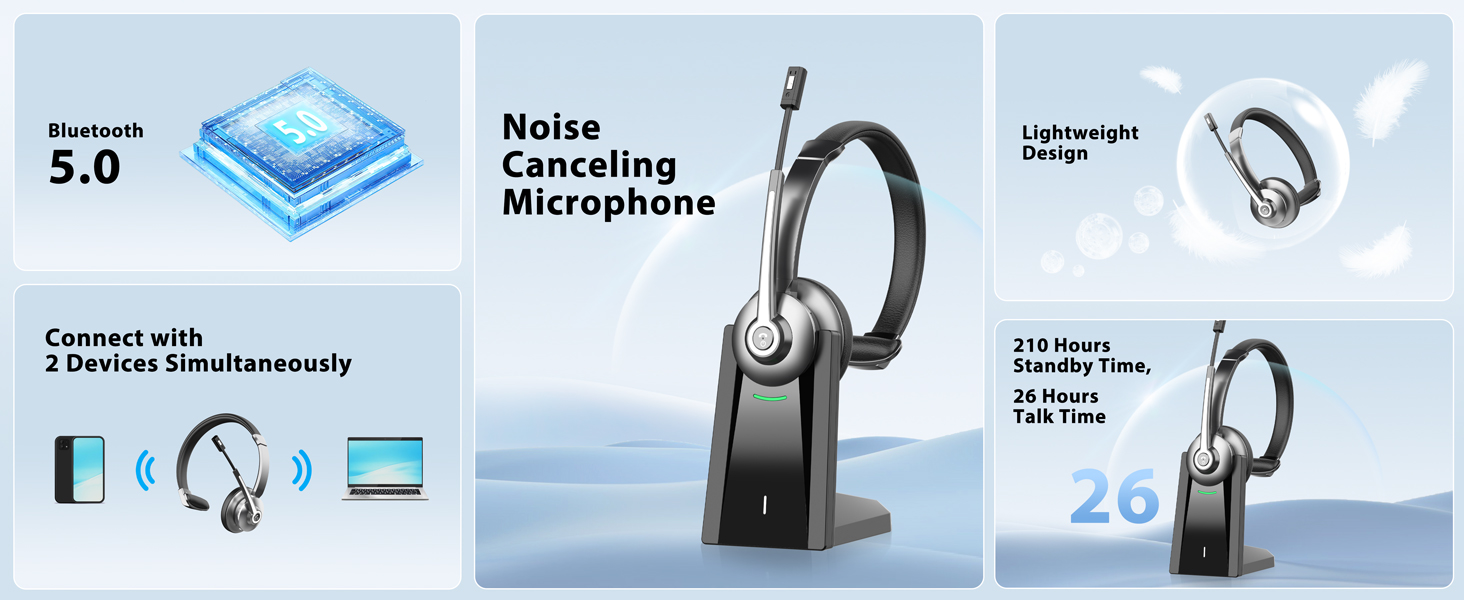

Ultra-lightweight
Stay comfortable, keeping energetic with the Bluetooth headset to achieve the best results.
Adjustable Headband
Makes it easy to fit all sizes of heads and keeps it from being too tight and causing headaches.
Soft Leather T- Pad
Stays securely in place but won't compress your head uncomfortably for all-day pressure-free comfort
Connected to Your Surroundings
Single-Ear design is ideal for having an open ear to monitor what's going on around you.
Soft Memory Protein Earpad
Indulge in supreme comfort with silky soft protein leather and premium puffy memory foam.
Your Voice, Professional & Clear
Wireless headphones with microphone certified advanced noise-canceling mic clearly captures your every word.
Never Compromise on Sound
40mm driver delivers rich and immersive sound.The bluetooth headset with microphone uses modern Bluetooth 5.0 Technology, which enhances stability and connectivity.
One-Click Mute
Mute the microphone quickly through pressing the mute button during calls, make the call without interference.
Wide Application
Our bluetooth headphones with microphone compatible with Mainstream Platforms like cell phones, computers, tablets, laptops, etc.
Work for Hybrid Life
This usb wireless headset works perfectly with Zoom, Skype, Teams, FaceTime, and other conferencing software for truly seamless communication & collaboration.
Store your Headset
The wireless headset with charging base provides a dedicated space for your headset.
The headset wireless
Support charging the headset directly or being charged by simply placing it into the charging dock.
Can I use the headset to answer or hang up calls?
If the headset is connected to a mobile phone, you can click the MFB to answer/end calls on the headset; If the headset is connected to a computer, you need to answer calls on the computer. Reminder: MFB does not work with desk phones and landlines
Why does teams show the microphone cannot be detected after my headset is connected to computer?
When you use software to make a call, check the settings of the computer and software, make sure to select [BT-68 Dongle] as the default output and input device. Besides, you can exit the software and login in again.Because it may not sync at first
Can I mute the microphone if I am not on a call?
Our wireless headset only support muting during a call. It doesn't support muting if you are not on a call.
How to charge the bluetooth headset?
There are two ways to charge it, you can use the type-c cable to charge the bluetooth headset directly. Or use the charging base to charge the bluetooth headset.
What should I do if there is no sound when the headset is connected to the computer?
Please check the sound settings of both the computer and the software to make sure [BT-68 Dongle] is selected as the default output and input device.