4K Wireless HDMI Adapter, Plug & Play, 2.4/5 GHz Miracast
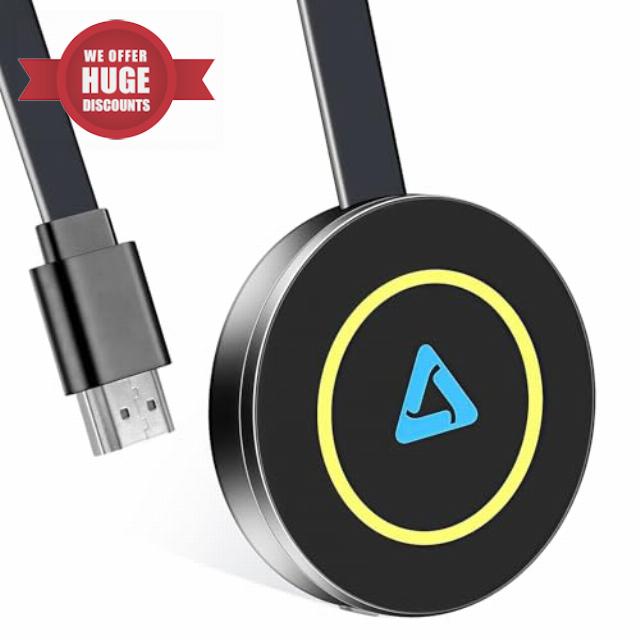
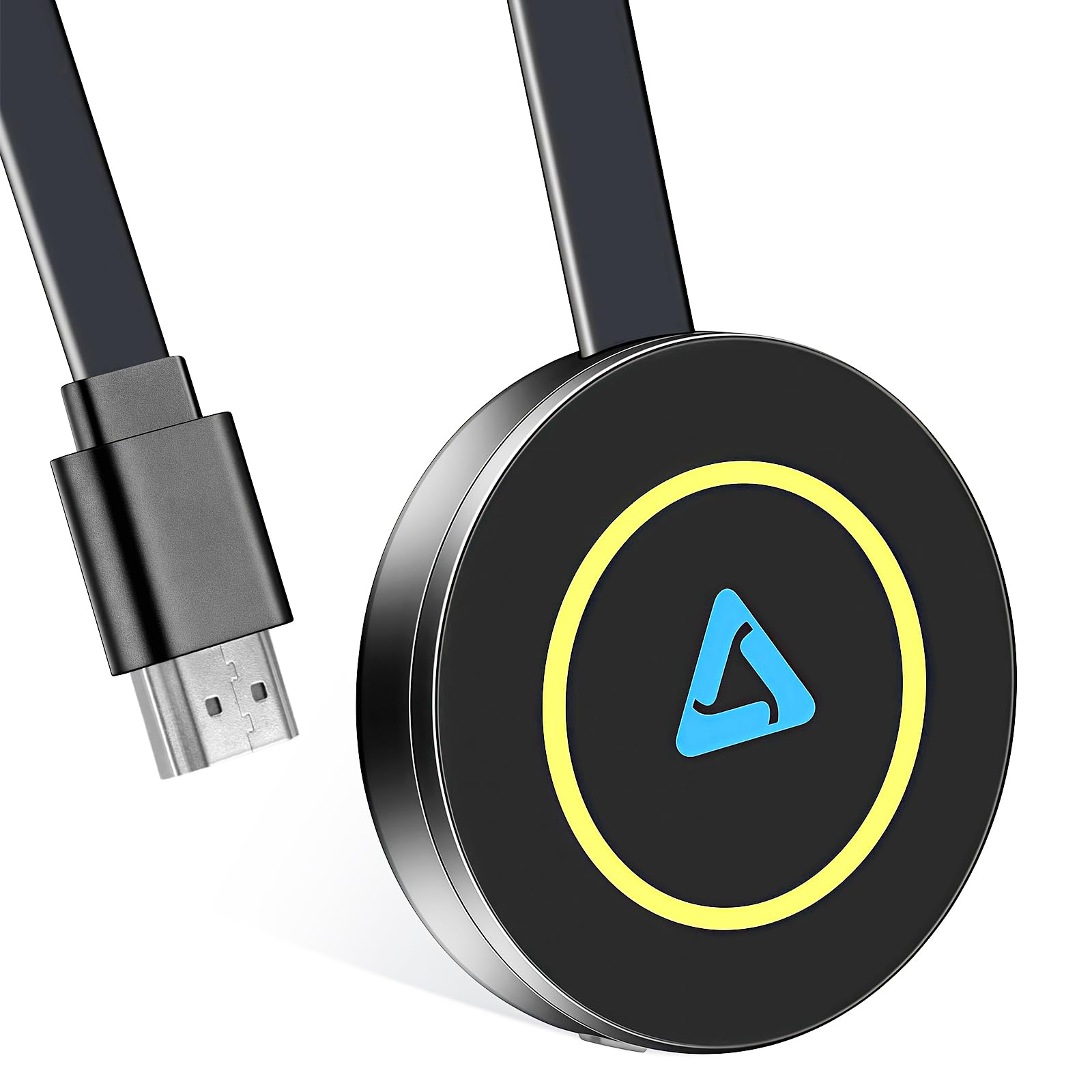
4K Wireless HDMI Adapter, Plug & Play, 2.4/5 GHz Miracast Wireless HDMI Dongle, Screen Casting Device for iOS/Android/Windows/MacOS/Phone/Laptop to TV/Monitor/Projector, Support Miracast/DLNA/AirPlay
Enjoy the Big Screen
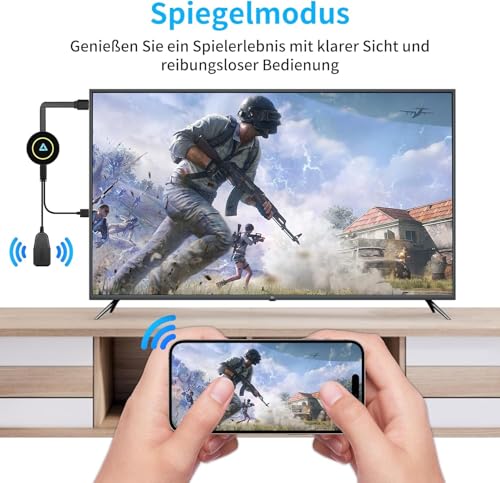
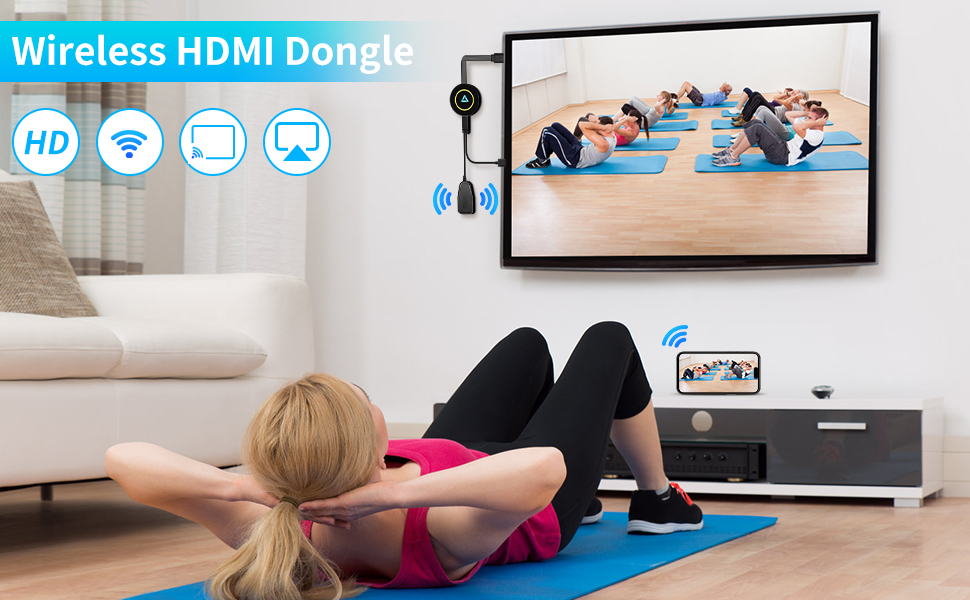
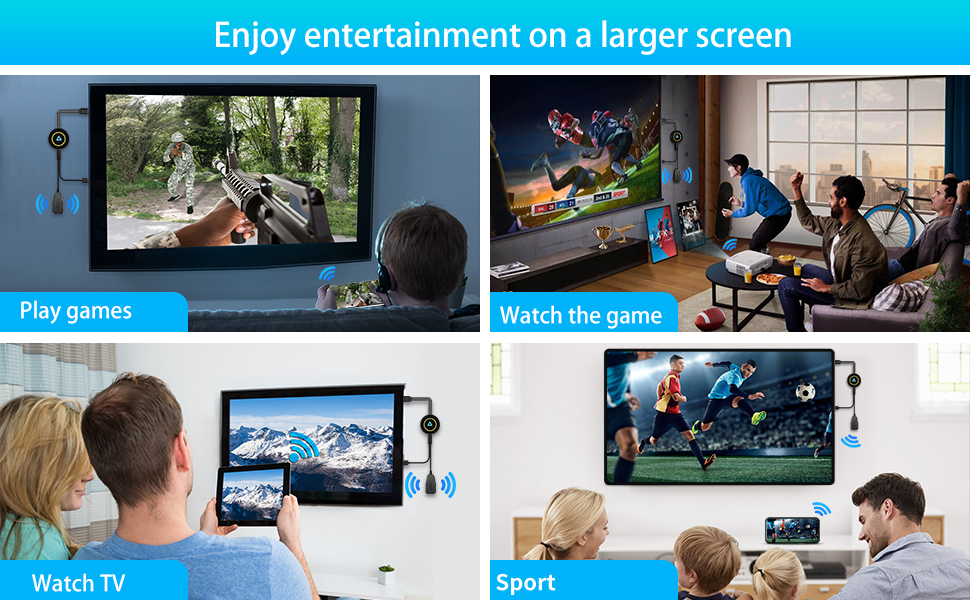
The wireless display dongle allows you to seamlessly mirror the entire screen of your smartphone, tablet, or laptop to your TV, enabling you to effortlessly enjoy content from your mobile device on a larger display. With this technology, you can achieve a cinema-quality visual experience without the need for complicated cables, making the big-screen experience more convenient and straightforward.
You can easily stream your favorite fitness videos from your phone or tablet to your TV, enjoying a larger, clearer screen. Whether you're doing yoga, workout routines, or cardio exercises, the big screen enhances your fitness experience, making it more comfortable and efficient.
Some potential issues you may encounter during use
Q1: Unable to connect or having issues with screen mirroring? A1: Press and hold the button on the device for 10 seconds to restore factory settings, or disconnect and reinstall the device multiple times.
Q2: Cannot find the device’s Wi-Fi signal? A2: Ensure that the product is using the "dedicated power antenna," and restart both the device and the phone. Please ensure that the product is powered on and displaying the home screen; it is recommended to use an external 5V/2A power adapter.
Q3: Why is there lag or disconnection during playback? A3: The projection device is a signal receiver and does not cause lag or disconnection by itself. Clear the phone's cache, close unnecessary programs, and restart the phone to reconnect. During projection, if lag or disconnection occurs, please shorten the distance between the phone and the device’s antenna to improve signal strength.
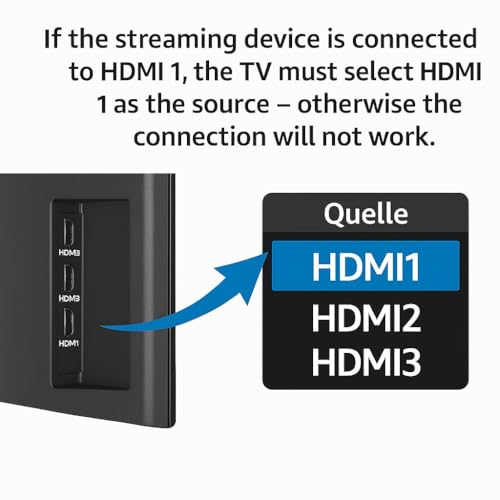
Q4: Why is the TV screen black, snowy, or flickering? A4: Please check if the HDMI connection on the device is secure and switch to the appropriate input source. It is recommended to use a 5V/2A power supply. Also, check if the HDMI port on the TV is worn or has a poor connection; try changing the HDMI port.
Q5: Why is there video without audio or audio without video during playback? A5: Please turn off and restart the projection device or restore it to factory settings. Reinsert the HDMI connector to ensure a proper connection; use an external 5V/2A power supply. Make sure the volume on the phone/TV is normal and can be adjusted using the volume buttons on the phone or the TV remote control. During projection, some videos may be subject to copyright restrictions, resulting in audio without video; please try changing the video.
Q6: The computer cannot connect or experiences lag A6: A system of Windows 10 or higher is required, along with a dedicated graphics card and a 5G router.
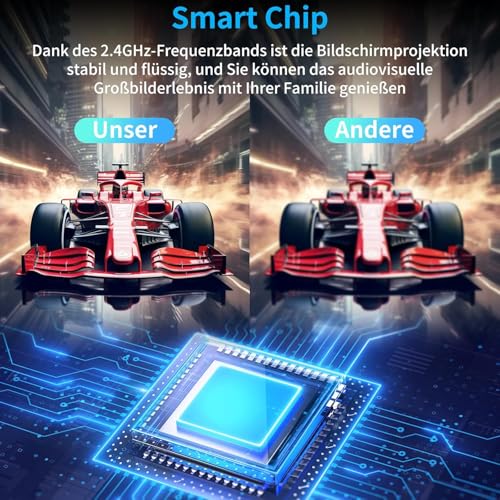
- 【Cinema-Quality 4K HDR & Seamless Streaming】Experience pin-sharp 4K Ultra HD playback with HDR support for vibrant colours and crystal-clear detail. This advanced wireless display adapter features a 5G/2.4G dual-band chip for ultra-fast, buttery-smooth transmission – the ultimate wireless HDMI solution for 4K movies, sports, or presentations. Military-grade tested for 72-hour continuous operation.
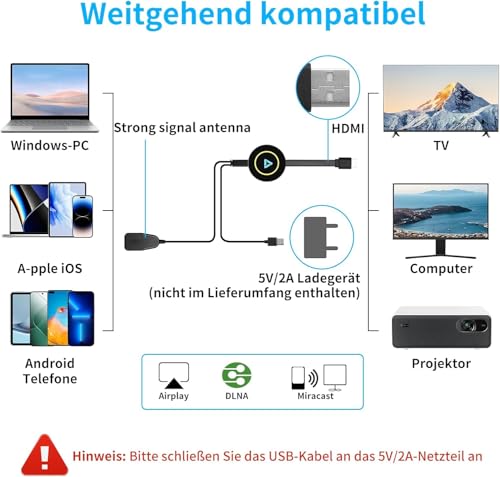
- 【True Plug & Play – Ready in 3 Steps】Get started instantly: just plug in, connect, and enjoy! This Miracast dongle requires no apps, Bluetooth, or Wi-Fi. Simply connect via HDMI and USB (5V/2A included), pair your device, and stream instantly. One-touch control switches between portrait and landscape modes, perfect for any scenario.
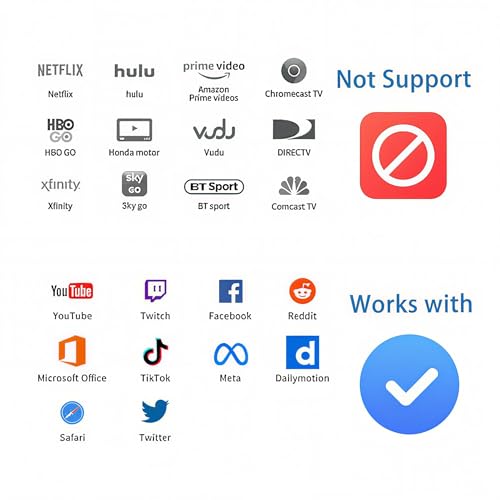
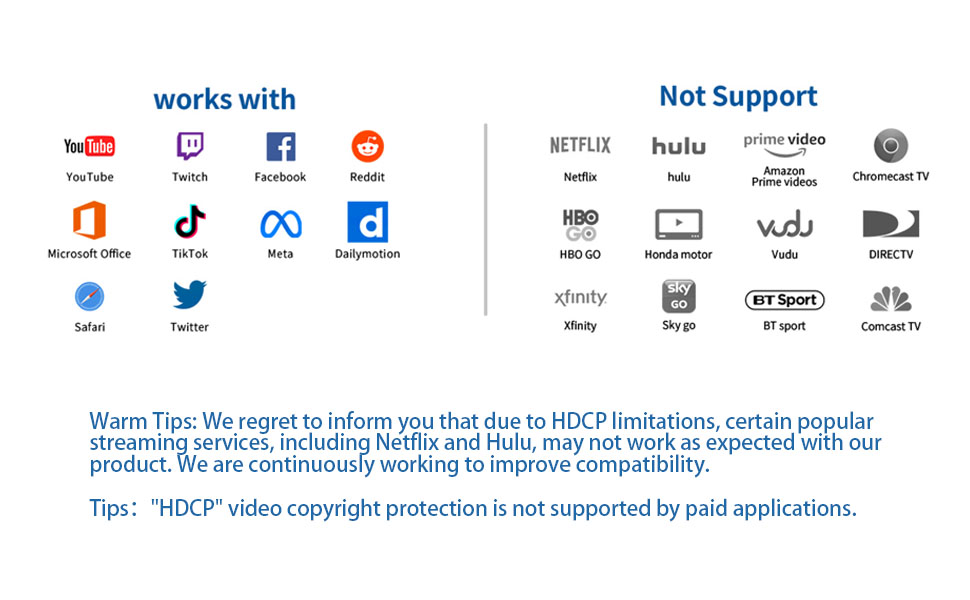
- 【Maximum Compatibility: AirPlay, Miracast & DLNA】As a universally compatible wireless display adapter, this Miracast dongle works with iOS, Android, Windows, and macOS. It supports AirPlay, Miracast, and DLNA, letting you stream from YouTube, Office apps, or browsers directly. (Note: Limited with HDCP-protected apps like Netflix/Prime Video/Xiaomi Router.)
- 【Two Flexible Modes: Mirror & Extend】Choose between 1:1 screen mirroring or using your TV as a second display. This wireless HDMI adapter enables seamless multitasking between your phone and the big screen. Enjoy a stable connection with a range of up to 20 metres.
- 【Why Choose Our Adapter? The Ultimate Wireless Display Adapter】4K Precision: Pixel-perfect playback with dynamic contrast. Unmatched Freedom: A true cable-free experience with this streamlined Miracast dongle. Universal Compatibility: Works with 99% of devices. Pro-Level Reliability: Built for business and continuous use. Ultra-Simple Setup: Unbox, connect, and impress in moments. Upgrade your viewing and presentation experience with our powerful wireless display adapter – the smart choice for both cinema-quality entertainment and professional productivity.

| SKU: | B0H85VX212 |
| Dimensions: | 18L x 8.5W x 2H centimetres |
| Brand: | QIDUHUQI |
| Model: | Wireless HDMI Adapter |
| Colour: | Charcoal black |
| Manufacture: | QIDUHUQI |
| Colour: | Charcoal black |
| Origin: | China |
Product Description
Some potential issues you may encounter during use
Q1: Unable to connect or having issues with screen mirroring? A1: Press and hold the button on the device for 10 seconds to restore factory settings, or disconnect and reinstall the device multiple times.
Q2: Cannot find the device’s Wi-Fi signal? A2: Ensure that the product is using the “dedicated power antenna,” and restart both the device and the phone. Please ensure that the product is powered on and displaying the home screen; it is recommended to use an external 5V/2A power adapter.
Q3: Why is there lag or disconnection during playback? A3: The projection device is a signal receiver and does not cause lag or disconnection by itself. Clear the phone’s cache, close unnecessary programs, and restart the phone to reconnect. During projection, if lag or disconnection occurs, please shorten the distance between the phone and the device’s antenna to improve signal strength.
Q4: Why is the TV screen black, snowy, or flickering? A4: Please check if the HDMI connection on the device is secure and switch to the appropriate input source. It is recommended to use a 5V/2A power supply. Also, check if the HDMI port on the TV is worn or has a poor connection; try changing the HDMI port.
Q5: Why is there video without audio or audio without video during playback? A5: Please turn off and restart the projection device or restore it to factory settings. Reinsert the HDMI connector to ensure a proper connection; use an external 5V/2A power supply. Make sure the volume on the phone/TV is normal and can be adjusted using the volume buttons on the phone or the TV remote control. During projection, some videos may be subject to copyright restrictions, resulting in audio without video; please try changing the video.
Q6: The computer cannot connect or experiences lag A6: A system of Windows 10 or higher is required, along with a dedicated graphics card and a 5G router.