Active HDMI to DisplayPort Adapter – 8K@60Hz 4K@120Hz
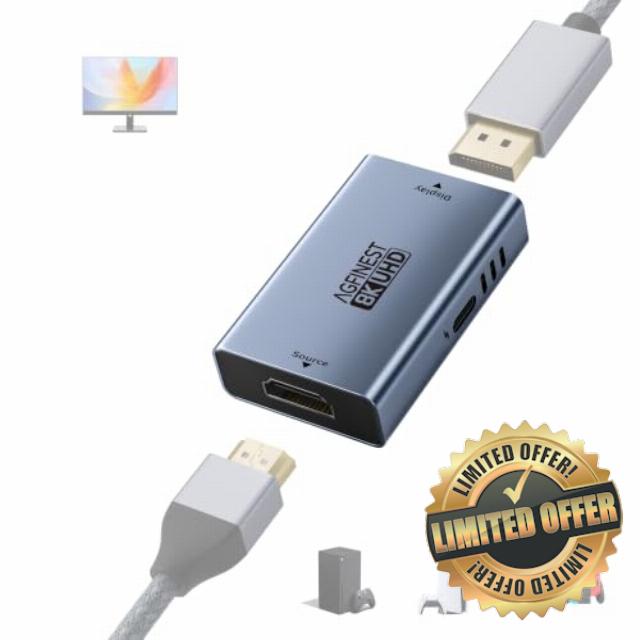
Active HDMI to DisplayPort Adapter – 8K@60Hz 4K@120Hz 2K@240Hz, Uni-Directional HDMI Female to DP Female with USB-C Power, HDR VRR 10Bit for PS5 Xbox Switch Dock PC Laptop
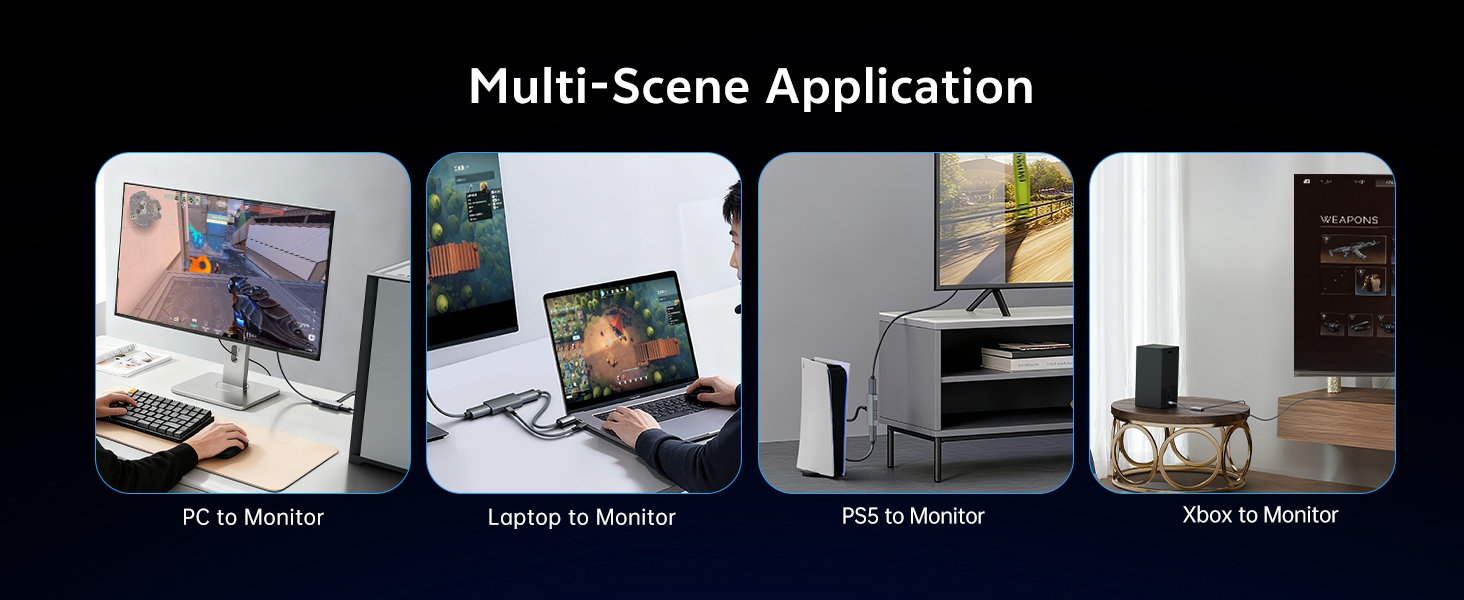
Multi-Scene
Is this HDMI to DisplayPort adapter bi-directional? Can I connect a DP source to an HDMI display?
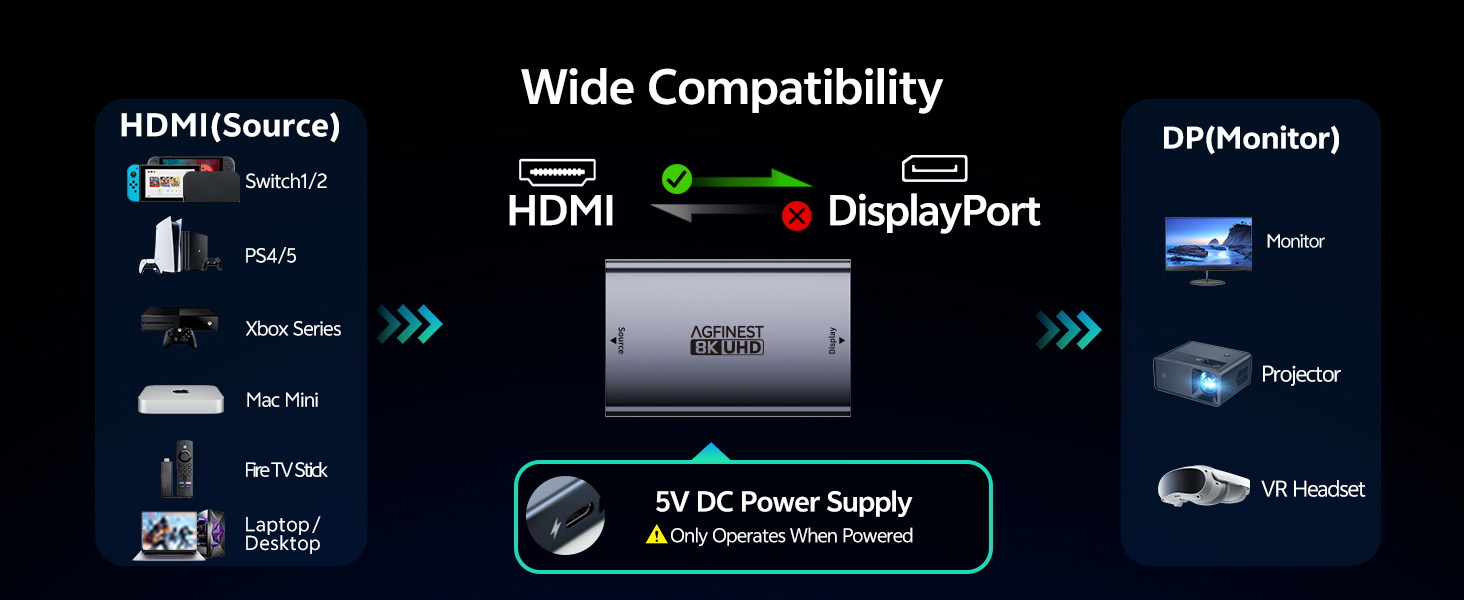
No. This HDMI to DisplayPort adapter is one-way only. It works from an HDMI source (PS5, Xbox, PC or laptop) to a DisplayPort monitor. It does not support reverse use. For DP source to HDMI, please refer to ASIN:
B0DW3L9MPV
Why does it need USB power? Will it work without the included cable?
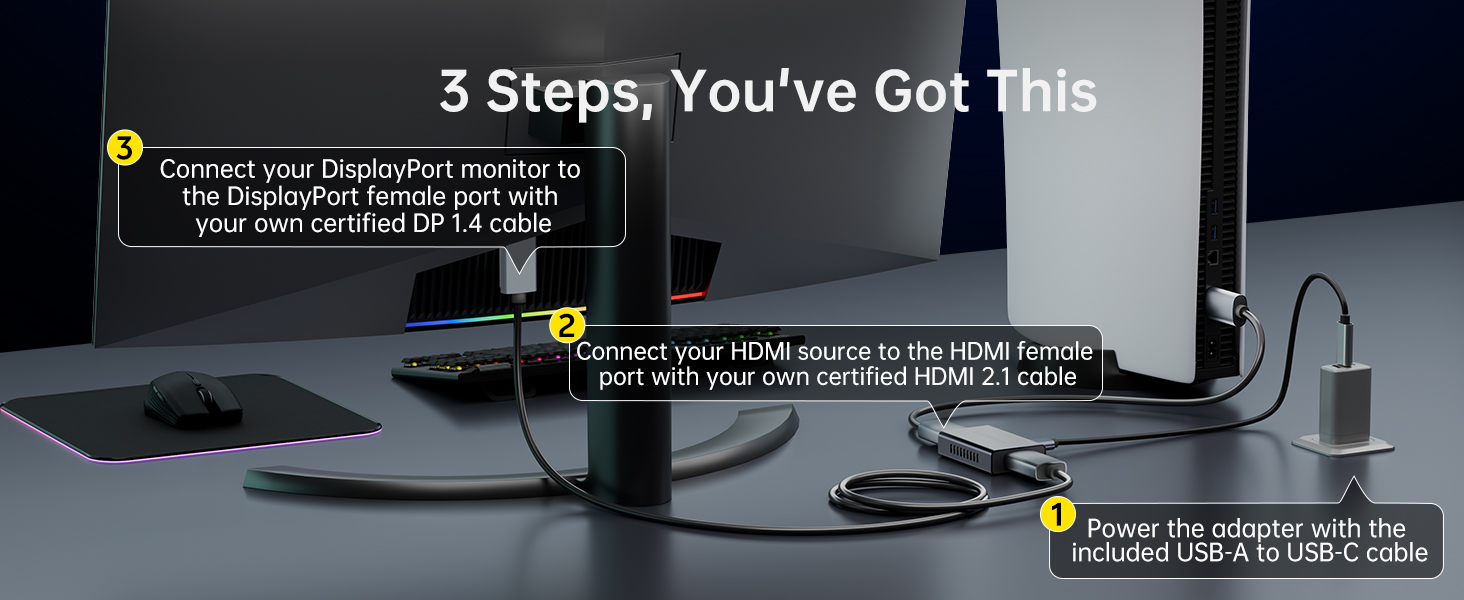
No, HDMI to DisplayPort adapter won’t work without 5V USB power. The active chipset needs external power to convert signal reliably. Connect the included USB-A/C cable to a console/charger USB port. Dedicated power prevents flickering and dropouts.
Connected everything but screen is black or flickering. How to fix?
Ensure USB-C has 5V power. Use certified HDMI 2.1 & DP 1.4 cables. Set monitor to DP input. Start at 1080p@60Hz, then increase. Power-cycle devices. Avoid KVMs, docks or hubs—connect adapter directly. If still unstable, test another DP monitor
My monitor supports 4K 144Hz, but I only get 60Hz. Why?
4K@144Hz requires DSC. Enable DSC in monitor OSD, use a DSC-compatible GPU. PS5 lacks DSC so max is 4K@120Hz. HDMI 2.1 source and a DP 1.4 monitor are also required. Source and monitor must both support target specifications
What adapter do I need to connect my PS5 to a DP-only monitor?
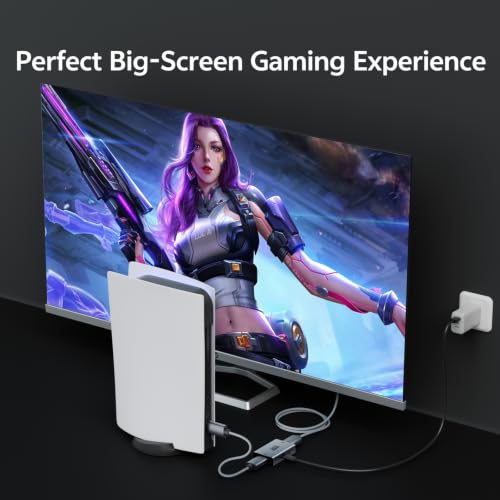
Use AGFINEST HDMI 2.1 to DisplayPort adapter. It lets PS5, Xbox, or laptops output to DP monitors (Dell, Gigabyte, Samsung). Supports 4K@120Hz, VRR, HDR. USB power cable included for stability. Ideal for gaming setups, home office, or LAN parties
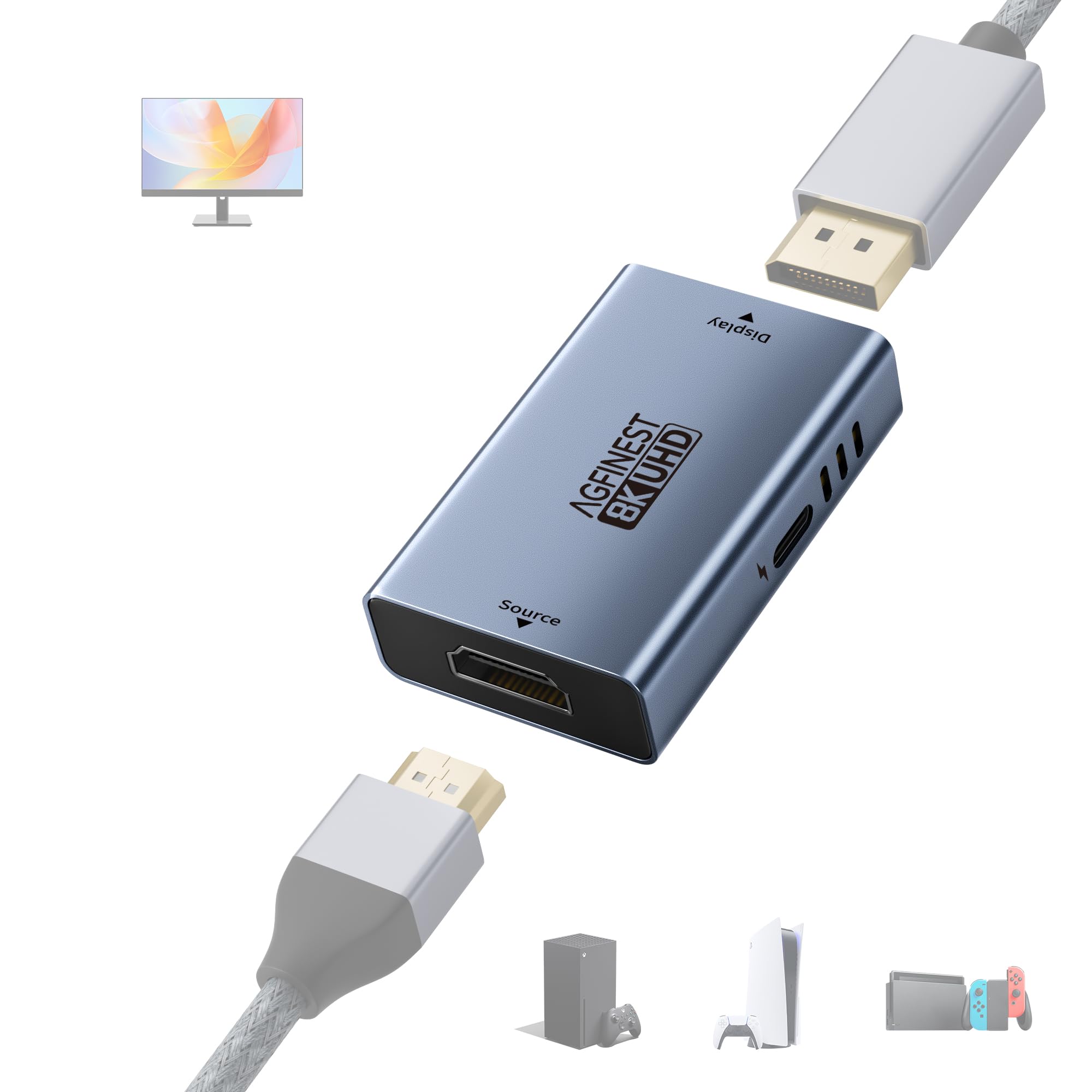
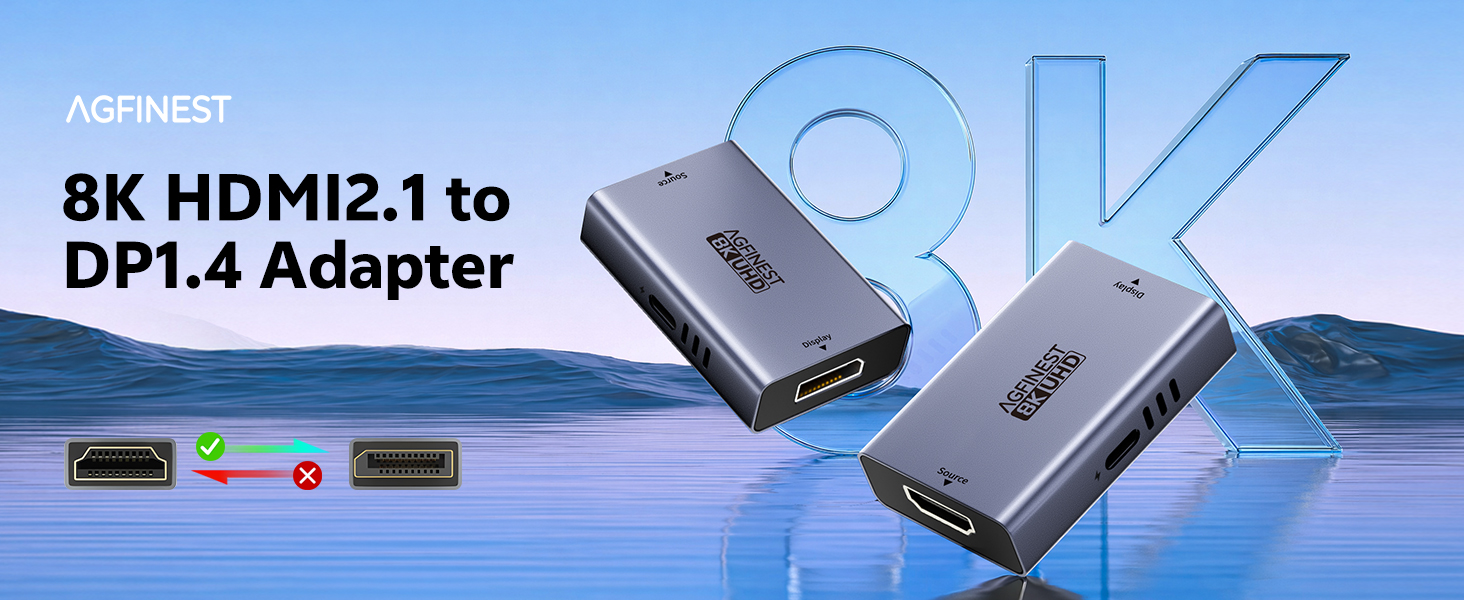
- HDMI to DisplayPort Only – Unlock High Refresh Rates: AGFINEST active adapter works exclusively from an HDMI source (PS5, Xbox, PC, laptop) to a DisplayPort monitor – not reverse. Many monitors offer 144Hz/240Hz only on DP input, while their HDMI input is limited. Our adapter unlocks the full potential of your DP monitor. Note: Final output depends on your source device, monitor, and cable quality. For best 4K/8K results, use HDMI 2.1 and DP 1.4 cables
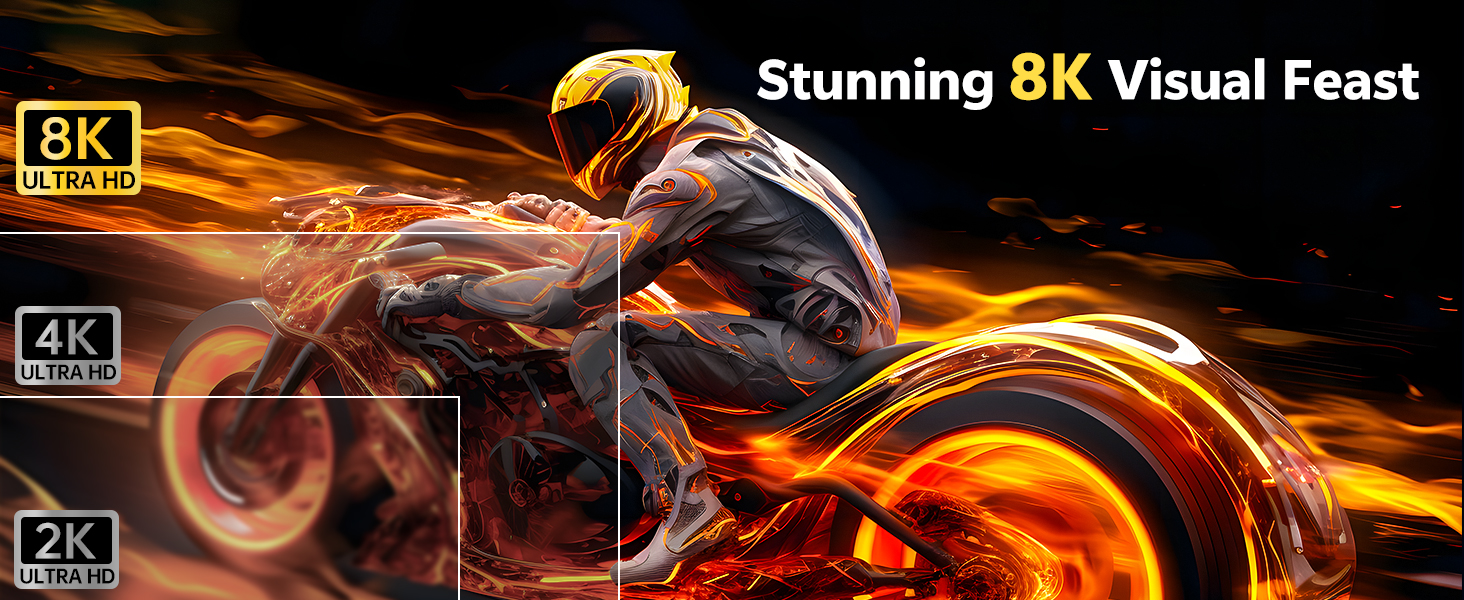
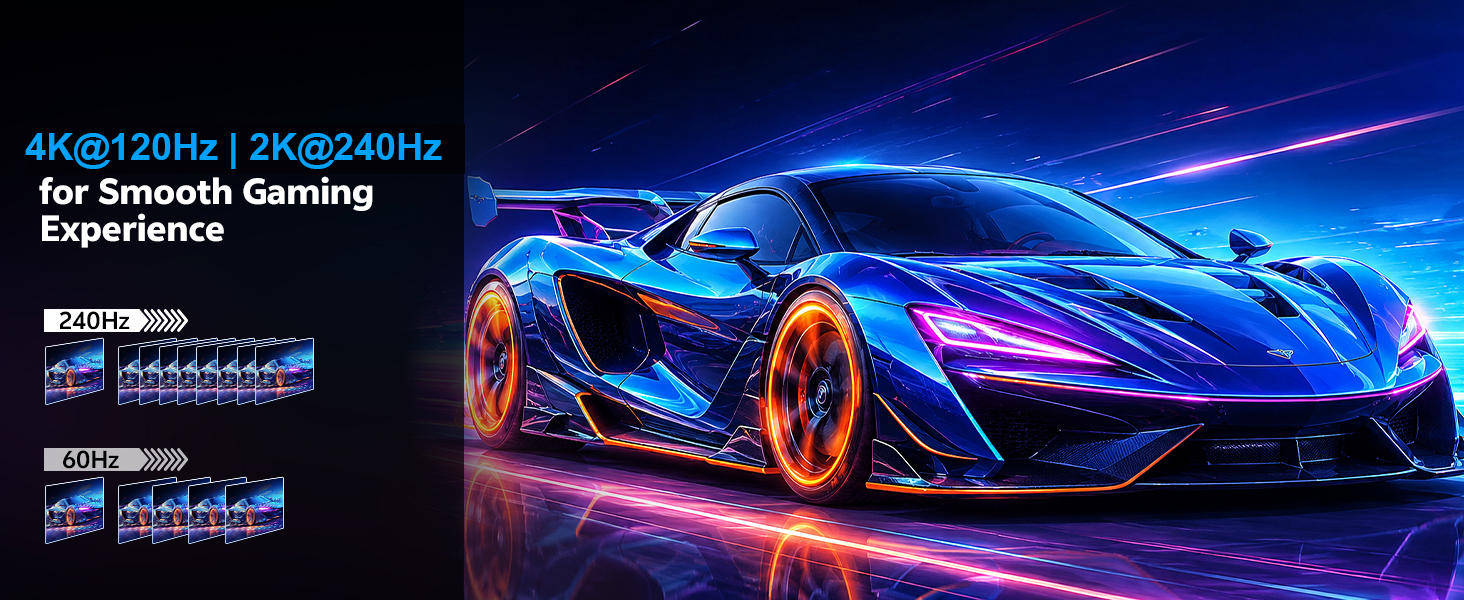
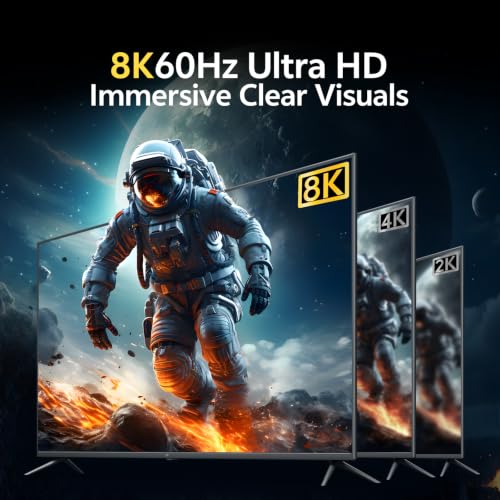
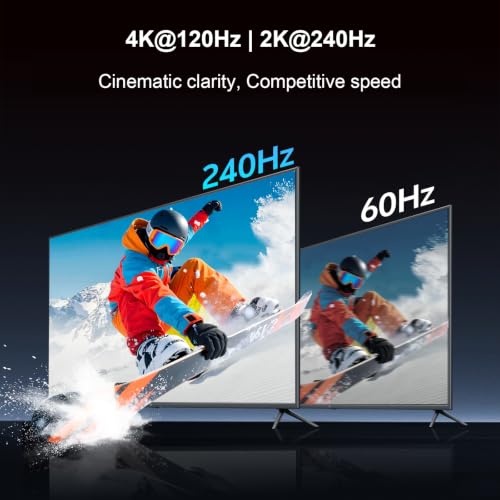
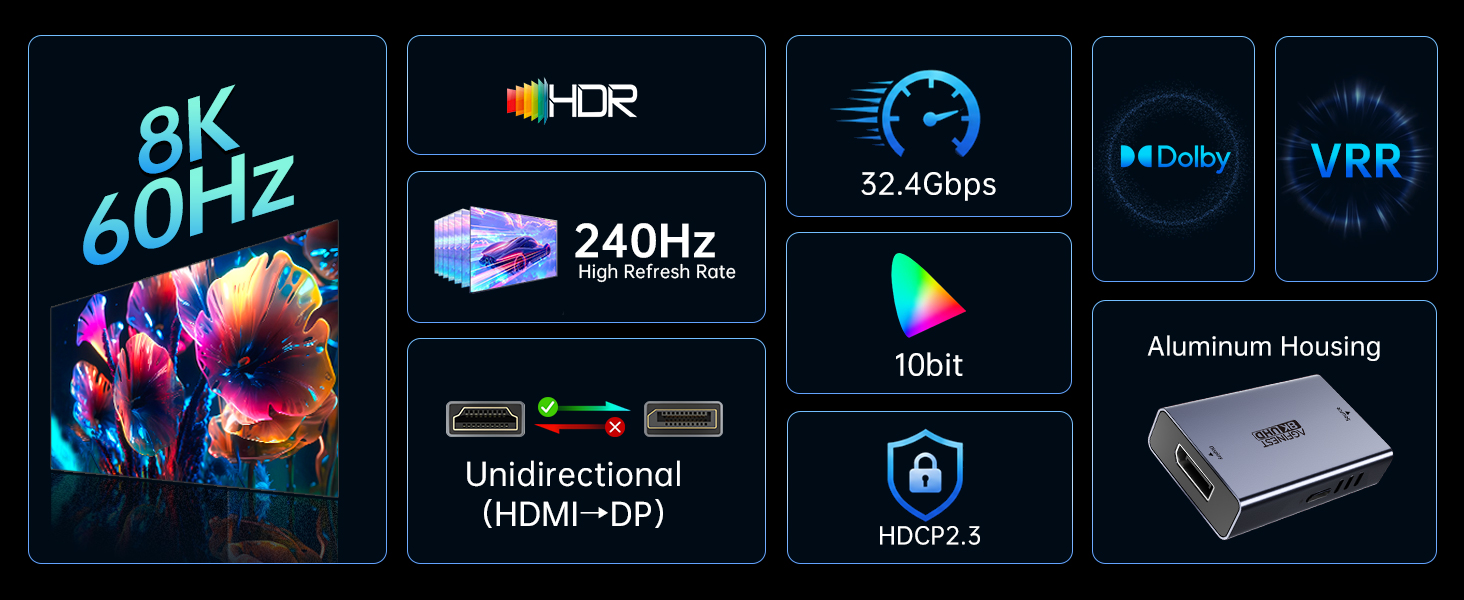
- 8K@60Hz, 4K@144Hz & 2K@240Hz for Gaming and Beyond: With AGFINEST HDMI to DP adapter, you can enjoy stunning 8K@60Hz for crystal-clear visuals. In fast-paced shooters and racing games, every millisecond counts. Enjoy smooth 4K@120Hz on consoles or up to 4K@144Hz / 2K@240Hz on PC via DSC. VRR eliminates tearing and stuttering for competitive gameplay
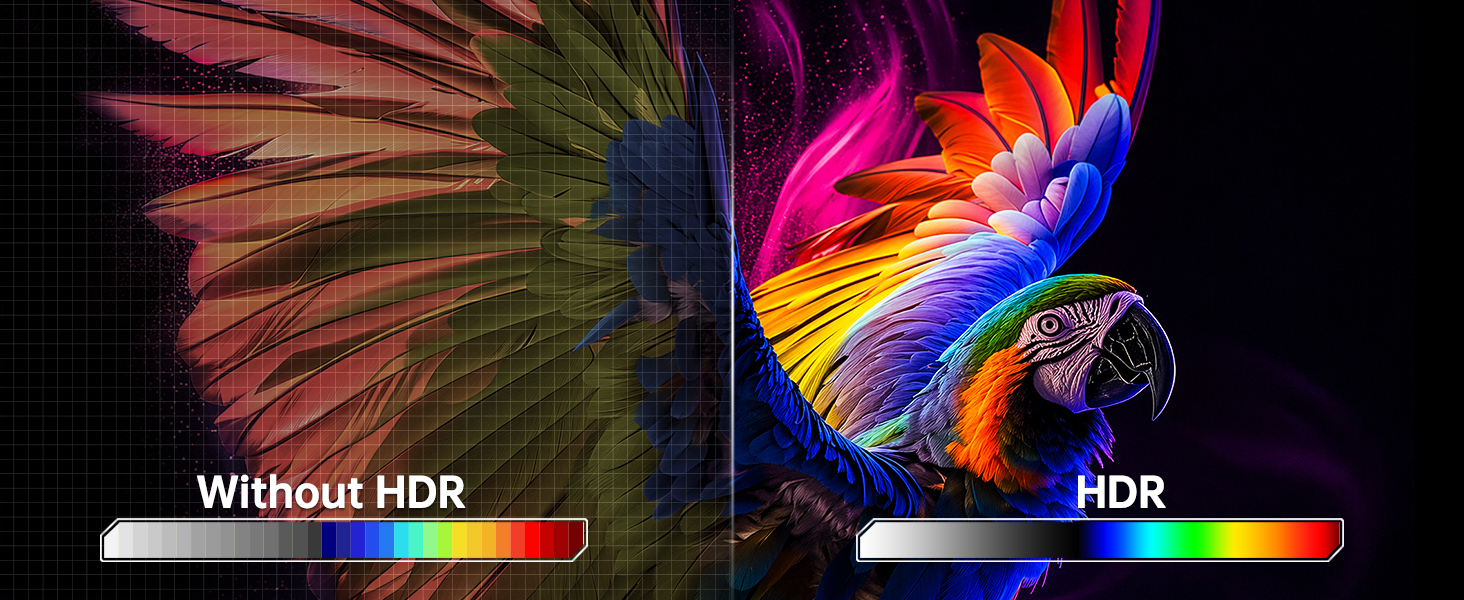
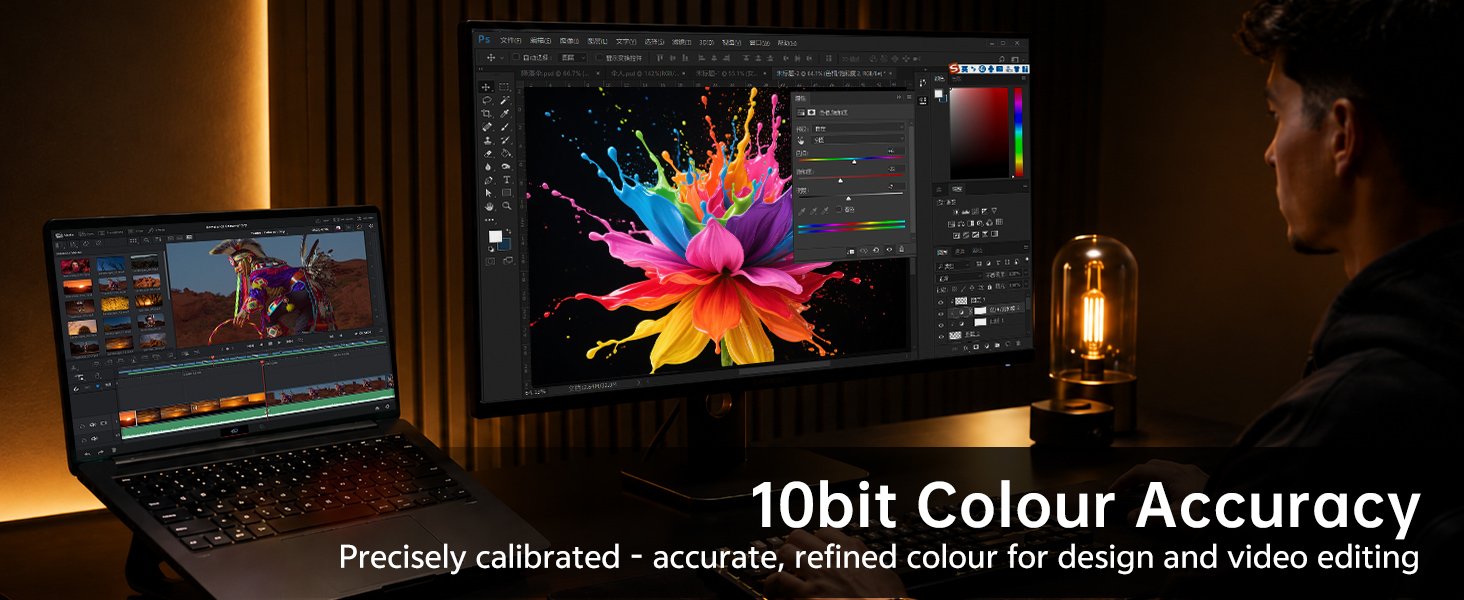
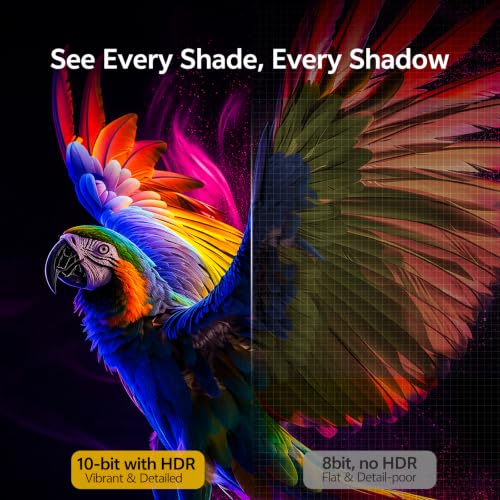
- 10‑Bit HDR for Creators & Office Users: This HDMI to DP adapter delivers 10-bit color depth and HDR10 for brilliant image quality. Perfect for photo/video editing, CAD, and streaming. Office users benefit from flicker-free images during long work hours. Both HDMI and DP ports are female. Use your own cables for full flexibility. To prevent signal loss, avoid using excessively long cables (HDMI + DP total). If a cable gets damaged, you only need to replace that cable – the adapter itself stays in use
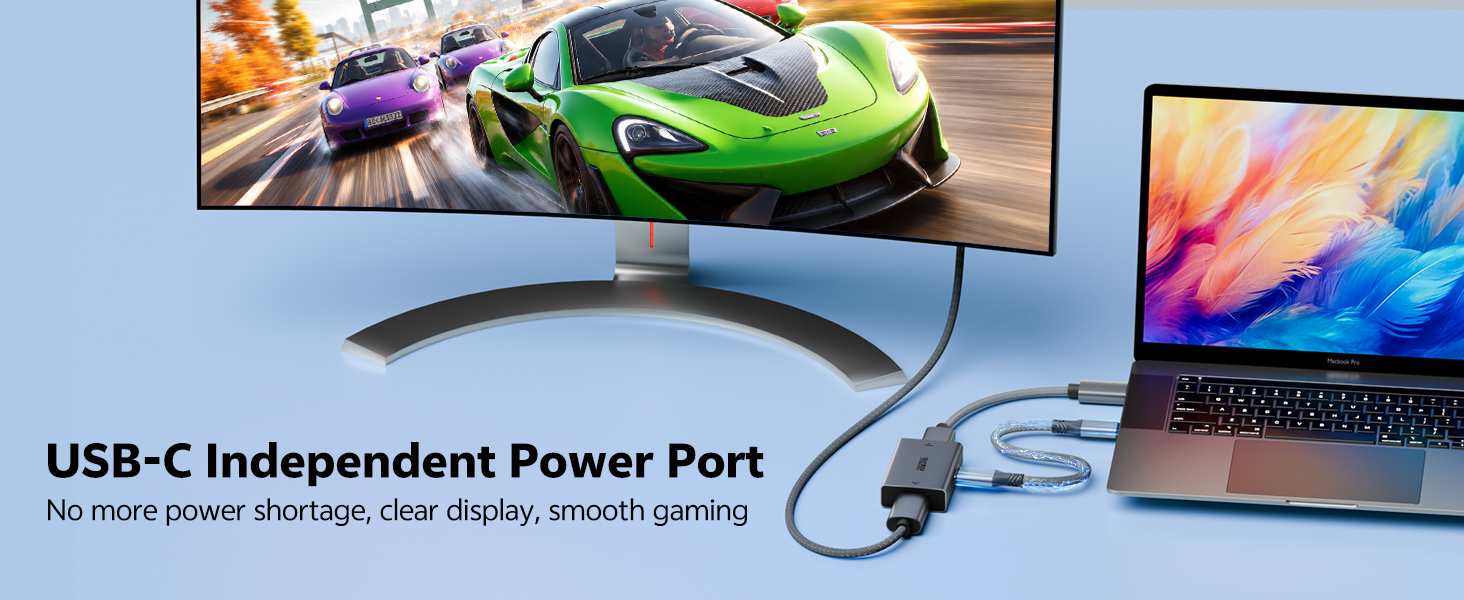
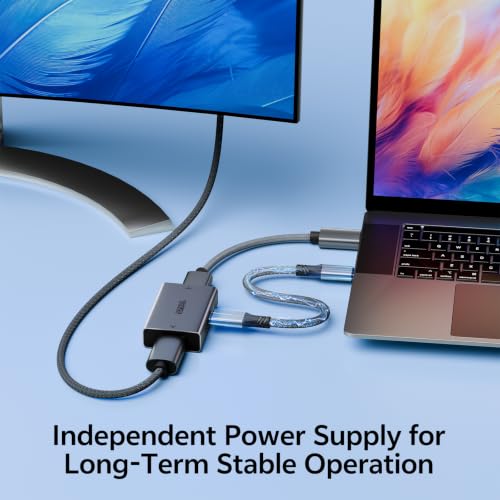
- USB Power Required for Stability: The adapter needs external 5V USB power (USB-C port). The active chip consumes more energy than HDMI can deliver. You must plug in the included USB-A to USB-C cable to a USB power charger. Without it, the adapter stays off. This ensures rock‑solid performance at high bandwidth
- Portable Design, 24-Month Support: Aluminum housing with dual-sided vents and thermal grease inside prevents overheating and throttling. Gold-plated connectors, compact and portable design. Backed by 24-month product support. Contact us for any issues – we respond within 24 hours

| SKU: | B0H2992XJP |
| Brand: | AGFINEST |
| Model: | 1011-1323 |
| Pack Quantity: | 1 |
| Manufacture: | AGFINEST |
| Origin: | China |
| Quantity: | 1 |
Product Description

Multi-Scene
Is this HDMI to DisplayPort adapter bi-directional? Can I connect a DP source to an HDMI display?
No. This HDMI to DisplayPort adapter is one-way only. It works from an HDMI source (PS5, Xbox, PC or laptop) to a DisplayPort monitor. It does not support reverse use. For DP source to HDMI, please refer to ASIN:
B0DW3L9MPV
Why does it need USB power? Will it work without the included cable?
No, HDMI to DisplayPort adapter won’t work without 5V USB power. The active chipset needs external power to convert signal reliably. Connect the included USB-A/C cable to a console/charger USB port. Dedicated power prevents flickering and dropouts.
Connected everything but screen is black or flickering. How to fix?
Ensure USB-C has 5V power. Use certified HDMI 2.1 & DP 1.4 cables. Set monitor to DP input. Start at 1080p@60Hz, then increase. Power-cycle devices. Avoid KVMs, docks or hubs—connect adapter directly. If still unstable, test another DP monitor
My monitor supports 4K 144Hz, but I only get 60Hz. Why?
4K@144Hz requires DSC. Enable DSC in monitor OSD, use a DSC-compatible GPU. PS5 lacks DSC so max is 4K@120Hz. HDMI 2.1 source and a DP 1.4 monitor are also required. Source and monitor must both support target specifications
What adapter do I need to connect my PS5 to a DP-only monitor?
Use AGFINEST HDMI 2.1 to DisplayPort adapter. It lets PS5, Xbox, or laptops output to DP monitors (Dell, Gigabyte, Samsung). Supports 4K@120Hz, VRR, HDR. USB power cable included for stability. Ideal for gaming setups, home office, or LAN parties