Bluetooth Headset with Microphone for PC, Wireless Office
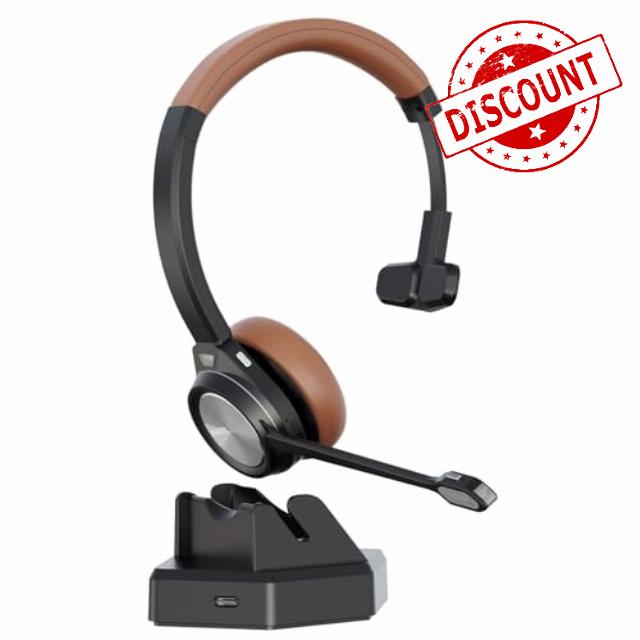
Bluetooth Headset with Microphone for PC, Wireless Office Headset with USB Dongle & Charging Base, Noise Cancelling Mic with Mute, 40H Battery, Multipoint for Laptop, Teams Zoom Call Cente
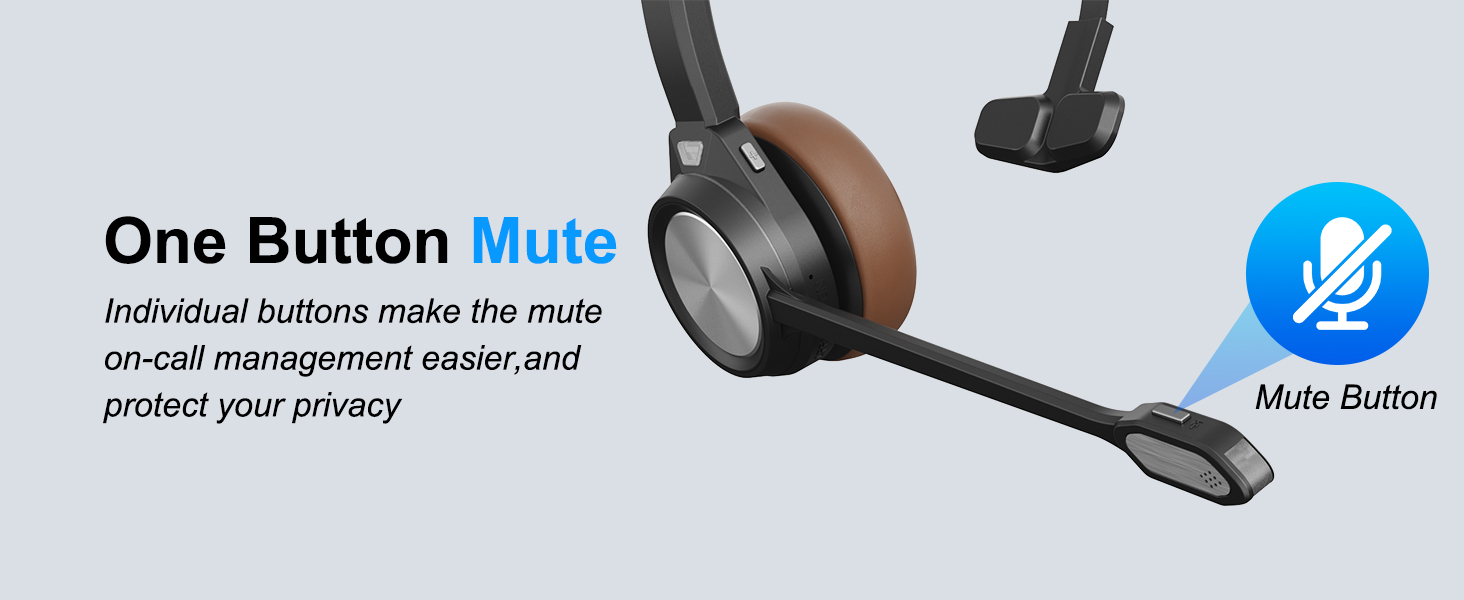
Does the wireless headset for PC have a microphone mute button?
Yes, the Bluetooth headset for PC includes a dedicated microphone mute button, allowing you to quickly mute or unmute your voice during Teams meetings, Zoom calls, webinars, telemarketing.
Is this wireless headset with mic compatible with Microsoft Teams?
Yes, when connected to a computer through the charge base in-built with USB dongle, this wireless headset with mic supports Microsoft Teams functions, including answer and hang-up controls for a more efficient communication experience.
Do I need an additional USB dongle to use this wirless headset?
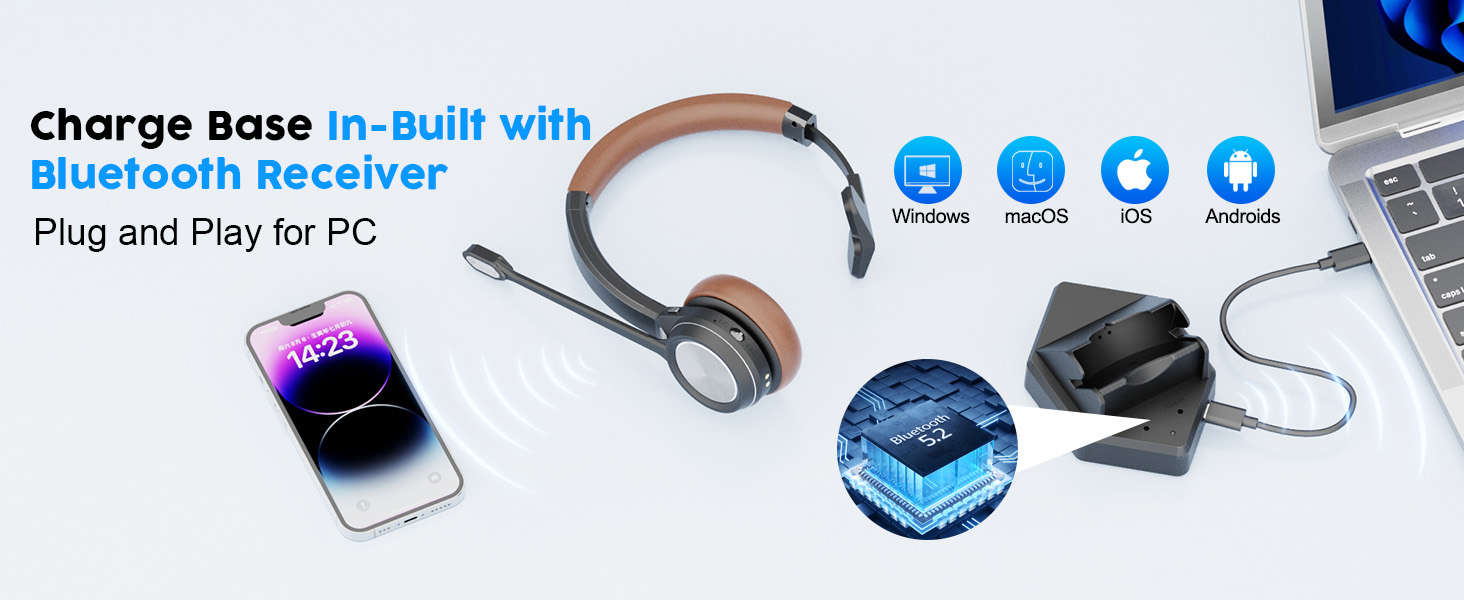
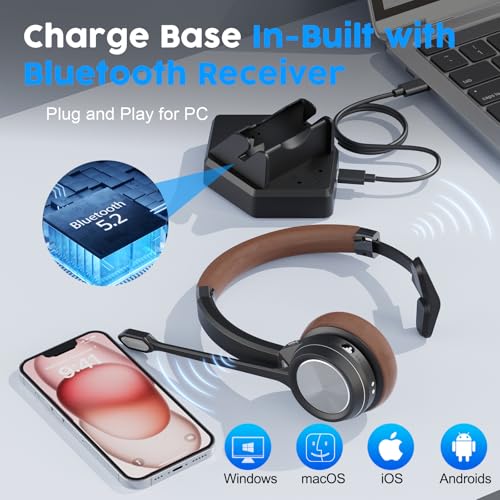
No, the headset’s charge base includes a built-in Bluetooth receiver. So no extra Bluetooth dongle is required. Just connect the charge base with your computer without Bluetooth dongle. It will pair auotimatically. It is plug and play.
Does the headset have a low battery reminder?
Yes, the Bluetooth headset includes a low battery voice alert to remind you when the battery is running low, helping prevent interruptions during important calls or meetings.
How can I connect the headset to two devices at the same time?
Yes, this headset wireless supports dual-device connection. First pair with your smartphone, then turn off Bluetooth on smartphone and connect headsdet to your PC. After successful connection, turn on Bluetooth of smartphone.
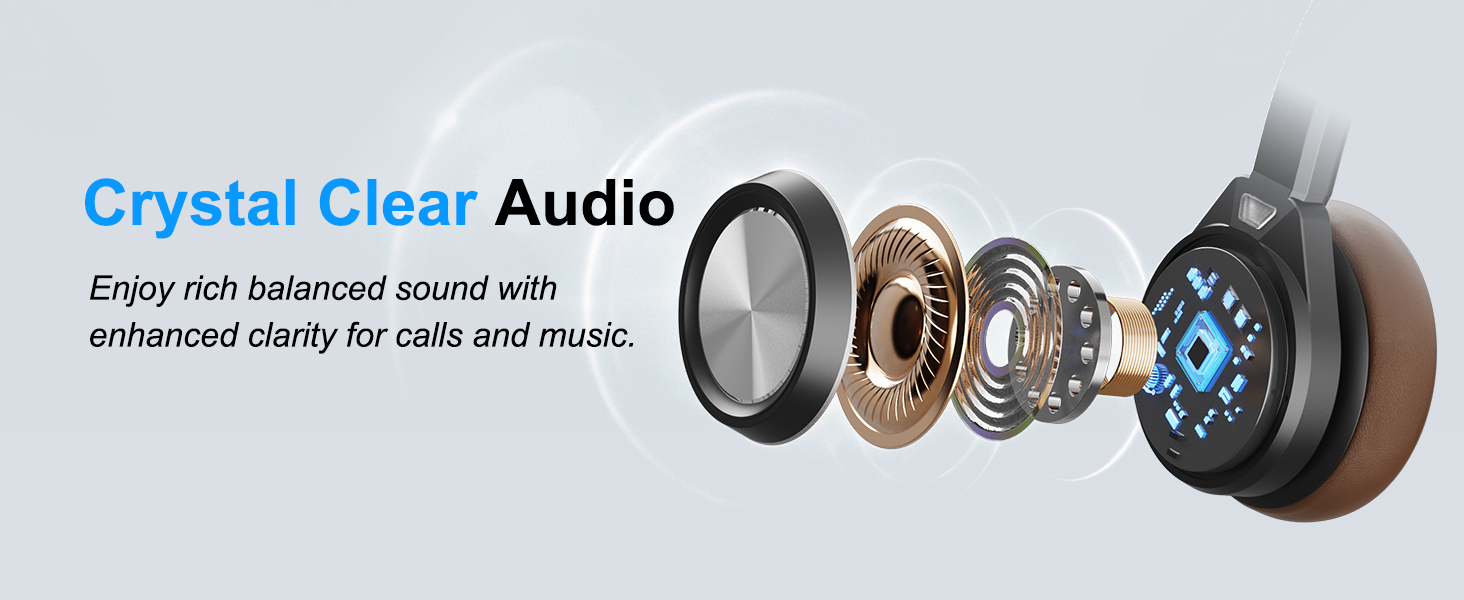
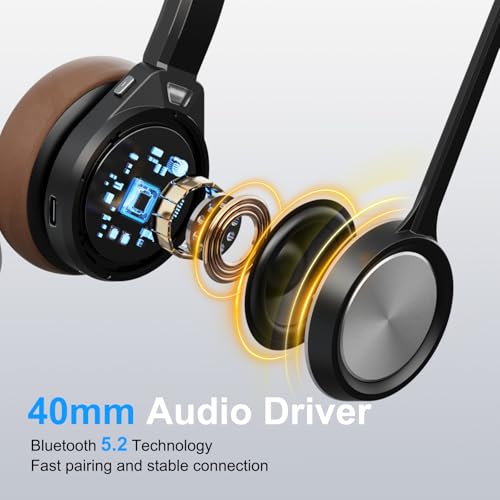
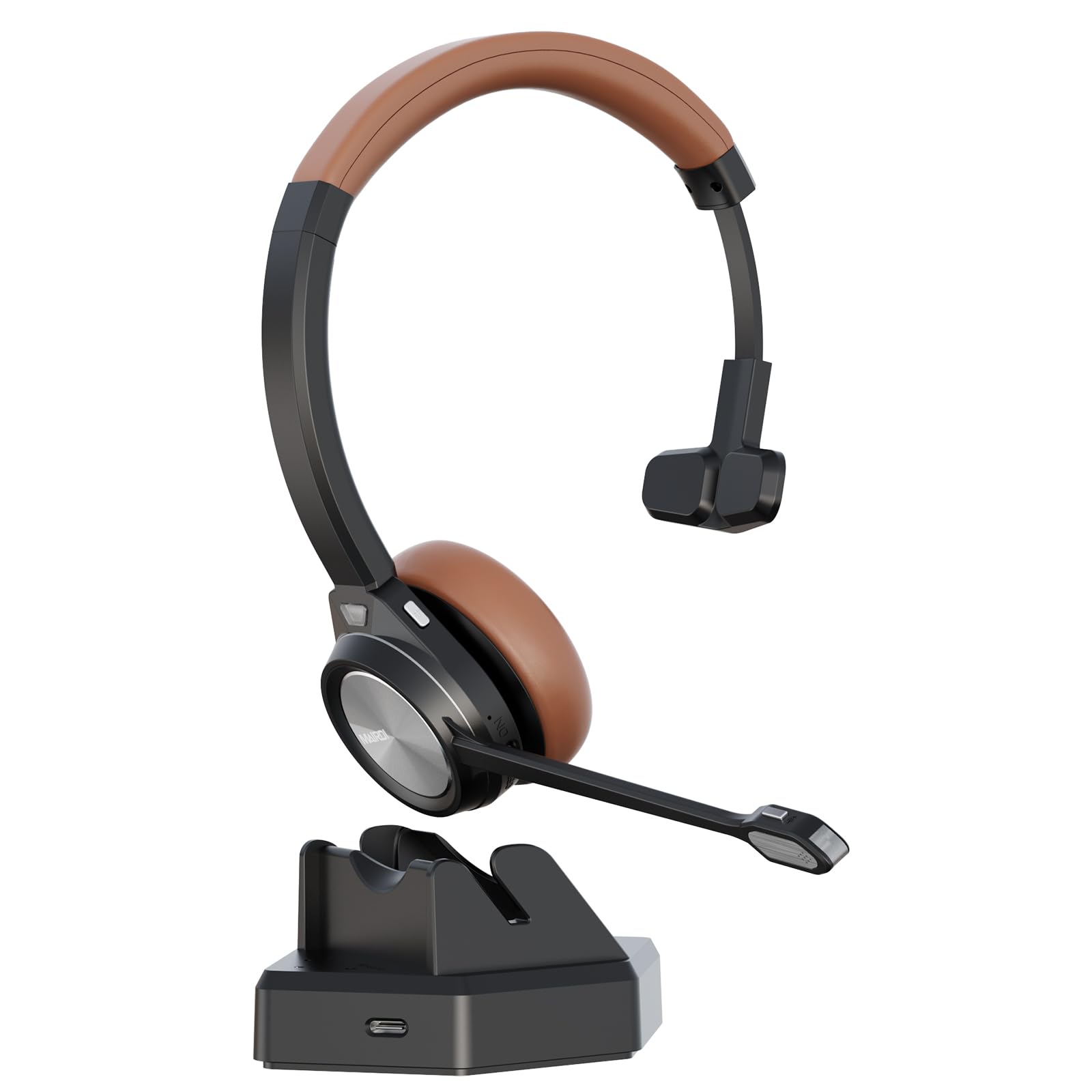
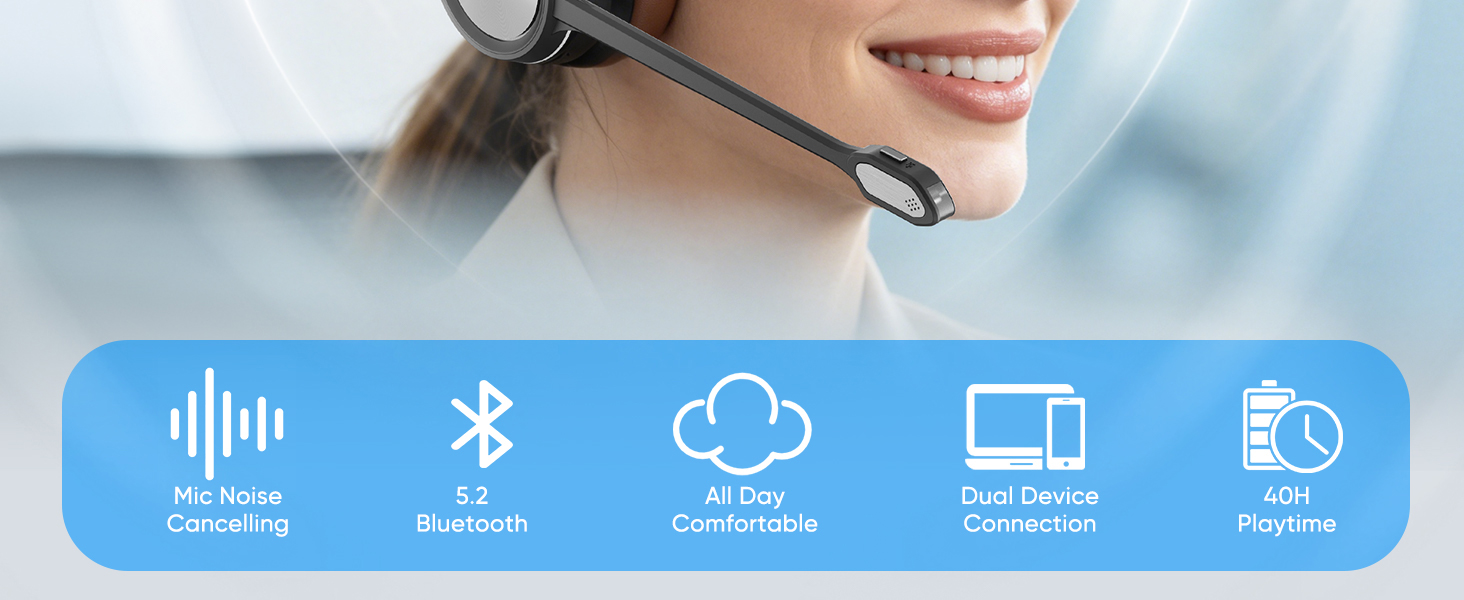
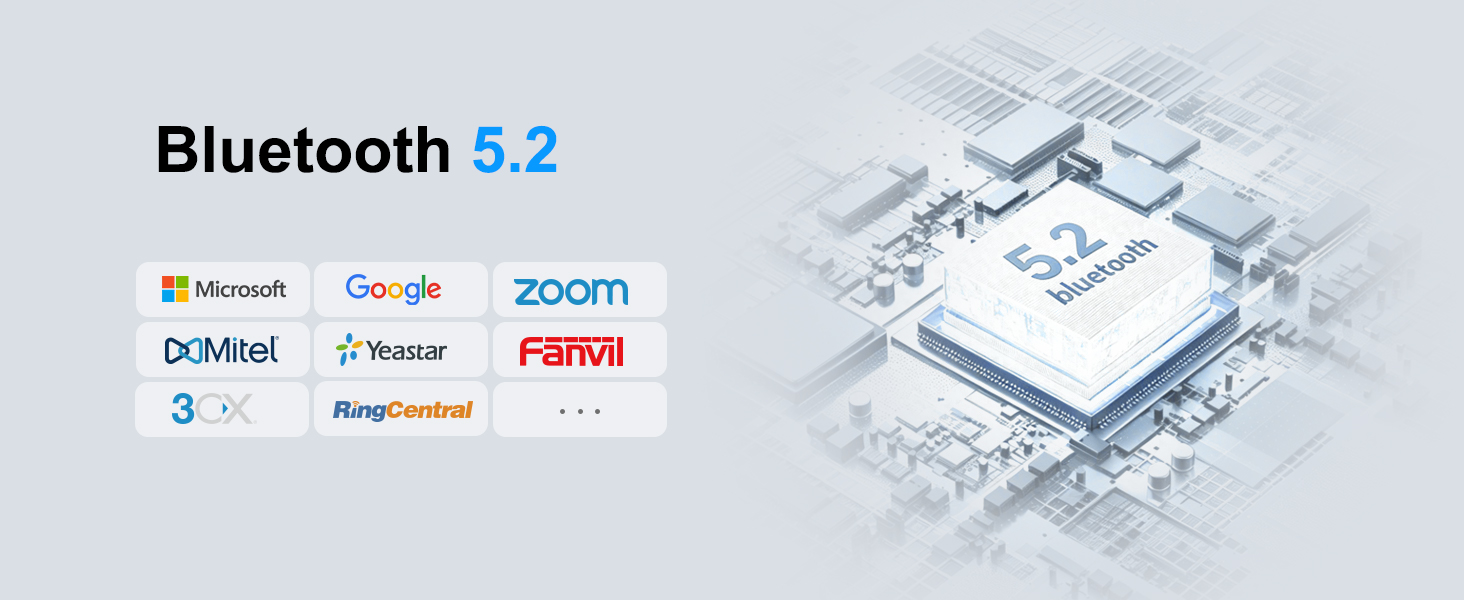
- Stable Bluetooth 5.2 & USB Dongle Plug and Play: This wireless headset with microphone features Bluetooth 5.2 and QCC3024 chipset for fast, stable connection and low power consumption. With USB dongle and charging base receiver, it offers true plug and play for computer and laptop, ensuring seamless audio for calls, meetings and daily communication.
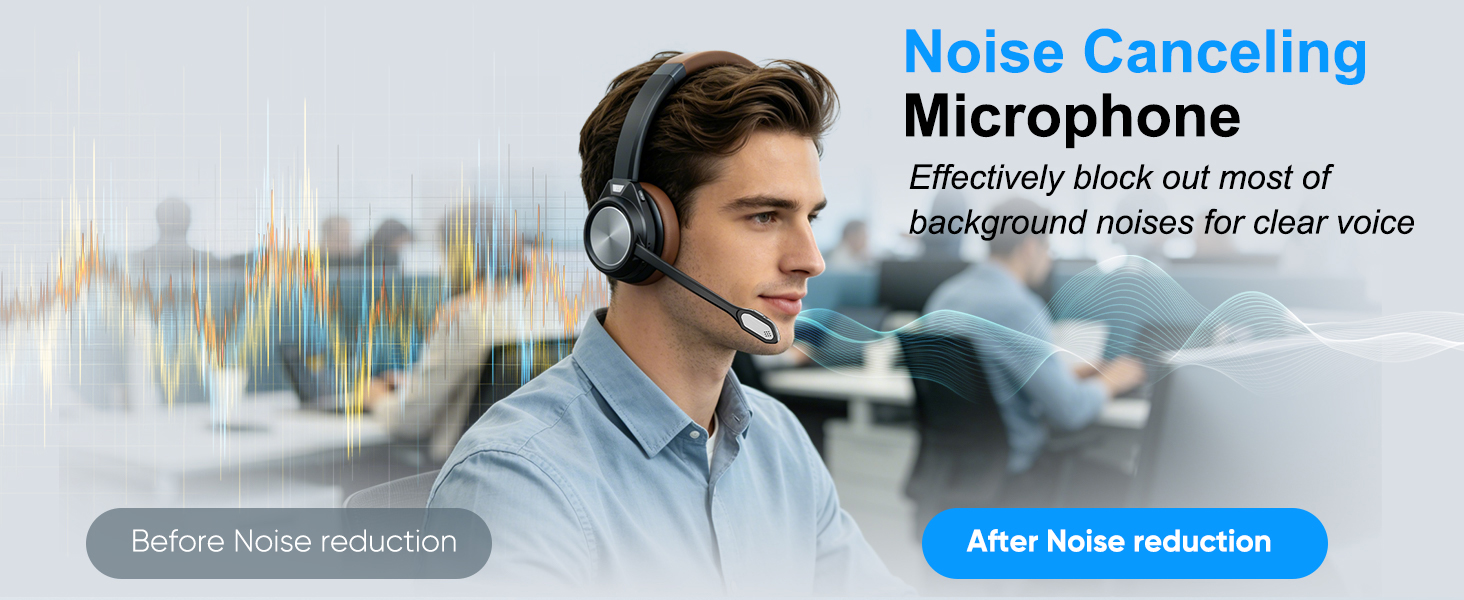
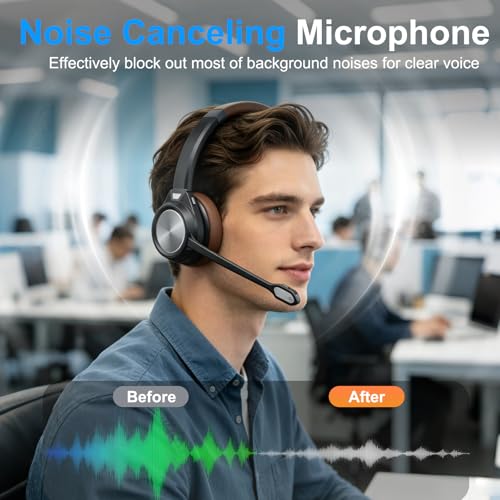
- Noise Cancelling Microphone with Mute Function: The Bluetooth headset with mic reduces up to 95% of background noise, delivering clear voice for calls, video conferences and online meetings. Built-in mute button allows quick control during conversations. Ideal wireless headset for call center, Microsoft Teams, VoIP calls, customer service and business communication.
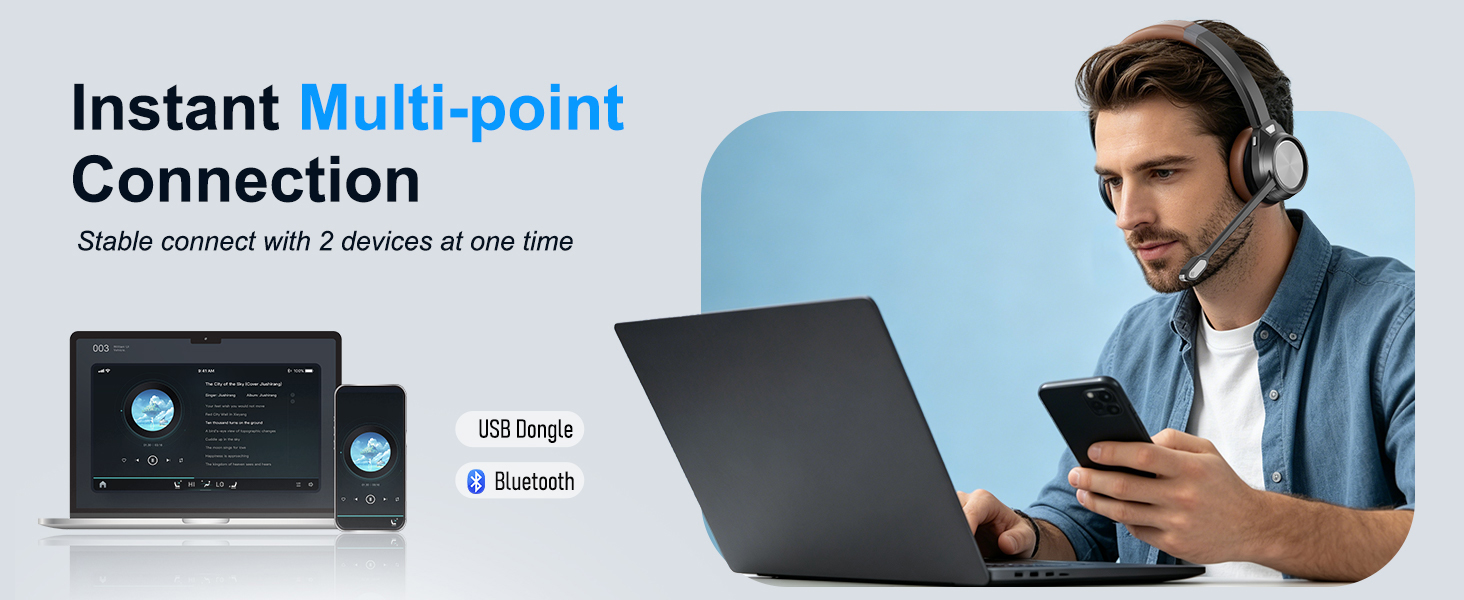
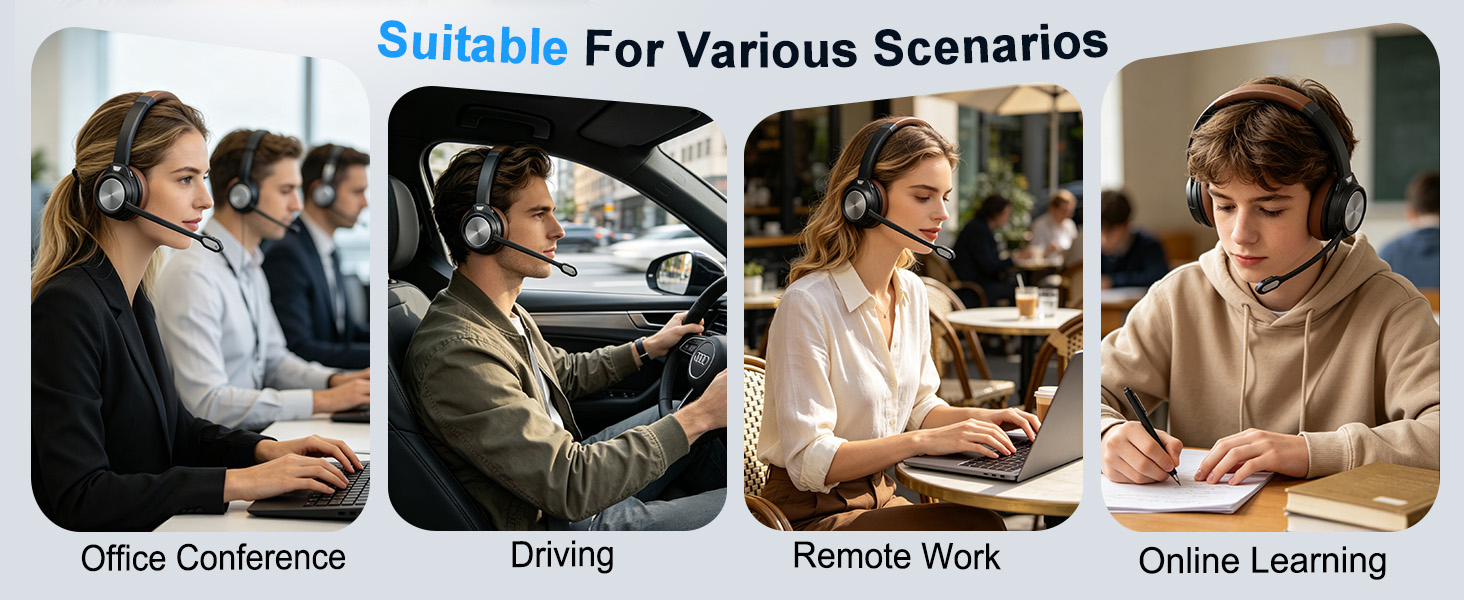
- Multipoint Connectivity for Computer & Mobile Devices: This wireless headset supports dual device connection, allowing you to connect to computer, laptop and smartphone simultaneously. Easily switch between devices without reconnecting, ideal for business meetings, webinars, Zoom calls, online classes, remote work and mobile calls.
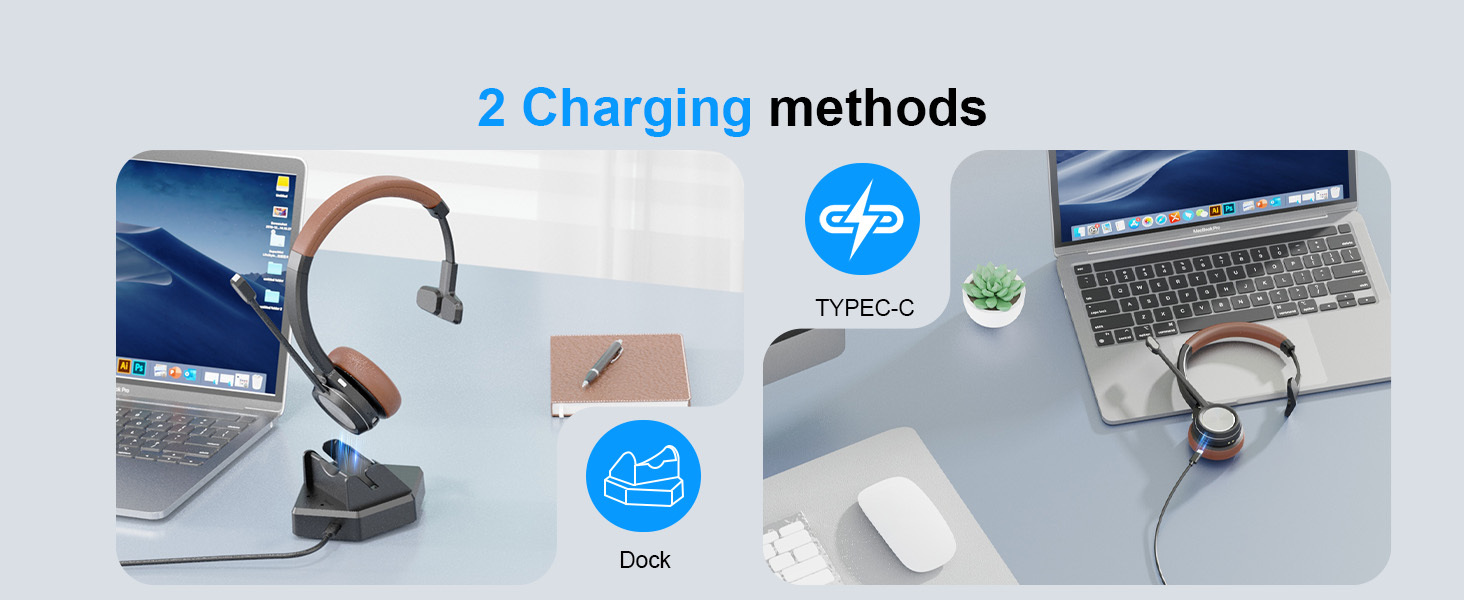
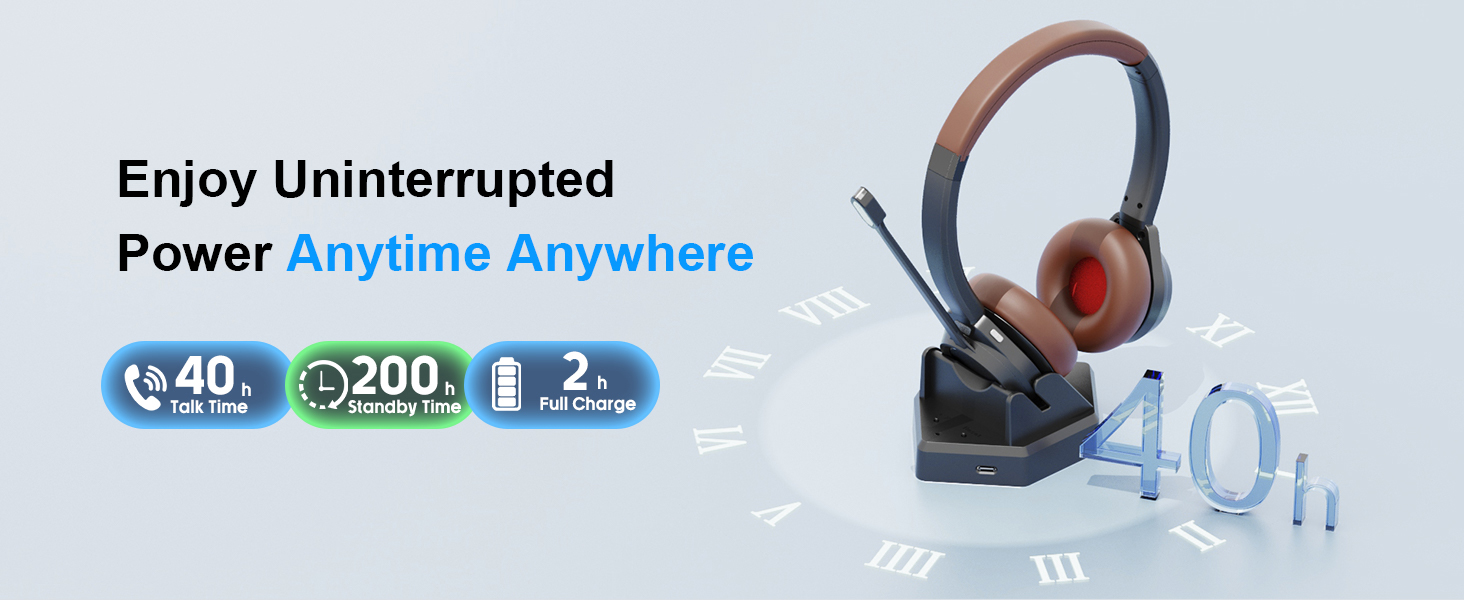
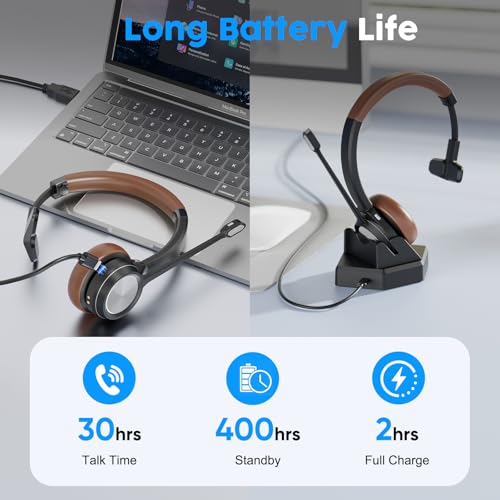
- 40 Hours Battery for All-Day Use: Enjoy up to 40 hours of talk time and 400 hours standby on a single charge. Fully recharge in just 2 hours via USB cable or charging dock. This wireless headset is reliable for call center shifts, office work, truck driving, work from home and daily communication.
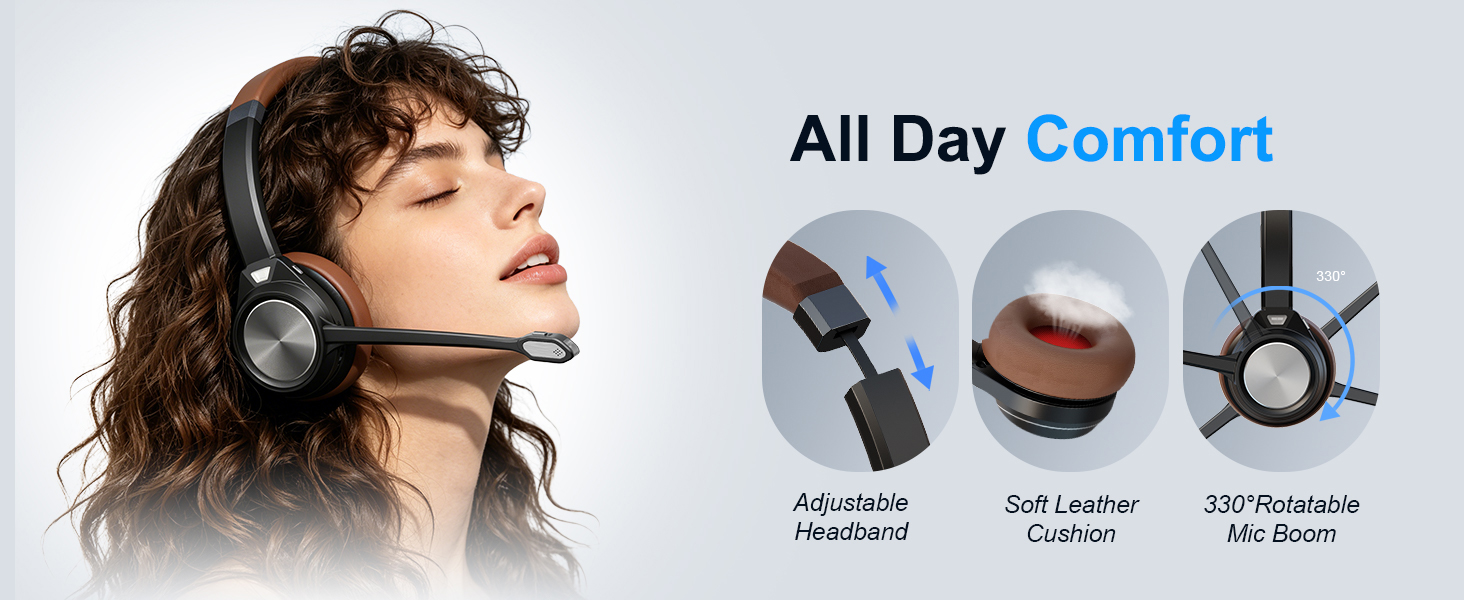
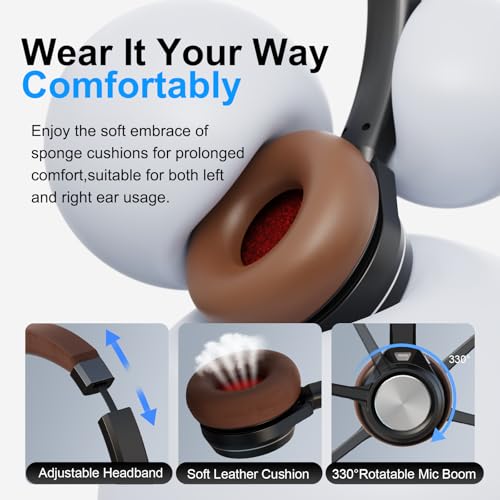
- All-Day Comfort for Long Working Hours: Designed for extended use, this binaural wireless headset features soft protein ear cushions and an adjustable padded headband for maximum comfort. The 330° rotatable microphone allows left or right wearing, perfect for call center agents, remote work, home office, online learning and long conference calls.

| SKU: | B0GTKFHKR2 |
| Brand: | Auvonix |
| Model: | AV891BT-MS-B |
| Colour: | Brown |
| Manufacture: | Avonix |
| Colour: | Brown |
| Origin: | China |
Product Description

Does the wireless headset for PC have a microphone mute button?
Yes, the Bluetooth headset for PC includes a dedicated microphone mute button, allowing you to quickly mute or unmute your voice during Teams meetings, Zoom calls, webinars, telemarketing.
Is this wireless headset with mic compatible with Microsoft Teams?
Yes, when connected to a computer through the charge base in-built with USB dongle, this wireless headset with mic supports Microsoft Teams functions, including answer and hang-up controls for a more efficient communication experience.
Do I need an additional USB dongle to use this wirless headset?
No, the headset’s charge base includes a built-in Bluetooth receiver. So no extra Bluetooth dongle is required. Just connect the charge base with your computer without Bluetooth dongle. It will pair auotimatically. It is plug and play.
Does the headset have a low battery reminder?
Yes, the Bluetooth headset includes a low battery voice alert to remind you when the battery is running low, helping prevent interruptions during important calls or meetings.
How can I connect the headset to two devices at the same time?
Yes, this headset wireless supports dual-device connection. First pair with your smartphone, then turn off Bluetooth on smartphone and connect headsdet to your PC. After successful connection, turn on Bluetooth of smartphone.