DisplayPort to Dual HDMI Adapter, 4K@60Hz 2K@120Hz HDR, DP
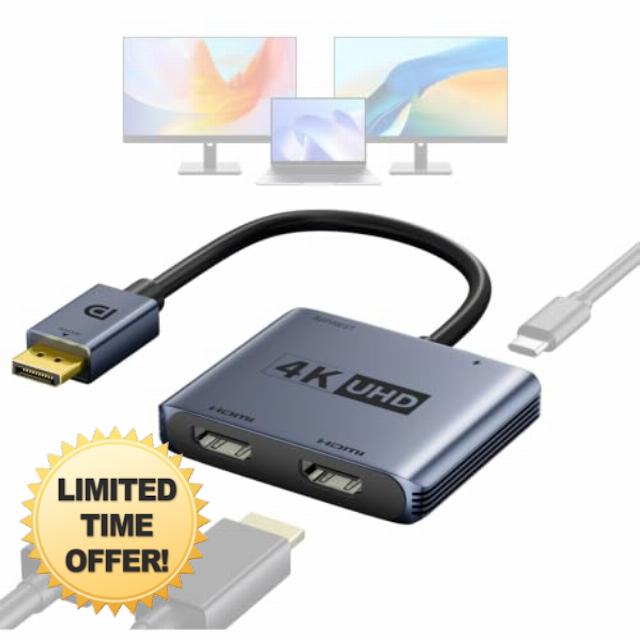
DisplayPort to Dual HDMI Adapter, 4K@60Hz 2K@120Hz HDR, DP Source to HDMI Splitter 1 in 2 Out for Dual Monitors, MST for Windows / SST for macOS, Extended/Mirror for PC NVIDIA/AMD Graphics Card
Can I get 4K@60Hz on both displays simultaneously?
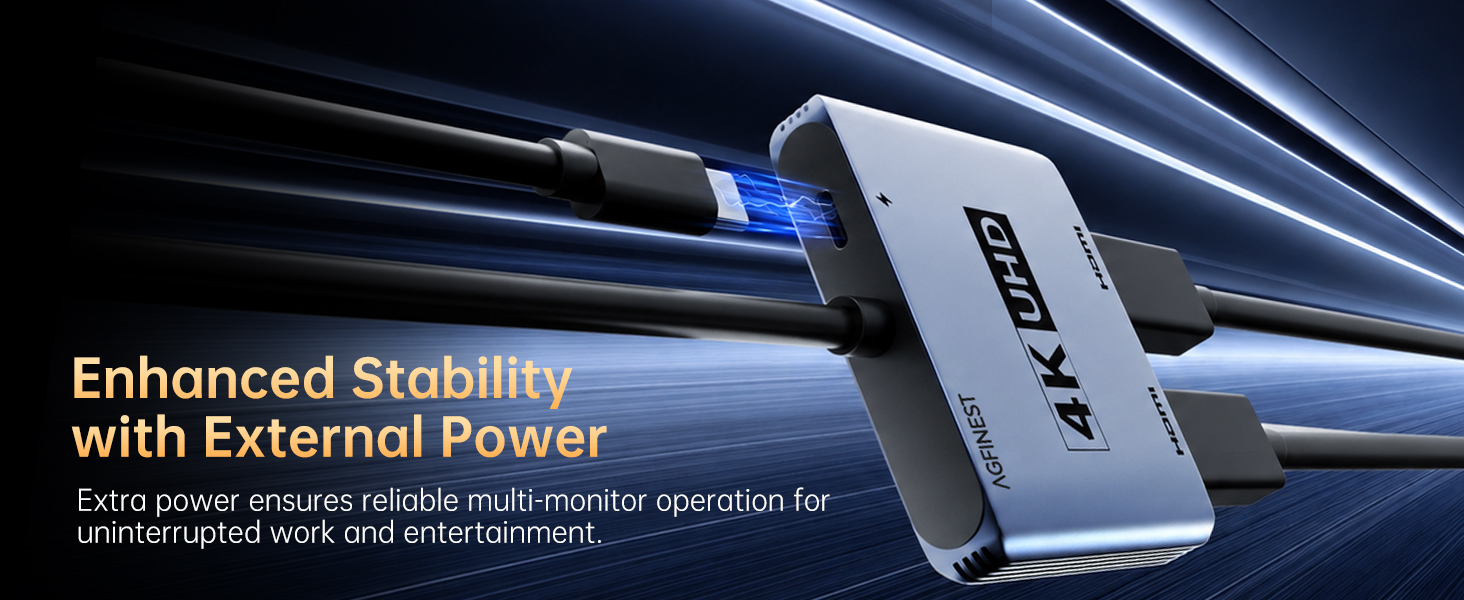
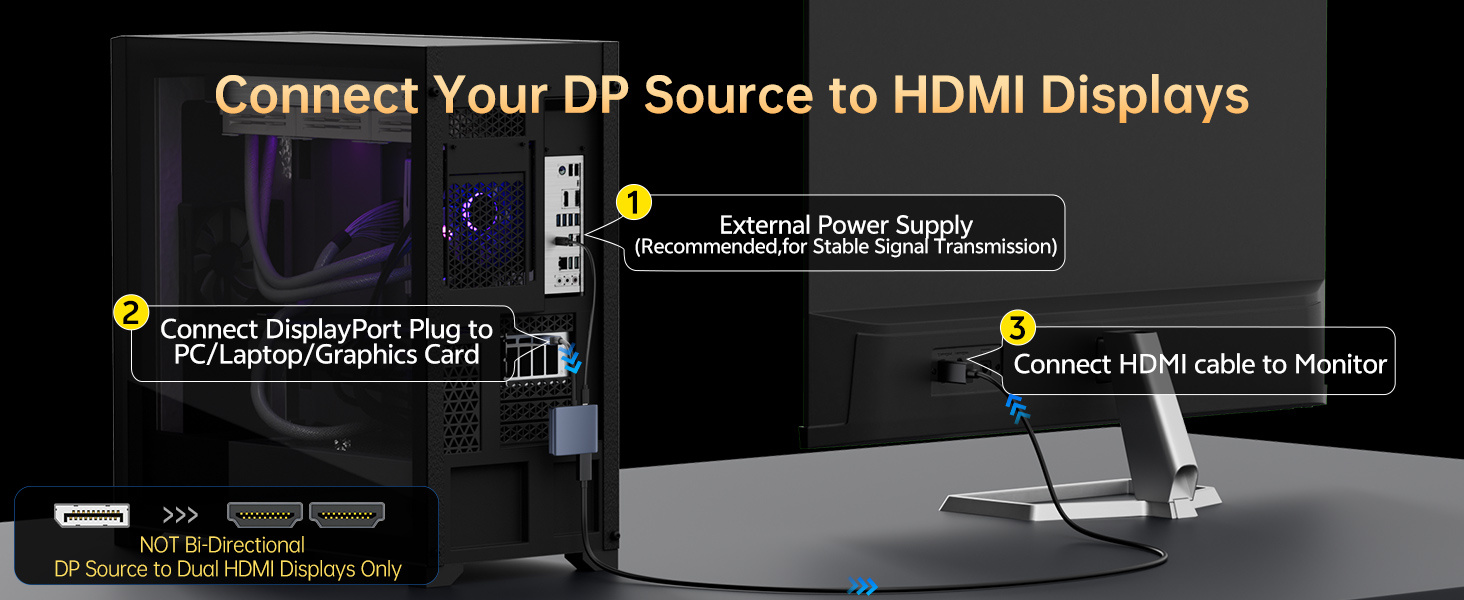
Yes, AGFINEST adapter supports dual 4K@60Hz HDR output on both monitors, if these conditions are met: your graphics card has DP 1.4 with DSC enabled, you use HDMI cables rated for 4K@60Hz, and you power the adapter via the supplied USB-C 5V/1A cable.
Can I use a Mac with this adapter to extend to two monitors?
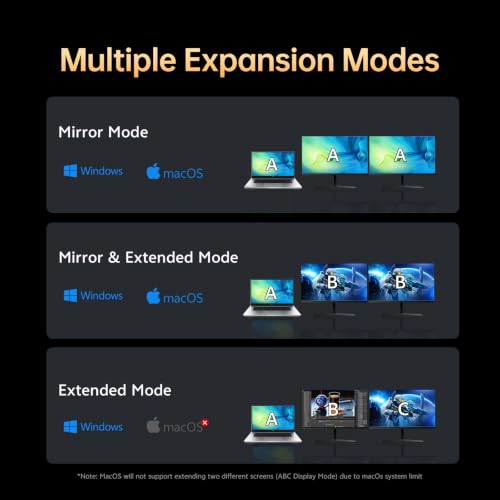
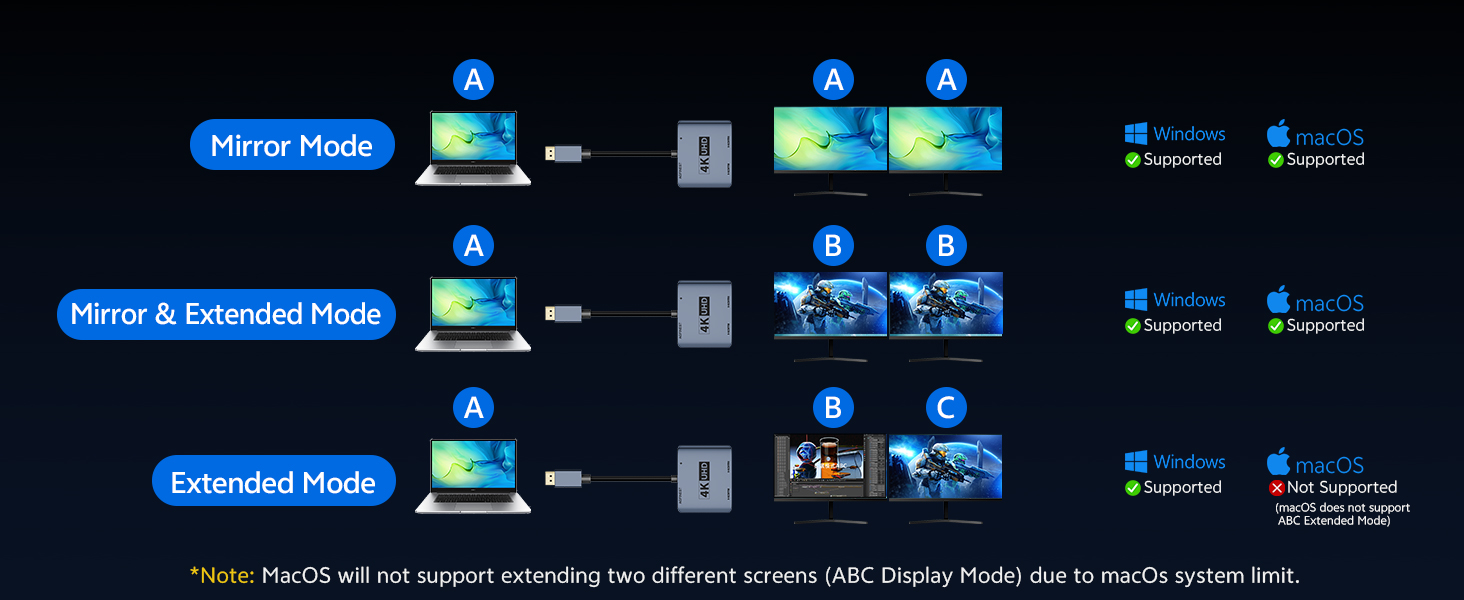
Yes, but macOS has limits. M2/M3 Macs support 2 external monitors (mirror AAA or extended ABB modes). M1 Macs allow only 1 external monitor (this is an Apple limit). Note: macOS doesn’t support DisplayPort MST; only SST (mirrored or extended).
Why does only one monitor work when I connect both?
GPU not MST (only mirror mode, no extend); bandwidth limit (lower resolution/refresh rates); laptop’s built-in screen uses bandwidth (older laptops support only 3 monitors – try disabling it); cable issue (use a good HDMI cable).
The display flickers, has artifacts or static. How can I fix this?
Try these steps: disconnect and reconnect the adapter; use shorter or higher-quality DP/HDMI cables; update your graphics card driver; or lower the monitor’s resolution or refresh rate.
Why doesn't the adapter work with my KVM switch or docking station?
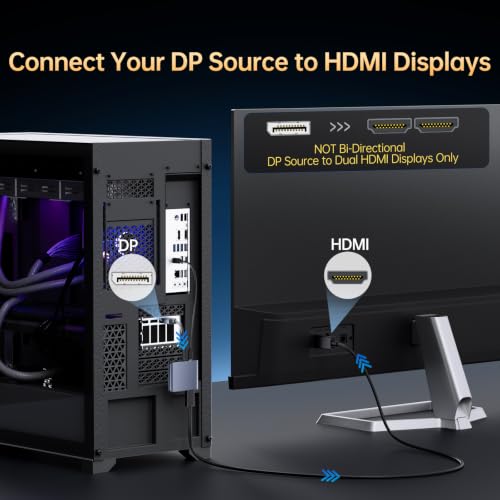
We do not recommend connecting the AGFINEST DP to Dual HDMI adapter through a KVM switch, docking station, or any intermediary device.For a stable signal, connect the adapter directly between the computer’s DisplayPort output and the monitor.
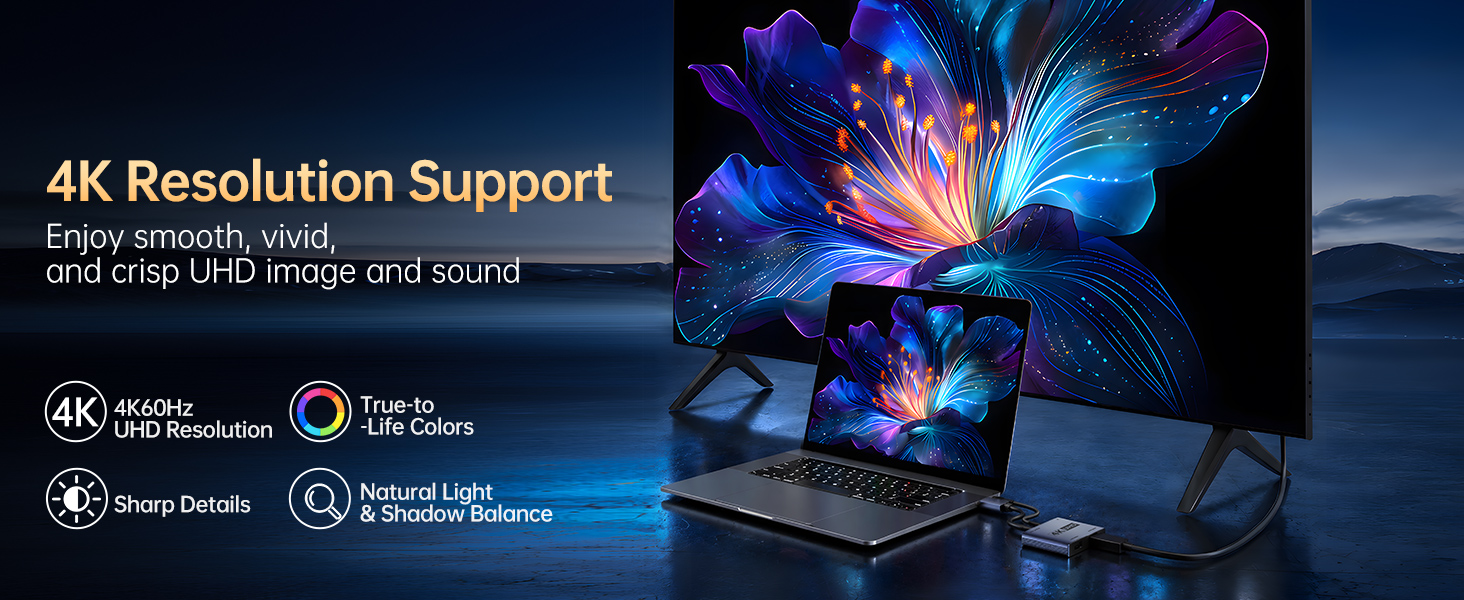
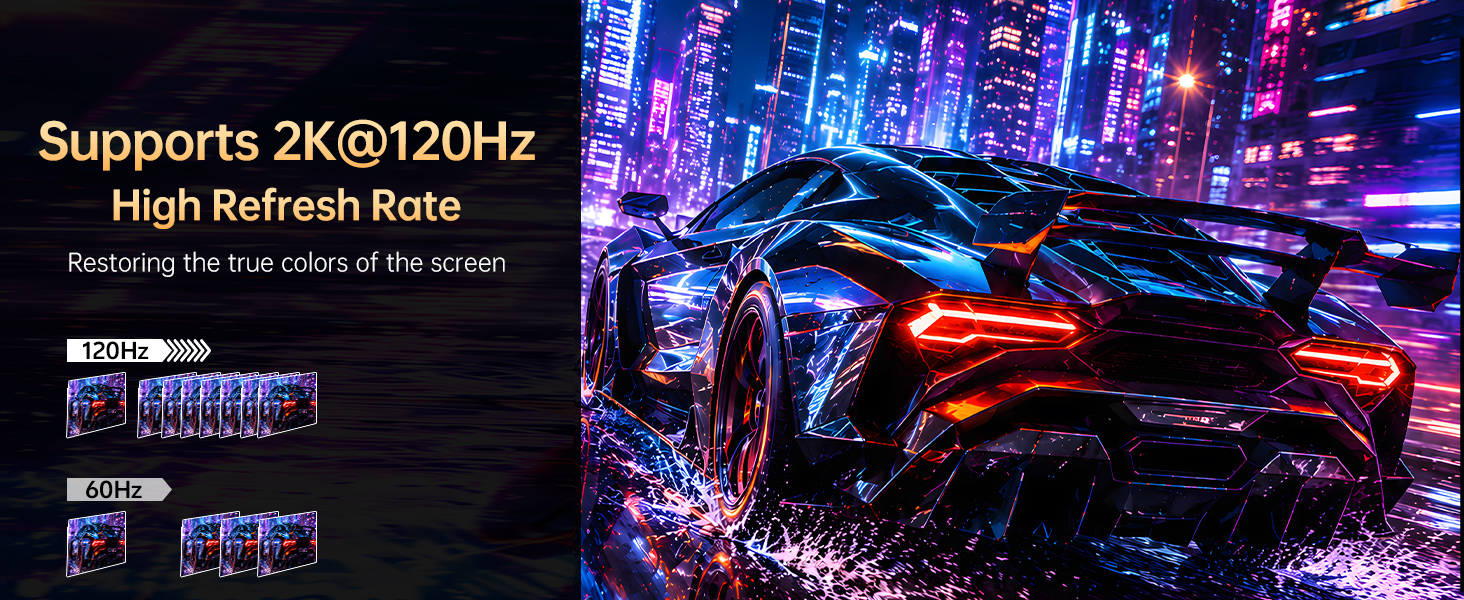
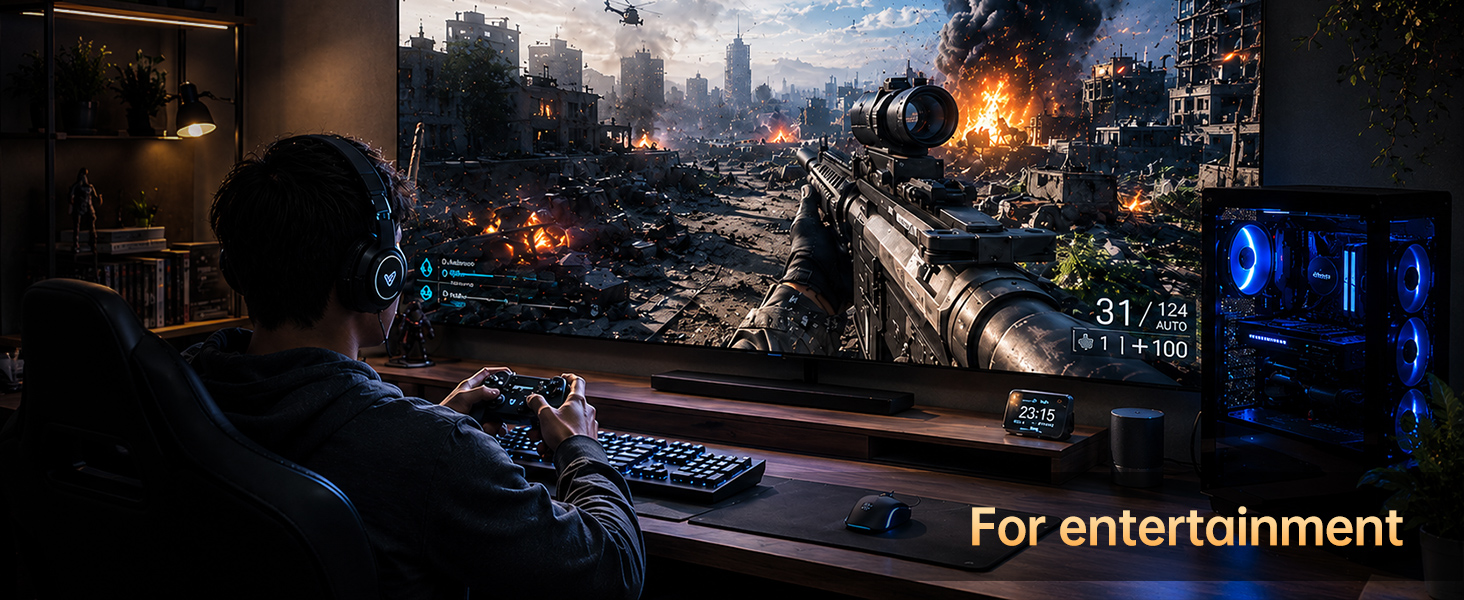
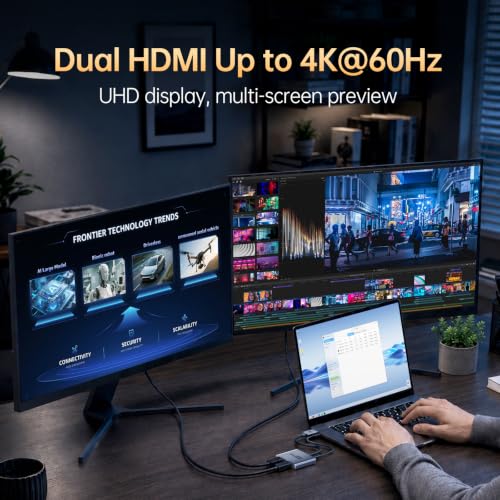
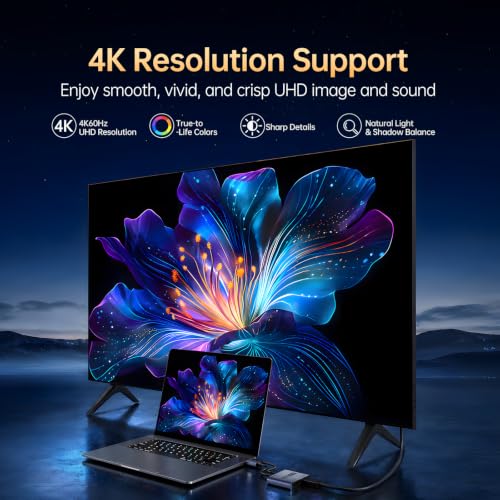
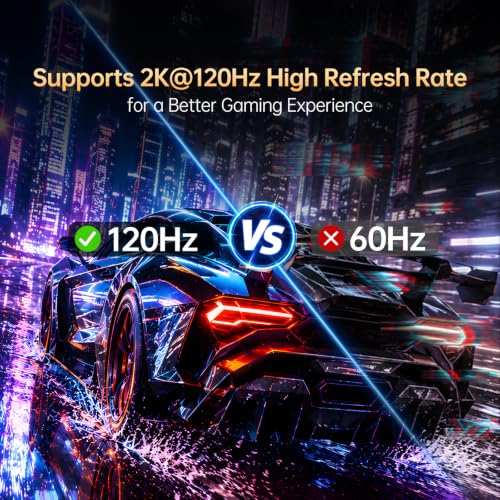
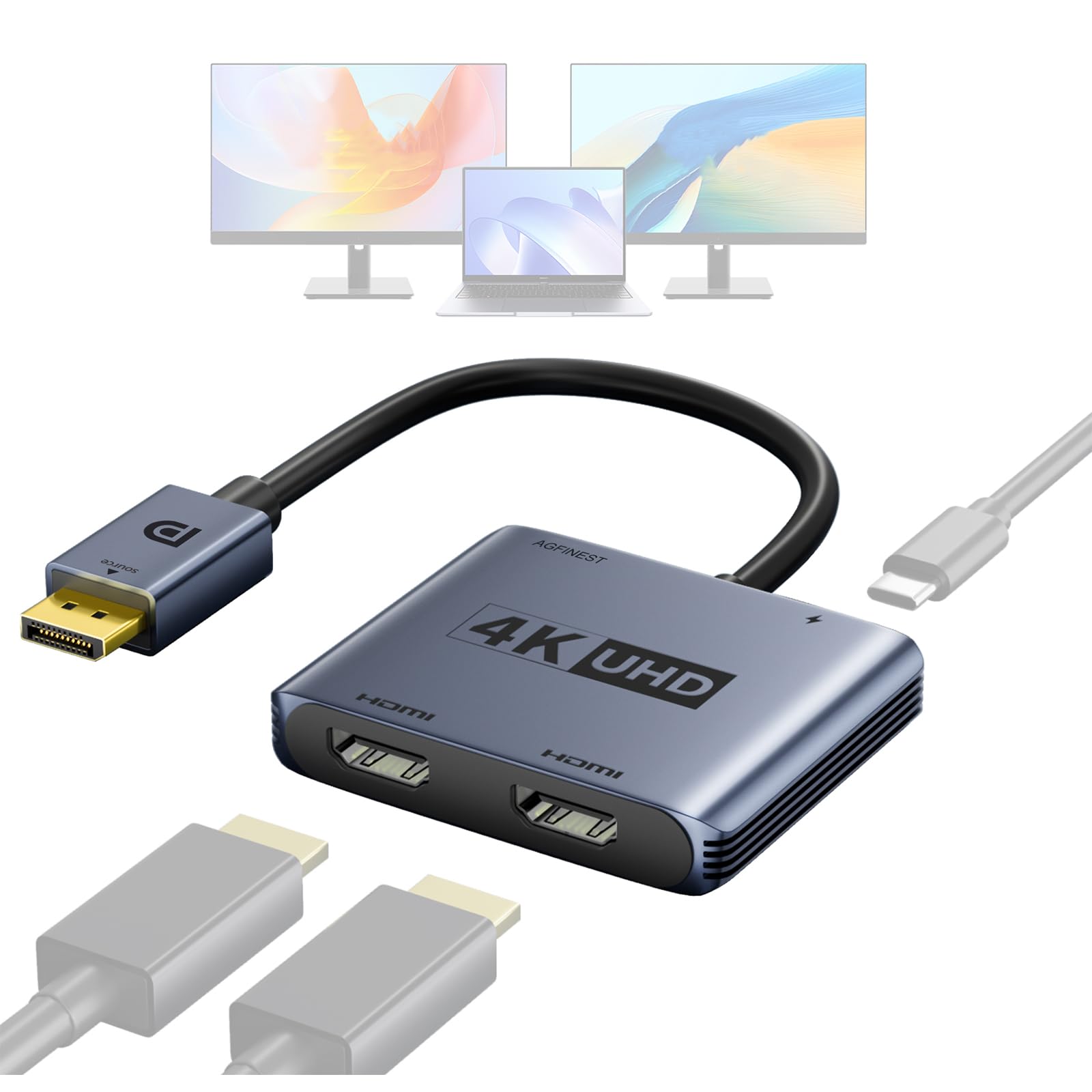
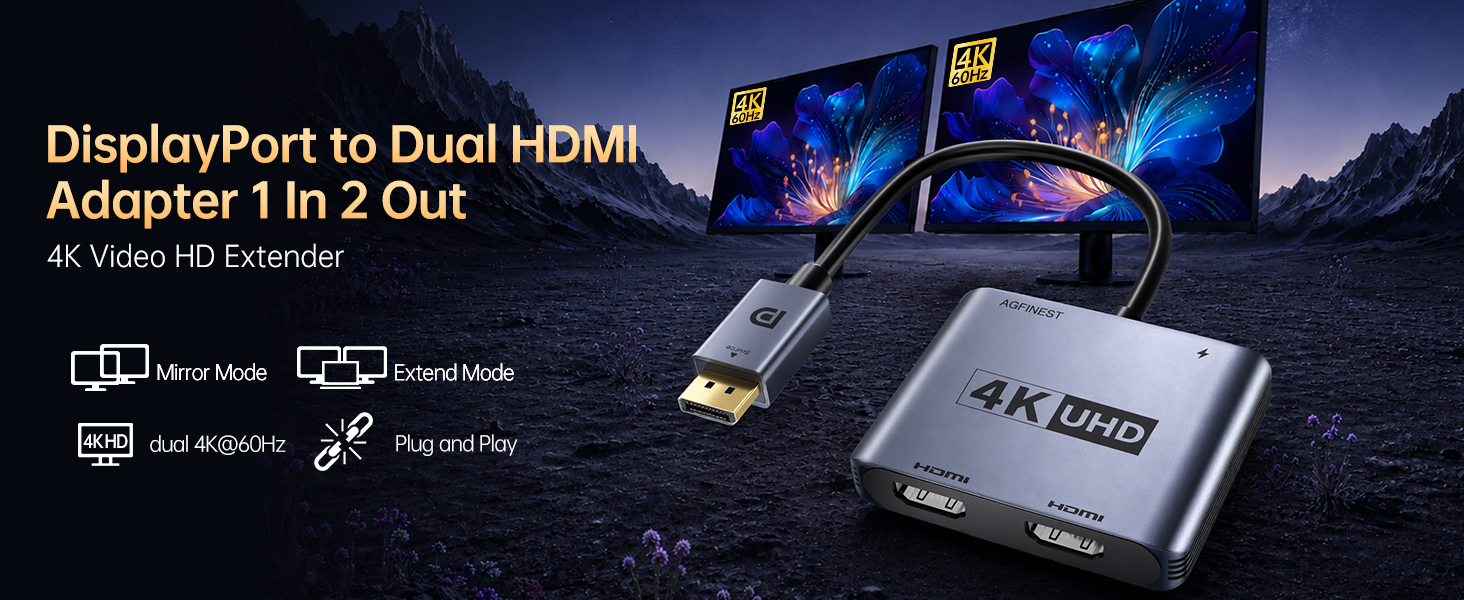
- True 4K@60Hz On Single Or Dual Displays: Unlike adapters that drop to 4K@30Hz on two screens, this MST hub delivers genuine 4K@60Hz HDR on both HDMI outputs, plus 2K@120Hz for gaming. The included 5V/1A USB power ensures stable signal for high-refresh monitors. Perfect for home offices, design work, and competitive gaming
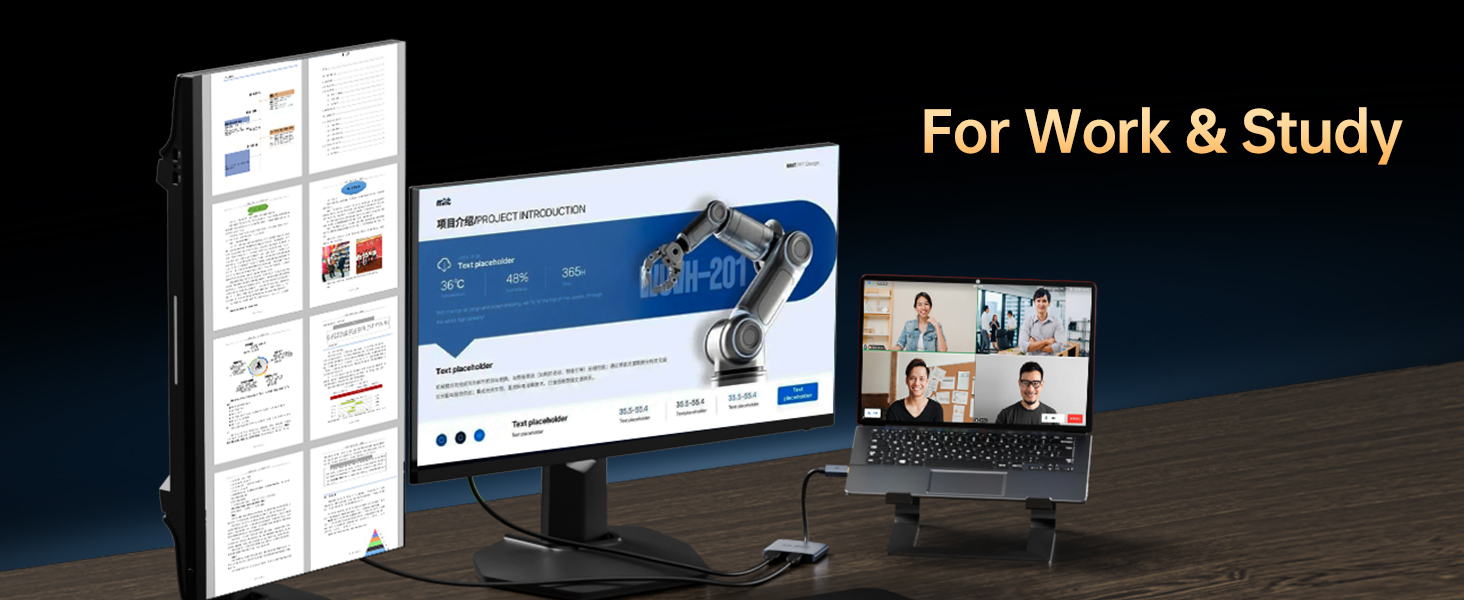
- For Windows & Mac With Multiple Display Modes: No drivers needed. Supports Windows triple modes (mirror/AAA, extend/ABB, primary+secondary/ABC) and macOS dual modes (mirror/AAA, extend/ABB) on M2/M3 chips. Works instantly with Dell, HP, Lenovo, and NVIDIA/AMD graphics. Ideal for remote workers and IT professionals
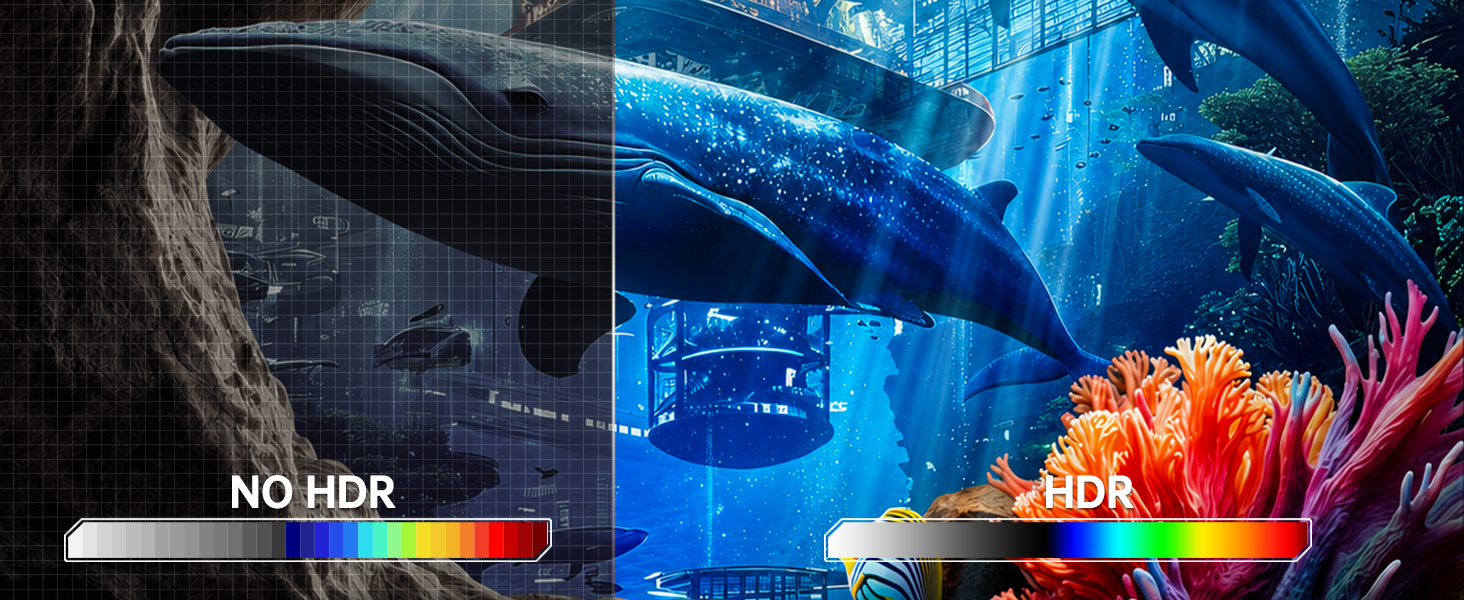
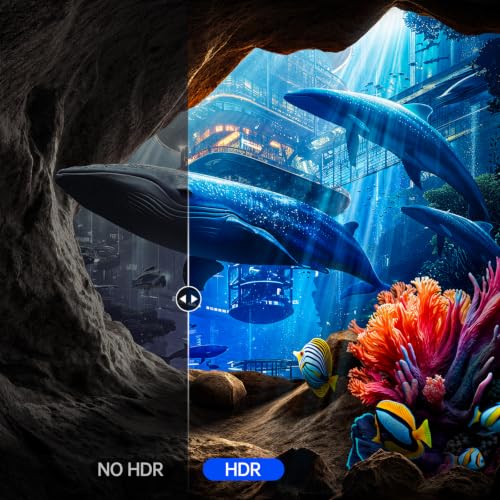
- High-Quality Visuals With HDR, 8-Bit RGB: Supports 8-bit RGB and HDR to maintain clear text, smooth motion, and vibrant colours on compatible monitors, ensuring reliable performance for gaming, video editing, and general PC use. The non-locking DP connector prevents accidental damage to your graphics card during plug/unplug
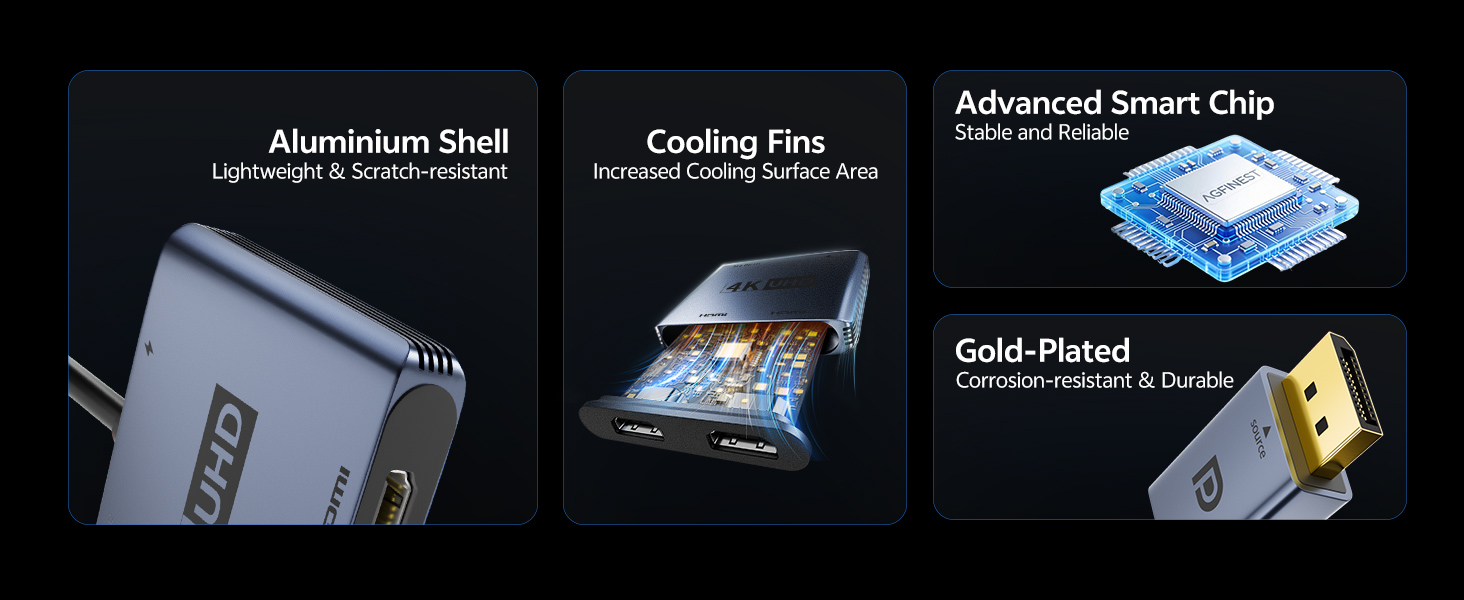
- Premium Materials For Stability: Aluminium alloy aids heat dissipation while gold-plated connectors ensure stable signal transmission. Ideal for dual-monitor productivity, 120Hz gaming, or mirrored displays in classrooms and retail. Compact size fits any laptop bag – a must-have for hybrid workers and tech enthusiasts
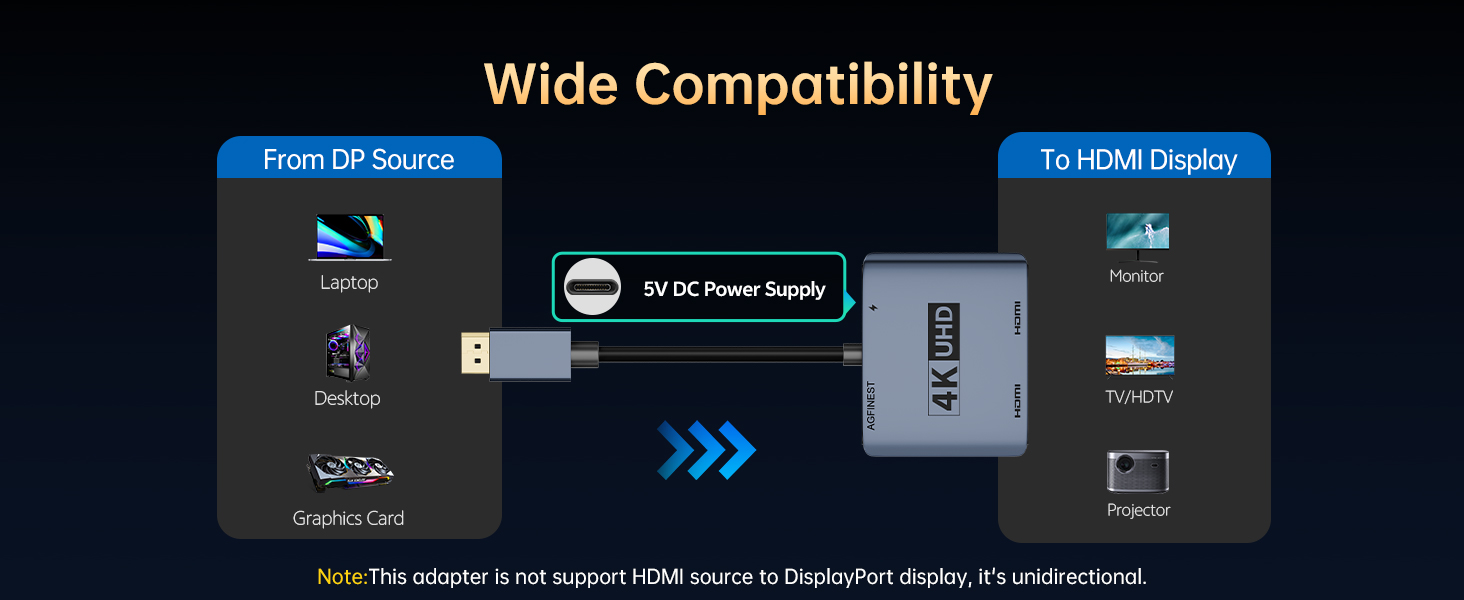
- Confirm Your Port & Usage Tips: Ensure your source device has a DisplayPort (not HDMI/USB). For dual 4K@60Hz, your GPU must support DP 1.4 with DSC. If no signal, update graphics drivers. Always power via USB-C; do not connect to KVM switches or docking stations. Package includes: adapter, USB-C power cable. Any issues? Contact us – we respond within 24 hours

| SKU: | B0H294344S |
| Dimensions: | 20 x 6 x 1.1 centimetres |
| Brand: | AGFINEST |
| Model: | 1011-1213 |
| Pack Quantity: | 1 |
| Manufacture: | AGFINEST |
| Origin: | China |
| Quantity: | 1 |
Product Description
Can I get 4K@60Hz on both displays simultaneously?
Yes, AGFINEST adapter supports dual 4K@60Hz HDR output on both monitors, if these conditions are met: your graphics card has DP 1.4 with DSC enabled, you use HDMI cables rated for 4K@60Hz, and you power the adapter via the supplied USB-C 5V/1A cable.
Can I use a Mac with this adapter to extend to two monitors?
Yes, but macOS has limits. M2/M3 Macs support 2 external monitors (mirror AAA or extended ABB modes). M1 Macs allow only 1 external monitor (this is an Apple limit). Note: macOS doesn’t support DisplayPort MST; only SST (mirrored or extended).
Why does only one monitor work when I connect both?
GPU not MST (only mirror mode, no extend); bandwidth limit (lower resolution/refresh rates); laptop’s built-in screen uses bandwidth (older laptops support only 3 monitors – try disabling it); cable issue (use a good HDMI cable).
The display flickers, has artifacts or static. How can I fix this?
Try these steps: disconnect and reconnect the adapter; use shorter or higher-quality DP/HDMI cables; update your graphics card driver; or lower the monitor’s resolution or refresh rate.
Why doesn't the adapter work with my KVM switch or docking station?
We do not recommend connecting the AGFINEST DP to Dual HDMI adapter through a KVM switch, docking station, or any intermediary device.For a stable signal, connect the adapter directly between the computer’s DisplayPort output and the monitor.