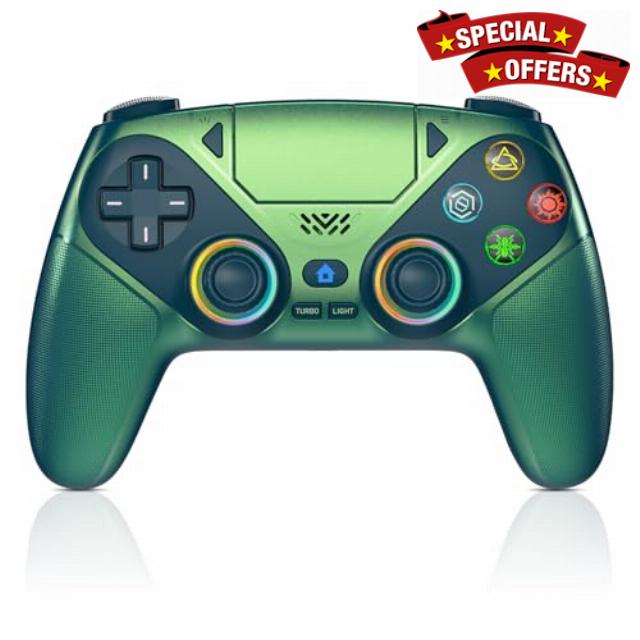
Nonbliep Wireless Controller for PS5/Slim/Pro/PC, Bluetooth

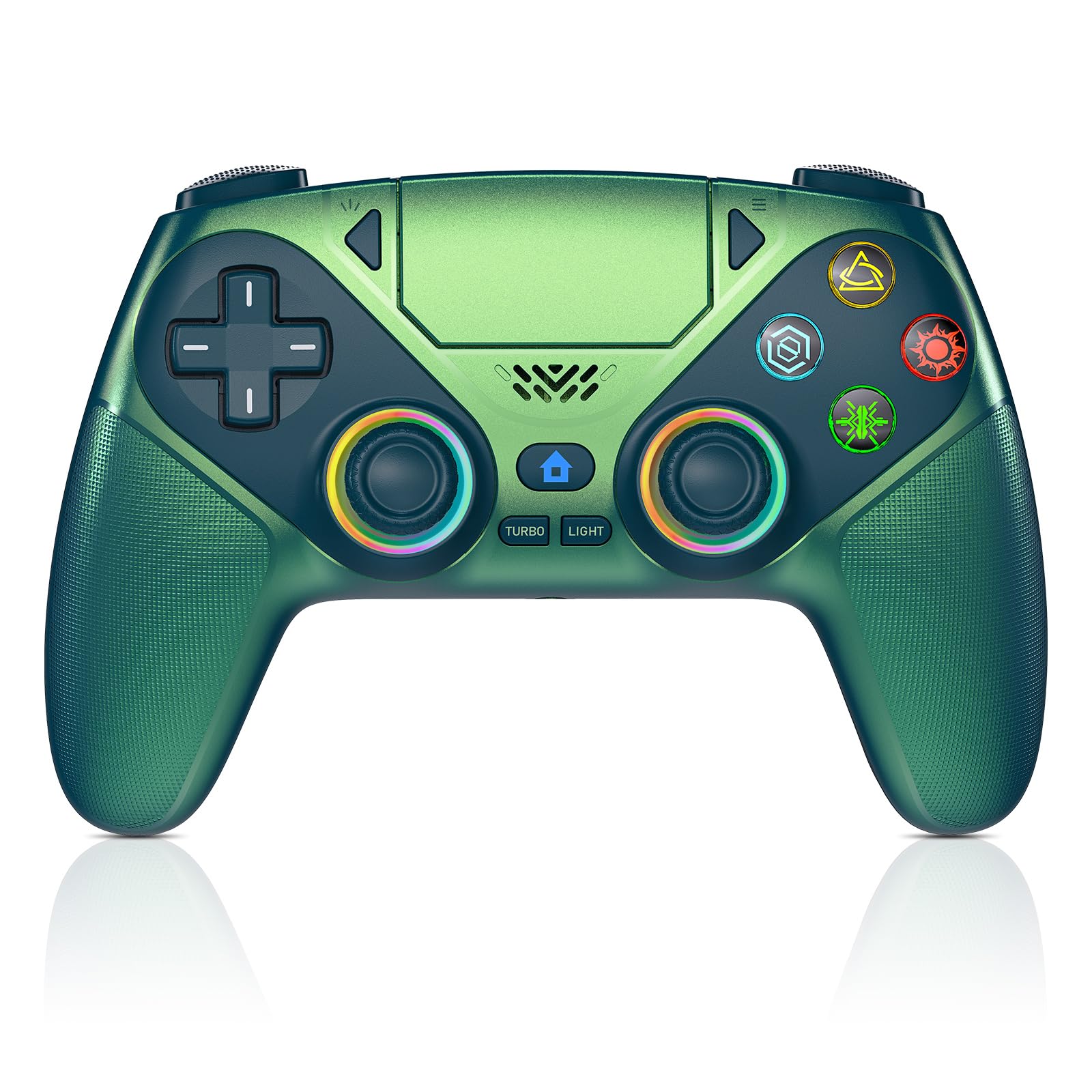
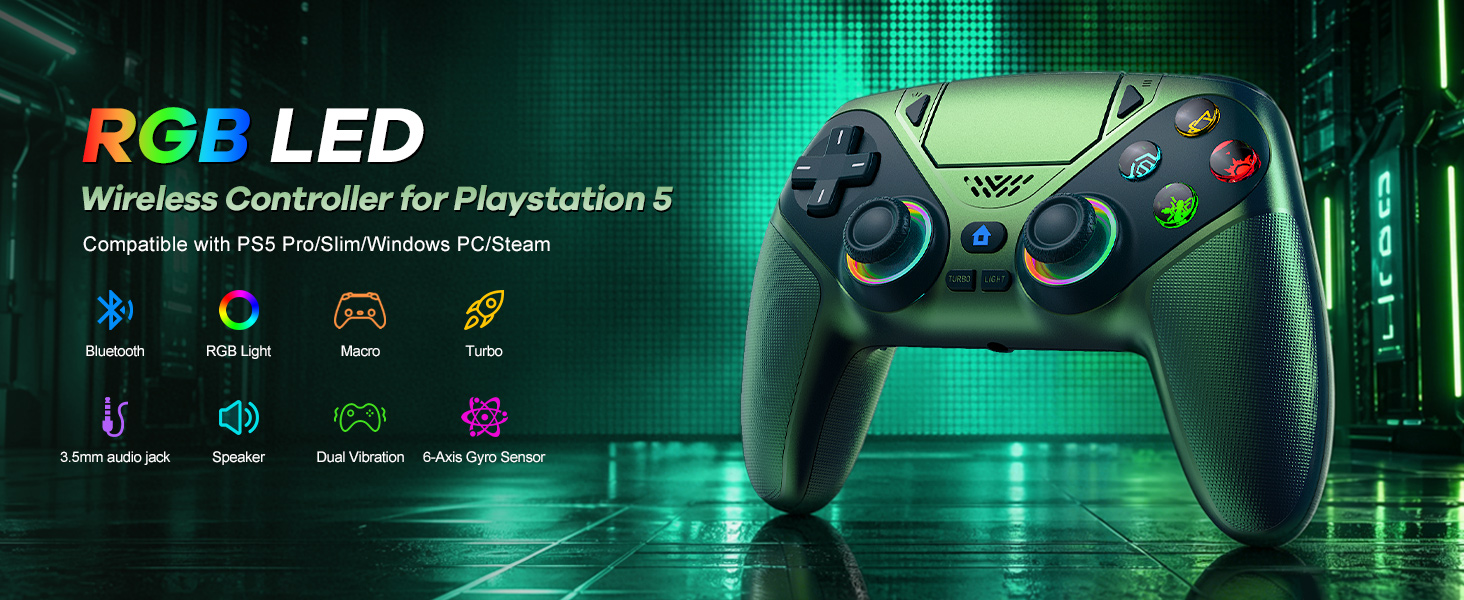
Nonbliep Wireless Controller for PS5/Slim/Pro/PC, Bluetooth Gamepad with Back Buttons, Speaker, Dual vibration, 6-Axis Sensor, Marco, Turbo, Touchpad and 3.5mm Audio Jack
How should the controller be connected to the PS5 console for the first time? (Step 1)
Step 1: Connect the PS5 console and the controller with a USB-C data cable that comes with the package(OR PS5 original data cable ). Please note that there must be a USB-A interface at the rear of the general PS5 console.
How should the controller be connected to the PS5 console for the first time? (Step 2)
Step 2: After the connection is completed, press the Home button on the gamepad. If you see the light flashing slowly, it means the pairing is successful, and you can use a wireless connection to the PS5 console subsequently.
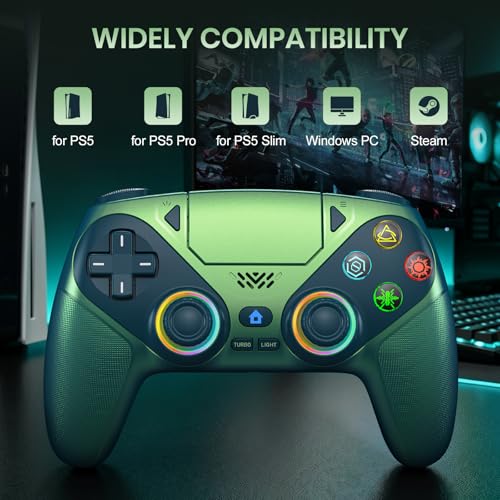
What hosts can the controller be compatible with?
It can compatible with PS5/PS5 Pro/PS5 Slim and Windows PC, NOT For Mac, PS4 and Phone.
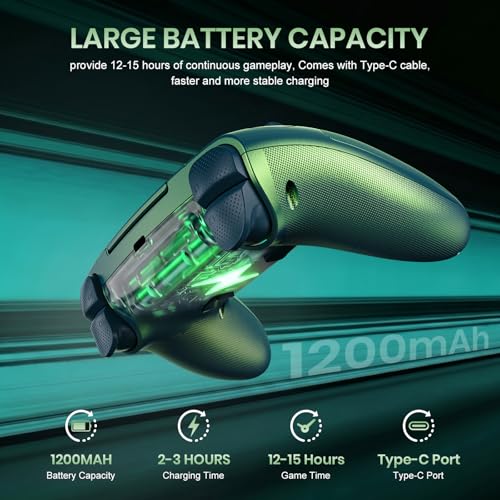
Cannot charge at charging stations
The controller does not work with the charging station and only supports USB-C charging
How to calibrate the triggers and joysticks -for joystick drift and trigger problems?
1. Enter Calibration Mode: Power off the controller(after connecting to PS5), hold Share + Menu, press Home. Wait for rapid Home button flashing.
2. Calibrate: Press triggers 3-5 times, rotate joysticks 3-5 circles, confirm with X. Done.
- Usage Notes: When using the gamepad for the first time, it needs to be connected to the PS5 console via a USB-C cable(It must be the data cable included in the package or the original data cable), and then press the Home button to activate it. The gamepad is only compatible with PS5 series consoles and Windows PCs, and it is not compatible with PS4.
- Quick Connection & One Click Wake Up: You can connect to the PS5 console by pressing the HOME button on the controller. When connecting to the console for the first time, you need to use a data cable. It also supports use on computers with Windows operating systems.
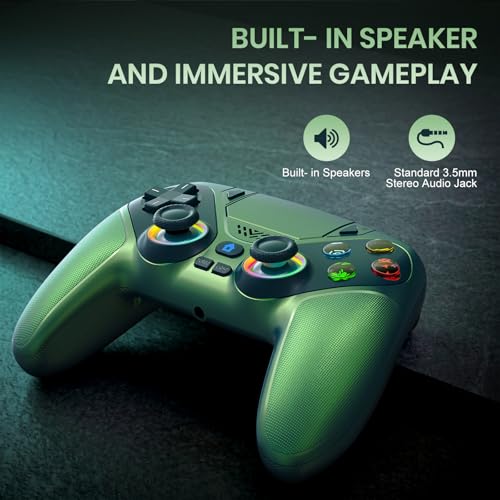
- Controller with Sound: The controller is capable of producing sound, providing an immersive gaming experience. Please note that the controller is only equipped with a speaker and has no microphone. If you want to use the microphone fuacnction, please use an external headset. It is equipped with a 3.5mm TRRS headphone jack(not compatible with Apple headphones.)
- Customizable Colors: Press the Lighting button to switch colors and light effect modes with one click. It features a color memory function, ensuring that the next time you use it, it will still be the color you prefer.
- ️High Precision Joysticks: Equipped with upgraded joysticks, these effectively reduce the joystick dead zone and extend the controller's service life.
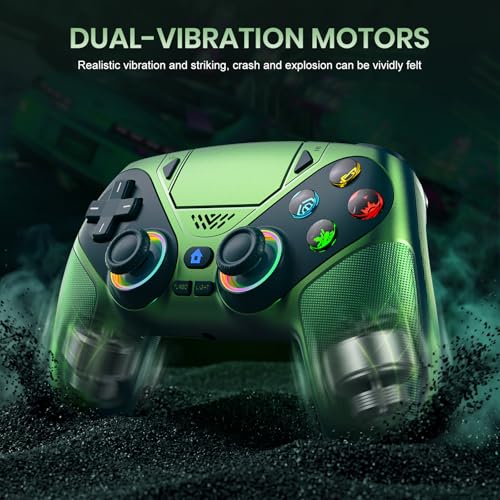
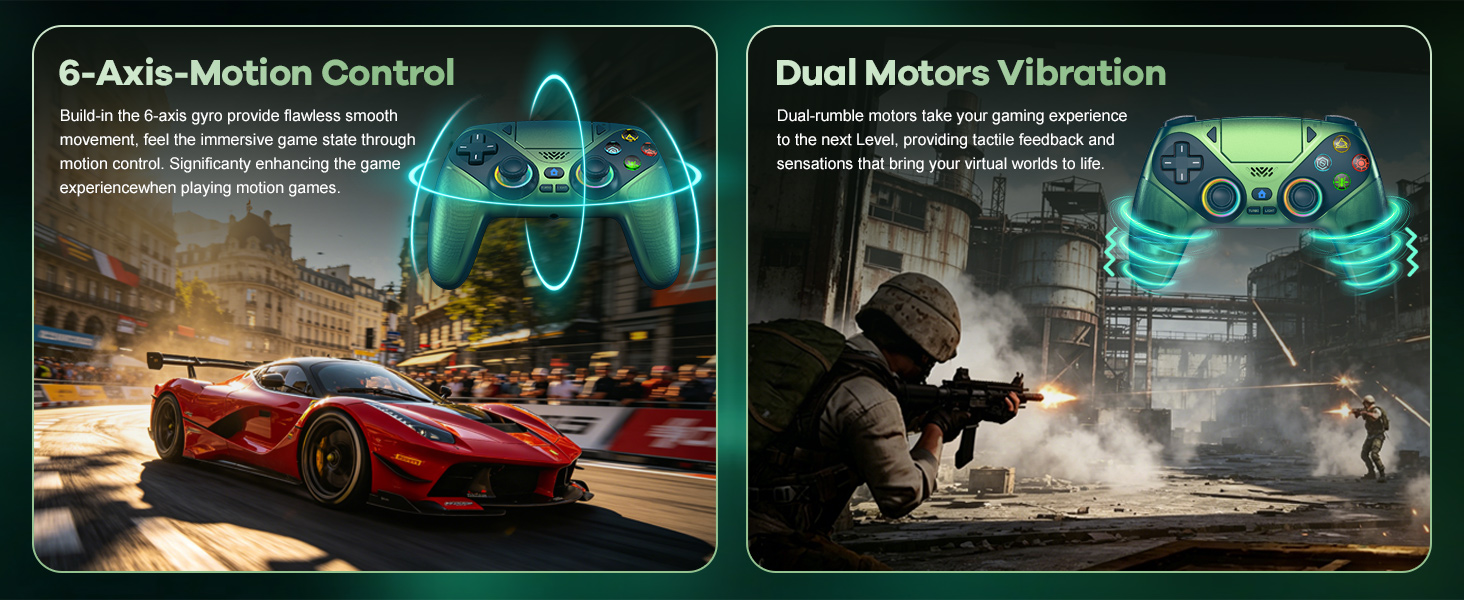
- Immersive Gaming Experience: Featuring dual – vibration function and paired with a high – precision 6 – axis gyroscope, this product elevates your gaming experience to a whole new level. It's an ideal choice, whether for personal use or as a gift.
›
Product Description
How should the controller be connected to the PS5 console for the first time? (Step 1)
Step 1: Connect the PS5 console and the controller with a USB-C data cable that comes with the package(OR PS5 original data cable ). Please note that there must be a USB-A interface at the rear of the general PS5 console.
How should the controller be connected to the PS5 console for the first time? (Step 2)
Step 2: After the connection is completed, press the Home button on the gamepad. If you see the light flashing slowly, it means the pairing is successful, and you can use a wireless connection to the PS5 console subsequently.
What hosts can the controller be compatible with?
It can compatible with PS5/PS5 Pro/PS5 Slim and Windows PC, NOT For Mac, PS4 and Phone.
Cannot charge at charging stations
The controller does not work with the charging station and only supports USB-C charging
How to calibrate the triggers and joysticks -for joystick drift and trigger problems?
1. Enter Calibration Mode: Power off the controller(after connecting to PS5), hold Share + Menu, press Home. Wait for rapid Home button flashing.
2. Calibrate: Press triggers 3-5 times, rotate joysticks 3-5 circles, confirm with X. Done.
Tags: AccessoriesAmazonAppleControllersGameGeneralPlayStation 5RapidsaverDeal

Set your sights on a dream destination and leave your vehicle in the capable hands of Bristol Airport Parking. Featuring seven separate parking options for long-term and short stays alike, customers can use a Bristol Airport Parking discount code to decrease the parking price, however long you’re away. So whether you drive a compact car or a 4x4, or are flying to Norway or Portugal, trust your four wheels with the security of Bristol Airport Parking.

Welcome to Character Online, the best place to find all your favourite toys and games in one place! Sporting a huge range of merchandise that spans franchises from Disney to Doctor Who, your little one is sure to find a fun new toy that can be bought for less with the latest Character Online voucher code. So whatever toy next enters the birthday or Christmas list, have a gander at Character Online for options galore. We work hard to find the best Character Online coupons for our users. We know that Character Online could be a staple for any kid seeking excitement, so we always make sure to have the latest and greatest Character Online deals available on our site. Whether you're looking for a discount on your next purchase, or you want to save on shipping costs, we've got you covered. So be sure to check back often and take advantage of our great deals! Character Online sports a great collection of games for kids of all ages. Whether they’re a Pokémon master or like to drawer, you’re sure to secure a game to suit your tykes for less with the latest Character Online discount code. From laser projected shooting to games to board-based espionage with spies, who knows what new addition will make your kid’s day at Character Online.

When it comes to taking a trip to the most enchanted place on earth, MagicBreaks are second-to-none for making it a truly magical experience. Experts on everything Disney, MagicBreaks can sort you out with tickets, hotels and transport at better than bottom rates with the latest MagicBreaks promo code. Regardless of if you’re a first-time visitor or if you’re introducing a new face to the world of wonder, you can trust MagicBreaks to make it an unforgettable journey.

Musicroom are a one-stop shop for everything an aspiring or professional musician could possibly want. Whether it's instruments, accessories or educational resources, it's all available under one roof - and with the Musicroom discount code it's all going for a song. Their huge music database contains over 300,000 sheet music titles, and you can even get hold of exam past papers to make sure you sail through that all-important entry audition that could make or break your career.

Book in for the trip of the lifetime with Newmarket Holidays, the company getting you amazing rates on flights to places you’ll love - since 1983 the company has been taking customers on incredible holidays and now with a Newmarket Holidays discount code you can take that break without sacrificing your savings! Whether you like soaking up the sun or wandering the back streets, you’re sure to find an escape you love with Newmarket Holidays.

Whatever illness or condition you endure, know that there’s near-instant assistance available at The Online Clinic. As an online consultation company, customers across the country can connect with doctors and then leave with a prescription in minutes. From migraines to malaria, a The Online Clinic discount code can help cut costs on medications that treat an array of ailments. So don’t let ill health hamper you another second, turn to The Online Clinic and get the treatment you need. The Online Clinic team are all too aware that medicine – though a necessary expense – can sometimes be a drain on your monthly budget, which is why they provide free next-day delivery on all medications as standard. If it’s your prescription you seek savings on, check out our Groupon page for highlights of any special promotions as well as any voucher codes that could cut the cost the next time you restock. We all known how it feels to hurt, but when pain becomes too intense or prolonged, it may be time to seek help from The Online Clinics pain management service. Whether you struggle with consistent back pain or acute episodes that appear at random, you’ll want a The Online Clinic promo code handy to land quality meds that can put your mind and body at ease without breaking the bank.