4MP 2K Window Camera, Full Colour Night Vision, 2.4G & 5G
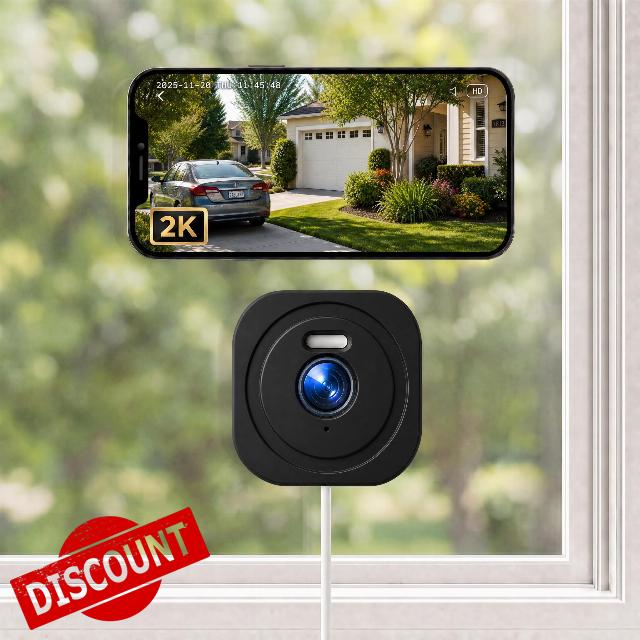
4MP 2K Window Camera, Full Colour Night Vision, 2.4G & 5G WiFi Window Cameras for Home Security, Motion Detection, Anti-Reflection, No Monthly Fee, Easy & Quick Install, 24/7 Recording
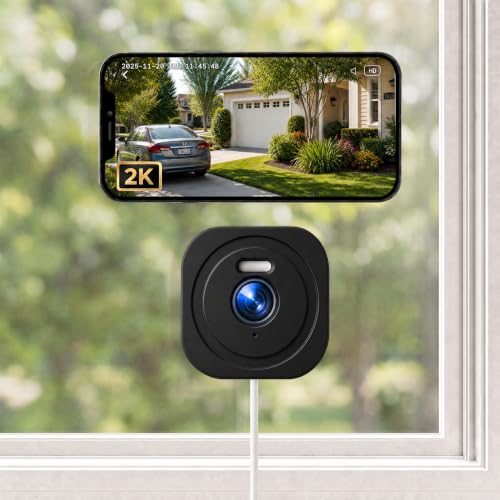
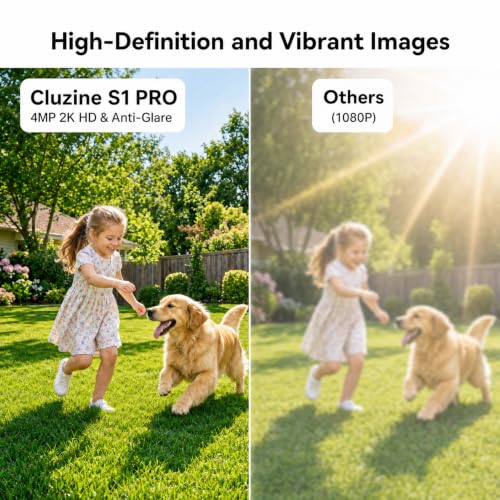
2K HD Resolution
Never miss a moment. Zoom in up to 6x to capture crystal-clear HD footage outside, day or night.
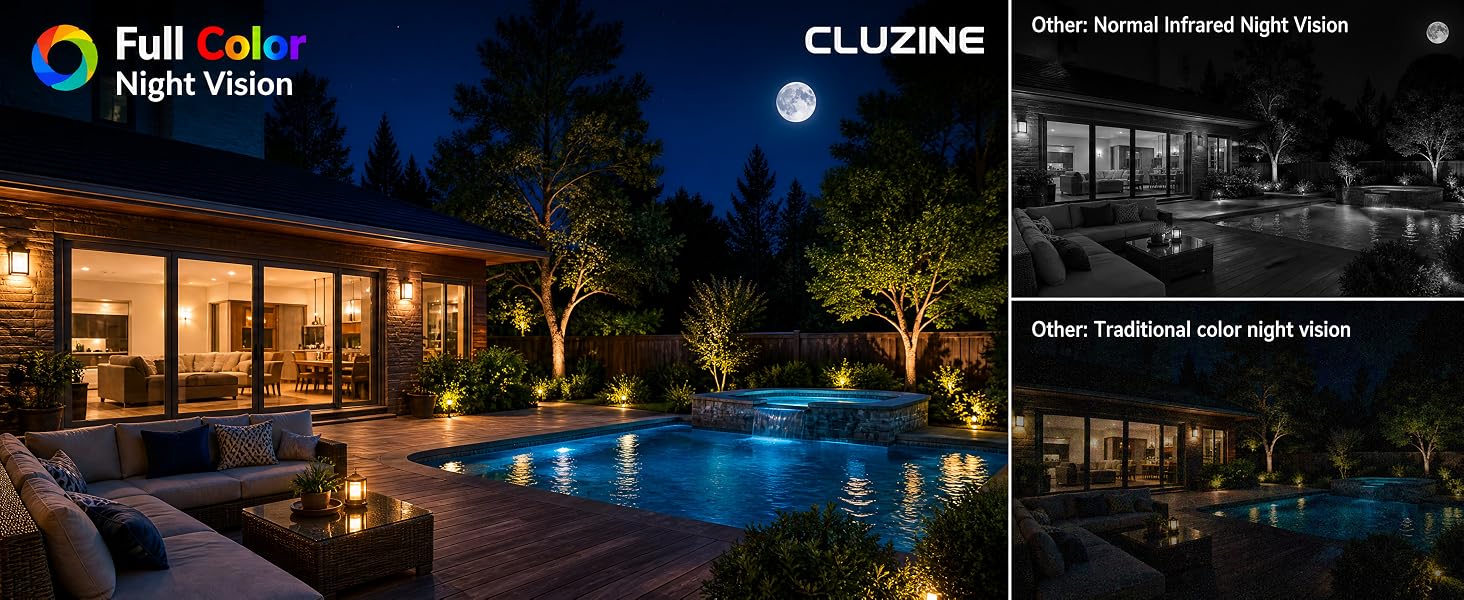
Color Night Vision
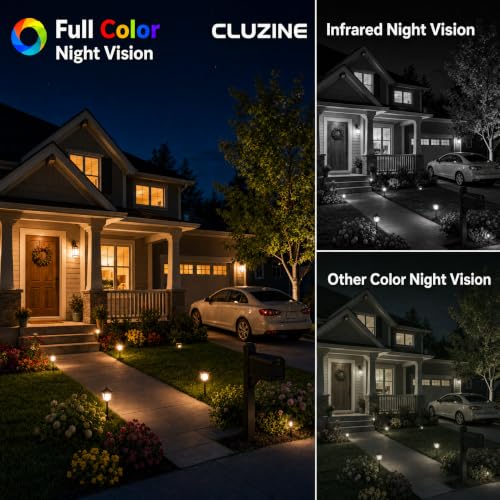
See the night in vivid detail. Capture realistic, full-color footage outside, even on the darkest nights, to know exactly what’s happening.
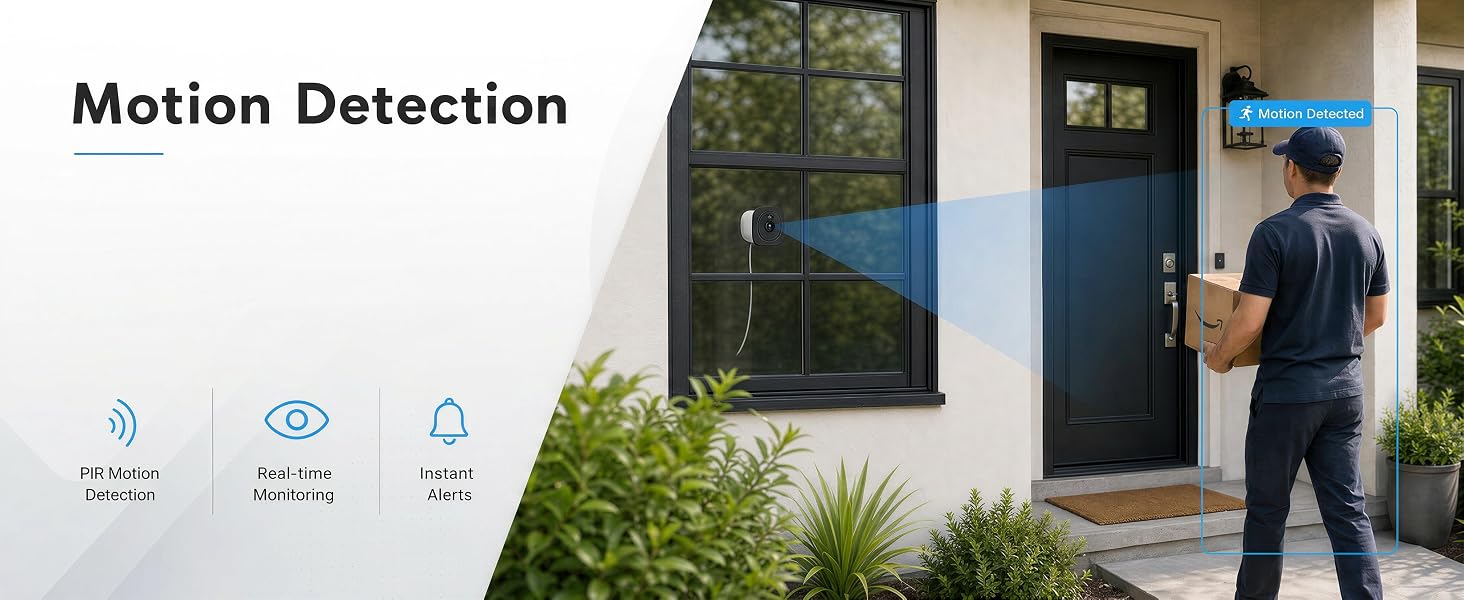
Motion Detection
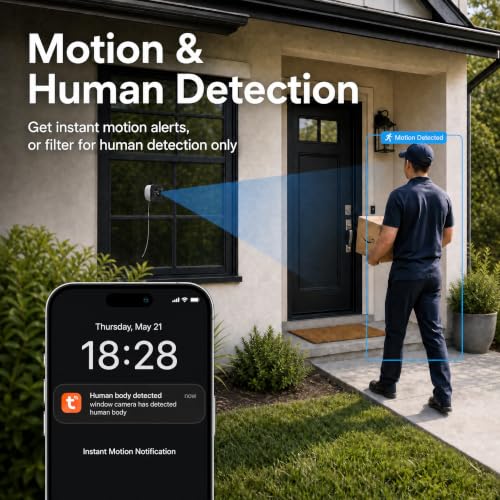
Precise and sensitive motion sensors can effectively reduce false alarms.
Intelligent Analysis
Eliminate false alarms. Rely on advanced AI to instantly detect anything outside.
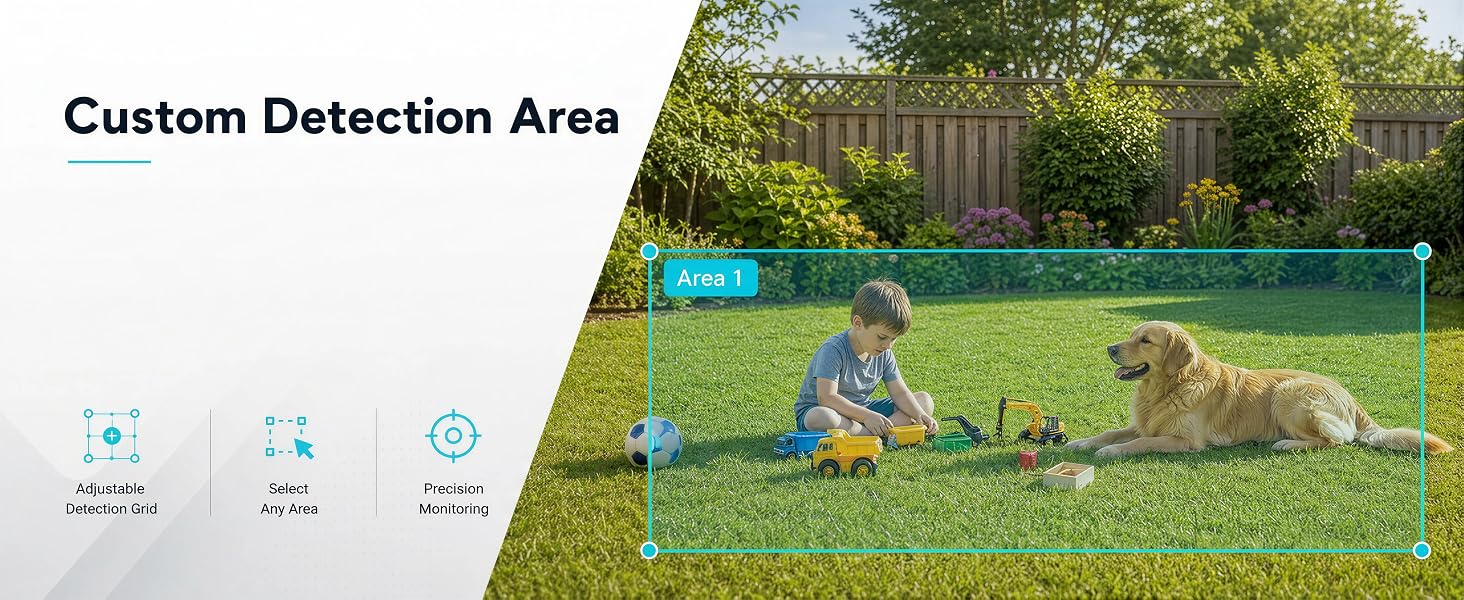
Custom Detection Area
Draw a custom zone to monitor specific areas. Receive alerts only when motion is detected here.
Device Sharing
Securely share camera access with multiple users to ensure complete family security.
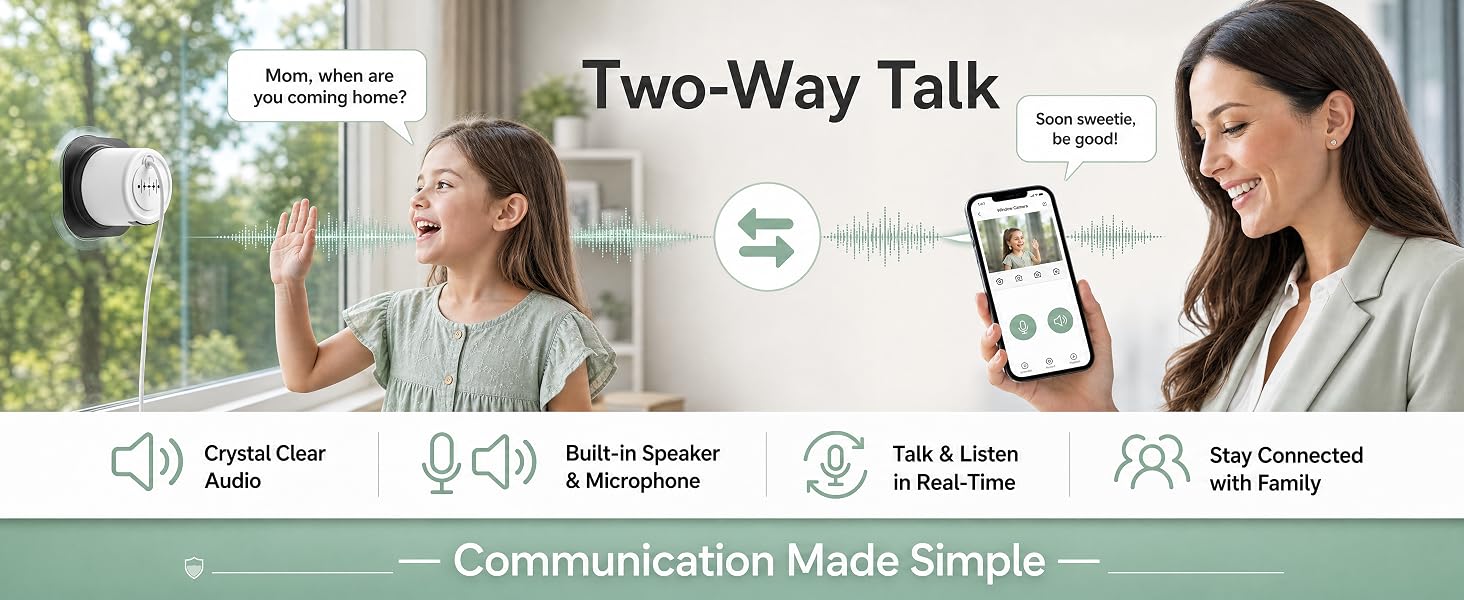
Two-Way Audio
Our high-definition two-way audio feature lets you speak directly with family members or guests
Q: The night vision shows reflections.
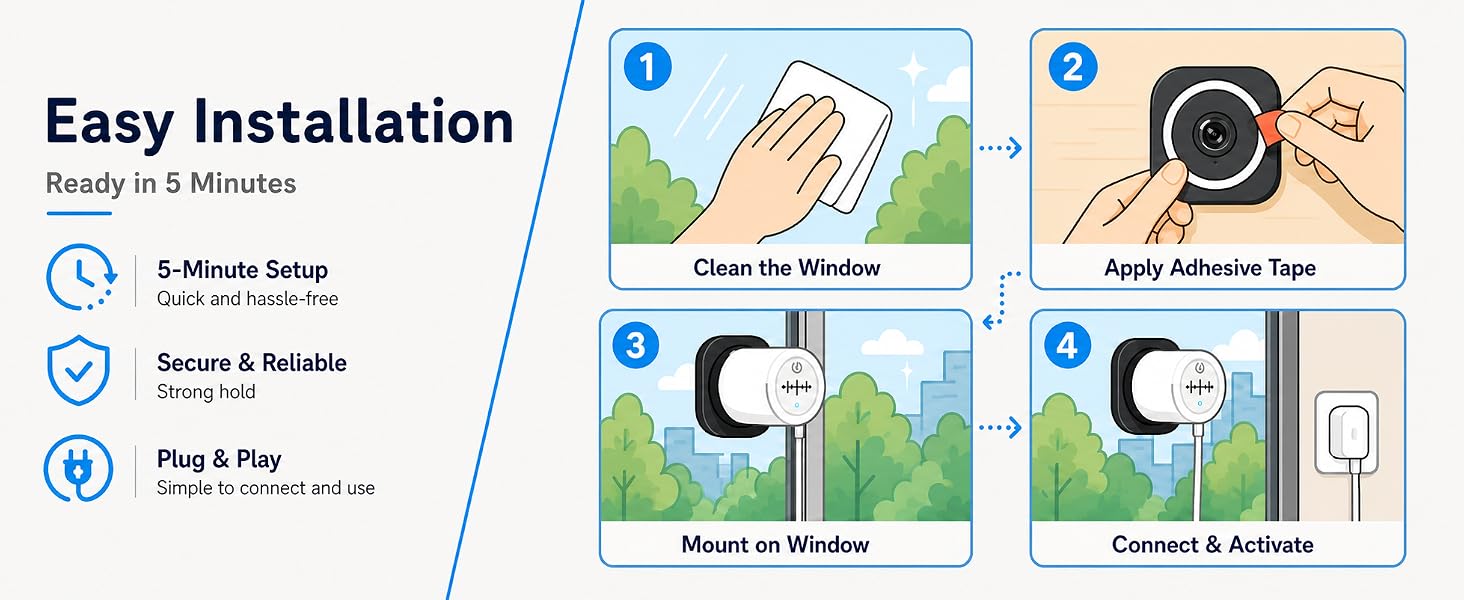
A: Ensure the camera is installed completely flat against the window. Turn off Night Mode in the app, any gap between the lens and glass may cause glare.
Q: The camera fails to connect to my WiFi.
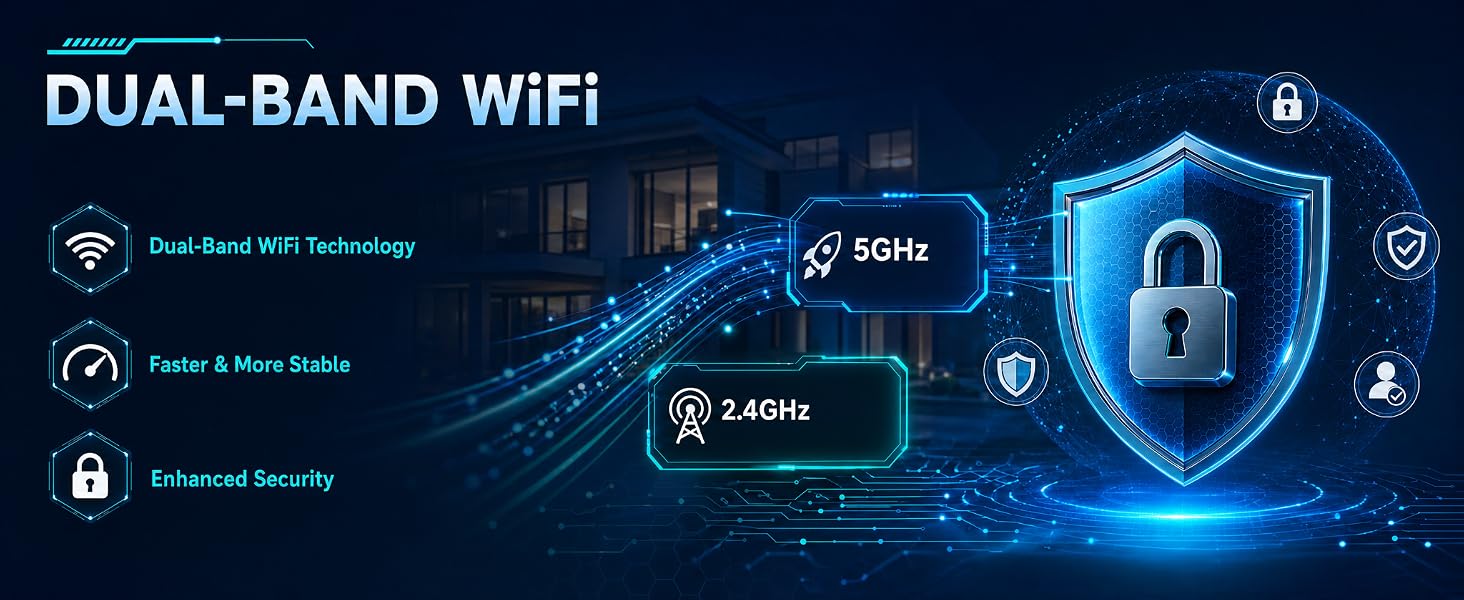
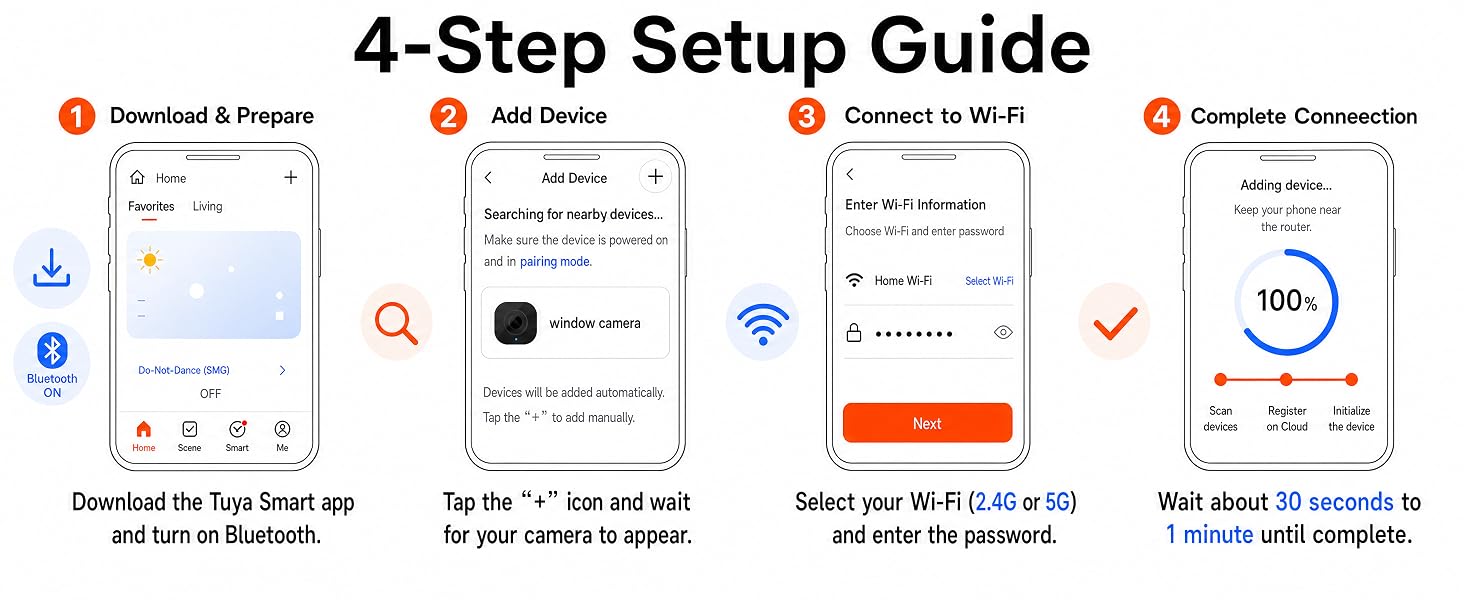
A: Verify your password and ensure the camera is within range of your router. This camera supports both 2.4GHz and 5G networks.
Q: There is a blue glare in my night-vision footage
A: This is caused by the camera’s blue indicator light. Please disable the camera’s indicator light in the app settings:
Settings — Basic Function Settings — Status Indicator
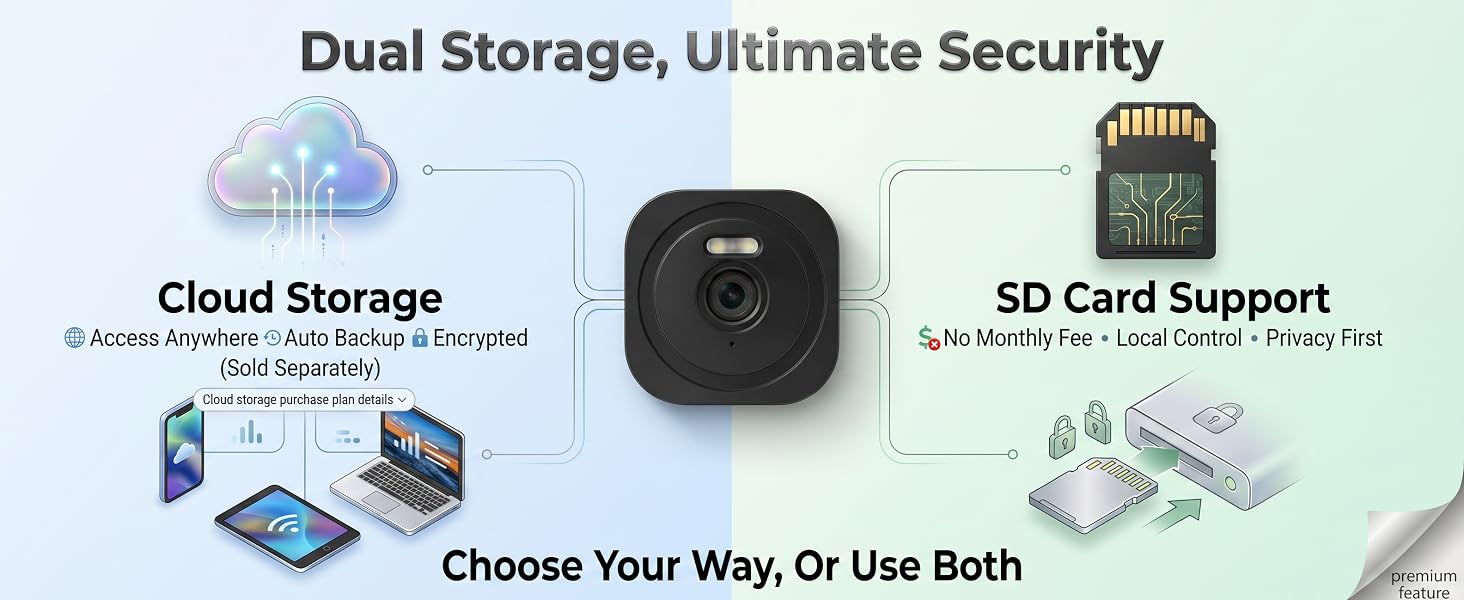
Q: Do I have to subscribe to cloud storage?
A: Cloud storage is optional. To enjoy extended recording features without a subscription, you can use a local memory card (not included). Lift the cover and insert the card into the slot at the bottom.
Q: How to View Local and Cloud Recordings?
A: Once you have installed a MicroSD card or activated a Cloud subscription, make sure the corresponding storage option is enabled in your device settings. View the recording on the Messages page in the app
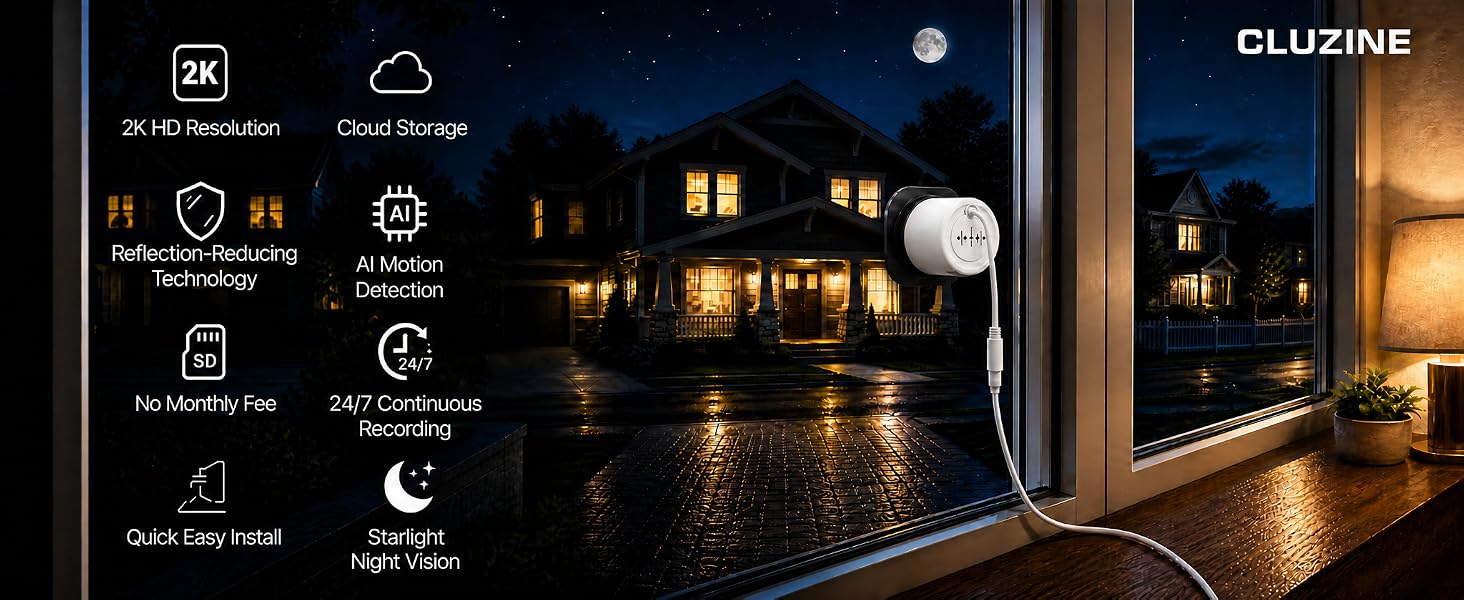
- 【ENGINEERED FOR THROUGH-GLASS VIEWING】 Many users are tired of the blinding glare when pointing cameras out of the window. Our proprietary anti-reflection shroud securely seals against the glass, neutralising indoor light interference. Unlike standard indoor cameras, this window camera for home security features an advanced Starlight Sensor. Enjoy pristine 2K full-colour night vision of your driveway or garden from the safety of your home.
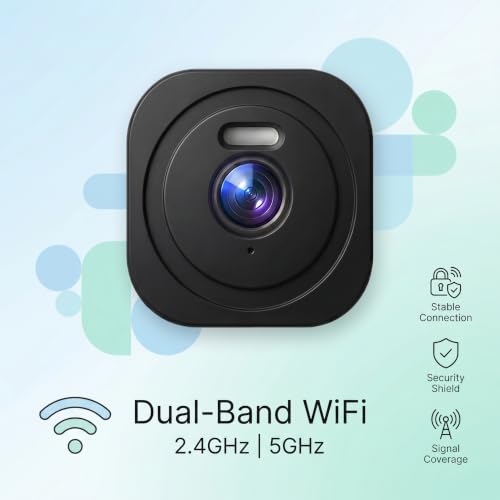
- 【STABLE 2.4G/5G DUAL-BAND WI-FI】 Equipped with an upgraded dual-band chipset, this window camera connects seamlessly to both 2.4GHz and 5GHz Wi-Fi routers. It delivers a robust signal that effortlessly passes through walls and glass, ensuring a highly stable connection. Experience lag-free, real-time video streaming for reliable home security, whenever and wherever you need it.
- 【ZERO MONTHLY FEES & SECURE LOCAL STORAGE】 Avoid the trap of expensive cloud subscriptions. This window camera requires absolutely no mandatory monthly fees to unlock its essential features. Securely store your encrypted footage locally on a MicroSD card (up to 128GB, not included) with continuous loop recording. Retain complete ownership of your private data whilst keeping your costs down.
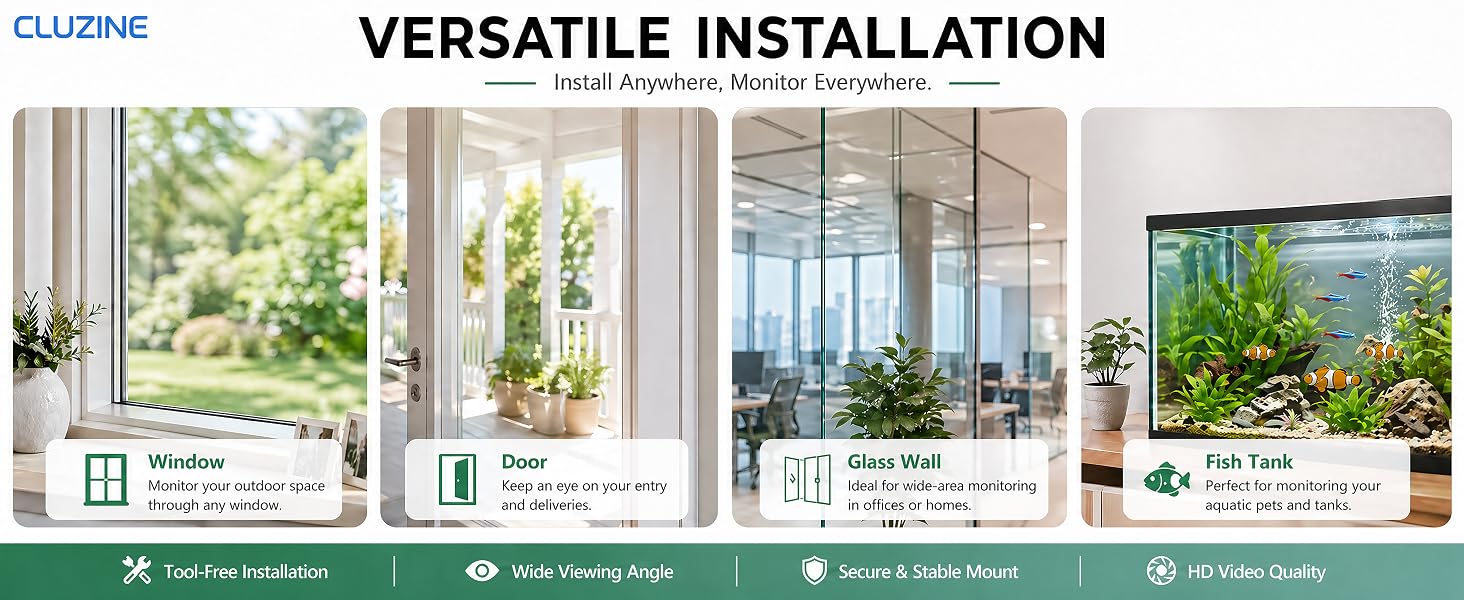
- 【TRUE NO-DRILL & TENANT-FRIENDLY】 Avoid the hassle of drilling holes, dealing with complex wiring, or risking your flat deposit. Designed as the ideal window security camera, it mounts instantly. Simply peel and stick using our premium adhesive for a highly secure, lasting hold on your glass. Complete with an extra-long 3-metre power cable for flexible placement, this camera lets you secure your property in under a minute.
- 【EFFORTLESS SHARING & COMPREHENSIVE CONTROL】 Security is a family matter. The Tuya app lets you securely share camera access with your partner, flatmates, or trusted friends in seconds. Have multiple indoor security cameras around the home? View all your live feeds simultaneously on a single dashboard via your smartphone or tablet. Manage your entire home security effortlessly, ensuring everyone stays connected and protected without compromising your privacy as the primary admin.
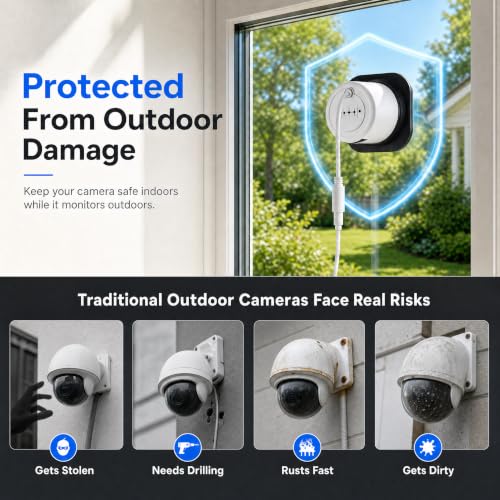
- 【CLEVERLY OUT OF REACH & VANDAL-PROOF】 Keep a watchful eye on the outdoors, whilst your device stays safely indoors. By positioning this window camera securely behind the glass, you create an untouchable deterrent. Enjoy crystal-clear outdoor surveillance that is completely out of reach from opportunists—keeping both your footage and the camera itself perfectly secure.



| SKU: | B0HFR5RLWK |
| Size: | 128 GB |
| Dimensions: | 6.9 x 6.9 x 4.8 centimetres |
| Brand: | Cluzine |
| Model: | Window Camera S1 PRO |
| Colour: | Black |
| Manufacture: | Cluzine |
| Colour: | Black |
| Size: | 128 GB |
Product Description

2K HD Resolution
Never miss a moment. Zoom in up to 6x to capture crystal-clear HD footage outside, day or night.
Color Night Vision
See the night in vivid detail. Capture realistic, full-color footage outside, even on the darkest nights, to know exactly what’s happening.
Motion Detection
Precise and sensitive motion sensors can effectively reduce false alarms.
Intelligent Analysis
Eliminate false alarms. Rely on advanced AI to instantly detect anything outside.
Custom Detection Area
Draw a custom zone to monitor specific areas. Receive alerts only when motion is detected here.
Device Sharing
Securely share camera access with multiple users to ensure complete family security.
Two-Way Audio
Our high-definition two-way audio feature lets you speak directly with family members or guests
Q: The night vision shows reflections.
A: Ensure the camera is installed completely flat against the window. Turn off Night Mode in the app, any gap between the lens and glass may cause glare.
Q: The camera fails to connect to my WiFi.
A: Verify your password and ensure the camera is within range of your router. This camera supports both 2.4GHz and 5G networks.
Q: There is a blue glare in my night-vision footage
A: This is caused by the camera’s blue indicator light. Please disable the camera’s indicator light in the app settings:
Settings — Basic Function Settings — Status Indicator
Q: Do I have to subscribe to cloud storage?
A: Cloud storage is optional. To enjoy extended recording features without a subscription, you can use a local memory card (not included). Lift the cover and insert the card into the slot at the bottom.
Q: How to View Local and Cloud Recordings?
A: Once you have installed a MicroSD card or activated a Cloud subscription, make sure the corresponding storage option is enabled in your device settings. View the recording on the Messages page in the app