KAWA Dash Cam 2K, Mini Spherical with Voice Control & WiFi
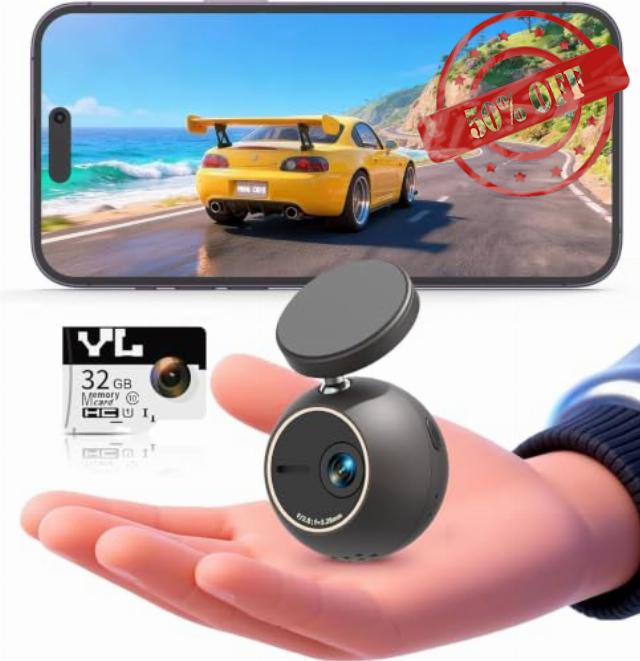
KAWA Dash Cam 2K, Mini Spherical with Voice Control & WiFi Car Camera 360°Rotatable, 32G TF Card Included, G-Sensor & Loop Recording, NightEagle Engine, 24H Parking Monito
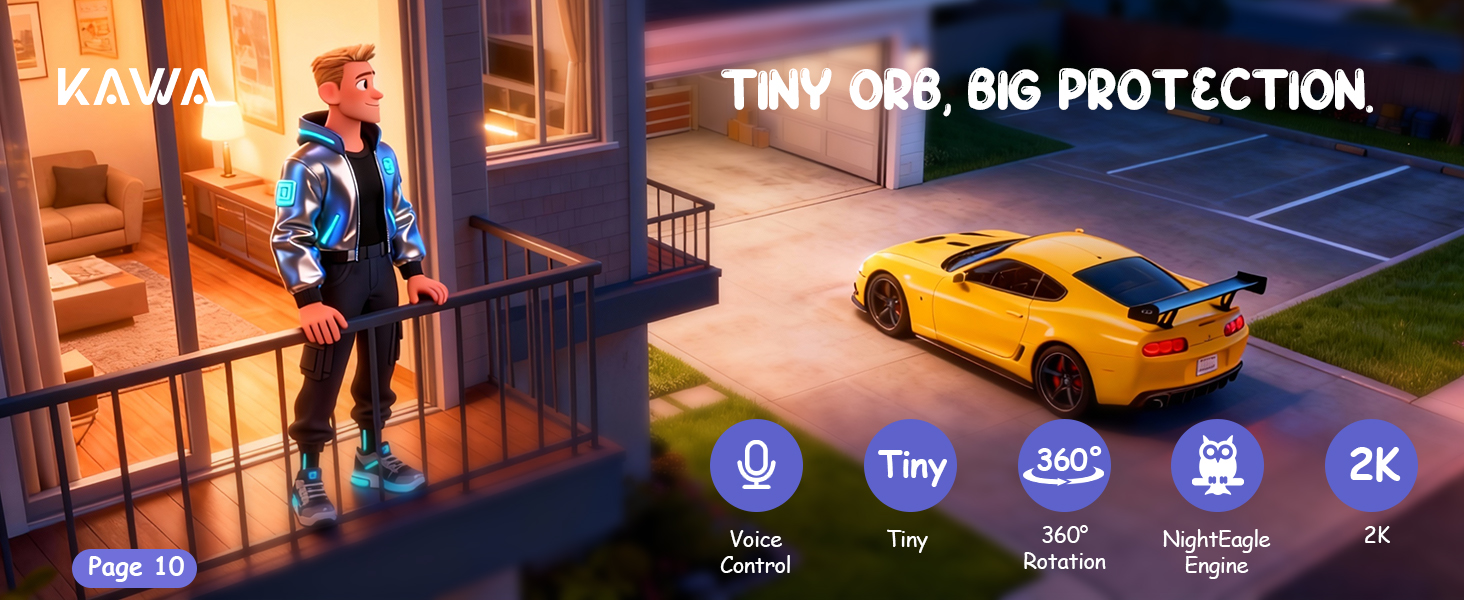
Tiny ORB, Big Protection.
The sun’s warmed the street nice and toasty—perfect day for heading out. Casey’s all set: he fires up his new ride, hooks up his travel buddy (the ORB dash cam), and with a soft purr of the engine, his full-day adventure hits the road!
Morning – just a minor incident.
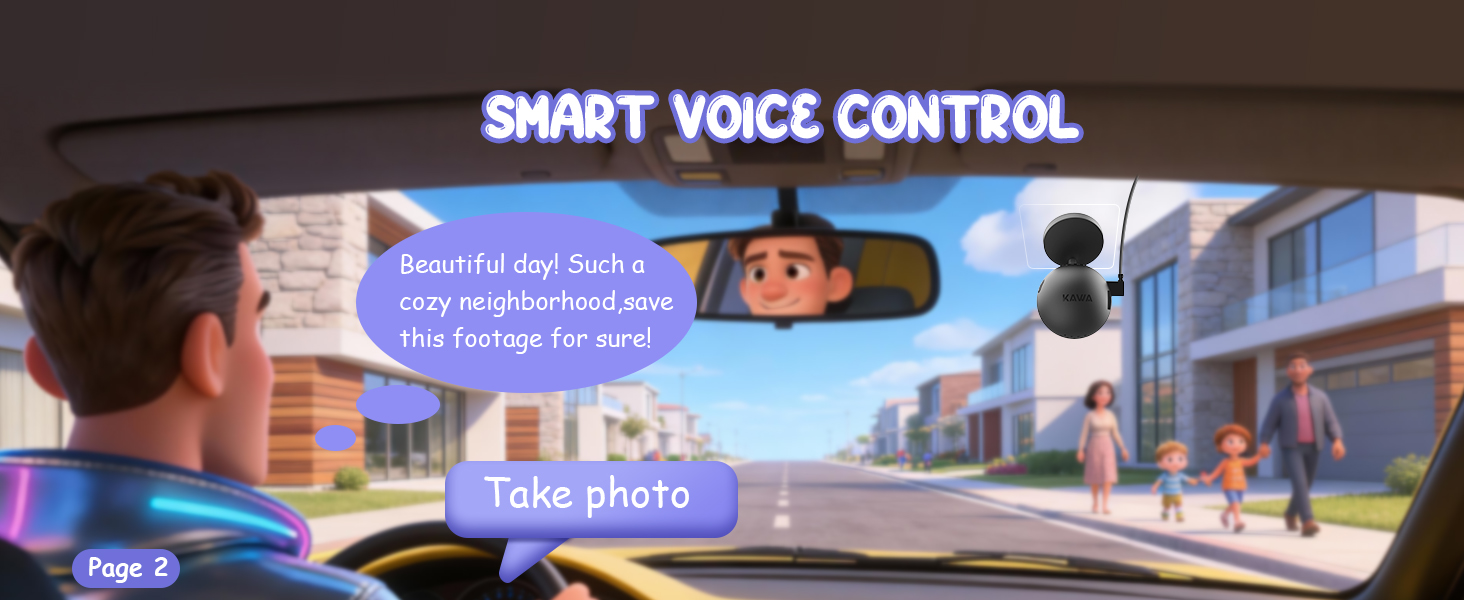
A cheerful sight this morning—neighbors out and about. Captured the joy in a frame.
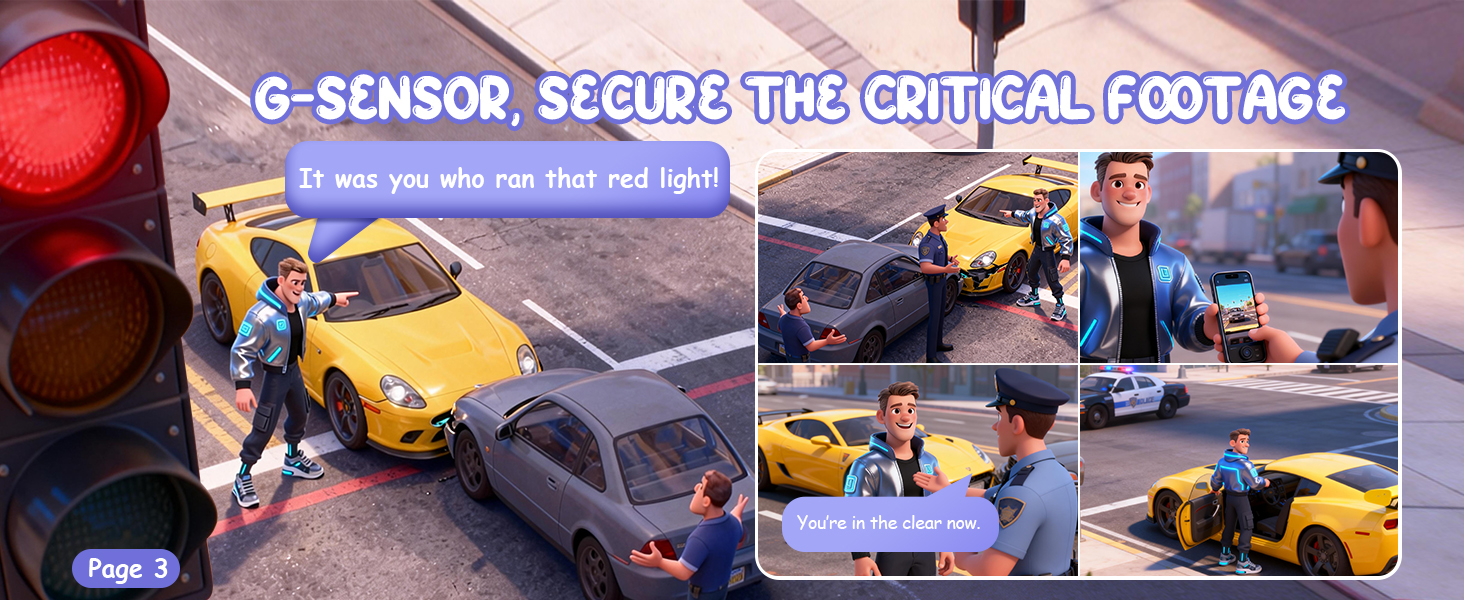
Unbelievable! A red-light runner crashed into my car. Thank god my dash cam captured everything—showed the footage to the police and had solid proof!
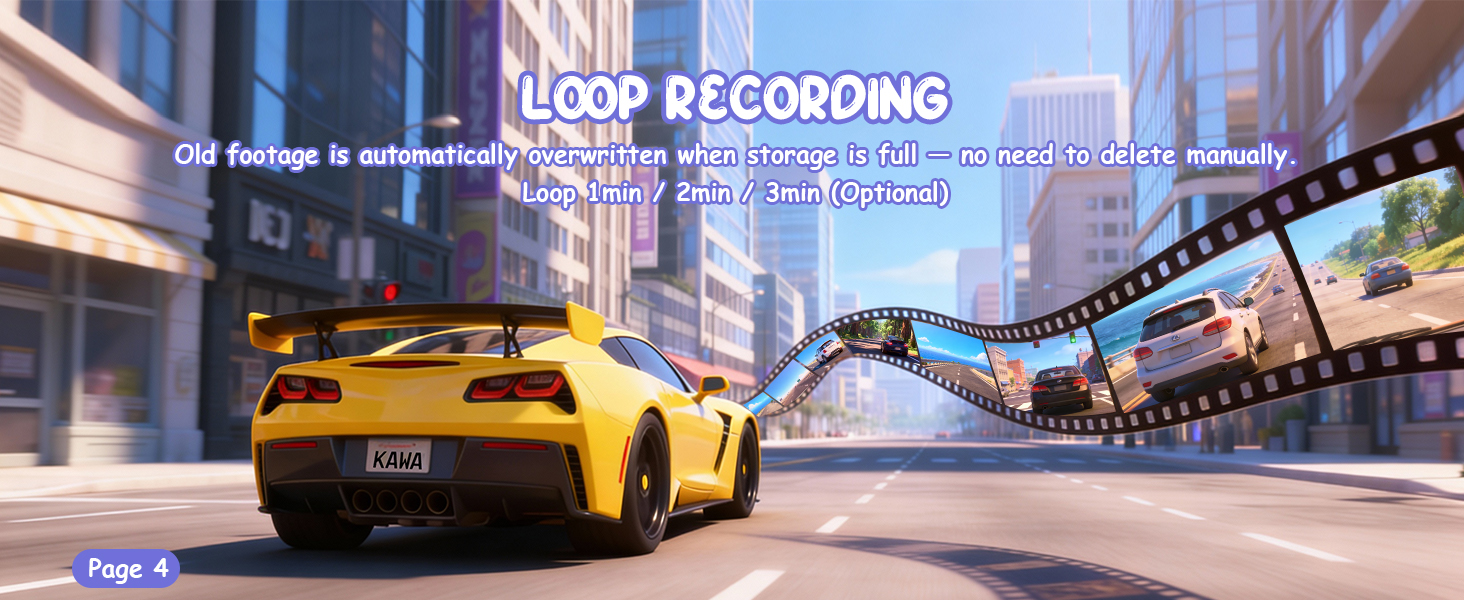
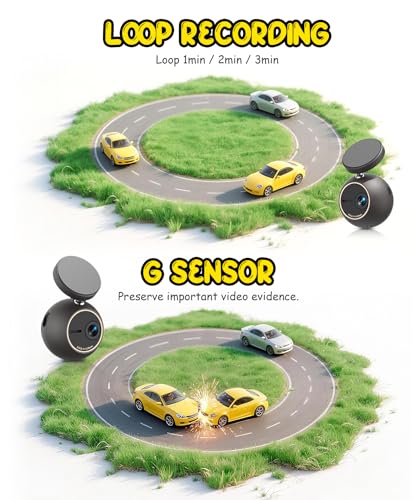
Back on the road! Loop recording means no more storage worries!
Afternoon – stunning coastal views
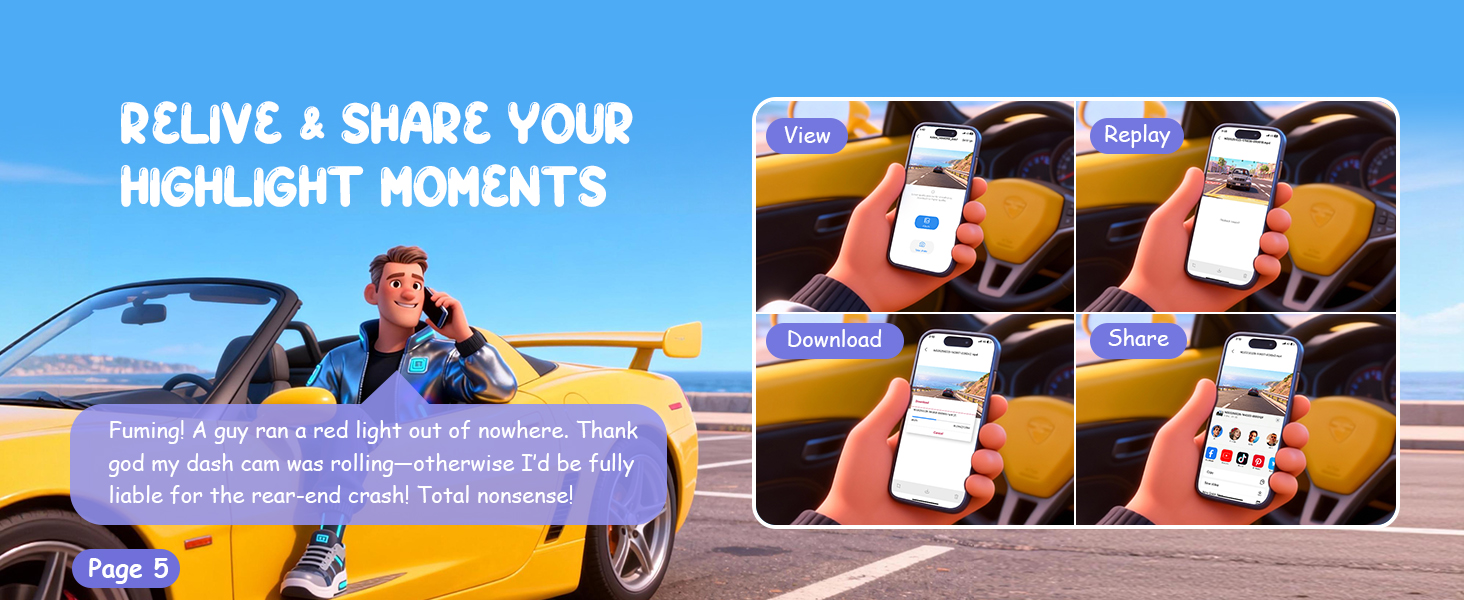
App & Wi-Fi: Watch, save and share your amazing drive footage anytime—super convenient!
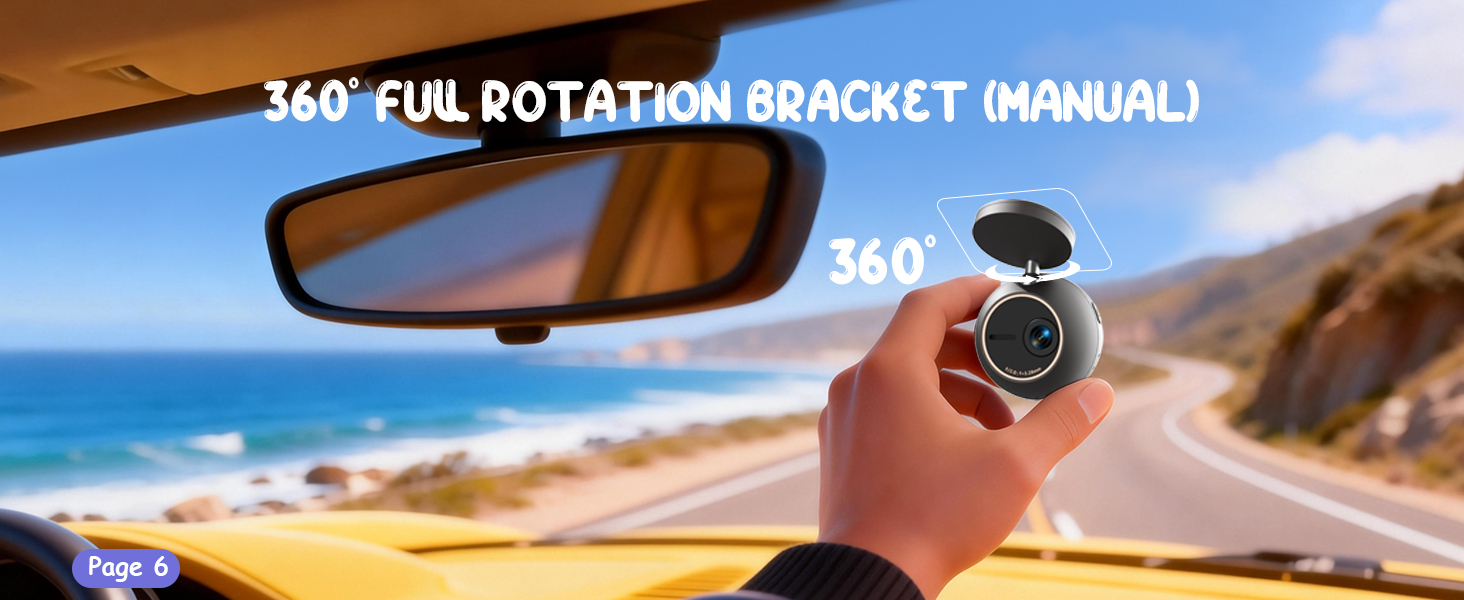
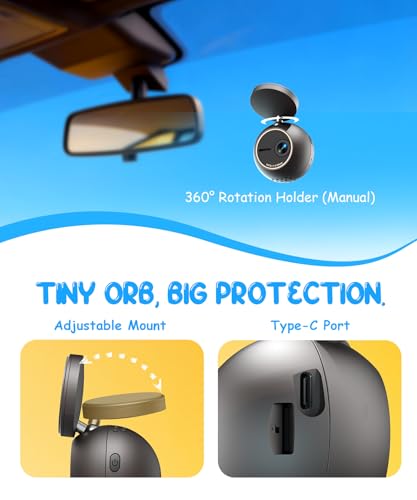
360° rotation—time to adjust my dash cam’s position.
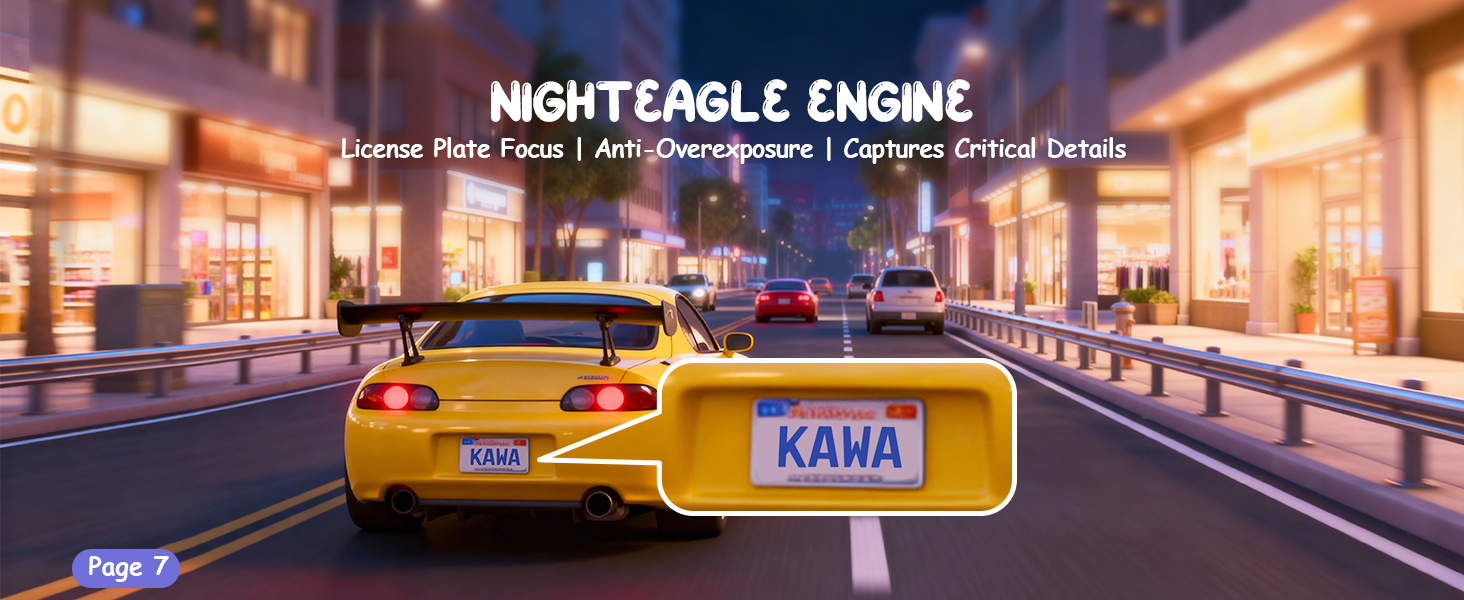
NightEagle Engine: focuses on license plates without overexposure, making videos more practical and reliable.
Check out the awesome shots I took!
What a perfect day!
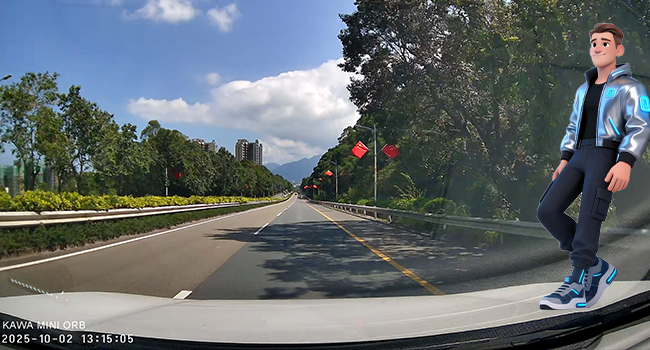
Oh wow, look at this gorgeous weather! Lucky me I got it on camera—blue skies, fluffy clouds, and I’m totally in a good mood! Hope I run into you on a day this nice!
Amazing NightEagle Engine
Hey pal, check this out! My headlights are shining bright, and the plate ahead is crystal clear—no overexposure at all! Sure, the surroundings are kinda dark, but whatever! Those random buildings? Don’t even matter, yeah?
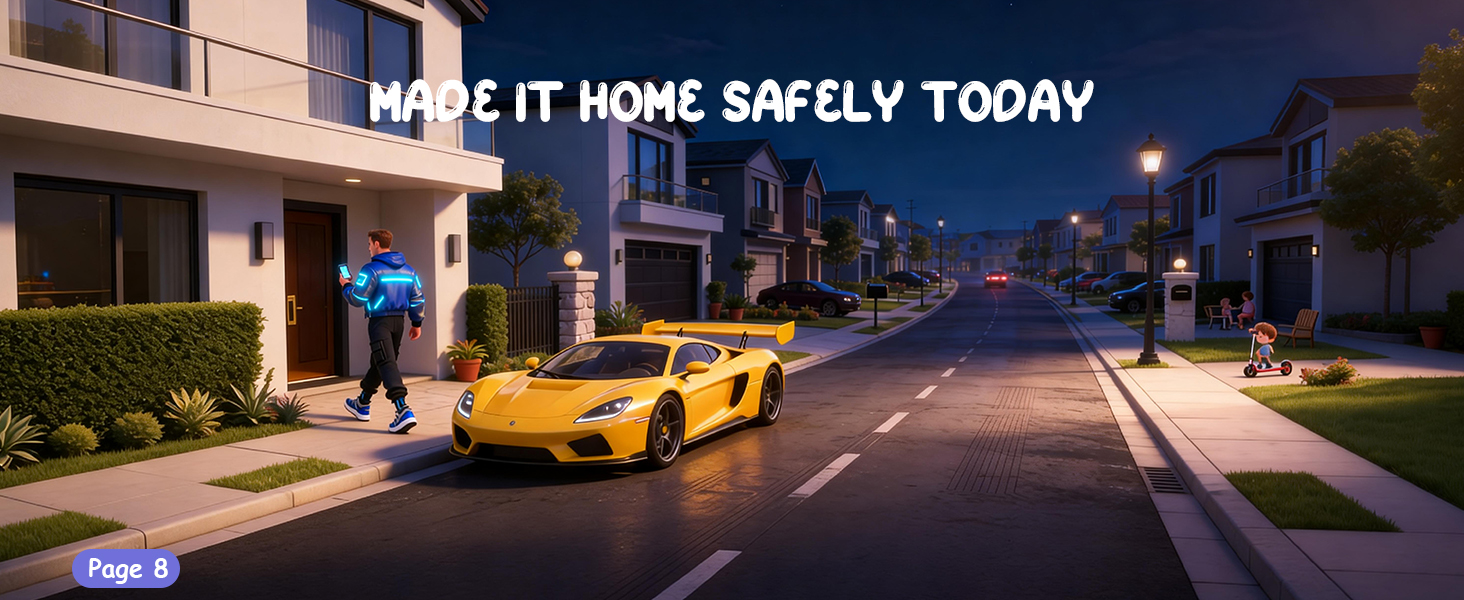
A packed day—home safe and sound
Such a productive day! Glad to be home safe, with my dash cam along for the ride.
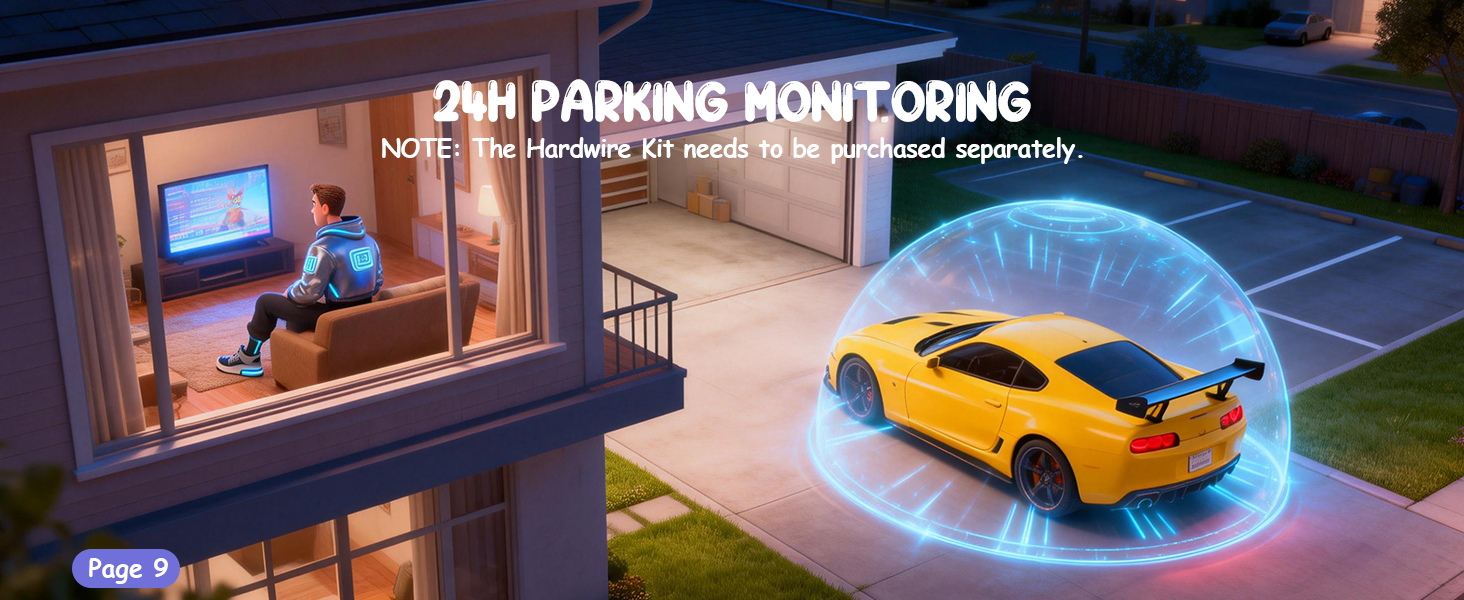
Ever since I got 24/7 parking monitoring, I lock my car and walk away totally at ease—my ride’s got its own dedicated guardian.
Tiny ORB, Grateful for keeping me safe throughout the drive.
Can't find the dash cam's Wi-Fi signal on the phone?
1.Refresh the phone's Wi-Fi list:
2. Check the connection distance:
Bring the phone close to the dash cam (within 1.5 meters)
3. Restart the device:
Turn off the dash cam and restart it
Unable to format or prompt of TF card formatting failure
Format the TF card on another device (such as computer).
Restore the device to its factory settings before formatting the TF card.
Disconnect the power supply, reinsert the SD card, and then turn on the device to attempt formatting the TF card again.
The device cannot power on or exhibits abnormal behavior when the TF card is inserted
Power on the device without the TF card. If it can power on normally, issue lies with the TF card.Try replacing it with an TF card that meets the requirements.It could be an TF card compatibility issue. It is recommended to try a different TF card.
What should I pay attention to when connecting an Android phone?
When a prompt appears during connection, be sure to:
Select "Stay Connected" or "Do Not Switch"
Avoid the phone automatically connecting to other Wi-Fi networks
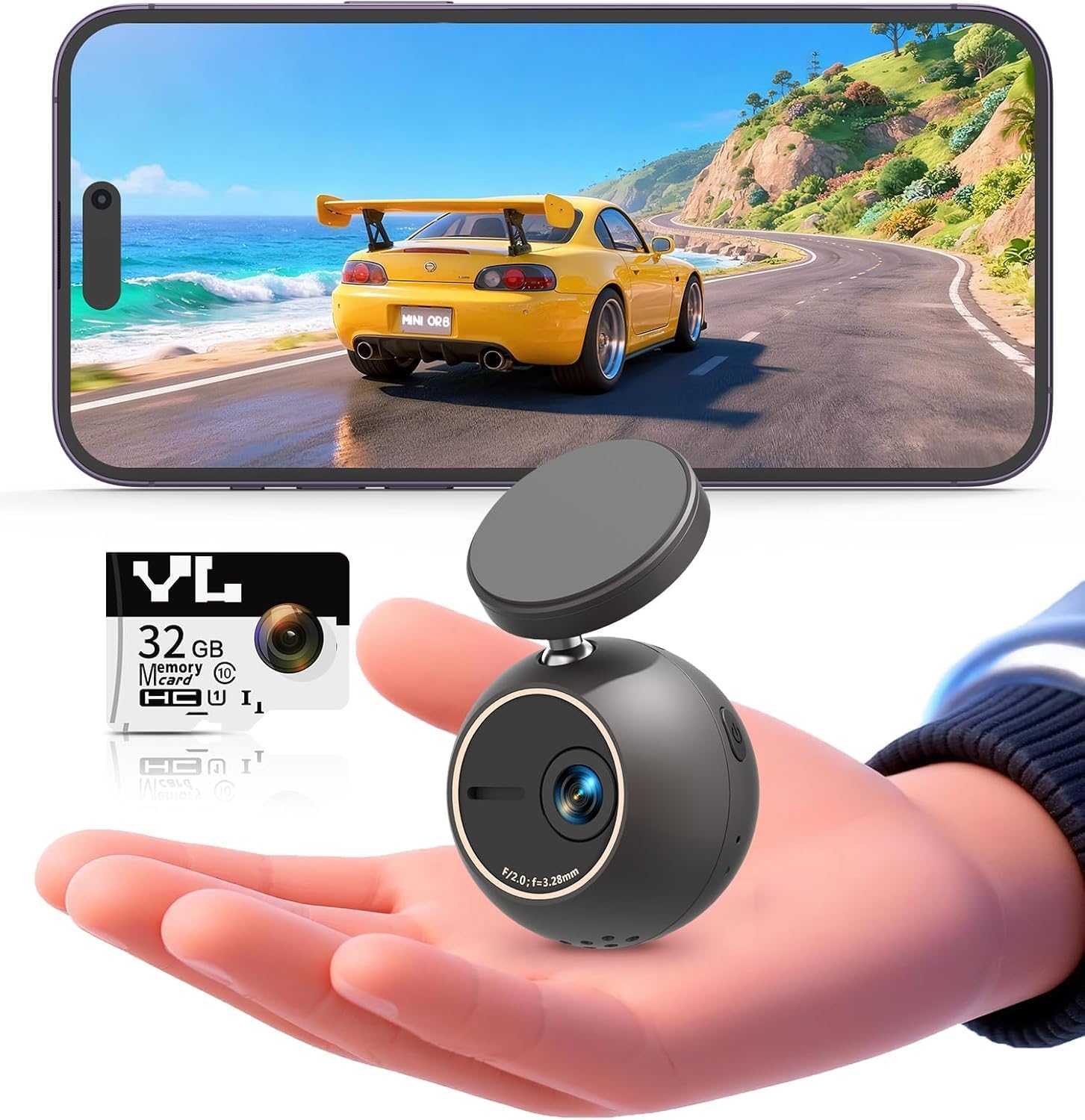
- Small ORB, great protection – no more boring boxes! The playful ball design with a compact hidden profile: mini, cute, unobtrusive – and never in sight.
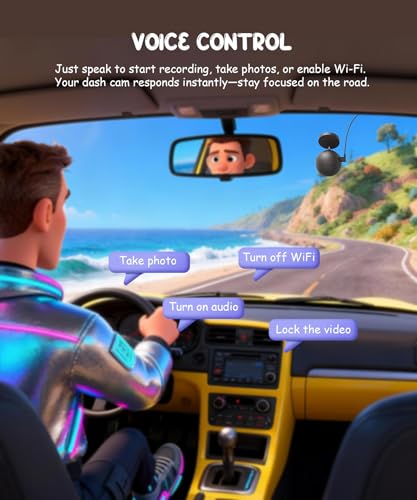
- Smart Voice Control: Take photos, start recording or save emergency videos with simple commands for safer and smarter driving.
- 2K & NightEagle Engine – crystal clear 2K resolution during the day, the NightEagle Engine at night. Intelligent light control reduces over-exposure and captures key details such as license plates.
- Dashcam with rotating function – The 360° rotatable holder with 180° image rotation and mirror mode allows you to shoot from any angle – front, side or inside the vehicle.
- Wi-Fi & App – Integrated Wi-Fi connects to your phone for live viewing and easy downloads. First start requires app coupling; Later separation does not affect the video recording.
- 24/7 car security. – Complete the optional hardware kit (sold separately) for time lapse recordings – deters thieves, captures accident escape, a smart long-term investment.


| SKU: | B0H7223S15 |
| Size: | 256 GB |
| Brand: | KAWA |
| Colour: | black |
| Batteries Included: | No |
| Manufacture: | KAWA |
| Colour: | black |
| Origin: | China |
| Size: | 256 GB |
Product Description
Tiny ORB, Big Protection.
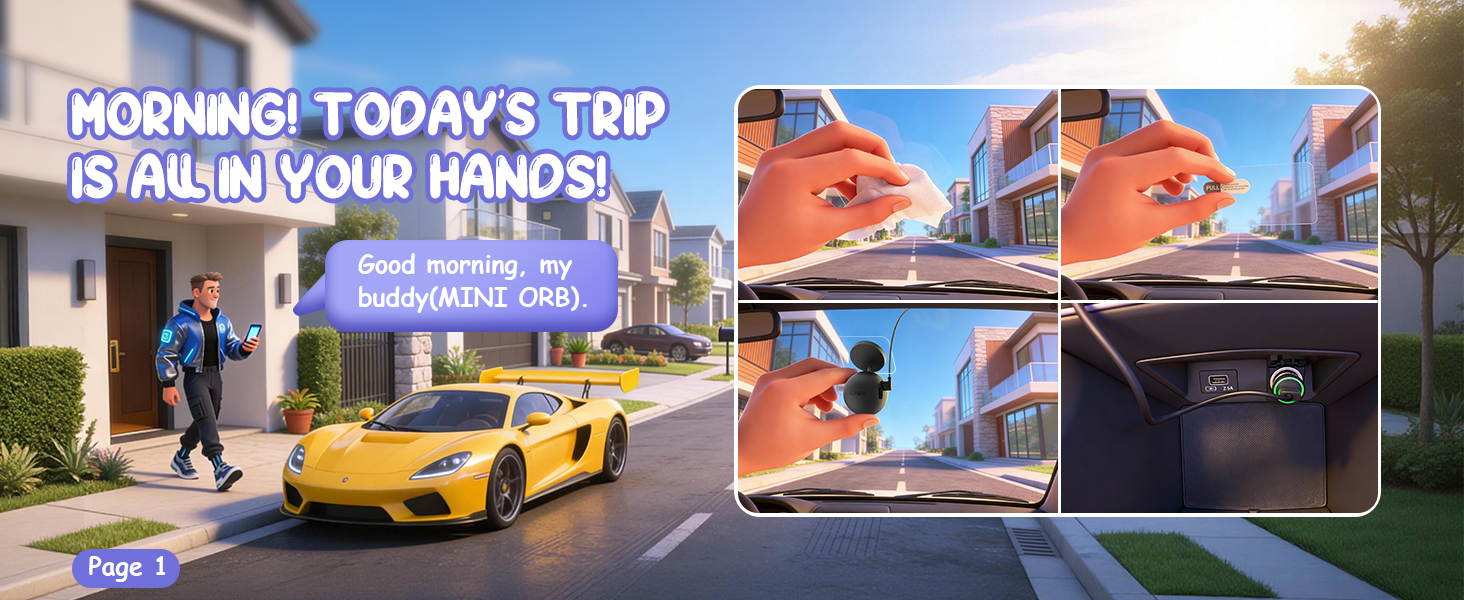
The sun’s warmed the street nice and toasty—perfect day for heading out. Casey’s all set: he fires up his new ride, hooks up his travel buddy (the ORB dash cam), and with a soft purr of the engine, his full-day adventure hits the road!
Morning – just a minor incident.
App & Wi-Fi: Watch, save and share your amazing drive footage anytime—super convenient!
360° rotation—time to adjust my dash cam’s position.
NightEagle Engine: focuses on license plates without overexposure, making videos more practical and reliable.
Check out the awesome shots I took!
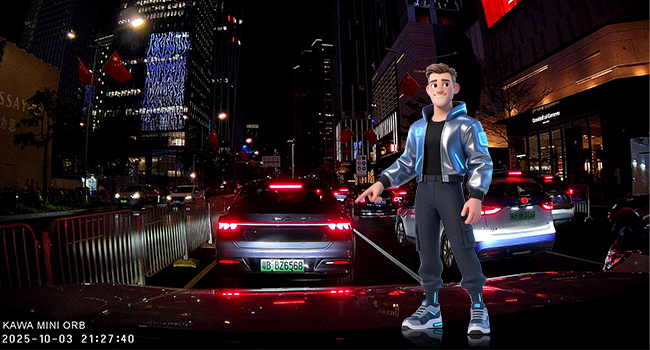
Amazing NightEagle Engine
Hey pal, check this out! My headlights are shining bright, and the plate ahead is crystal clear—no overexposure at all! Sure, the surroundings are kinda dark, but whatever! Those random buildings? Don’t even matter, yeah?
A packed day—home safe and sound
Such a productive day! Glad to be home safe, with my dash cam along for the ride.
Ever since I got 24/7 parking monitoring, I lock my car and walk away totally at ease—my ride’s got its own dedicated guardian.
Tiny ORB, Grateful for keeping me safe throughout the drive.
Can’t find the dash cam’s Wi-Fi signal on the phone?
1.Refresh the phone’s Wi-Fi list:
2. Check the connection distance:
Bring the phone close to the dash cam (within 1.5 meters)
3. Restart the device:
Turn off the dash cam and restart it
Unable to format or prompt of TF card formatting failure
Format the TF card on another device (such as computer).
Restore the device to its factory settings before formatting the TF card.
Disconnect the power supply, reinsert the SD card, and then turn on the device to attempt formatting the TF card again.
The device cannot power on or exhibits abnormal behavior when the TF card is inserted
Power on the device without the TF card. If it can power on normally, issue lies with the TF card.Try replacing it with an TF card that meets the requirements.It could be an TF card compatibility issue. It is recommended to try a different TF card.
What should I pay attention to when connecting an Android phone?
When a prompt appears during connection, be sure to:
Select “Stay Connected” or “Do Not Switch”
Avoid the phone automatically connecting to other Wi-Fi networks