T70 4K 60FPS Mini Thumb Action Camera with 64GB Card, Dual
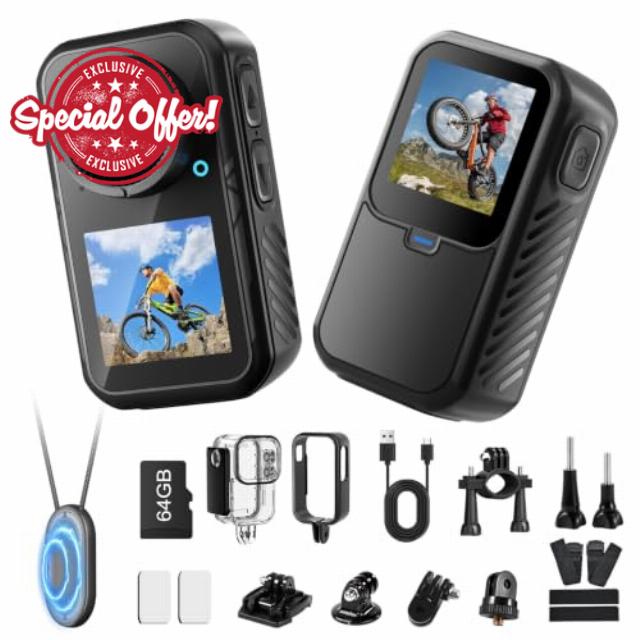
T70 4K 60FPS Mini Thumb Action Camera with 64GB Card, Dual Screens WiFi, 6-Axis EIS, Magnetic Wearable Hands-Free POV Body Camera, Vertical Recording, 30m Waterproof Case for Cycling, Vlogging
Nsyee 4K Thumb Camera, Portable Vlogging Camera, Waterproof Wearable Body Camera
Question 1: About the TF Card
A 64GB Micro SD card is included. This camera supports Micro SD cards from 16GB to 256GB. Please use a high-speed card rated Class 10 or above. Format the card in the camera before first use.
Question 2: How Do I Connect the Camera to My Phone?
1. Turn on Wi-Fi.
2. Scan the left image to download SupCam Pro, or find it in your app store.
3. Open the app and tap "Add Camera".
4. Tap "Scan" and scan the right image.
5. Connect to control the camera remotely. Adjust the angle first.
Question 3: How Do I Download Photos and Videos to My Phone?
1. In SupCam Pro, tap "Gallery" at the bottom left to view photos and videos.
2. Select and download the files you want.
3. Return to the app home page and tap "Album".
4. Select the files and download them to your phone's photo gallery.
Question 4: Which USB Mode Should I Select When Connecting the Camera to a Computer?
Connect the camera to a computer via USB to select a mode:
1. USB Drive: Transfer files to your computer
2. USB Camera: Use as a webcam. Other functions are unavailable
3. Working Mode: Shoot while charging
4. Charging Mode: Camera off; charging only
Question 5: How Do I Use Vertical Shooting?
Turn Vertical Shooting on or off in settings.
1. On: Records in vertical format, ideal for short videos.
2. Off: Records horizontally.
3. Note: Vertical mode is fixed at 1080P/30FPS video and 12MP photos. Other resolutions are unavailable.
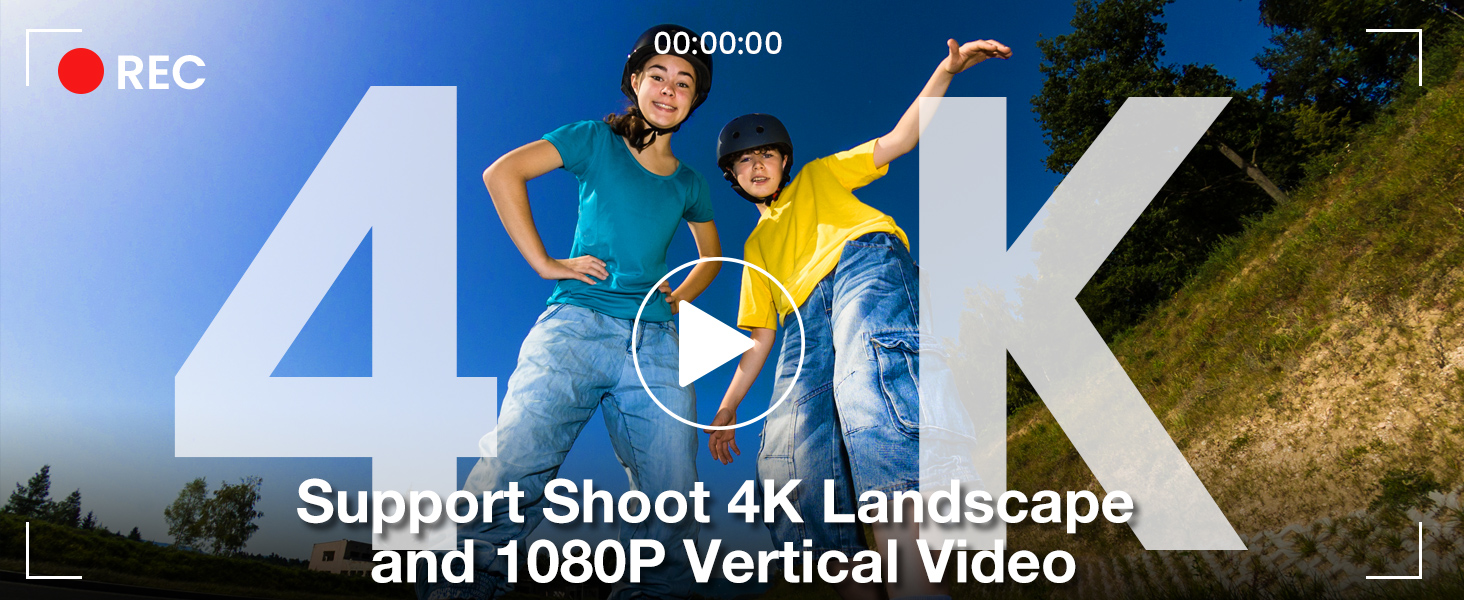
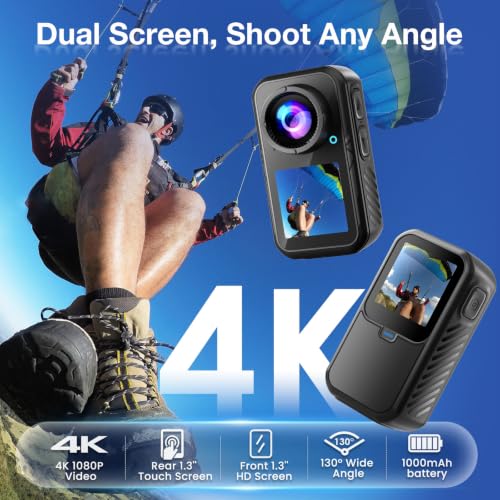
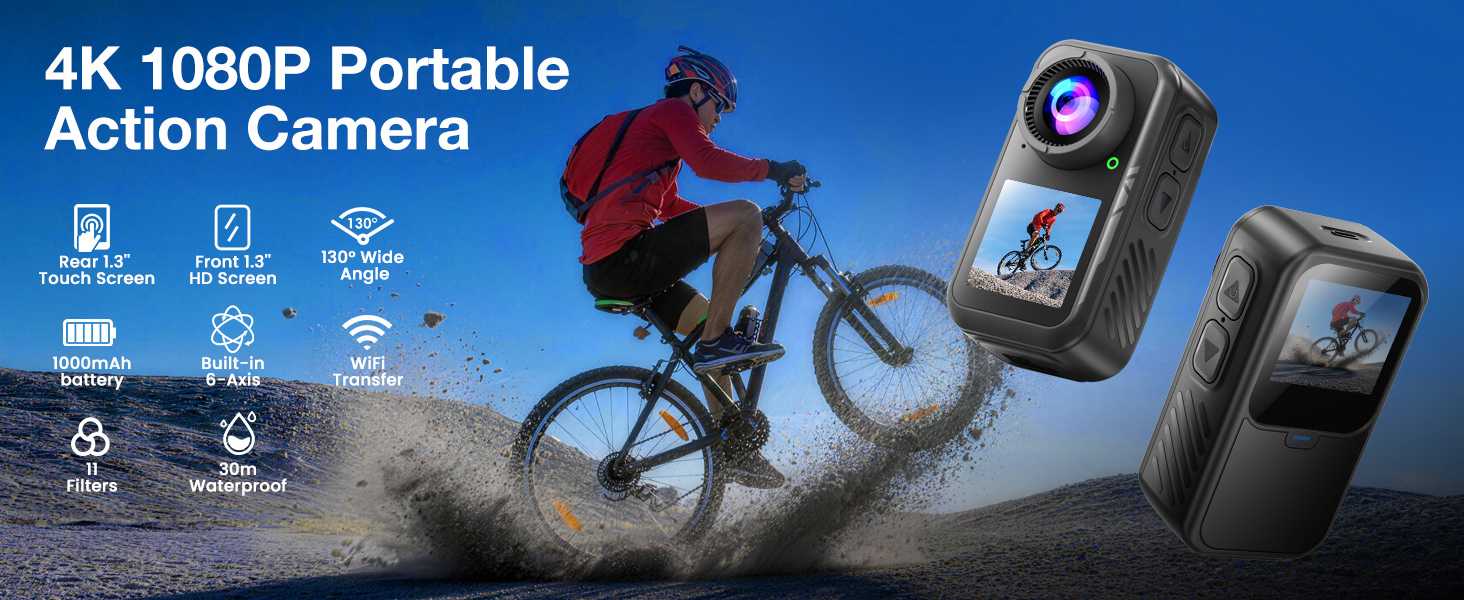
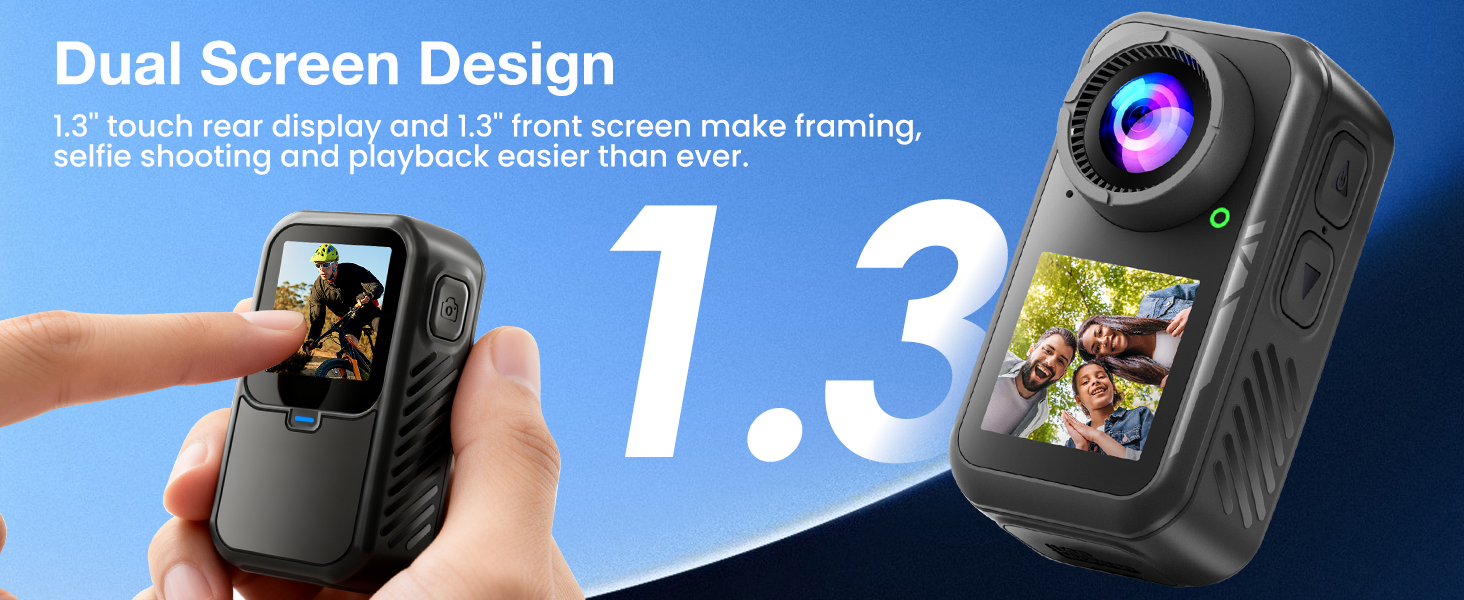
- 4K THUMB CAMERA WITH DUAL SCREENS: Capture landscape video in up to 4K at 60fps, or switch to vertical 1080P/30fps recording for TikTok, Instagram Reels and YouTube Shorts. This Nsyee mini action camera features a rear touchscreen for easy operation and a front display for selfies and solo vlogging. Vertical mode is fixed at 1080P/30fps with 12MP photos.
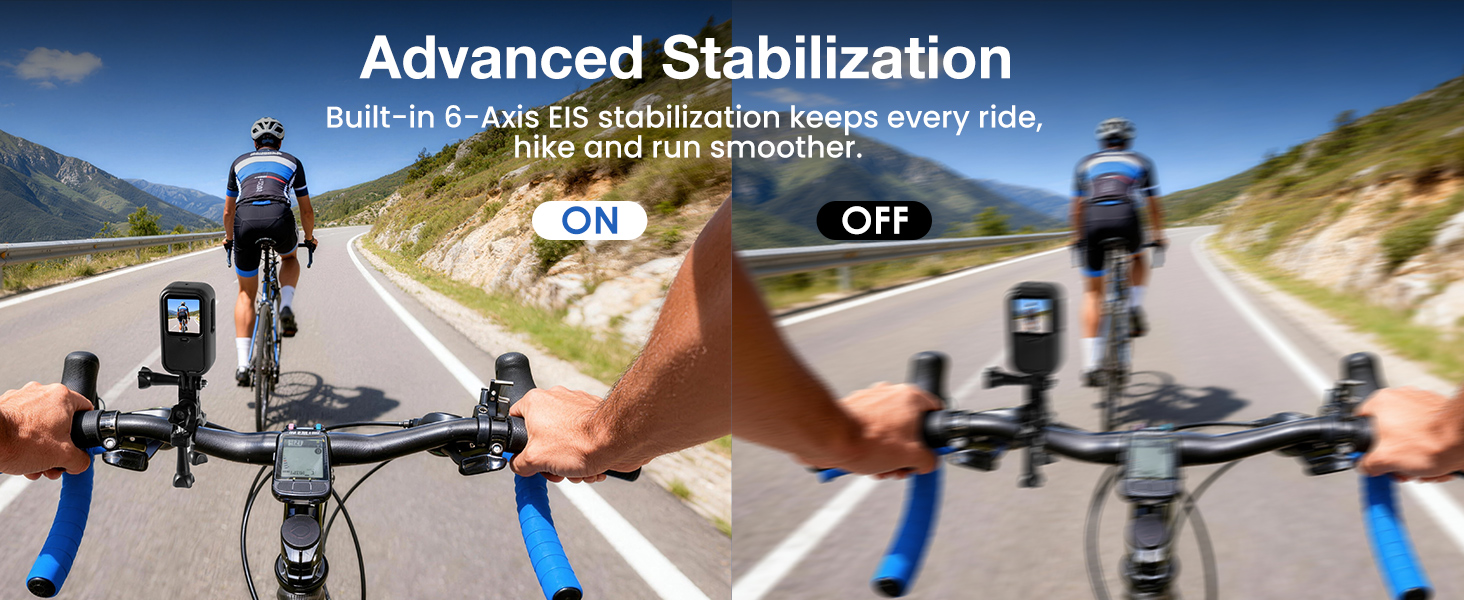
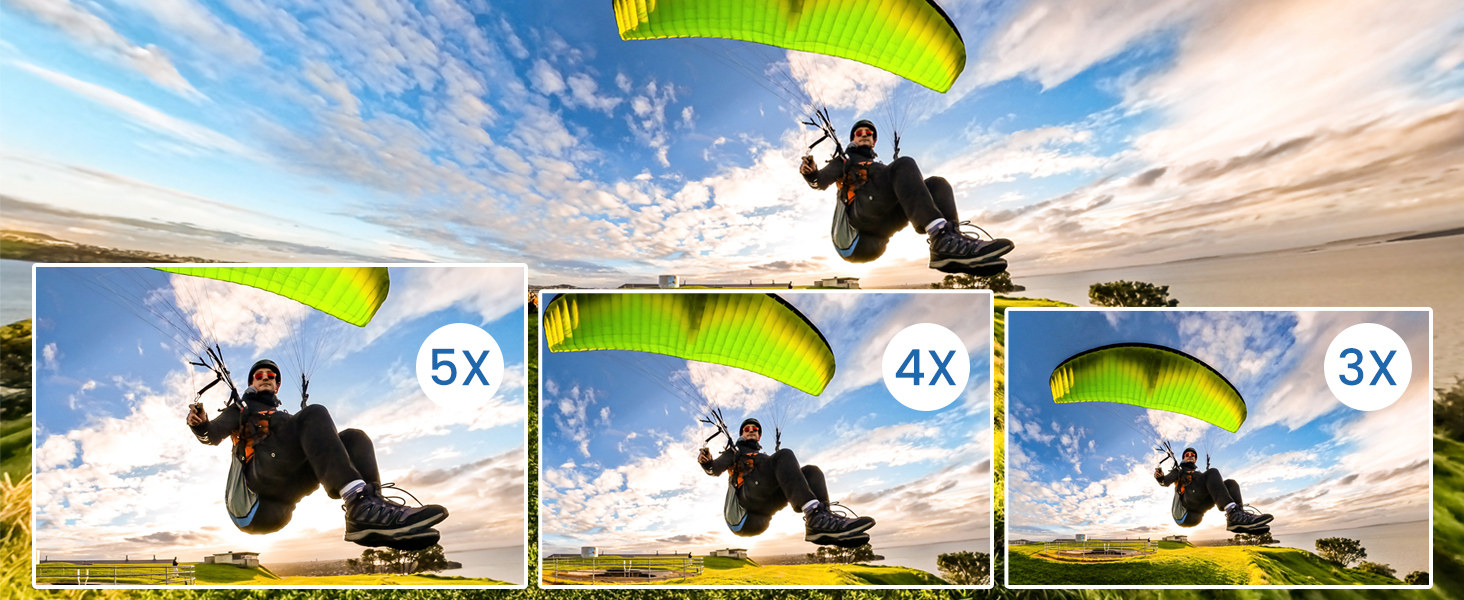
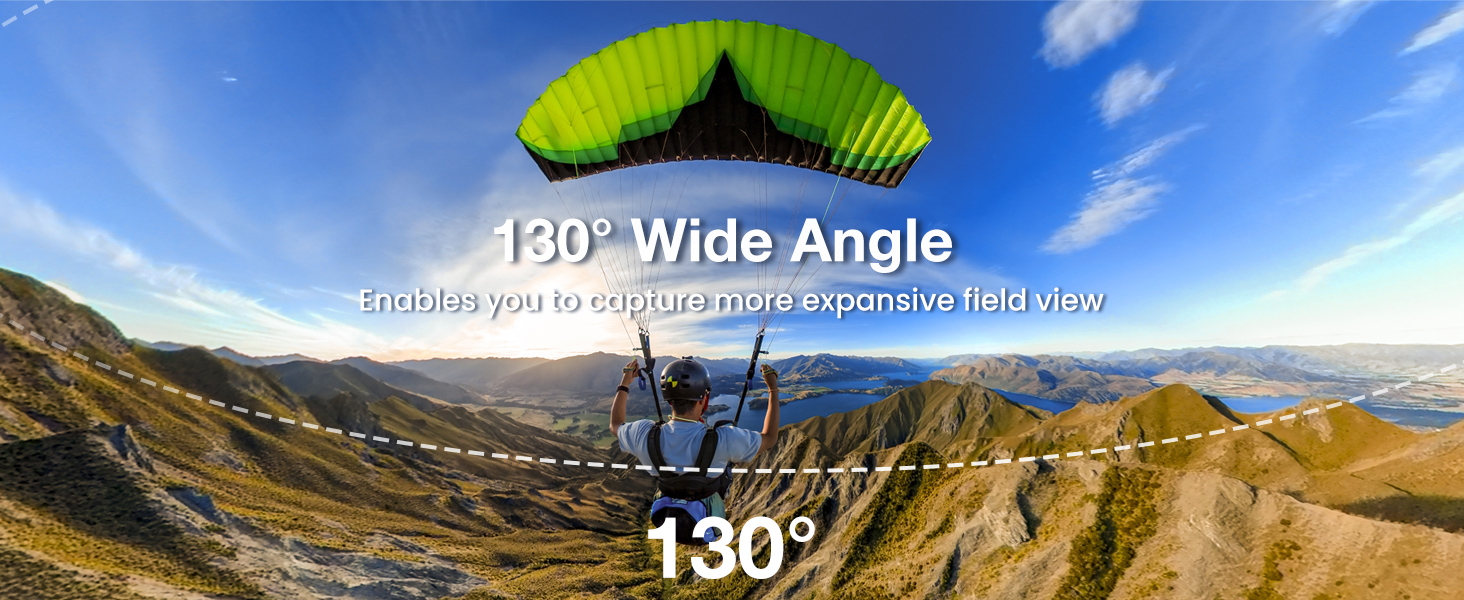
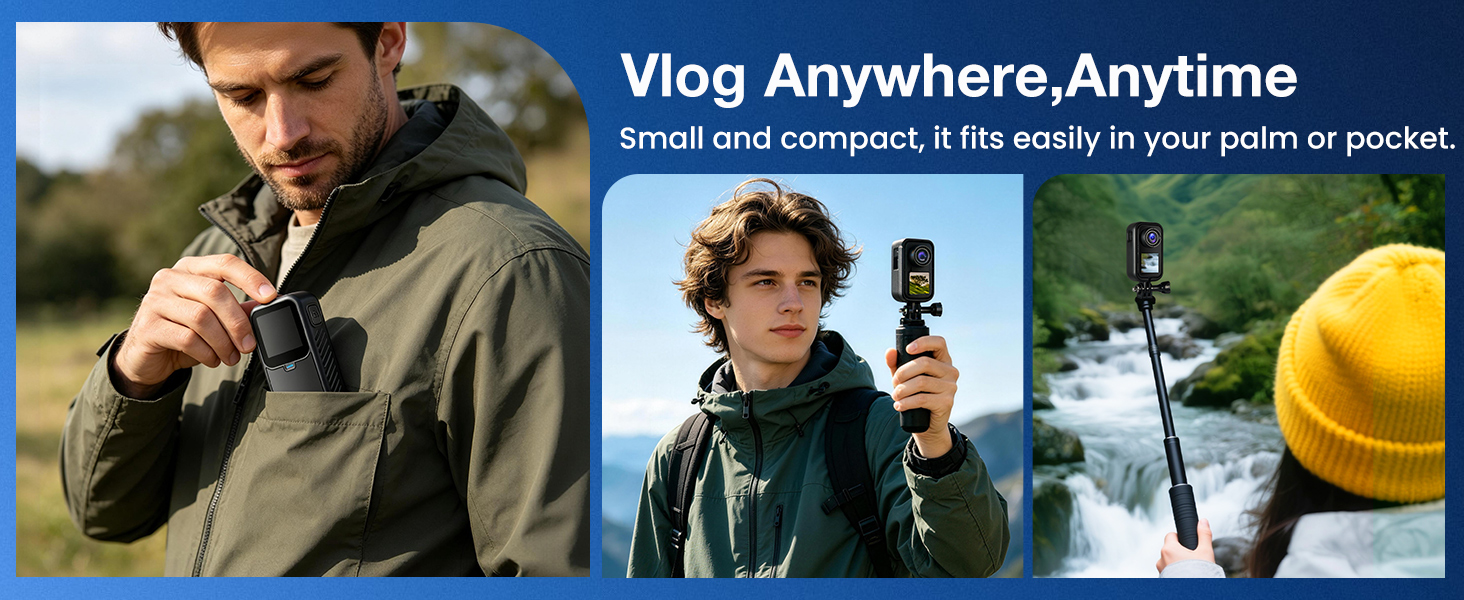
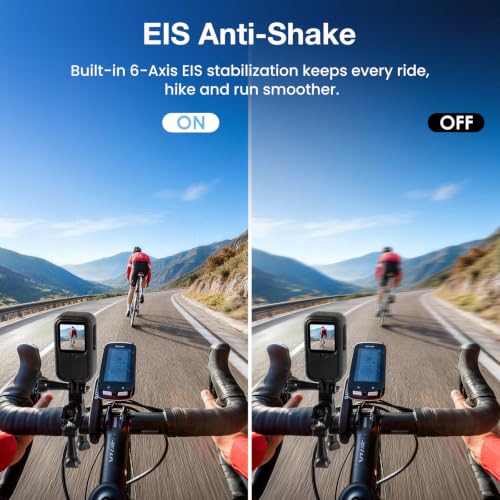
- MINI POV CAMERA WITH 6-AXIS EIS: This lightweight thumb camera weighs only 66g and features six-axis electronic image stabilisation to help reduce visible shake while walking, cycling or filming outdoor activities. The 130° F2.0 wide-angle lens, image rotation, pre-recording and audio noise reduction give you more ways to capture first-person footage.
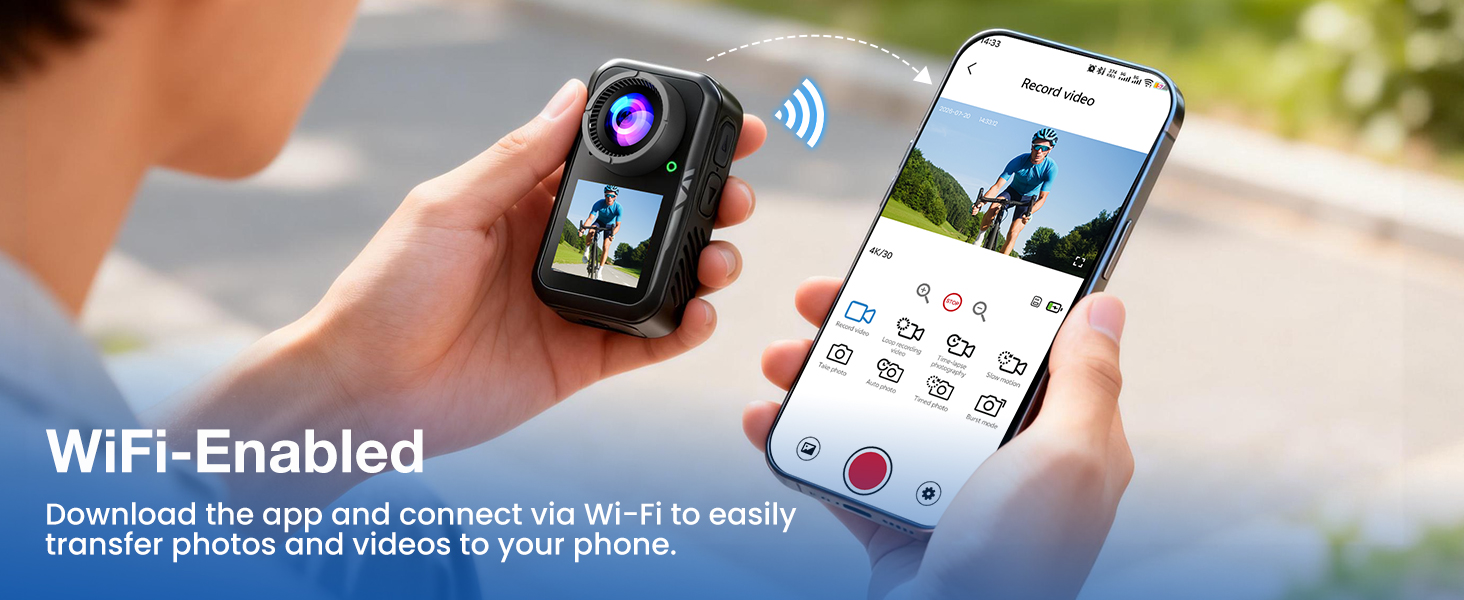
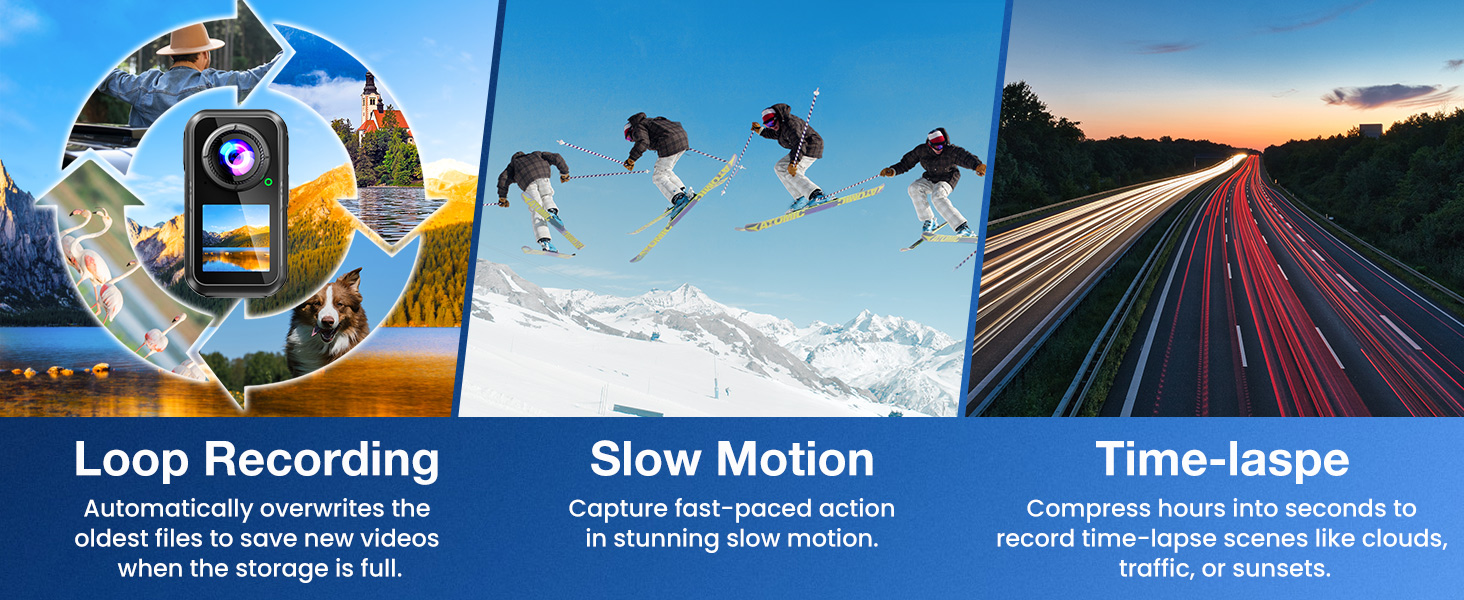
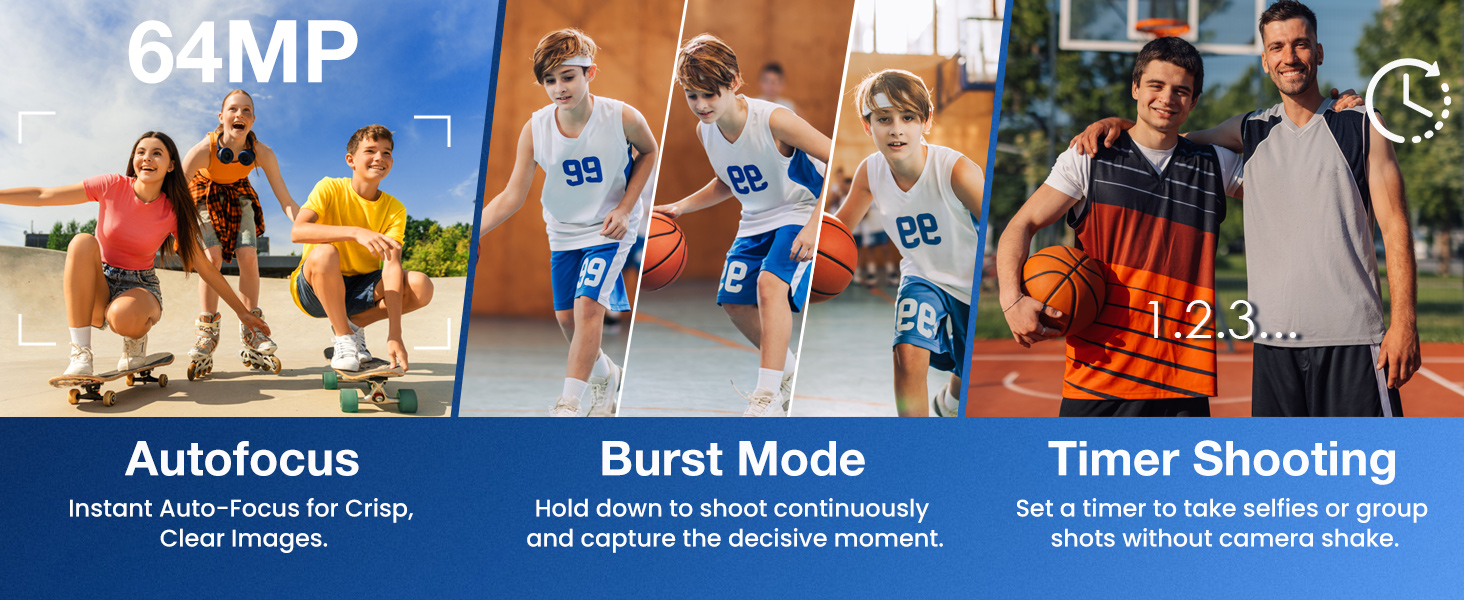
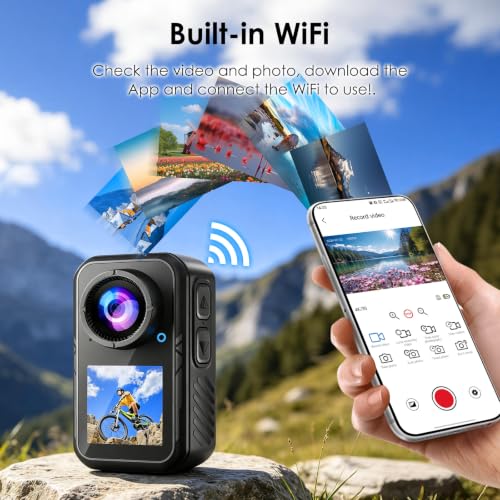
- WI-FI ACTION CAMERA WITH APP CONTROL: Connect the camera to its compatible smartphone app over 2.4GHz Wi-Fi for remote control, live preview and file transfer on Android and iOS devices. Choose from 11 filters, three brightness levels, normal video, slow motion, time lapse, loop recording, burst shooting and timed photos.
- WEARABLE CAMERA WITH 64GB CARD: The built-in 1000mAh battery provides up to approximately 110 minutes of recording, depending on resolution, Wi-Fi and screen use. A 64GB microSD card is included, and the camera supports 16GB to 256GB Class 10 or faster cards. Please format the memory card in the thumb camera before first use.
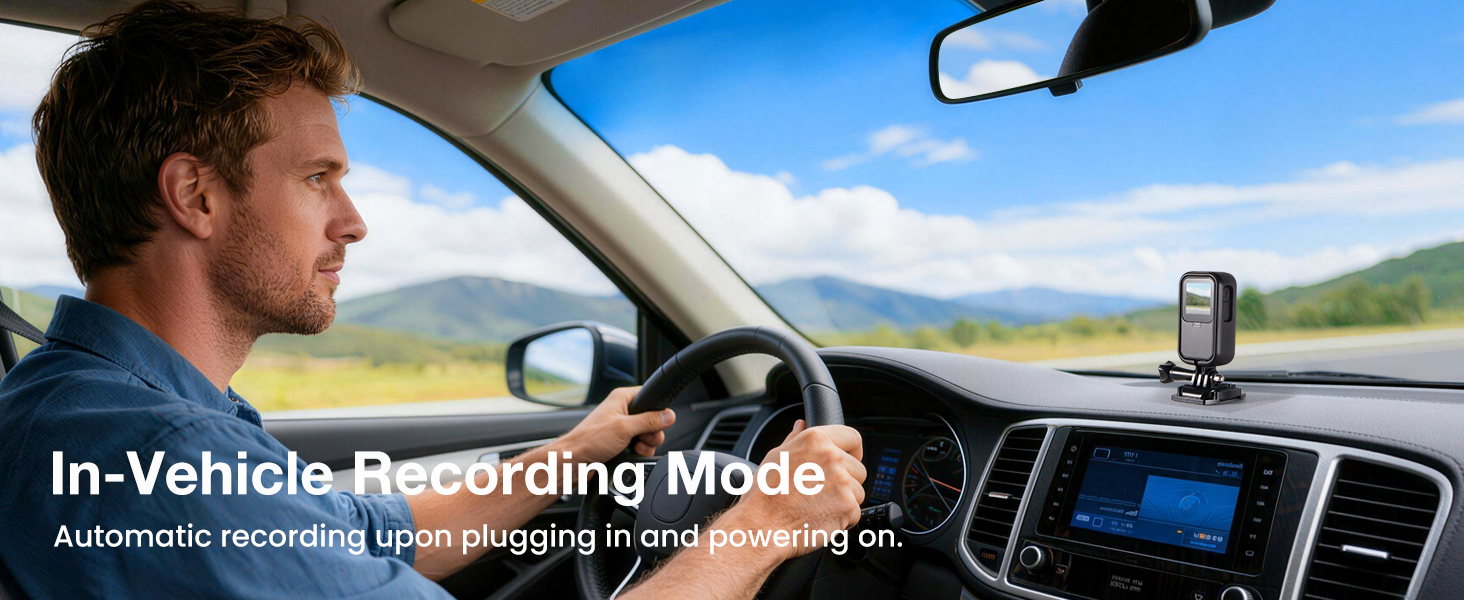
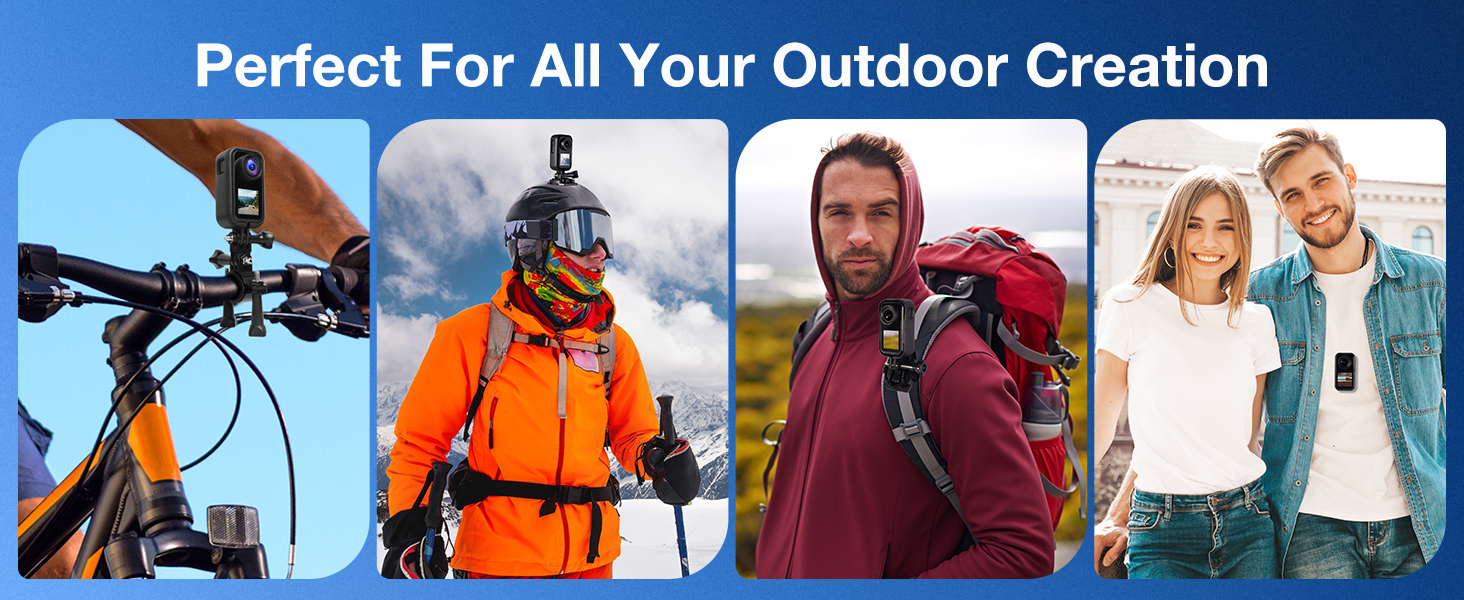
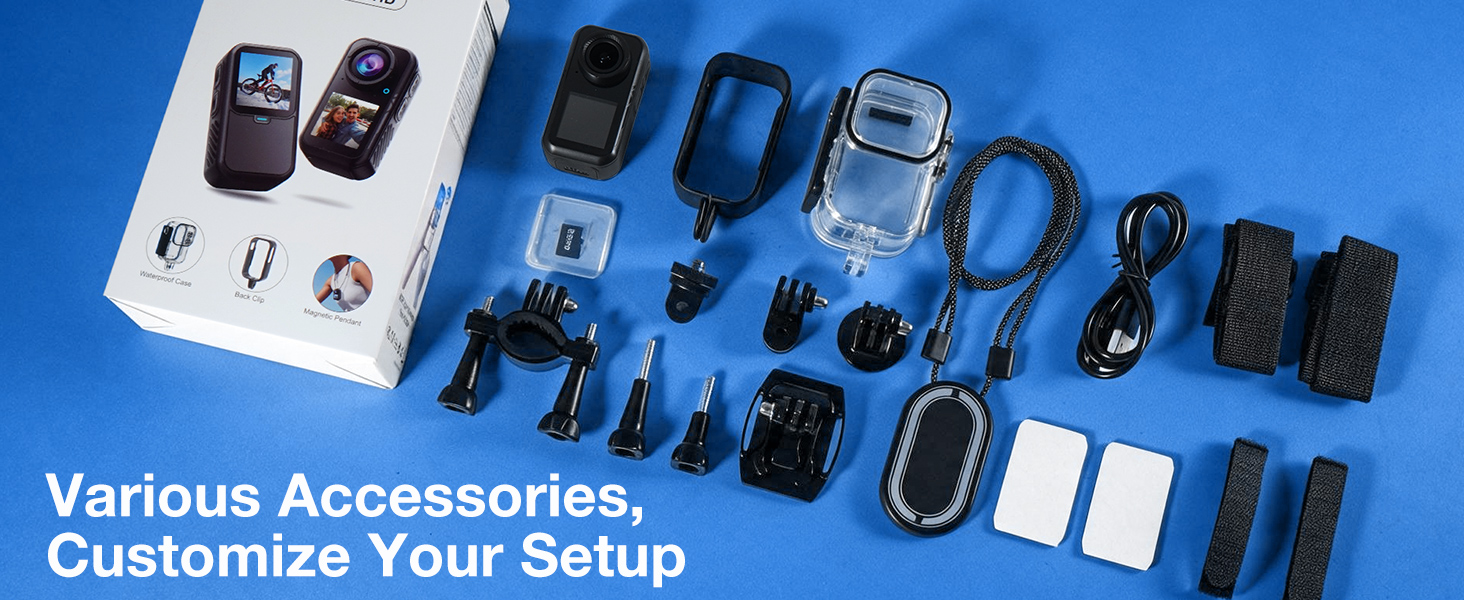
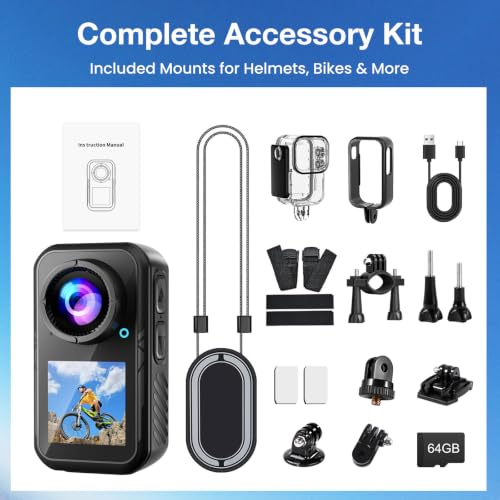
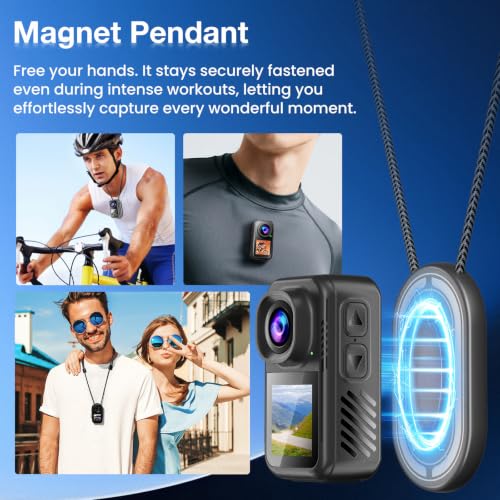
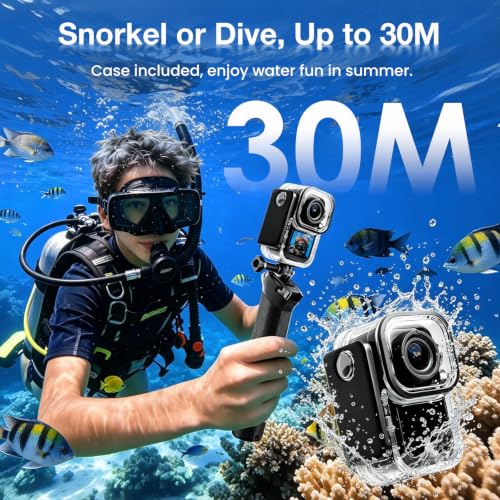
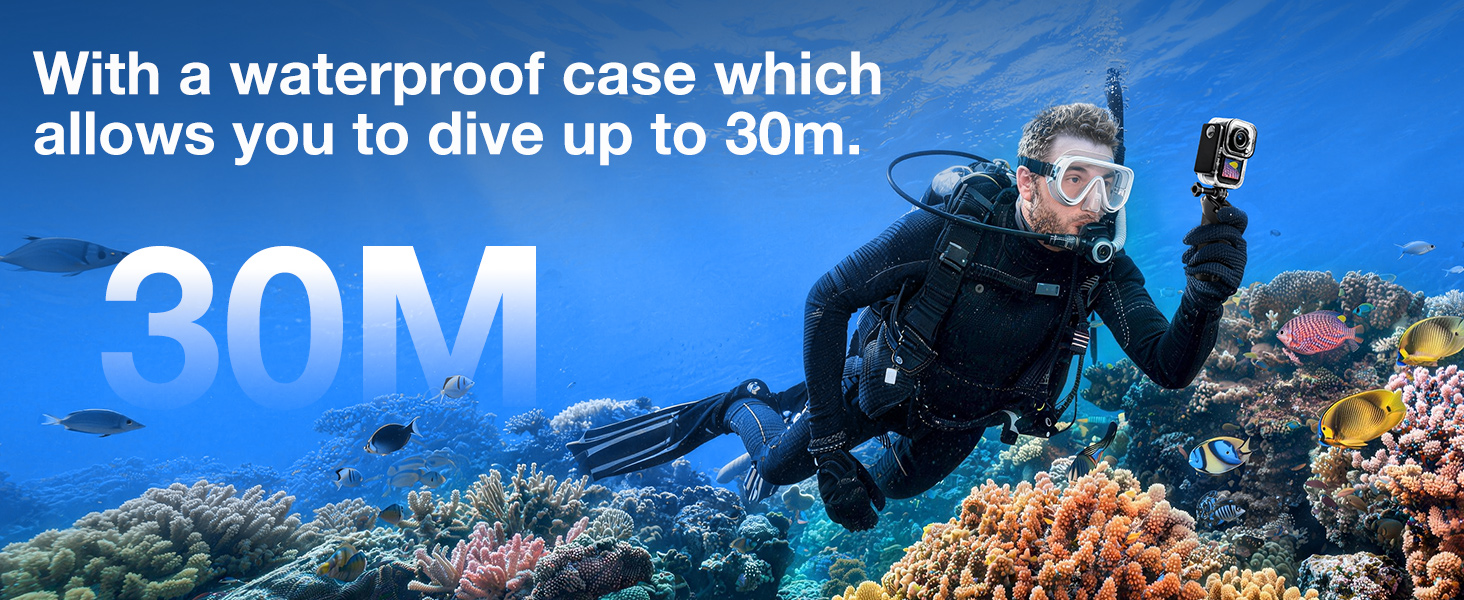
- MAGNETIC BODY CAM WITH MOUNTING KIT: Wear the compact POV camera using the magnetic pendant, attach it to clothing or a backpack with the clip, or use the included bicycle, helmet and mounting accessories for hands-free recording. The supplied waterproof housing supports underwater filming down to 30m. The camera body itself is not waterproof without the housing.
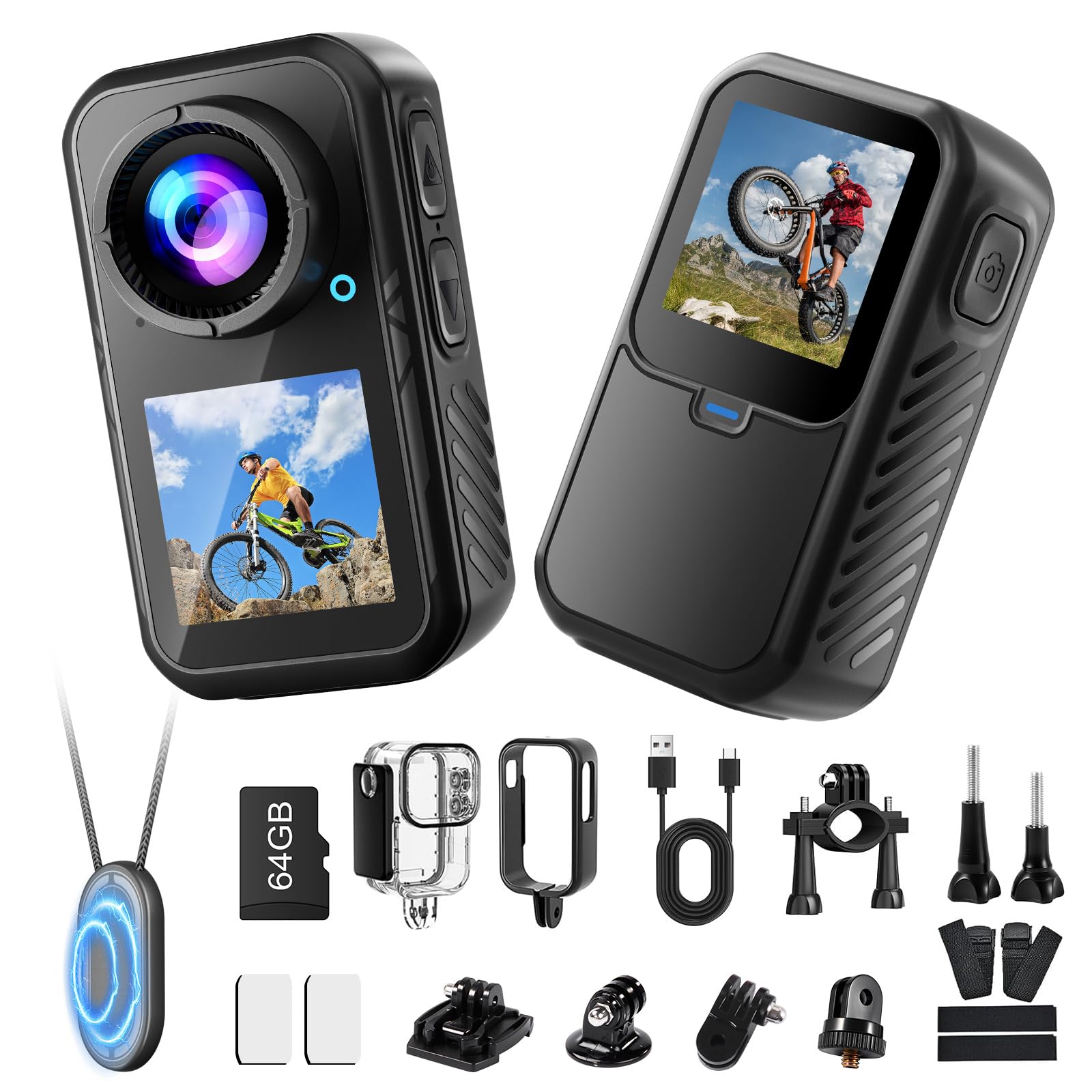
- PACKAGE CONTENTS & CUSTOMER SUPPORT: Includes 1* Nsyee 4K thumb camera, 1* 64GB microSD card, 1* user manual, 1* USB-C charging cable, 1* waterproof housing, 1* magnetic pendant, 1* back clip, 1* base, 5* brackets, 1* long screw, 2* 3M adhesive pads and 4*fastening strap. If you have any questions about product operation, please feel free to contact us at any time. **Note: The compact camera may become warm during prolonged high-resolution recording, especially when Wi-Fi, EIS and both screens are active. Maximum-load testing reached approximately 49°C. Keep the ventilation areas clear and allow the camera to cool when necessary.

| SKU: | B0H87P7TNG |
| Weight: | 65.5 Grams |
| Size: | 1.3 Inches |
| Brand: | Nsyee |
| Model: | T70 |
| Colour: | Black |
| Batteries Included: | Yes |
| Manufacture: | Nsyee |
| Colour: | Black |
| Origin: | China |
| Size: | 1.3 Inches |
Product Description
Nsyee 4K Thumb Camera, Portable Vlogging Camera, Waterproof Wearable Body Camera
Question 1: About the TF Card
A 64GB Micro SD card is included. This camera supports Micro SD cards from 16GB to 256GB. Please use a high-speed card rated Class 10 or above. Format the card in the camera before first use.
Question 2: How Do I Connect the Camera to My Phone?
1. Turn on Wi-Fi.
2. Scan the left image to download SupCam Pro, or find it in your app store.
3. Open the app and tap “Add Camera”.
4. Tap “Scan” and scan the right image.
5. Connect to control the camera remotely. Adjust the angle first.
Question 3: How Do I Download Photos and Videos to My Phone?
1. In SupCam Pro, tap “Gallery” at the bottom left to view photos and videos.
2. Select and download the files you want.
3. Return to the app home page and tap “Album”.
4. Select the files and download them to your phone’s photo gallery.
Question 4: Which USB Mode Should I Select When Connecting the Camera to a Computer?
Connect the camera to a computer via USB to select a mode:
1. USB Drive: Transfer files to your computer
2. USB Camera: Use as a webcam. Other functions are unavailable
3. Working Mode: Shoot while charging
4. Charging Mode: Camera off; charging only
Question 5: How Do I Use Vertical Shooting?
Turn Vertical Shooting on or off in settings.
1. On: Records in vertical format, ideal for short videos.
2. Off: Records horizontally.
3. Note: Vertical mode is fixed at 1080P/30FPS video and 12MP photos. Other resolutions are unavailable.