USB 3.0 to Dual HDMI Adapter, USB-A to 2 HDMI Splitter
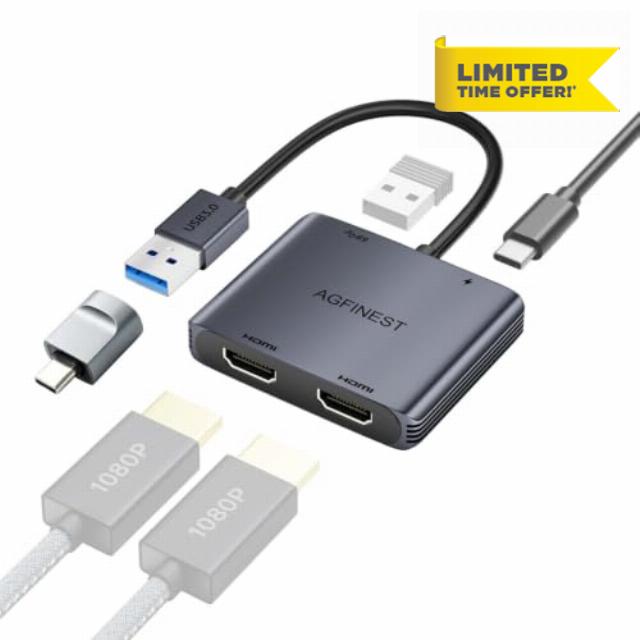
USB 3.0 to Dual HDMI Adapter, USB-A to 2 HDMI Splitter for Dual Monitors Displaylink Dual 1080P@60Hz, Extend/Mirror Mode for Windows & macOS, USB 3.0 Port 5Gbps, for PC Laptop to Two Monitors TVs
What if the driver install window doesn't appear after plugging in?
Please check that the USB-A connection is secure and try plugging into another USB-A 3.0 port on your computer. Please refer to the user manual for installation instructions
Can I use this adapter if my laptop only has USB-C ports?
Yes, if your USB-C port supports USB 3.0 and OTG (On-The-Go). Plug the adapter into the converter, then into your laptop's USB-C port. Refer to the user manual for detailed steps.
Which OS are supported? Can both monitors show different content?
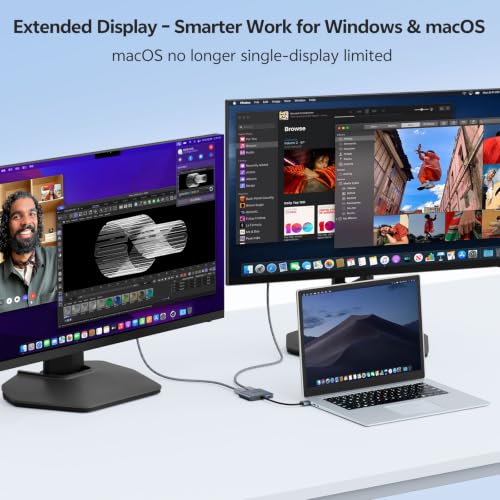
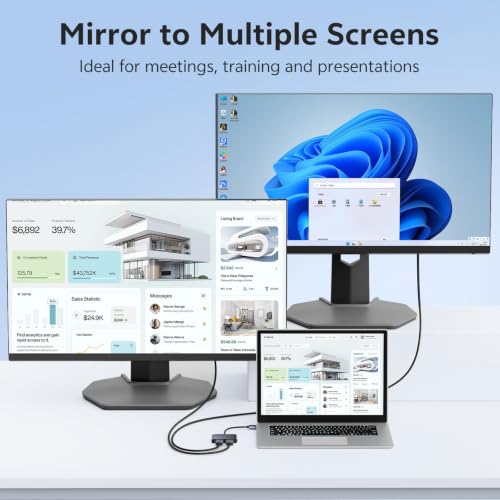
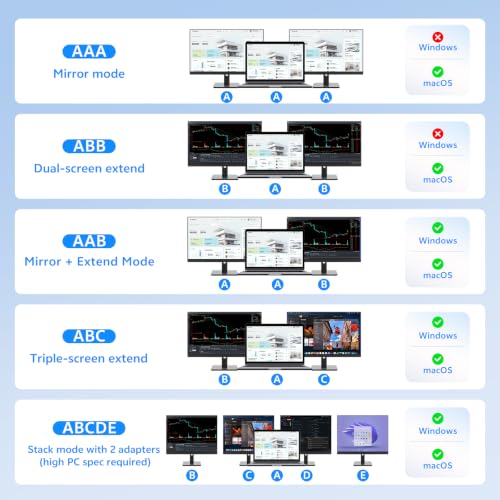
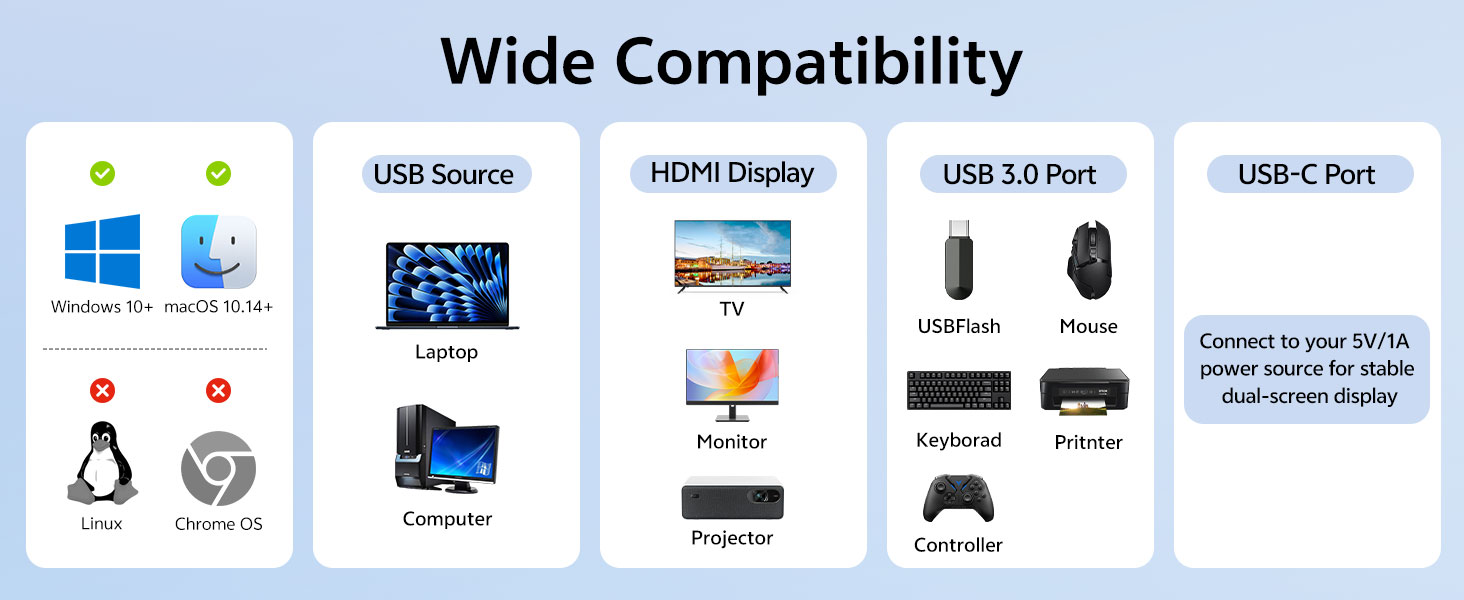
Windows 10 1607 and above, and macOS 10.14 and above. Built-in driver pops up automatically when plugged in. Select "Extend" mode (ABB/ABC) in display settings to show different content on each monitor, or use AAA mirror mode for presentations.
Does the power port need to be plugged in at all times?
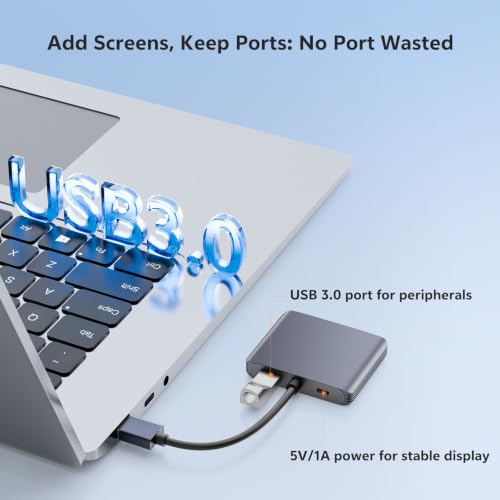
No. For daily office use, USB bus power is sufficient to drive dual screens. For large monitors or extended high-load sessions, we recommend connecting 5V/1A power for extra stability to prevent flickering or blackouts.
What is the USB 3.0 passthrough port for?
It's an additional USB port for connecting peripherals like flash drives, wireless mouse/keyboard receivers, or printers – so you can enjoy dual screens without losing access to your other devices. Theoretical transfer speed up to 5Gbps.
- Driver Installation Required (Important): Driver installation is required for first-time use. Plug the adapter into your computer's USB 3.0 port, wait a moment, and a virtual drive named "USBDISPLAY" will appear. Open the drive from "My Computer" or Finder, run the installer, and follow the on-screen steps to complete the installation. For detailed instructions, video tutorials are available on the product page
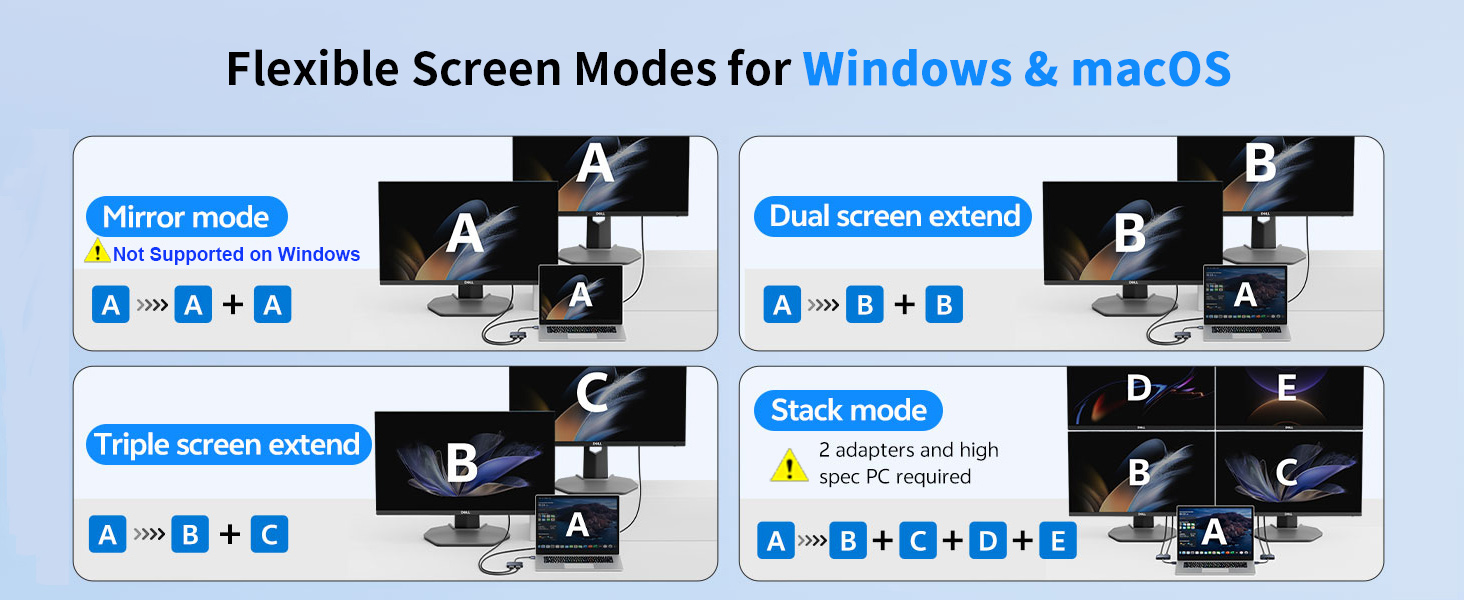
- System Compatibility: Compatible with Windows and macOS. (Not compatible with Chrome OS, Linux, or other operating systems.) Mode availability – Windows: AAB / ABB / ABC / ABCDE (AAA not supported). macOS: AAA / ABB / AAB / ABC / ABCDE. ABCDE requires 2 adapters and a high-spec PC. For USB-C only devices, your USB-C port must support USB 3.0 and OTG. Designed for office work, coding, financial charting, and everyday multitasking. Not recommended for high-end gaming or graphics-intensive applications.
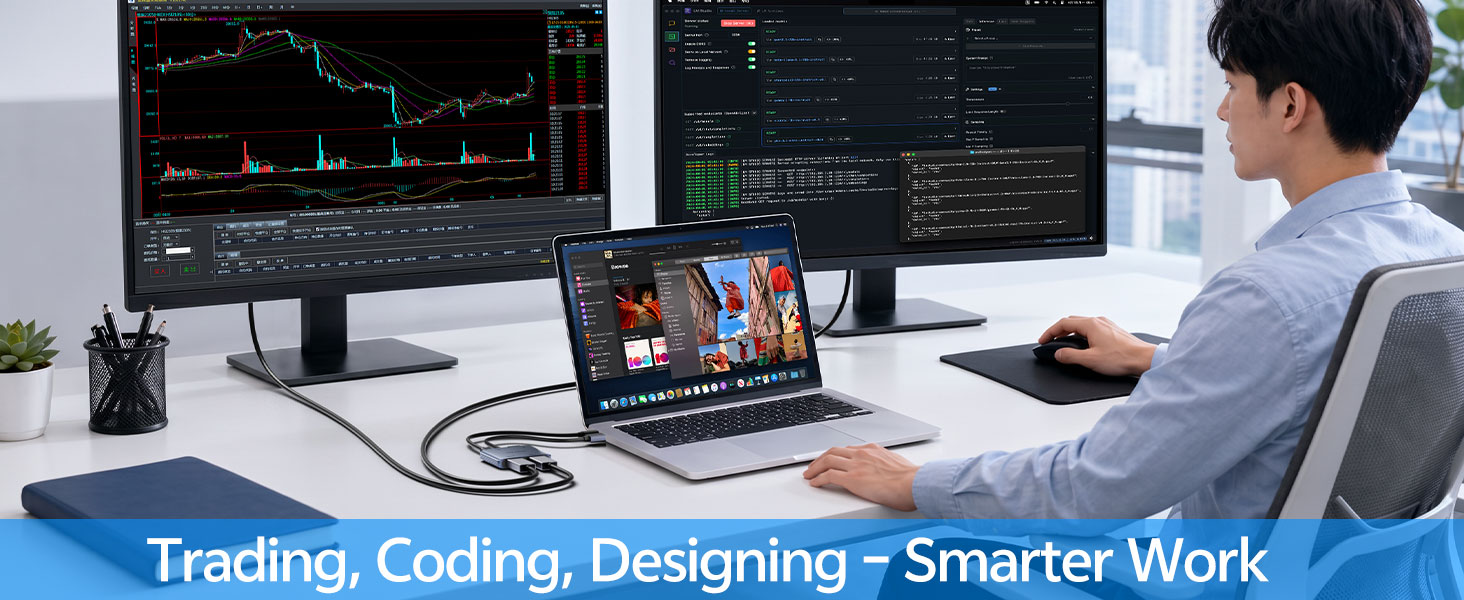
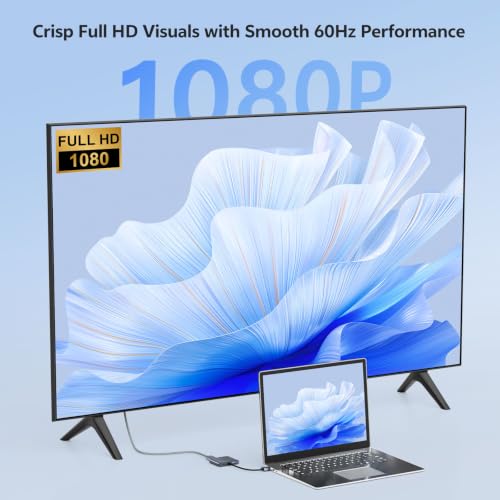
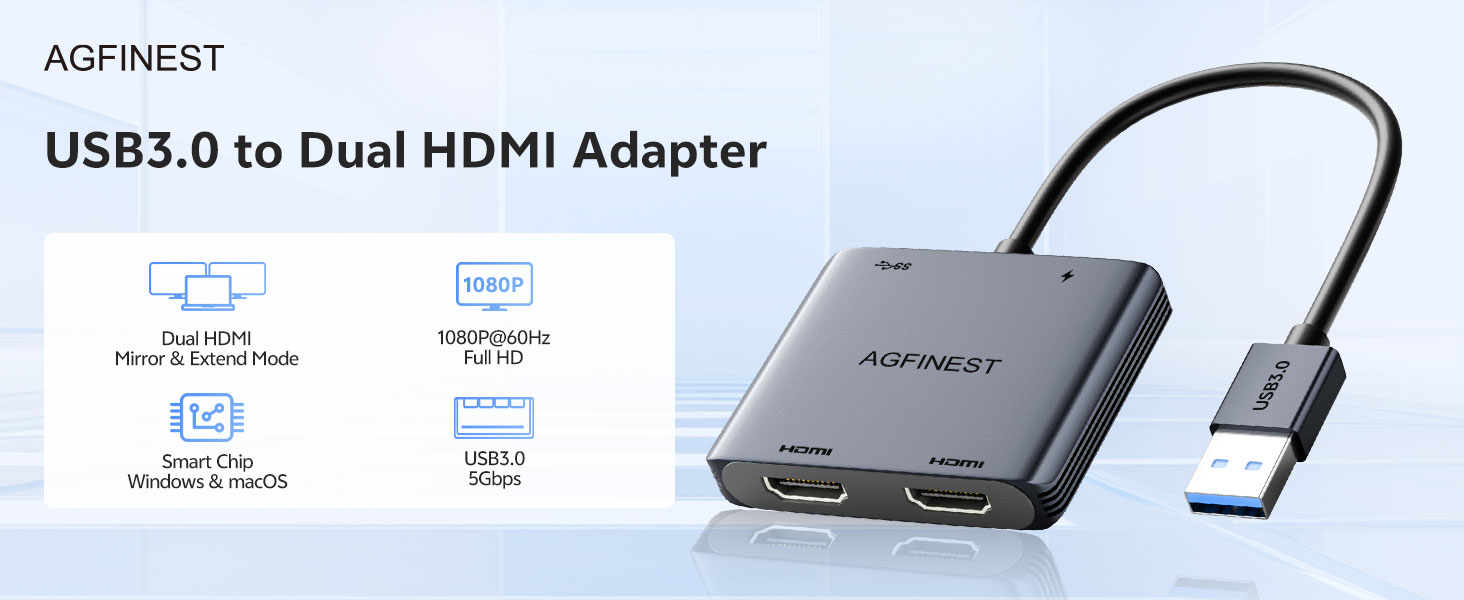
- Dual 1080P at 60Hz with Extended Mode: AGFINEST USB to dual HDMI adapter allows your laptop to output video to two HDMI monitors simultaneously through a single USB port, delivering full HD dual-screen extended display at up to 1080P/60Hz (1920×1080). It supports "ABC Extended Mode" – displaying different content on your laptop screen (A), external monitor 1 (B), and external monitor 2 (C) at the same time. Whether you're compiling Excel data, reviewing research materials, joining web conferences, or monitoring stock charts, you can view everything side by side without constantly switching windows.
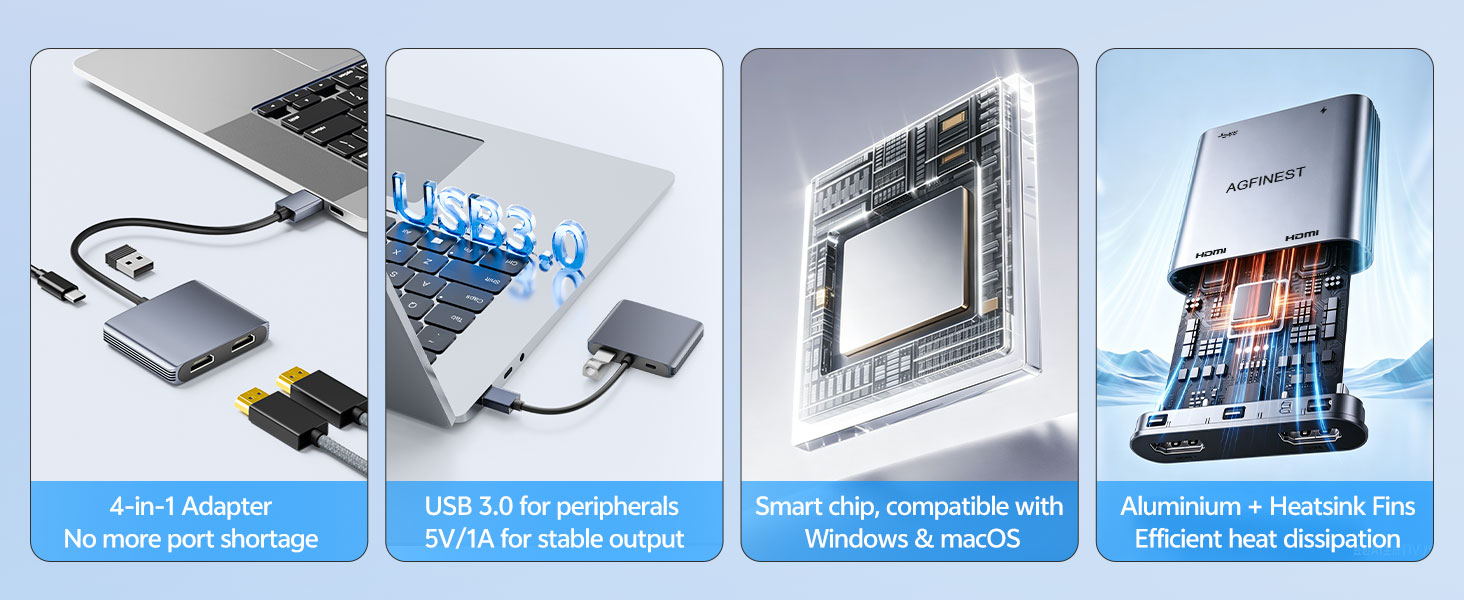
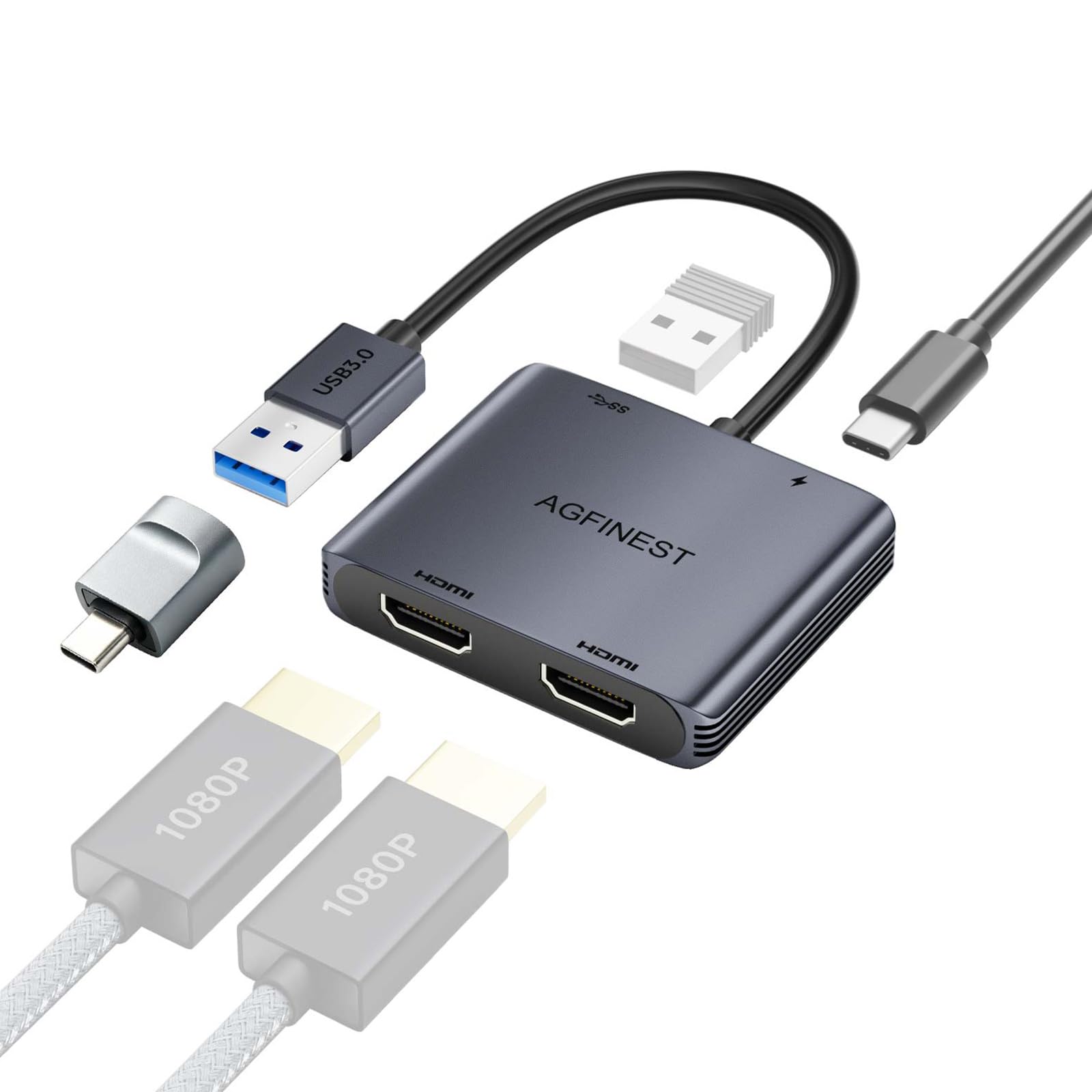
- USB 3.0 Passthrough Port & Optional 5V Power Input: AGFINEST USB dual HDMI adapter features an additional USB 3.0 port running at 5Gbps. Connect flash drives, wireless mice, or keyboards while enjoying dual-screen output. Optional 5V USB-C power input for stable performance. Plug in a standard 5V/1A charger when using large monitors or heavy loads – eliminates flickering and disconnections. USB-A to USB-C power cable included(charging adapter not included).
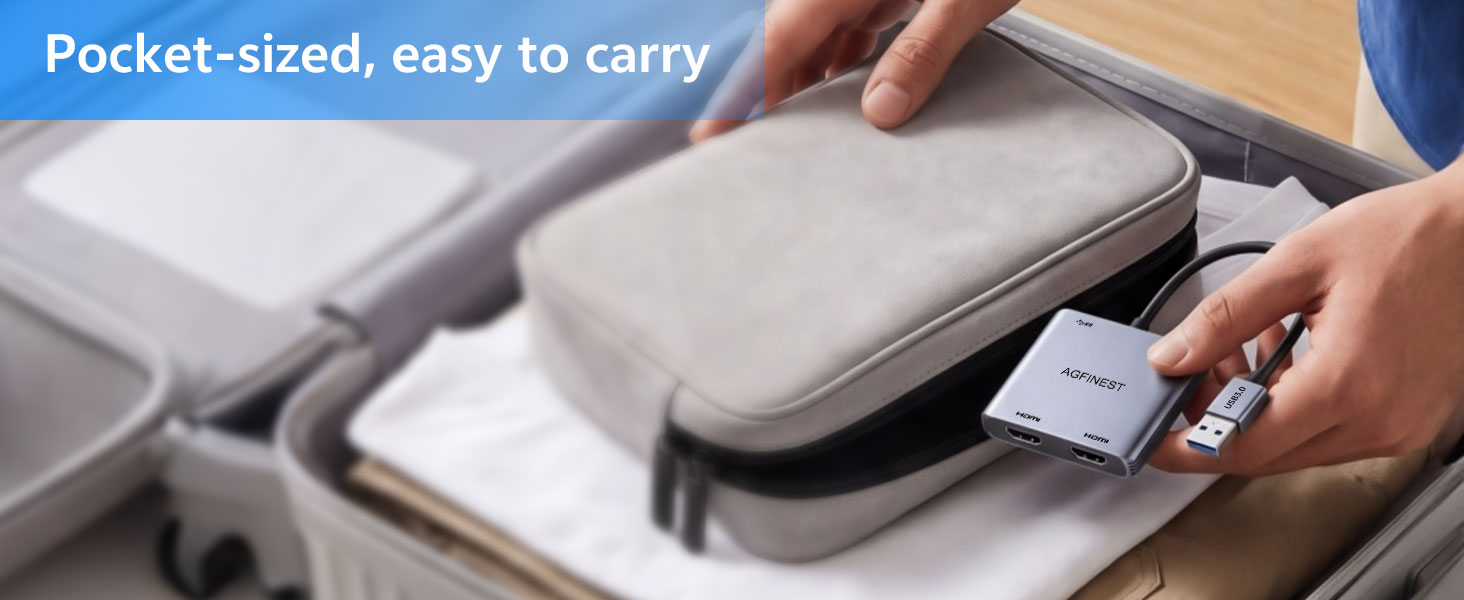
- Aluminium Housing with Heatsink Fins & Pocket-Sized Design: Crafted from durable aluminium alloy with integrated heatsink fins, AGFINEST adapter efficiently dissipates heat during extended use, preventing overheating, performance drops, or unexpected disconnections. The premium metal build resists wear and corrosion, ensuring long-term reliability. Its pocket-sized design fits easily into any laptop bag, making it ideal for hybrid workers, traders, programmers, and students on the go.
- Package Contents & After-Sales Support: Package includes: 1 x USB 3.0 to Dual HDMI Adapter, 1 x USB-A to USB-C Converter, 1 x USB-A to USB-C Power Cable, and 1 x User Manual. Backed by a 2-year warranty and lifetime technical support. If you have any questions, feel free to contact us – we are here to help.


| SKU: | B0HBPTWFTL |
| Weight: | 50 Grams |
| Dimensions: | 18.8 x 6.2 x 1.1 centimetres |
| Brand: | AGFINEST |
| Model: | 1011-1410-DE |
| Manufacture: | AGFINEST |
| Origin: | China |
Product Description
What if the driver install window doesn’t appear after plugging in?
Please check that the USB-A connection is secure and try plugging into another USB-A 3.0 port on your computer. Please refer to the user manual for installation instructions
Can I use this adapter if my laptop only has USB-C ports?
Yes, if your USB-C port supports USB 3.0 and OTG (On-The-Go). Plug the adapter into the converter, then into your laptop’s USB-C port. Refer to the user manual for detailed steps.
Which OS are supported? Can both monitors show different content?
Windows 10 1607 and above, and macOS 10.14 and above. Built-in driver pops up automatically when plugged in. Select “Extend” mode (ABB/ABC) in display settings to show different content on each monitor, or use AAA mirror mode for presentations.
Does the power port need to be plugged in at all times?
No. For daily office use, USB bus power is sufficient to drive dual screens. For large monitors or extended high-load sessions, we recommend connecting 5V/1A power for extra stability to prevent flickering or blackouts.
What is the USB 3.0 passthrough port for?
It’s an additional USB port for connecting peripherals like flash drives, wireless mouse/keyboard receivers, or printers – so you can enjoy dual screens without losing access to your other devices. Theoretical transfer speed up to 5Gbps.