Wireless HDMI Transmitter and 2 Receivers, Support Wireless
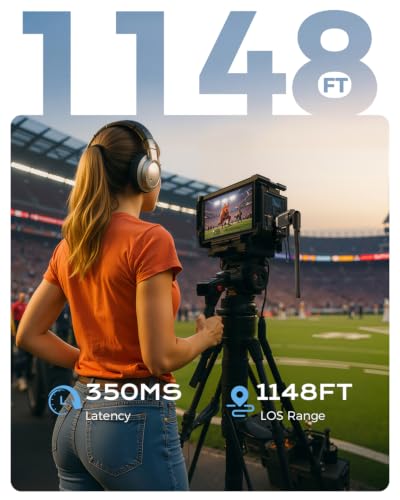
Wireless HDMI Transmitter and 2 Receivers, Support Wireless Receiving 2.4/5G 350M/1148FT 1080P Full HD, for Streaming Videography/PCs/TV-Box/Blu-ray to HDTV/Projector/Tablet/Mobiles
Suitable for More Use Requirements
After multiple attempts to connect, the item still does not function properly. What should I do?
You can troubleshoot the issue by following the A+ connection steps:
1. Power the RX and TX with a 5V/1A charger instead of the USB ports on your TV or laptop.
2. Press and hold the RX button for 7 seconds
3.Press and hold the TX button for 7 seconds
Do I need to connect the power cord when I connect the wireless transmitter and receiver?
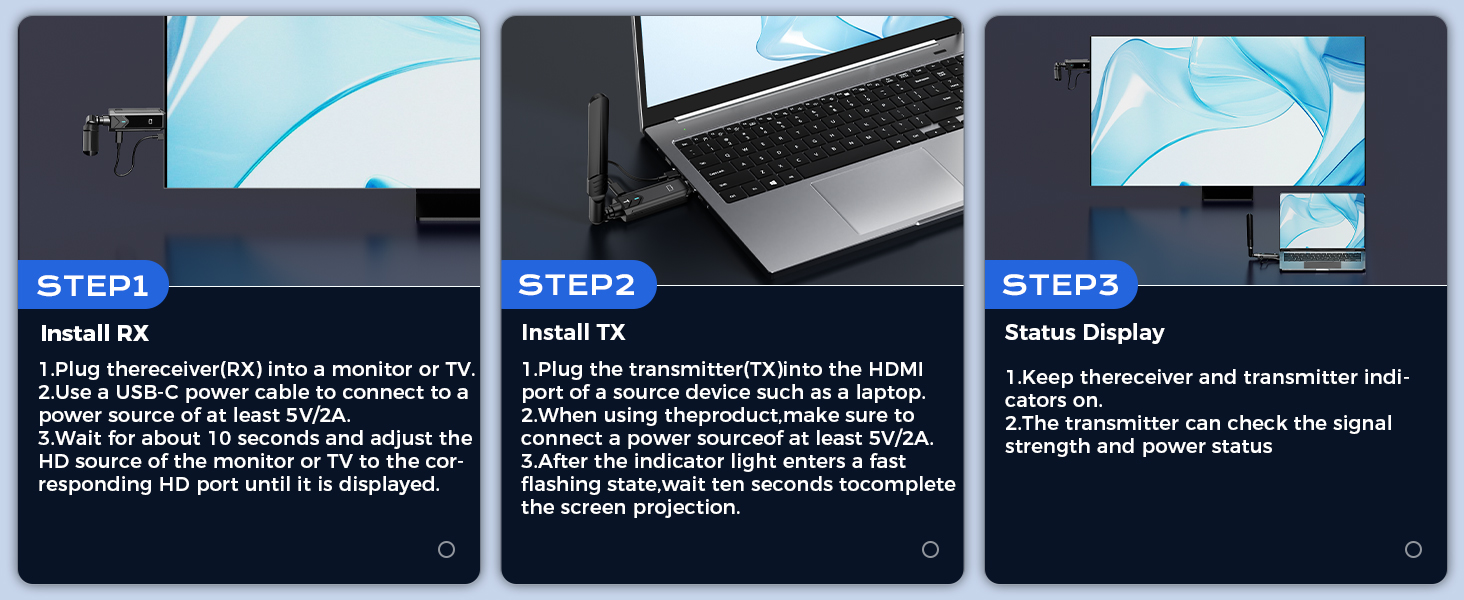
When using the wireless transmitter (TX) and receiver (RX), be sure to connect the power cord to a 5V/2A power adapter. Insufficient power supply may cause the device to disconnect. If using a laptop, power can be supplied directly from the USB port.
How do I adjust the image size if it's zoomed in or out on the receiver screen?
The receiver has a screen adjustment function – simply keep pressing the button until the image is resized to fit the screen properly.
Is this wireless HDMI suitable for gaming?
This wireless HDMI is suitable for most games, but we do not recommend this product for competitive games that require low latency or games that require fast response time.
Does the Wireless HDMI support smartphones, tablets, camcorders and DV?
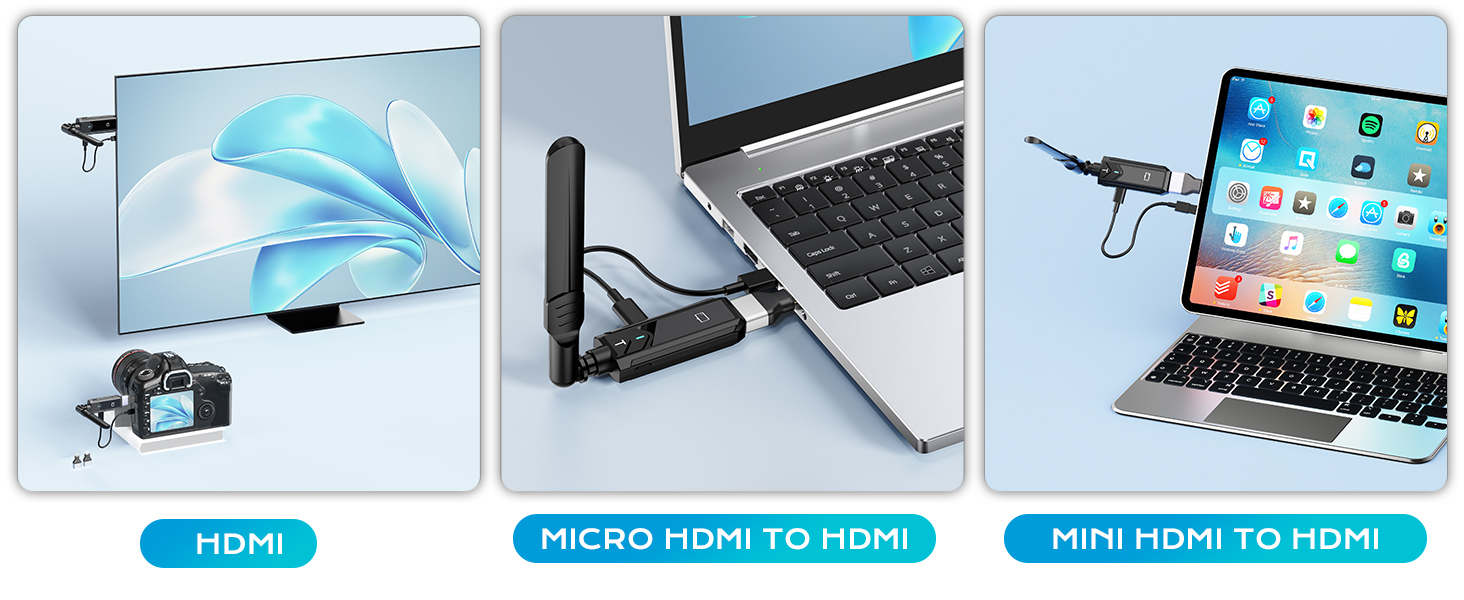
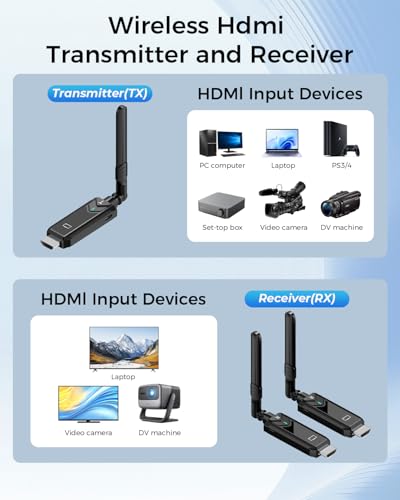
Wireless HDMI transmitters and receivers are suitable for devices with HDMI ports (e.g. PCs, laptops, TV boxes, cameras and DVs). For cell phones and tablets, make sure they can output HDMI signals.
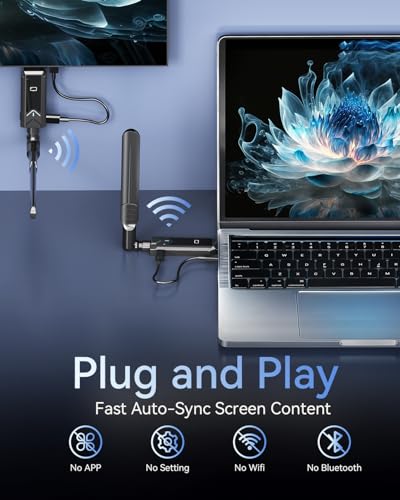
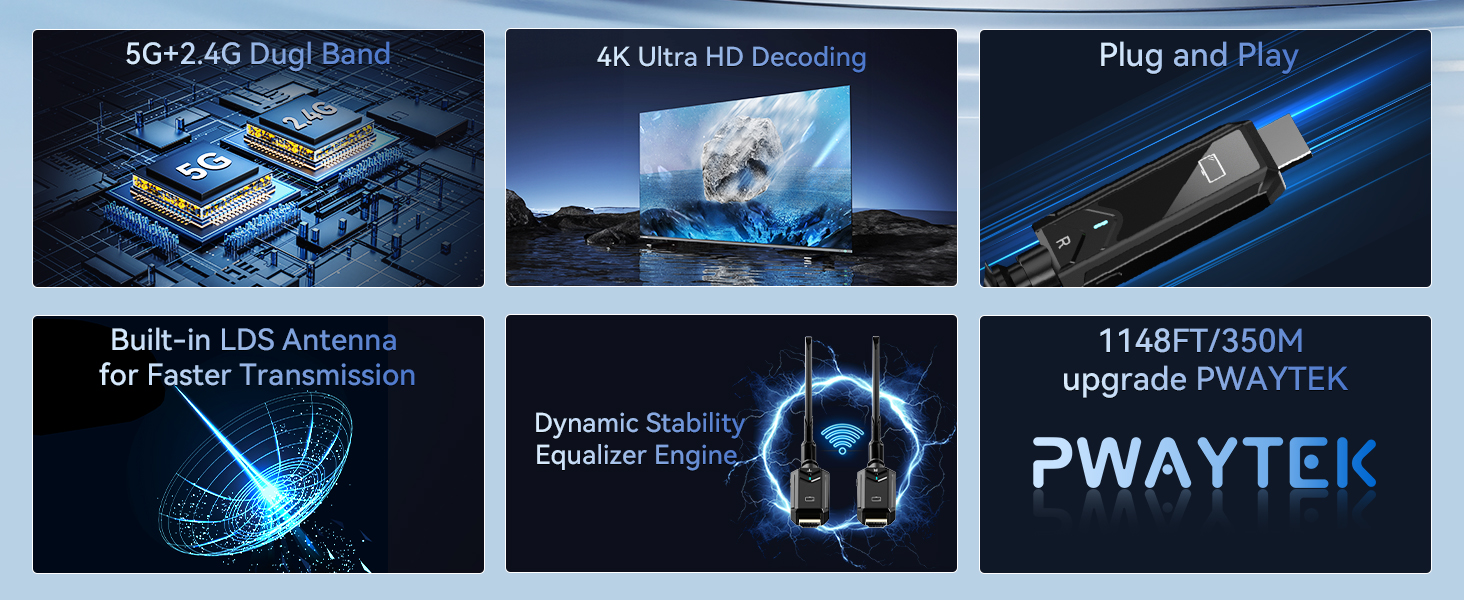
- Plug and Play: No apps, Bluetooth, or Wi-Fi required; simply plug in this wireless HDMI transmitter and instantly begin streaming media without interruption, creating a fresh, hassle-free space without the hassle of setup.
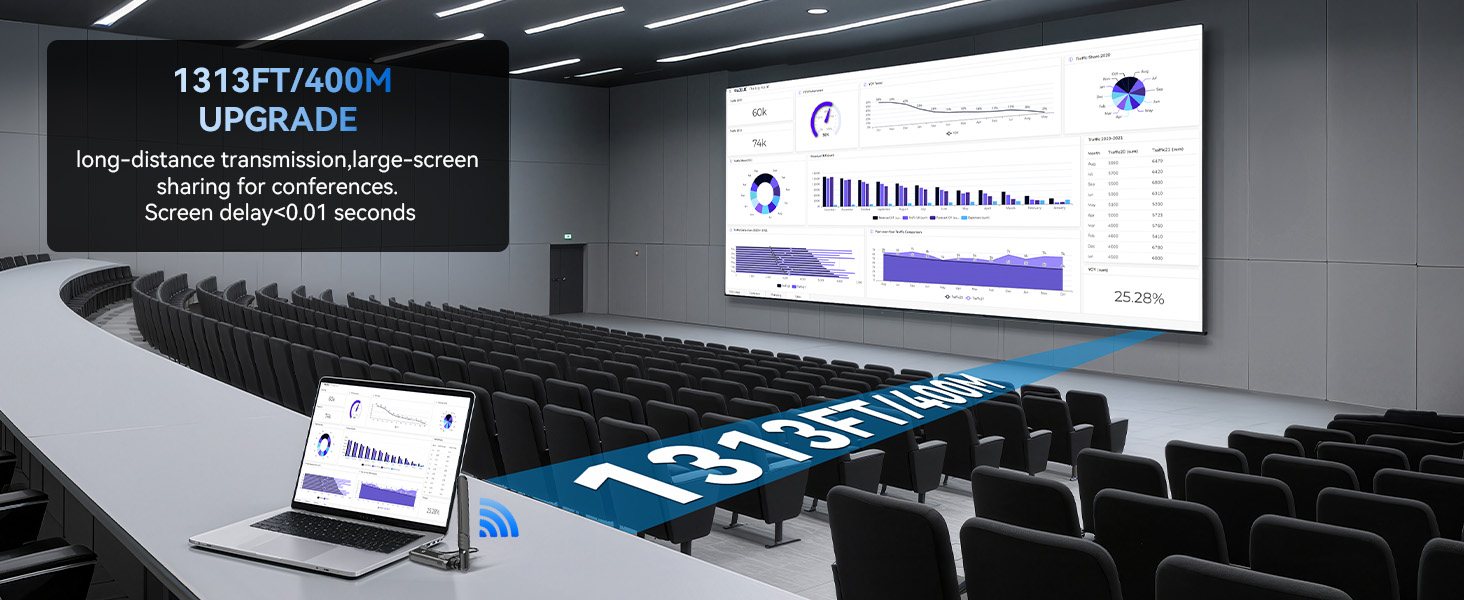
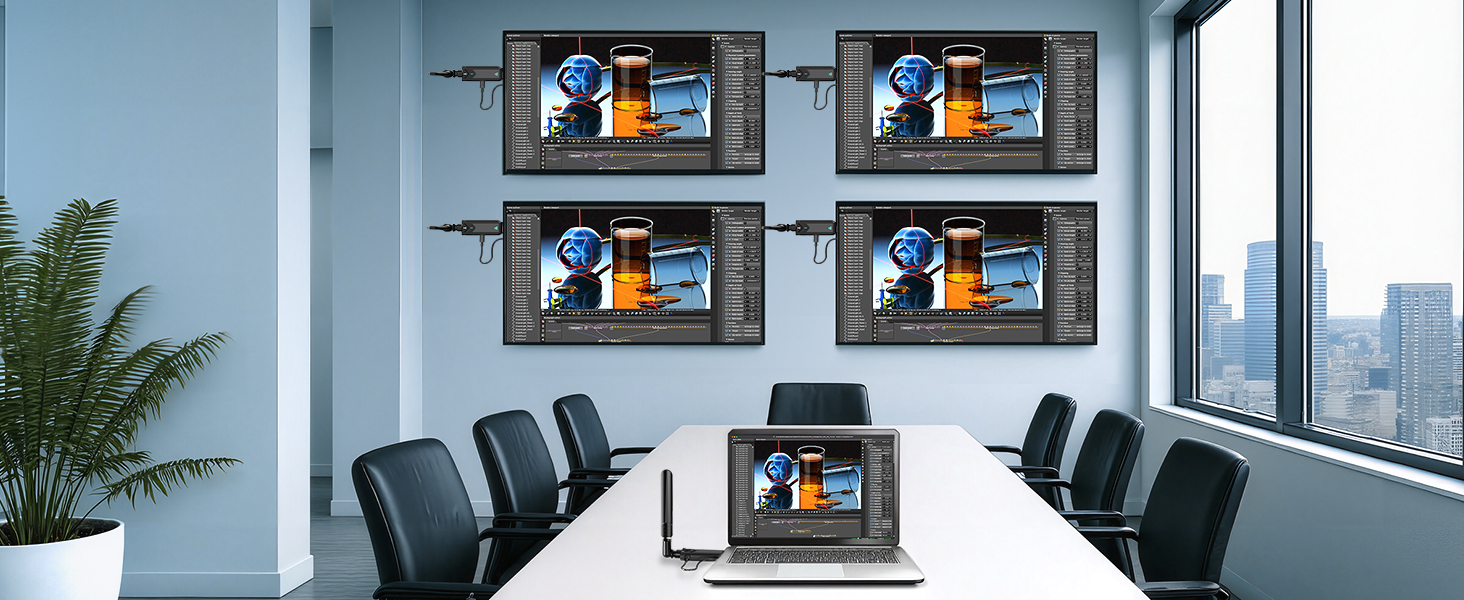
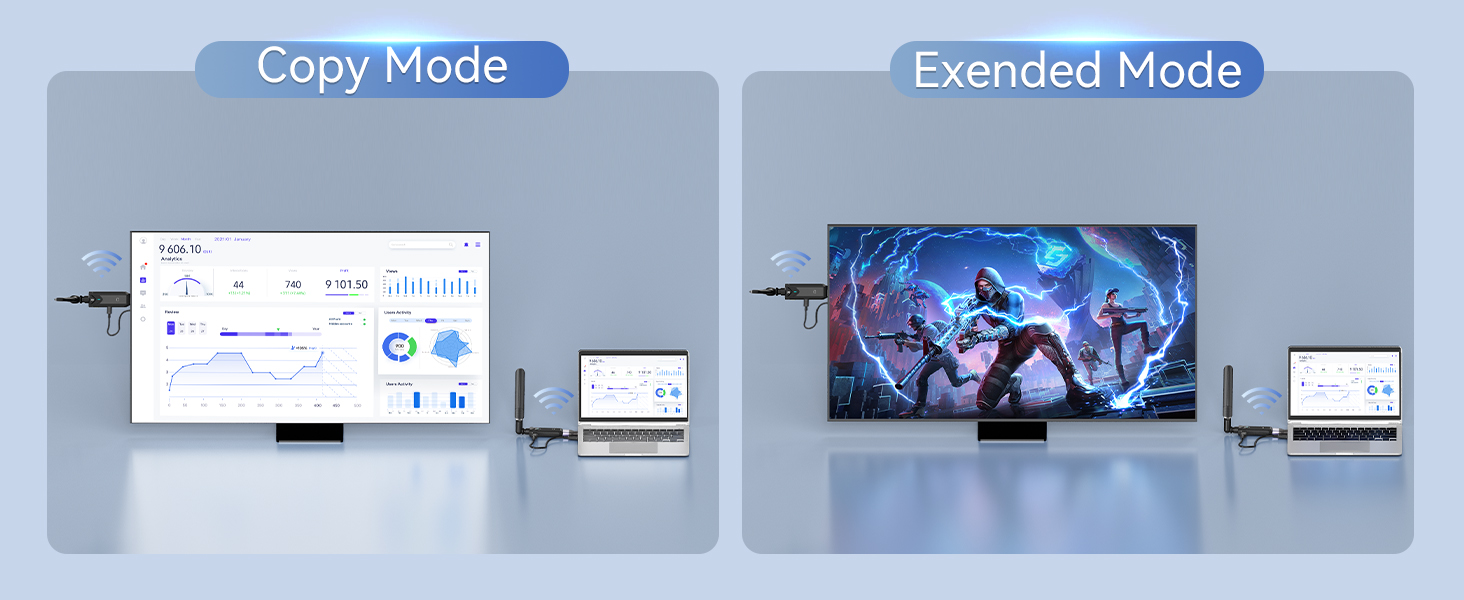
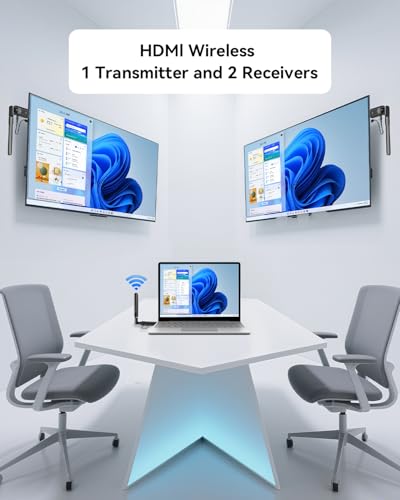
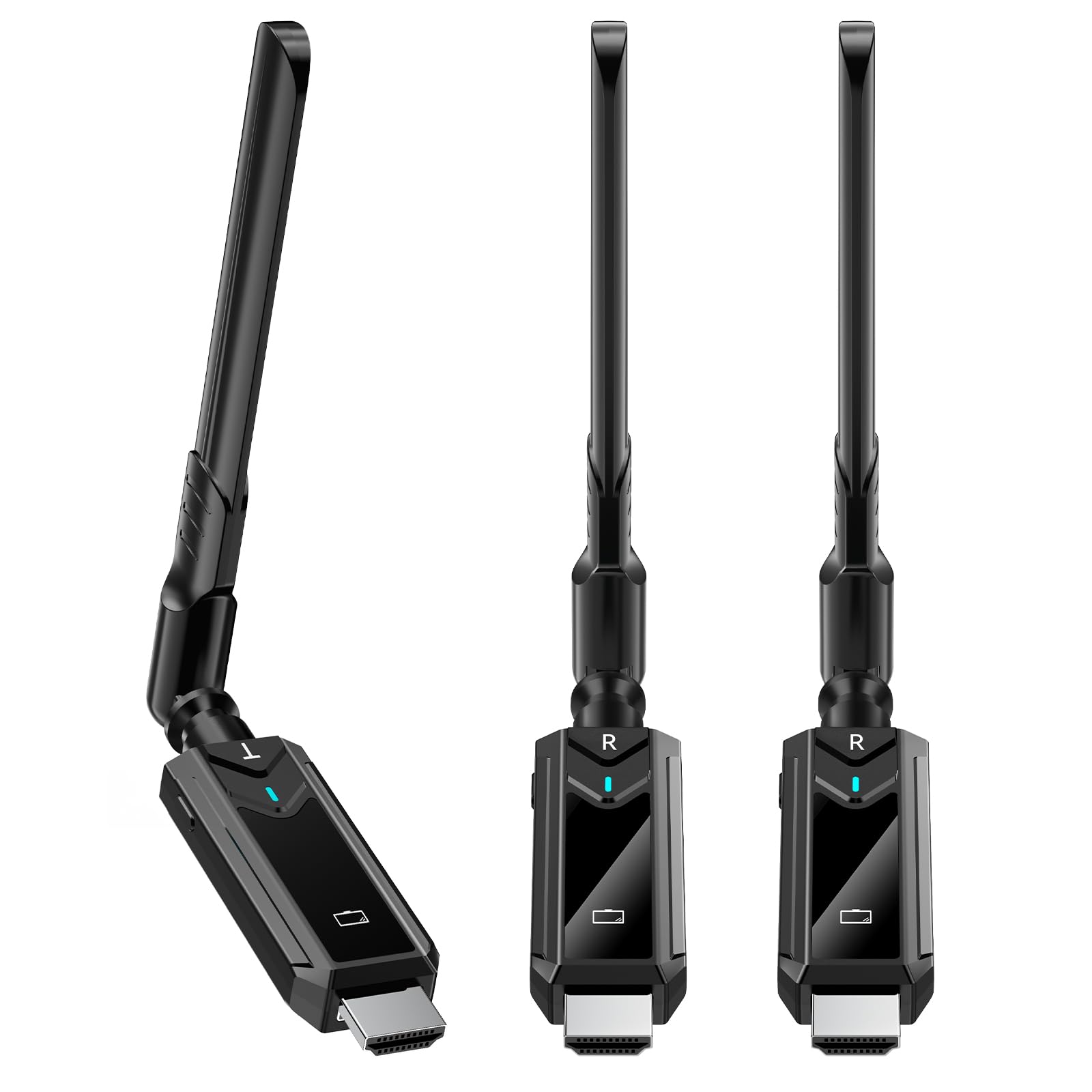
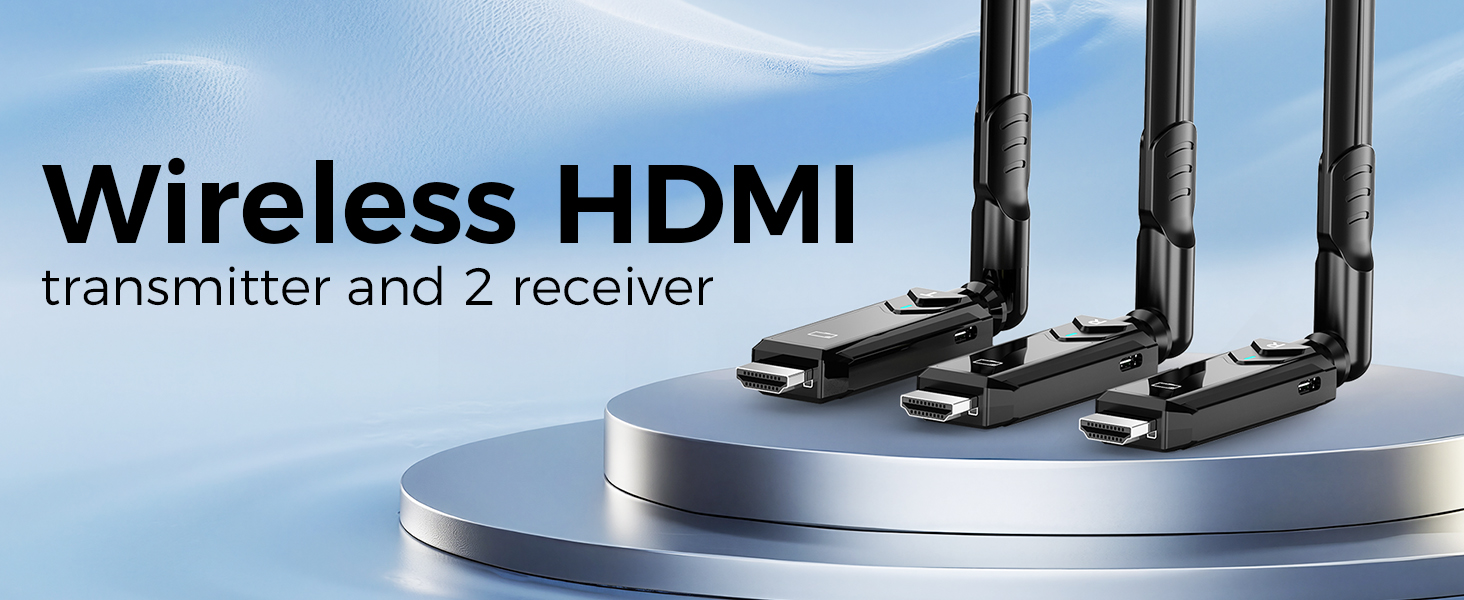
- Enjoy 2 Large Screens Simultaneously: The Wireless HDMI 1 Transmitter and 2 Receiver make it easy to stream smooth video and audio to 2 displays, and for true plug-and-play, our products come pre-assembled from the factory and they pair automatically without any additional configuration, Bluetooth or Wi-fi. With a range of up to 1148 feet/350 metres, our kit delivers an immersive 1080P viewing experience with just 0.1 seconds of latency.
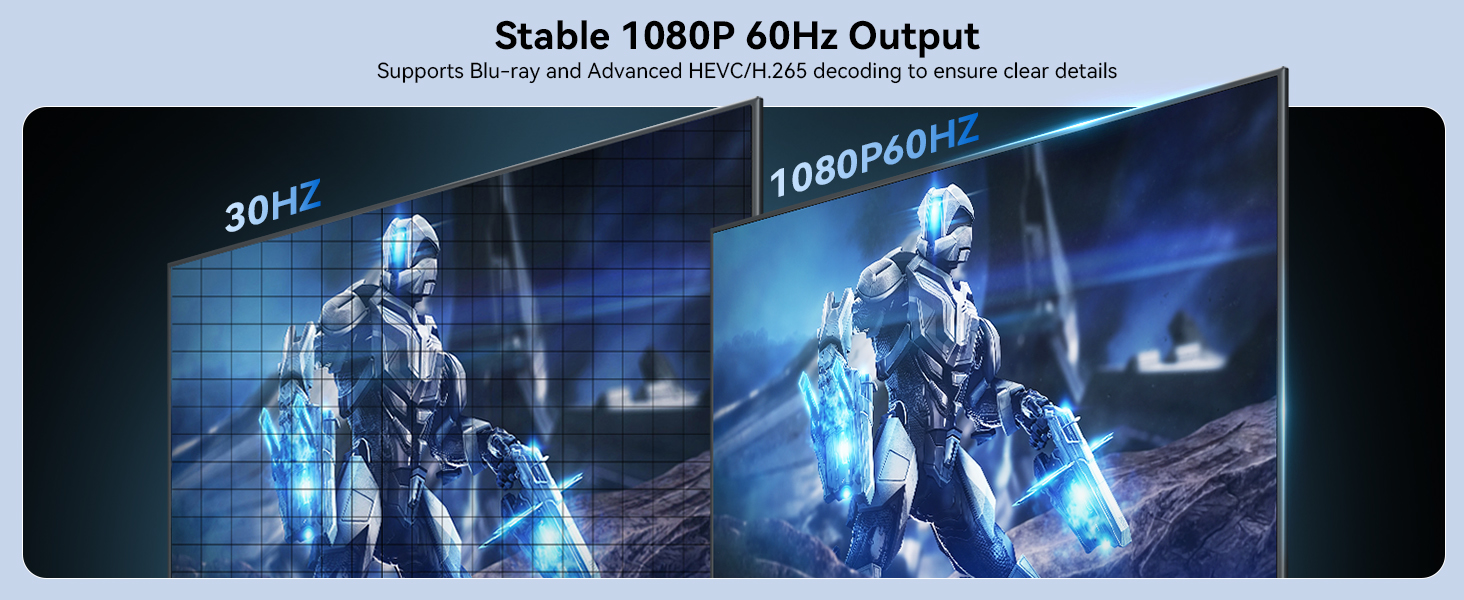
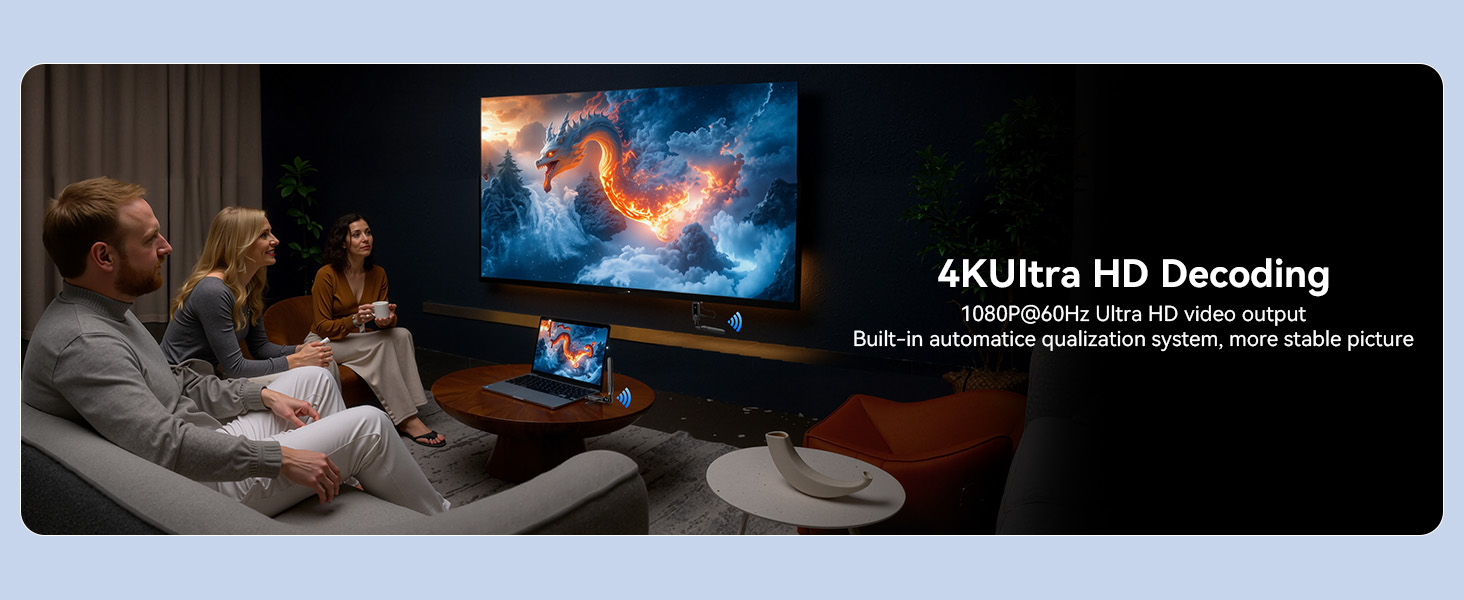
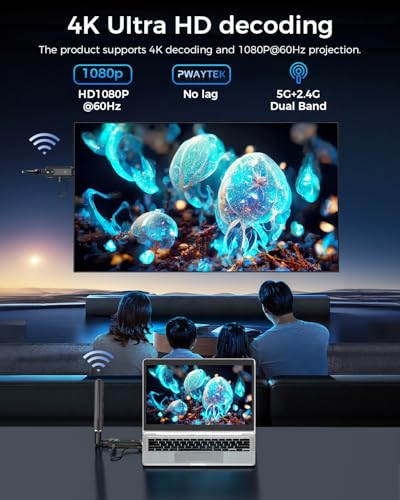
- 4K Decode & 1080P Full HD Output: Compatible with 4K high-resolution input and 1920 × 1080 @ 60Hz Full HD output, experience vibrant colours and high-fidelity images with our HDMI wireless transmitter and receiver.
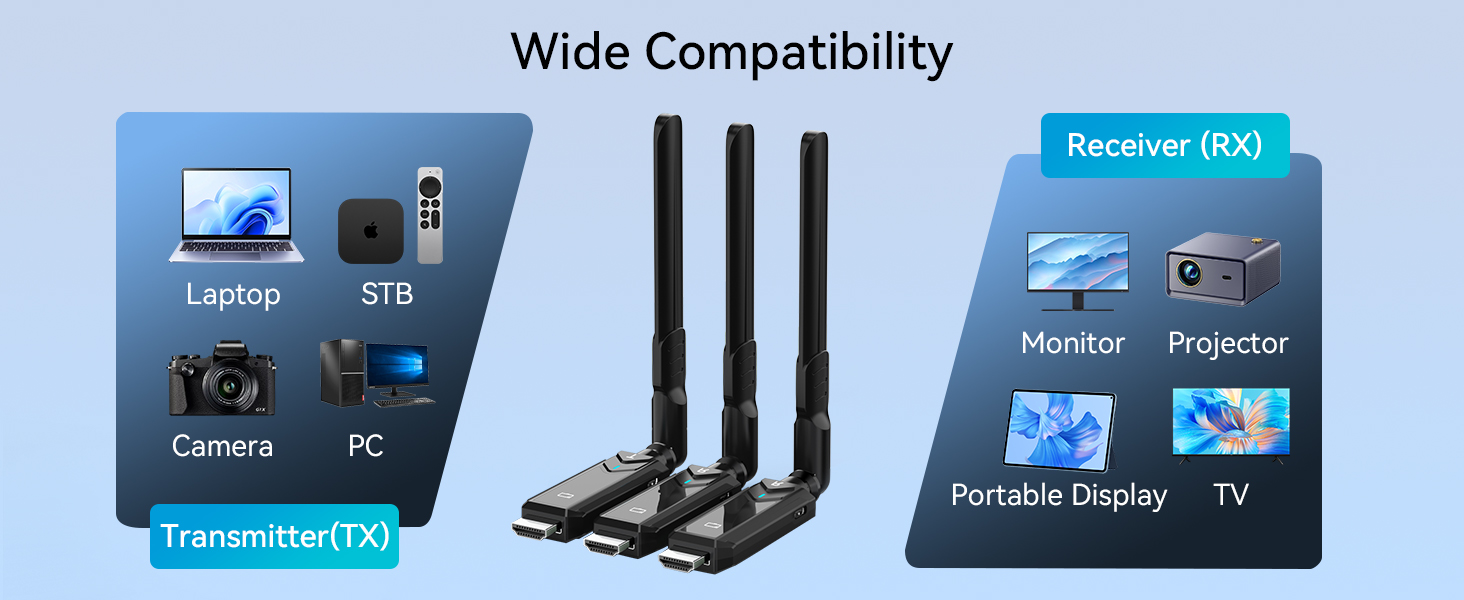
- Wide Compatibility: This wireless HDMI is compatible with a wide range of devices including PCs, laptops, digital cameras, streaming media players, projection devices, monitors, and high-resolution TVs, making it convenient for you to use it anywhere. Perfect for business presentations, work meetings, classroom teaching, audiovisual entertainment, outdoor screenings and family gatherings.
- Please Note the Direction of Use: Connect the TX (Transmitter) to the signal source and the RX (Receiver) to the display device. The unit is widely used for business meetings, large conferences, teaching, home theatre, live camera broadcasting, sports broadcasting and photography work.
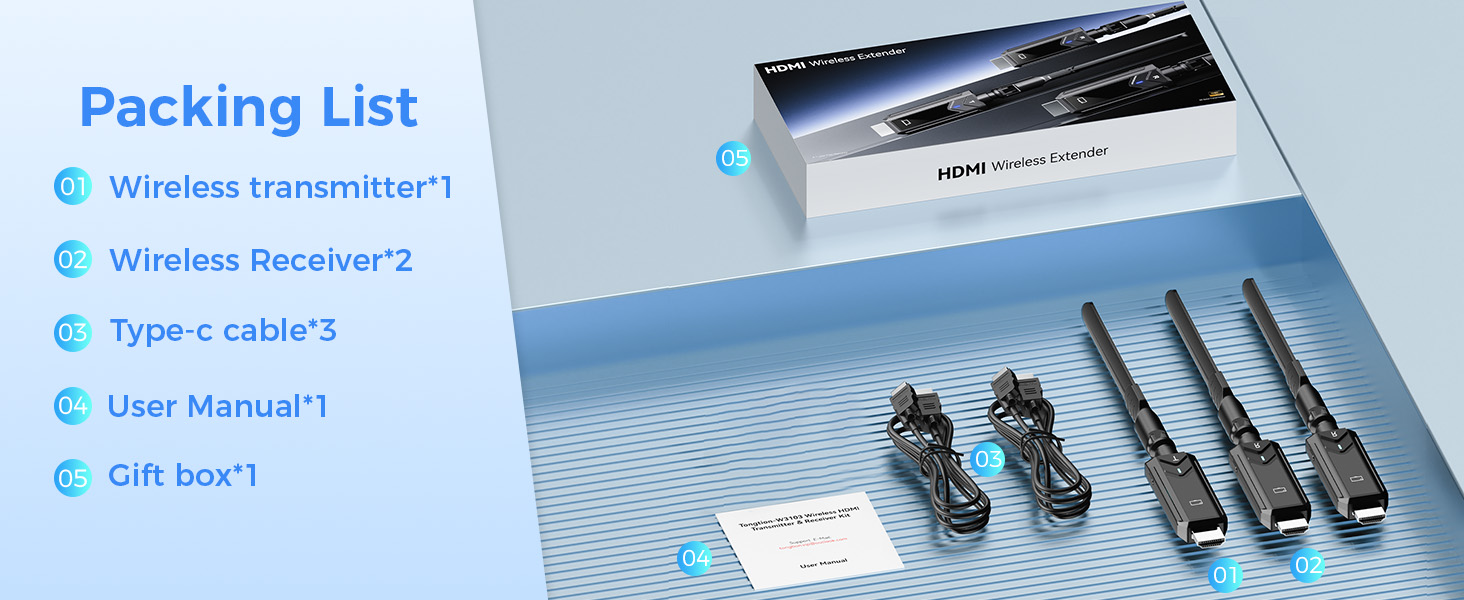
- After-sales Service and Product List: Our products undergo extremely stringent multiple tests before leaving the factory, and we are committed to providing excellent after-sales support to ensure your satisfaction. If you encounter any problems during use, please contact us promptly. You will receive HDMI Transmitter x1, HDMI Receiver x2, User Manual x1, Charging Cable x2, Micro HDMI Adapter x1, Mini HDMI Adapter x1.
- User‑Friendly Image Scaling: With a simple press‑and‑hold operation, you can easily correct over‑scanned or under‑scanned images. Keep pressing the button to cycle through adjustment levels until the picture fits properly.





| SKU: | B0H82HXHS1 |
| Dimensions: | 12L x 9W x 2H centimetres |
| Brand: | BDFFLY |
| Model: | W3103 2RX |
| Colour: | Bright Black |
| Manufacture: | BDFFLY |
| Colour: | Bright Black |
| Origin: | China |
Product Description
After multiple attempts to connect, the item still does not function properly. What should I do?
You can troubleshoot the issue by following the A+ connection steps:
1. Power the RX and TX with a 5V/1A charger instead of the USB ports on your TV or laptop.
2. Press and hold the RX button for 7 seconds
3.Press and hold the TX button for 7 seconds
Do I need to connect the power cord when I connect the wireless transmitter and receiver?
When using the wireless transmitter (TX) and receiver (RX), be sure to connect the power cord to a 5V/2A power adapter. Insufficient power supply may cause the device to disconnect. If using a laptop, power can be supplied directly from the USB port.
How do I adjust the image size if it’s zoomed in or out on the receiver screen?
The receiver has a screen adjustment function – simply keep pressing the button until the image is resized to fit the screen properly.
Is this wireless HDMI suitable for gaming?
This wireless HDMI is suitable for most games, but we do not recommend this product for competitive games that require low latency or games that require fast response time.
Does the Wireless HDMI support smartphones, tablets, camcorders and DV?
Wireless HDMI transmitters and receivers are suitable for devices with HDMI ports (e.g. PCs, laptops, TV boxes, cameras and DVs). For cell phones and tablets, make sure they can output HDMI signals.