4K Webcam for PC/Laptop/Streaming
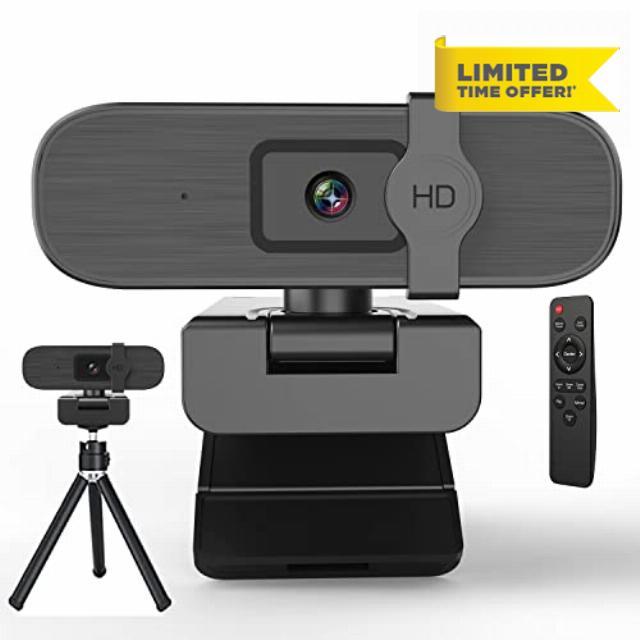
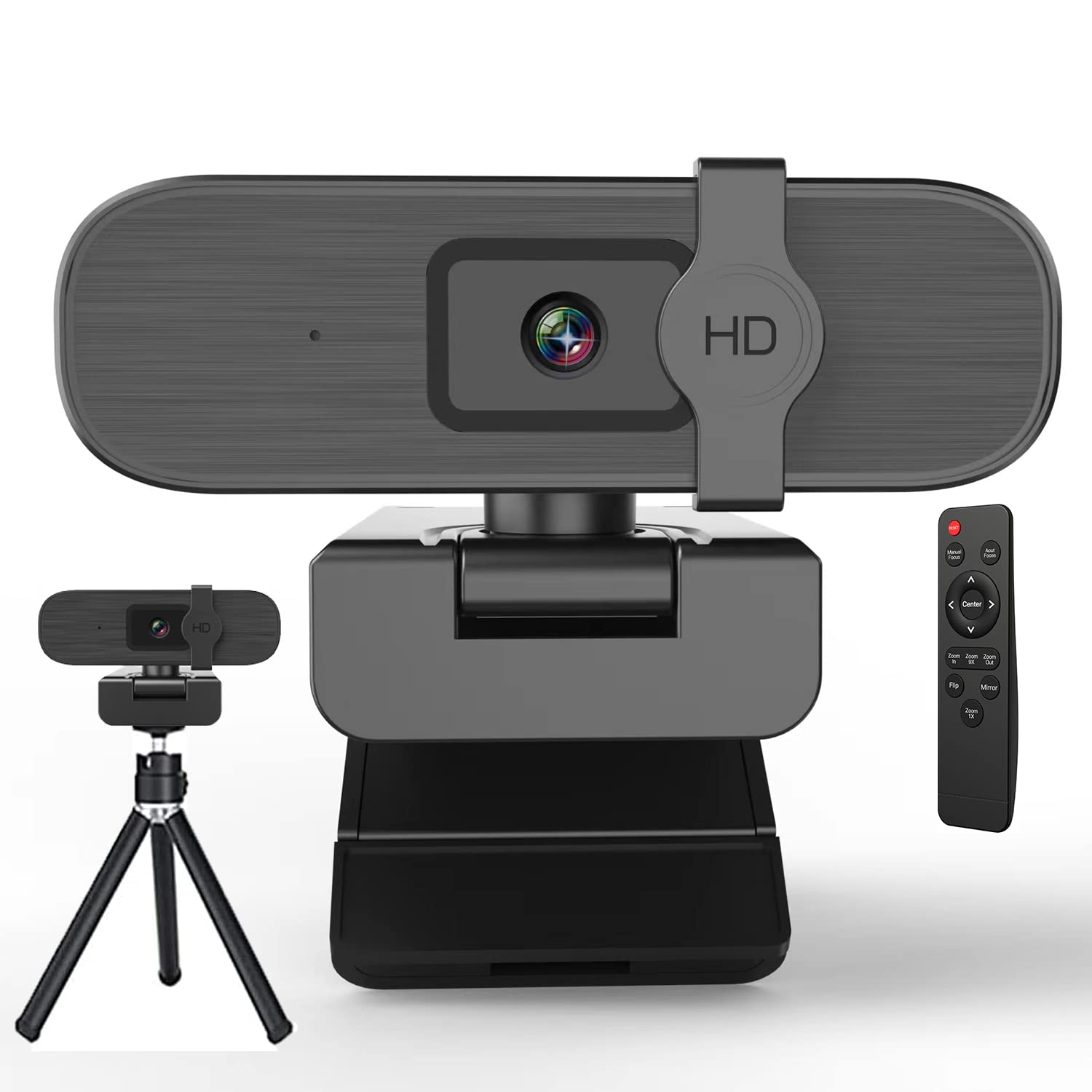
4K Webcam for PC/Laptop/Streaming Max 9X Hybrid Zoom & Autofocus, Remote Control,with privacy cover and tripod,Ideal for Livestreaming and Online Meeting
After connecting the webcam, why can't I use it?
1)Please open the system settings, open the ‘Privacy’ item, and then open the ‘Camera’ item, in which you can manually set the system to recognise the camera.
2)Please plug the USB cable into the rear USB socket of your computer.
Why does the screen suddenly flip or zoom? Is the camera damaged?
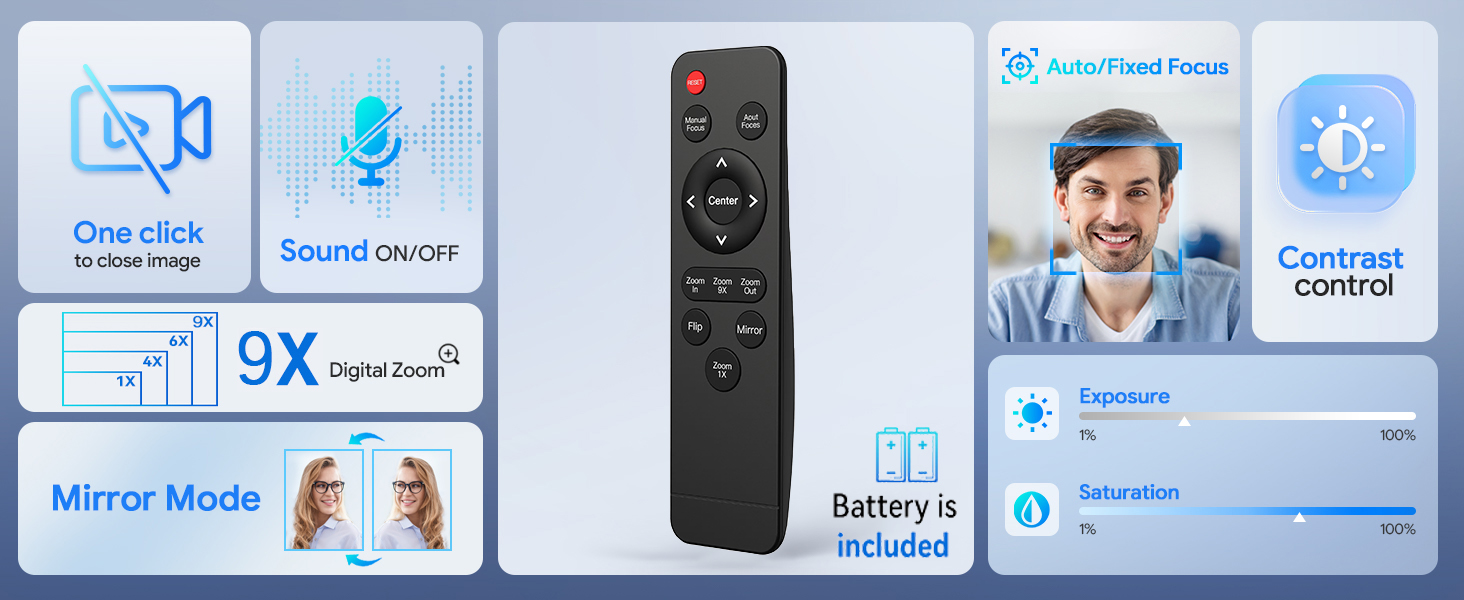
1) Using the remote control, press the ‘Manual Focus’ button.
2) If you do not use the remote control frequently, remove the batteries from the remote control to ensure that the remote control is not interfered with by other devices.
Problem solved
Can I use the remote control to zoom and pan while recording in 4K?
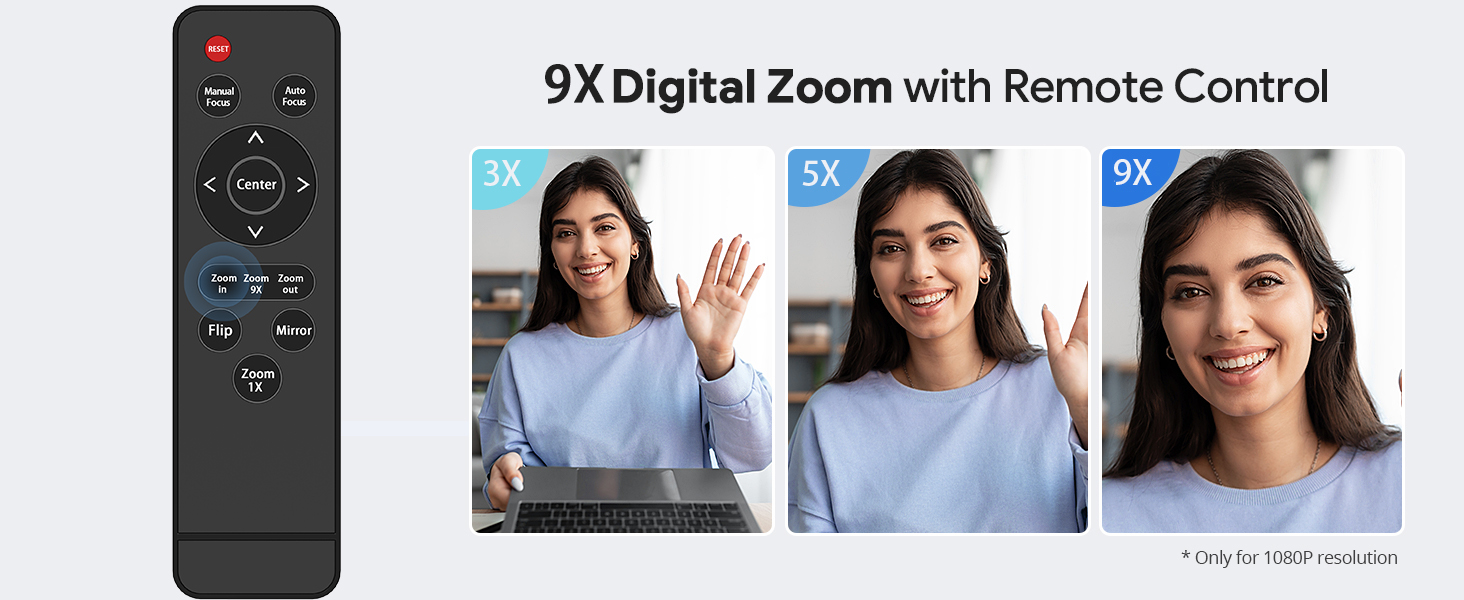
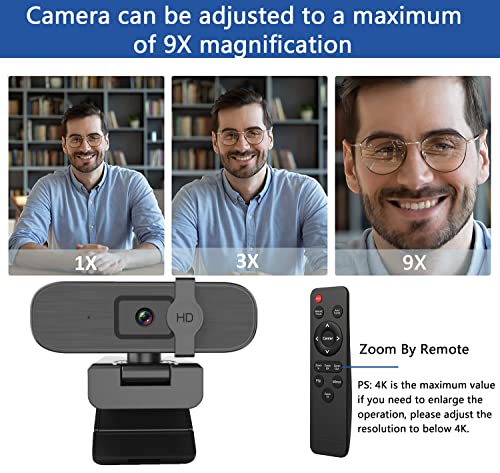
The remote-controlled EPTZ function (zoom, pan, tilt) is available when the camera is set to 1080P resolution. In 4K mode, the remote does not adjust the frame, but you get maximum image detail for fixed-angle shots.
Nolansend 4K UHD webcam provides clear and smooth video. It is equipped with 3840*2160 resolution 8MP image sony sensor and 5-layer high-performance optical lens, built in dual microphones, zoom function and more.
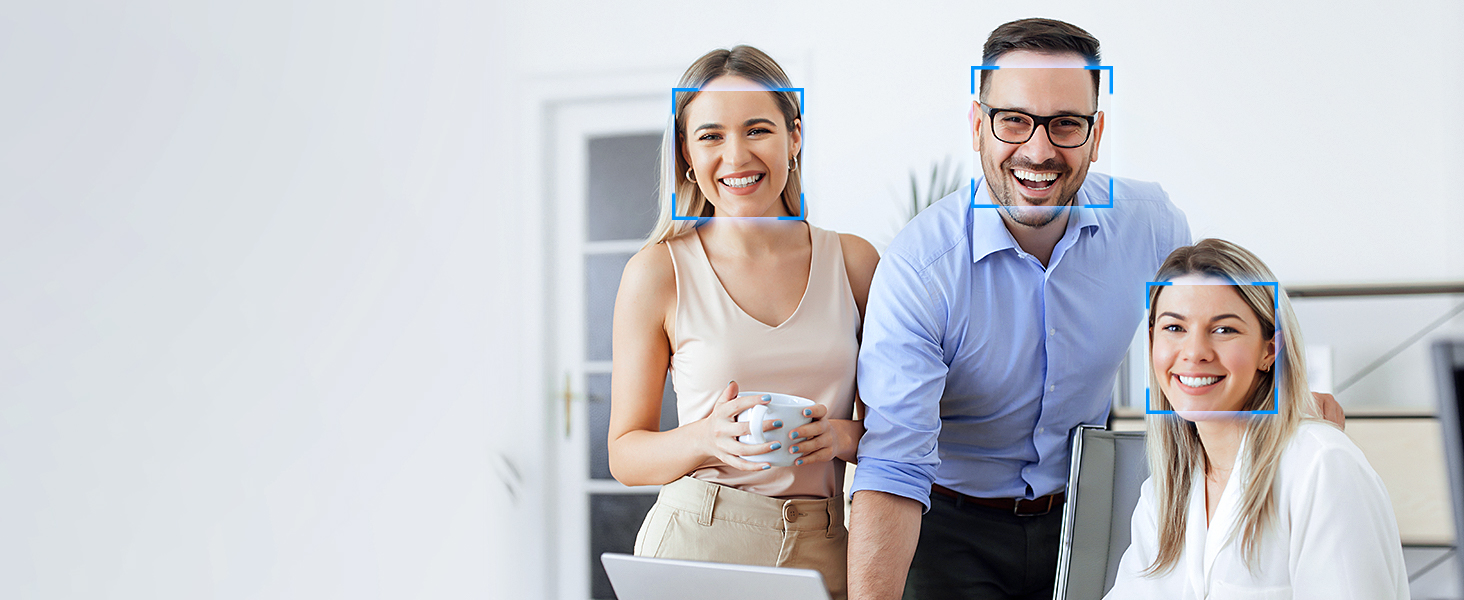
Auto Focus
The webcam automatically performs optimal zoom.
Built-in microphone and privacy cover
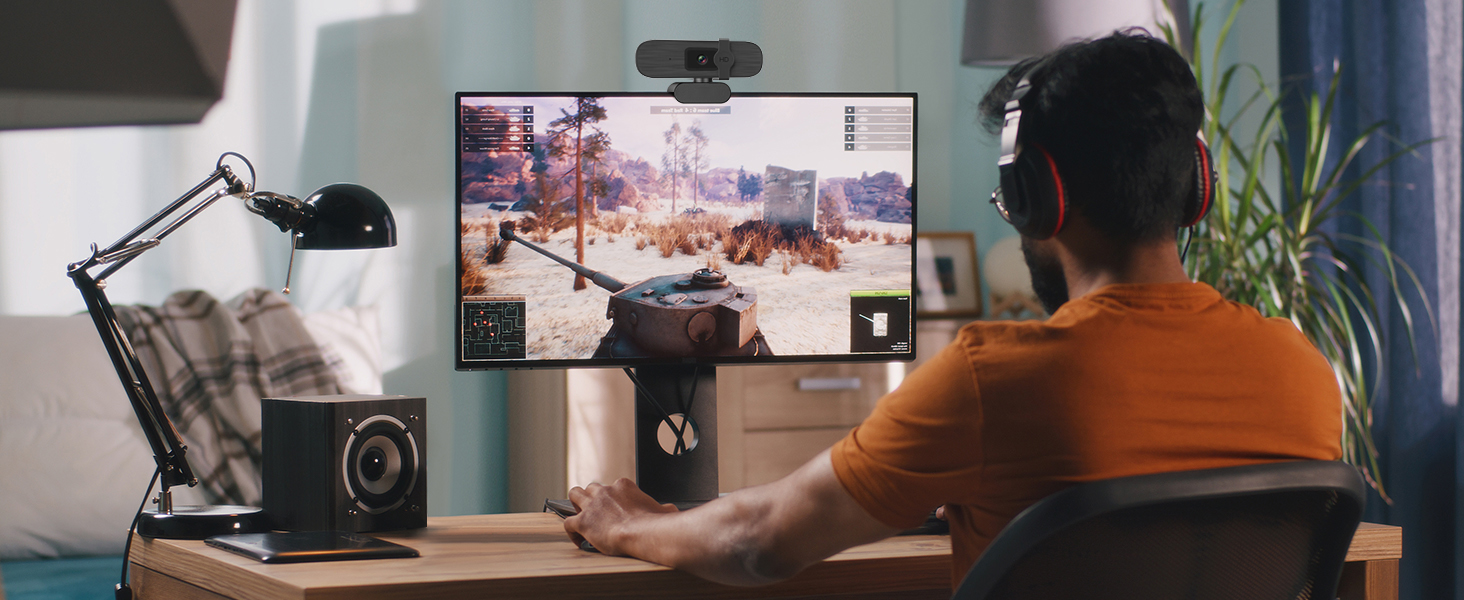
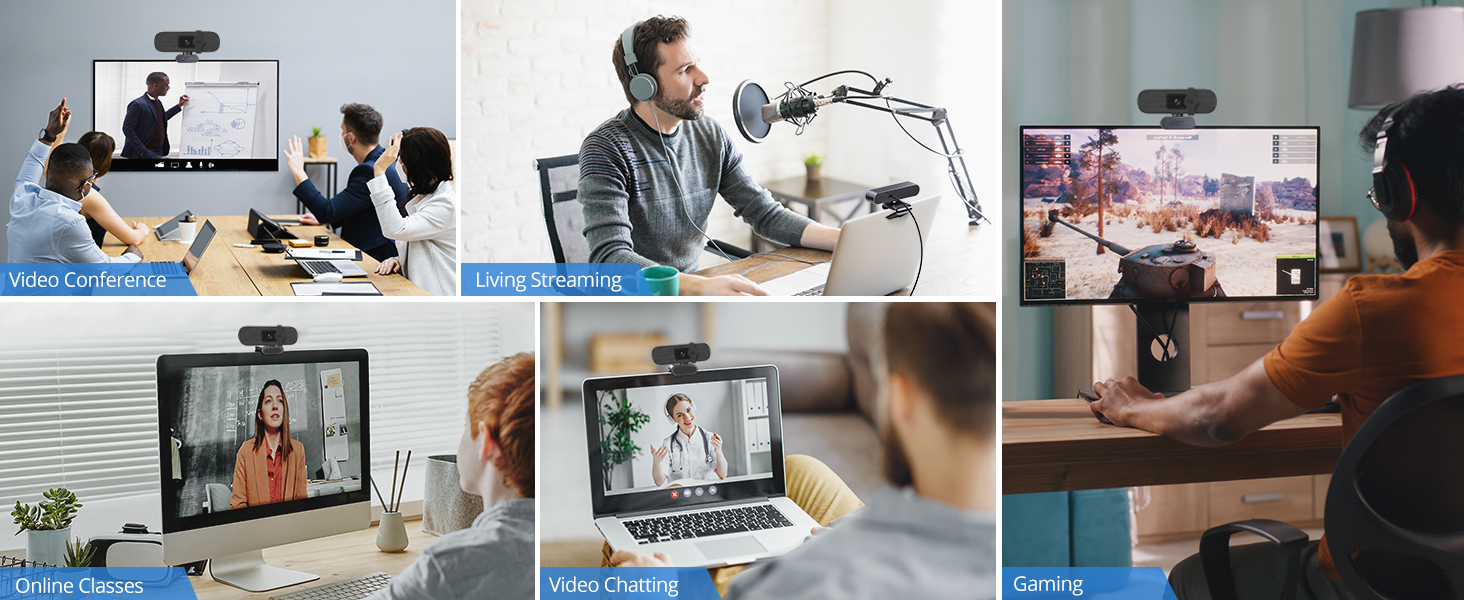
Suitable for a wide range of needs
4K UHD Webcam
Multiple resolutions can be adjusted at will.
Comparison of camera
4K | Dynamic Resolution | 1080P |
Auto Focus | ||
Adjustable zoom | ||
Windows/Mac OS etc | Applicable systems | Windows/Mac OS etc |
Remote Control |
4K | Dynamic Resolution | 2K |
Auto Focus | ||
Adjustable zoom | ||
Windows/Mac OS etc | Applicable systems | Windows/Mac OS etc |
Remote Control |
4K | Dynamic Resolution | 4K + AI |
Auto Focus | ||
Adjustable zoom | ||
Windows/Mac OS etc | Applicable systems | Windows/Mac OS etc |
Remote Control |
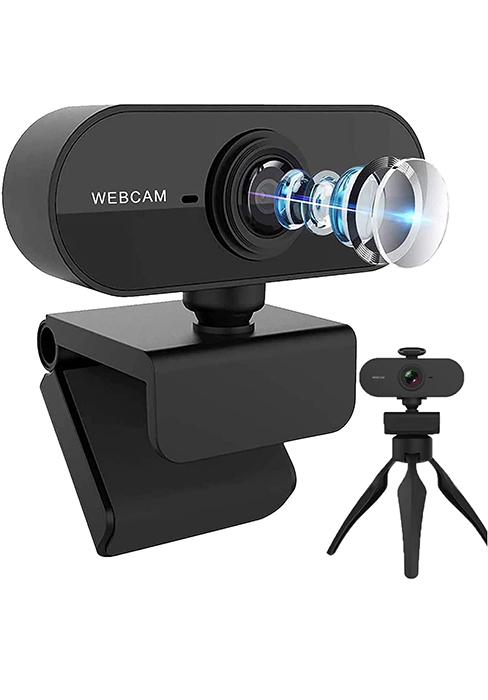
- 1080P webcam
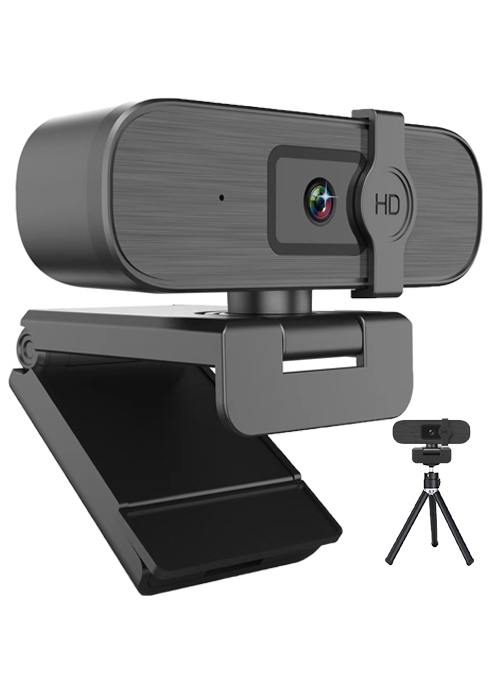
- 2K webcam
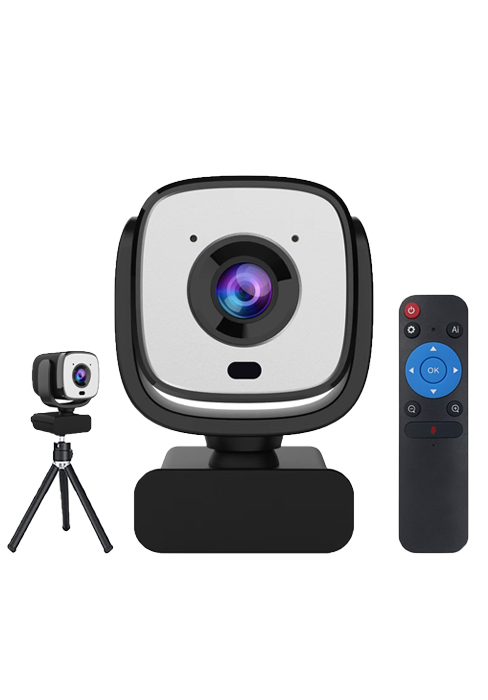
- 4K AI Webcam
- 【Remote 1-9x Zoom& Auto-zoom】 select 2K and below resolution, you can enable EPTZ function, remote control can make the view zoom in and out 9 times. Our webcam will also automatically adjust the optimal focus to your scene.
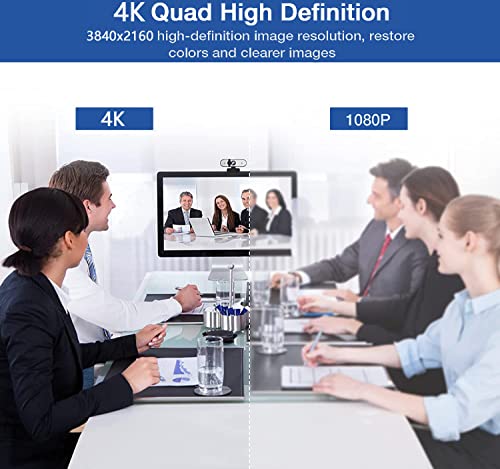
- 【4K Ultra HD Webcam】Nolansend streaming webcam runs at Ultra High Definition 4K 3840×2160 pixels of video which is much clearer than normal 2K or normal 1080P. The UHD 4K webcam with built-in advanced CMOS image sensor supplies crisp images and crystal clear video.
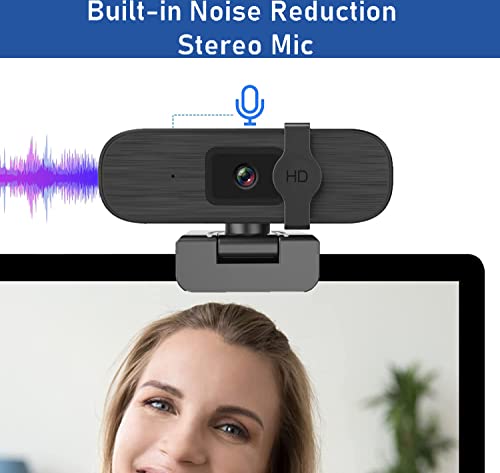
- 【 Mics & External Privacy Cover】Built-in stereo microphones can filter background noise, ideal for online teaching, conferences, live broadcasts, and video calls.Nolansend webcam is equipped with an extra privacy cover to protect your privacy and security, just cover the lens, you can turn off the photo and sound at the same time.
- 【Plug and Play】The 4k web camera connects to the computer's USB-A port. Plug and play, no additional drivers required.
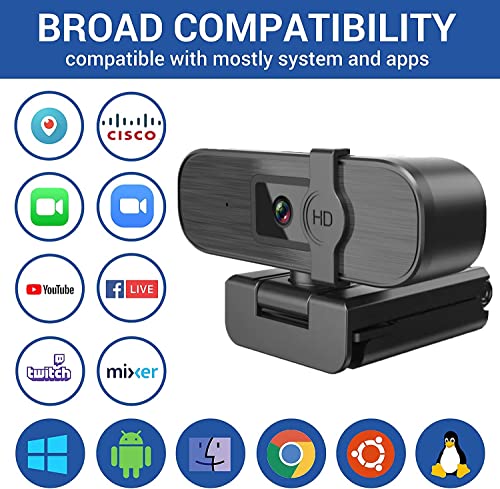
- 【Wide Compatibility】 The USB camera is compatible with Windows,Mac OS 10.10 or higher,Google Chromebook Version 29.0.1547.70 or higher,Linux(Need to support UVC),etc.The webcam with microphone perfectly fits for Zoom/Skype/Slack/Google Hangouts, etc. and remote learning/teaching/live-streaming platforms like OBS/Twitch/Facebook Live/YouTube Live and more.

| SKU: | B0HHJ5548V |
| Brand: | Nolansend |
| Batteries Included: | No |
| Manufacture: | Nolansend |
| Origin: | China |
Product Description
After connecting the webcam, why can’t I use it?
1)Please open the system settings, open the ‘Privacy’ item, and then open the ‘Camera’ item, in which you can manually set the system to recognise the camera.
2)Please plug the USB cable into the rear USB socket of your computer.
Why does the screen suddenly flip or zoom? Is the camera damaged?
1) Using the remote control, press the ‘Manual Focus’ button.
2) If you do not use the remote control frequently, remove the batteries from the remote control to ensure that the remote control is not interfered with by other devices.
Problem solved
Can I use the remote control to zoom and pan while recording in 4K?
The remote-controlled EPTZ function (zoom, pan, tilt) is available when the camera is set to 1080P resolution. In 4K mode, the remote does not adjust the frame, but you get maximum image detail for fixed-angle shots.
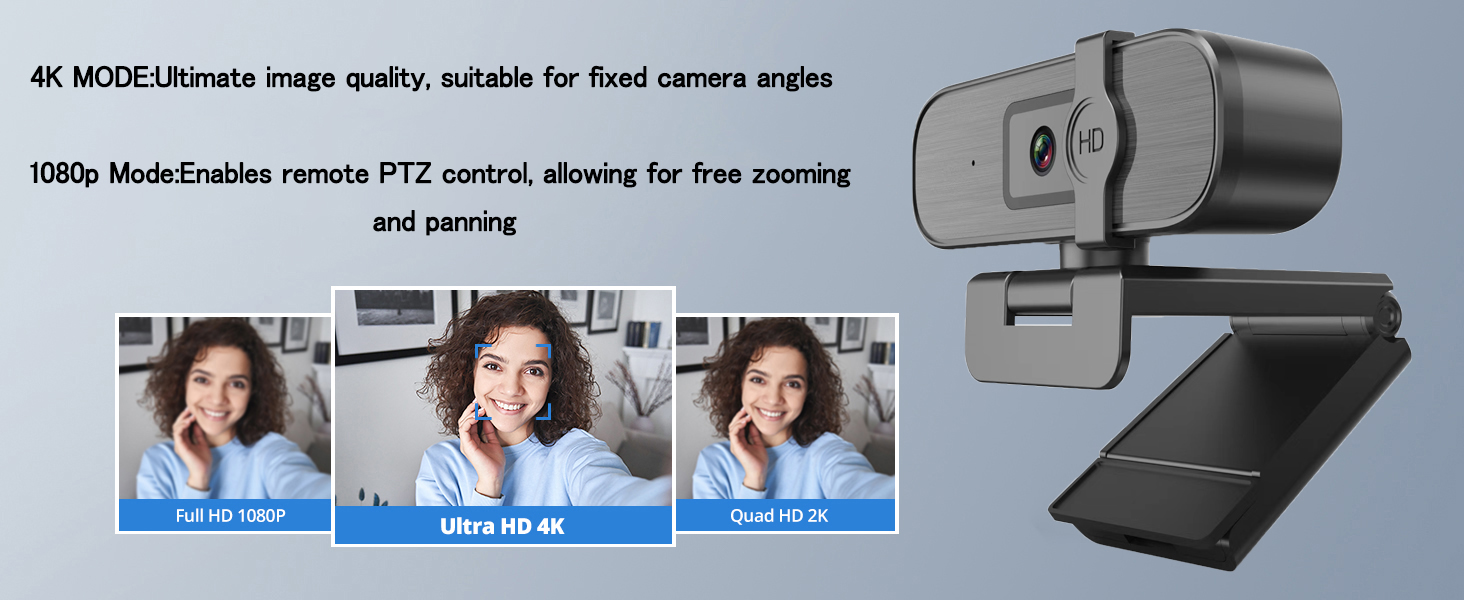
Nolansend 4K UHD webcam provides clear and smooth video. It is equipped with 3840*2160 resolution 8MP image sony sensor and 5-layer high-performance optical lens, built in dual microphones, zoom function and more.

Auto Focus
The webcam automatically performs optimal zoom.
Built-in microphone and privacy cover
Suitable for a wide range of needs
4K UHD Webcam
Multiple resolutions can be adjusted at will.
 4K Webcam
 Comparison of camera
4K | Dynamic Resolution | 1080P |
Auto Focus | ||
Adjustable zoom | ||
Windows/Mac OS etc | Applicable systems | Windows/Mac OS etc |
Remote Control |
4K | Dynamic Resolution | 2K |
Auto Focus | ||
Adjustable zoom | ||
Windows/Mac OS etc | Applicable systems | Windows/Mac OS etc |
Remote Control |
4K | Dynamic Resolution | 4K + AI |
Auto Focus | ||
Adjustable zoom | ||
Windows/Mac OS etc | Applicable systems | Windows/Mac OS etc |
Remote Control |
- 1080P webcam
- 2K webcam
- 4K AI Webcam